A:AnswerNo.
You cannot place a call from a handset charging on the base station.
Use the base station keys to make a call via the built-in speaker -or- use another handset.
A:AnswerIt should turn on automatically the only thing you should set up is the voice message if you have one. I would look at the manual for trouble shooting and if that doesn't work see if there is a customer service number unfortunately for trouble shooting or online chatting.
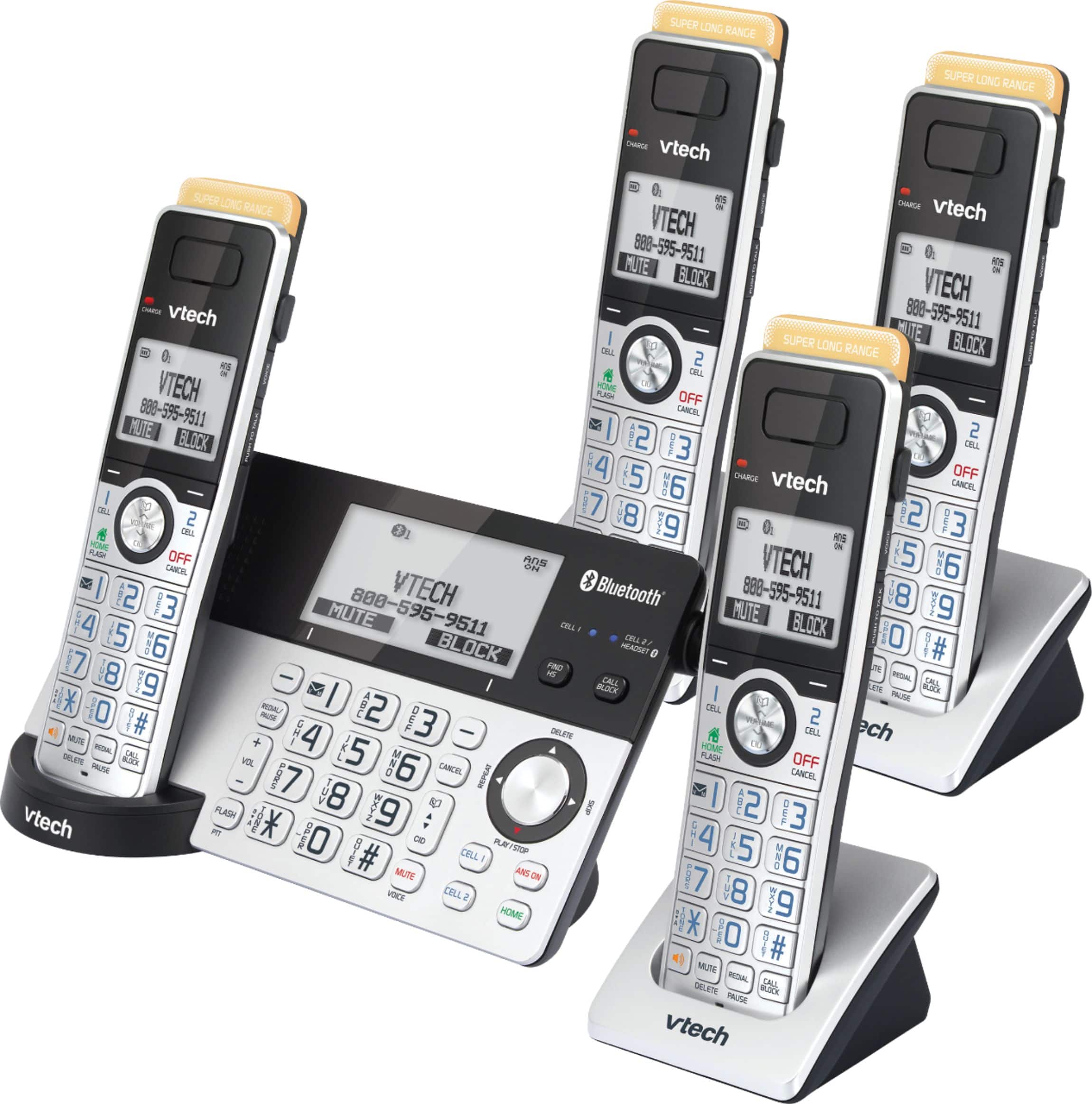
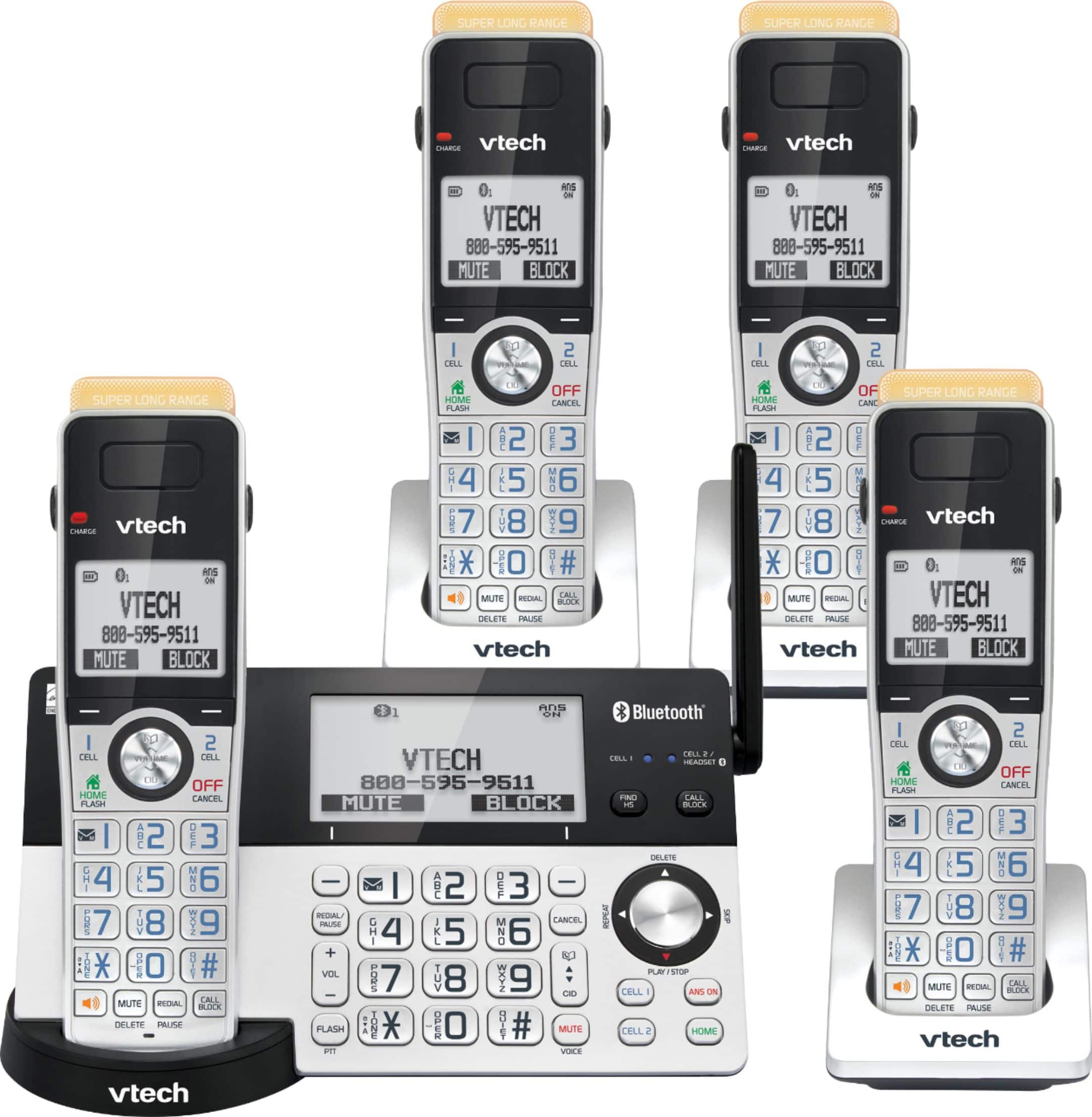
A:AnswerPunkin2 - The VTech IS8151-4 displays the time and date on the base and cordless handsets. The product is made out of hard plastic and each handset comes with a belt clip. The Handset on base weight is 1 lbs. while the Handset on charger weight is .5 lbs. The size of the HS in inches is as follows: the Height is 6.75, Length on upper half is 1.90 and lower half is 1.75 and Width on upper half is 1.5 and lower half is 1.90. The product dimension for the Base w/ HS on cradle is 4.48” x 8.73” x 7.40” and Charger w/ HS on cradle is 3.17” x 2.92” x 7.77”. Hope this helps. Thank you! - VTech Support
A:AnswerFrom vtech manual -
DECT 6.0 accessory handset for use with VTech model IS8151
TECHNICAL SPECIFICATIONS
>>Frequency control<<
Crystal controlled PLL synthesizer
>>Transmit frequency<<
Handset: 1921.536-1928.448 MHz
>>Channels<<
DECT channel: 5
>>Nominal effective range<<
Maximum power allowed by FCC and IC.
Actual operating range may vary according to environmental conditions at the time of use.
>>Power requirement<<
Handset: 2.4 V DC, AAA×2,
Ni-MH battery
Charger: 6V DC @ 400mA
>>Memory<<
Phonebook: 200 memory locations; up to 30 digits and 15 characters
Caller ID log: 50 memory locations; up to 24 digits and 15 characters
Call block: 1000 entries
A:AnswerAugie - We are sorry to hear that you are having an issue with the time on the VTech IS8151-4. Due to the nature of you concern, please contact VTech Customer Support for further assistance at 1-800-595-9511. We are open from 9:00 AM to 3:00 PM, Mondays through Fridays. When calling, please have your model number handy: IS8151-4. Thank you! - VTech Support
A:AnswerJavier - Yes, you can turn off the built-in Answering System of the VTech IS8151-4. Please make sure the ANS ON button at the telephone base is not lit. Thank you! - VTech Support.
A:AnswerJAI - Yes, you can turn off the ringer volume of the VTech IS8151-4. Here's the procedure to turn off the ringer volume on the base and handsets.
On the telephone base:
Press VOLUME - on the telephone base to set the ringer volume of the telephone base while it is not in use. Press SET softkey to confirm and you will hear a confirmation tone.
On the cordless handsets:
1. Press MENU Softkey when the phone is not in use.
2. Press CID ▼ on the handset to scroll to Ringers, then press SELECT Softkey.
3. Press SELECT Softkey again to select Ringer volume.
4. Press CID ▼ on the handset to sample each volume level.
5. Press SET Softkey to save your preference. There is a confirmation tone and the screen returns to the previous menu.
Hope this helps. Thank you! - VTech Support
A:AnswerThe light is very bright at night. I am unaware of any means by which to adjust the brightness. I do not believe you can. As far as the
phone system itself, I am very pleased.
A:AnswerHi - Yes, you can remotely access the built-in answering system of the VTech IS8151-4. Here's the procedure to remotely access the answering system.
1. Dial your phone number on any touch tone phone.
2. Once the answering system answers, enter your unique remote access code.
3. Enter a remote command.
You may see the full list of commands in the manual under "Answering System" section.
Hope this helps! Thank you! - VTech Support