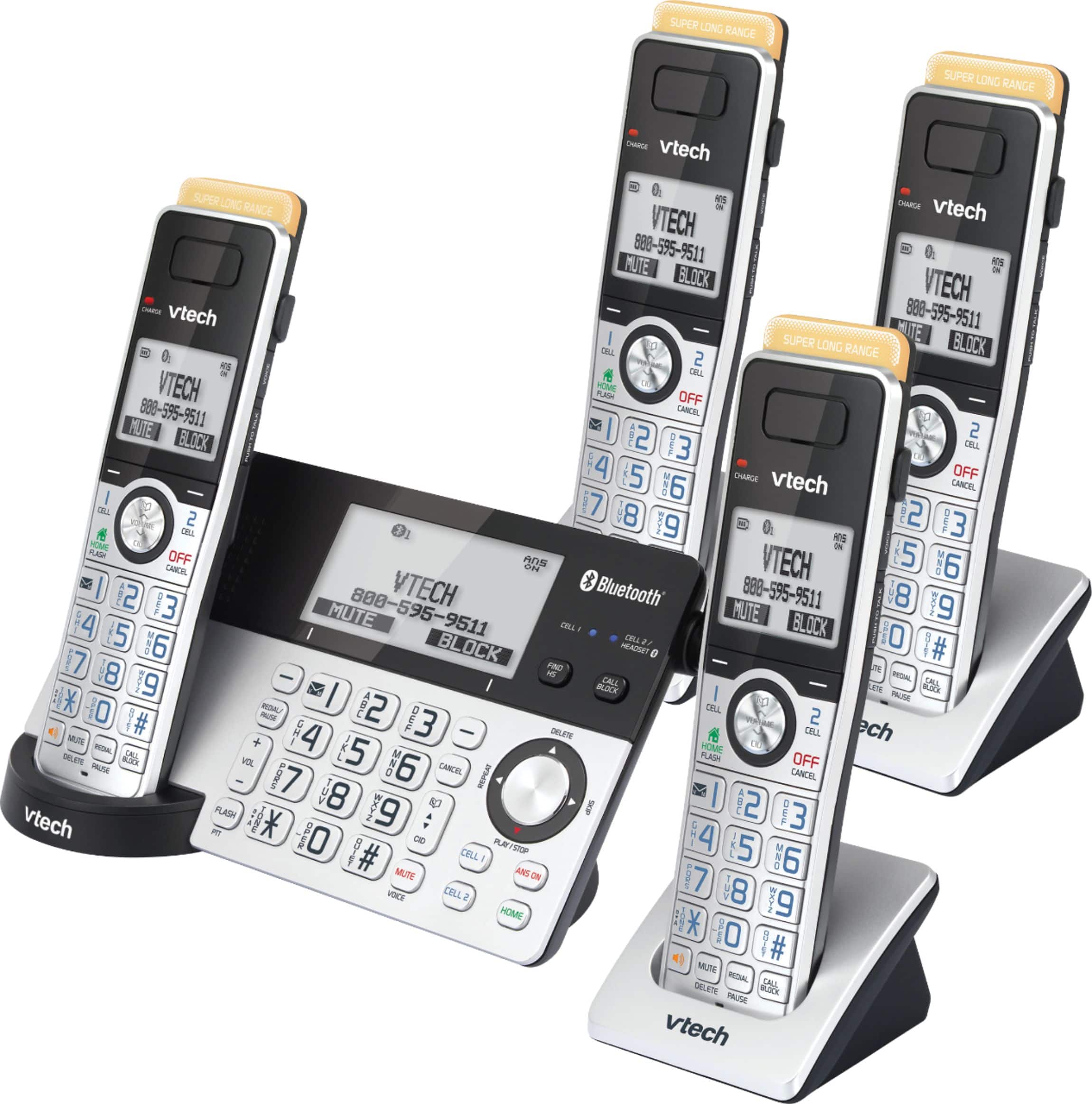
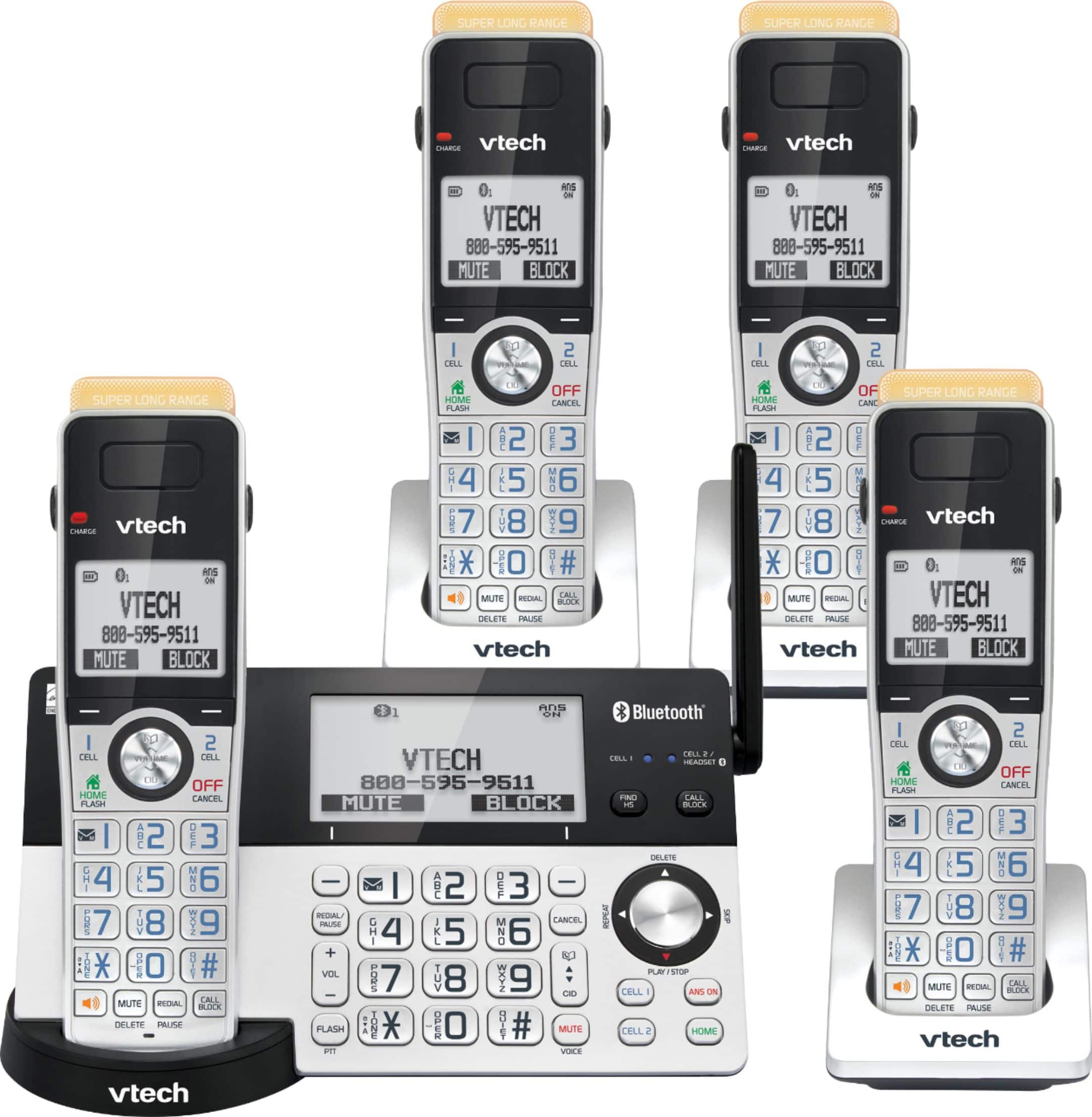
A:AnswerMikeC - The built-in Answering System of the VTech IS8151-4 will only answer home line calls. It is not capable of answering cell line calls as it only serves as an extension it is paired to your cell phone. Thank you! - VTech Support
A:AnswerUncleG - No, the smart call blocker feature of the VTech IS8151-4 does not screen cell line calls. However, you can block the cell line call by pressing the Call Block button. Thank you! - VTech Support
A:AnswerI do not know why a person would just want to buy ...just the base unit! All the handsets are easily used to do all the functions that I would not think someone would want to just replace or buy a base unit. But maybe I have misunderstood the question.
A:AnswerBarb - You can set the answering system of the VTech IS8151-4 to answer an incoming call after two, three, four, five or six rings. You can also select toll saver. Here's the procedure to change the number of rings.
Using the telephone base:
1. When the telephone base is not in use, press MENU to enter the main menu.
2. Press SELECT softkey to select Answering sys.
3. Press ▼ to scroll to Ans sys setup, then press SELECT softkey.
4. Press ▼ to scroll to # of rings, then press SELECT softkey.
5. Press ▼ or ▲ to choose among 2, 3, 4, 5, 6 or Toll saver.
6. Press SELECT softkey to save the setting. You hear a confirmation tone.
Hope this helps. Thank you! - VTech Support
A:AnswerThis is directly from phone description
Digital answering system
Digitally record up to 22 minutes of incoming messages, outgoing announcements, and memos. The system also allows for instant playback, selective save or delete, and skipping or repeating messages from the handset and base.
A:Answerno it does not blink but it tell you that you have voice mail. I have over 100 contacts. I am not sure about speed dial. I do not like the voice quality of this phone but it does have some nice features such as robocall block switch and it announces out loud who is calling.
A:AnswerHi - We are sorry to hear that you are having trouble understanding the messages on the VTech IS8151-4. A reset should correct the problem. Kindly follow the troubleshooting steps below.
Step 1: Disconnect the power to the telephone base.
Step 2: Wait a few minutes and then reconnect the power to the telephone base.
Step 3: Set the day and time.
Give the answering system time to record messages; or you can record a memo. Listen to your recorded messages/memos to confirm message clarity.
If this does not help, please contact our Customer Support between the hours of 7:00 AM to 4:00 PM Pacific time, Monday through Friday at 1-800-595-9511 so we can provide you the best resolution to your concern. Thank you, -VTech Support
A:AnswerHi - Yes, Caller ID subscription from your telephone service provider is required for other features to work on your phone. Some of the features that will not operate on VTech IS8151-5 if the said service is not active are Smart call blocker, Caller ID/Call waiting and Caller ID announce. Thank you! -VTech Support
A:AnswerHi - The VTech IS8151-4 is Caller ID capable as long as you are subscribed to the service from your Telephone service provider. You may reach out to your service provider if you would like the Caller ID to also appear on your television when receiving an incoming call.
Thank you,
-VTech Support