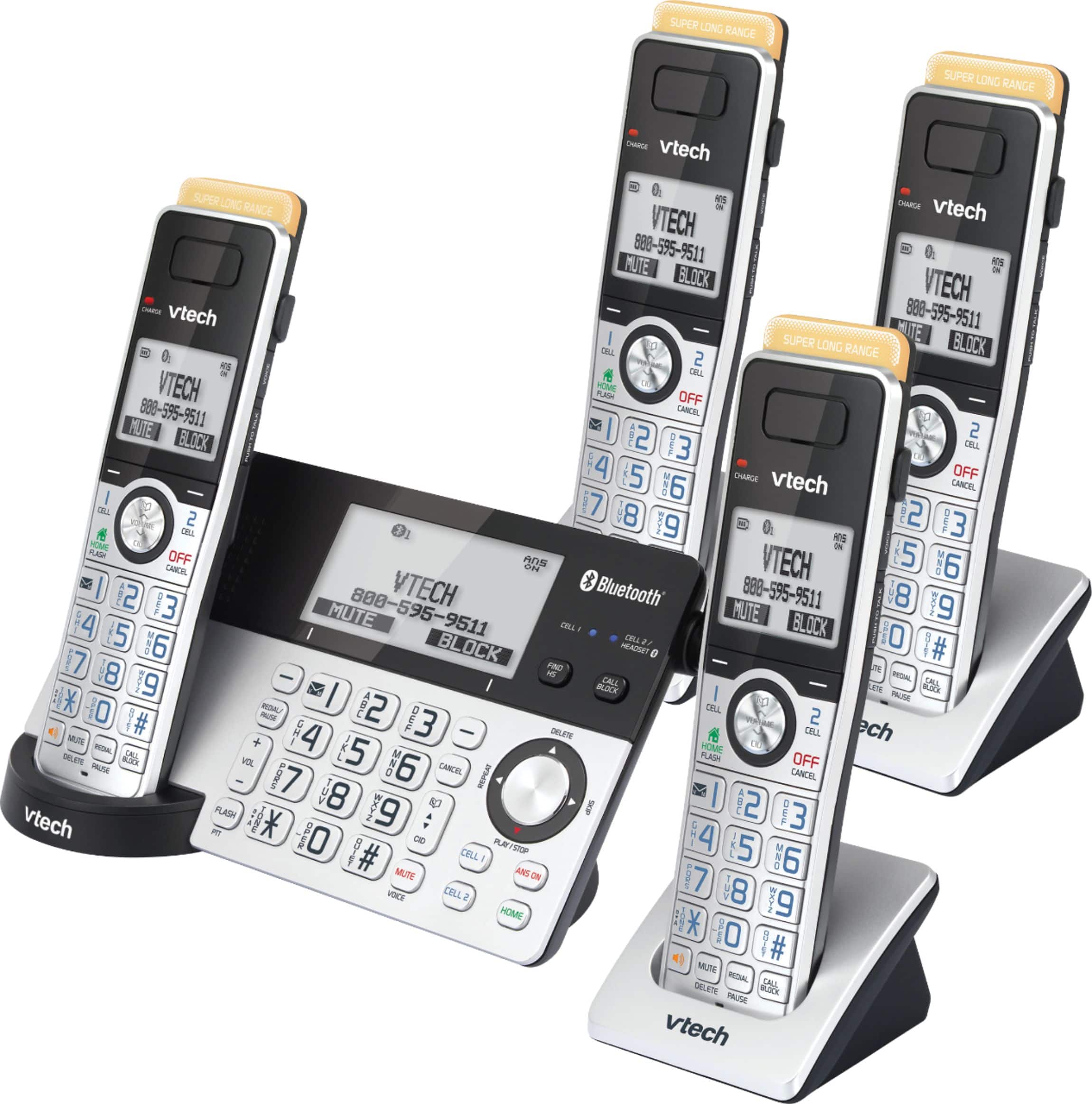
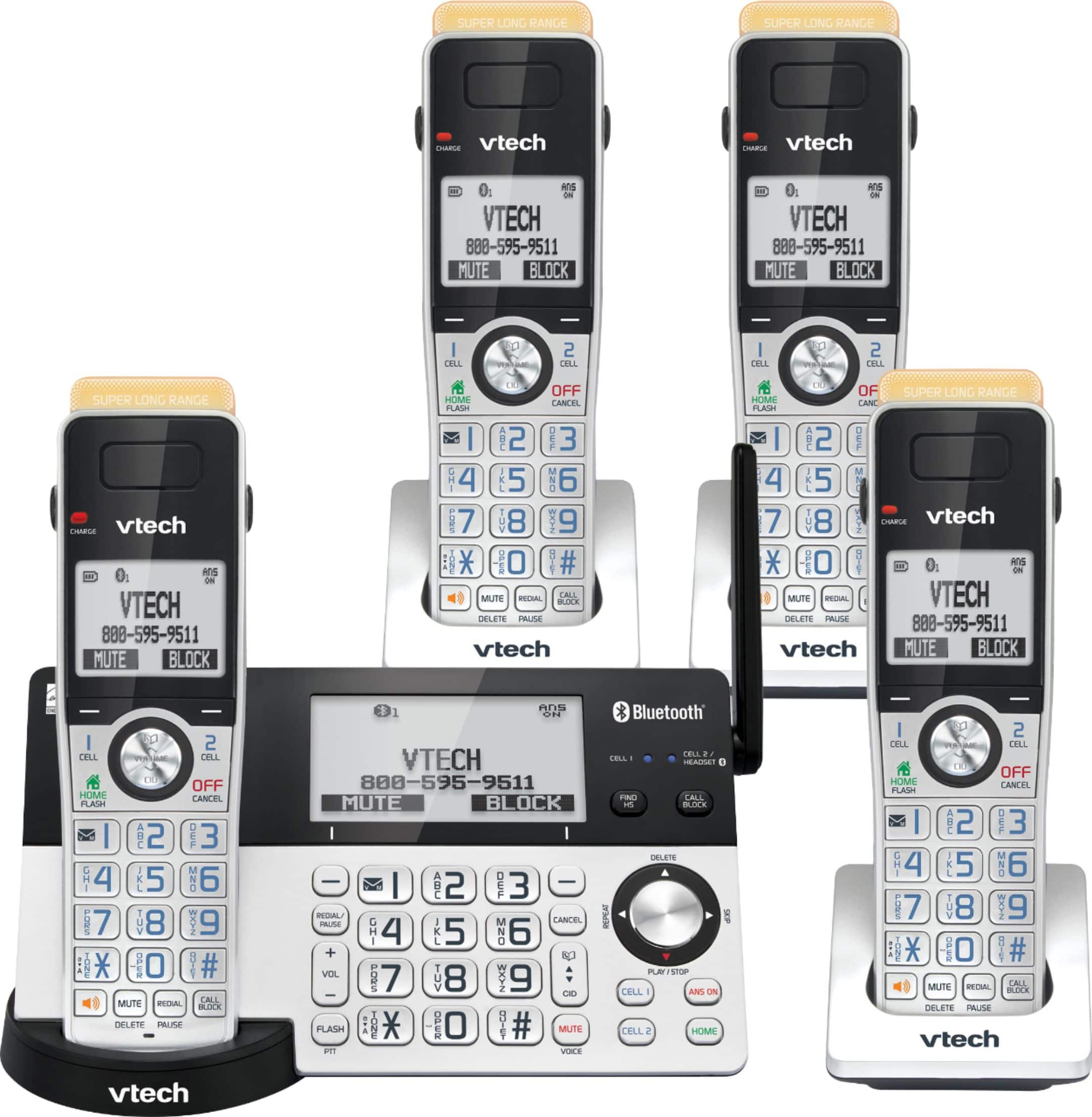
A:AnswerAnnie - For best performance, keep the VTech IS8151-4 handsets in the telephone base or charger when not in use. The handset will continue to receive a maintenance charge until it receives a full charge and will not harm the batteries. Thank you for your interest! - VTech Support
A:AnswerHi - Yes, the telephone base of the VTech IS8151-4 can be plugged into a modem if your line goes through it. It can also be connected to a wall jack. Thank you for your interest! - VTech Support
A:AnswerWiz - Yes, you can turn off the ringer volume on the cordless handsets and the telephone base of the VTech IS8151-4. Here's the procedure on how to turn off the ringer volume.
On the cordless handset:
1. Press MENU when the phone is not in use.
2. Press ▼CID on the handset to scroll to Ringers, then press SELECT.
3. Press SELECT again to select Ringer volume.
4. Press ▼CID on the handset until you reach the lowest volume level.
5. Press SET to save your preference. There is a confirmation tone and the screen returns to the previous menu.
On the telephone base:
1. Press VOLUME - on the telephone base to set the ringer volume of the telephone base while the phone is not in use.
2. Press SET to confirm and you hear a confirmation tone.
Hope this helps. Thank you! - VTech Support
A:AnswerHi - The actual operating range of the VTech IS8151-4 may vary depending on the environmental conditions and other interferences such as walls, doors and other obstructions.
Thank you,
-VTech Support
A:AnswerHi - The VTech IS8151-4 has a 1 year manufacturers warranty for replacement if unit is deemed malfunctioning. For more details, please contact our Consumer Sales and Service Center between the hours of 9:00 AM and 3:00 PM Monday through Friday at 1-800-595-9511.
Thank you,
-VTech Support
A:AnswerHi - The operating range of the VTech IS8151-4 varies and is dependent on the environmental conditions, the time of use and other interference such as walls, doors, and other obstructions. We recommend you place the telephone base in an open location for optimum range and better reception.
Thank you!
- VTech Support
A:AnswerHi - It would depend on the number of rings you set before the Answering system picks up on the VTech IS8151-4. The machine is set to answer after 4 rings by default, you can set the number of rings from 2, 3, 4, 5, 6 or Toll saver. It would also depend if you are using the smart call blocker feature to screen your incoming calls. If you have other questions, please contact VTech Customer Support for further assistance at 1-800-595-9511. We are open from 9:00 AM to 3:00 PM, Mondays through Fridays. When calling, please have your model number handy: IS8151-4. Thank you! - VTech Support
A:AnswerHi - The actual operating range of the VTech IS8151-4 may vary depending on the environmental conditions and other interferences such as walls, doors and other obstructions.
Thank you,
-VTech Support
A:AnswerHi - The operating range of the VTech IS8151-4 varies and is dependent on the environmental conditions, the time of use and other interference such as walls, doors, and other obstructions. We recommend you place the telephone base in an open location for optimum range and better reception. Thank you! - VTech Support
A:AnswerHunter - The operating range of the VTech IS8151-4 varies and is dependent on the environmental conditions, the time of use and other interference such as walls, doors, and other obstructions. We recommend you place the telephone base in an open location for optimum range and better reception. Thank you! - VTech Support
A:AnswerHello, to answer your question, My mom could be outside chatting with a neighbor, which is roughly 10 feet away from the actual base, answers the phone and I hear her just fine. No glitches, no in and out, I can even hear my neighbor and some background nose. Highly recommend