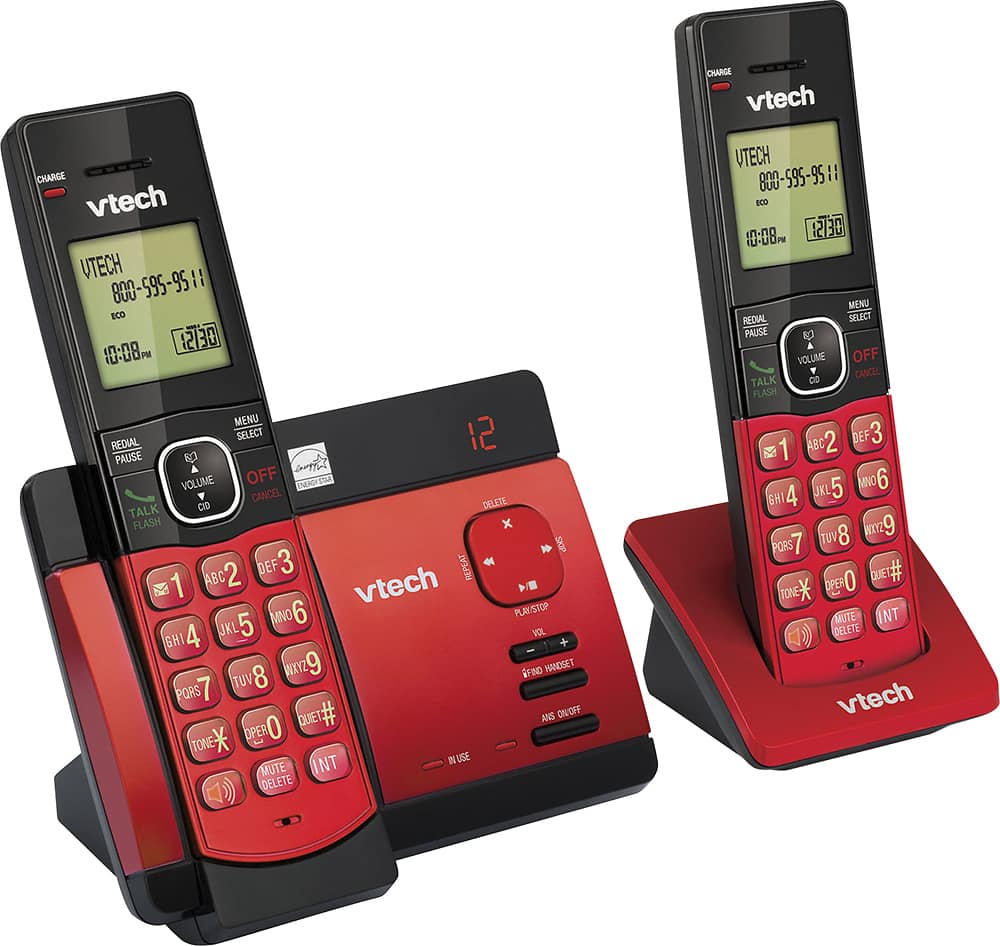
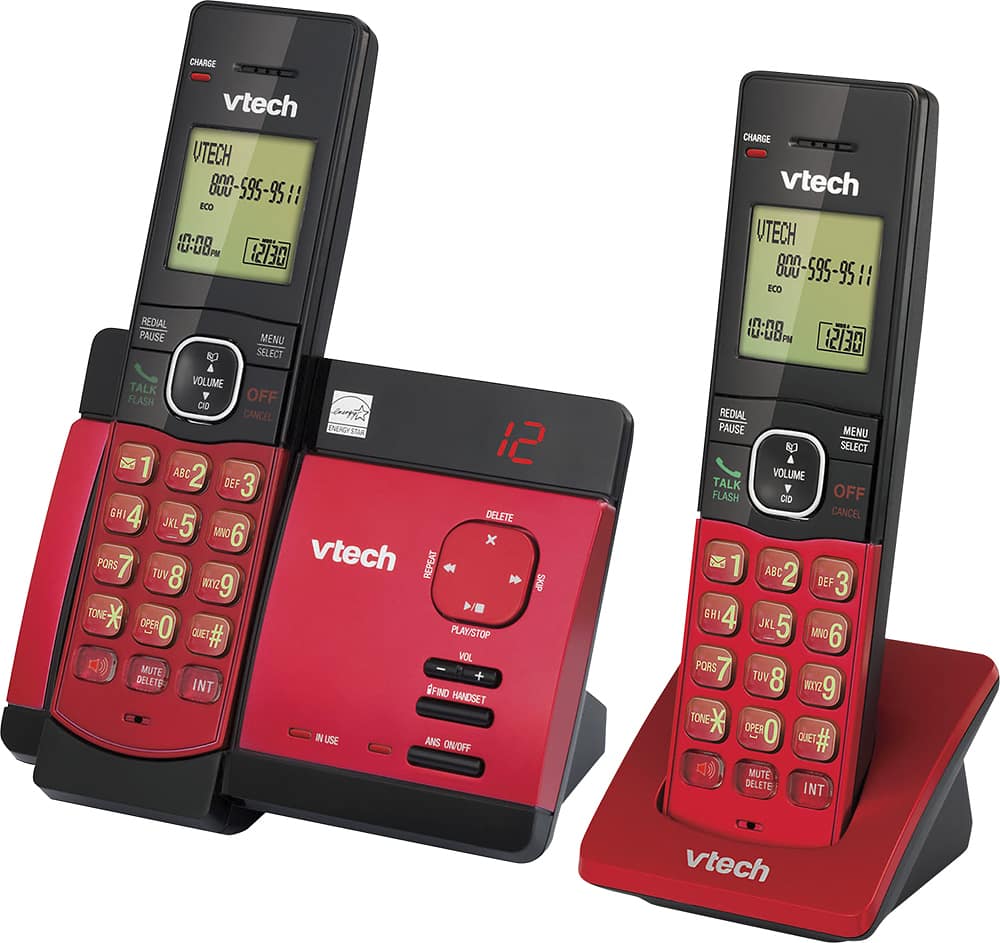
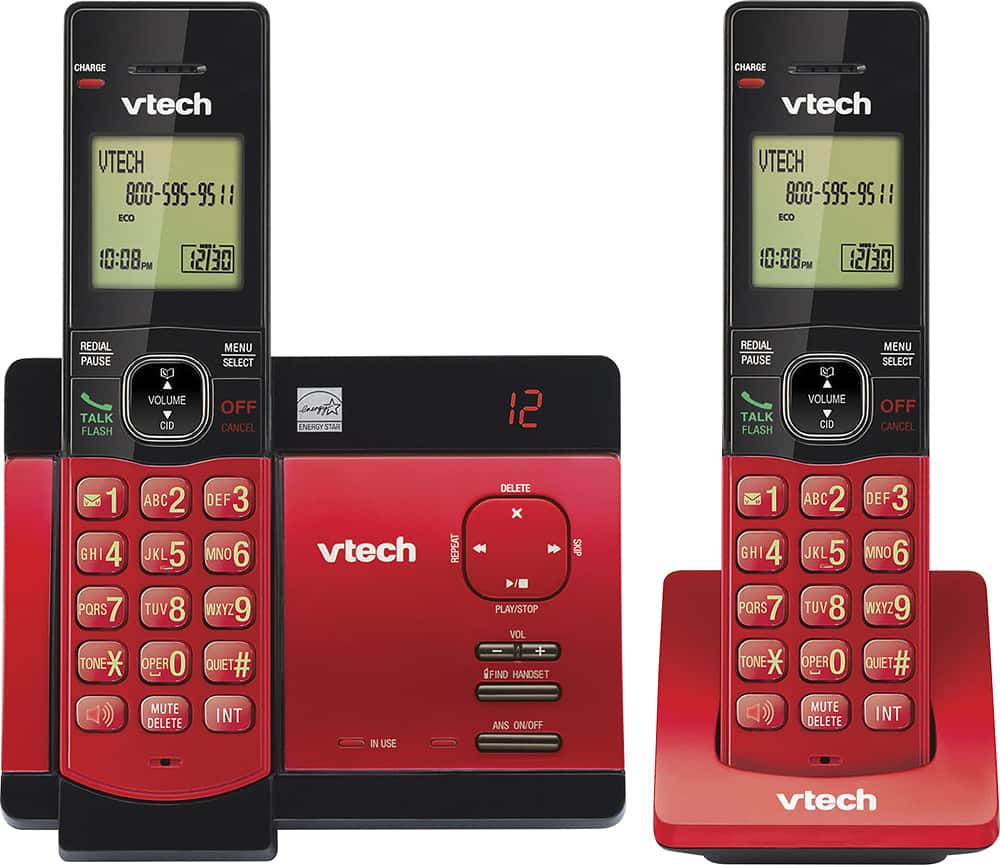
A:AnswerHi - Yes, the battery on the VTech CS5129-26 is replaceable. We urge you to our Customer Support at 1-800-595-9511 for assistance in getting the correct battery. We are open from 9:00 AM to 3:00 PM, Mondays through Friday.
Thank you,
-VTech Support
A:AnswerIf it says "in use" it means the phone is still on. It doesn't automatically hang up when you put it on the receiver. You have to turn it off manually after the call. If both phones are "in use" it would be impossible to call in because you are still talking to whoever was the last person you talked to.
A:AnswerIt doesn't come with three phones. It's supposed to have comparable extensions to purchase but the one I got was a single handset system by itself and didn't work with the set, plus the set I got the main phone never took a charge in the base with the answering system
A:AnswerNo, there is no one number dialing, though it is very easy to program the phone book and scroll to find the stored number you would like to call.
A:AnswerLindacuz - Here's the procedure on how to change the number of rings of your VTech CS5129-26 before the Answering system picks up the call.
On any of the cordless handsets:
1. Press MENU when the phone is not in use.
2. Press ▼ to choose Answering sys and then press SELECT.
3. Press ▼ to choose Ans sys setup and then press SELECT.
4. Press ▼ to choose # of rings and then press SELECT.
5. Press ▼ or ▲ to choose 6, 5, 4, 3, 2 or Toll saver and then press SELECT to save. You hear a confirmation tone.
Hope this helps. Thank you! - VTech Support
A:AnswerElia - Here's a step-by-step procedure on how to unblock a number:
Step 1: Press MENU when the phone is not in use.
Step 2: Press ▼ or ▲ to select Call Block then press SELECT.
Step 3: Press SELECT to choose Block list.
Step 4: Press SELECT to choose Review.
Step 5: Press ▼ or ▲ to browse through the call block list.
Step 6: Press DELETE once the desired number on the call block list is displayed.
Hope this helps! - VTech Support