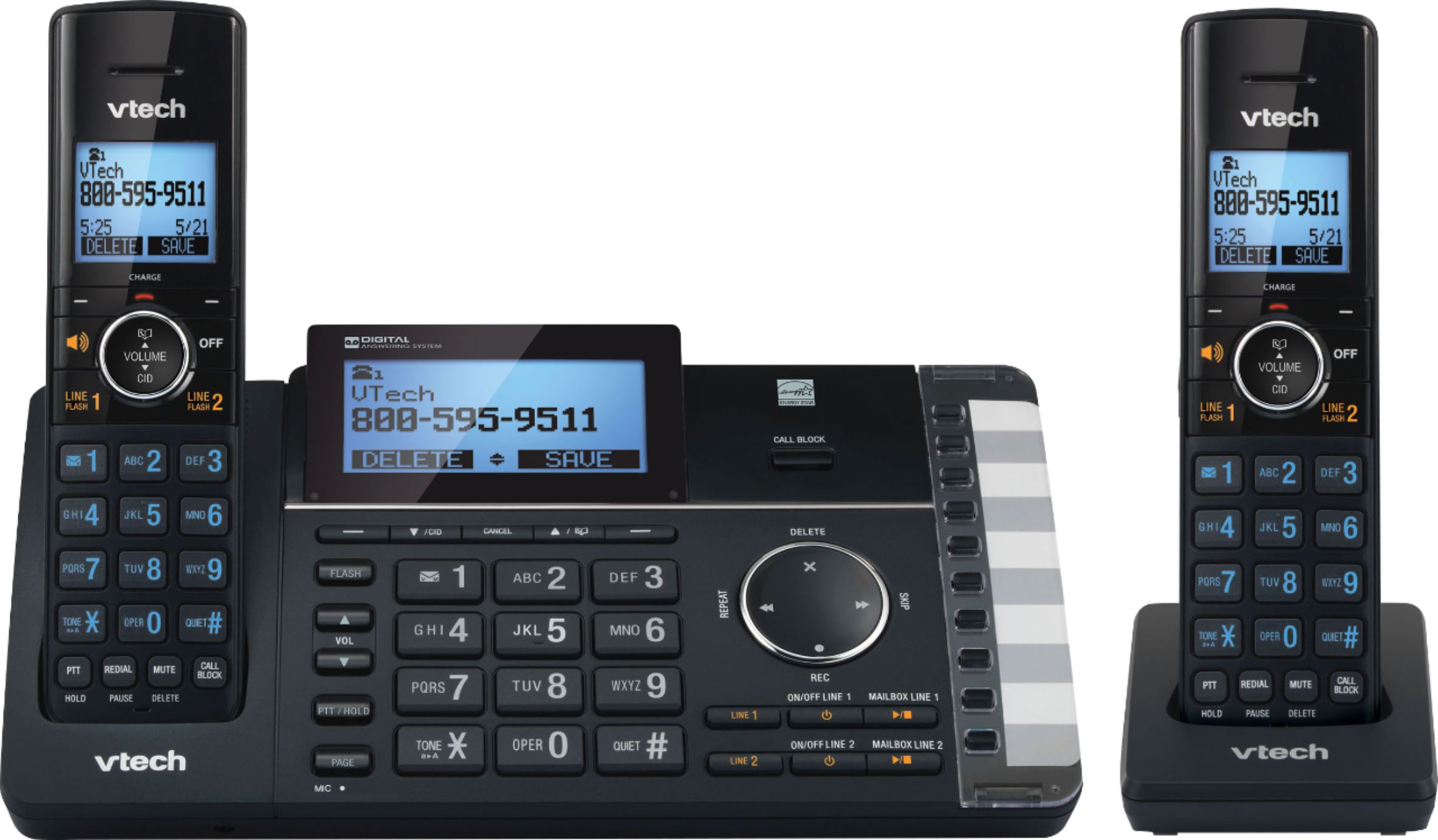
A:AnswerFred - The VTech DS6251-2 does not have a do not disturb button. However, you can still silence all incoming ringing tone (except paging) at a period of time (1-12 hours) by activating the quiet mode feature.
Thank you,
-VTech Support
A:AnswerHi - The telephone base of the VTech DS6251-2 has a built in wall mount bracket that you need to rotate. Make sure that the bracket clicks into place. If this does not help, please contact our Consumer Sales and Service Center between the hours of 9:00 AM and 5:00 PM Monday through Friday at 1-800-595-9511.
Thank you,
-VTech Support
A:AnswerPaul - The VTech DS6251-2 is only expandable with cordless handset model VTech DS6250 and cordless headset model IS6200.
Thank you,
-VTech Support
A:AnswerHi - The actual operating range of the VTech DS6251-2 may vary depending on the environmental conditions and other interferences such as walls, doors and other obstructions.
Thank you,
-VTech Support
A:AnswerLynn - We are sorry to hear that you are having issues with the VTech DS6251-2. You may need to reset the system by disconnecting the AC power on the telephone base and batteries on the cordless handsets. Wait for 1 minute before reconnecting the AC power and batteries, then test the unit again. If this does not help, please contact our Consumer Sales and Service Center between the hours of 9:00 AM and 5:00 PM Monday through Friday at 1-800-595-9511.
Thank you,
-VTech Support