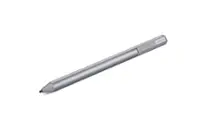
A:AnswerYeah you have to look at the instructions in the pen package and look at how to change the pen orientation so it has the right setting for the touchscreen type the computer uses
A:AnswerIt works beautifully with my Surface Pro 1796 (which I think is a 5th Gen, from 2018), so it will likely work with all newer models. I didn't even have to install additional drivers. I put in the battery that came with the pen and it started working immediately. Love it.