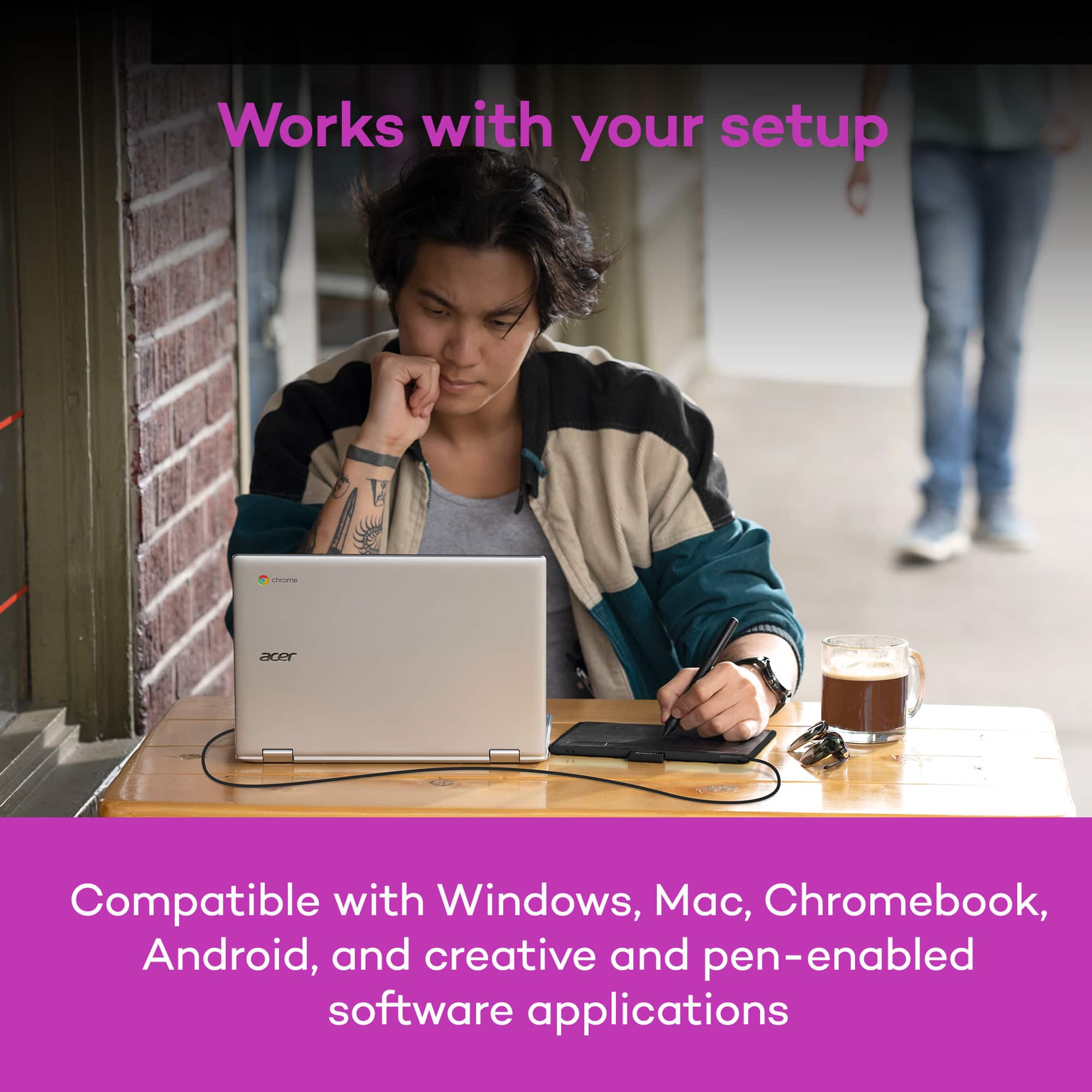
A:AnswerThank you for your question. If the app you are trying to use supports pen input and you're on a compatible Windows and Mac computer, then our Wacom Intuos should work for you. Hope that helps
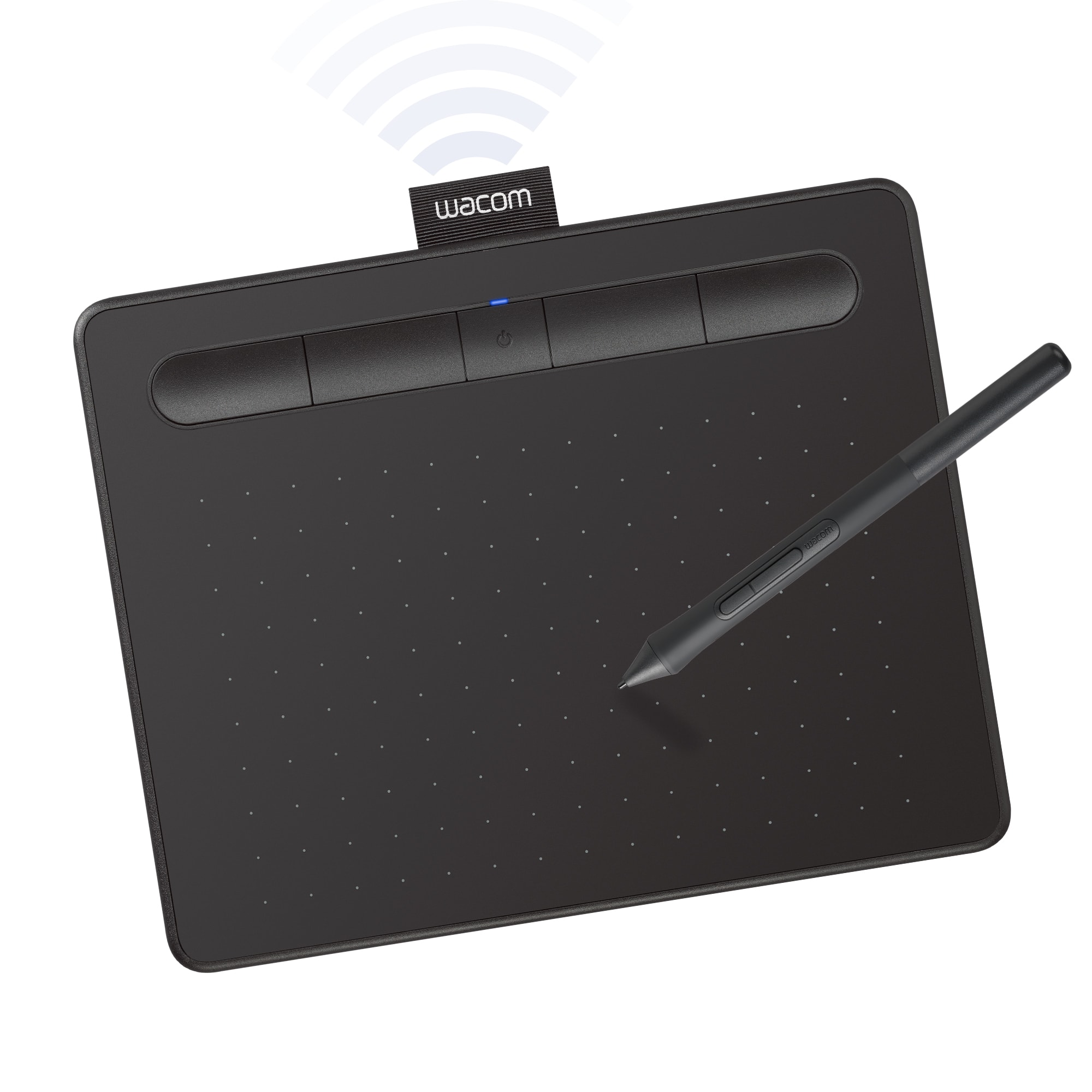
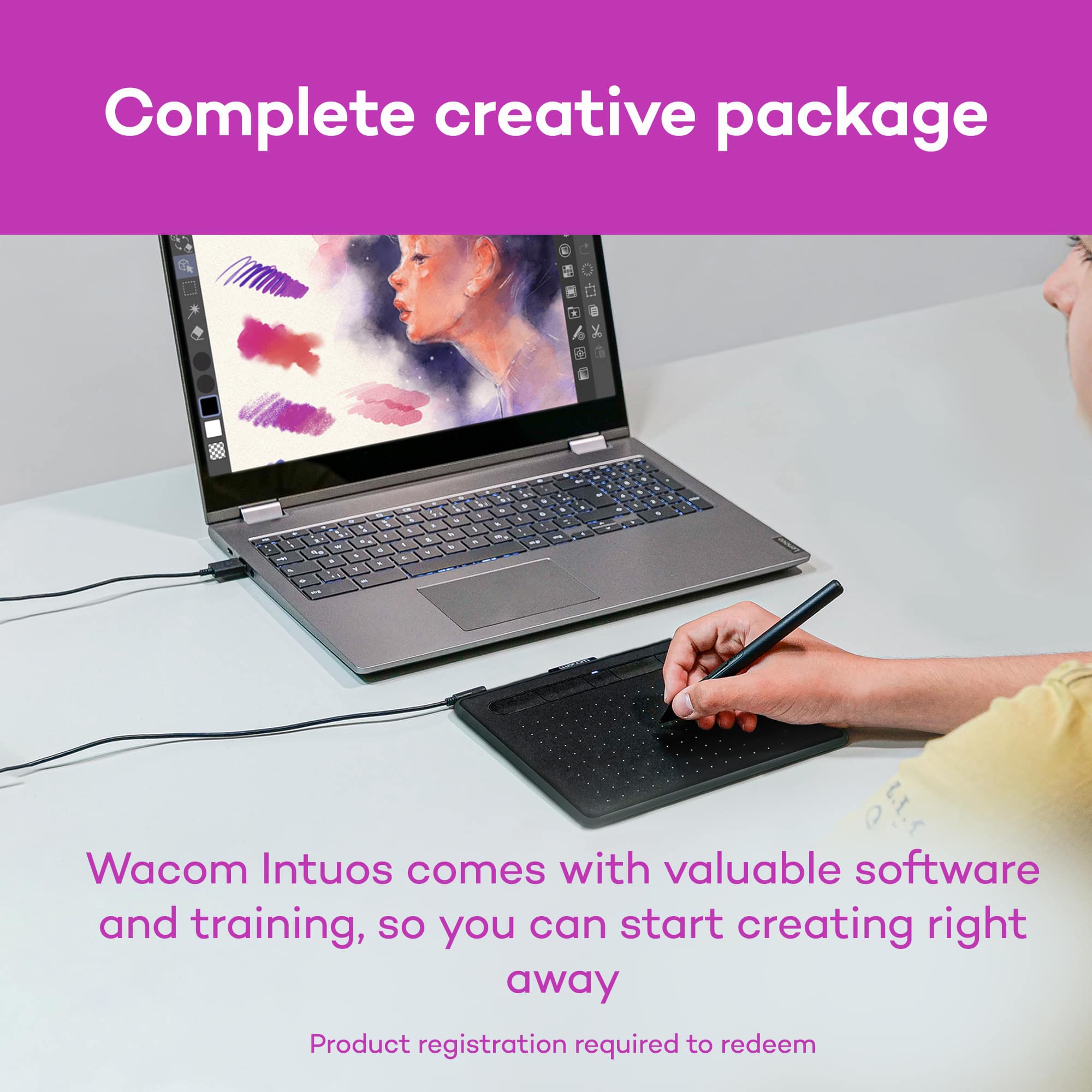
A:AnswerIt only works when connected/paired via Bluetooth or other methods to a computer. You see what you're drawing on the computer/laptop's screen. You draw on it with the stylus that comes with it. They provide a copy of Corel Painter Essentials 7 which you can use for drawing.
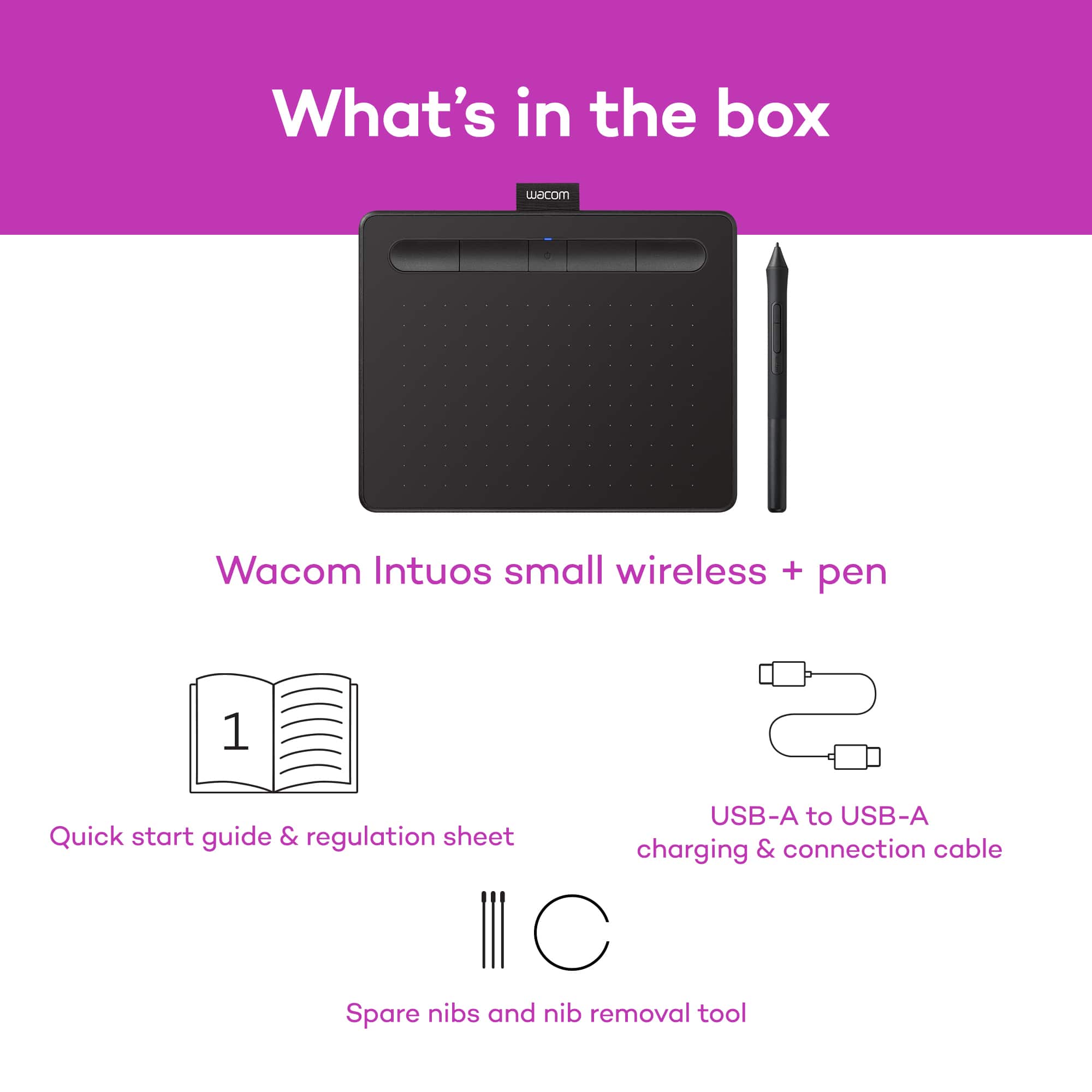
A:AnswerYou don't have to. Even though Bluetooth is required to have a wireless connection, you can also have a wired connection with the included Micro-USB cable. (or literally any other Micro-USB that can transfer data, but I don't recommended it if you don't have to.) Though if you're like me concerning on over-charging the battery, then you might not wanna charge this thing for longer than an hour or two.
A:AnswerIt depends on the file type and the compatibility of certain file types with other applications. For example my image from Corel Paint won't open in GIMP.
A:AnswerDepending on the Chromebook you have, and OS image provided by the OEM (original equipment manufacturer) limited pen support may be available and pen input will work with some older Wacom Tablets. Pen pressure, touch input and the tablet Expresskeys will not work in most cases.
Wacom's developers are continuing to work with Google for a future solution, currently however there is no driver support for Chrome OS and Wacom devices.