A:AnswerI bought it for my 2012 iMac. I had it installed by a local tech shop and it works like a dream. If you are planning on opening up your iMac, invest in maxing out your ram as well while you are in there. Also, totally worth it.
A:AnswerEasiest way would be to install it and use the WD tools to clone your existing drive over to the new one. Once it is done remove old drive and new one will boot up as usual just quicker. This way you don't have to worry about re-activating windows. Unless you have your activation code. In that case I would just do a clean install.
A:AnswerHi Ripnorth678,
Thank you for showing your interest in WD Blue Internal SSD drive. In order to check the compatibility, we would suggest you contact the Xbox support.
Need Help? Please see our "'Contact Us" page for information.
A:AnswerHi MJALCP10, Please know that WD Blue drive has 2.5 Inch form factor. Please check with the laptop vendor whether WD drive will fit and support the laptop. Please refer to the link given below to know more about the drive. https://shop.westerndigital.com/en-us/products/internal-drives/wd-blue-3d-nand-sata-ssd#WDS250G2B0A Need Help? Please see our "'Contact Us" page for information.
A:AnswerHi nghtmr, Thank you for showing your interest in WD internal drive. In order to check the compatibility, we would suggest you to please contact the motherboard or PC manufacturer. Need Help? Please see our "'Contact Us" page for information.
A:AnswerI would go on the Dell site and download the detailed service manual for the laptop. It will indicate the type of drive, either a 2.5" or M.2 form factor.
A:AnswerHi Yassin,
You can refer to the link given below to know more about this drive.
https://shop.westerndigital.com/en-us/products/internal-drives/wd-blue-3d-nand-sata-ssd#WDS250G2B0A
http://products.wdc.com/library/SpecSheet/ENG/2879-800092.pdf
Need Help? Please see our “ Contact Us” page for information
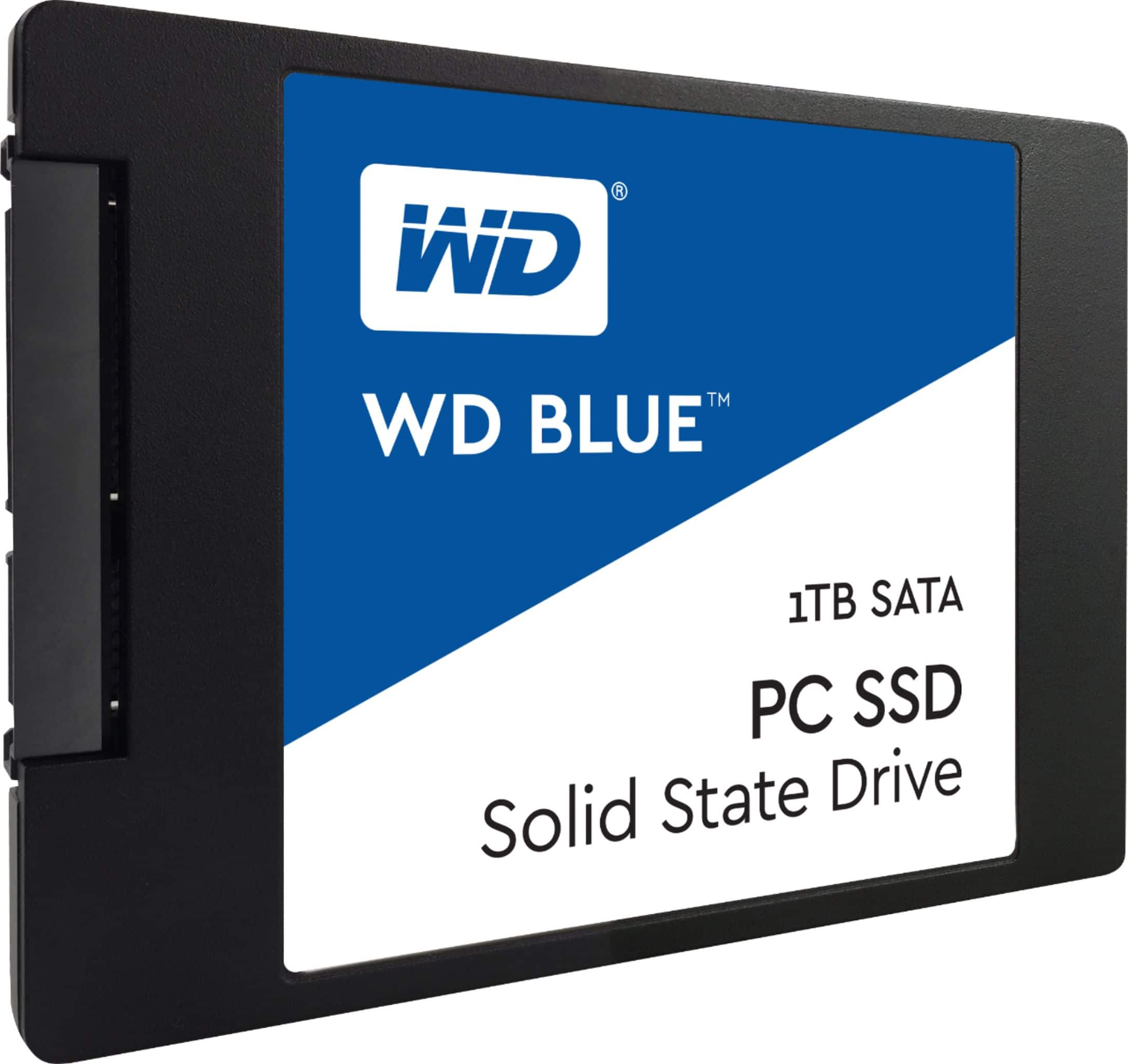
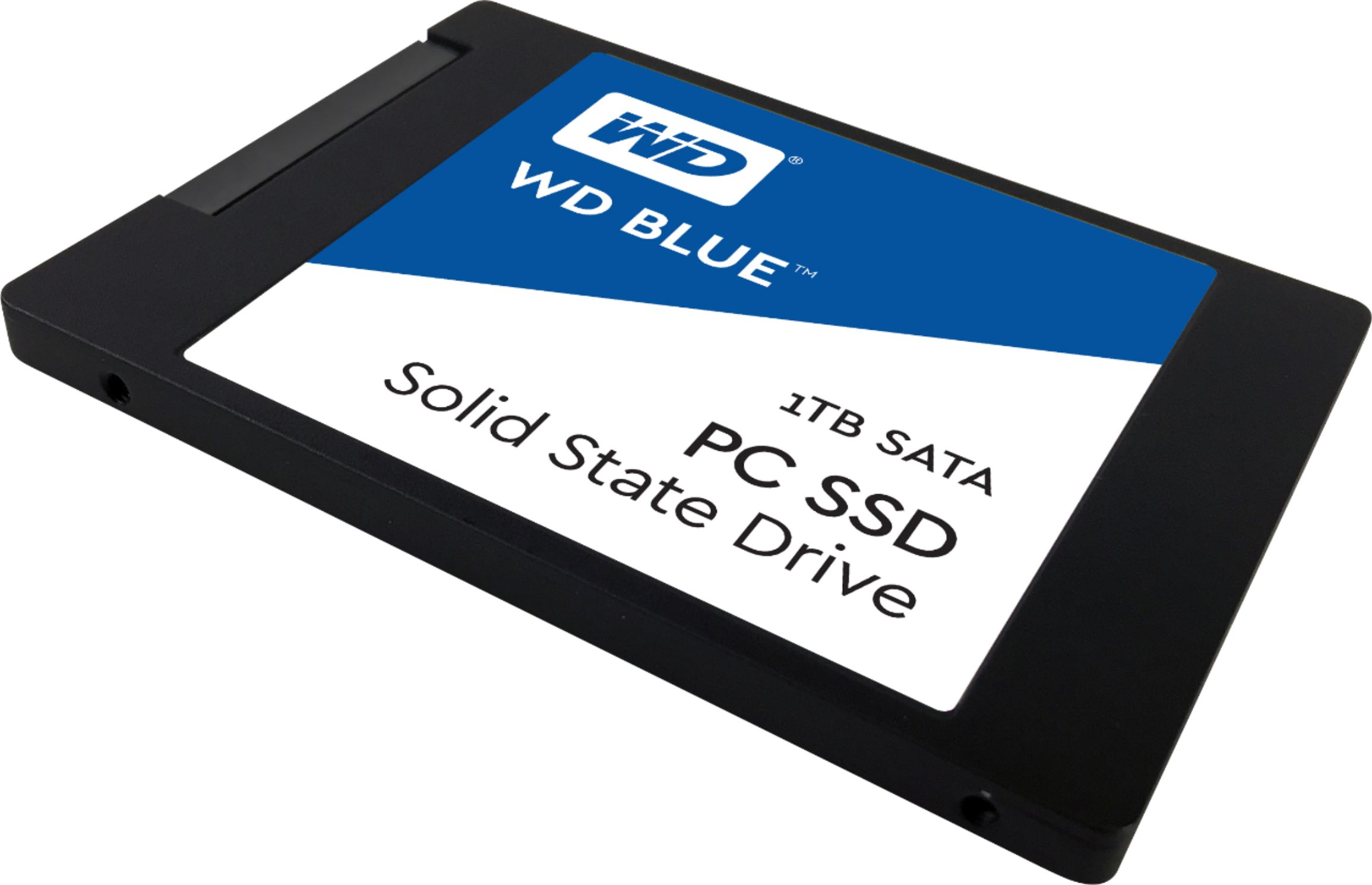
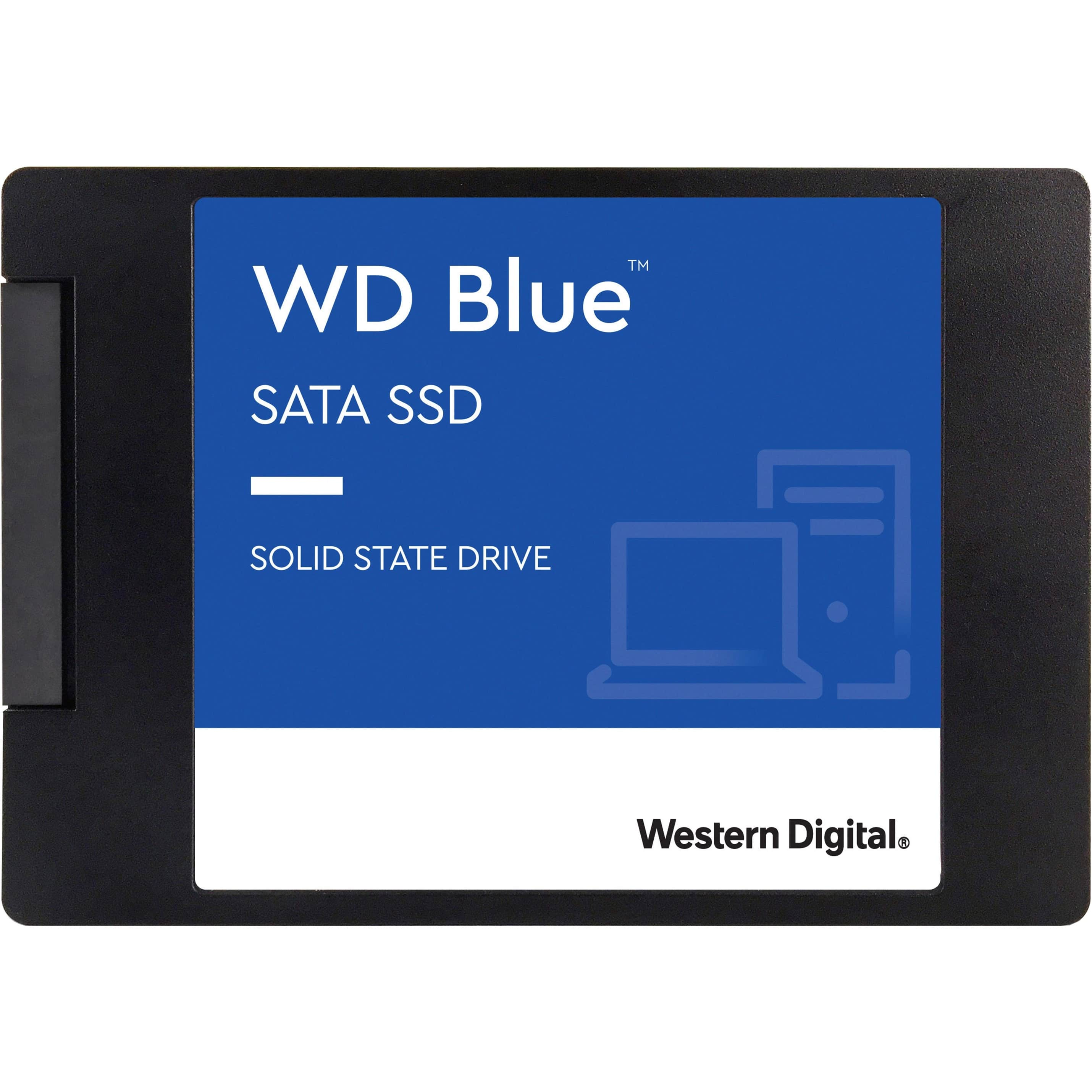
A:AnswerHi cope3d, The WD Blue SSDs are available in either a 2.5”/7mm cased or an M.2 2280 model to evolve with smaller and thinner computers. With form factors to accommodate most laptops, desktop PCs, and small form PCs, a WD Blue SSD is ready for the job. Need Help? Please see our "'Contact Us" page for information.
A:AnswerHi Woody, The WD Blue SSDs are available in either a 2.5”/7mm cased or an M.2 2280 model to evolve with smaller and thinner computers. With form factors to accommodate most laptops, desktop PCs, and small form PCs, a WD Blue SSD is ready for the job. Need Help? Please see our "'Contact Us" page for information.
A:AnswerHi Compatible, The WD Blue SSDs are available in either a 2.5”/7mm cased or an M.2 2280 model to evolve with smaller and thinner computers. With form factors to accommodate most laptops, desktop PCs, and small form PCs, a WD Blue SSD is ready for the job. Need Help? Please see our "'Contact Us" page for information.
A:AnswerHi Vishal, WD Blue SSDs are available in either a 2.5”/7mm cased or an M.2 2280 model to evolve with smaller and thinner computers. With form factors to accommodate most laptops, desktop PCs, and small form PCs, a WD Blue SSD is ready for the job. Need Help? Please see our "'Contact Us" page for information