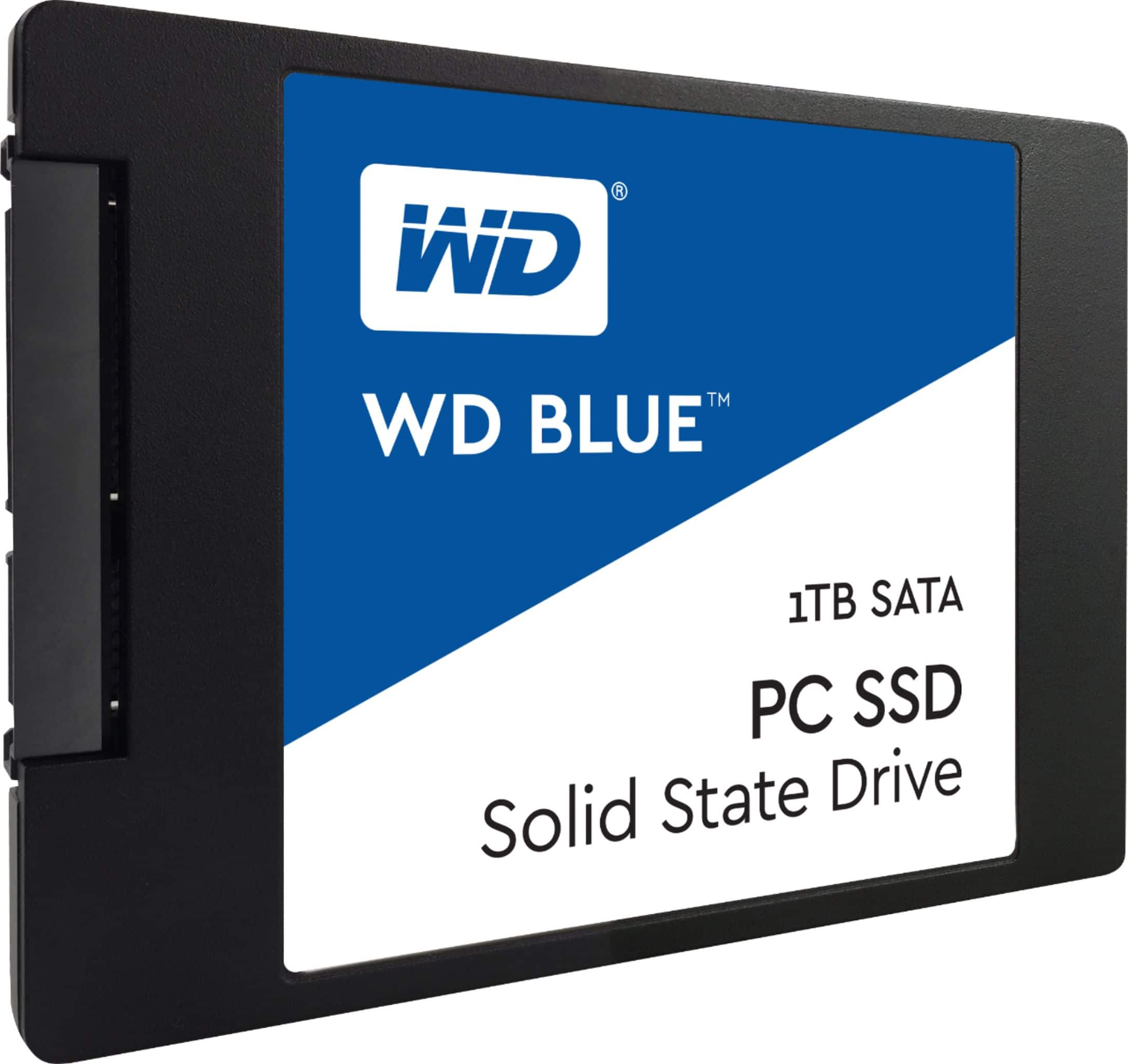
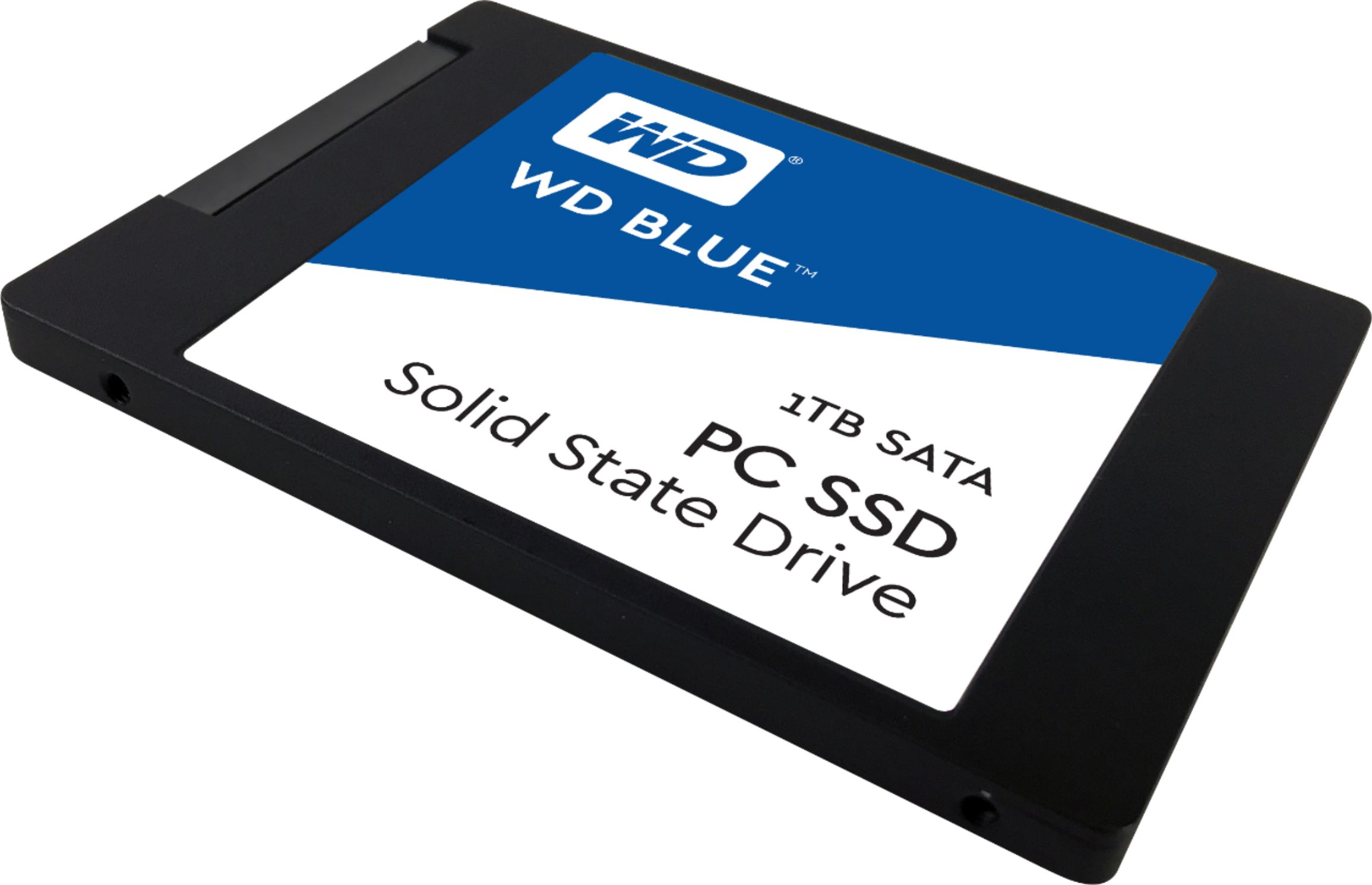
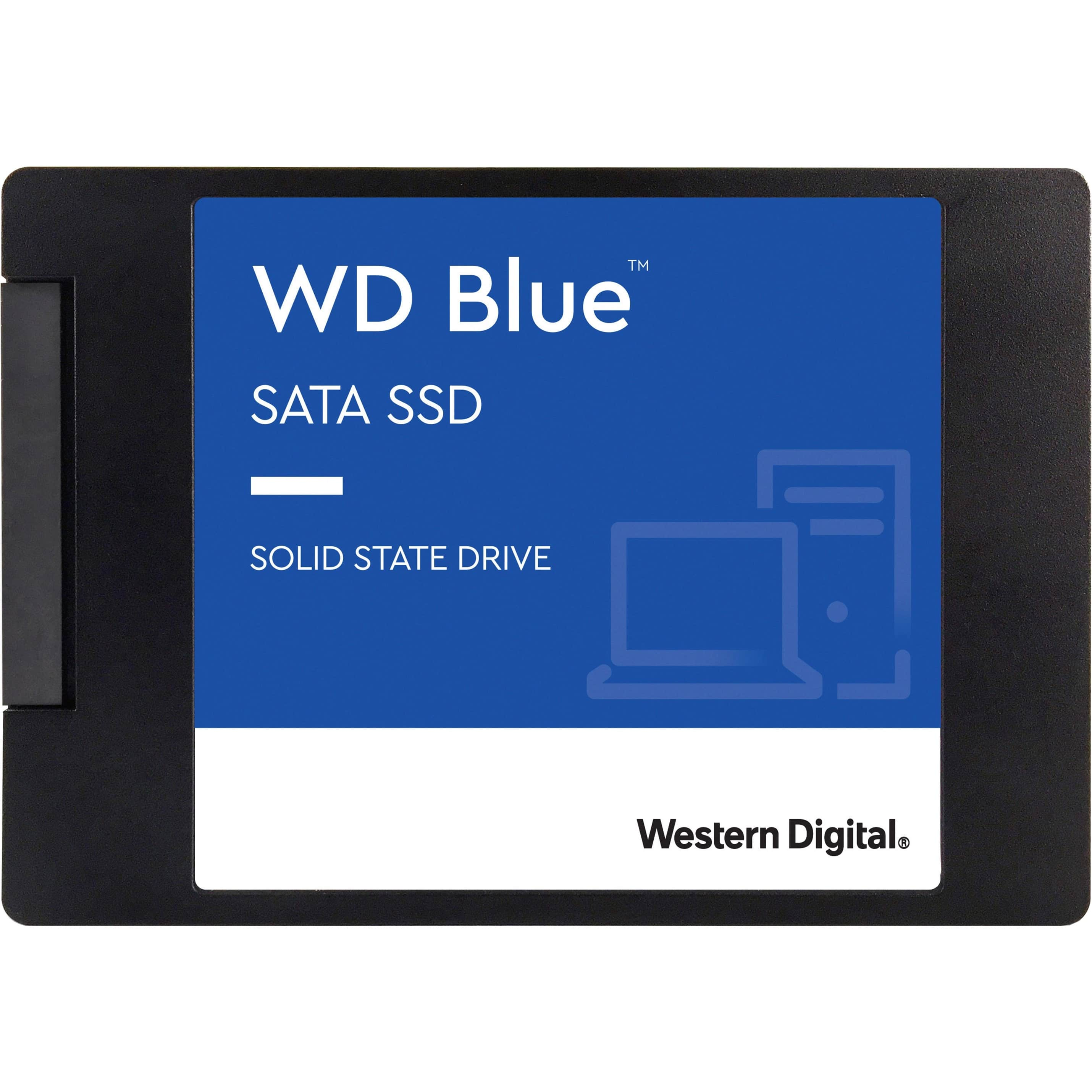
A:AnswerIt worked on my 6 year old Lenovo 560 laptop. as long as yours is about the same vintage or newer and has a 2.5" hard drive in it right now (most do, I'm told), it should work just fine. Try to get a SSD that's about the same size or larger in storage space than the drive you have right now.
A:AnswerDepends on two things.
Will the Firmware of the xbox recognize a SATA SSD device.
If so will it support a 1 TB drive.
I would contact XBox manufacturer.
A:AnswerAs long as your dell meets the requirements it should work no problem. I swapped out my HP G76 laptops standard drive for this unit. So much faster and works great.
A:AnswerThis SSD will work in any type of computer that has Sata2 connector. If your Toshiba is a computer manufactured after 2013 very likely it will work.
A:AnswerI’ve put these in a lot of Macs. You may need a temperature sensor module to keep the fans from running full speed all the time. OWC has them, if needed for your model.
A:AnswerThis is an add on to previous answer. Since the Inspiron one is an all in one computer you need to open it up and check if the hard drive you have is a PC hard drive or a laptop hard drive. The WD Blue PC is for PC's not laptops.