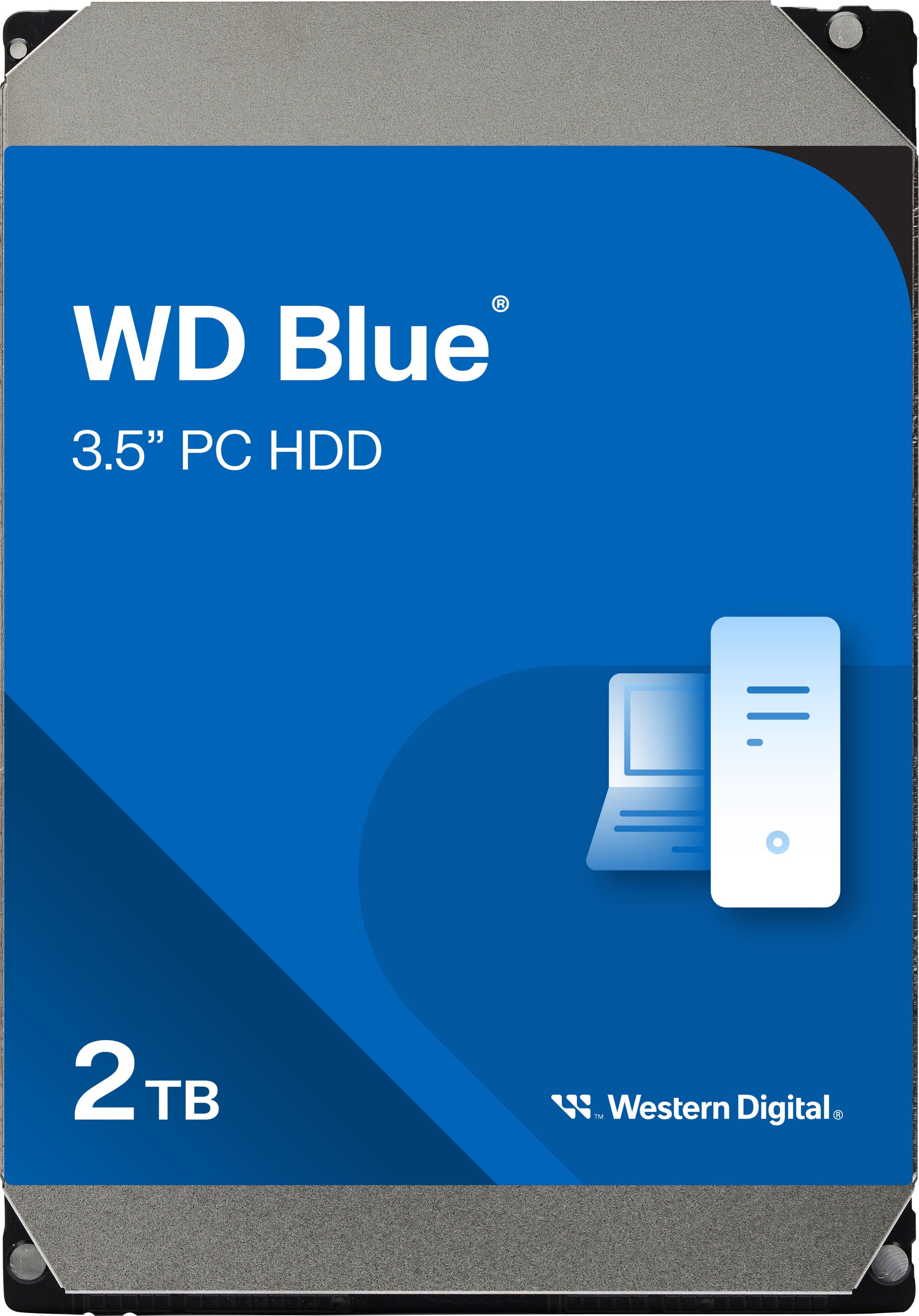
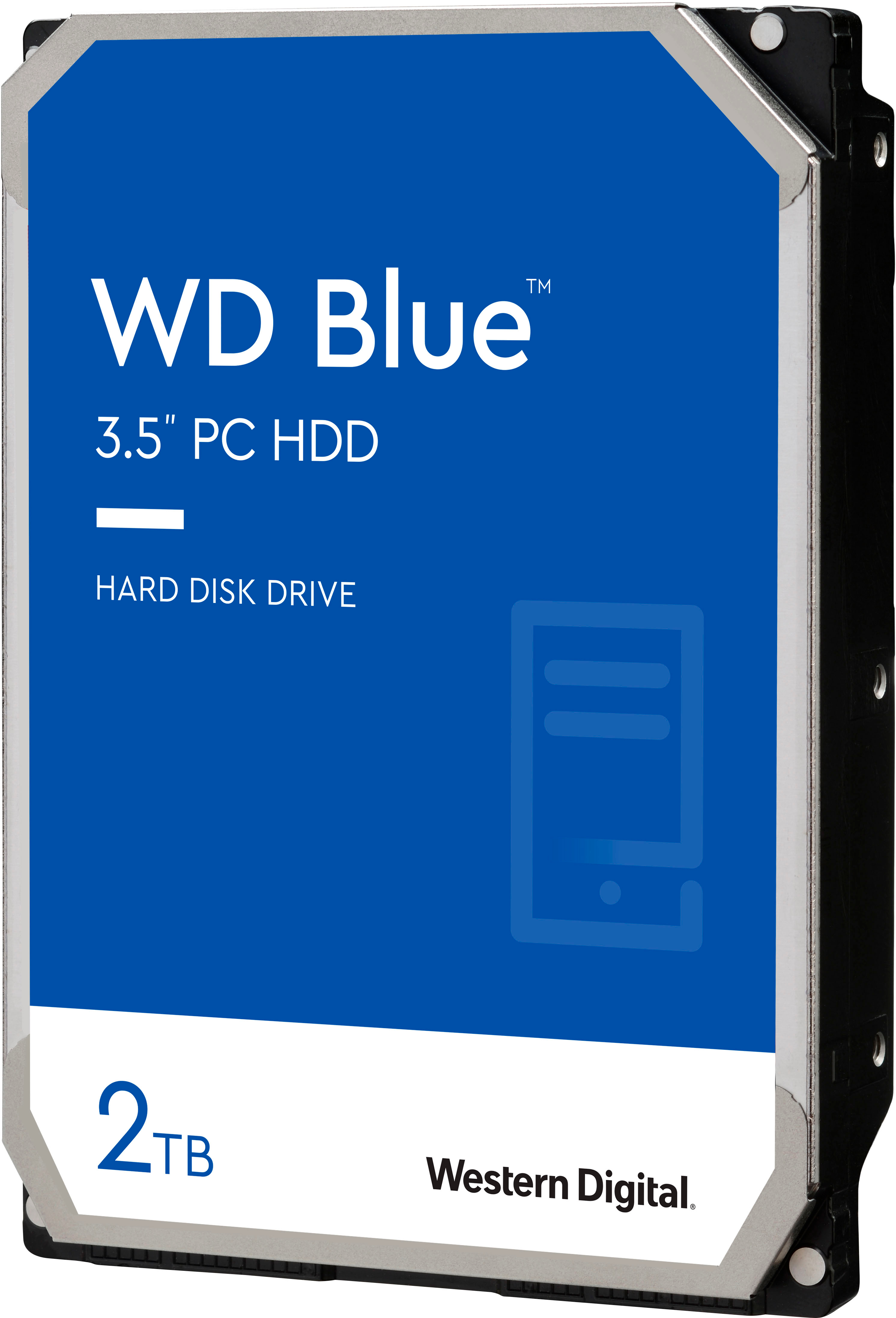
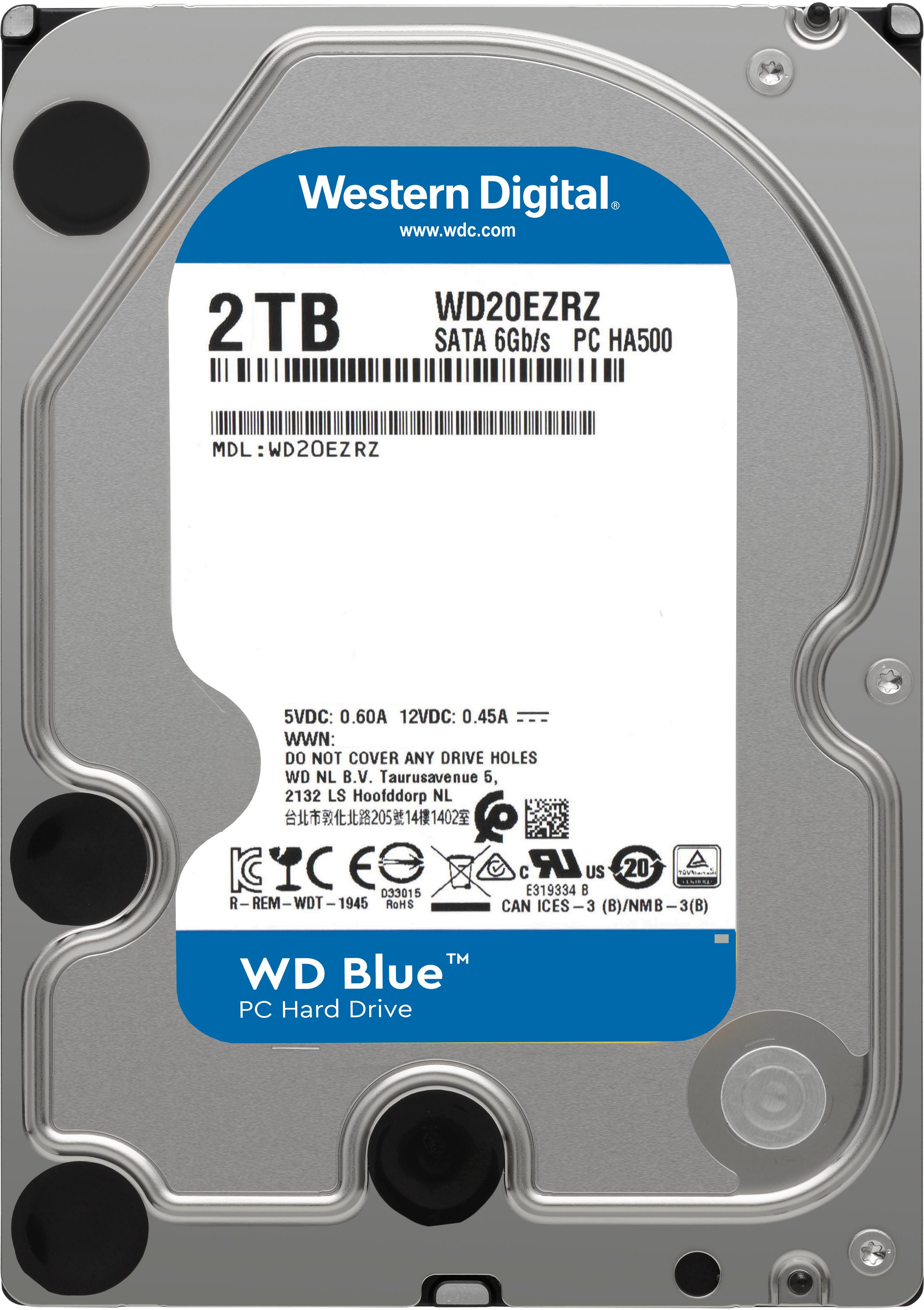
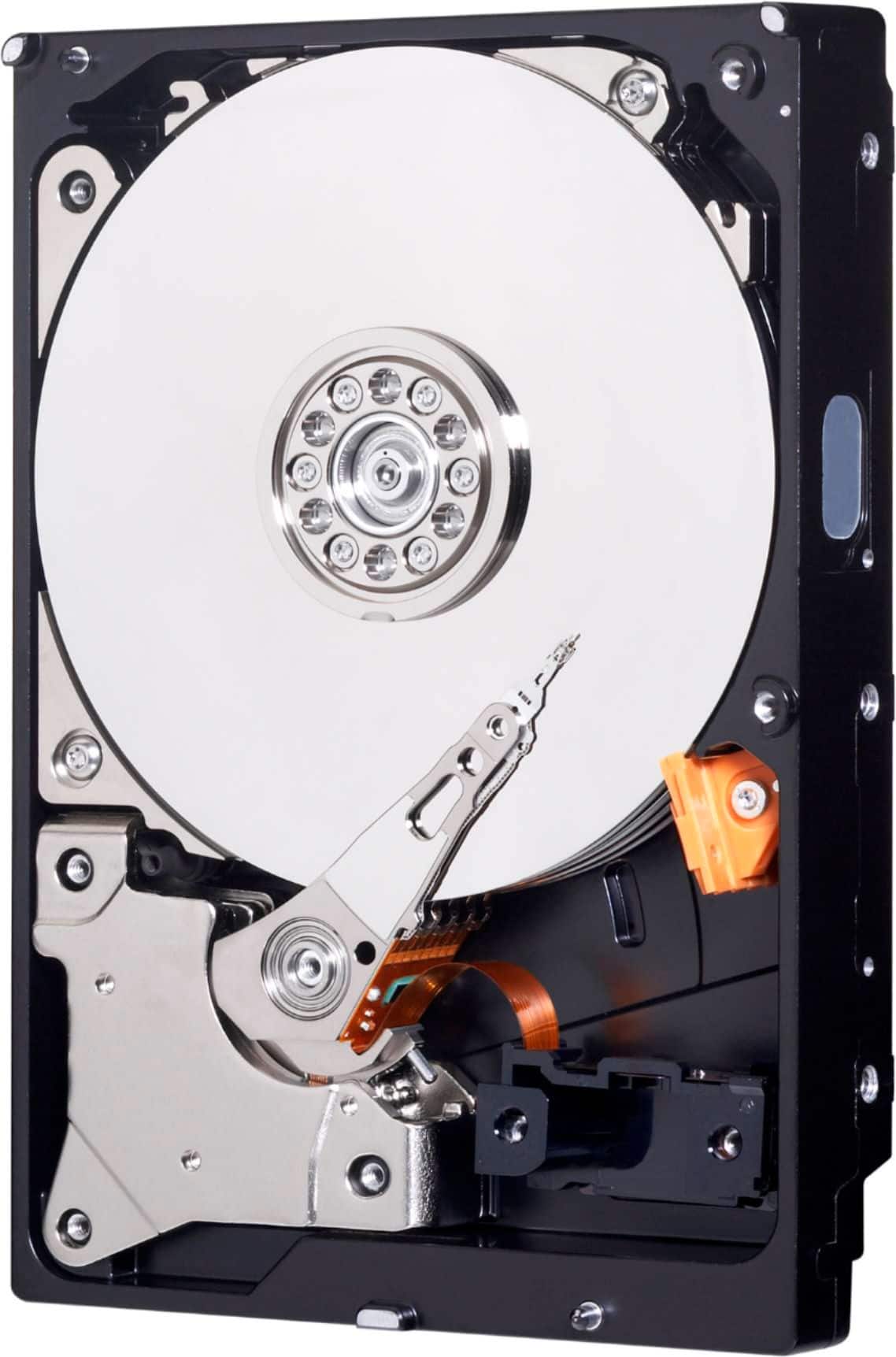
A:AnswerHello Rperry450, Please know that WD Blue Desktop hard drive is a storage drive and has 3.5 Inch form factor and tested and designed for Windows and Mac computers. Please check with the PC/Laptop vendor whether the WD drive will fit and support the host device. Please refer the link to know more about the drive- https://support-en.wd.com/app/products/product-detail/p/281 Need Help? Please see our "'Contact Us" page for information.
A:AnswerHello Raizy, Please know that WD Blue Desktop hard drive is a storage drive and has 3.5 Inch form factor and tested and designed for Windows and Mac computers. Please check with the PC/Laptop vendor whether the WD drive will fit and support the host device. Please refer the link to know more about the drive- https://support-en.wd.com/app/products/product-detail/p/281 Need Help? Please see our "'Contact Us" page for information.
A:AnswerIt would, but i would but an ssd. You will most likely need to install fan control software, unless you but the omc sad adapter with the heat sensor hardware.
A:AnswerNo, you will have to install windows on it from your previous hard drive. If your hard drive is dead, then you need to get the liscense key for Windows off your manual or on the Back of your Desktop.
A:AnswerYes this Western Digital hard drive will work on your Dell Inspiron 5580. If installing yourself be careful. It is a pretty simple install however.
A:AnswerAs long as the hard drive you are replacing is a 3.5" hard drive, yes the WD 2Tb Blue, 7200 rpm version could be used in place of the original. NOTE: the 5400 rpm version would be a speed downgrade, but would also work.
You would need to contact HP as their documentation does not state whether the original is a 3.5" or 2.5" form factor. (From the upgrade documentation, it looks like it could be the 3.5" form factor)
A:AnswerYes. This particular WD Blue drive uses SMR technology. The WD Blue without "Mainstream" in the name uses the non-shingled CMR tech, but I don't believe Best Buy sells it.