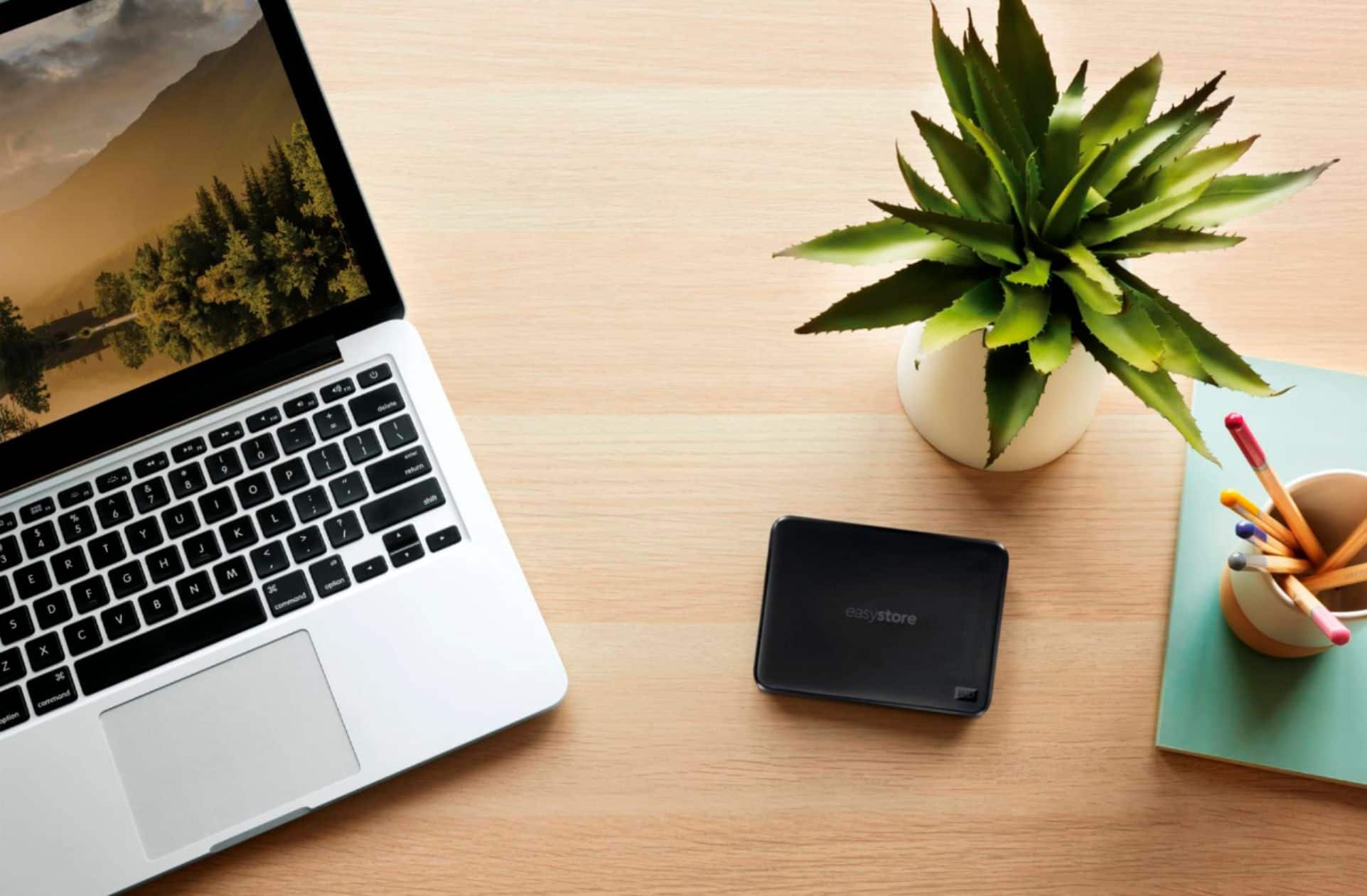
A:AnswerGo into bios and change boot setup to cd and external usb drive. Should work! Boot with windows software and install onto drive. Give it a try!
A:AnswerIf you find and purchase the cable you are looking for, I cannot imagine it not working properly. Exception would be if you get a really-long cable and it crosses other live electrical lines/wires.
A:AnswerHow small is small? The first full backup of the system can take a couple of hours. Incremental file backups are instantaneous. You can setup and schedule the types of backups you need, so size is up to you.