A:AnswerHi Russ, Please be informed that in order to assist It would be helpful to have a little bit more information. Please get in touch with our customer service team to elaborate the issue. Need Help? Please see our "'Contact Us" page for information.
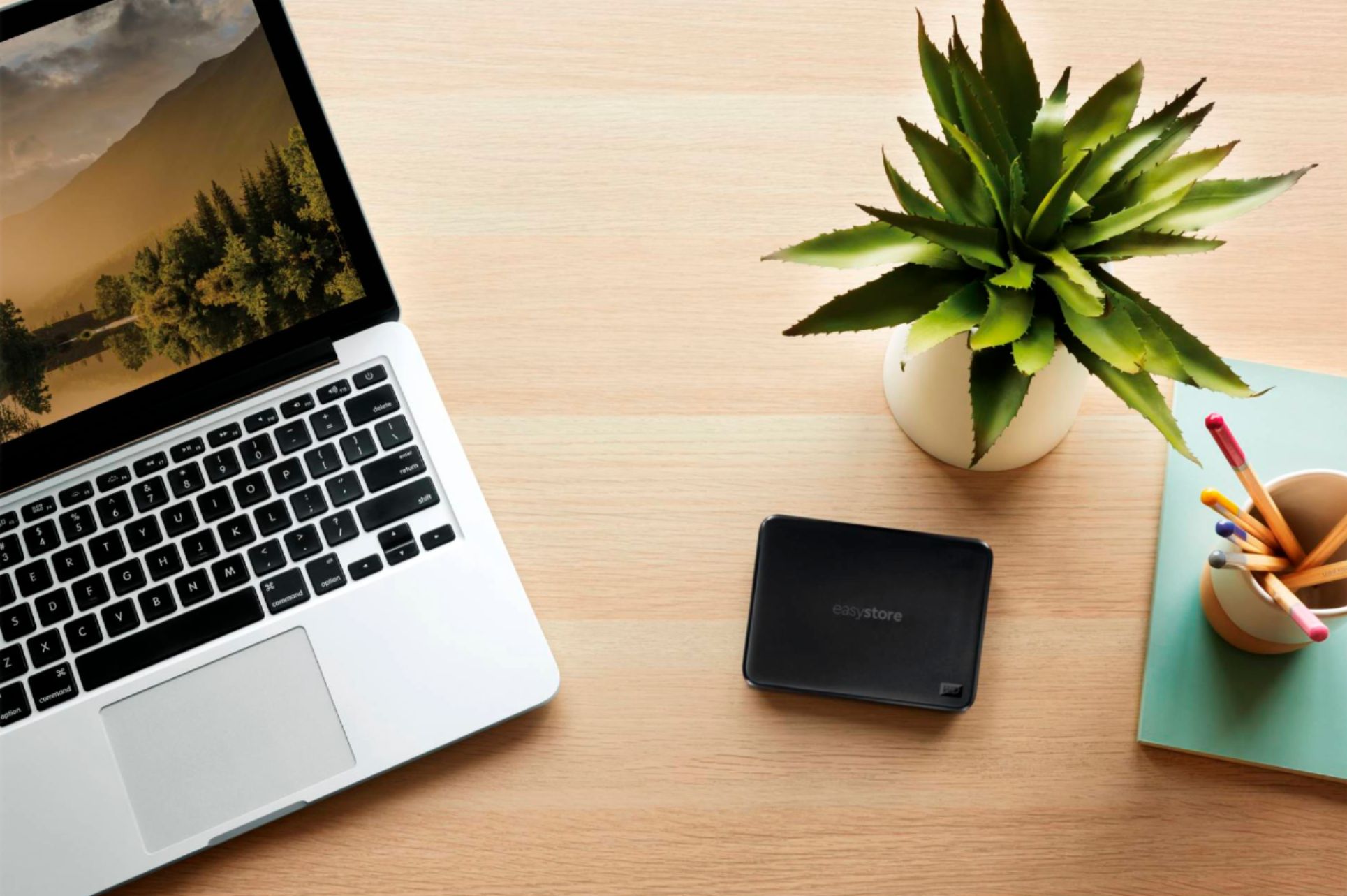
A:AnswerHi, Please be informed that the WD Easystore drive is a plug and play external portable drive tested and designed only for Windows and Mac computers for seamless operation. To know more about the drive please refer to the link: http://products.wdc.com/library/AAG/ENG/4078-705145.pdf -Need Help? Please see our "'Contact Us" page for information.
A:AnswerHi Jay, Please be informed that the WD Easystore drive is a plug and play external portable device tested and designed for Windows and Mac computers for seamless operation. Moreover, for PS4 and PS5, you can consider the WD Gaming Drive. Please refer to the link mentioned to know more about the WD Gaming Drive and its compatibility. http://products.wdc.com/library/AAG/ENG/4078-705139.pdf -Need Help? Please see our "'Contact Us" page for information
A:AnswerHi, Please be informed that the WD Easystore external portable drive comes preformatted in NTFS format for Windows OS, However, you can reformat the drive with macOS supported HFS+J file system by using the mentioned link: "Reformatting Required for Mac OS Compatibility" https://support-en.wd.com/app/answers/detail/a_id/3879 -Need Help? Please see our "'Contact Us" page for information.
A:AnswerHi Barry, Please be informed that the WD Easystore drive is a plug and play external portable drive tested and designed only for Windows and Mac computers for seamless operation. However, you can move the data from ipad or phone manually using your computer. To know more about the drive please refer to the link: http://products.wdc.com/library/AAG/ENG/4078-705145.pdf -Need Help? Please see our "'Contact Us" page for information.
A:AnswerHi MathTeacher, Please be informed that the WD Easystore external portable drive comes preformatted in NTFS format for Windows OS, However, you can reformat the drive with macOS supported HFS+J file system by using this link: "Reformatting Required for Mac OS Compatibility" https://support-en.wd.com/app/answers/detail/a_id/3879 -Need Help? Please see our "'Contact Us" page for information.
A:AnswerHi, Please be informed that the WD Easystore drive is a plug and play external portable drive tested and designed for Windows and Mac computers for seamless operation. To know more about the drive please refer to the link: http://products.wdc.com/library/AAG/ENG/4078-705145.pdf -Need Help? Please see our "'Contact Us" page for information.
A:AnswerHi Matt, Please be informed that the WD Easystore drive is a plug and play external portable device tested and designed for Windows and Mac computers for seamless operation. Moreover, for PS4 and PS5, you can consider the WD Gaming Drive. Please refer to the link mentioned to know more about the WD Gaming Drive and its compatibility. http://products.wdc.com/library/AAG/ENG/4078-705139.pdf -Need Help? Please see our "'Contact Us" page for information
A:AnswerIt will depend on how many photos you have saved. The hard drive has 2GB and my experience has shown to only fill the drive to 75% of the memory capacity. These Easy Stores are better than the Passports. I’ve used both and the easy store is faster and more reliable over time.
A:AnswerHi Linny, Please be informed that the WD Easystore drive is a plug and play device tested and designed for Windows and Mac computers for seamless operation. The Drive comes preformatted for Windows OS and can be reformatted for macOS by referring to the link: https://support-en.wd.com/app/answers/detail/a_id/8200 -Need Help? Please see our "'Contact Us" page for information.
A:AnswerHi Linky, Please be informed that the WD Easystore drive is a plug and play device tested and designed for Windows and macOS. You can use WD Backup, which is an easy-to-use backup application. It automatically protects your files, photos and documents with on premise backups to a WD drive as primary storage. Off-premise backups to a cloud as secondary storage for disaster recovery purpose. You can download the WD Backup from our support page. For more information refer to the link: "WD Backup Online User Guide and Solutions" https://support-en.wd.com/app/answers/detail/a_id/12279/kw/WD%20Backup -Need Help? Please see our "'Contact Us" page for information.
A:AnswerHi dega, Please be informed that the WD Easystore drive is a plug and play external portable drive tested and designed only for Windows and Mac computers for seamless operation. To know more about the drive please refer to the link: http://products.wdc.com/library/AAG/ENG/4078-705145.pdf -Need Help? Please see our "'Contact Us" page for information.
A:AnswerHi Dimples, Please be informed that the WD Easystore drive is a plug and play device tested and designed for Windows and Mac computers for seamless operation. It comes preformatted in NTFS format, However, you can reformat the drive into macOS supported HFS+J file system by referring the below link: https://support-en.wd.com/app/answers/detail/a_id/3879 - Need Help? Please see our "'Contact Us" page for information.
A:AnswerHi Rob, Please be informed that the WD Easystore drive is a plug and play external portable drive tested and designed for Windows and Mac computers for seamless operation. To know more about the drive please refer to the link: http://products.wdc.com/library/AAG/ENG/4078-705145.pdf -Need Help? Please see our "'Contact Us" page for information.
A:AnswerHi Map, Please be informed that the WD Easystore drive is a plug and play external device tested and designed for Windows and Mac computers for seamless operation. The drive comes pre formatted for Windows OS. However, you can manually move the data from tablet to drive using your computer. To know more about the drive refer to the link: http://products.wdc.com/library/AAG/ENG/4078-705145.pdf -Need Help? Please see our "'Contact Us" page for information.
A:AnswerHi Dena, Please be informed that the WD Easystore drive is a plug and play device tested and designed for Windows and Mac computers for seamless operation. The drive uses USB 3.0 Type-A interface. To know more about the drive refer link- http://products.wdc.com/library/AAG/ENG/4078-705145.pdf Need Help? Please see our "'Contact Us" page for information.
A:AnswerHi Ax, Please be informed that the WD Easystore drive is a plug and play device and comes formatted for Wiindows OS out of the box. For more info about the drive refer the below link- http://products.wdc.com/library/AAG/ENG/4078-705145.pdf Need Help? Please see our "'Contact Us" page for information.
A:AnswerHi Fusion, Please be informed that the WD Easystore drive is a plug and play external portable device tested and designed for Windows and Mac computers for seamless operation. However the drive works for PS5. Moreover, for PS4 and PS5, you can consider the WD Gaming Drive. Please refer to the link mentioned below to know more about the WD Gaming Drive. http://products.wdc.com/library/AAG/ENG/4078-705139.pdf -Need Help? Please see our "'Contact Us" page for information