A:AnswerHi Jayjr,
Please refer to the link given below in order to resolve the issue.
https://support-en.wd.com/app/answers/detail/a_id/3653
Need Help? Please see our "'Contact Us" page for information.
A:AnswerHi Thanks for showing your interest in WD Easysore portal drive. Please refer to the link given below and follow the instructions in order to set up the drive.
http://products.wdc.com/library/UM/ENG/4779-705168.pdf
Need Help? Please see our "'Contact Us" page for information.
A:AnswerHi Frank, This question can be better addressed over the call. This way we can provide you best customer support. Need Help? Please contact us at: Phone: (https://t.co/4tEu1E0hVa) Email: (https://t.co/5bQq1l63Dn)
A:AnswerHi Megs,
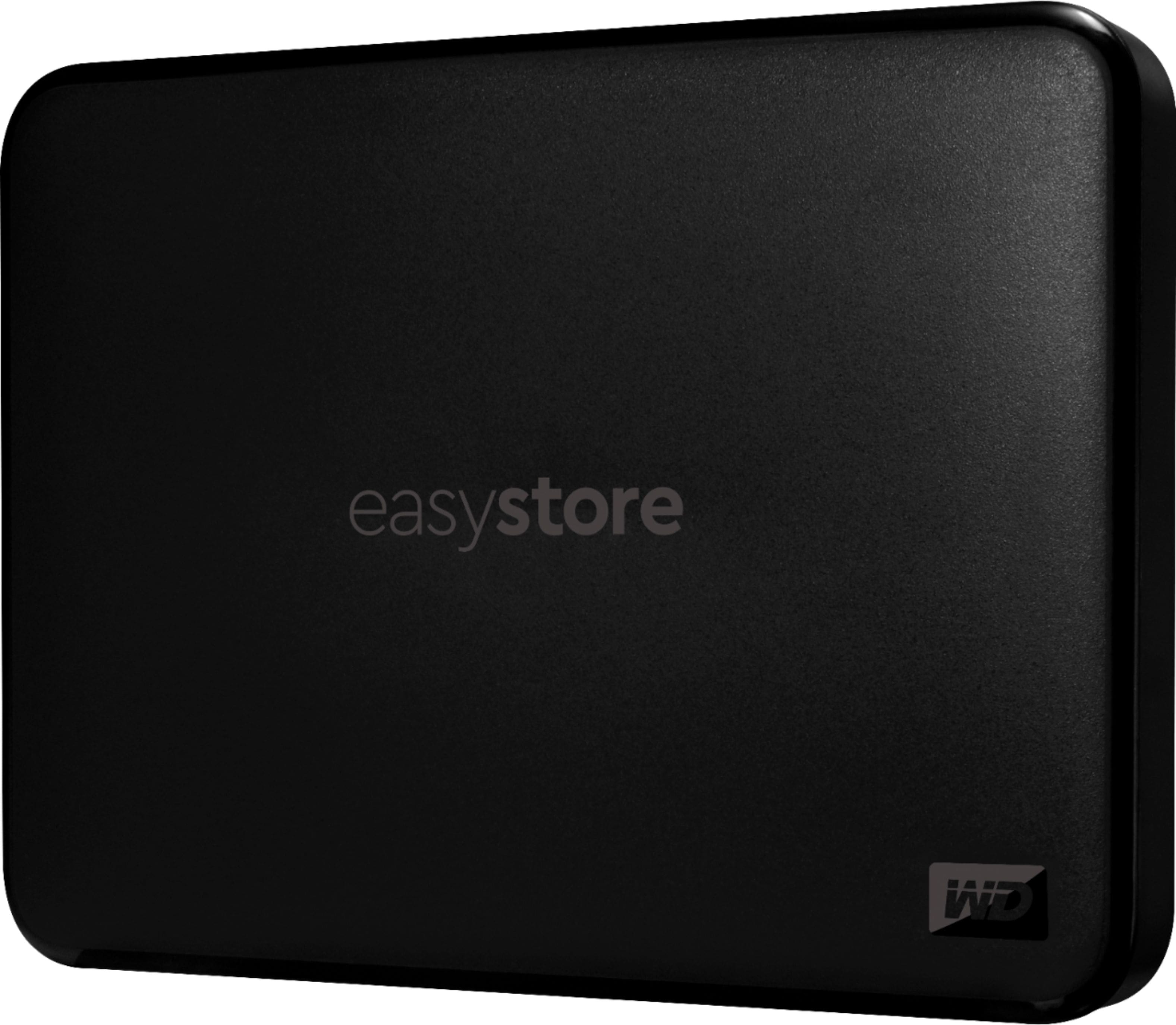
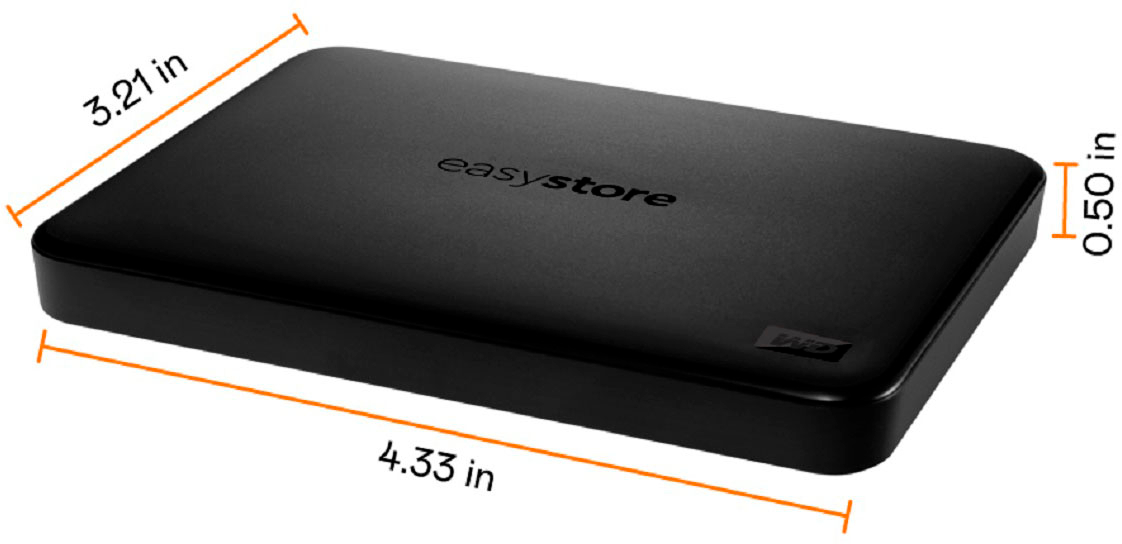
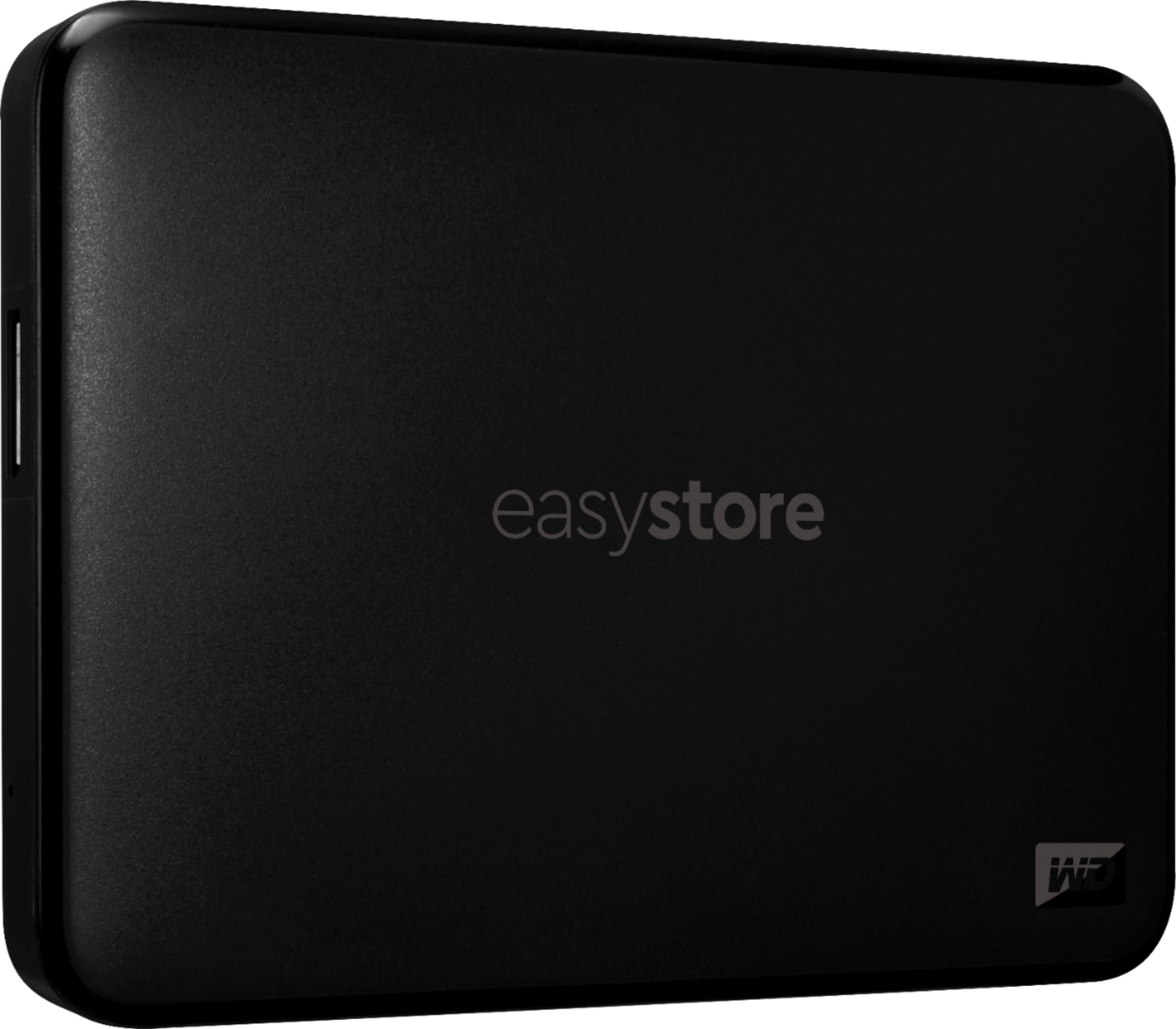
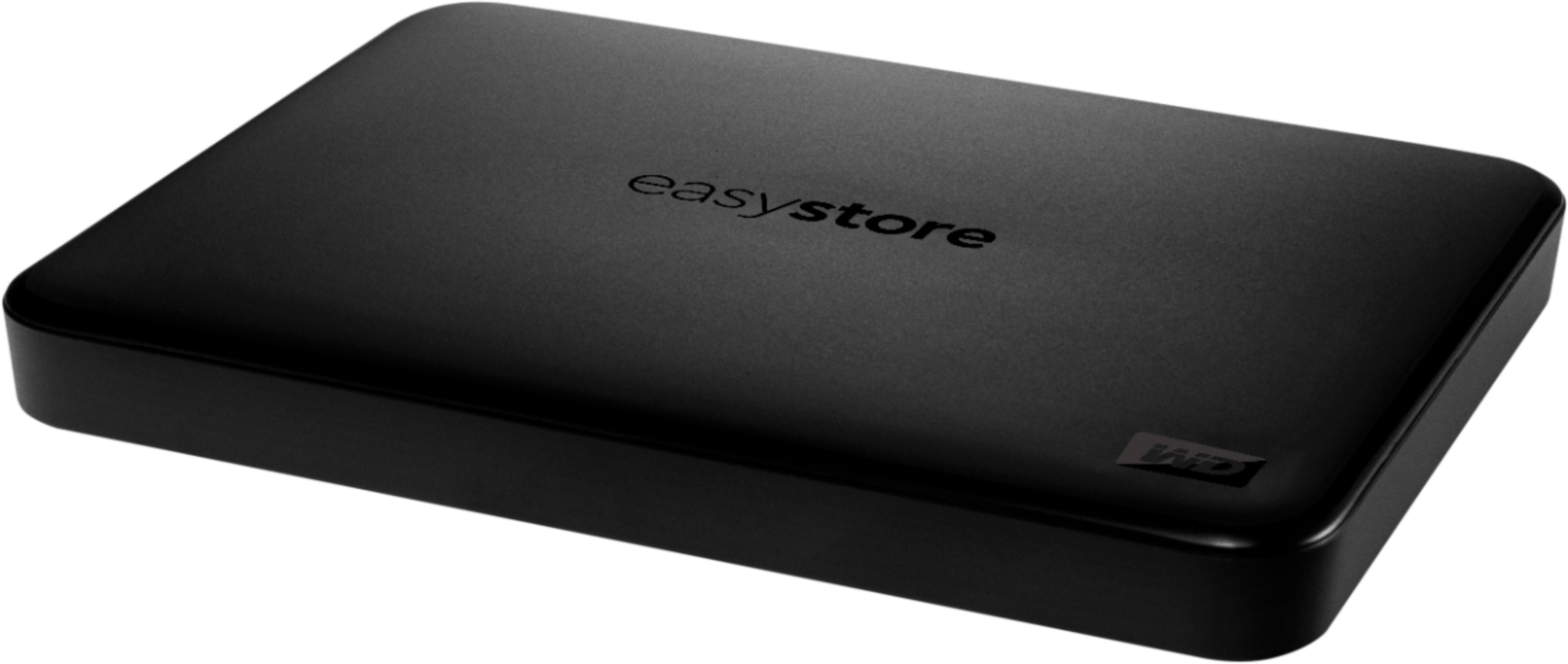
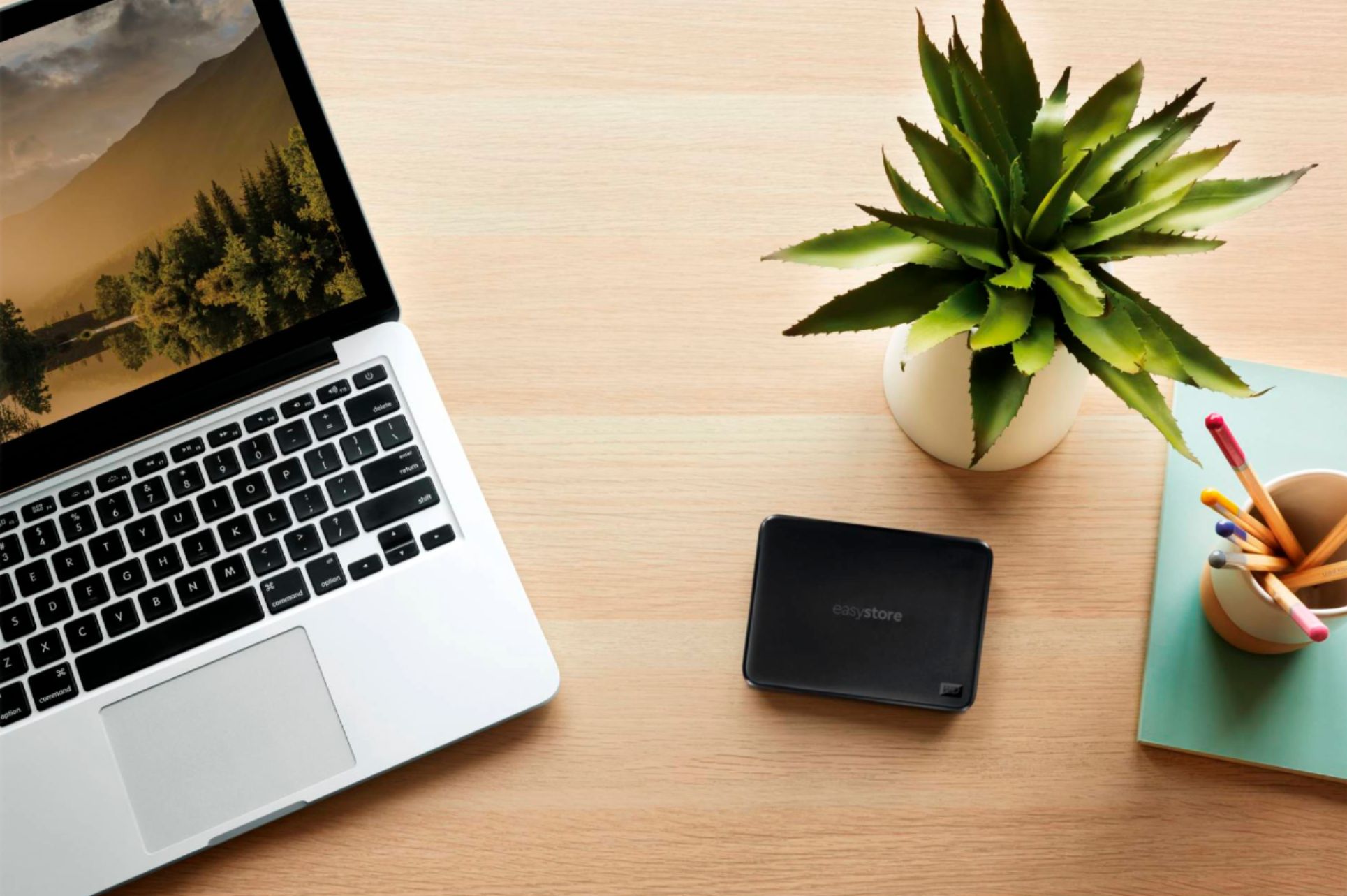
We have tested this drive with Windows ,and macOS. You may required the reformatting if you use this drive with Chromebook. With up to 5TB of storage, the easystore portable drive is a high capacity option in compact, lightweight device. The easystore portable drive is both USB 3.0 ready and USB 2.0 compatible, and built with the trusted quality and reliability that WD® is known for Need Help? Please see our "'Contact Us" page for information.
A:AnswerHi Kev,
Please be informed that the WD Easystore drive is a plug and play external drive tested and designed only for Windows and Mac computers for seamless operation.
Need Help? Please see our "'Contact Us" page for information.
A:AnswerHi, We have not tested this drive with Surveillance systems. Moreover, you can consider our WD Purple surveillance drive. Please refer to the link given below to know more about WD Purple surveillance drive. https://shop.westerndigital.com/products/internal-drives/wd-purple-sata-hdd#WD10PURZ Need Help? Please see our "'Contact Us" page for information.
A:AnswerHi MillCreekRalph, Please be informed that the WD Easystore drive is a plug and play device tested and designed only for Windows and Mac computers for seamless operation. Need Help? Please visit our "'Contact Us" page.
A:AnswerHi Bee,
Please be informed that the WD Easystore drive is a plug and play device tested and designed only for Windows and Mac computers for seamless operation.
Need Help? Please see our "'Contact Us" page for information.
A:AnswerHi MHM,
Please be informed that the WD Easystore drive is a plug and play device tested and designed only for Windows and Mac computers for seamless operation.
Need Help? Please see our "'Contact Us" page for information.
A:AnswerNot a drive issue; probably that your photo editor doesn't have the necessary translator for your specific camera's RAW files. Check with your software vendor.
A:AnswerHi,
The WD Easystore drive is a plug and play device which comes preformatted in NTFS file system for Windows computer. It is best your WD Easystore to be re-formatted in macOS Extended (Journaled) file format, to be compatible with Time Machine or exFAT to be read/write ready on both Windows and macOS.
How to Format a WD Drive on Windows and macOS":
https://support-en.wd.com/app/answers/detail/a_id/8200
Need Help? Please see our "'Contact Us" page for information.
A:AnswerHi Michael, This issue can be better addressed over the call. This way we can provide you best customer support. Need Help? Please contact us at: Phone: (https://t.co/4tEu1E0hVa) Email: (https://t.co/5bQq1l63Dn)
A:AnswerHi cowboy123, Thank you for showing interest in WD Easystore drive. We have not tested the hard drive for games. We will recommend you to use WD GAMING DRIVE which is specifically designed to be used with PS4. Please refer to the link mentioned below for more information. WD GAMING DRIVE: http://products.wdc.com/library/AAG/ENG/4078-705139.pdf Need Help? Please see our "'Contact Us" page for information.
A:AnswerHi SuperHERO,
You can save your picture and hero Go Pro images on this drive. In order to know more about this drive please refer to the link given below.
For more information your can refer to the link given below. http://products.wdc.com/library/UM/ENG/4779-705168.pdf
Need Help? Please see our "'Contact Us" page for information
A:AnswerHi DavyWavy,
Yes, It does. Please refer to the link mentioned below to setup the time machine. https://support-en.wd.com/app/answers/detail/a_id/18952 For additional information please refer to the user manual. http://products.wdc.com/library/UM/ENG/4779-705168.pdf Need Help? Please see our "'Contact Us" page for information.
A:AnswerYou need a USB-C (male) to USB-A (female) adaptor. Format the drive as Mac OS Journaled for Time Machine. Use Apple’s Disk Utility App to format the drive.