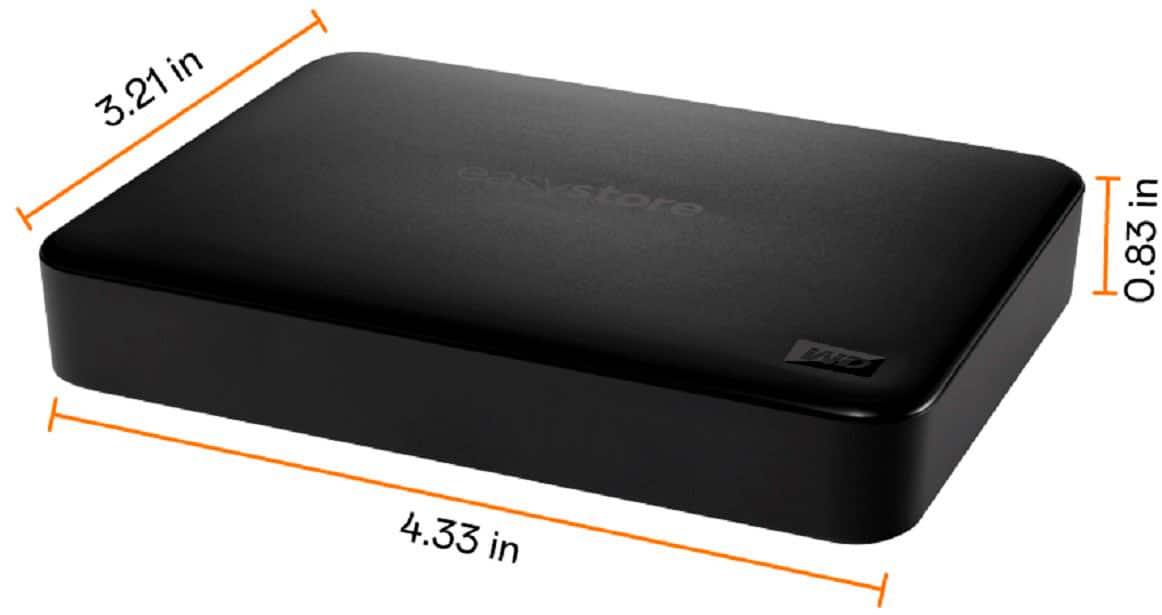
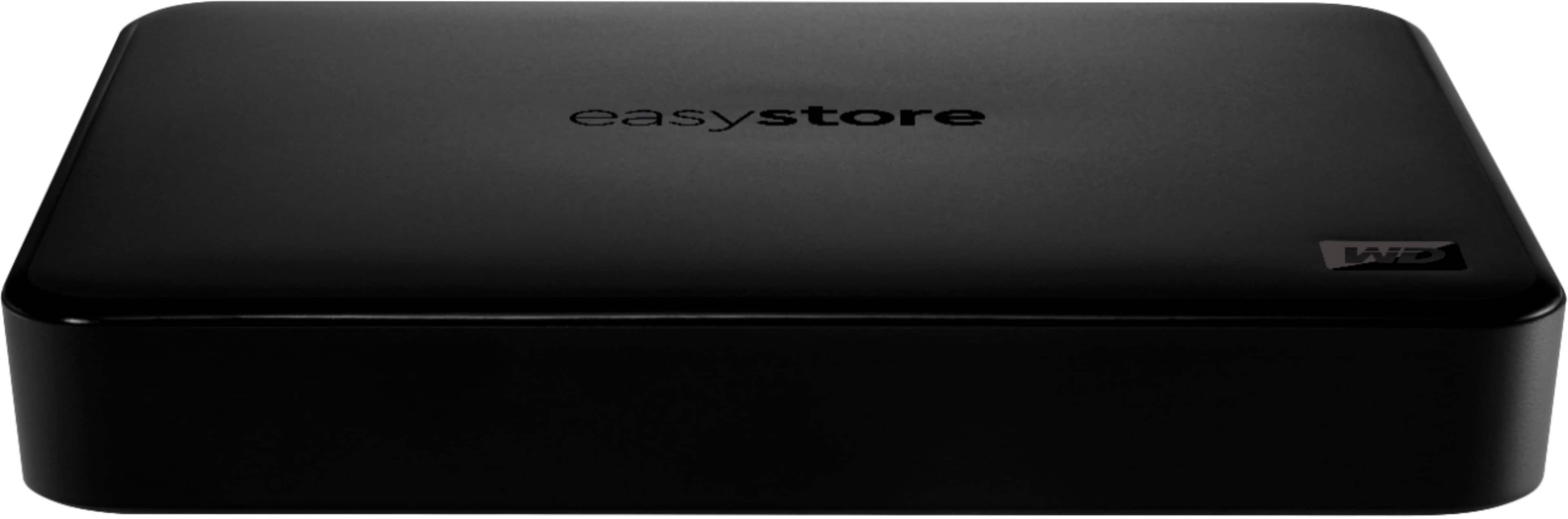
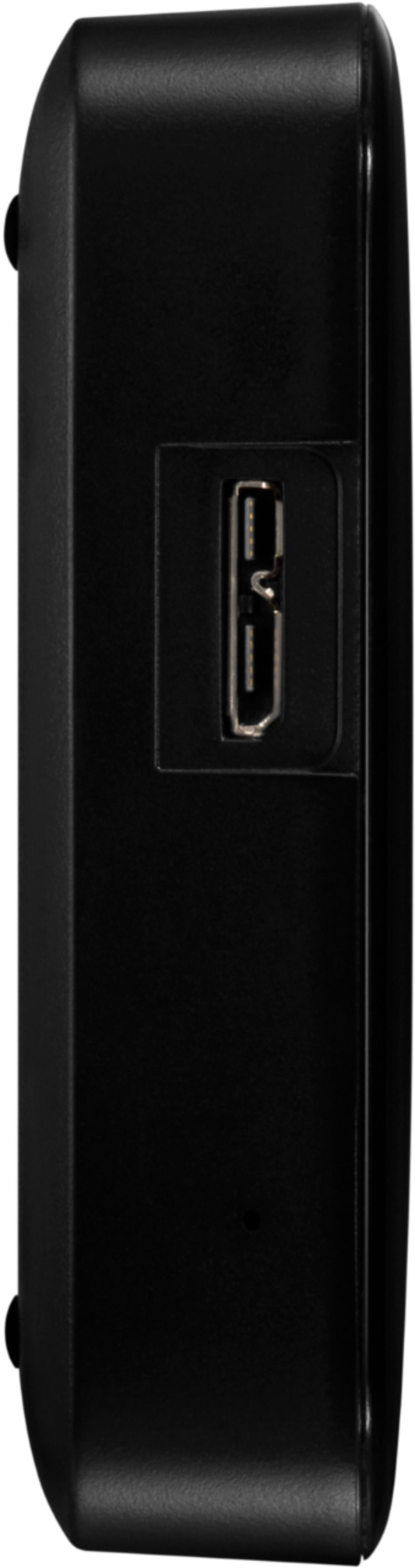
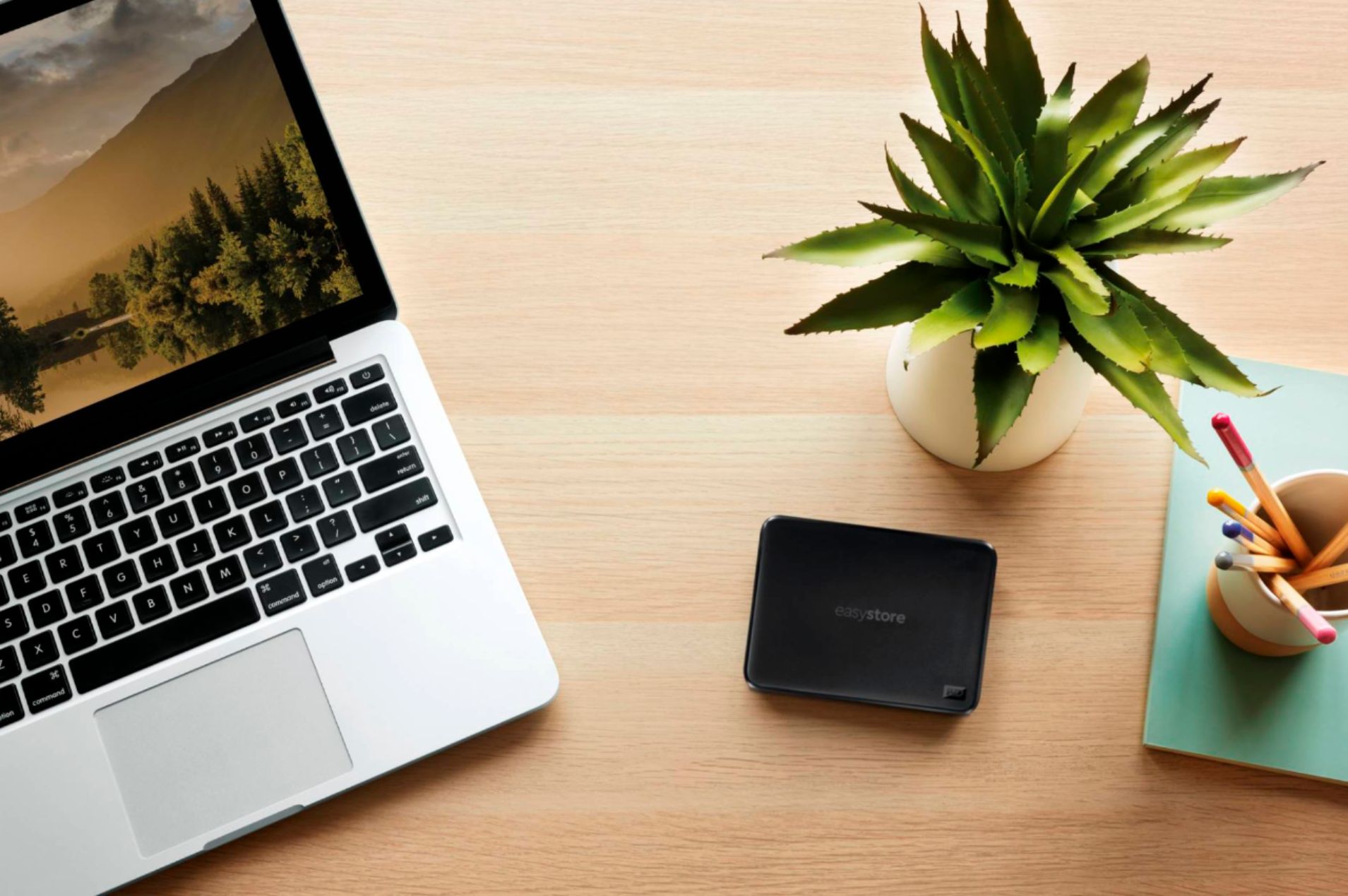
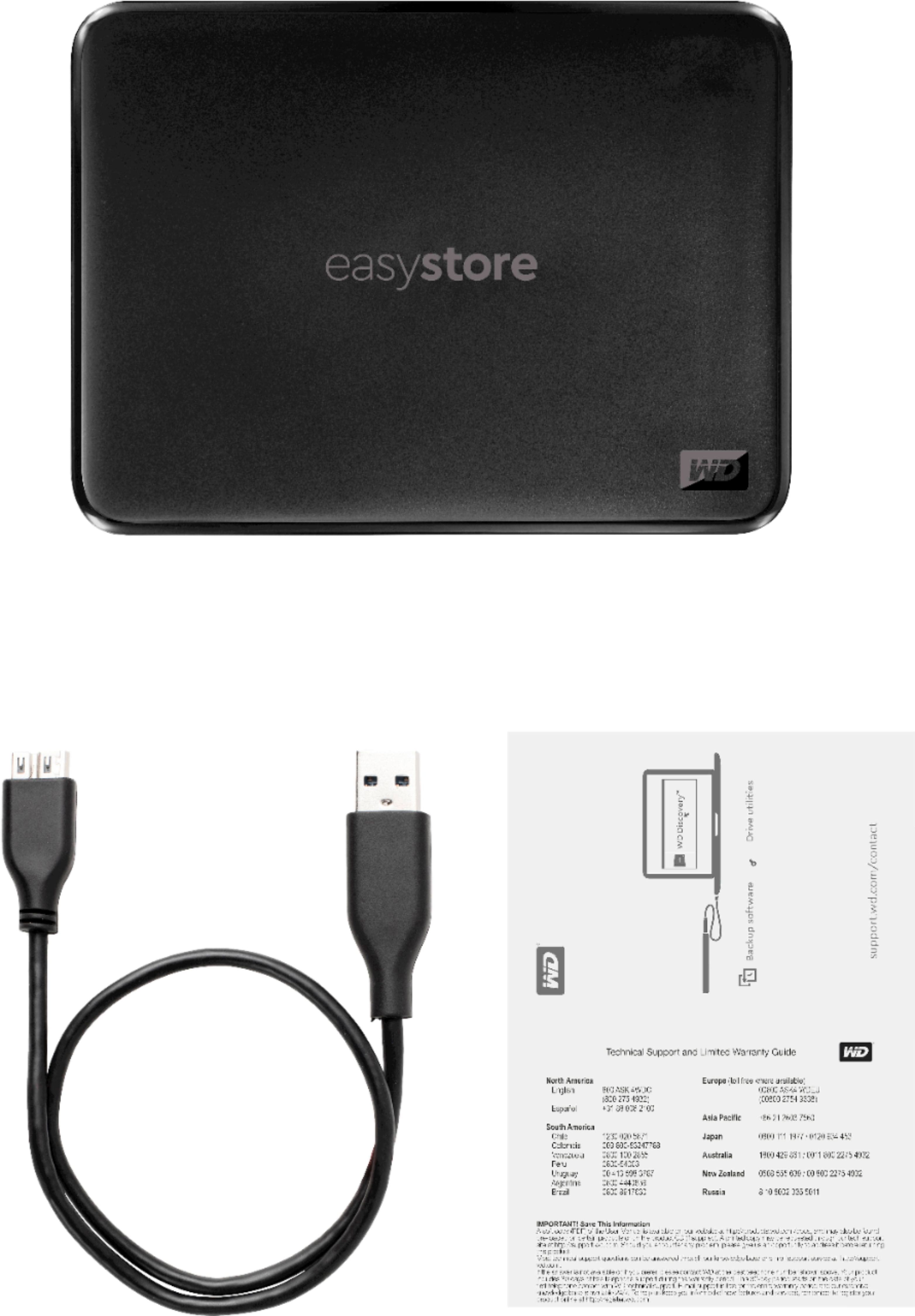
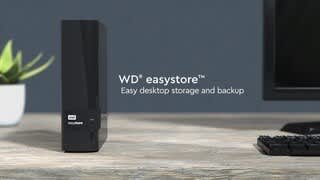
A:AnswerHello, Please be informed that the WD Easystore drive is a plug 'n' play device tested and designed for Windows and Mac computers. The drive is both USB 3.0 ready and USB 2.0 compatible. It comes with USB 3.0 Type-A cable. Please check with the manufacturer vendor whether the WD drive will fit and support the host device. Refer to the link to know more about the drive: http://products.wdc.com/library/AAG/ENG/4078-705145.pdf -Need Help? Please see our "'Contact Us" page for information.
A:AnswerI erased the drive without using it. But as I recall it is installed on the drive. No big thing if it is not there just download it from the WD website.
A:AnswerThis is what I use it for. Had to call Dish to help set up. Was told it would be $40... but they didn't charge anything!!! So far works great... but can't move or set up folders... still has a lot of capacity for the money!
A:AnswerHi Thania, Please be informed that the WD Easystore drive comes preformatted in NTFS format for Windows OS, However, in order to use the drive for macOS you can reformat the drive with macOS supported HFS+J file system by using this link: https://support-en.wd.com/app/answers/detail/a_id/3879 -Need Help? Please see our "'Contact Us" page for information.
A:AnswerHi Nickrevy, Please be informed that the WD Easystore Drive is a plug 'n' play device tested and designed for Windows and Mac computers for seamless operation. We recommend you to please contact your host device vendor support for compatibility info. For more info on the drive, refer to the link: http://products.wdc.com/library/AAG/ENG/4078-705145.pdf -Need Help? Please see our "'Contact Us" page for information.