A:AnswerHi Sunshine,
The WD My Passport External hard drive is designed to be used with Windows or Mac computers. We have not tested and will not recommend connecting the hard drive to a mobile phone or iPad. Need Help? Please see our "'Contact Us" page for information.
A:AnswerHi Oms,
You can refer to the link given below to know more about this drive.
http://products.wdc.com/library/AAG/ENG/4078-705155.pdf Need Help? Please see our "'Contact Us" page for information.
A:AnswerHi grandma46,
The My passport hard drive is designed to be used with Mac computer. We have not tested and will not recommend connecting this drive to a mobile phone. Please refer to the link mentioned below to know more about this drive. http://products.wdc.com/library/AAG/ENG/4078-705156.pdf Need Help? Please see our "'Contact Us" page for information
A:AnswerHi Jlady,
The WD My Passport preformatted for Windows computer and tested only with macOS and WindowsOS. For more information you can refer to the link mentioned below. http://products.wdc.com/library/AAG/ENG/4078-705155.pdf Need Help? Please see our "'Contact Us" page for information.
A:AnswerHi Paty, Thank you for showing your interest in the WD My Passport drive. Please know this drive ships ready to use with Windows. For more information refer to the link mentioned below. http://products.wdc.com/library/AAG/ENG/4078-705155.pdf. We have tested this drive only with MacOS and WindowsOS. Need Help? Please see our "'Contact Us" page for information.
A:AnswerHi Scott,
Thank you for showing your interest in WD My Passport drive. Please know we have tested these drives on windows OS and mac OS. In order to check the compatibility, we would suggest you to please contact to your Host device manufacturer. Need Help? Please see our "'Contact Us" page for information
A:AnswerHi,
Please the WD My Passport is an external hard drive and its dimensions may not fit to your laptop. To replace the internal drive you need a 2.5" Internal drive, you can consider our WD Blue internal drive for laptop.
Please refer to the link given below to know more about the Internal Blue drive.
https://shop.westerndigital.com/products/internal-drives/wd-blue-mobile-sata-hdd#WD3200LPCX
Need Help? Please see our "'Contact Us" page for information.
A:AnswerHi Erick, The WD My Passport external drive can be connected to PS4 as external storage. The hard drive comes pre-formatted for Windows computer, reformatting might be required to make it work with PS4. Please refer to the link mentioned below for more information. How to Format a WD hard drive to exFAT or FAT32 File System: https://support-en.wd.com/app/answers/detail/a_id/20821/kw/exfat Need Help? Please see our "'Contact Us" page for information
A:AnswerHi Rajput, The WD My passport hard drive is designed to be used with Windows or Mac computers. We have not tested and will not recommend connecting the hard drive to a mobile phone.
To know more about this drive please refer to the link mentioned below.
https://shop.westerndigital.com/en-us/products/portable-drives/wd-my-passport-usb-3-0-hdd#WDBYVG0010BBK-WESN
Need Help? Please see our "'Contact Us" page for information
A:AnswerHi Rick, Thank you for showing your interest in WD My Passport drive. Please know we have tested these drives on windows OS and mac OS. In order to check the compatibility, we would suggest you to please contact to your Host device manufacturer. Need Help? Please see our "'Contact Us" page for information
A:AnswerHi Alex,
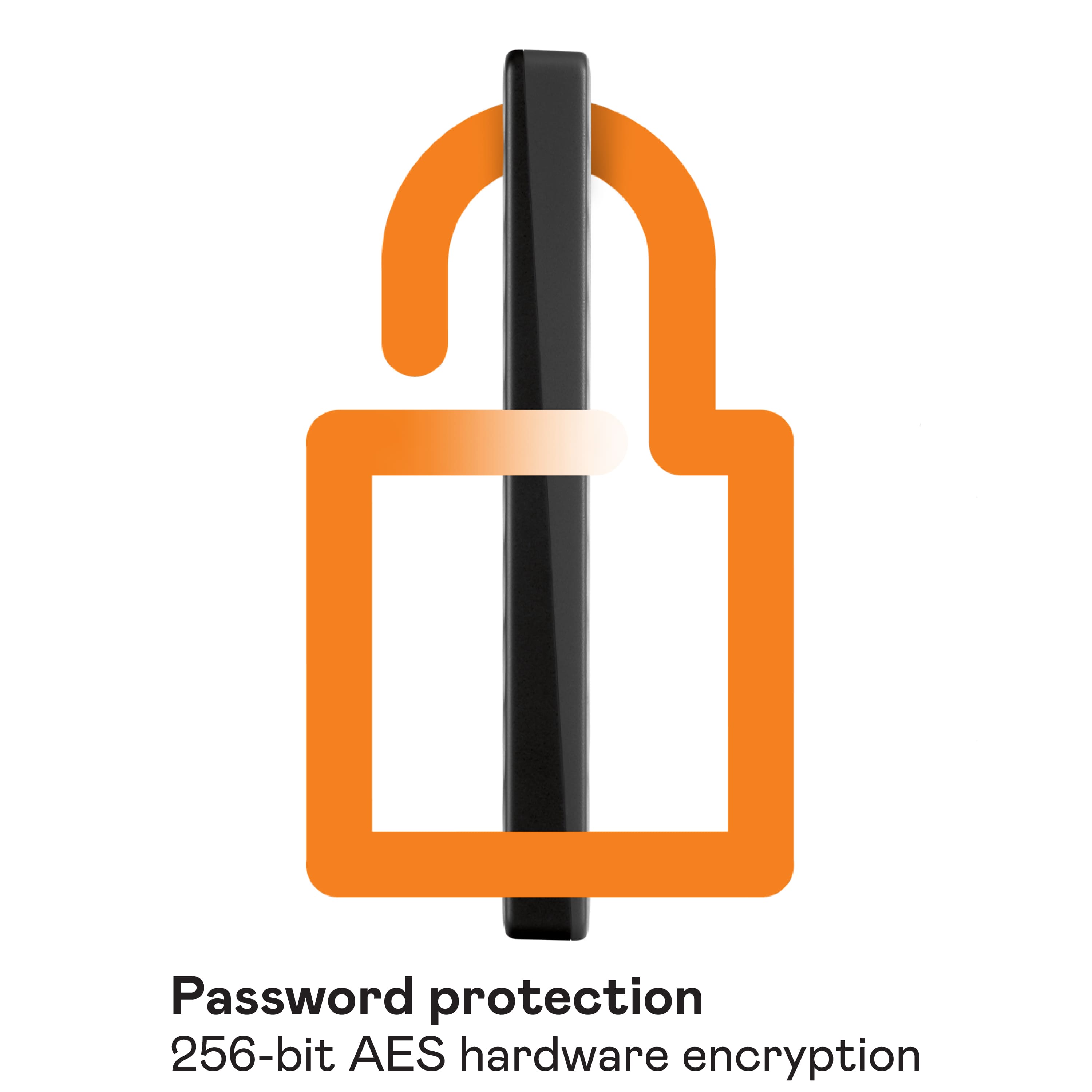
You Keep your digital life's contents secure with My Passport password protection and built-in 256-bit AES hardware encryption. Just activate password protection and set your own personalized password using WD Discovery™.
Please refer to the link mentioned below to know more about this drive.
https://shop.westerndigital.com/en-us/products/portable-drives/wd-my-passport-usb-3-0-hdd#WDBYVG0010BBK-WESN
Need Help? Please see our "'Contact Us" page for information.
A:AnswerHi Gamingnerd21,
Thanks for showing your interest in WD My Passport External Hard drive. Please know these hard drives are mechanical driven. A long time run can be caused by malfunctioning or can be corrupt your data. For more information, you can refer to the link mentioned below. https://shop.westerndigital.com/en-us/products/portable-drives/wd-my-passport-usb-3-0-hdd#WDBYVG0010BBK-WESN
Need Help? Please see our "'Contact Us" page for information.
A:AnswerHi,
Yes, It may work if you're using adapter. We do not recommend to use adapter, you may face read-write speed issue. To know more about this drive you can see the link given below.
https://documents.westerndigital.com/content/dam/doc-library/en_us/assets/public/wd/product/external-storage/my_passport/my-passport-new/product-overview-wd-my-passport.pdf
Need Help? Please see our "'Contact Us" page for information.
A:AnswerHi Arlene, The My passport hard drive is designed to be used with Windows or Mac computer. We have not tested and will not recommend connecting this drive to a mobile phone.
Please refer to the link mentioned below to know more about this drive.
http://products.wdc.com/library/AAG/ENG/4078-705155.pdf
Need Help? Please see our "'Contact Us" page for information
A:AnswerHi,
Thanks for showing your interest in WD My Passport drive. Please know we have tested this drive with macOS and WindowsOS. In order to download photos from iPhone, you can connect your phone with your computer and drag the pictures on it.
Need Help? Please see our "'Contact Us" page for information.
A:AnswerI currently don't have a Mac but in the past I had to reformat external drives to make them compatible for it.
The box says to download NTFS driver to read.write on mac OS
A:AnswerHi Karit10,
Thanks for showing your in WD My Passport external hard drive. This drive won't work as network attached storage. This drive is a plug and play external hard drive. As you mentioned that you have not received the USB cable, for that contact to place of purchase.
Please refer to the link mentioned below to know more about the drive and specification.
https://shop.westerndigital.com/en-us/products/portable-drives/wd-my-passport-usb-3-0-hdd#WDBYVG0010BBK-WESN
Spacifications:
Interface
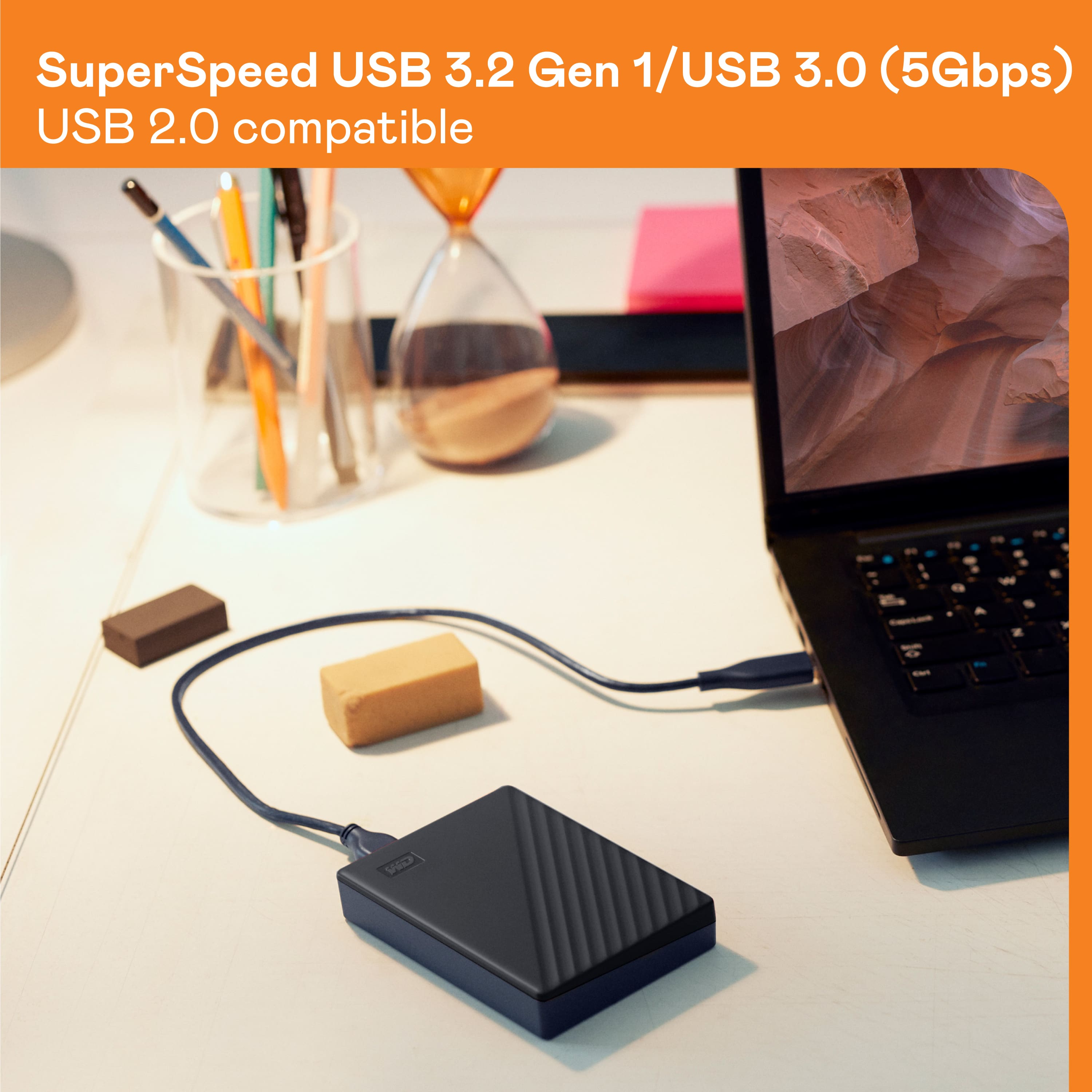
USB 3.2 Gen 1
Compatibility
Windows® 10 or Windows 8.1 operating systems. Requires reformatting for other operating systems.
Need Help? Please see our "'Contact Us" page for information.
A:AnswerHi Kick2020noxing, Please know WD My Passport preformatted for Windows computer and tested only with macOS and WindowsOS. For more information you can refer to the link mentioned below. http://products.wdc.com/library/AAG/ENG/4078-705155.pdf
Need Help? Please see our "'Contact Us" page for information.
A:AnswerHi GamerKid,
The WD My Passport external hard drive comes pre-formatted for Windows OS. The drive can be connected as a plug-n-play storage to store any kind of data present on the computer.
Need Help? Please see our "'Contact Us" page for information