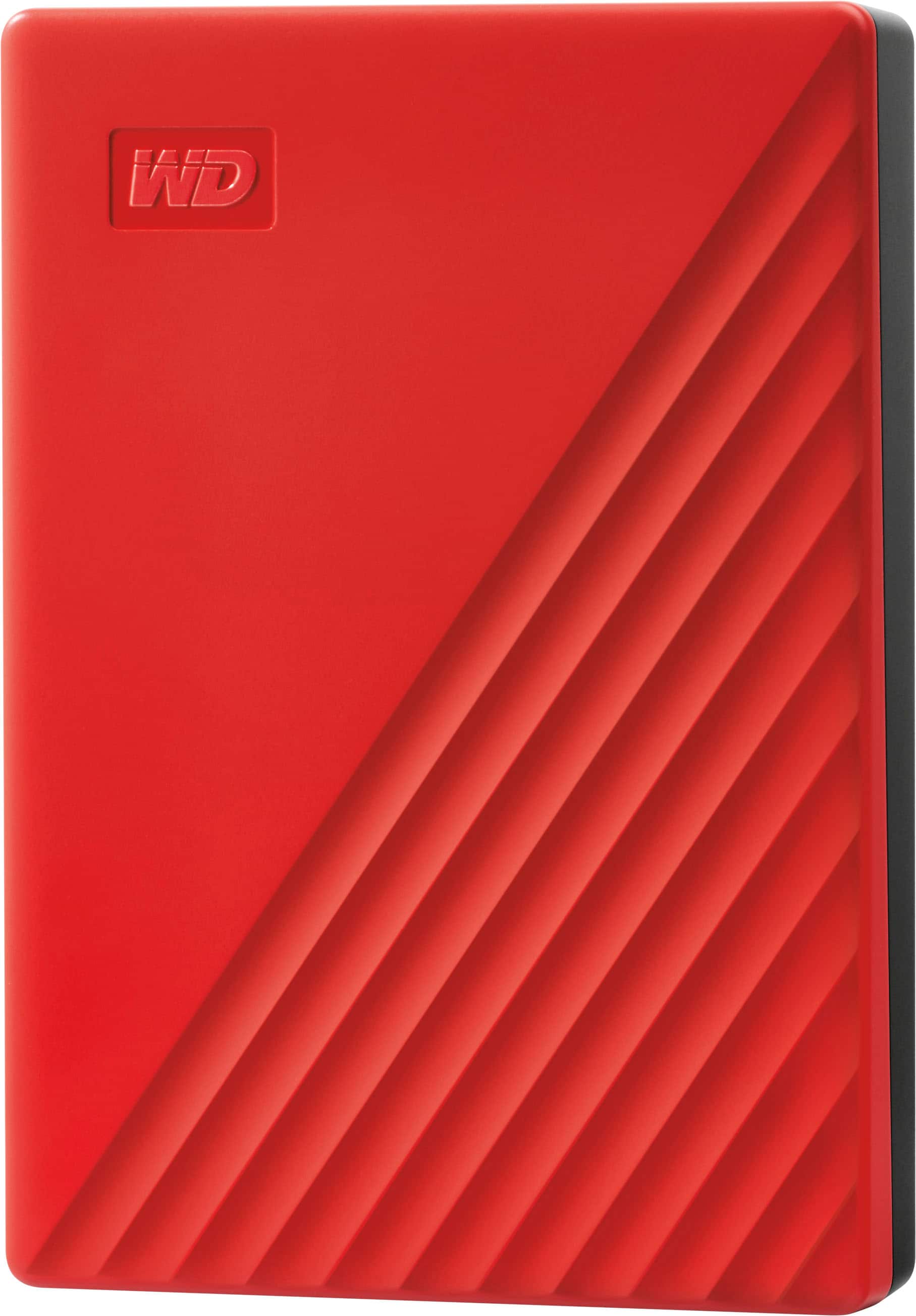
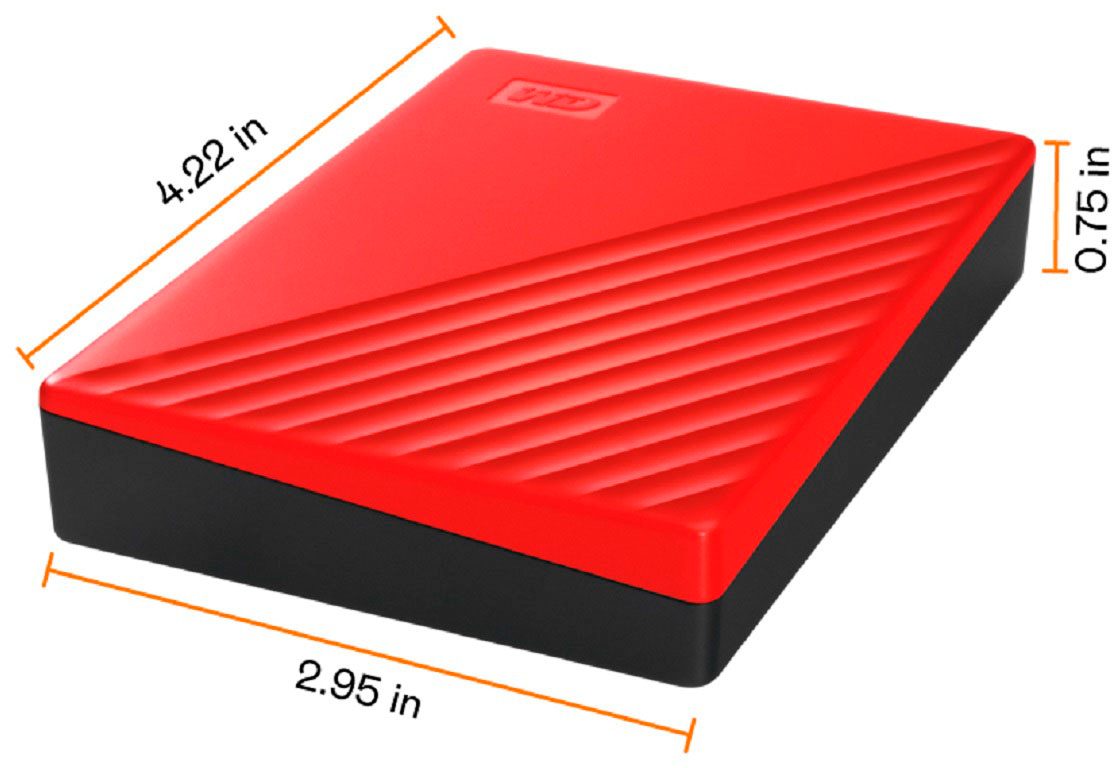
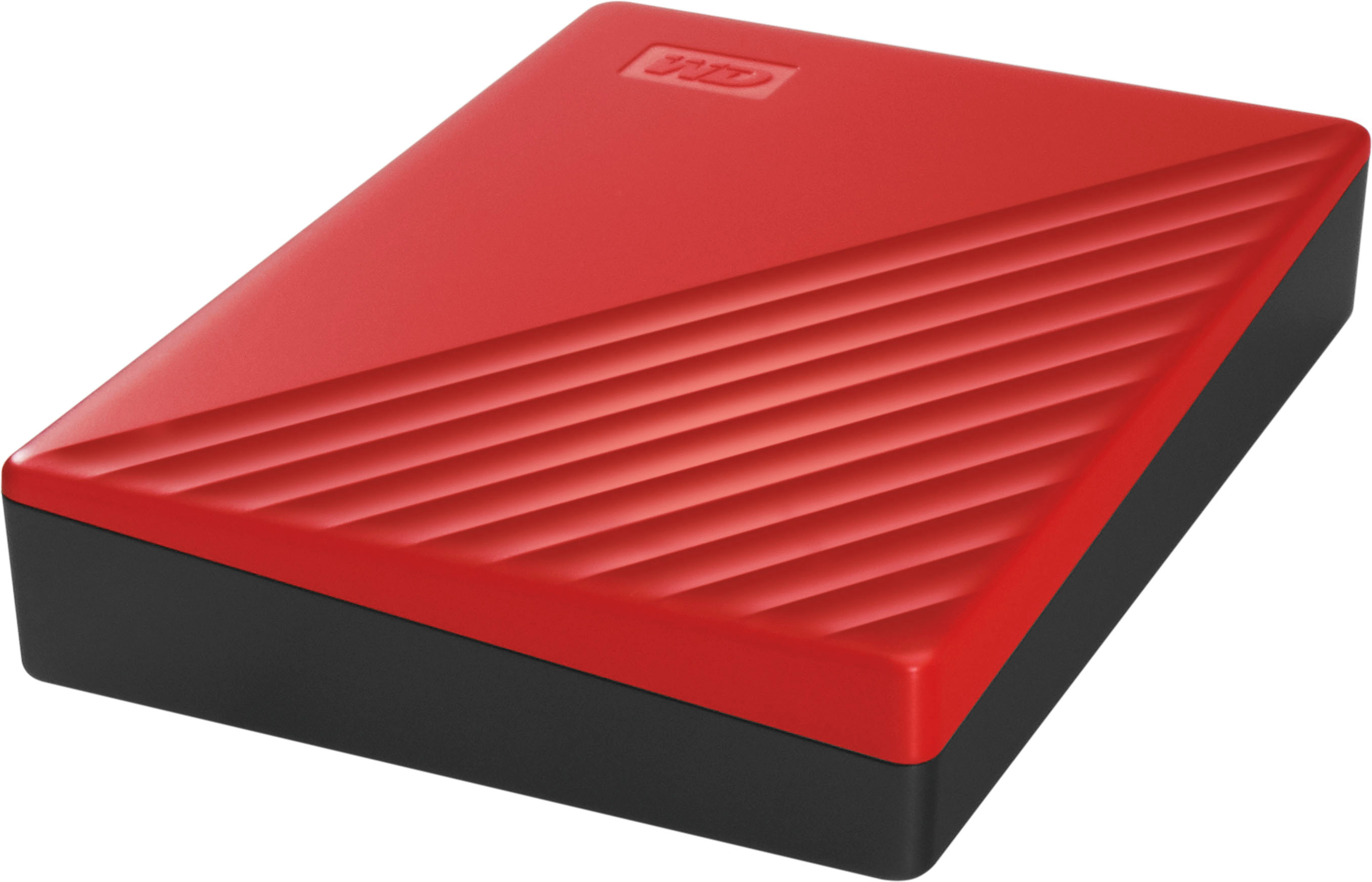
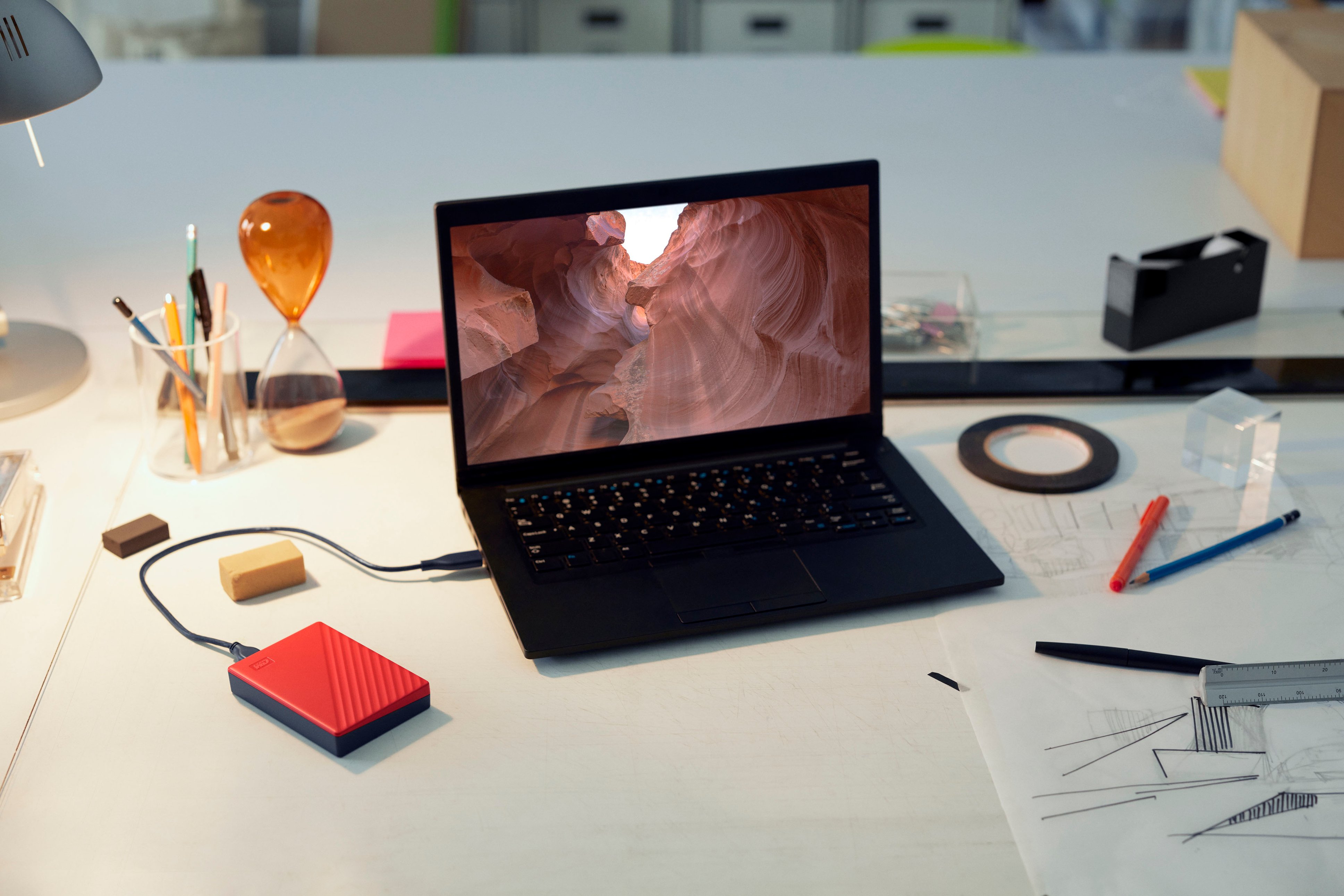
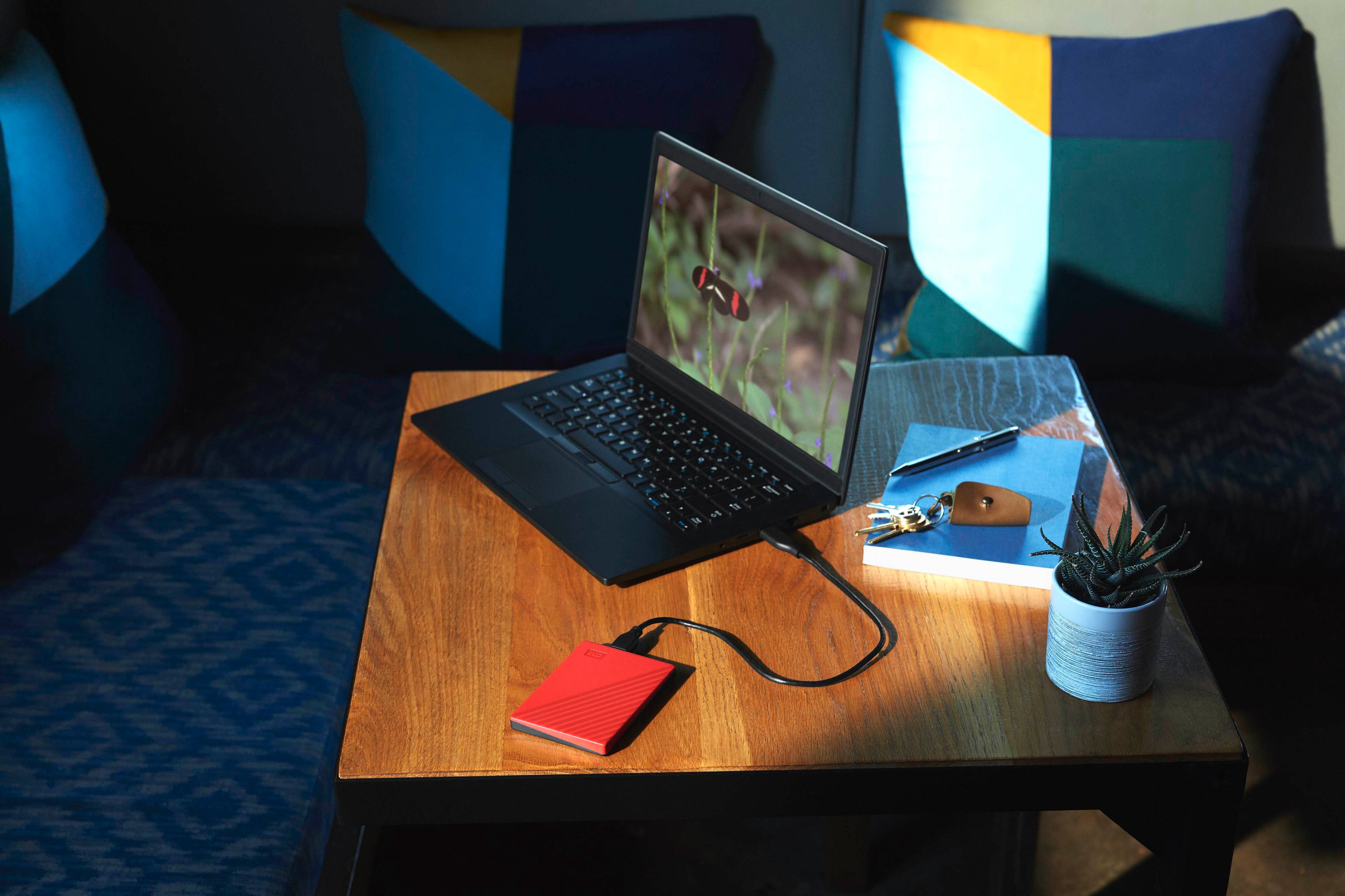
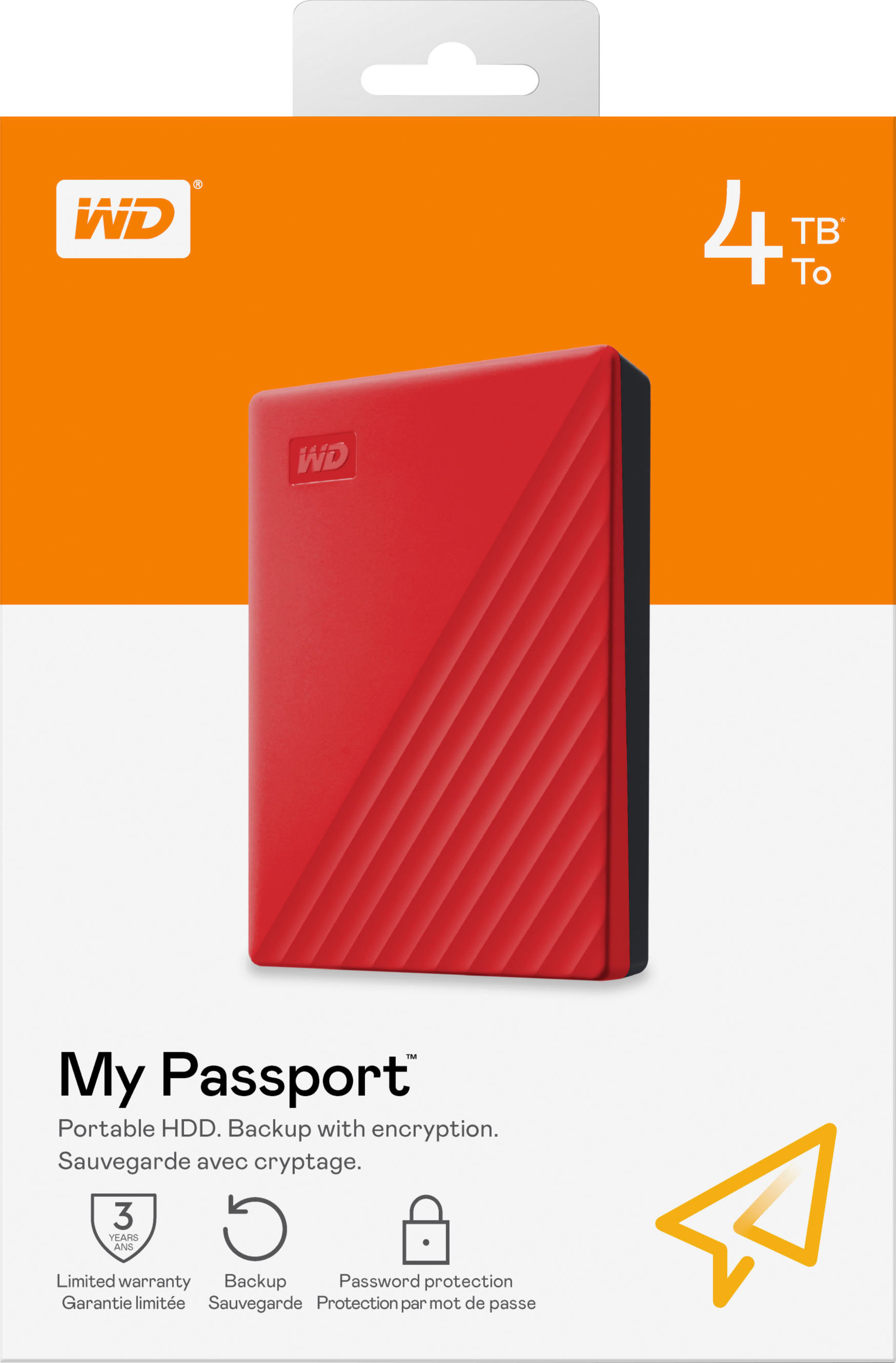
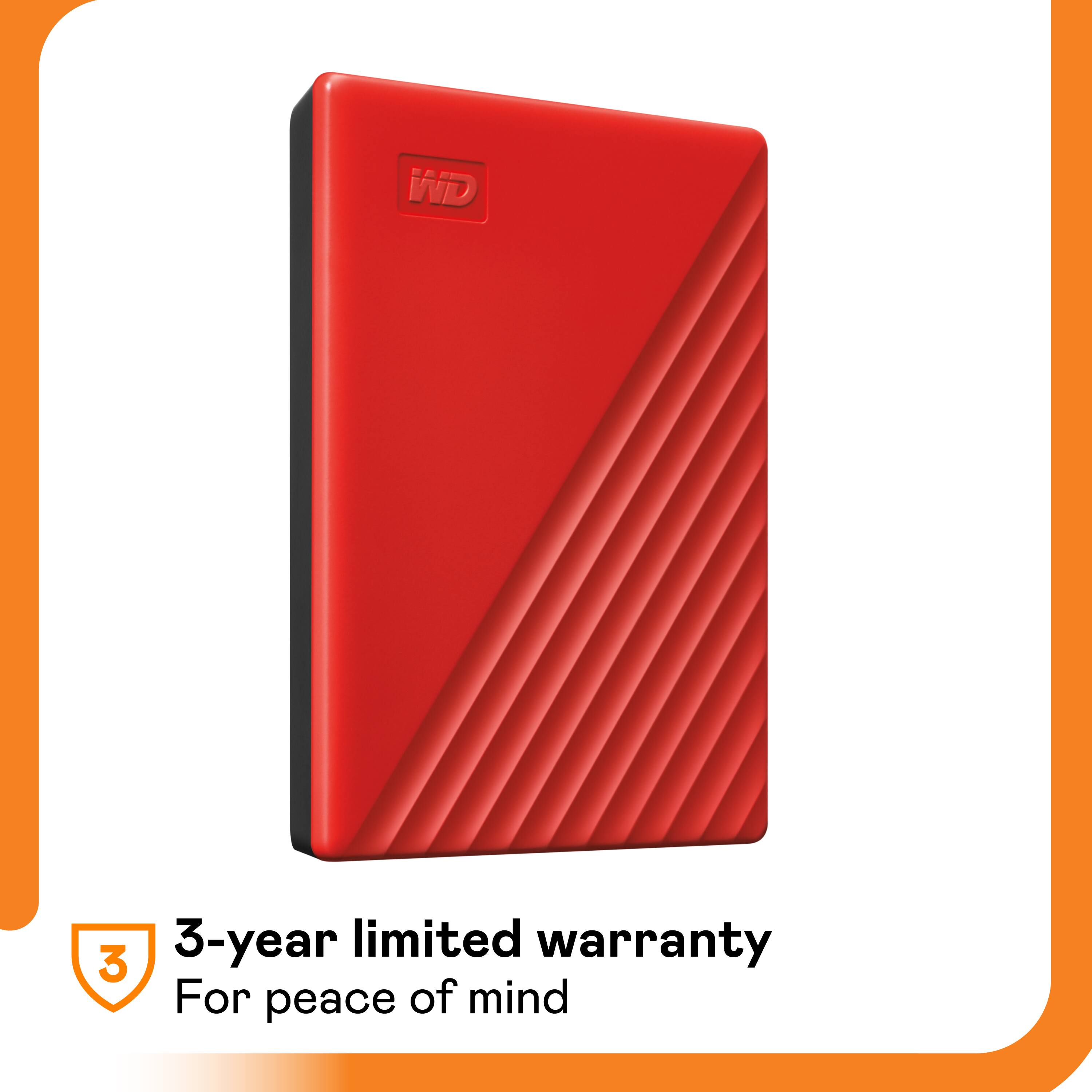
A:AnswerHi Bill, Thank you for your question. The WD My Passport is an external hard disk drive(HDD), not a Semiconductor memory. Please refer to the link in order to know more about the drive: http://products.wdc.com/library/AAG/ENG/4078-705155.pdf
A:AnswerYes, the Dish Network Hopper can work with an external hard drive. To use an external hard drive with the Hopper, you need to follow these steps:
Ensure the external hard drive is compatible with the Hopper and has its own power source.
Connect the external hard drive to the Hopper using the provided USB port.
The Hopper should detect the drive and prompt you to format it.
Formatting will erase any data on the drive, so ensure it is empty or has no important data.
Once formatted, the external hard drive will integrate with the Hopper, allowing you to expand your storage capacity and access recorded content easily.
It's important to note that the Hopper does not support transferring files from the DVR to an external thumb drive, as thumb drives do not meet the Hopper's power requirements.
For more detailed instructions and troubleshooting, refer to the user manual or contact Dish Network customer support. https://support.dish.com/products/external-hard-drive
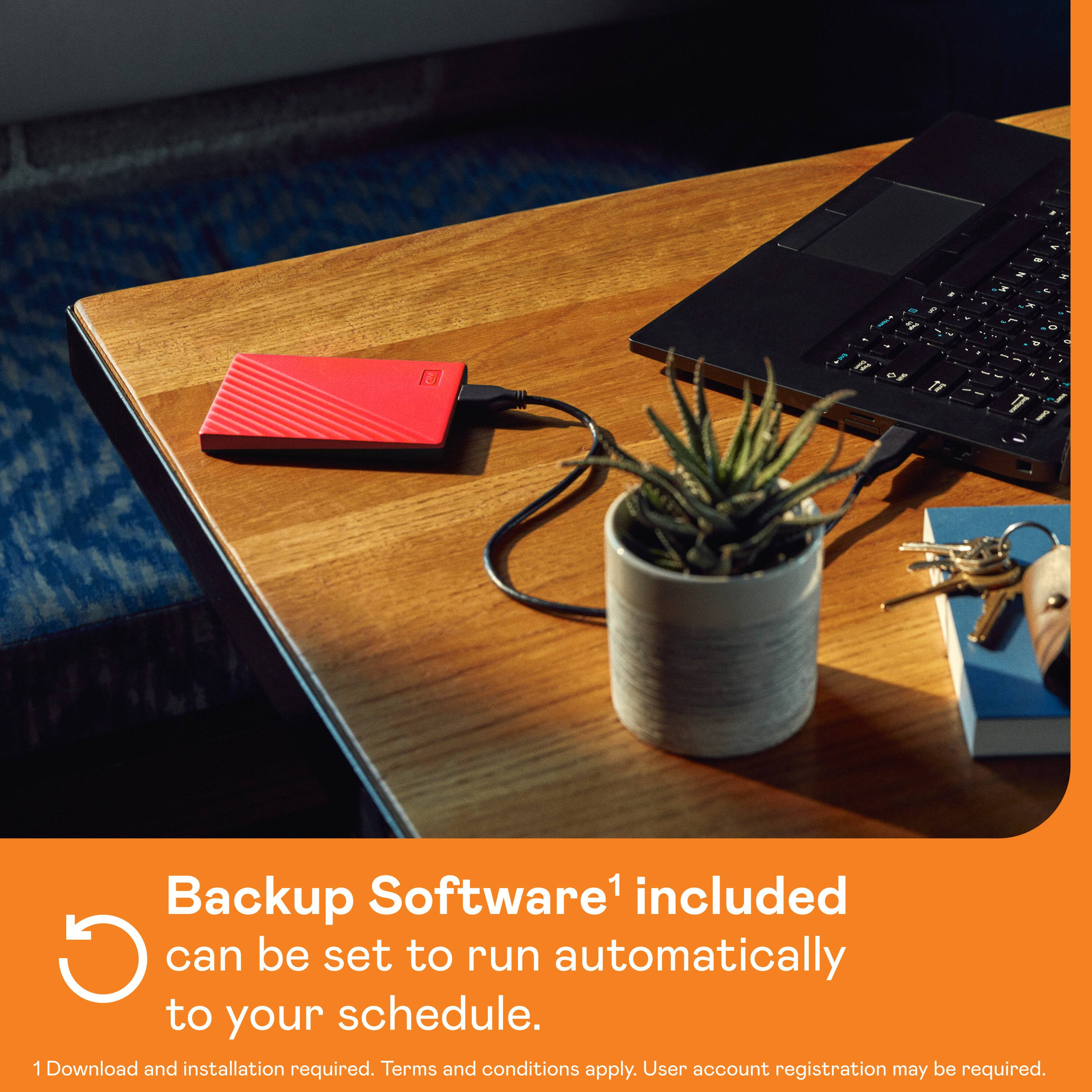
A:AnswerHi, Please be informed that you can create separate backup folders for each user or they can backup data accordingly. You can use Acronis True Image for Western Digital for backup please refer to the link to Perform File Backup and Restore to External Drive Using Acronis True Image for Western Digital: https://support-en.wd.com/app/answers/detailweb/a_id/30022/related/1
A:AnswerHello, Yes, You can use the WD My Passport drive with your MacOS. Please be informed that the WD My Passport External drive comes preformatted in NTFS format for Windows OS, However, in order to use the drive for macOS you can reformat the drive with macOS supported HFS+J file system by using this link: https://support-en.wd.com/app/answers/detailweb/a_id/8200/related/1 .Please note that reformatting is a data destructive process, please backup the data from the drive before reformatting it. Once formatted, you can manually drag and drop files like photos, videos, or documents onto the external drive to free up space on your Mac.
A:AnswerHi JJ712l, Please be informed that the WD My Passport drive is a plug 'n' play device tested and designed for Windows and Mac computers. We have not tested the drive on mobile devices or an iPad. We recommend you to use the computer to move the data from the phone to the drive. Refer to the link in order to know more about the drive: http://products.wdc.com/library/AAG/ENG/4078-705155.pdf
A:AnswerHi Michael, Please be informed that the WD My Passport drive is a plug 'n' play device tested and designed for Windows and Mac computers. We have not tested the drive on mobile devices or an iPad. We recommend you to use the computer to move the data from the phone to the drive. Refer to the link in order to know more about the drive: http://products.wdc.com/library/AAG/ENG/4078-705155.pdf -Need Help? Please see our "'Contact Us" page for information.
A:AnswerHi Sb1974, Please be informed that the WD My Passport drive is a plug 'n' play device tested and designed for Windows and Mac computers. Please check with the manufacturer vendor whether the WD My Passport Hard Drive will fit and support the host device. In order to know more about the drive refer to the link: https://www.westerndigital.com/en-in/products/portable-drives/wd-my-passport-usb-3-0-hdd?sku=WDBYVG0010BBK-WESN
A:AnswerHello, We are sorry for any inconvenience caused to you. Please know that we need more details to share relevant/accurate information with you. If you're having any issues with the drive, kindly open a ticket at (https://support-en.wd.com/app/askweb) with detailed problem and error screenshots, the customer support team will contact you as soon as possible. -Need Help? Please see our "'Contact Us" page for information.
A:AnswerHello Bobby, Please be informed that the WD My Passport External drive is a plug 'n' play device tested and designed for Windows and Mac computers for seamless operation. We have not the tested the drive with Linux Operating system. To know more about the drive refer to the link: http://products.wdc.com/library/AAG/ENG/4078-705155.pdf -Need Help? Please see our "'Contact Us" page for information.
A:AnswerIt depends on the size of the picture, usually around 1 to 3 MB each, and the capacity of the external hard drive. I bought the 4TB My Passport External USB 3 Portable Hard Drive and I expect it to hold well over a million pictures.
A:AnswerYou can download games on there and they will stay on the terabyte even if it is unplugged but if you wanted to play the actual game the terabyte needs to stay in. But nothing will go off your terabyte endless you actually delete it yourself.
A:AnswerSame thing happened to me I am sure you looked it up but it is the cord which is a USB 3.0 and go to the actual Best Buy store and ask around for it.