A:AnswerAs long as you buy a mount that is suitable for your TV price, the mount you buy doesn't really matter. It all depends on the mount and brand you prefer.
A:AnswerYou may contact our customer support team at 1-800-701-0680 or you may chat with our team! Simply click on the following link: https://westinghouseelectronics.com/support/
A:AnswerYou may contact our customer support team at 1-800-701-0680 or you may chat with our team! Simply click on the following link: https://westinghouseelectronics.com/support/
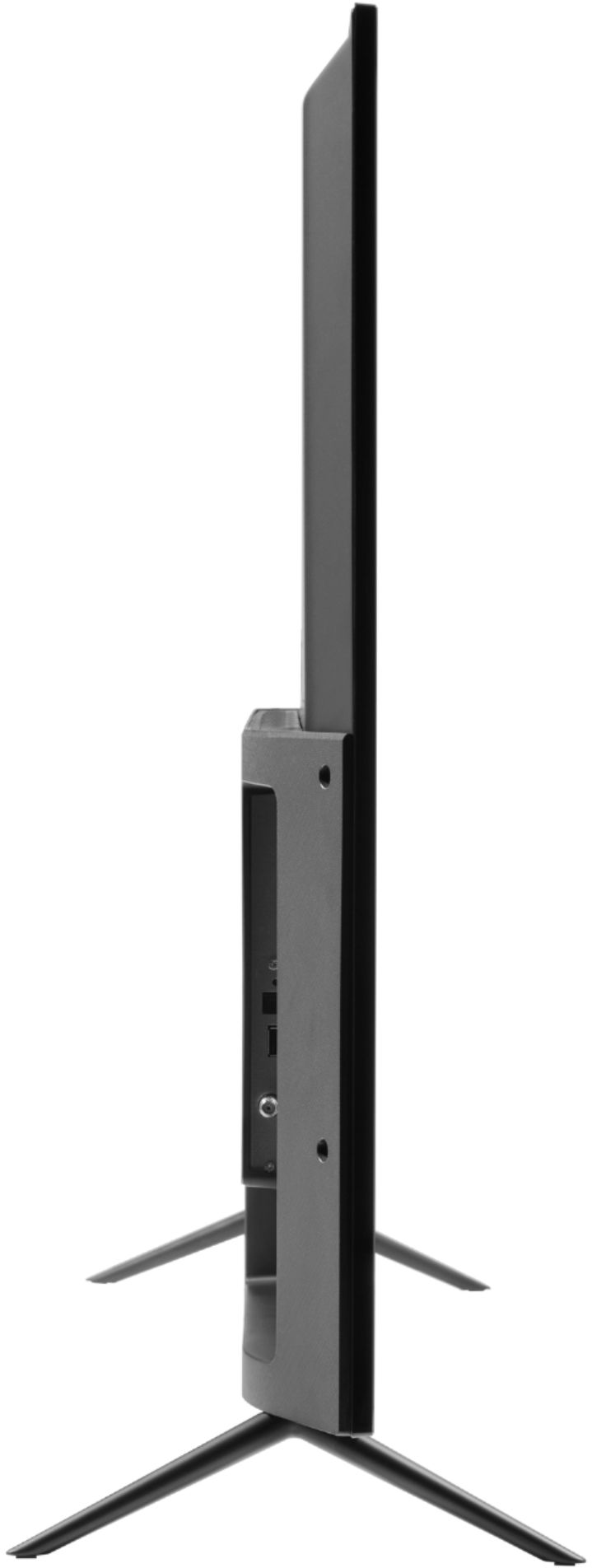
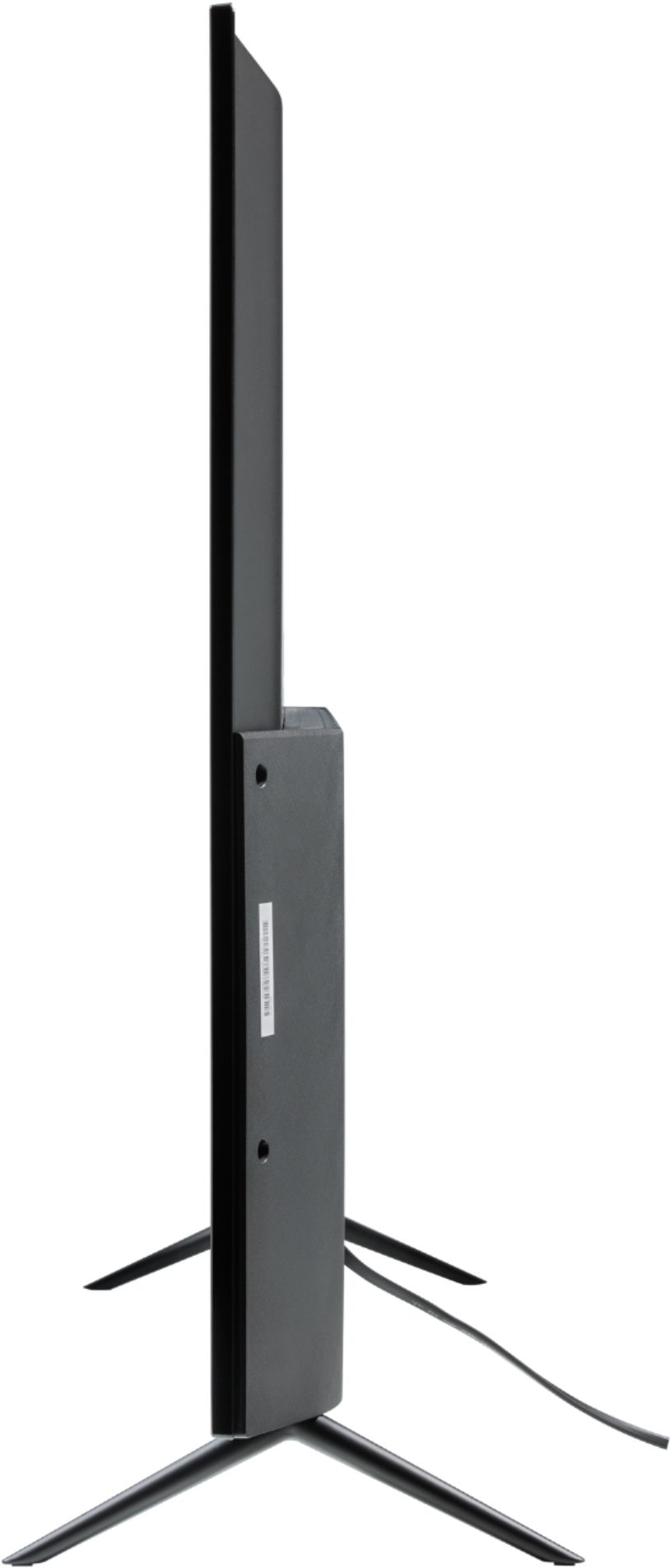
A:AnswerHello! The Stand Legs Separation Distance is 51.14”. For further details and specifications regarding this product, please visit our website at www.westinghouseelectronics.com
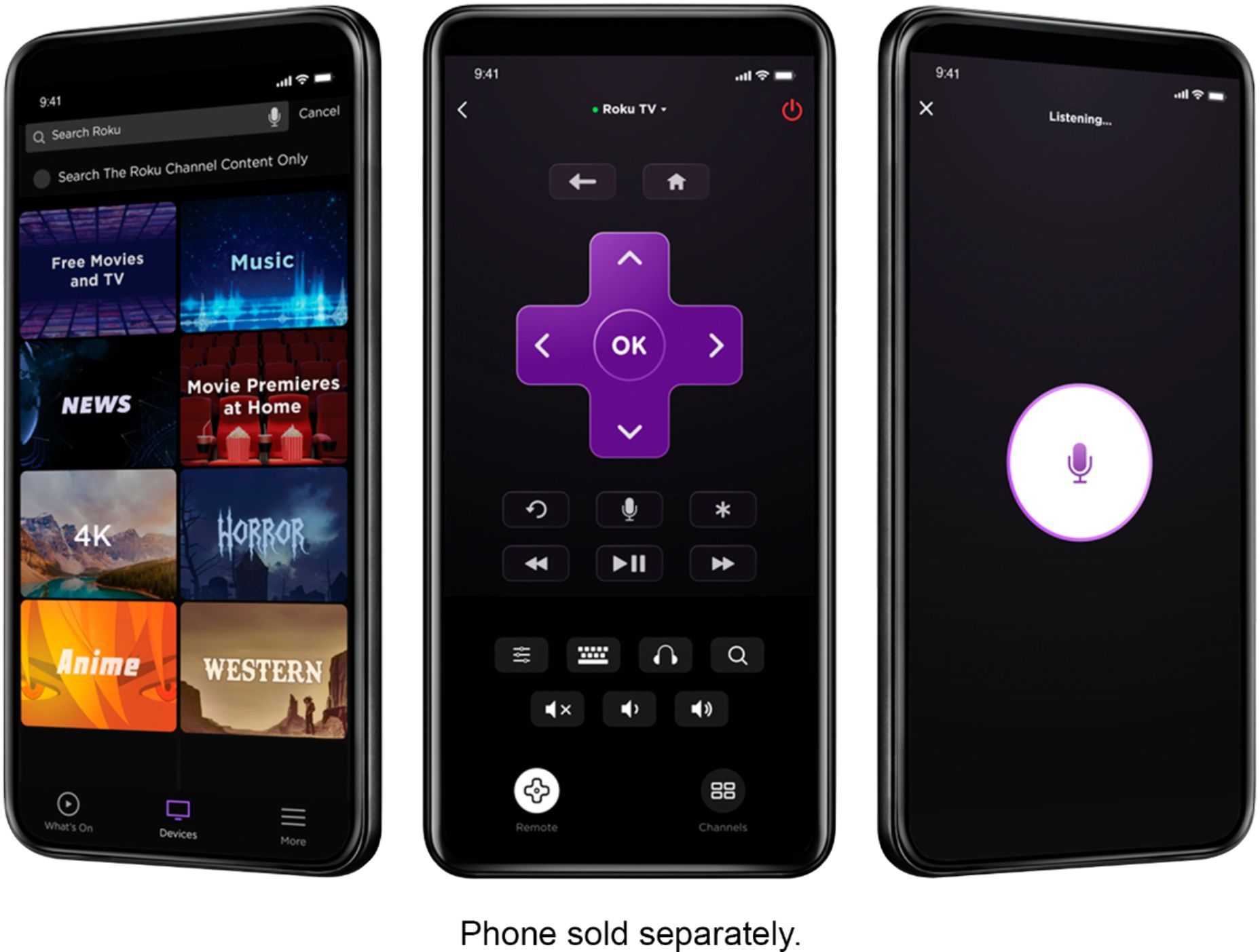
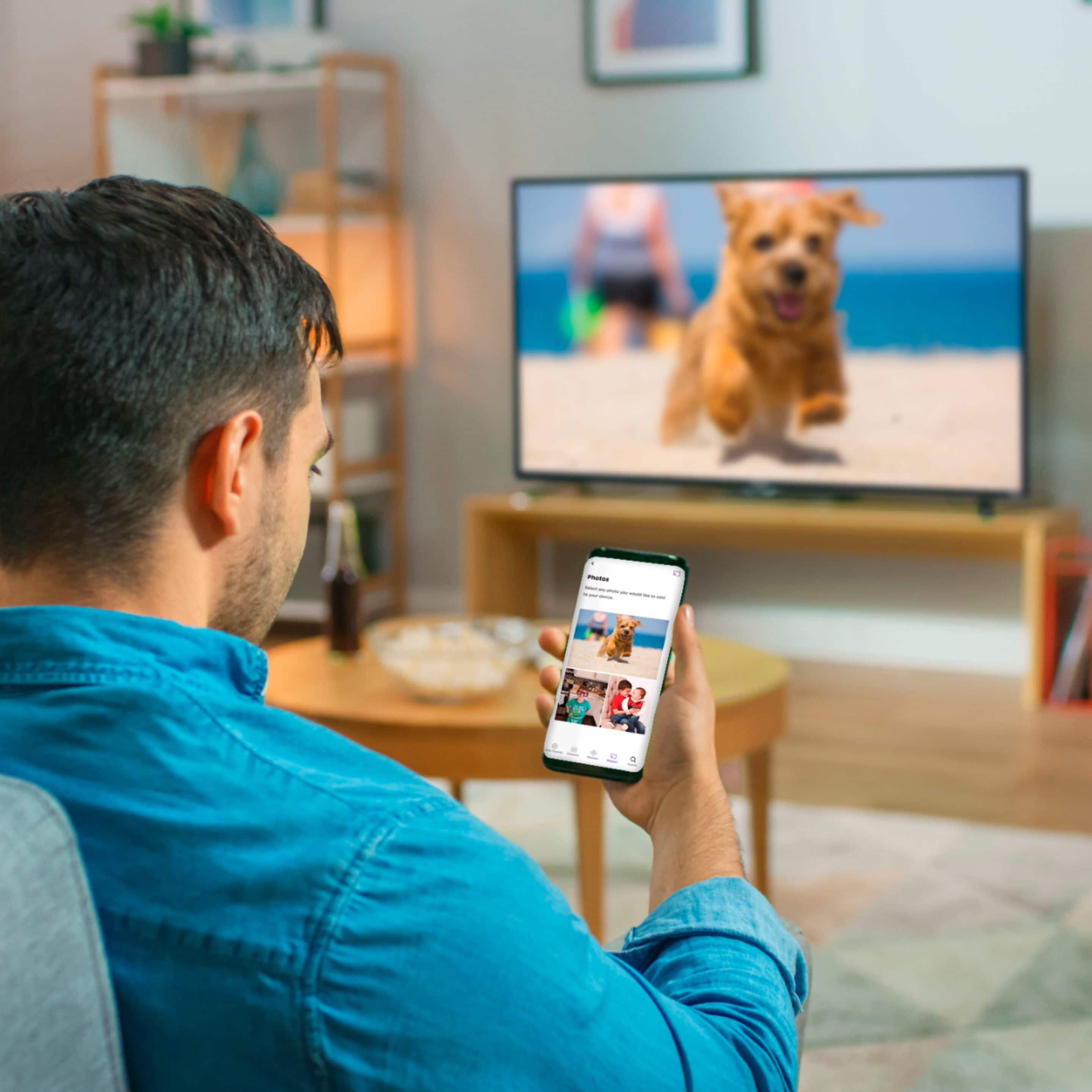
A:AnswerNo reason to physically connect. Go to menu, select mirror image, download mirror app on phone and wirelessly stream. You may be even able to download app of phone onto Tv and stream that way. Roku TVs are awesome. I have the Insignia brand, looking at this monster for the price.
A:AnswerNo.
It's just a TV.
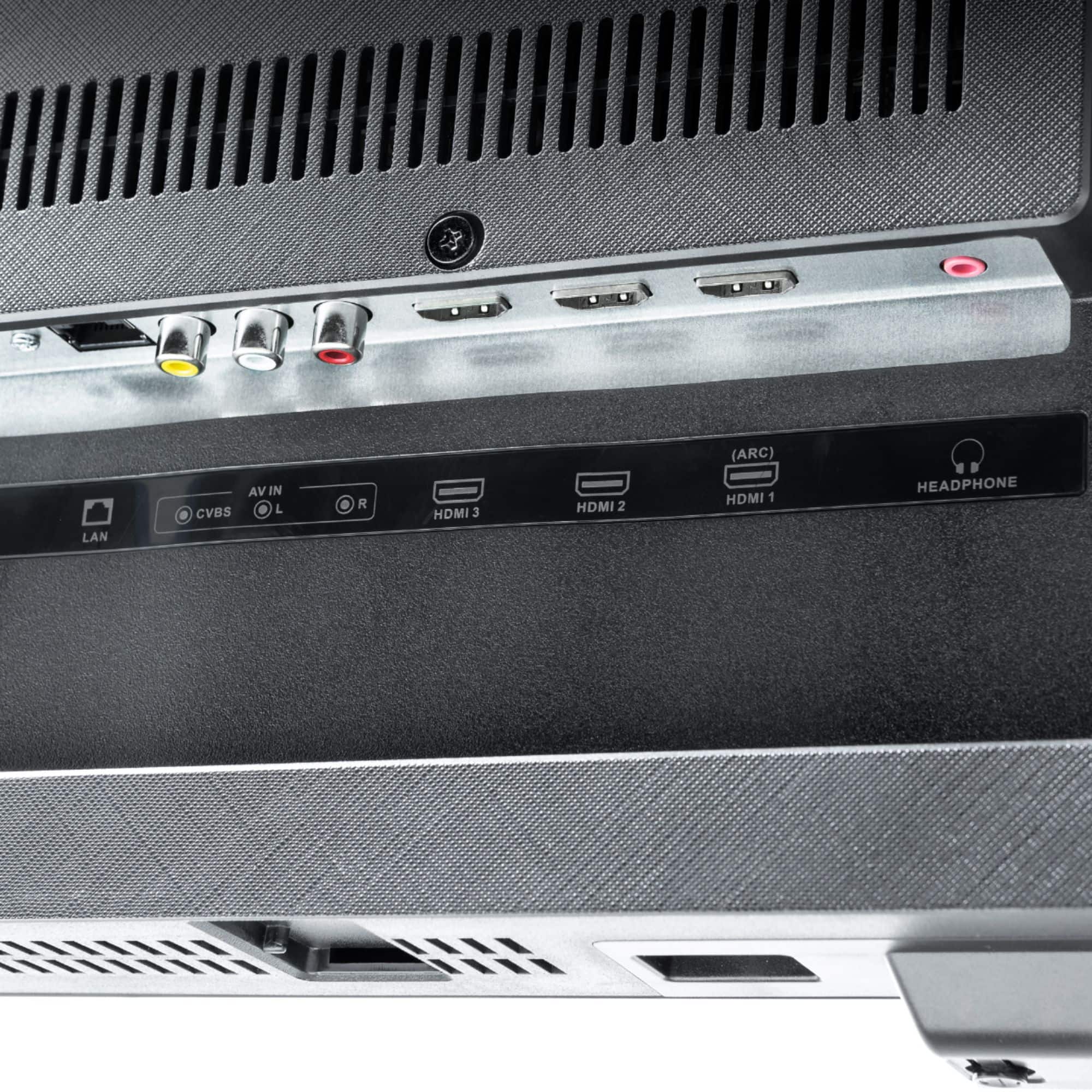
I don't know how or if it can receive images from your phone. However, I have used an HDMI cable to connect my laptop to the TV. When you do that you can as it shows what you have on your laptop on the big screen. Some years ago I bought a 25 Foot HDMI cord so I can do this from across the room.
A:AnswerYou may contact our customer support team at 1-800-701-0680 or you may chat with our team! Simply click on the following link: https://westinghouseelectronics.com/support/
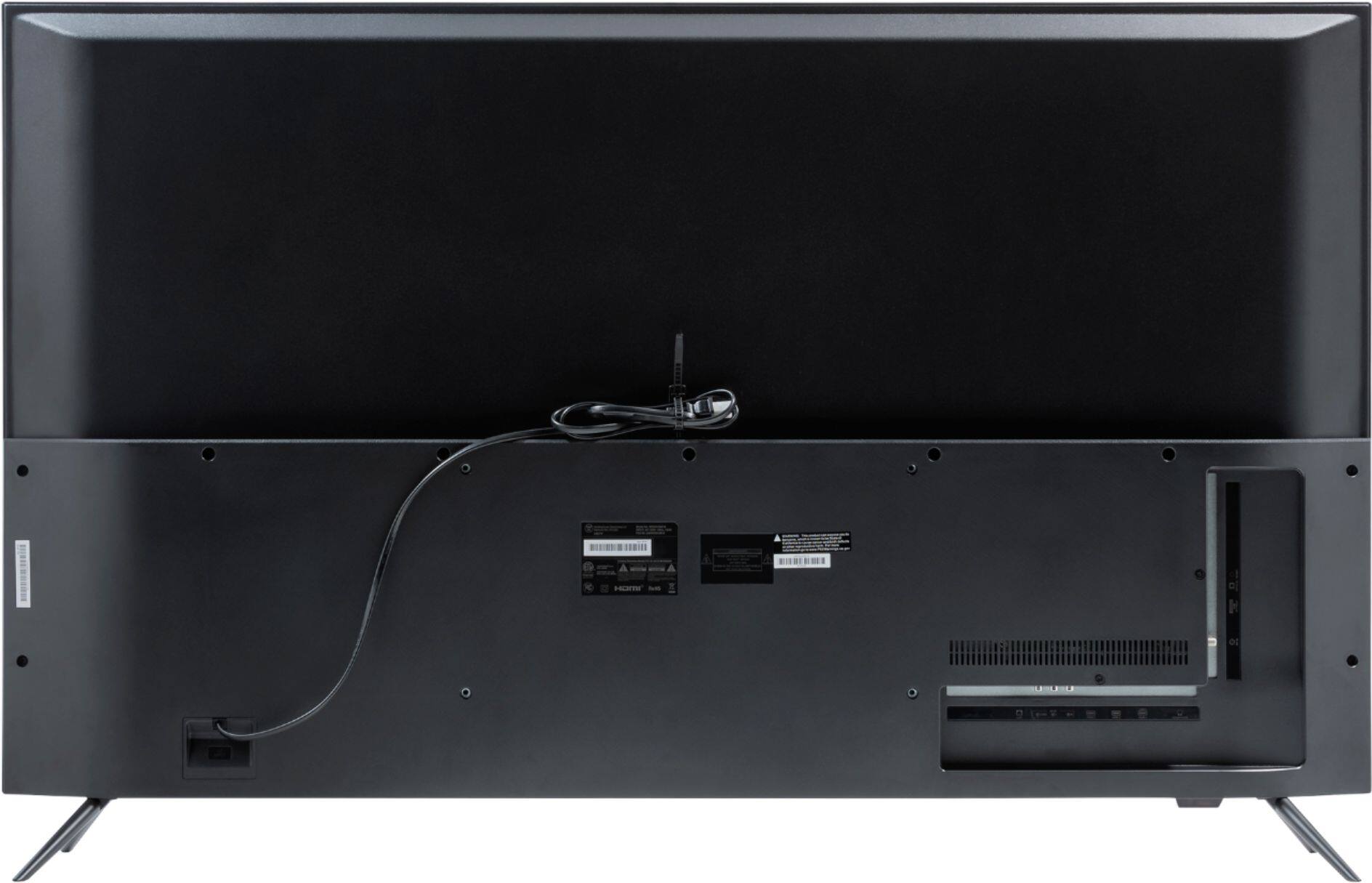
A:AnswerYou can get any tv mount as long as you select one for this specific size tv. I purchased a rotating tv mount that can be tilted, side to side and upward.
A:AnswerYou may contact our customer support team at 1-800-701-0680 or you may chat with our team! Simply click on the following link: https://westinghouseelectronics.com/support/
A:AnswerYou may contact our customer support team at 1-800-701-0680 or you may chat with our team! Simply click on the following link: https://westinghouseelectronics.com/support/