A:AnswerTurn the bass to negative whatever the lowest setting is on the receiver. Then adjust the bass on the subwoofer. Now all your speakers won't be putting out bass, just your subwoofer. You can make it have enough to sound good, and not rumble everything.
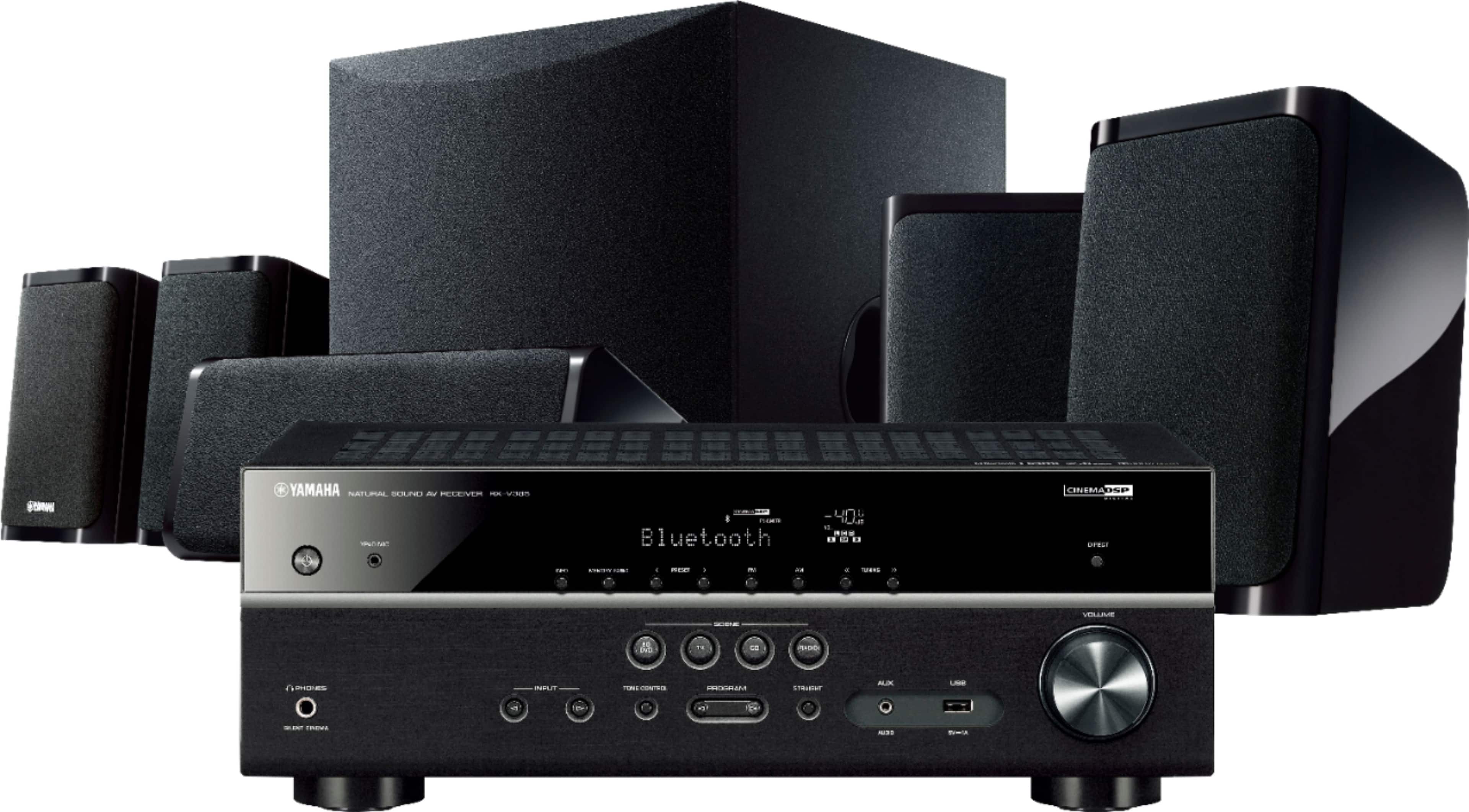
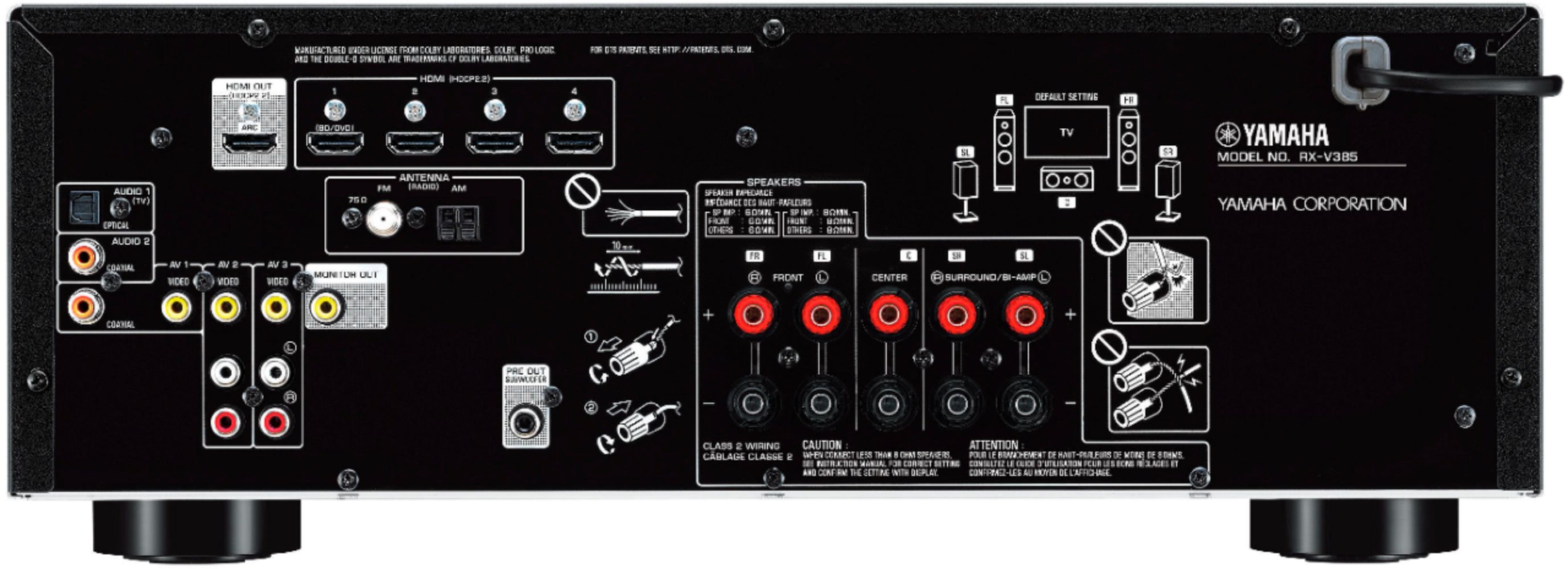
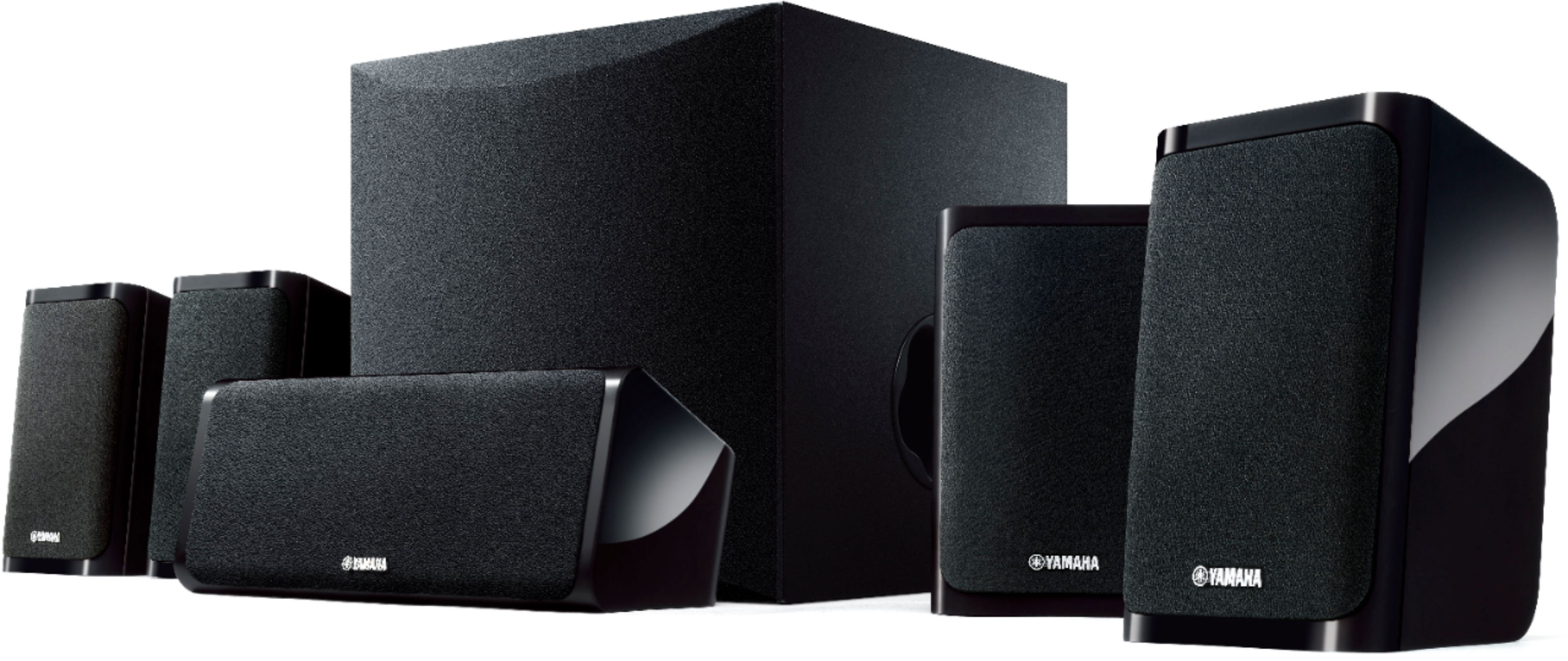
A:AnswerThis unit has outputs for 2 front speakers, one center speaker, 2 rear speakers and an RCA connection for a powered sub. You could connect 4 ohm speakers however it may burn out the speakers, unit or both prematurely. You’d be best to use 6 or 8 ohm speakers.
A:AnswerI had the same issue at first. You ha e to change the style of music it's set too. Once you go through each one, you will find the one that uses all the speakers.
A:AnswerYes but make sure your not going with larger output speakers I'd stick with maybe 80 watts for both the shelf speakers that come with it push 100 so your probably not going to even need more.
A:AnswerYou don't have to hook this up to a TV. However, without the TV connection you won't be able to change settings using the on-(tv) screen menu system, which does make things a little easier.
A:AnswerThere is a 5 Chanel stereo sound mode that turned FM broadcast to use all speakers so I think it would work with a CD player that has left/right line inputs...if the player has a digital out then use that and I’m pretty sure it would work fine with all speakers
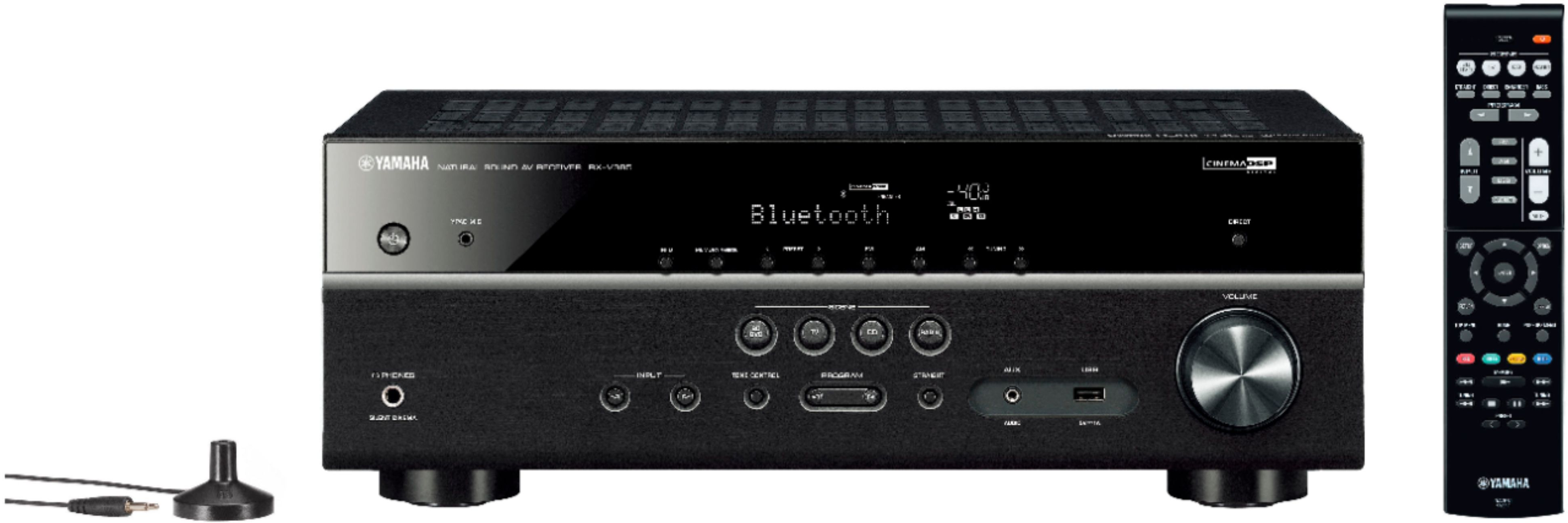
A:AnswerYes. I added my turntable without issue. Recommend bypassing the preamp in your turntable if possible. I got much better sound that way. DVD.CD player will work as well. There are multiple input options. You can also push your TV sound through the system which is much better than a sound bar in my opinion. Make sure to use the auto setup mic they include to get the best sound for your room.
A:AnswerIt specifies keyhole mounts, but there is a screw hole. I bought an universal mounting kit off Amazon (Perlesmith) which had an assortment of screws and one of them fit giving a tighter connection.
A:AnswerIt does have RCA inputs, they are grouped and labelled Video 1, 2, 3 etc. I have a CD Player from the '90's connected w/ left/right RCA connections.
A:AnswerThere are home theater systems with built-in wireless surround, my parents alphabet a Samsung system that does this. I personally use a rocket fish wireless surround unit to send a wireless signal to the back of the room, and then the rear speakers are connected via wire to that receiver unit