A:AnswerGo into settings and activate the a/v system.
Here is a link to the owners manual in pdf form. You can also download the “Yamaha AV app” it supports all Yamaha models(some actually allow the app to program it over your network.
https://usa.yamaha.com/files/download/other_assets/1/1161601/web_AV17-0087_RX-V385_om_UCABGLFP_En_A0.pdf
A:AnswerUpdate...it does send (transmit) to wireless headphones and speakers. Not sure if it can do more then one simultaneously but in the manual it use the the word "devices" as in plural.
A:AnswerI haven't done it but you can manually adj speaker volume levels, see user manual PG 70. No balance knob, use setup menu, speaker. +/- .5 db ea spkr.
A:AnswerNo, video cannot be input through USB.
See page 101 of the owner's manual for supported USB devices and file formats:
https://usa.yamaha.com/files/download/other_assets/1/1161601/web_AV17-0087_RX-V385_om_UCABGLFP_En_A0.pdf
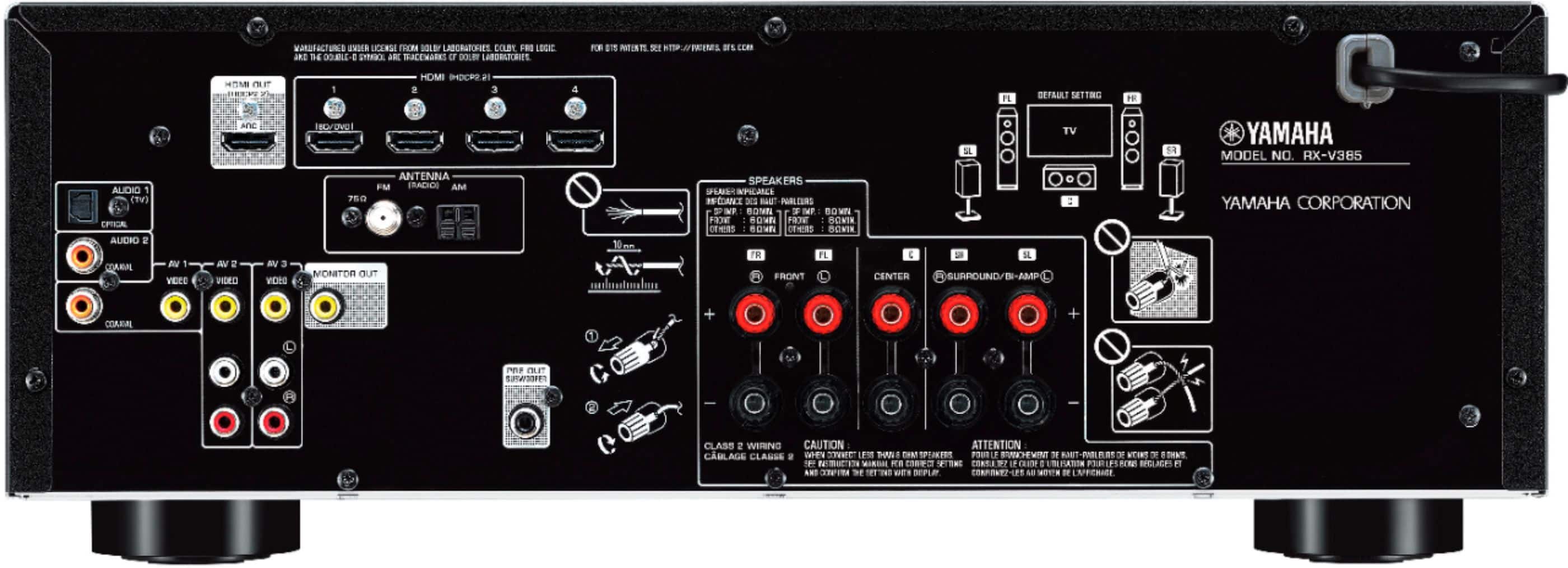
HDMI ARC (Audio Return Channel) is for AUDIO INPUT from a TV that supports HDMI ARC output. ARC is not video output. HDMI sends video and audio output from the receiver to the TV, or HDMI ARC receives audio input from the TV tuner to the receiver when the TV tuner input is selected on the TV. See page 21 of the owner's manual, although there is a technical error. ARC does not simultaneously send video to the TV and receive audio from the TV.
Best Buy should answer your questions. You shouldn't expect other Best Buy customer's to answer your questions. I don't trust Best Buy or their customers. I look up answers to my questions on the manufacturer's web site.
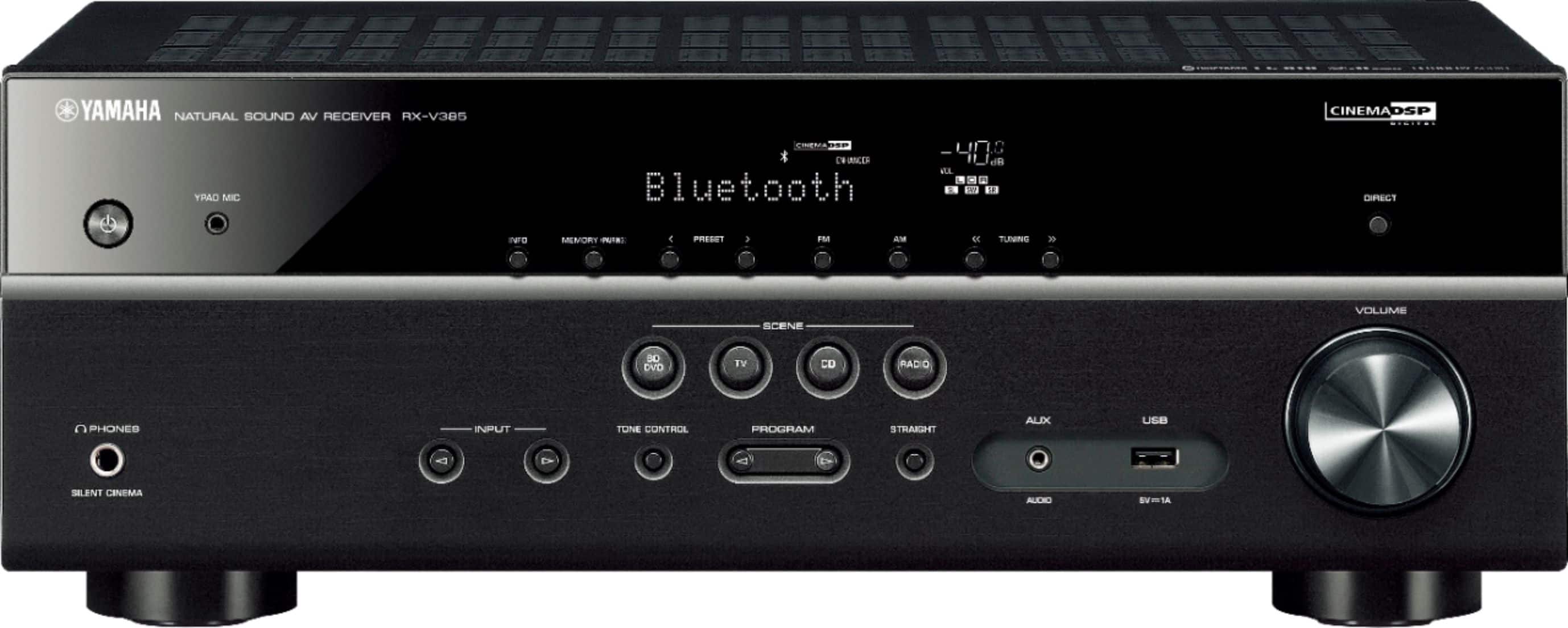
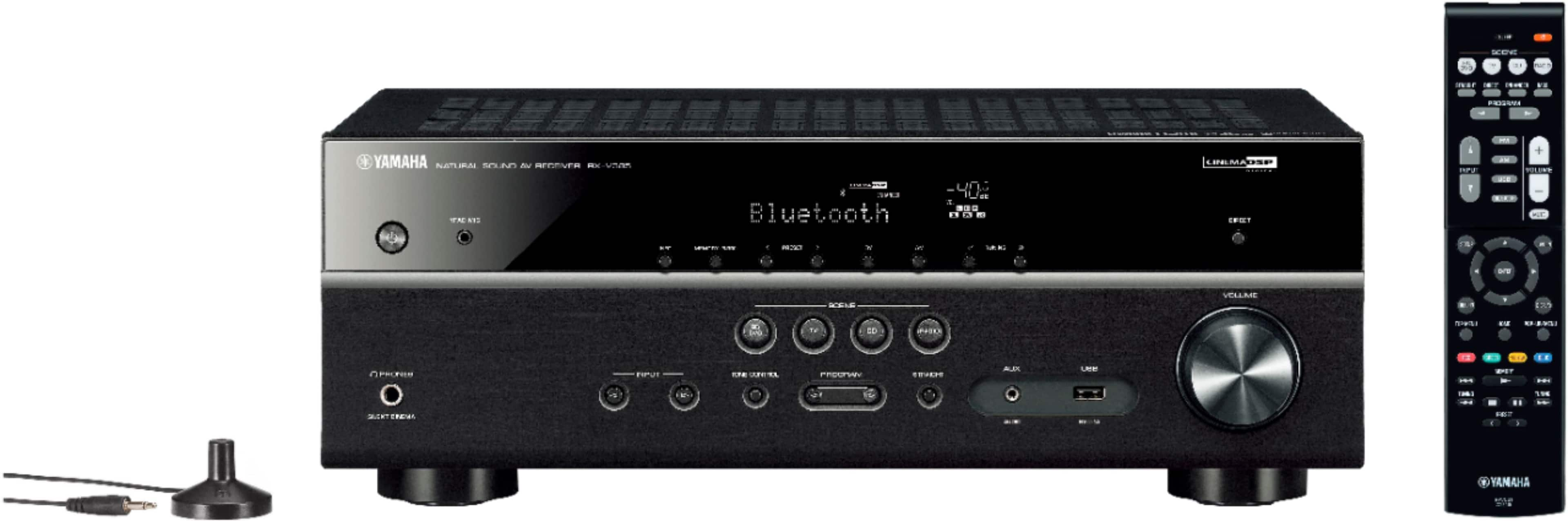
A:AnswerIt comes with a microphone to determine speaker sound levels so yes. If you are talking about Karaoke, then it depends on the microphone's output.