A:AnswerFrom the manual;
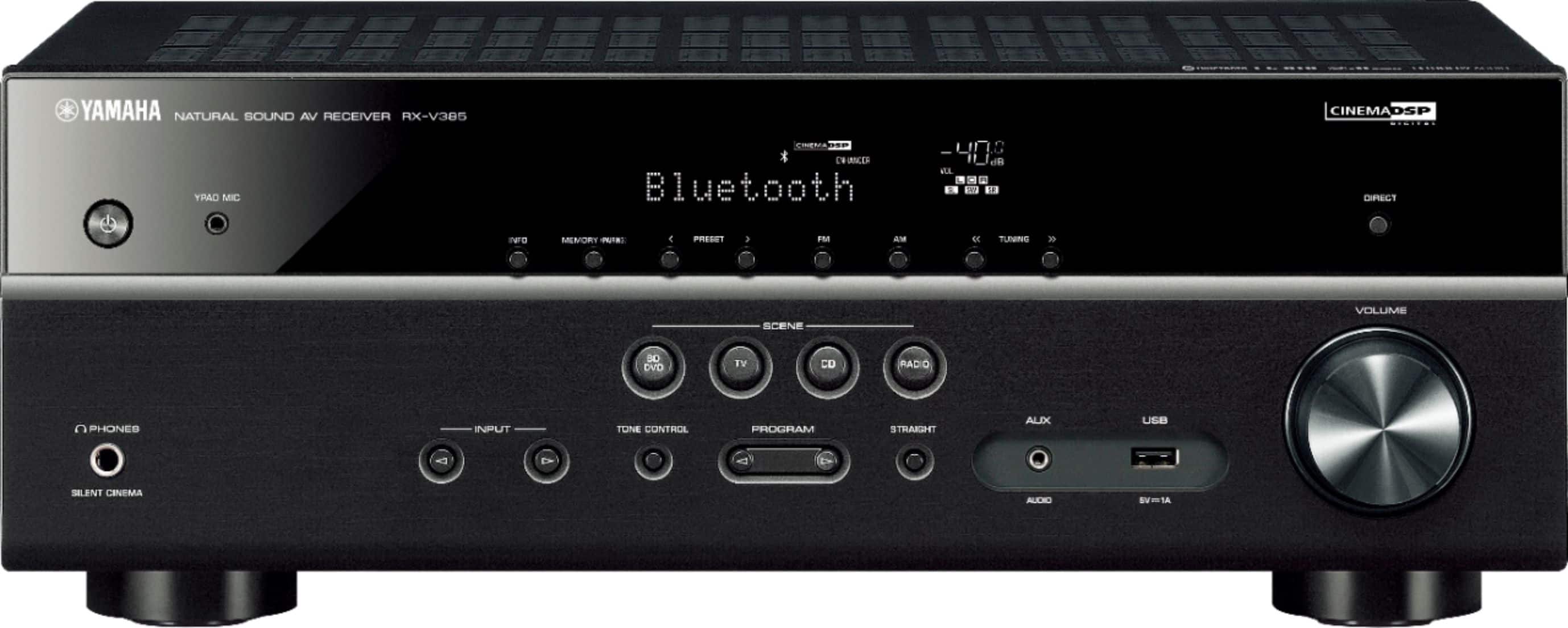
As long as it's FAT16 or FAT32 format. Supports WAV (PCM format only) MP3, WMA and MPEG4 (1-2 channel audio only). Sampling rate up to 48 kHz Quantization bit rate is 16 bit only. Will not work with Digital Rights Management (DRM) content. Will not work with an extension cord (device must be connected directly) Will not work with encrypted files. OPERATION OF ALL USB DEVICES CANNOT BE GUARANTEED.
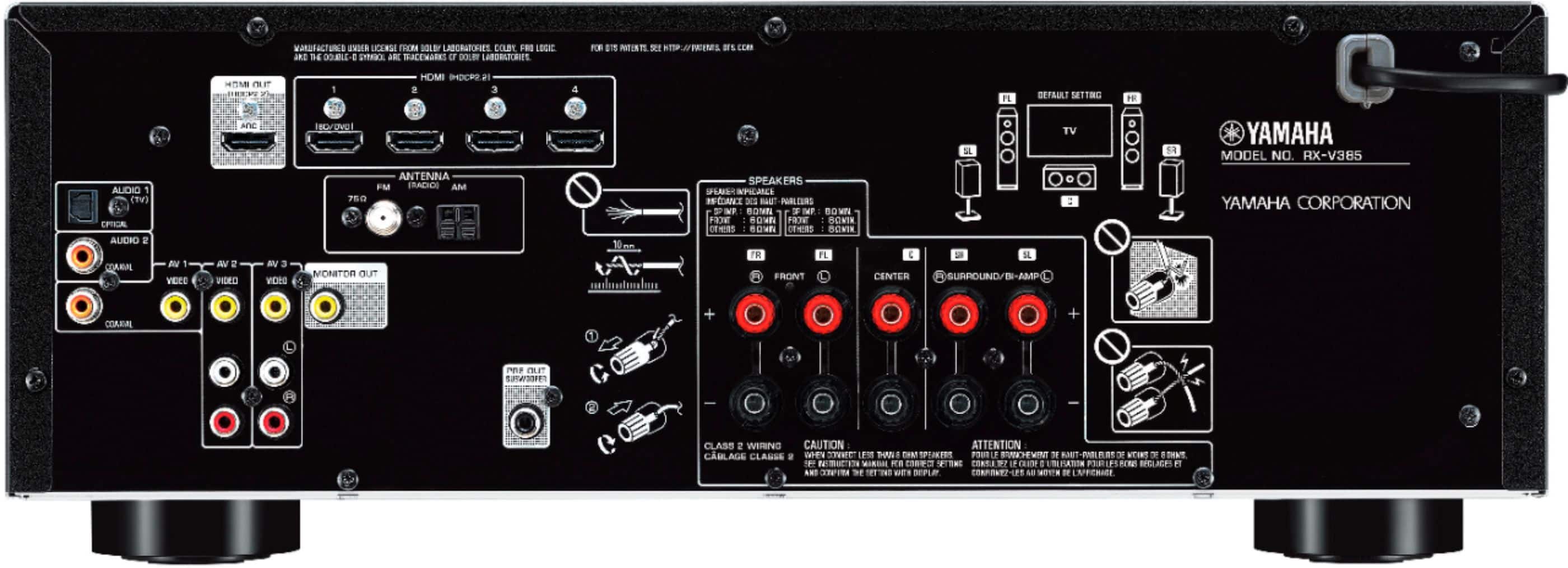
A:AnswerJust run the hdmi through the receiver and out to your tv. There are multiple inputs on the receiver. Pick one for the ps3. There is only one output on the receiver. Run that to the tv. Use the receiver to change your inputs rather than the tv in this case. You could also use the toslink optical output on the ps3 and run that to the receiver instead.
A:AnswerYou can’t connect two receivers via Bluetooth at the same time. Bluetooth to one receive and connect the audio output to a stand alone Bluetooth transmitter to the second receiver. There will be a slight delay to the second receiver.
A:AnswerI don’t have Sennheiser headphones, and an internet search came up empty for Sennheiser 750 headphones. However, if they are Bluetooth compatible, they will work with the receiver as the receiver has receive and transmit functionality. I have been using my BT headphones without any problem. Please note the speaker and headphone volumes are settable separate from each other.
A:AnswerIt’s only compatible with a sandDisk USB Flash Drive. It will not recognize a device using a USB cable attached to an I-Phone. I use my Bluetooth to stream music to the receiver from my I-Phone. You can set your I-Phone to shuffle while streaming.
A:AnswerFirst, I would check all of your connections going into the amplifier. Then make sure you have your amplifier set to Bluetooth. Also check your volume level and make sure you don't have the sound set to mute. If you still get no sound from the amplifier, contact the manufacturer (Yamaha).
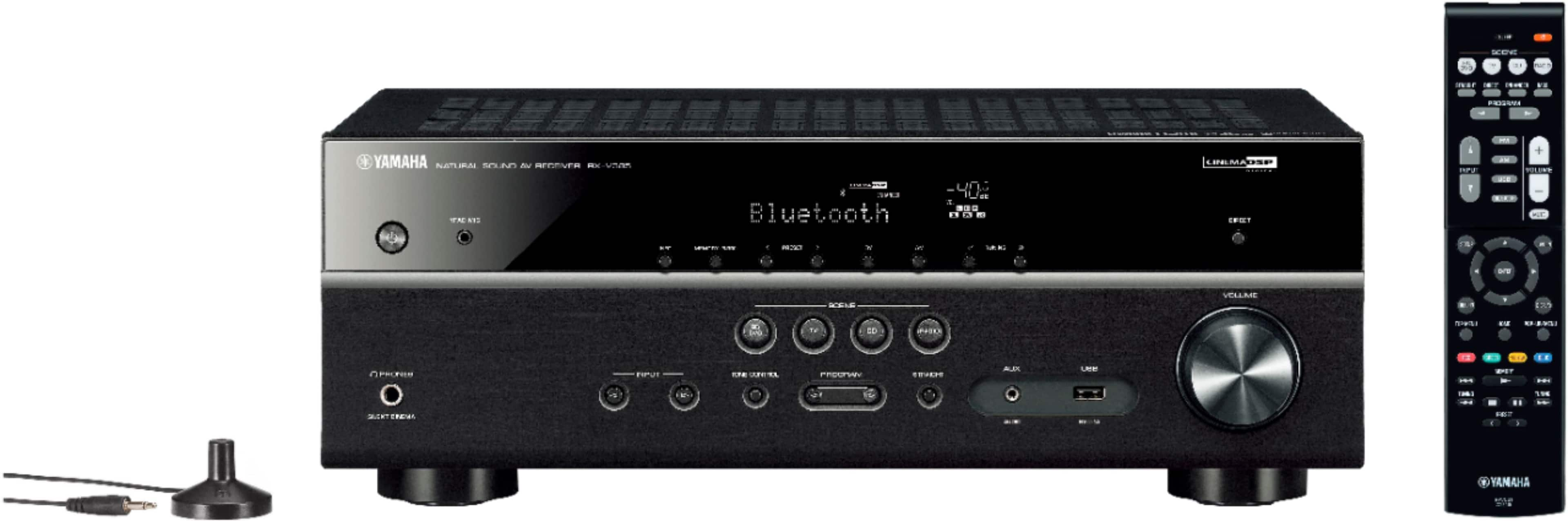
A:AnswerUp to 40 stations can be preset. There is an up and down button on the remote for tuning.
How many can you receive? All within range in your area.