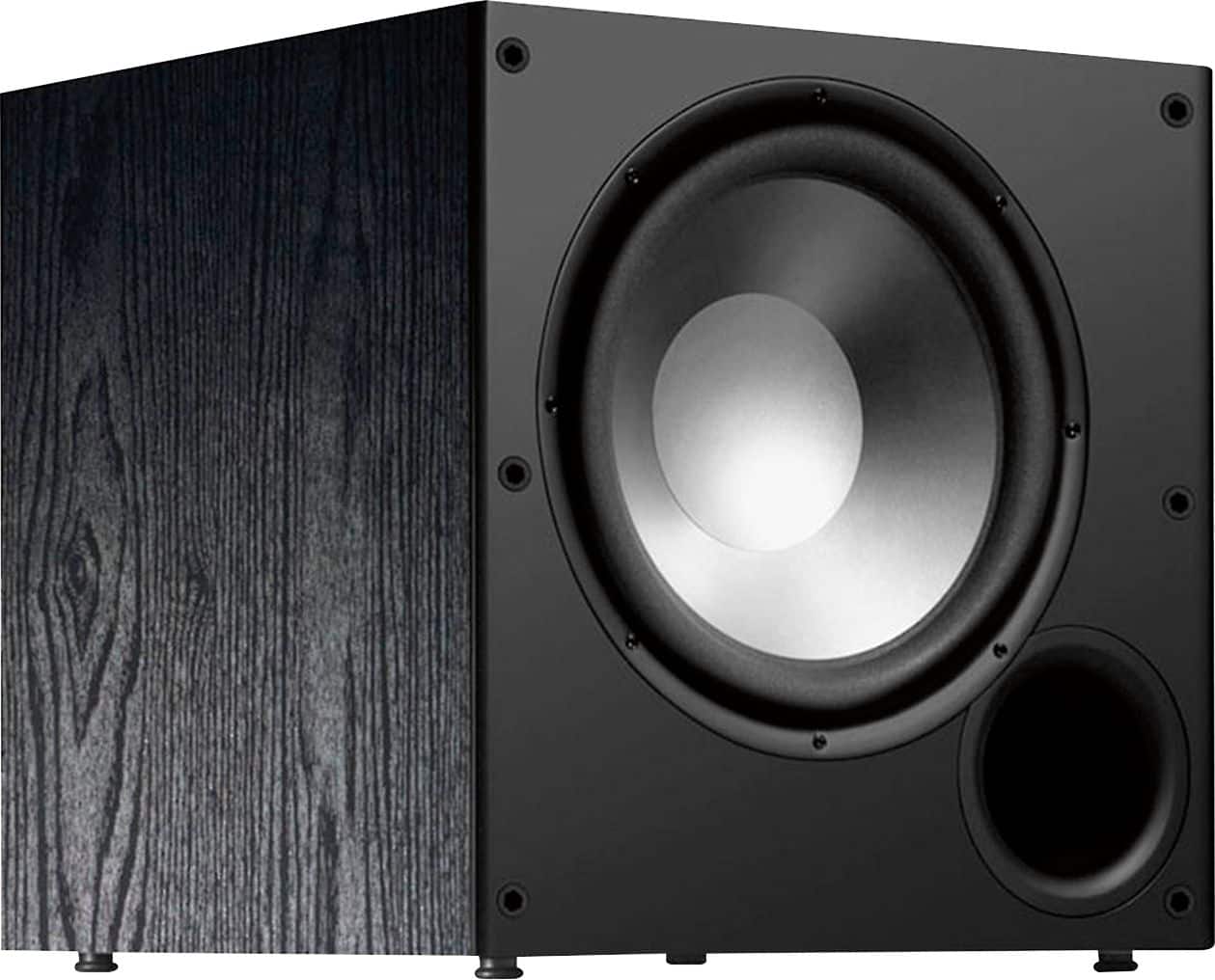
A:AnswerI have the Polk Audio PSW10 10-Inch Powered Subwoofer which cost $89.99. It puts out more than enough power (50 watts.Amplifier Dynamic Power - 100 watts) for a medium sized room.
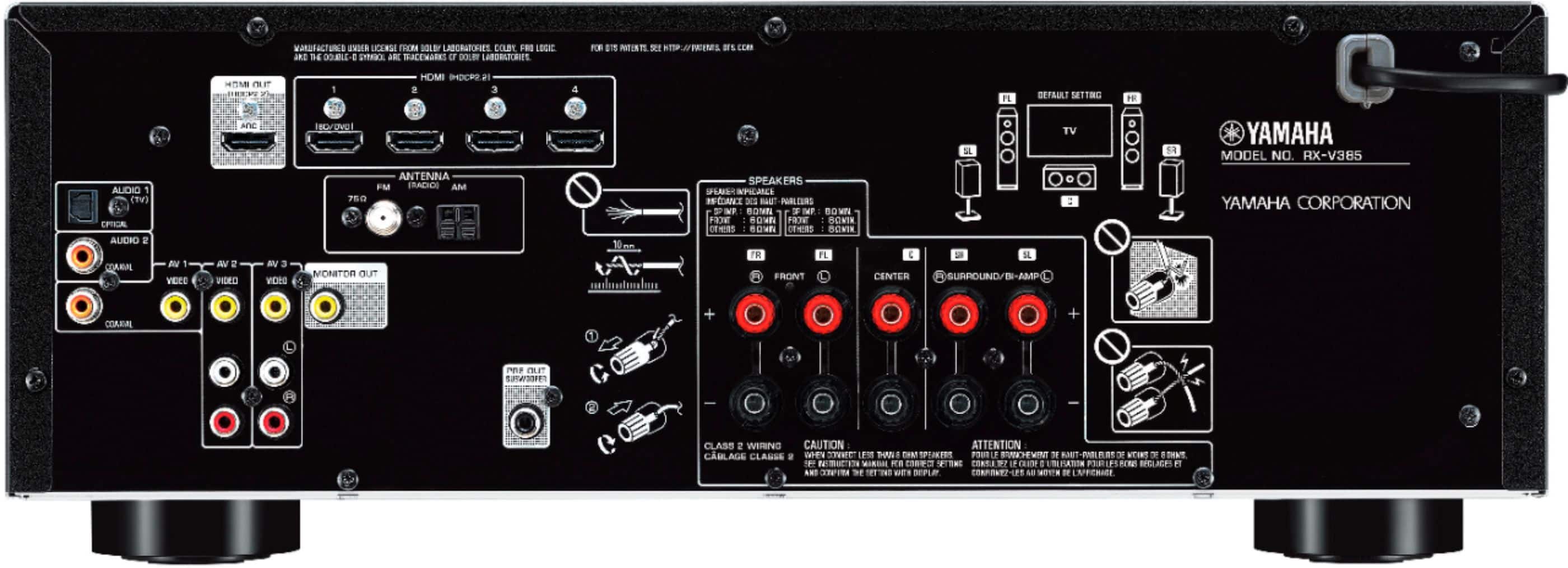
A:AnswerThe system is 5.1 the .1 is for the subwoofer usually it’s two rear, two front and a center speaker that account for the 5 speakers system if the additional speaker your referring to is the subwoofer it will work just fine
A:AnswerI’m not sure if this will help you or not. I do not have Bose 5.1 speakers, but I am using two Bose 100 bookshelf speakers with this Yamaha receiver. My Bose speakers work great with this unit.
A:AnswerYou should be able to train the Comcast remote to support Yamaha codes. Regarding the original question The HDMI ports are per-designated at least 1 and 2
A:AnswerMust be a typo - It is real clean for me at all levels - not a technical response, don't have the equipment just good ears and an love for audio equipment
A:AnswerI’m not sure about the model that you have but from what I’ve seen on the connections on this, it’s just a very basic connection that I’ve seen on several receivers. I really doubt the speaker connections are different, but I’m sure the input and output will be different and upgraded including some of the older style connections.
A:AnswerYes it’s HDR10, the most current standard. I guess it really doesn’t matter. If what matters to you is getting the sharpest picture you can then I guess it does matter.
A:AnswerI feel that the Yamaha receiver is everything I needed to replace an old teac receiver I had for years. The true sound that is accompanied with my keenwood speakers has never been better. I high recommend this receiver.