Customer Ratings & Reviews

- Model:
- 910-004654
- SKU:
- 5749105
Rating by feature
- Value
Rating 4.4 out of 5 stars
- Quality
Rating 4.8 out of 5 stars
- Ease of Use
Rating 4.6 out of 5 stars
Customers are saying
Customers appreciate the Spotlight Presentation Remote's ease of use, impressive range, and long battery life. Many also highlight the device's spotlight feature, sleek design, and compatibility with various systems. Positive feedback frequently mentions the convenient size and functionality. While some find the price point high, and others experienced minor software installation challenges, the overall user experience is largely positive.
This summary was generated by AI based on customer reviews.
really great concept
||Posted . Owned for 3 weeks when reviewed.This reviewer received promo considerations or sweepstakes entry for writing a review.really great concept. wish the tracking was a bit more accurate.
I would recommend this to a friend- Pros mentioned:Overall performance
Best pointer ever!
||Posted .This reviewer received promo considerations or sweepstakes entry for writing a review.I highly recommend this bad boy. It works awesome!!
No, I would not recommend this to a friend Great
||Posted .This reviewer received promo considerations or sweepstakes entry for writing a review.This is great for businesses. This makes your presentations pop.
I would recommend this to a friendPretty good
||Posted .This reviewer received promo considerations or sweepstakes entry for writing a review.Sometimes difficult to reorient pointer. Movement is choppy sometimes.
I would recommend this to a friendSmall and portable
||Posted .This reviewer received promo considerations or sweepstakes entry for writing a review.Has all the features I need in a small package. Gets the job done.
I would recommend this to a friend- Pros mentioned:Range
Logitech Remote
||Posted . Owned for 1 month when reviewed.This reviewer received promo considerations or sweepstakes entry for writing a review.This remote is exactly what we needed! We would recommend this to all.
I would recommend this to a friend - Cons mentioned:Software
Looked Good - But the software was flawed
||Posted .This reviewer received promo considerations or sweepstakes entry for writing a review.I installed the software on my Mac and it never worked or connected to the remote. Also, installing the software didn't work! There are remnants of it still on my tool bar... Disappointed, it look to be a great remote
No, I would not recommend this to a friend - Pros mentioned:Ease of use
great product
||Posted . Owned for 1 month when reviewed.This reviewer received promo considerations or sweepstakes entry for writing a review.Super easy to use. Requires no real setup. Very useful
I would recommend this to a friend Didn’t really do a good job. Get a std clicker
||Posted .This reviewer received promo considerations or sweepstakes entry for writing a review.It’s a nice idea but it didn’t work very well for my situation. I was most interested in the emphasized circle function but it seemed to darken the rest of the slide so much it was ineffective. And then it didn’t really have all the functions of other clickers with a laser pointer
No, I would not recommend this to a friendBrand response from Logitech
Posted .Thanks for sharing your experience—we’re sorry to hear the Spotlight Presentation Remote didn’t meet your needs, especially with the highlight feature and lack of laser functionality. Your input is valuable and helps inform improvements that better support various presentation styles.

Pointer Delay
||Posted . Owned for 5 months when reviewed.This reviewer received promo considerations or sweepstakes entry for writing a review.It looks nice and small, very good for carry to presentation, but I notice the pointer has some delay, and switching the features isn't that simple due to the leak of buttons on the remote, end up returning it
I would recommend this to a friend- Pros mentioned:Battery life, Ease of use, Range

An excellent evolution of the Logitech Presenter
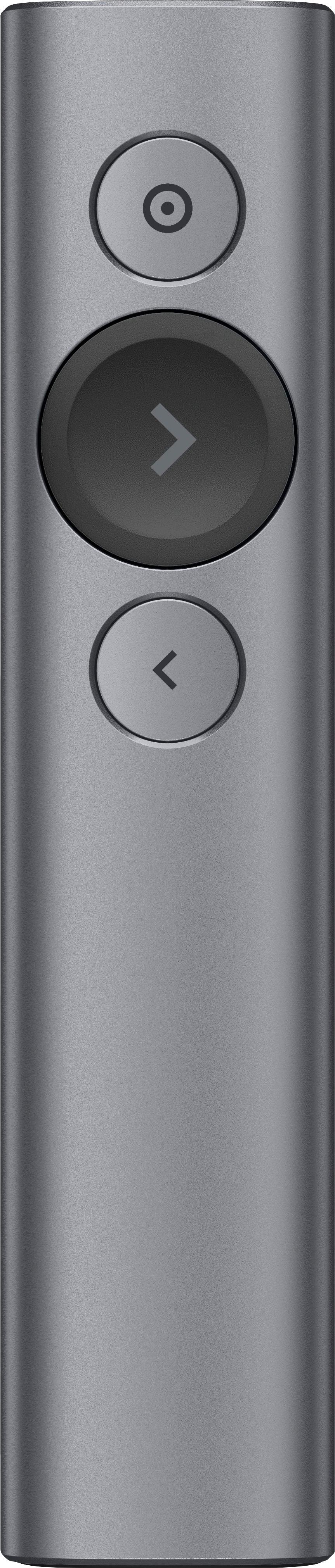
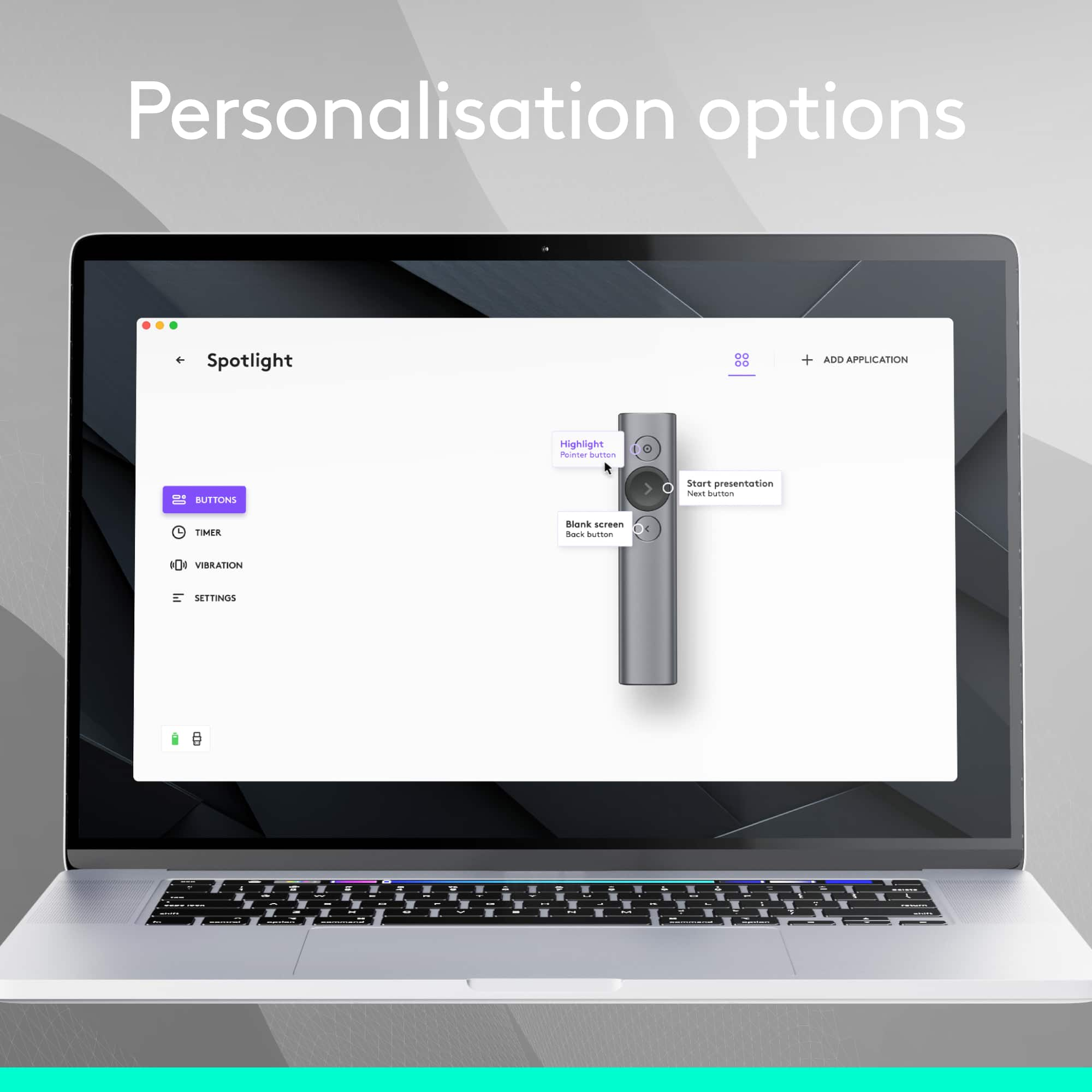
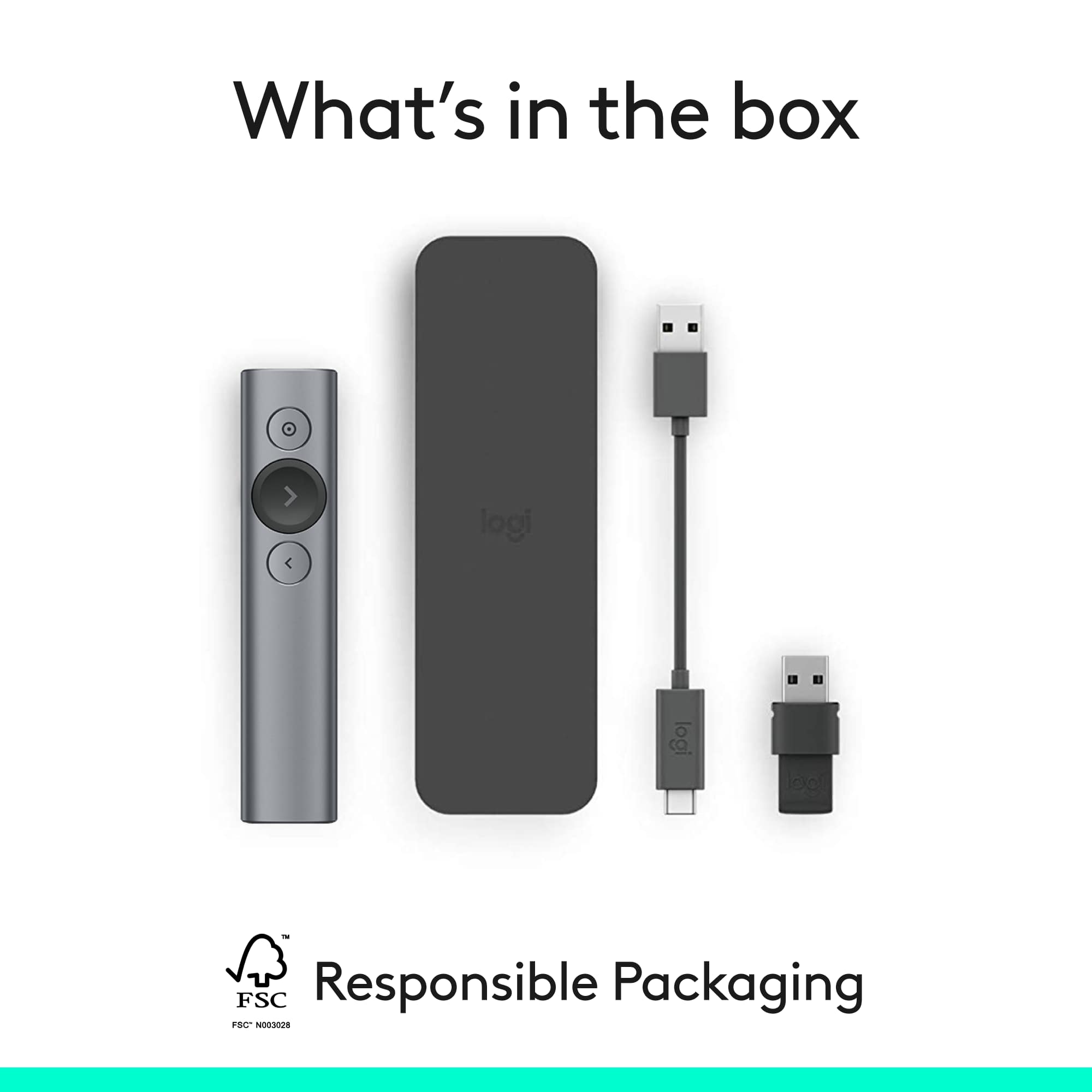
|Posted .This reviewer received promo considerations or sweepstakes entry for writing a review.First Impression: What a nice box. I think it fits the price point better than if it were delivered in a plastic shell! It is easy to open (even has small tabs on the tape) and has all the items packed in layers in the box. Besides the remote, dongle and the charging cord, it comes with a cover to hold the presenter and the cord – although things are pretty tight when both are in the sleeve. Installation: I plugged the dongle into an older Windows 7 laptop and it installed without any problems. Once I installed the software from Logitech’s website, the options were easy to configure to make it work just the way I wanted. Installation on a Windows 10 laptop worked the same way, even pairing with Bluetooth was quick and worked well. Installing on a Windows 10 desktop machine halted repeatedly at 91% so I had to disable Avast to get it to finish. All the other machines had been running other antivirus and had no problems. Use: I have been using an older Logitech R800 presenter. I was hesitant about the simplicity of the Spotlight because there are only three buttons. After installing the software, I can configure the buttons to do most of what the old one did as well as a few new things. The remote is just the right size to carry around and doesn’t get in my way when presenting. I miss the laser pointer for how quickly it worked since it had its own button, but the on-screen highlighter is an even better tool and will probably prove more useful as I get used to it. I really like being able to adjust the volume with just a simple movement up or down and have one of the buttons programmed to blank the screen when I need it. I quickly found that it works with Windows Explorer as well (so every application can utilize it to some extent), whereas the old one only worked in PowerPoint. As a teacher, I use my presenter several hours each day and I have been very happy with the Logitech R800 for years. It had just the right number of buttons and had a small screen to let me know the battery level and other information. The Spotlight does the same functions I used on the R800 and adds just the right mix of new features to make it even better. I can do without the screen, it probably used the battery anyway. Conclusion: Overall, I am very happy with the Spotlight and am sure that it will prove as useful as my other Logitech devices. I would have no problem recommending this to anyone looking for a very capable and flexible presenter that can connect to USB or Bluetooth.
I would recommend this to a friend hard to aim the pointer
||Posted . Owned for 8 months when reviewed.This reviewer received promo considerations or sweepstakes entry for writing a review.not very easy to use, feels funky to point it out to the screen.,,, having trouble finding the pointer when presenting
No, I would not recommend this to a friend- Pros mentioned:Battery life, Range
Best Presentation Remote Ever?
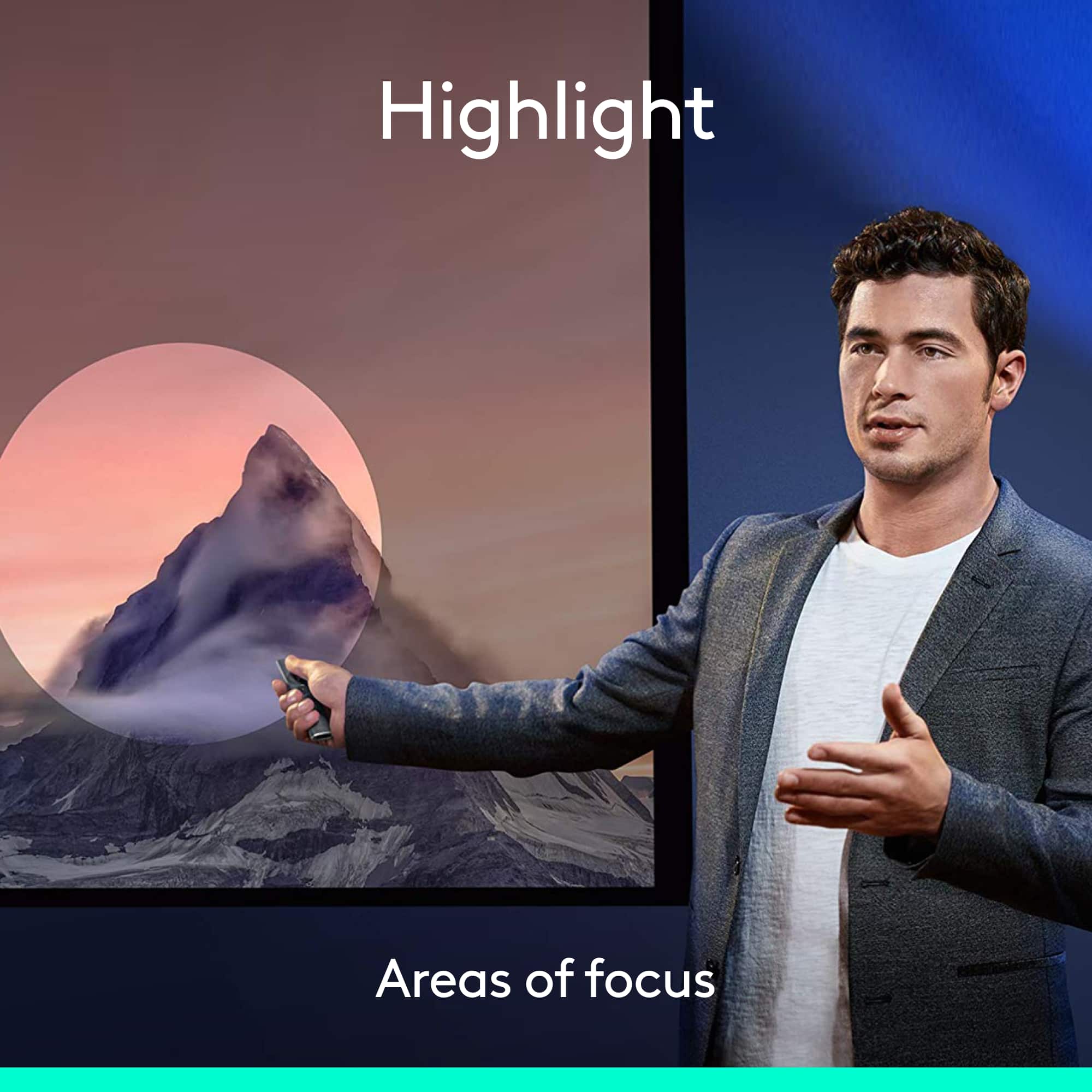
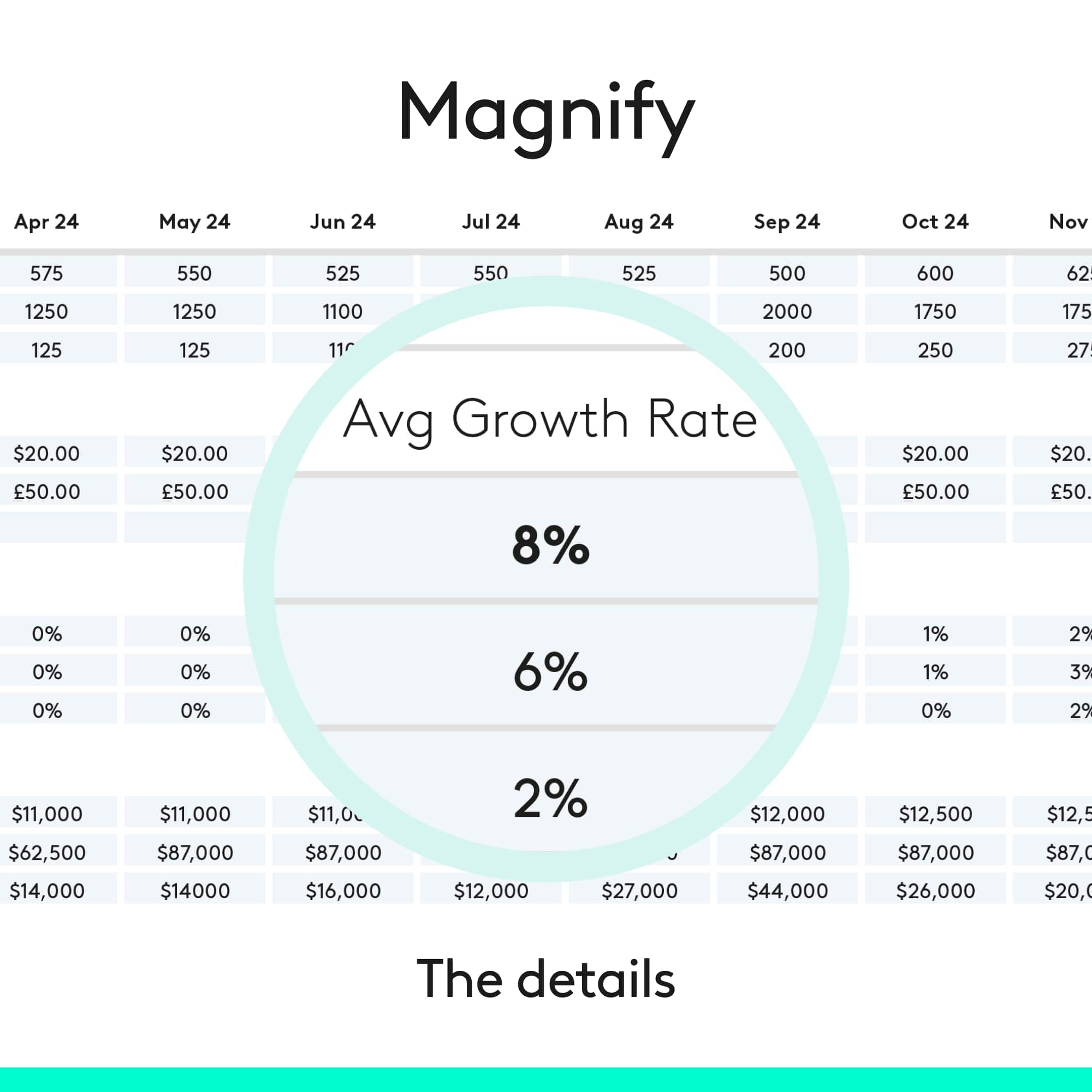
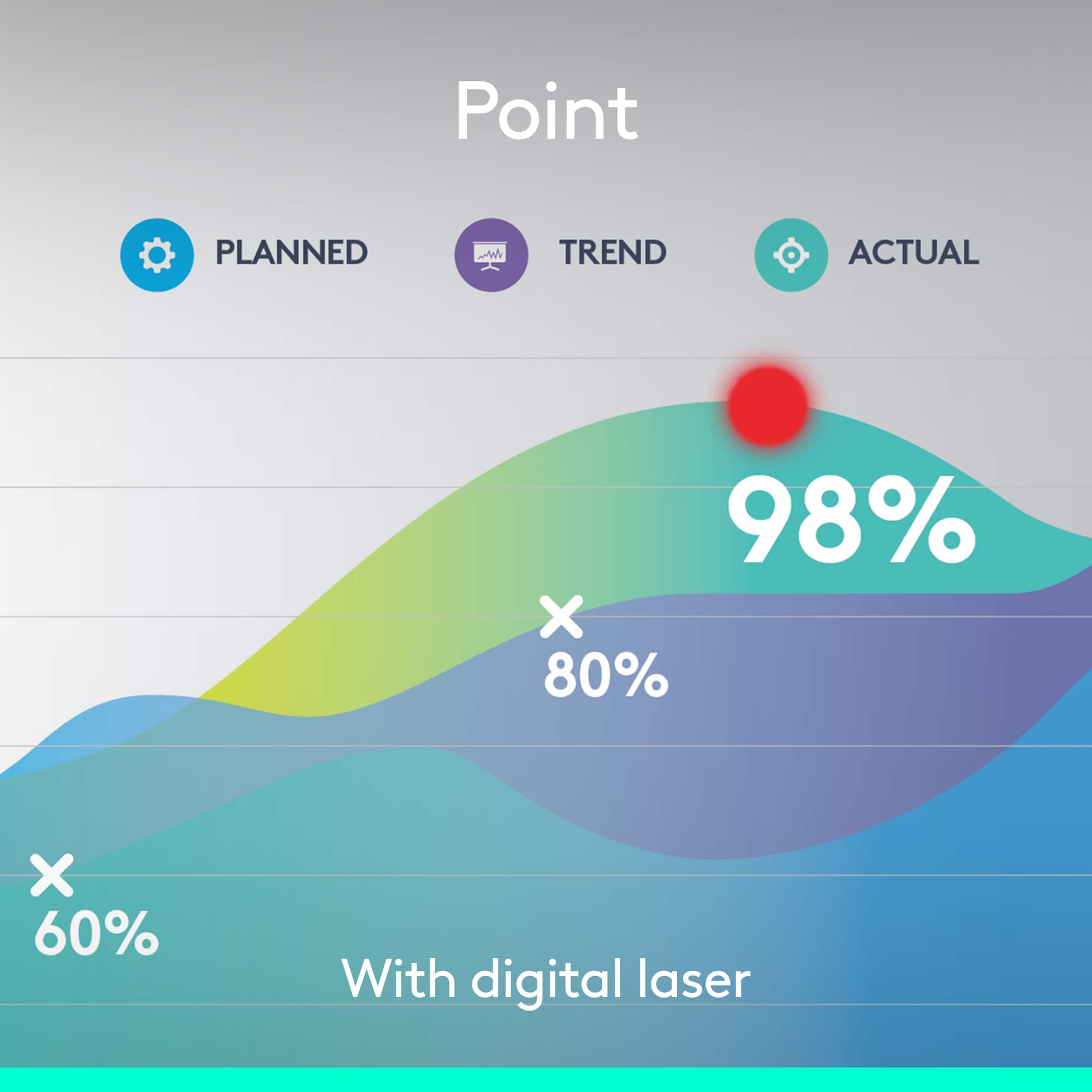
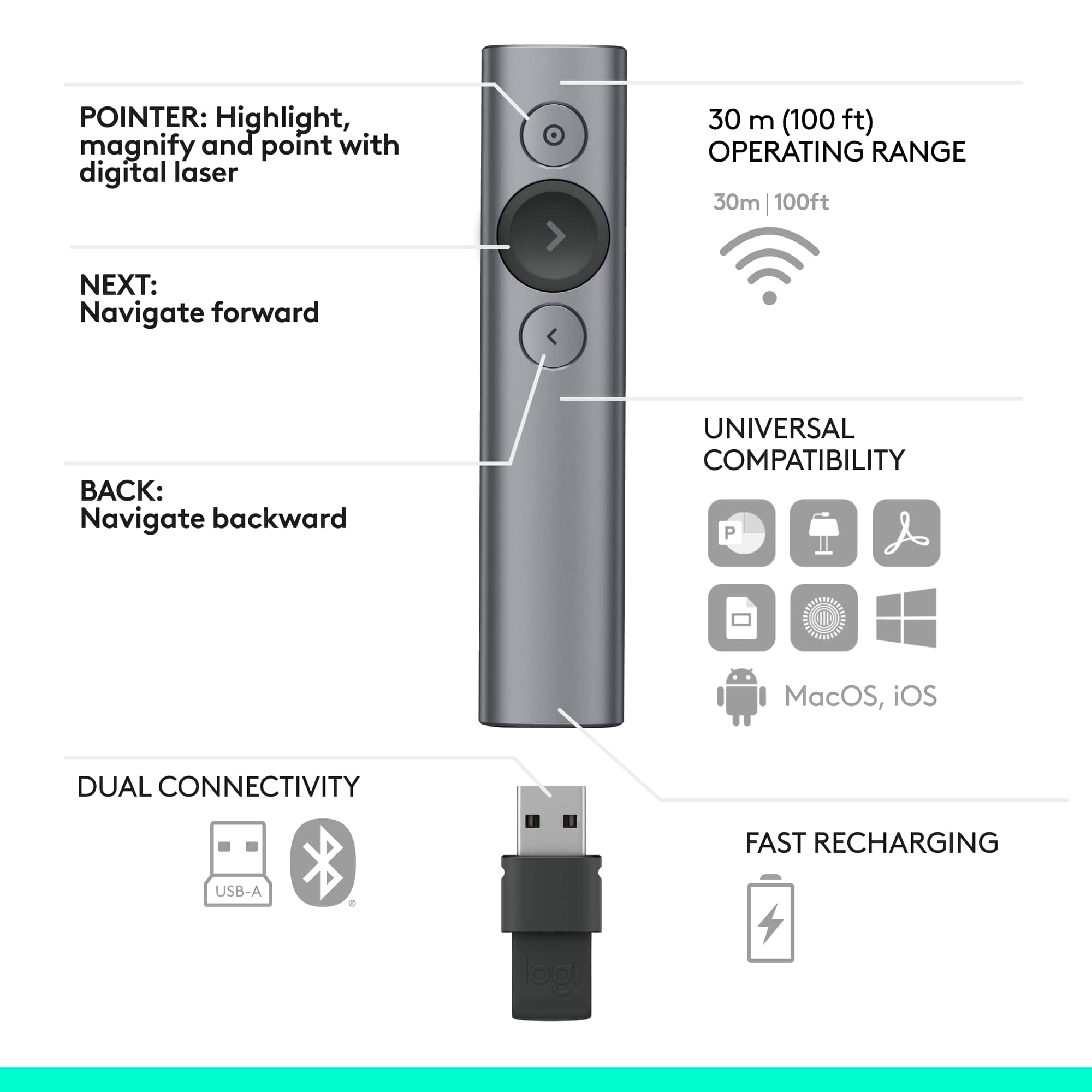
|Posted .This reviewer received promo considerations or sweepstakes entry for writing a review.Pros Simple design and very comfortable Can be used as a mouse in presentation mode Acts like a pointer but much better Excellent range Cons Not good as a mouse in non-presentation mode The forward button sometimes fails I just used this for a training class and was very happy with it, especially the virtual pointer that feels more like a spotlight - hence the name I think - than a laser pointer. The people attending the class was amazed with it. The spotlight is produced by the software but it feels real. I almost regretted I used it just because there were almost more questions about it than about the content of the training. Luckily the training was about technology so it turned up being a good thing. The most exciting part was that I was able to charge it from zero to full in about 30 seconds and it lasted the full 3.5 hours of presentation. That was really amazing. Logitec says it can last 3 hours but I believe you have to be pushing its buttons all the time. The things I didn't like about it were: . The "air" mouse function doesn't work very well outside presentations. But I'd rather use a mouse in that case anyway. . The main and bigger button used to move forward required me to push it multiple times even while being at a short distance from my laptop. It happened just a few times and it could be my unit. . You cannot use the main button to go to the previous slide. Being used to an Apple TV remote, I found myself pushing the right side of the button thinking I could go back that way. There is a dedicated smaller button to go to previous slides. It is just not as intuitive. Logitec should have implemented up/down/back/forward functions on the same button. Other features that I loved: very long range: I could walk the training room which is over 80 feet long and it still worked perfectly (it is supposed to reach 100 feet); motion sensor allows you to move the highlighting circle (or spotlight) and zoom in any area of the screen and it doesn't have to be running a presentation app to do that; you can customize the buttons; very comfortable. Despite the few minor quirks mentioned above, I don't think there is anything better out there. It is almost revolutionary. Highly recommended.
I would recommend this to a friend Has potential
||Posted .This reviewer received promo considerations or sweepstakes entry for writing a review.It is a good concept, well executed. However I wish that they update the software to allow for more customization, i.e. Change the color of the pointer, use it as a traditional laser pointer, etc. I'm sure it is possible via software updates.
I would recommend this to a friendThought it would have been better
||Posted . Owned for 1.5 years when reviewed.This reviewer received promo considerations or sweepstakes entry for writing a review.I purchased this for online presentations however it was difficult to use with not being very accurate and having issues managing it on the screen.
No, I would not recommend this to a friend- Pros mentioned:Battery life, Range
BRAVO! A new twist on laser presentation pointers
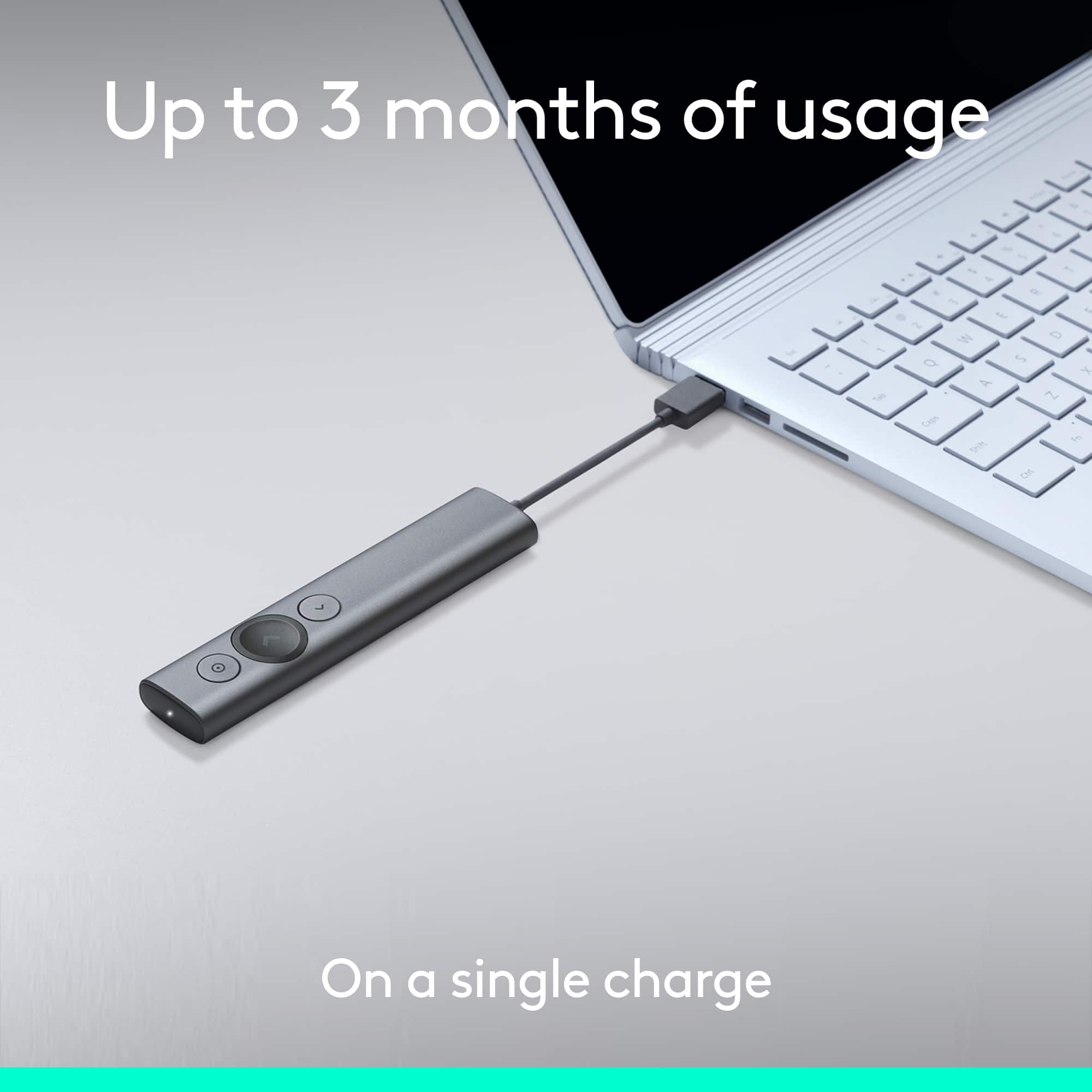
|Posted .This reviewer received promo considerations or sweepstakes entry for writing a review.This is a way to rope in those who drift off during presentations. I can say I've never seen anything like this before. It allows you to advance your slides, yes. But it also allows you to do multiple functions with the forward and back buttons - for example, press it normal to go forward, but then press and hold to go fast forward, or blank the screen, etc. You choose in the setup which you want to do. The real magic behind this device is the ability to do a spotlight for your presentation....think about those big spotlights you see in the sky during a new store opening, and think about doing that for your presentation. You press and hold, to highlight the area you want someone to see, OR you can program it to do other functions - like magnification of an on screen area, or simply to circle something. I have to admit the circle function isn't great, and I've turned that off. But I do plan to use the other two - spotlight and magnify. You can also set a timer, with a warning at a certain time, then when your presentation time is up. I used this with a MAC using the latest version of OS. I also connected to my MAC with bluetooth, but you can also use an included dongle that plugs into your USB port. And the unit comes with a power charging cable which you'll need, because it is a long reach to the charging port that is located under the removable dongle used to connect via USB vs. bluetooth. It comes with a great little carry pouch, and and is in a nice retail box, suitable as a gift box for someone. The literature states the charge can last for up to 3 months, though I'll charge it much more often so as not to wreck myself during a presentation if it were to run out of battery. This is the best thing to happen to presentations in years....I love this thing!
I would recommend this to a friend It’s okay
||Posted . Owned for 2 months when reviewed.This reviewer received promo considerations or sweepstakes entry for writing a review.Works well enough. Use it in larger spaces and most times it works great with the MacBook Pro - gotta figure out range limitations before presenting
I would recommend this to a friend- Pros mentioned:Battery life, Ease of use, Range
The Ultimate Presentation Tool
|Posted .This reviewer received promo considerations or sweepstakes entry for writing a review.I present a lot, and as such, am always looking for better ways to present. My recent time with the Logitech Spotlight Presentation Remote has been nothing short of amazing. I set it up in a presentation hall, an was amazed with how fluid the remote was;I can casually use it at my side so that it doesn't distract from a presentation. I was able to move freely around the room without worrying if the remote would work. The Logitech Spotlight Presentation Remote is essentially an all-in-one presentation tool. It features fully-customization on-screen pointers featuring a spotlight effect, magnification, and more. You can also customize the operations of the remote's buttons. One of my favorite features of this remote is the timer feature. You can set a timer prior to starting your presentation, and the presentation remote will vibrate for each of these timers. This is especially helpful during Q&A sessions, so you can warn the audience when there are just a few minutes left. Too often, I have made presentations where I ran over without knowing it. The Quick Charge feature is also amazing. In just one minute of charging, you get three hours of charge. Also, once the device is fully charged, it will maintain a charge for up to 3 months, so you are always ready to present. Connectivity-wise, the Logitech Spotlight Presentation Remote can connect using either Bluetooth, or the supplied USB dongle. If you present often, the Logitech Spotlight Presentation Remote is worth its weight in gold.
I would recommend this to a friend Its ok
||Posted .This reviewer received promo considerations or sweepstakes entry for writing a review.Great clicker, but doesn't reach the distance what it says it reaches but for short distances it is a great clicker
I would recommend this to a friend- Pros mentioned:Ease of use
Best pointer
||Posted .This reviewer received promo considerations or sweepstakes entry for writing a review.Easy and simple to use, much more functional than traditional pointers!
I would recommend this to a friend