Customer Ratings & Reviews




- Model:
- B11B237201
- SKU:
- 6280709
Rating by feature
- Value
Rating 4.3 out of 5 stars
- Quality
Rating 4.7 out of 5 stars
- Ease of Use
Rating 4.7 out of 5 stars
Customers are saying
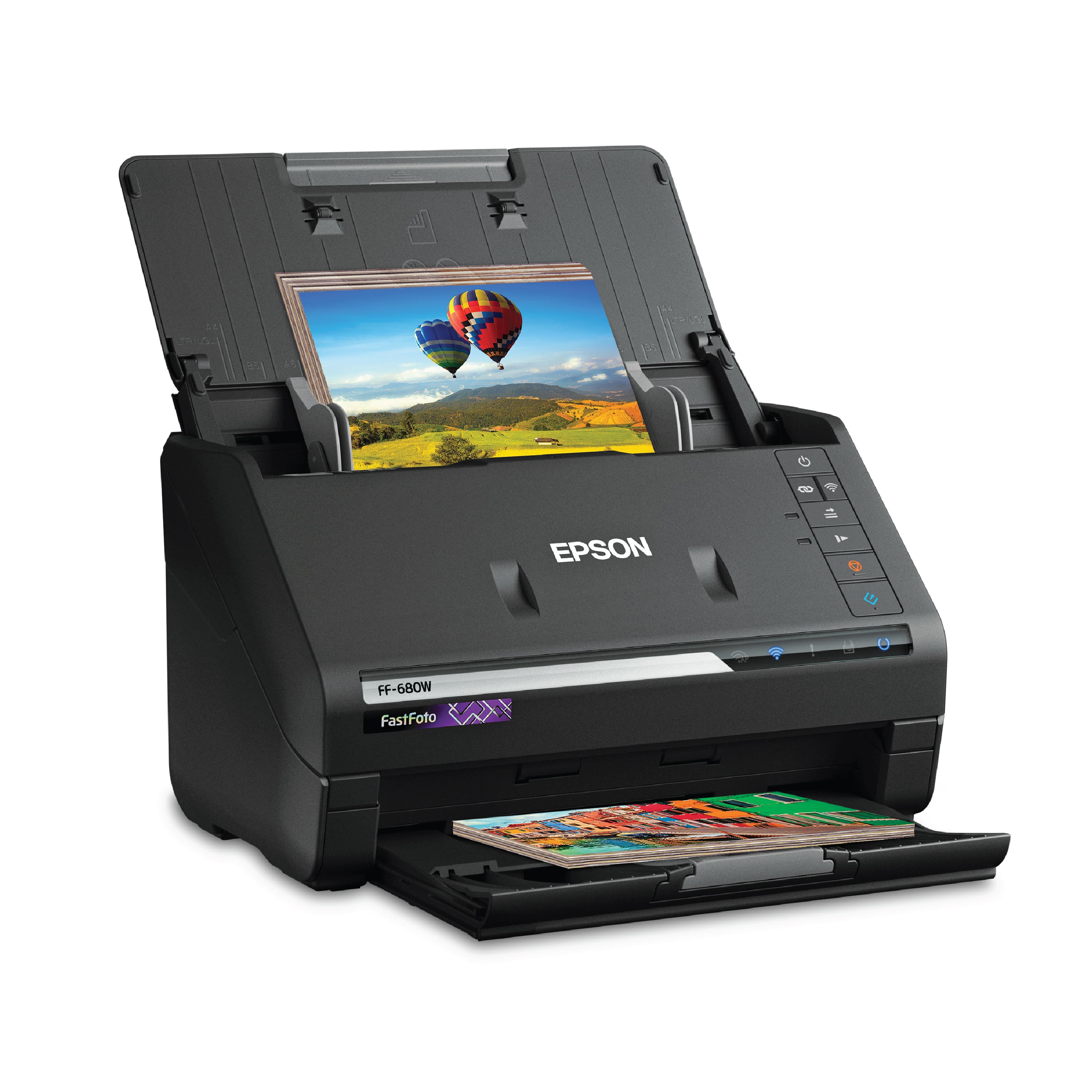
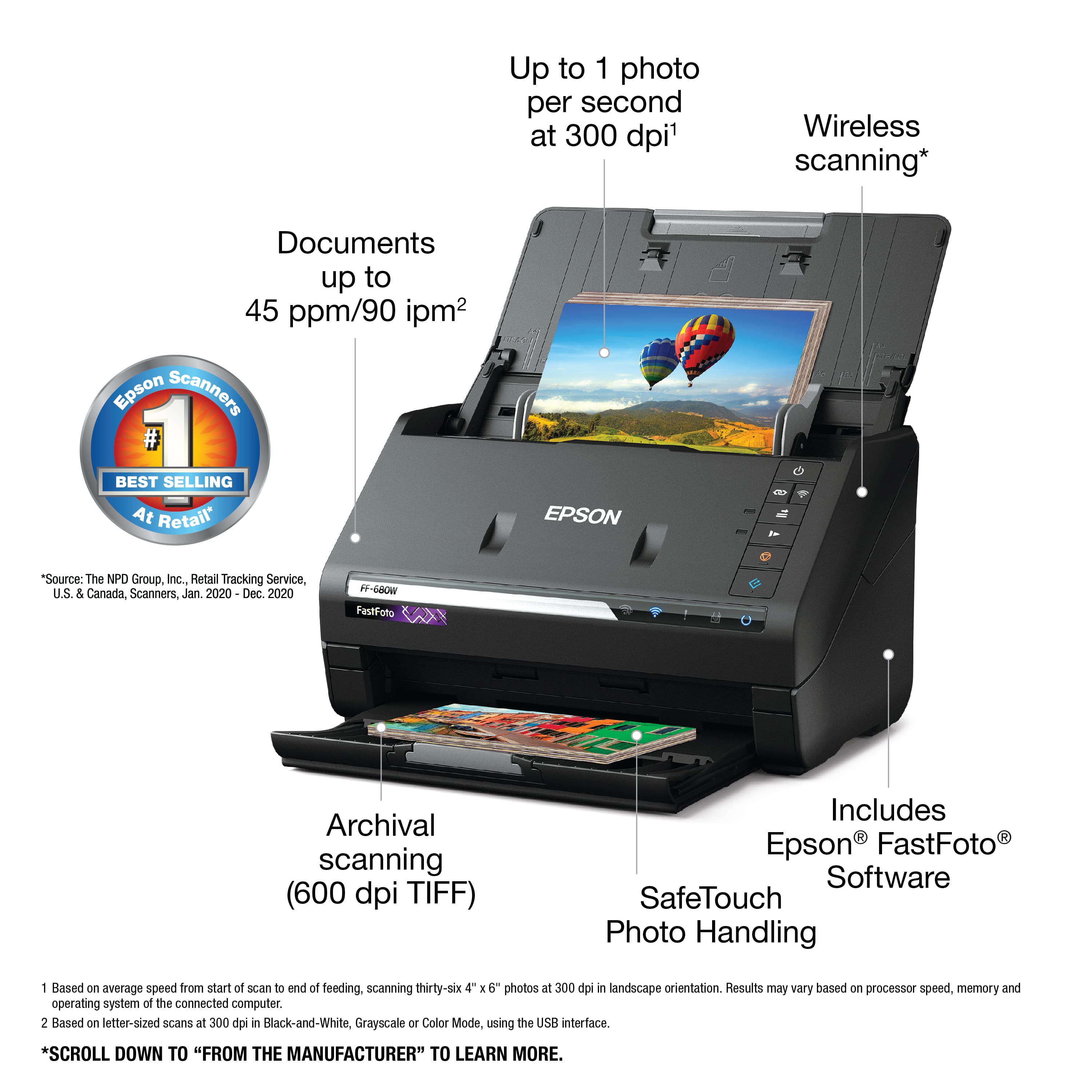
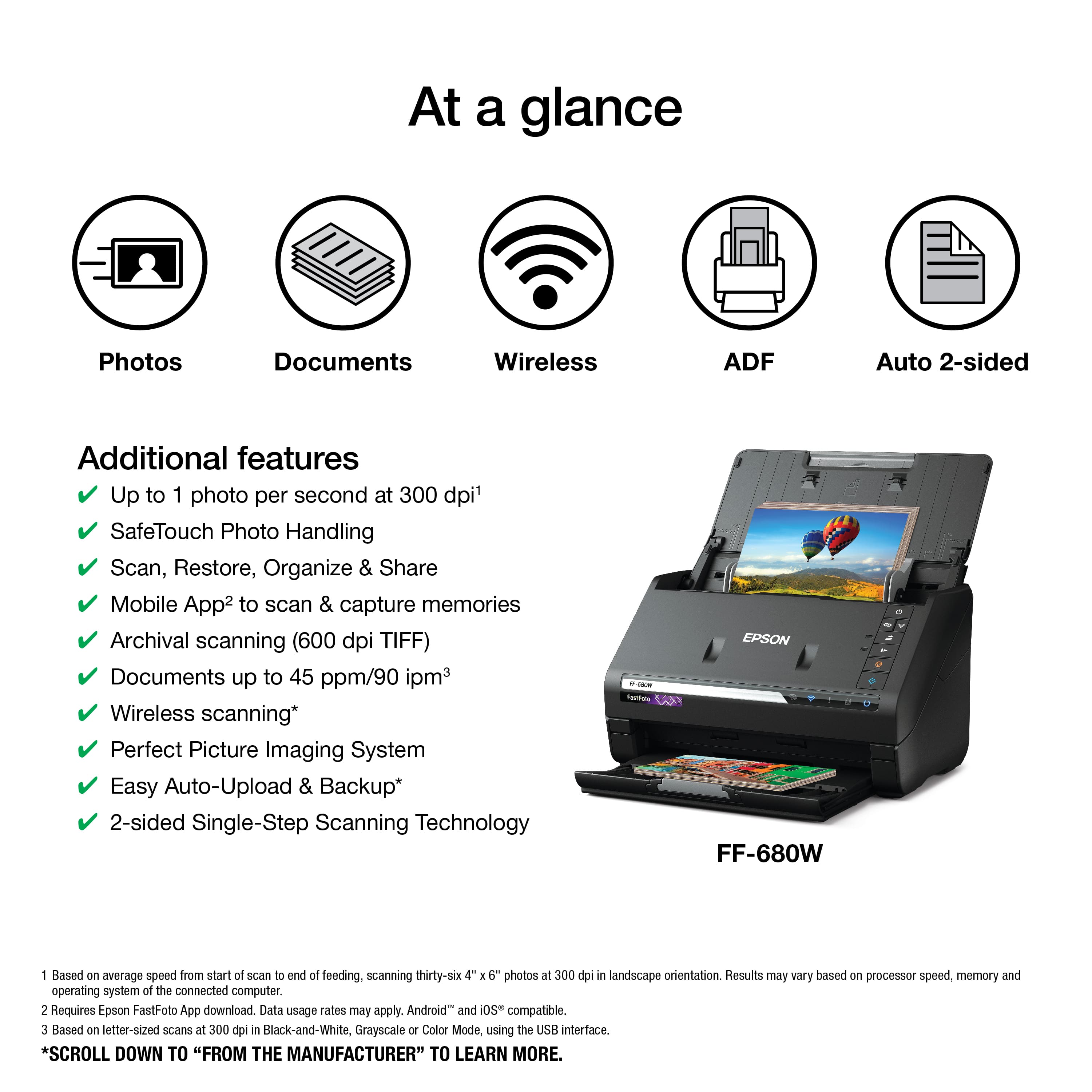
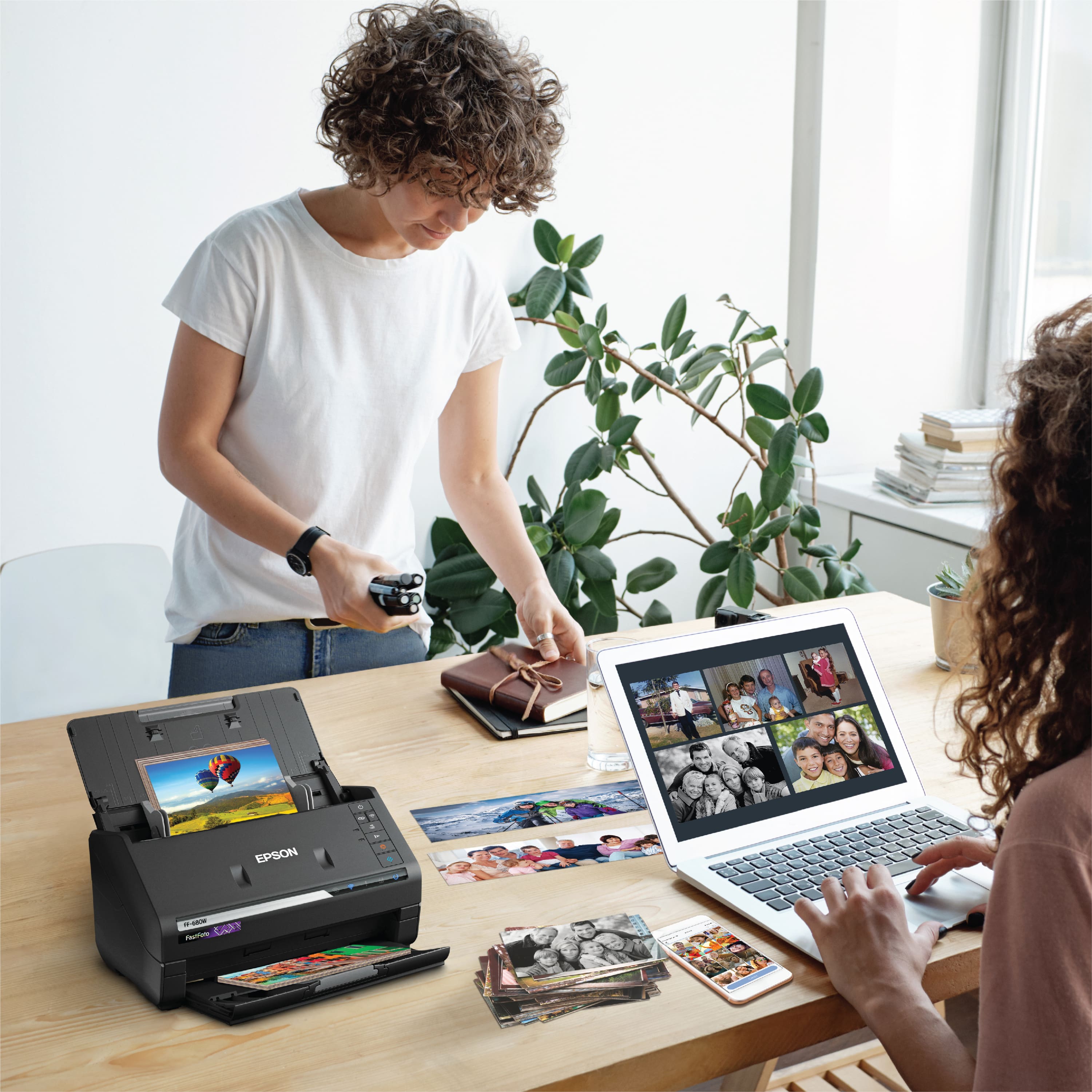
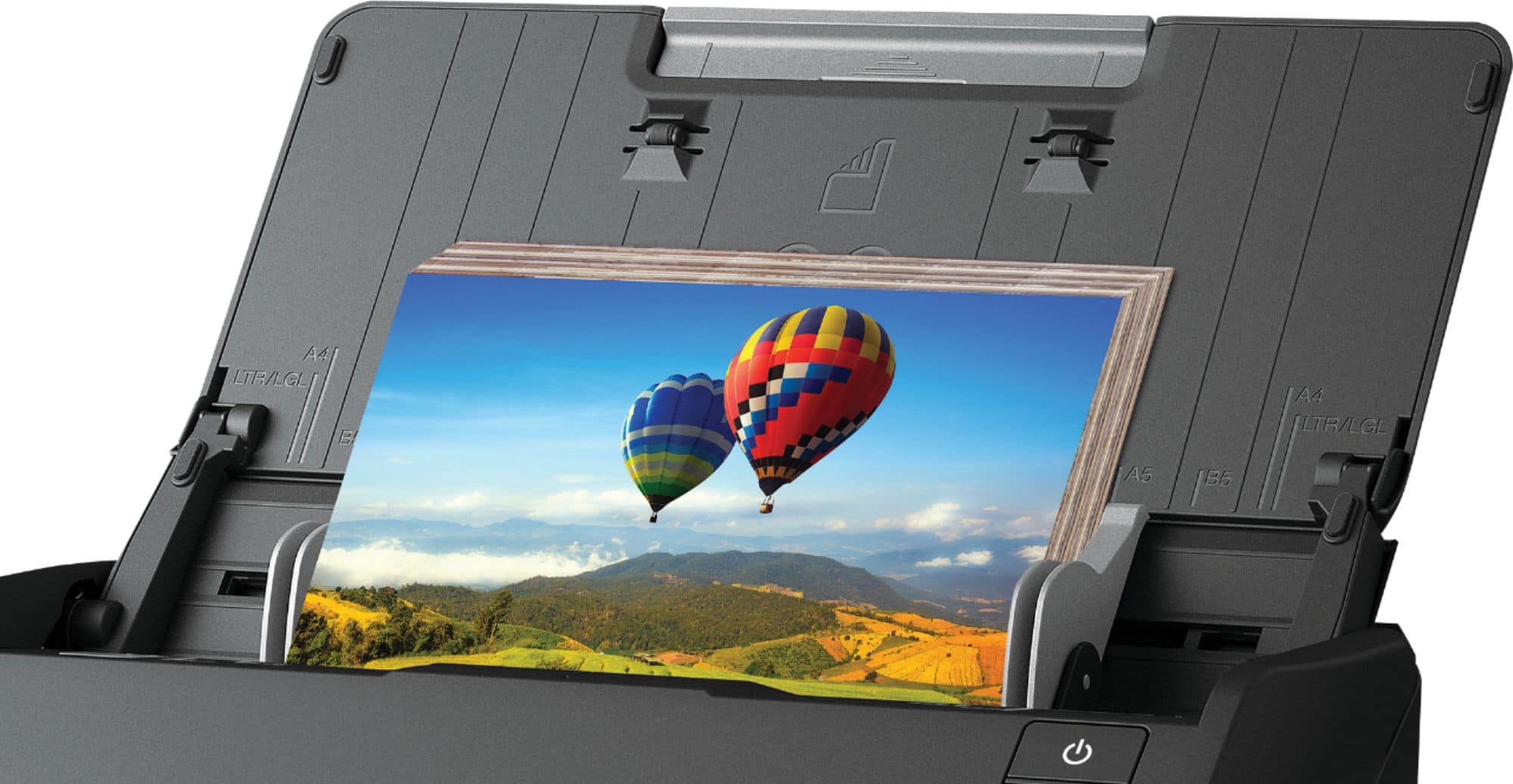
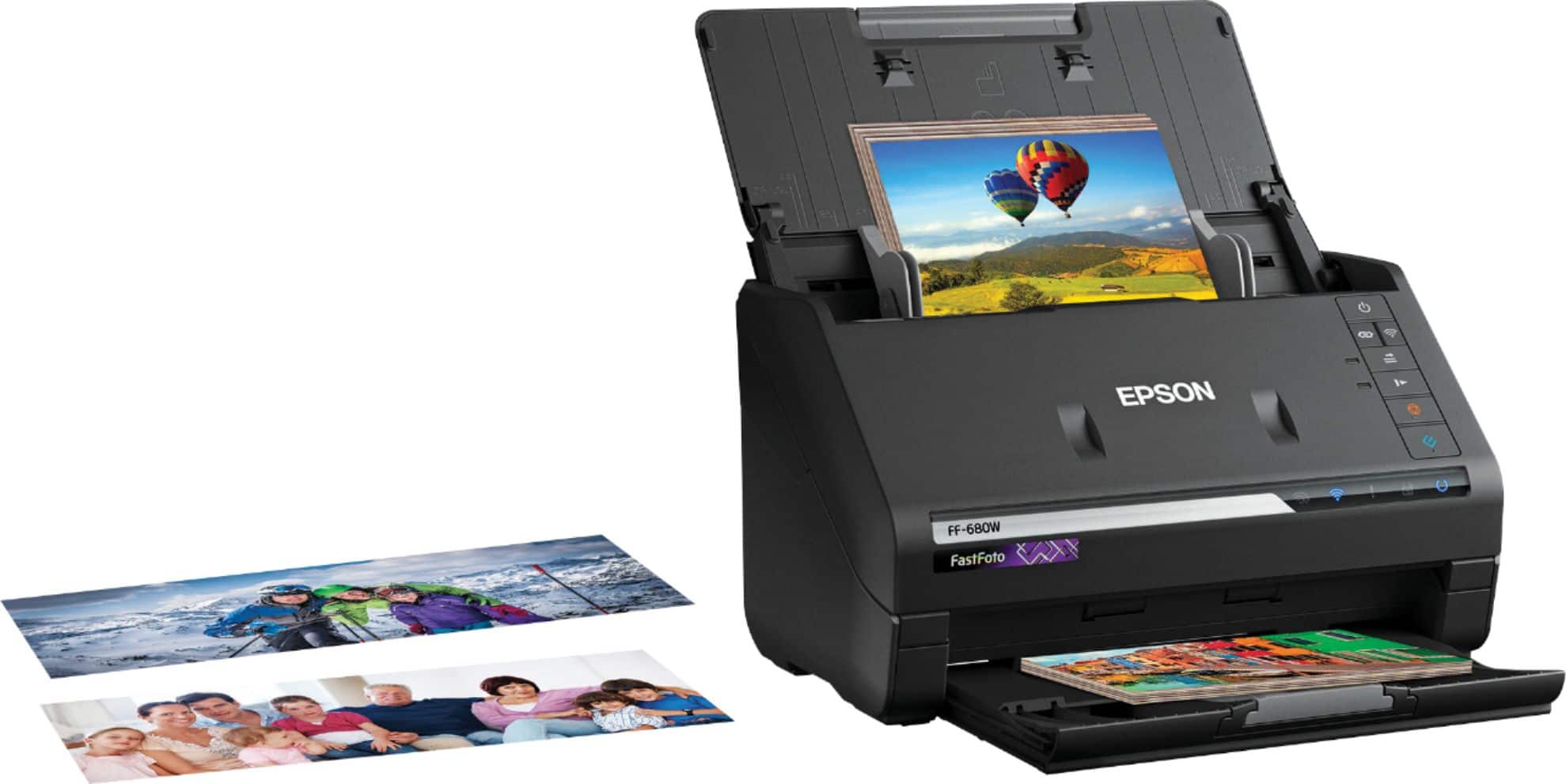
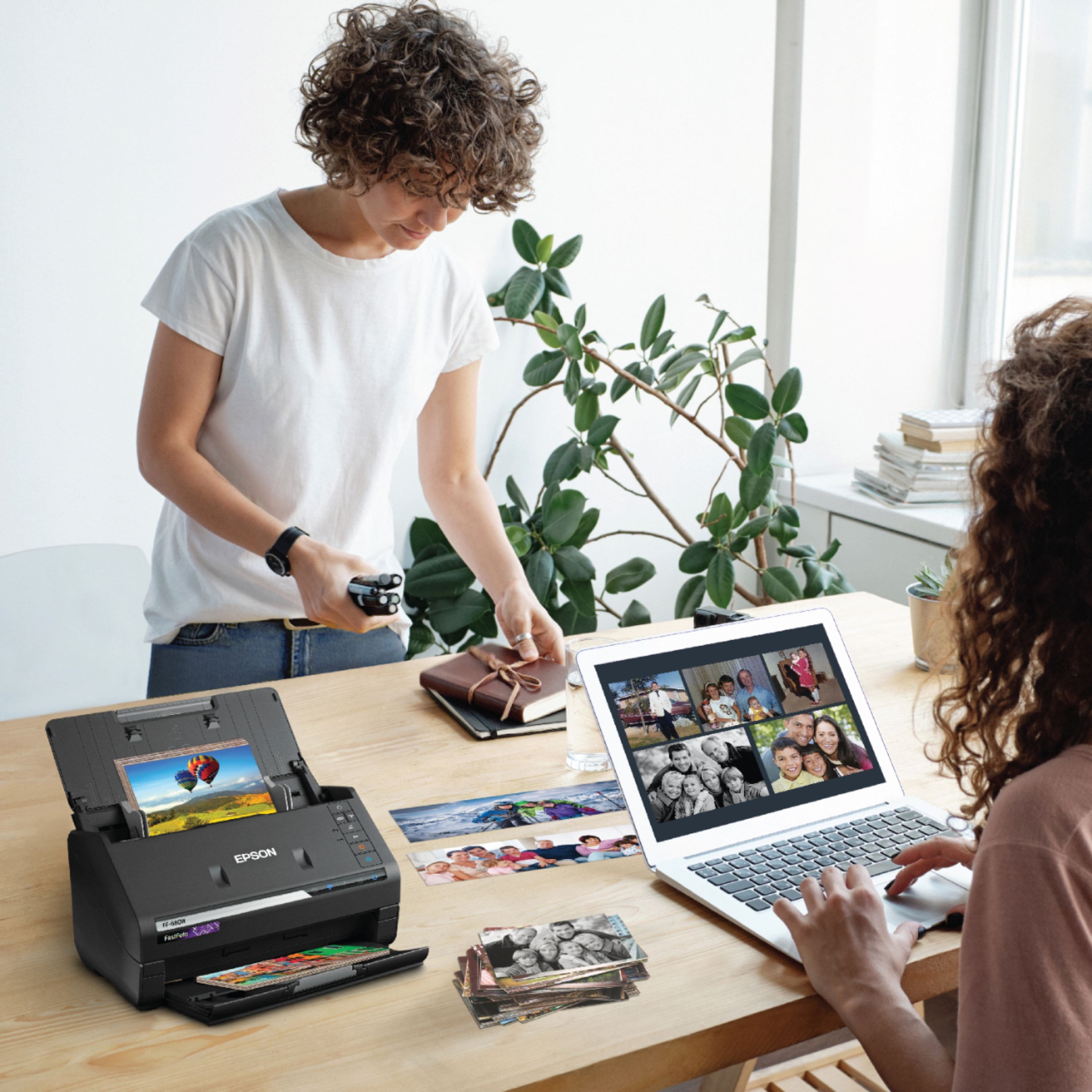
Customers enjoy the FastFoto FF-680W Wireless High-speed Photo Scanning System for its scanning speed, ease of use, and image quality. The included software and compact size are also appreciated. Some customers have expressed concerns about the price, occasional paper jams, connectivity issues, and compatibility with certain types of photos.
This summary was generated by AI based on customer reviews.
Product great but the Best Buy rewards program bad
||Posted . Owned for 3 weeks when reviewed.This reviewer received promo considerations or sweepstakes entry for writing a review.The item itself is amazing! Works great, however the reward points system is absolutely the worst. Because you purchase a gift card at another establishment, you can’t get points. So this will be probably my last purchase from them. Again product great and very impressive. The reward system validates many reasons to shop online
I would recommend this to a friendBrand response from Epson
Posted .Hello DBrig, thank you for sharing your experience with the FF-680W scanner. Please reach our support team directly at (562) 276-4382 between 7 am - 4 pm (PT), Monday - Friday, if you need any assistance. Sincerely, Sam - The Epson Team.

- Pros mentioned:Ease of use, Scanning speed, Size

Overall a good machine
|Posted .This reviewer received promo considerations or sweepstakes entry for writing a review.Machine is surprisingly light weight and smaller than you would expect. It is extremely easy to use. You must have an internet connection to download the app for this system. You can either use it wireless or with a cable that is included. Setup is very simple. Download the program, plug in the machine, turn it on and follow the directions for installation. Be careful with old photos that have stuck together, because they will jam the machine and not go through the process. The photos need to be pretty flat, any curling and they will jam the machine also. It comes with a clear pocket that you can use to put delicate photos into so that you can still scan them. This machine scans very quickly. I put in 10 pictures at a time and it takes no time at all. I don’t care for the auto adjust that you can chose to use for automatic adjustments to your pictures and prefer to use my Photoshop program because I am a bit fussy. All and all, it is a great machine and I can't get over how super fast it is for scanning pictures.
I would recommend this to a friend Poor image quality
||Posted .This reviewer received promo considerations or sweepstakes entry for writing a review.I was very disappointed with the epson printer. I have had a cartridge printer from epson previously and was very happy.
No, I would not recommend this to a friendPiece of Junk
||Posted . Owned for 1 month when reviewed.This reviewer received promo considerations or sweepstakes entry for writing a review.Worst piece of junk I have ever bought. I called for troubleshooting. Their alternative is to bring it back and buy another brand.
No, I would not recommend this to a friendBrand response from Epson
Posted .Hello ccibball50, we're sorry about your disappointing experience with the FF-680W scanner. Epson considers all feedback to improve the performance and quality of our products. Your scanner includes a 1-year Limited Warranty, plus free technical support for the life of the product. Additionally, Epson provides helpful information, including device drivers and self-help tools, on the product support website at https://epson.com/Support/Scanners/FastFoto-Series/Epson-FastFoto-FF-680W/s/SPT_B11B237201#questions. Please get in touch with our support team directly at (562) 276-4382 between 7 am - 4 pm (PT), Monday - Friday if you need assistance.
Sincerely, Sam - The Epson Team
- Pros mentioned:Image quality, Scanning speed
Exceeded All Expectations...And Then Some!
|Posted .This reviewer received promo considerations or sweepstakes entry for writing a review.If you're like me and grew up partially in the analog photo days and still have boxes of pictures that you'd love to share or store (digitize), the Epson FastFoto FF-680W Wireless Photo and Document Duplex Scanner is for you. While I do love stumbling on an old envelope of pictures, I know that getting them digitized and uploaded to Dropbox, Facebook, or simply to my hard drive would make them much more accessible. And while having that tactile experience of sliding through pictures can't be replaced with scrolling through an online album, I won't miss the dust that I have to inhale each time I want to look at old pictures. Out of the box, the Epson FastFoto has an impressively small footprint--about 12" wide, 6-7" deep, and another 12" tall. This is good news for those with less space available and certainly less space than a flatbed or all-in-one would require. Setup was a breeze and can be connected wirelessly or via the included USB. From box to scan took me a little over 5 minutes which is pretty good for any time of scanner as they are usually more complicated than attaching other types of accessories. You will need to have internet access since installation of the Epson software is required for use and this can only be done via their website. I had about 5 envelopes/albums of pictures from the 90s that I used to test the Epson--each one with about 30 4x6 pictures. These pictures have been kept pretty clean too so very little dust--although I would always recommend using something to lightly dust/wipe your pictures to minimize transfer of said dust onto the scanning surfaces. Even doing this, transfer is inevitable and Epson was kind enough to include a cleaning cloth and a carrier sheet if your pictures are too dirty/damaged (torn/rough) to run through on their own. The Epson sped through each album like it was nothing! Within seconds, pictures were appearing on screen in the designated album. Since this model is a duplex (front/back) scanner, you can get the back of the picture (hand written notes, dates, etc.) scanned as well. Having converted some of these back in the early 2000s via a flatbed, I can tell you this was a MUCH better experience. Not only were the pictures free of distortions, the color and details were spot on accurate. There are three settings for quality, 300dpi, 600dpi, and a software enhanced 1200dpi. I think for most everyday users, the 600dpi is sufficient, but the 1200dpi does have some useful applications if you are looking for a larger format. What I really find useful is that you can include specific data (Date, location, etc.) for batches that you are scanning. This can then be included in the file name AND the metadata of the picture! I'm a huge fan of metadata so this thrilled me. Another great feature is the image enhancement. You can choose to have the original AND a copy of the enhanced version (recommended) or just keep the enhanced. I preferred the enhanced version about 2/3 times--but I still like to keep the originals. I had this album of 30 pictures scanned, enhanced, and readily available on screen to be shared or stored with approximately 1-1.5 minutes. Even typing this review, I'm still impressed by that... Years of memories can be 'upgraded' and modernized in seconds to minutes. But wait! There's more! While the Epson FastFoto is primarily meant for pictures, it works just as well for scanning documents. I had a small box of various documents (150-200 pages) that I wanted to scan for my records. These documents were mostly 8.5x11 pages, but many included receipts and other non-standard sizes. The Espon handled them with ease and now I have one less box to store! In conclusion, I can't say enough good things about the Epson. Since I don't take analog pictures anymore, my picture digitizing will probably be minimal, but I've decided to reach out to friends/relatives and offer to scan their pictures. *People will gladly pay you to do this! It's something they need and want to do, but never get around to doing... and it's so easy! Even if I never scanned another picture, I think the document scanning and the simplicity of the scanner are well worth the price. Pros: *Speed *Accuracy/Quality *Duplex *Small footprint *Wireless Cons: *None... Possibly one wish, would've been a 1200dpi (optical), but it isn't at all necessary and the 1200dpi software enhancement works fine.
I would recommend this to a friend - Pros mentioned:Image quality, Scanning speed
Very impressive scanner
Posted .This reviewer received promo considerations or sweepstakes entry for writing a review.The Epson FastFoto scanner is an amazing machine! I was very impressed at the scanning ability, quality of scans, and setup of the product. First of all, the directions for setting up the scanner are super easy to follow. They are written in clear English, with drawings to help understand how to do it. Literally anyone could set this up. You don't actually have to assemble any parts. So easy. It provides a website link so that you can download the software and drivers directly from the internet (as opposed to sending a disc containing the driver). I actually prefer this because who really needs more discs around anymore. The download itself took about 5 minutes, which was very quick in my opinion. After setup was complete, it pops up with a window to easily register your device. I also received a firmware update immediately after installation, which I chose to install. Overall, my setup experience was excellent. Using this scanner is super easy and intuitive as well. Simply load your documents or pictures, up to 37 at a time, and press the scan button. The scanner truly is fast and it pulls them right through without issues. I had no issues with jamming or anything being crooked the entire time I tested this scanner. You can adjust the paper input for different widths of documents of pictures, which is very handy. After you scan your pictures, there are a variety of editing tools you can use. It has the option to automatically enhance/correct pictures as you scan them, and you can choose whether to save the original AND enhanced version or just the enhanced. I really liked how the enhanced pictures looked, so I chose just to save the enhanced ones. Probably my favorite part about this scanner is the ability to categorize photos and documents into different folders. You can easily create a subfolder each time you scan, and you can add a title and specific date for the group. You can choose a month, year, or there is the option to choose a season. I made a folder for Summer 2019 and have added pictures of my kids from this summer so far. I easily made folder for each of my kids pictures, and I made folders for work projects too. It's so easy to organize everything! After scanning, you can also edit the photos if you desire. There are options to rotate, crop, enhance photos, remove red eye, etc. which are all very useful to me. The editing interface is great! It's very simple, intuitive, and easy to use. A couple small issues I ran into while using this scanner: First of all, when editing photos, the program minimizes the window after each edit. This is a little annoying to me because I want to edit many pictures at once, and I have to keep pulling the window back up. Second of all, when using the feature to enhance photos while scanning, it wants to save a random negative-looking copy of the picture too. I deleted every one of these because it looks like my photo but in all white. It also saved the normal picture and the enhanced picture. So I was getting 3 versions of a photo for each scan, which made the sorting and editing process longer than I would like. Overall the benefits of this awesome scanner definitely outweigh the negative aspects. I will continue to use this scanner for both work and personal purposes. It's very efficient and easy to use. It goes above and beyond what I could have ever expected for a scanner like this! This is a review for the Epson FastFoto FF-680W Wireless High-speed Photo and Document Scanner System that I received free of charge to do a beta test and review.
I would recommend this to a friend Not comparable with Mac
||Posted . Owned for 1 month when reviewed.This reviewer received promo considerations or sweepstakes entry for writing a review.The label says it is comparable with a Mac but it didn’t work. I got two different scanners and neither worked. To be honest I didn’t try it with a PC because I didn’t have one.
No, I would not recommend this to a friendBrand response from Epson
Posted .Hello Mmpharmdjd, we're very sorry for the trouble that you had encountered with the setup. The Epson FF-680W is compatible with with Mac computers running OS X 10.15.x - OS X 10.9.x. Additionally, your FastFoto scanner is backed by a 1-year Limited Warranty and includes free lifetime technical support. If you need assistance with driver installation or anything else, our Advanced Support Team can be reached directly at 1-800-241-5794 between 7 am - 4 pm (PT), Monday - Friday. Kind Regards, Bobby D. - The Epson Team.
Meh!!!
||Posted . Owned for 8 months when reviewed.This reviewer received promo considerations or sweepstakes entry for writing a review.Not a great scanner for photos. Did better with my phone and taking pics with it.
No, I would not recommend this to a friendBrand response from Epson
Posted .Hi KennyB, we appreciate your business and regret to hear that the scanner does not meet your expectations. If you have any questions, our Epson Support Team would be happy to help and can be reached at (562) 276-4382; Hours: Monday – Friday, 6am – 8pm PT; Saturday, 7am – 4pm PT. Sincerely, Matt – The Epson Team.
Disappointed with Support
||Posted . Owned for 1 month when reviewed.This reviewer received promo considerations or sweepstakes entry for writing a review.Item could not be accessed wirelessly. Geek Squad unable to help. Epson Tech services was not able to help solve the problem. Best Buy experience poor.
No, I would not recommend this to a friendBrand response from Epson
Posted .Dear Valued Customer, we sincerely apologize for the disappointing experience you had encountered with our support and the Epson FF-680W. We'll pass along your feedback to the appropriate product team for review. Your FastFoto scanner includes free tech support for the life of the product. Please give us another chance to assist by calling our Advanced Support Tea, directly at 1-800-241-5794; Hours: Monday - Friday, 7 am - 4 pm (PT). We hope to hear from you soon. Kind Regards, Bobby - The Epson Team.
sucks
||Posted .This reviewer received promo considerations or sweepstakes entry for writing a review.software does not work feeder does not work putting in photos and come out reversed need to rotate each photo too much work
No, I would not recommend this to a friend- Pros mentioned:Ease of use, Scanning speed, Software
Amazing Photo Scanner
|Posted .This reviewer received promo considerations or sweepstakes entry for writing a review.The Epson FastFoto FF-680W is hands down the most amazing photo scanner I have ever used. This scanner absolutely shreds through piles of photos and makes digitizing your photo collection a breeze. The included software processes and saves your images in mere moments and makes organizing all of your photos a breeze. This scanner is amazingly fast and I have been able to get through several storage containers filled with photos in a matter of hours instead of days using a traditional flatbed scanner.
I would recommend this to a friend - Pros mentioned:Ease of use, Scanning speed
A very efficient, fast and easy scanner to use!
Posted .This reviewer received promo considerations or sweepstakes entry for writing a review.The Epson FastFoto FF-680W Wireless High-speed Photo and Document Scanner is an very nice scanner! I really like the fast scanning abilities, the quality of scans, and very easy setup of the scanner. I was really impressed with the extremely easy setup and setup of the scanner. The provided instructions are very easy to follow and very intuitive. Instructions also provide driver links to Epsom’s website. I always configure computer hardware with the latest drivers from manufacturers websites for less problems and best performance and compatibility. The scanner is easy to operate. You can load multiple documents or photos and press the scan button to do the whole job. It scans very fast. Very nice when you have lots of documents or photos to scan. It saves a lot of time. It comes with some nice editing and correction software to fix the scratches or red eye in photos. Also if you need to rotate some images to the proper orientation or to crop them. The only issue I ran into was some very old photos I had were curved a little and jammed in scanner during scan. I had no problem straightening them out a little and re running the scan. I seen on other reviews that some people had scanner path marks added to their photos. I did not experience this issue with my photos. They came back out with no added marks. I really enjoy using this scanner. It will get me off my seat and finally get all my photos digitized and also scan all my receipts so they will be preserved if ever needed for warranty repairs or returns. This is a review for the Epson FastFoto FF-680W Wireless High-speed Photo and Document Scanner System that I received free of charge to do a beta test and review.
I would recommend this to a friend - Pros mentioned:Scanning speed, Software
An excellent high speed scanner for photos & docs
Posted .This reviewer received promo considerations or sweepstakes entry for writing a review.The Epson FastFoto FF-680W is a great photo/document scanner that packs a lot of speed and features for its size. This scanner is an incredible product and a huge timesaver if you have a lot of documents and photos to scan and categorize. Hardware: The FF-680W is relatively small for a high-speed scanner, and the build quality is excellent. The fact it can scan photos at 80ppm is incredible, and the quality stands out up to 1200dpi. It connects to your computer via USB 3.0 or Wi-Fi connection which is a simple setup using WPS. I love the fact that the paper tray folds down right on top of the scanner body to make it as compact as possible, and it’s very smooth and easy to get ready to scan again. The ability to scan duplex and drop out blank pages saves so much time and works extremely well. Software: The Epson document and photo scanning software applications are filled with the important functions and are very easy to use. Just a few clicks and you can change whatever settings you want. It’s extremely fast and user-friendly to scan documents using your smartphone or computer and send them to Google Drive, Dropbox, or other cloud storage. The software features auto-enhance, crop, auto-rotate, and they work very well and fast while scanning. This is a review for the Epson FastFoto FF-680W Wireless High-speed Photo and Document Scanner System that I received free of charge to do a beta test and review.
I would recommend this to a friend - Pros mentioned:Image quality, Scanning speed
Excellent Scanner, super fast.
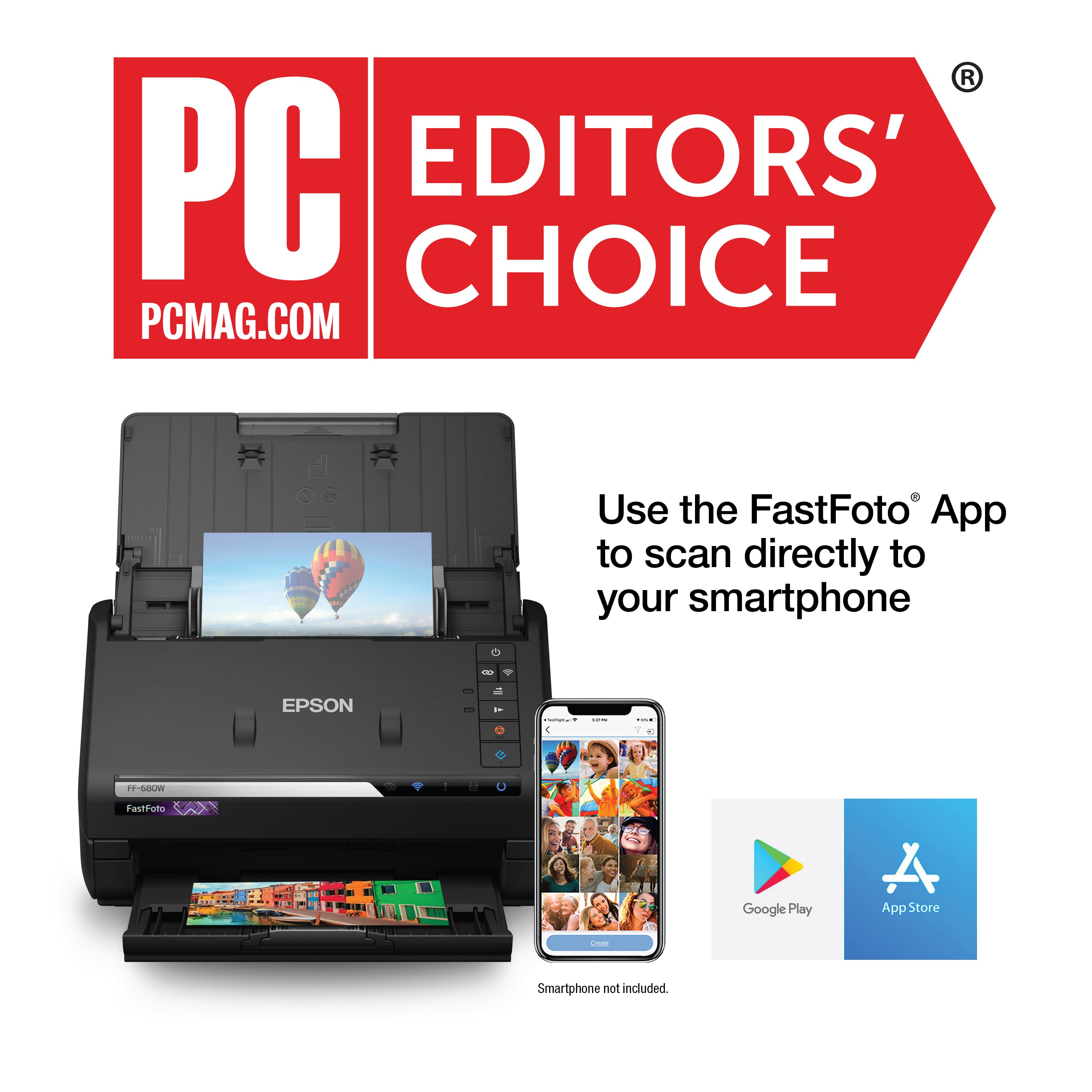
Posted .This reviewer received promo considerations or sweepstakes entry for writing a review.I received a small and light equipment to scan photos and documents and it is excellent. I am not very expert with the electronics but I managed to install the software following the instructions, it took a while but I could do it without any problem and with the newest version of it, it is currently connected to the PC through the USB cable that it brings, but also I can connect to it from my cell phone to scan and send the file to Google Drive, which is the program I use to archive my documents. I'm using it to basically scan the hundreds of drawings my 7-year-old daughter has made since she learned to hold a pencil, so the arrangement of the tray as a common printer is quite practical for that, and I have to emphasize that it is very quick the process because I can put several of the drawings at once and thus keep me unoccupied, in terms of the quality of the image is excellent and maintains the details and colors, I can almost say that it improves and highlights the colors. My family in the distance is happy to see the album I'm completing on Facebook with my new team and my daughter happy to see her artwork on the computer. Thank you so much. This is a review for the Epson FastFoto FF-680W Wireless High-speed Photo and Document Scanner System that I received free of charge to do a beta test and review. "
I would recommend this to a friend - Pros mentioned:Image quality, Scanning speed
Love Love Love
Posted .This reviewer received promo considerations or sweepstakes entry for writing a review.I can't tell you how much I love this scanner! If my house was burning down (in a dystopian future where you can't just go out and replace stuff) and I had time to save only one gizmo, this would be ... ok, maybe my iPhone would be first, but this would be a close second. It is AMAZING to put a heap of random photos of different sizes, some of them yellowed and fraying, into the tray and pfffft, pfffft, pfffft, pfffft .... voila, all scanned!! It facilitates organising and will even will scan the back of photos if it notices some writing. Genius. Scanning and organizing all our old family photos would have taken months and months on a regular scanner, if it got done at all, but was accomplished in a few days with this machine - I'm so happy, just so so happy. And it does documents as searchable PDFs as well. Unbelievably great gizmo, it warms my heart just writing about it.
I would recommend this to a friend - Pros mentioned:Ease of use, Scanning speed
Awesome!!!
Posted .This reviewer received promo considerations or sweepstakes entry for writing a review.Epson - FastFoto FF-680W Wireless Photo and Document Duplex Scanner is AWESOME!! The quality and ease of use is fantastic. I would recommend it. We all have those boxes of photos and documents from our children that we never quite got in that scrap book. This scanner lets that . An incredibly designed and well-functioning device. I feel very safe with putting my photos through it. The speed is remarkable. There are many excellent features that make organizing the photos easy. Photo retouch options is also very helpful. The Epson will make a second copy with improved color and contrast. Amazing results. It also has a function that will copy notes that are on the back of the photo. I feel very safe with putting my photos through it. Its speed is remarkable. There are many excellent features that make organizing the photos easy. Also helpful is the photo retouch options. The Epson will make a second copy with improved color and contrast. It also has a function that will copy notes that are on the back of the photo. “This is a review for the Epson FastFoto FF-680W Wireless High-speed Photo and Document Scanner System that I received free of charge to do a beta test and review.”
I would recommend this to a friend - Pros mentioned:Image quality, Scanning speed
Fast work scanning!
|Posted .This reviewer received promo considerations or sweepstakes entry for writing a review.This arrived in its manufacturing box (not in a plain box), so if you live in an area where you have package theft, you'll want to keep that in mind. I was thinking it might be bigger than originally thought, because of the box size, but no, it was just well packed and the machine is a nice compact size. Epson had all loose pieces taped up so that parts didn't rattle and rub during shipping, and the machine came in great shape. It closes up to put out of the way when you're not using. I read my instructions and they are pretty straightforward. I sat down and downloaded the software (the site recongized my operating system, computer, etc.), then followed instructions. It popped up that I could connect it wirelessly, so I chose that option. It picked up my wireless, but couldn't get to the point of even putting in my password. After three attempts I gave up and connected with the included USB cable. That worked. I read the tips on scanning and grabbed a stack of old photos to test it out. Scans fast! You can choose to have the software do some corrections, and further you can save the original scan AND an enhanced scan, and then you can choose which to keep. I found that some of the originals I liked better, and some of the enhanced ones I liked better, so I'll probably continue to use that feature. It does include a sleeve to place fragile photos in for scanning - nice to have. You can choose where it saves. You can scan in batches for large sets -- that was nice. I put in a stack, and when they were scanned, it asked if I had more. Once I put in another stack, I could continue, and once I was finished, I clicked to complete the scanning/saving process. I've LONG wanted to scan in old photos, and now I can! I wish my organizing them after scanning was a quick as the scanning process! This scanner is rather pricy if you only have a handful of photos to scan, so if you know of others who want to scan, too, consider going in together on one--it's pretty slick!
I would recommend this to a friend - Pros mentioned:Image quality, Scanning speed
Very happy
Posted .This reviewer received promo considerations or sweepstakes entry for writing a review.Ordered this from my local store and picked it up. Very smooth process and the clerk was familiar with this exact item and gave me a few tips plus a stellar review of it. I got it home and setup was a breeze. Unpacking and getting it running was less than 1/2 hour and I was scanning pictures. Ran a few old ones through using the Epson software that cam with the scanner to enhance the color and resolution. Fantastic copies and very fast. I would recommend this to anyone thinking about putting the old photographs on digital media.
I would recommend this to a friend - Pros mentioned:Scanning speed, Size
Tricks With Pics
|Posted .This reviewer received promo considerations or sweepstakes entry for writing a review.The Epson FastFoto FF-680W Wireless Document Duplex Scanner does a nice job of converting your old photos to digital format. You can also use it to scan receipts, checks, and financial records, although I might prefer a regular scanner for those. Setup was relatively painless, if you use the computer method. If you try to setup via app, it may not go as smoothly. Everything seemed to work via the app at first, but the scans were blank. I was using a Google Pixel phone, so YMMV with iOS, for instance. The directions were clear and easy to follow. However, when paired with a computer, the 680W digitizes photos and documents like a champ. I was impressed with how quickly it scans the photos and is then ready for another. This is a tremendous asset if you have a ton of old family photos lying around, as we do. I would have preferred an option for higher resolution. These are not big-screen HD ready, but they are perfectly fine for viewing on a computer screen. You have the option of scanning images to jpg format and documents to pdf format. The scanner itself has a reasonable footprint. I didn't think it is too big, but it's certainly big enough to feel solid. Overall, I'm pleased.
I would recommend this to a friend - Pros mentioned:Scanning speed, Size
great photo scanner
Posted .This reviewer received promo considerations or sweepstakes entry for writing a review.The Epson FastFoto FF680W is a great compact size scanner that does not take up too much space.I was really impressed with the size and the ability to scan the picture within a reasonable time. The Epson FastFoto FF-680W can scan both sides of the document or picture.It tool me less than 1 minute to scan 30 photos. When using the scanner to restore or edit photos i find it easier to use Epson Scan Smart Software you can crop help remove red eyes and many more features. Not only did I use the scanner for my pictures but once they were finished It was easy for me to upload to my dropbox account. I was able to scan receipts to my business folder so I can later use it for my tax purposes for next year. This compact size scanner is a great edition to my small business .This is a review for the Epson FastFoto FF-680W Wireless High-speed Photo and Document Scanner System that I received free of charge to do a beta test and review.”
I would recommend this to a friend