Epson - FastFoto FF-680W Wireless High-speed Photo Scanning System - Black
Customers are saying
Customers consistently note that this scanner is highly regarded for its impressive scanning speed, user-friendly interface, and high-quality image output. While users appreciate the compact design and helpful software, some have expressed concerns regarding the overall value, occasional connectivity drops, and minor issues with paper jams or media compatibility. Overall, the device is praised for its efficiency and performance despite these noted limitations.
World’s Fastest Personal Photo Scanner
Scan thousands of photos as fast as 1 photo per second at 300 dpi; batch-scan up to 36 photos at a time
Preserve Your Priceless Photos
Restore, organize, protect and share photos; scan Polaroid photos, panoramas, postcards and photos up to 8" x 10"
Share Stories for Future Generations
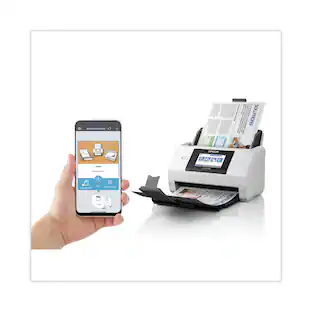
Use the Epson FastFoto app to add voice and text over your photos or create slideshows, right from your smartphone
Perfect Picture Imaging System
Bring new life to old photos with auto enhancement, color restoration, red-eye reduction, de-skew, crop and rotate
Single-step Technology
Capture both the image and any handwritten notes on the back of a photo in a single scan
Flexible Scanning
Offers a variety of format options for easy sharing (300 dpi), archiving (600 dpi TIFF) and enlarging (1200 dpi); handles multiple sizes in one batch; mobile (up to 600 dpi JPEG)
Powerful Document Scanning
Includes Epson ScanSmart software with optical character recognition (OCR), which converts scanned images into readable text; scan documents up to 240"; scan speeds up to 45 ppm/90 ipm
Easy Auto-upload and Backup
Instantly share your memories as you scan via Dropbox and Google Drive
Easy to Connect
Includes both USB and wireless connectivity for flexible placement; easy Wi-Fi setup with the Epson FastFoto app
SafeTouch Technology
For worry-free scanning of delicate photos; carrier sheet included, plus microfiber cloth to lightly dust photos
- NetworkingWirelessScan (Color) Speed80 copies per minuteScan MethodSingle passDuplex Scan FunctionYes
Reviews
Rating 4.7 out of 5 stars with 1163 reviews
- Scanning Speed (746)
- Ease of use (299)
- Image Quality (155)
- Software (41)
- Size (32)
- Price (34)
- Connectivity (13)
- Jamming (13)
- Compatibility (7)
Customer Images
The vast majority of our reviews come from verified purchases. Reviews from customers may include My Best Buy members, employees, and Tech Insider Network members (as tagged). Select reviewers may receive discounted products, promotional considerations or entries into drawings for honest, helpful reviews.
Compare similar products

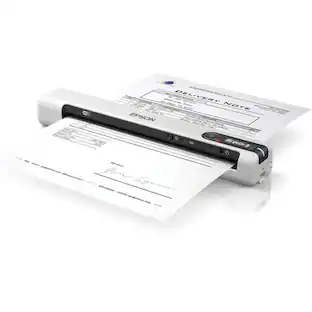
Preserve what’s priceless with the Epson FastFoto FF-680W — the World’s Fastest Personal Photo Scanner. Scan thousands of photos — as fast as 1 photo per second. Easily restore, save, organize and share photos, postcards, panoramas, documents and more. The convenient mobile app enables you to capture the voice of loved ones and create slideshows, so you can easily share stories about your photos right from your smartphone, from a firsthand perspective, for generations to come. Plus, FastFoto brings old photos to life with auto enhancement, color restoration and more. Offering the ultimate in versatility, it includes a variety of format options for quick sharing, archiving and enlargements
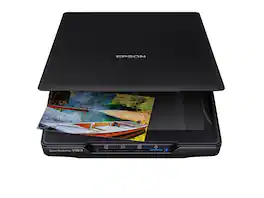
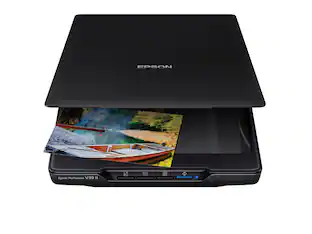
Make scanning simple with the affordable, compact and lightweight Epson Perfection V39 II. Featuring an optical resolution of 4800 dpi, this easy-to-use photo scanner delivers amazing clarity and detail at a great value. With the included Epson ScanSmart software, you can scan photos, artwork, illustrations, books, documents and more to cloud storage services as well as stitch together oversized images. Moreover, if your photos have faded, you can bring back the color in one click with Easy Photo Fix technology. The V39 II delivers high-quality letter-sized scans in as fast as 10 seconds. It also includes convenient one-touch scanning with easy-to-use buttons, so you can scan directly to PDF or email with just the touch of a button. In addition, you can create editable Microsoft Word, Excel and PowerPoint files using optical character recognition (OCR) software. The V39 II is USB powered for portability, includes a built-in kickstand for space-saving vertical placement and storage, and features a high-rise, removable lid to accommodate bulky items such as books and photo albums. Meet the nexus of stunning image quality and great value with the Epson Perfection V39 II.
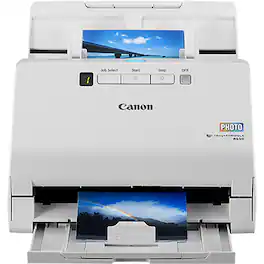
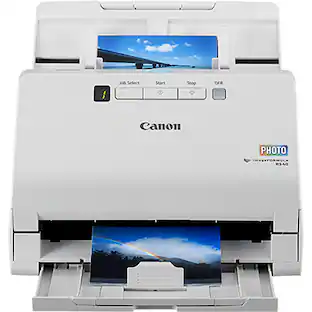
The Canon imageFORMULA RS40 photo and document scanner provides high-resolution photo scanning along with full-featured document scanning. Users can quickly and easily convert paper photos and documents to digital files for sharing or storage. The RS40 includes software to enhance scanned photographic images, extract and convert text from scanned documents. Reduce clutter, categorize and organize paper photographs and documents efficiently with the RS40.
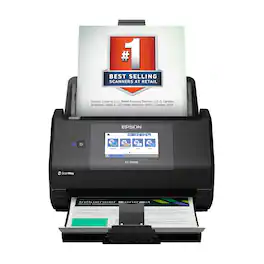
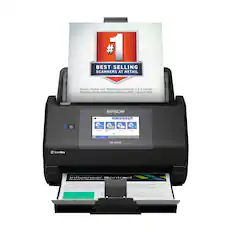
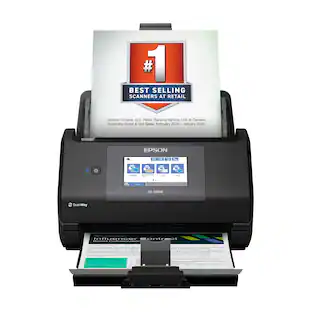
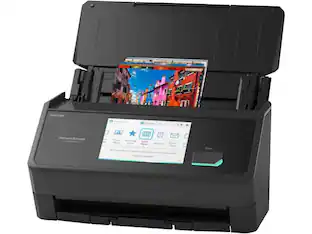
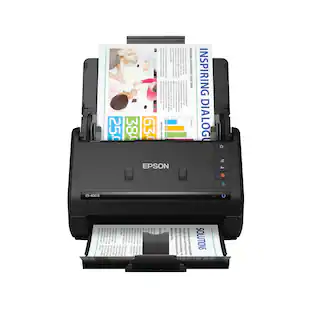
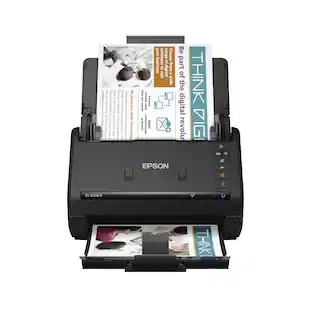
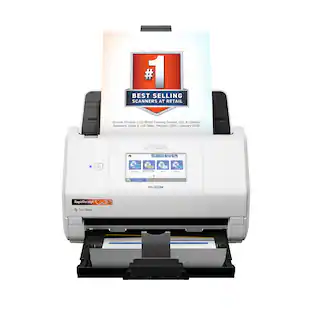
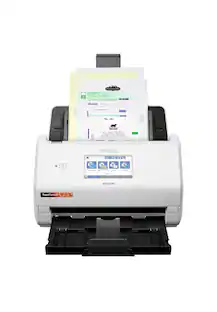
The Epson WorkForce ES-590W makes scanning simple, smart and seamless in virtually any workspace. With a sleek, wireless design, it’s built to handle everything from daily paperwork to important business and personal documents with speed and simplicity. Powered by Epson ScanSmart¹ AI technology, your scans instantly become smart, searchable digital files that are ready to use across the latest AI applications². With ScanWay technology, the intuitive, large 4.3" color touchscreen makes scanning, reviewing and sending documents simple, with no computer or complicated steps required. The high-capacity Auto Document Feeder holds up to 100 sheets and scans both sides in a single pass—up to 12 times faster³—delivering speeds of up to 45 ppm⁴ to make even large jobs feel effortless. And thanks to intelligent features such as paper and staple protection and blank page deletion, the WorkForce ES-590W is engineered for reliability from start to finish. With built-in Wi-Fi connectivity, you can place the scanner anywhere that’s convenient and wirelessly scan documents directly to your computer, mobile device⁵, email account⁶, USB flash drive⁷ or cloud storage⁵. Plus, with the Epson Smart Panel app⁸ for iOS and Android devices, you can scan, organize and share files directly from your smartphone or tablet. And with ARM-based Windows support, you’re fully prepared for the next wave of AI-powered Windows devices. From a leader in digital imaging innovation, the WorkForce ES-590W wireless desktop color document scanner is built for reliability and delivers the speed and simplicity you need to stay productive.
| Pros for Epson - FastFoto FF-680W Wireless High-speed Photo Scanning System - Black | |||
|---|---|---|---|
| Scanning Speed, Ease of use, Size, Image Quality, Software | Ease of use, Overall Performance, Size, Scan Quality, Resolution | There were no pros for this product— | Scanning Speed, Overall Performance |
| Cons for Epson - FastFoto FF-680W Wireless High-speed Photo Scanning System - Black | |||
| Connectivity, Compatibility, Price, Jamming | Connectivity, Compatibility, Noise Level, Kickstand, USB | There were no cons for this product— | There were no cons for this product— |
Specs
Customers often buy these together
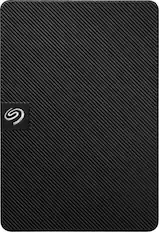
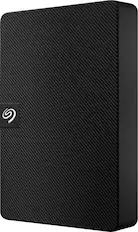
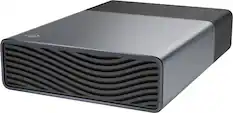
Seagate - Expansion 2TB External USB 3.0 Portable Hard Drive with Rescue Data Recovery Services - Black
$129.99The price was $149.99





More to consider


Discover lifestyle innovations Sponsored
 $229.99The price was $279.99
Discover related products
 $139.99The price was $219.99
 $189.99The price was $289.99