Customer Ratings & Reviews


- Model:
- B11B237201
- SKU:
- 6280709
Rating by feature
- Value
Rating 4.3 out of 5 stars
- Quality
Rating 4.7 out of 5 stars
- Ease of Use
Rating 4.7 out of 5 stars
Customers are saying
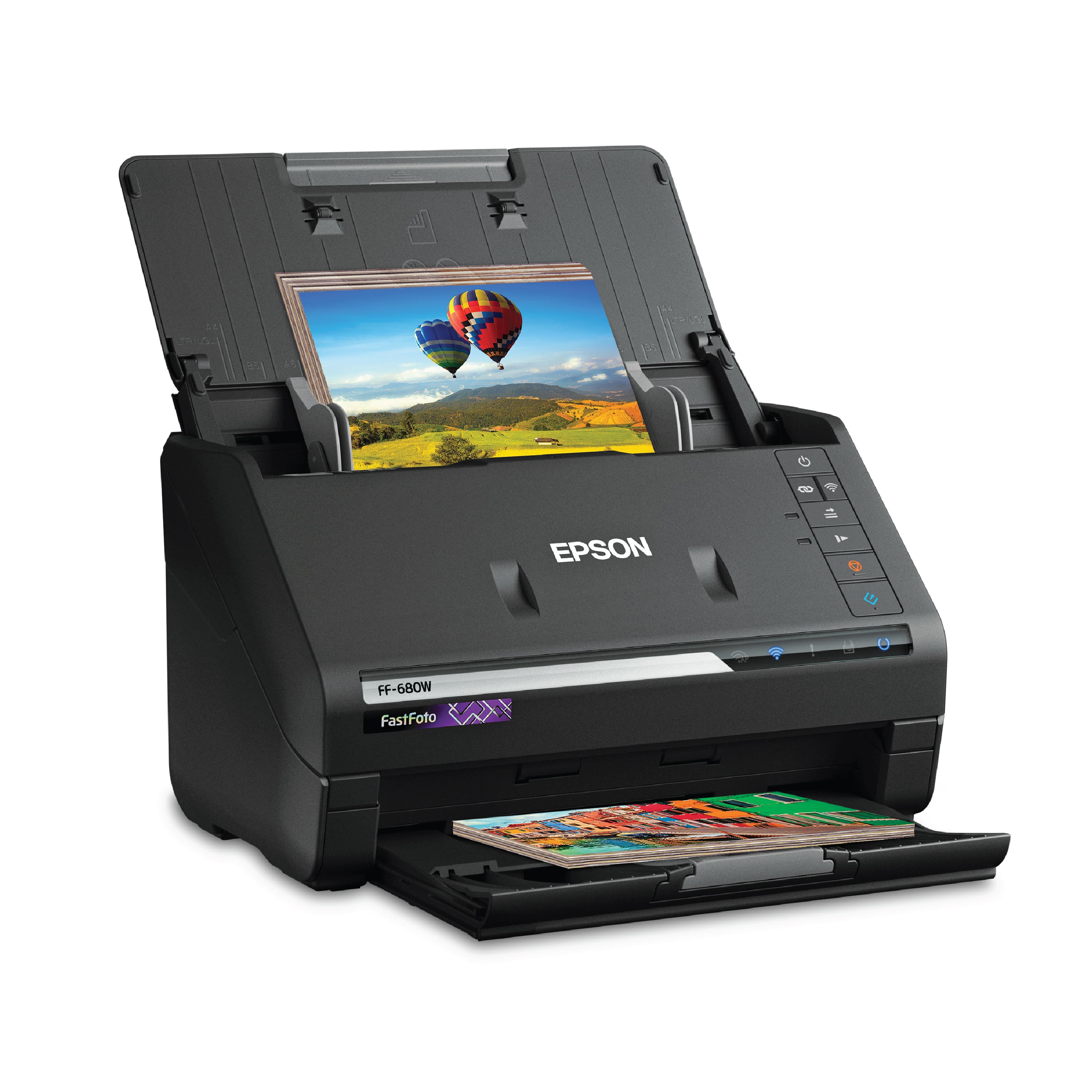
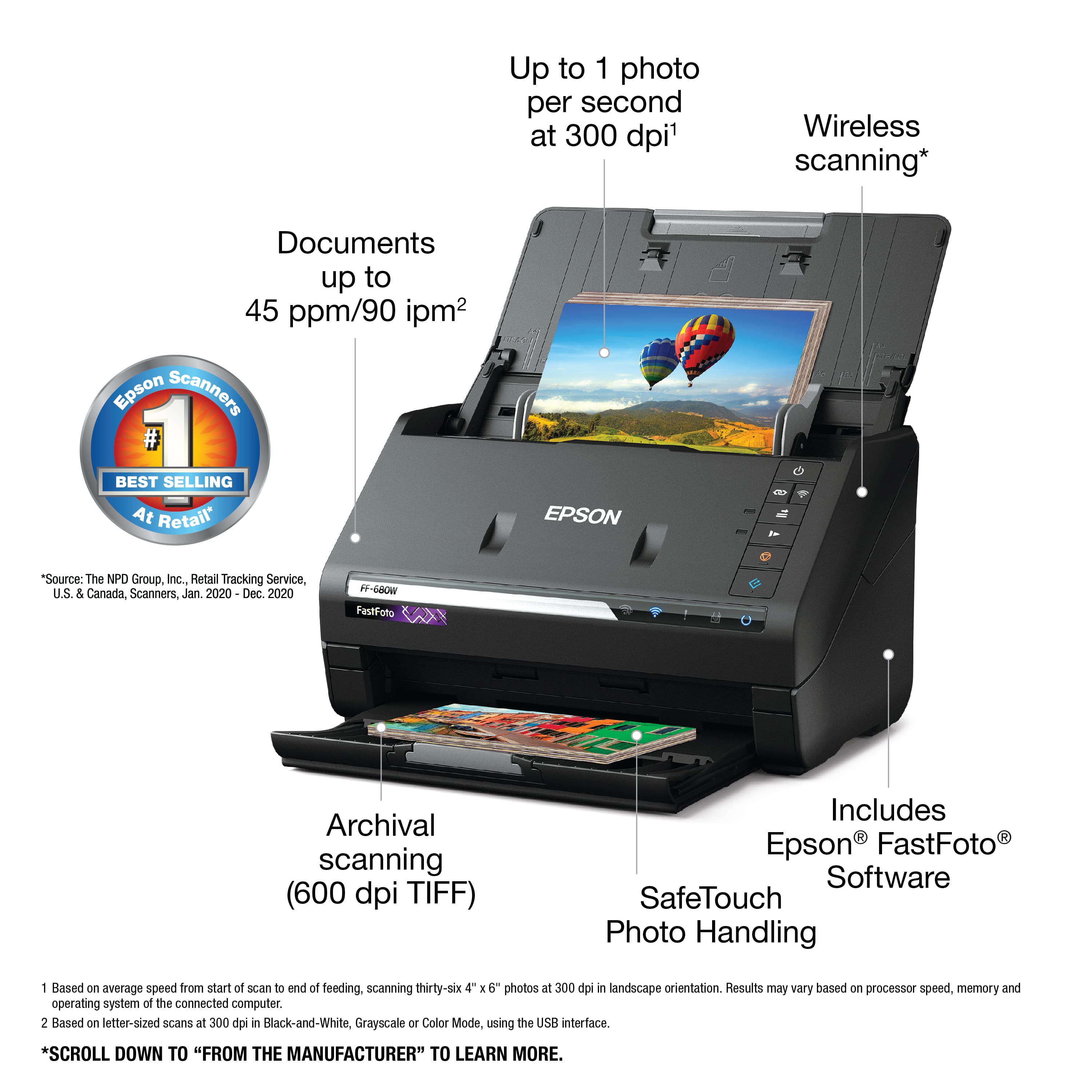
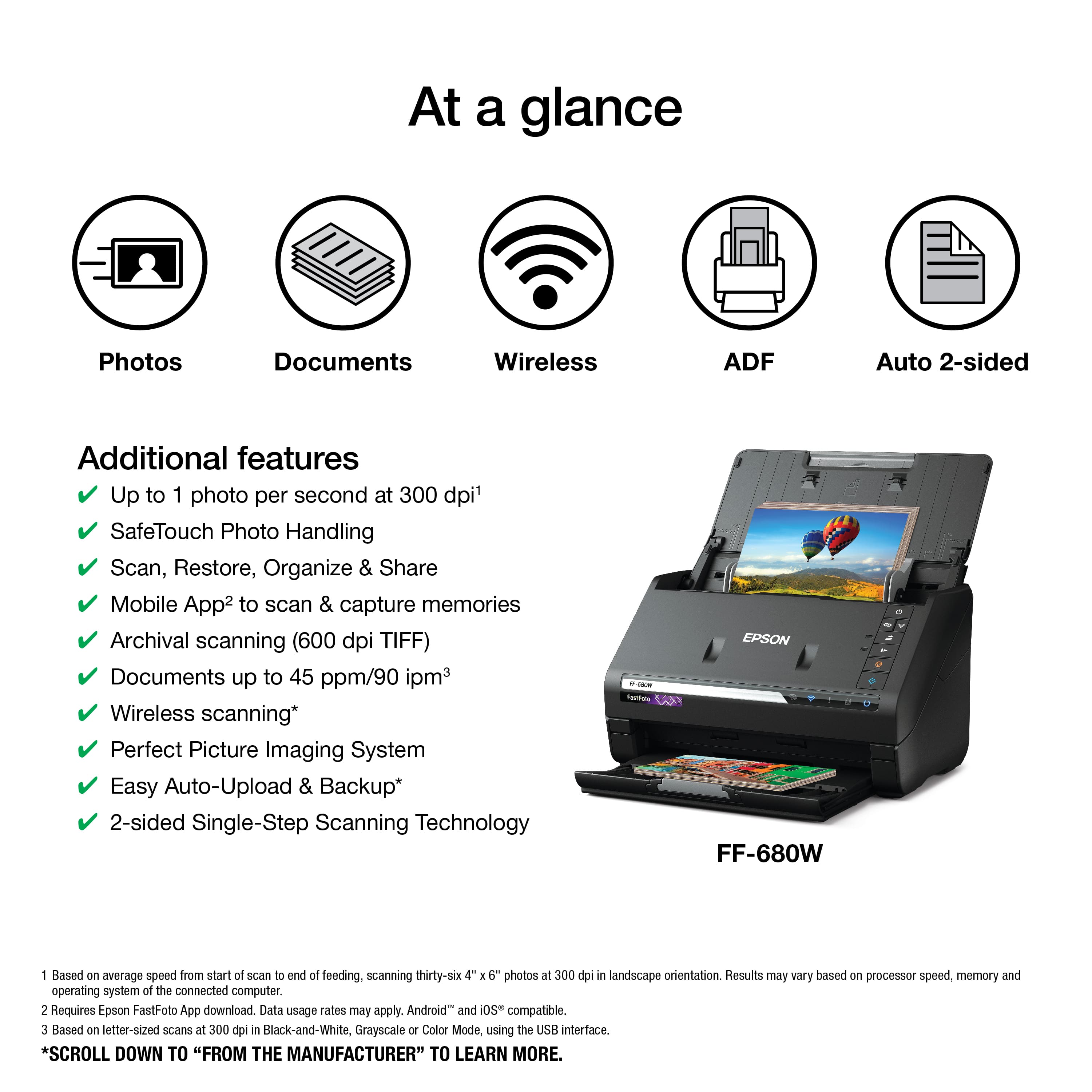
Customers enjoy the FastFoto FF-680W Wireless High-speed Photo Scanning System for its scanning speed, ease of use, and image quality. The included software and compact size are also appreciated. Some customers have expressed concerns about the price, occasional paper jams, connectivity issues, and compatibility with certain types of photos.
This summary was generated by AI based on customer reviews.
- Pros mentioned:Image quality, Scanning speed
Great Fast Scanner
Posted .This reviewer received promo considerations or sweepstakes entry for writing a review.I received this scanner about 3 days ago. Immediately took it out of the box and set it up. The set up was very simple and quick. The included guide walked me step by step on set up and operation. I have scanned approx. 50 pictures through it so far with no problems. The scanner is quick and the pics come out perfect! The documents that I have scanned have went through the scanner easily with no problems with feeding. My wife is a teacher on break for the summer. She is beginning to collect things for her classroom. She has scanned several documents on the scanner with no problems. The documents come out clear with no smudges or distortions. She has made the statement that this scanner is much better than the one she was using at a copy place. "This is a review for the Epson FastFoto FF-680W Wireless High-speed Photo and Document Scanner System that I received free of charge to do a beta test and review."
I would recommend this to a friend - Pros mentioned:Image quality, Scanning speed
Amazing Quality of Work
Posted .This reviewer received promo considerations or sweepstakes entry for writing a review.This product comes neatly packaged. I was surprised at how light it was for such a powerful machine. Instructions on removal of the product was found on the inside flaps. It comes with all of the necessary cords, power source, and hardware, so no need to look for extra components. The stylish black finish is very modern and sleek. There are tape binding spots to keep the product from being damaged in shipping and styrofoam holding it in place. As far as setup goes, I had no issues with following the instructions. The fact that this product works wirelessly is definitely a plus. I had no problem synchronizing it. I tested the photo restore feature with some old album photos my mother had and I was amazed at the difference. My mother now wants all of her photos restored. The time it took for just one photo , took little to no time at all. I have to save documents as well for small business work so I found that rather easy as well to upload and scan to my computer once I had all of the scan smart software installed. It comes with it so no worries. After giving this item some trial and error, I would give it a 9/10 rating so far on quality of work. It's good enough for professional use. This is a review for the Epson FastFoto FF-680W Wireless High-speed Photo and Document Scanner System that I received free of charge to do a beta test and review.
I would recommend this to a friend - Pros mentioned:Ease of use, Scanning speed
Such a convenient scanner
Posted .This reviewer received promo considerations or sweepstakes entry for writing a review.I'm not a professional, but techy enough that I always get asked to do the wedding, birthday or funeral slideshows in the family. Scanning the photos is so time consuming! This Fastfoto scanner cuts that time (and frustration) down considerably! Yes, it's pricey, but it's absolutely worth it if you do this often or if you have an entire lifetime of photos you really want to get converted to digital files. The autocorrecting it does on some of the older photos is amazing! The ease of batching and naming before you scan is so helpful. Yes, there are some software issues from time to time, but I've had good luck so far as long as I make sure to update the software. I highly recommend this product!
I would recommend this to a friend - Pros mentioned:Image quality, Scanning speed
Great Scanner
Posted .This reviewer received promo considerations or sweepstakes entry for writing a review.This Fastfoto Ff-680w high speed is the best scanner I have ever had by far. This is the only one i have ever owned that does not cut off top or bottom of the pictures as they are printed. The quality of the picture after being scanned does not look all distorted and once they were emailed yo family and friends and the feedback of gratitude for a clear picture was gratifying. I had 3 big moving boxes full of pictures. These pictures consisted of my childhood and an currently 50 yrs old. I had pictures of family that has passed and thanks to this high speed scanner I was able to share. I would recommend this scanner hands down! https://epson.com/For-Home/Scanners/Photo-Scanners/FastFoto-FF-680W-Wireless-High-speed-Photo-and-Document-Scanning-System/p/B11B237201
I would recommend this to a friend - Pros mentioned:Image quality, Scanning speed, Software
Fast, great naming software wizard
Posted .This reviewer received promo considerations or sweepstakes entry for writing a review.Speedy, good quality. Came with naming convention software, great for sorting. I came down one star because it would not let you combine document pages. But you can’t beat it for photos
I would recommend this to a friend - Pros mentioned:Scanning speed

This Rocks!
|Posted .This reviewer received promo considerations or sweepstakes entry for writing a review.I had seen these scanners in the store and was reluctant to try one due to my previous issues with scanner software and drivers. I finally took the plunge to deal with my late fathers photos. I have 3 siblings, a mother and a stepmother all interested in the mountain of photos but none interested enough to sort through them. I got home from work about 5:30 and saw that the scanner had been delivered. Unpacking, assembly and software downloads were pretty quick and easy. I got out the first box (a bit larger than a shoe box) full of photos and began scanning. After a couple of resolution tests I determined that 300 dpi would be adequate for sharing the photos. I was amazed at the speed that the scanner devoured the stacks of photos. I had captured 1900 images before dinner the day I received it. I did about the same the next night. I had only one feeding error with a photo that had a post it note on the back. The instructions mention a maximum batch size (32 I think) for a stack of photos, some of my batches were a bit larger but worked fine other than a little havoc in the bottom tray when the stack got too high. The scanner senses writing on the back of photos and automatically scans both sides. It does often interpret the printing from the lab as something that needs to be copied. While I would probably choose not to copy this, it does help us remember dates. The software also has an auto enhance/correct function. When the auto enhance function is on it color corrects and fixes red eye... All of the corrected photos were in my opinion a definite improvement on the original. My only negative comment is that the scanner software is not very good for viewing the photos but it does store the photos in a location you designate (in my regular photo file area) and they can be opened/viewed with whatever you normally use. This scanner has totally exceeded my expectations.
I would recommend this to a friend - Pros mentioned:Ease of use, Scanning speed
This scanner is fantastic!
Posted .This reviewer received promo considerations or sweepstakes entry for writing a review.The software is easy to use and the machine itself works great. I do follow the prompts and clean the scanner after a few batches just to keep the scanner clean since dust can develop which could leave lines on the photos but the cleaning is quick and very easy. The photos scan quickly. It's everything I expected and more. I definitely recommend this scanner if you have a lot of photos to work with like I do.
I would recommend this to a friend - Pros mentioned:Ease of use, Scanning speed
Fast and efficient
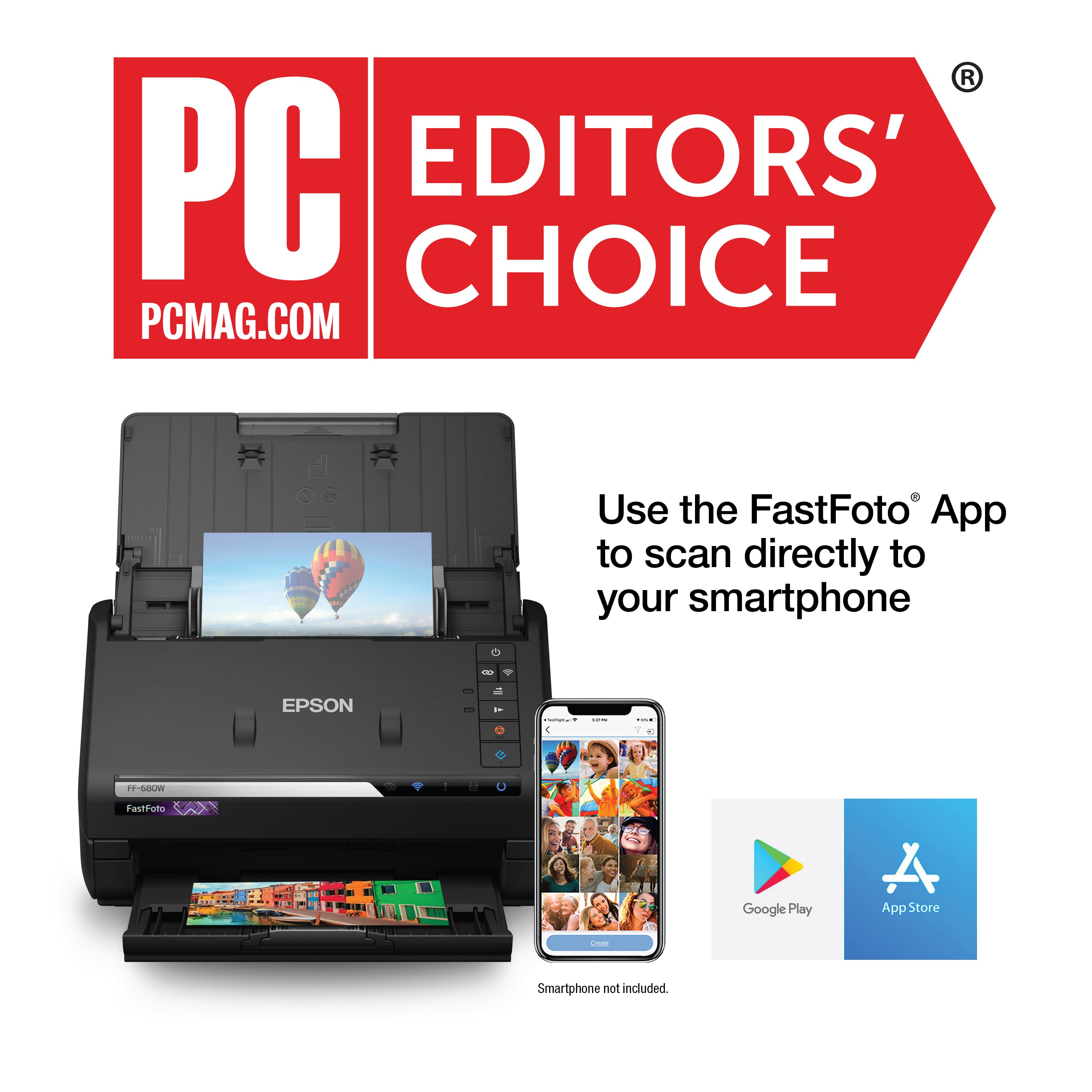
Posted .This reviewer received promo considerations or sweepstakes entry for writing a review.I received this scanner a few days ago and I’m pleasantly surprised at the quality of the photos that were transported to my computer. I have never done well with scanners but this one was so easy to set up and use. I chose the wireless mode and started scanning old photos. I was able to scan multiple photos at once which is a bonus on saving time and making it psychologically acceptable for beginning this arduous project. I’m looking forward to using it on a variety of projects. This is a review for the Epson FastFoto FF-680W Wireless High-speed Photo and Document Scanner System that I received free of charge to do a beta test and review.
I would recommend this to a friend - Pros mentioned:Scanning speed
Fantastic photo scanner
|Posted .This reviewer received promo considerations or sweepstakes entry for writing a review.This is a nice device and given the options, can take a bit of time scanning the photos. By that, I mean that it can sense if there’s writing on one side and then keep a copy of that rear side as well as the image itself. The color correction can be amazing, or over-the-top and hurt the photo; I recommend keeping the option to have corrections to go a separate file. Beware, these files are pretty big, so get some extra storage. I found that the “auto rotation” function didn’t work with the included software. Also, the bed says ‘face down’ for people that have used a scanner before. However, there’s a ‘picture’ image, which means face-up and upside-down. So, depending on what you’re scanning, you have to insert the items in a different method. I scanned my first two dozen photos in the wrong direction, but it worked just fine … because I had the ‘detect other size’ turned on and the photo part was on the ‘back’ it the scanner’s eyes - which increased the time to scan. For example, it took about 5.5 minutes to scan and process 11 photos upside down on 600dpi. The actual movement of the photo through the scanner is quick … about 2-4 seconds per photo on the higher DPIs. The power button is in a place that’s in the way. Let me explain: you’re going to scan a smaller photo and you need to adjust the guide (like all printers have), so you rest your right hand on the scanner and slide the guide in/out. Well, my outside palm sits exactly on the power button & ‘off’ it goes. The app is pretty good, however CAUTION! If you’re using the computer program and are scanning photos (say 50 photos) and you launch the phone APP and set it up / connect to the scanner, it will intercept communication and the photos being scanned / processed on the computer go into the bit bucket -- you have to re-scan. So, if you’re going to play with the mobile app, do it when you’re not actively scanning via another method. Super thin paper got caught & jammed and my driver’s license didn’t get through either. Overall -- 5 stars for this, from what I’ve tried & the quality of the scans.
I would recommend this to a friend Impressive Scanner
|Posted .This reviewer received promo considerations or sweepstakes entry for writing a review.I had to run to my parent's house to grab the photo albums because all my stuff is digital. Upside is digital is convenient to show where ever, when ever. Downside, you can't beat the quality of a nice contone photo made with a good old 35mm camera - it's HD+++. Software installation was a breeze, you can just follow the prompts and it'll get you going. What I didn't like is that you can't select the drive/directory to install. I like putting non-essential programs in the mechanical HD for space sake. Games and performance programs go to the SSD, and OS. You can select the directory to scan though. After setting it up I grabbed a stack of photos, some of these are pretty old and my mom pulled the out of one of those old school sticky back photo albums so some of the photos are varied in thickness where the backing is gone and warped in some areas. First I grabbed a stack of newer stuff from a 110 camera (not nearly the quality of the 35mm stuff). I set it to 600dpi because you can always throw away pixels, recreating them causes degradation. There is an option for 1200dpi, but it's interpolated which means fake and digitally blown up, No reason to take up disk space when you can do that on your own in photoshop. There's an option for JPG and TIFF. For perfect lossless compression use the TIFF (i didn't check if it offered LZW compression) for less storage use go for JPG. The JPGs looked fine enough to me that I stuck with JPG. Scanning a 4x6 at 600DPI was about 3s, just like the manual says. My first tests had the auto correction on to see how well it works... it's just "OK". I'm an expert level Photoshop user and would rather tweak them images on my own. The software plugged in shadows consistently and occasionally blew out the highlights. Who ever set up the algorithm is a fan of blue because I found they all had an unnatural blue overcast. So for the rest of the scans I left the images untouched, which actually worked out very well as they came out pretty true to the originals. I suggest you try the autocorrect yourself as you might be happier with the extra contrast, sharpening, and bluer photos - what looks good is all relative. I mentioned that some of the photos were pretty damaged. I tried, and hoped I didn't mess up, to scan one of the bad ones that had torn edges and curled. Scariest 3 seconds ever... it jammed! But the jam detector is sensitive enough that it stopped as soon as it hit an irregularity. I didn't shred my pic of my mom and me as a baby! Yeah, I know I should have tested a less important photo, but what the heck. I put it in the included Mylar and scanned it over and it came out perfectly, show all the wrinkles and tears faithfully, lol. Downside is that after the first time using the mylar the backside of the mylar scratched against something. I can't say if it was residue from one of my other pictures, a guide bar, or something else. So I can only use one side of the mylar or shift everything to the right when using it. Removing the jammed photo was a breeze, just a push of a button and the cover pops off and you grab you photo and get back to scanning. The software allows you to create folders and remembers the folders you make for themes or tags. When you scan to those folders it continues the numbering where it left off. There's also an option to include dates and such but I use a program to edit the EXIF in batches. You can do this with Lightroom also, but I prefer the faster smaller program to take care of it. I did try 3 polaroids. The all scanned without a problem. The manual says one at a time, but I got frisky and tried all three in the feeder, it handled it fine. I don't think I'd risk it again since there aren't any negatives to redevelop them. There are other buttons on the unit but because I don't want to hold the albums too long I'm sticking with the normal scanning for now. The scans as JPGs come out around 5MB each. There an option in the program to auto sync with Google or dropbox. I wish there was a USB port to scan directly to a HD or Thumb Drive so you wouldn't have to use a computer. The closest thing you have there is using Epson Documentscan App to scan to your phone. If you have an Original Pixel or Pixel XL this could allow you to store full size images with unlimited space on your Google Drive (or you could just scan them to a computer and copy them to the phone). I'll stick with wired because it's the fastest connection - it supports USB 3.0 speeds so transfers are pretty fast. After scanning, the unit tidily folds up into a little nice shell and keeps dust from entering and easy to store - except for the wires for the brick and usb. They'll still tangle up in storage because you know the rules about lose cables, they always find a way to tangle themselves. Overall I'm impressed at the speed of this machine. Originally I had started scanning the photos on an old Epson flatbed but that took for ever and I only got a hundred or so photos before I gave up. This little beast will speed things up tremendously and do more in an hour than I did in a weeks span of scanning. I can't wait to get all the albums digitized and pass out thumb drives (or portable HD's) filled with memories.
I would recommend this to a friend- Pros mentioned:Ease of use, Image quality
The best scanner
Posted .This reviewer received promo considerations or sweepstakes entry for writing a review.This is by far the best scanner I have ever used! It’s very simple to set up and start using as well as self explanatory. I have used this to scan pictures on the computer for a project and the pictures come out clear and good looking. It’s definitely easier to use then other scanners I have used in the past. Will definitely recommend to friends and family. This is a review for the Epson FastFoto FF-680W Wireless High-speed Photo and Document Scanner System that I received free of charge to do a beta test and review.
I would recommend this to a friend - Pros mentioned:Scanning speed
Fantastic Scanner!
Posted .This reviewer received promo considerations or sweepstakes entry for writing a review.Wow, what an amazing scanner! I do lots of scanning for my job, including receipts, photos, and documents and this scanner handles them all with ease. I have tried a number of scanners in the past, both manual load and auto document feed and the FF-680W is so much nicer to use than all of them it really makes my job easier. Scanning photos is certainly where it shines, flying through stacks of them in seconds and even at higher resolution it still takes only seconds to get through them. Some of the other ADF scanners I have used could not handle the small two- and half-inch photos, but this scanner had no issues, it even scans front and back of the photo at the same time so you don’t lose the notes on the back. I think I am most impressed by how well this scanner handles receipts. Clearly full-page ones are no issue, but the small, folded up thermal ones that come from some many stores are usually a recipe for disaster with ADF scanners, but the 680W flew through my stacks of them with no jams and the software even recognized it was scanning receipts which was really cool. Overall this scanner is really well thought out, it is compact, wireless, passes the documents/photos/etc. through with very little bend to the document which I think helps this perform so well. Image quality is very good, scan speed is ridiculously fast, and the Epson software has worked great. It took less than 10 minutes from opening the box to my first scan. They even thought to provide a quite long power cord which is great since this is a wireless scanner so you can place it easily where you want. I would highly recommend this scanner to anyone that has lots of photos to scan or needs a versatile scanner for documents and expense tracking as well. This is a review for the Epson FastFoto FF-680W Wireless High-speed Photo and Document Scanner System that I received free of charge to do a beta test and review.
I would recommend this to a friend - Pros mentioned:Ease of use, Scanning speed
A+++ scanner!
Posted .This reviewer received promo considerations or sweepstakes entry for writing a review.This is a great scanner and really user-friendly. I was nervous about it being compatible with my Mac and it is definitely easily compatible with my MacBook Air. The scanner scans big piles of photos quickly, with great quality. I'm scanning family photos to be able to share electronically, and this does the job. A+++.
I would recommend this to a friend - Pros mentioned:Scanning speed
fast, precise, intuitive. best scanner ive owned
Posted .This reviewer received promo considerations or sweepstakes entry for writing a review.This is without a doubt the best scanner that I have ever owned. I was originally interested it the Epson FastFoto FF-680W Wireless High Speed Photo and Document Scanner for use only as a document scanner and it sure does impress. It will auto feed and scan double sided documents faster than I thought possible. The optical character recognition software does a great job reading and converting the text. The free trial of the included receipt manager is a great bonus. I will continue to use every day for scanning documents. But where this scanner truly shines at scanning photos. It can scan not only the front, but the back of a photo (dates/hand written notes/etc) quickly and with great quality. And the included software will auto organize, label, and even touch up or restore your old photo prints with great efficiency. Just search the internet for videos of this scanner in action and I guarantee that you will be impressed. The only down side I have found is that when the scanner is connected via wifi, and turned on, your computer will give you constant popup notifications advising that the scanner is ready for use. This can be fixed by disabling the Epson software at startup in your pc setting, but I wish and hope that Epson will fix this issue with a software update soon, and this is a minor flaw in an otherwise great product. I highly recommend the Epson FastFoto FF-680W Wireless High-speed Photo and Document Scanner System to anyone who wants a high-quality product that is easy and intuitive to use. This is a review for the Epson FastFoto FF-680W Wireless High-speed Photo and Document Scanner System that I received free of charge to do a beta test and review.
I would recommend this to a friend - Pros mentioned:Scanning speed
Wow, this Photo Scanner is Amazing
Posted .This reviewer received promo considerations or sweepstakes entry for writing a review.I was archiving our thousands of photos using a regular printer/scanner and it took about 1 min per picture and the quality was not great (at 600 dpi). I did some research and found this Epson Photo Scanner and couldn't believe it. With it, you put a stack of photos in the loader and hit scan. For 600 dpi it takes 3 seconds per photo. After scanning the set, you are presented with the results and can rename them, move them, etc. And the quality is MUCH BETTER than from my Brother printer/scanner. You can chose to just save the original scan or it plus an enhancement. I found it is best to save both and then view them and delete one of them. 95% of the time the enhanced photo is best. However, I found for photos at the beach or with lots of sky and clouds, sometimes the enhancement is washed out and the original is best. I love the scanner and don't know how I would ever get through archiving all my photos without it. I have even gone back and scanned the 400 photos I had previously scanned. The quality was so much better than the Brother printer scans that I deleted the old scanned files and kept the new ones from this Epson Photo scanner. If you are archiving lots of photos, you need this scanner!
I would recommend this to a friend - Pros mentioned:Ease of use, Scanning speed
Easy to use
Posted .This reviewer received promo considerations or sweepstakes entry for writing a review.The scanner is so quick, elegant, and easy to use. It is a little bit heavier than I thought, however, it is worth it.
I would recommend this to a friend - Pros mentioned:Scanning speed
Precious memory saver...
|Posted .This reviewer received promo considerations or sweepstakes entry for writing a review.We all have those boxes somewhere in the house whether they are in the attic, basement or some closet, that are filled with old photos of our friends and family. Maybe once a year if we are lucky someone digs them out and we look at the albums or loose photos and then put them away for the next time someone feels like lugging them out. The FastFoto is your answer to being able to save and share these precious memories easily and for posterity. All you need to do is scan your photos in the 680W and you will be able to save, edit and share all of those photos. You can even scan both sides at the same time (of a document or picture with writing on the back etc) Depending upo the quality setting you can scan a photo EACH SECOND, which is amazing. Sharing is easy via Dropbox or Google Drive or certainly via email or social media. I am so excited to preserve my familys legacy in digital form for generations to be able to access. Dont hesitate to get this, I cant reccomend it more.
I would recommend this to a friend - Pros mentioned:Scanning speed
Does what it Claims and Does it Well
|Posted .This reviewer received promo considerations or sweepstakes entry for writing a review.The is an impressive piece of tech. The setup was straight-forward and connecting the software with the scanner was a simple step-by-step process (just be sure to read the instructions on the screen). My focus has been on scanning old photographs for a family digital archive. It is working great. Just stack the photos together by size and the Epson FF-680W runs them through quickly while doing quality scans. If you want higher resolution than 300 dpi (the default), be sure to set it before scanning. I especially appreciate the software feature that scans the back of a photo if there's anything written on it and gives it a filename corresponding to the front. There's also a feature that allows you to automatically generate an enhanced version of the photo. For old photos, this did a very good job and saved a lot of time. The Epson FastFoto FF-680W scanner does what it claims and does it well.
I would recommend this to a friend - Pros mentioned:Ease of useCons mentioned:Price
Ready to use
|Posted .This reviewer received promo considerations or sweepstakes entry for writing a review.I've never used one of these, but they are ready to use out of the box. They are a little pricey, but if you are a person that needs one it's a good deal. I needed this for my older siblings, because some of them have photos we need to get on to a computer. This is the perfect tool!
I would recommend this to a friend - Pros mentioned:Software
Great working Scanner
Posted .This reviewer received promo considerations or sweepstakes entry for writing a review.At first try, hooking the usb cable, i followed all directions, and started to install and download all files needed for the scanner. right at the 99% point, it stated it could not go through the process anymore. after several attempts, I completely uninstalled everything and then went with the wi-fi route and everything went fine. I love all the extra programs that come with the scanner to enhance and edit the photos.I liked there was no cd"s to install anything with. everything worked perfect and not a bit of trouble working with this scanner. It is one of the best ,if not the finest scanner i have ever had. This is a review for the Epson FastFoto-680W wireless High Speed photo and document Scanner System that I received free of charge to do a beta test and review.
I would recommend this to a friend