Customer Ratings & Reviews



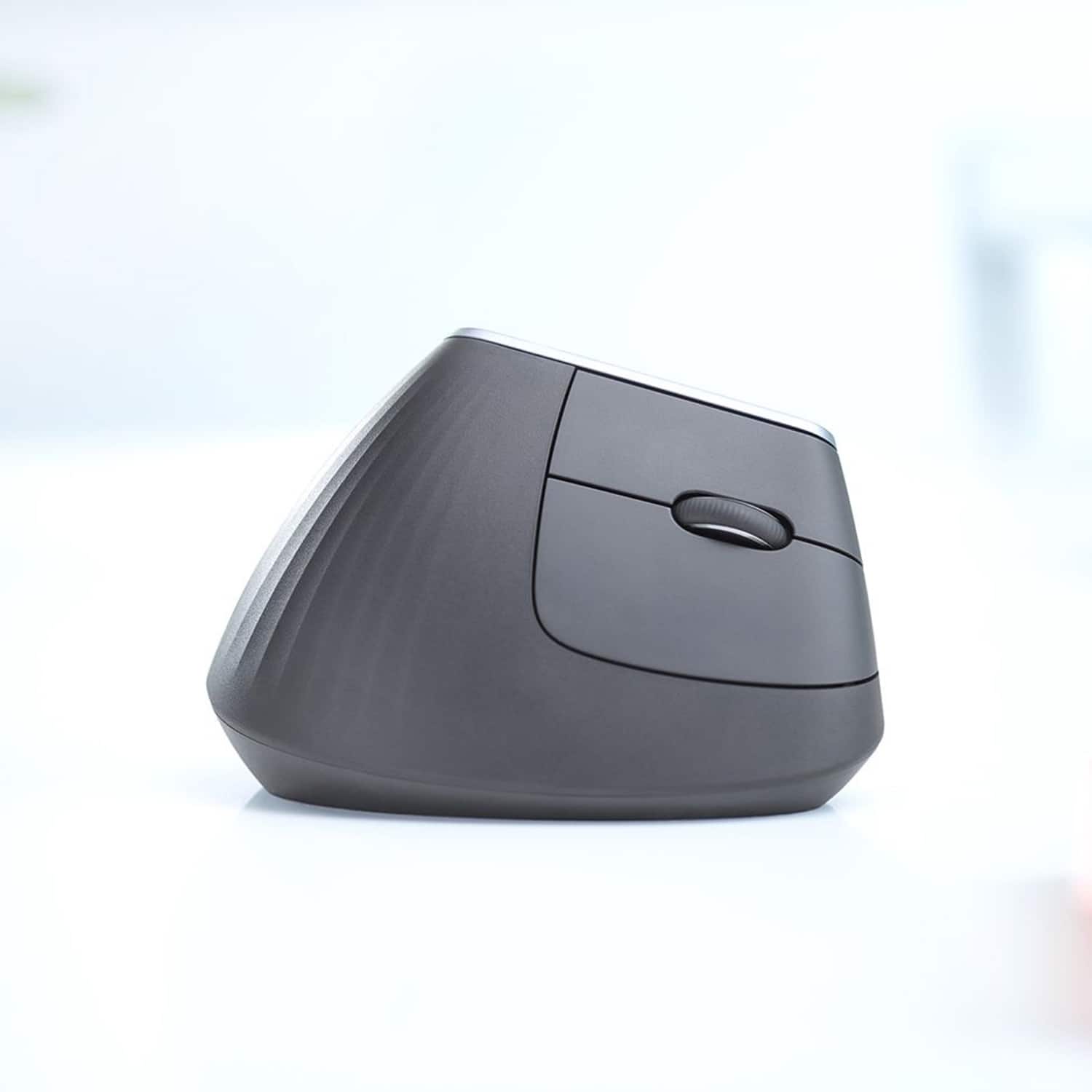


- Model:
- 910-005447
- SKU:
- 6282602
Rating by feature
- Value
Rating 4.3 out of 5 stars
- Quality
Rating 4.7 out of 5 stars
- Ease of Use
Rating 4.6 out of 5 stars
Customers are saying
Customers are impressed with the MX Vertical Advanced Wireless Optical Ergonomic Mouse, especially its ergonomics, ease of use, and long battery life. Many appreciate its reliable performance and Bluetooth connectivity. However, some users have reported wrist pain, while others find the size unsuitable for medium-sized hands. There have also been complaints about the scroll wheel's durability and the high price.
This summary was generated by AI based on customer reviews.
Probably nice for someone else
||Posted . Owned for 2 months when reviewed.This reviewer received promo considerations or sweepstakes entry for writing a review.It's just ok. I'm not used to having my hand in that position so it wasn't the mouse for me.
No, I would not recommend this to a friendNot quite ergonomic
||Posted . Owned for 1 month when reviewed.This reviewer received promo considerations or sweepstakes entry for writing a review.Not Very supportive for long term usage. The product was returned after a month of trying out.
I would recommend this to a friend- Pros mentioned:Overall performance
Blockbuster
||Posted .This reviewer received promo considerations or sweepstakes entry for writing a review.The best mouse out there. It cannot disappoint at any point.
I would recommend this to a friend I am not happy with the product.
||Posted . Owned for 3 months when reviewed.This reviewer received promo considerations or sweepstakes entry for writing a review.This will drop its bluetooth connection while using, literally. Then it not reconnect easily. Today it took fifty-five minutes to reconnect, twenty of those minutes I spent on hold with Logitech. Which is another reason for the two-star review. Logitech's customer service and support sucks!
No, I would not recommend this to a friendBrand response from Logitech
Posted .Hi Tgoodrich074, Thank you for your feedback. It is greatly appreciated. Sorry for any inconvenience. If you ever need assistance, please contact Logitech Support on the website. LaShonda from Logitech
Not good with Macs
||Posted . Owned for 3 weeks when reviewed.This reviewer received promo considerations or sweepstakes entry for writing a review.I liked it but it just would not work with my Mac.
No, I would not recommend this to a friendNot great
||Posted . Owned for 10 months when reviewed.This reviewer received promo considerations or sweepstakes entry for writing a review.I like a vertical mouse but this is so heavy and the top is so narrow that my hand is constantly slipping. The ergonomics that I'm gaining with a vertical mouse is lost by constantly clutching it with my pinky.
No, I would not recommend this to a friendBrand response from Logitech
Posted .We're sorry to hear that you've had an unpleasant experience with our product. We take product design and quality very seriously, and we apologize for falling short in this area. Your feedback is instrumental in helping us improve our services and products.
Meh. I wanted to like.
||Posted . Owned for 5 months when reviewed.This reviewer received promo considerations or sweepstakes entry for writing a review.I read all about these vertical mice and decided to try one and gave this one a shot. When the best buy guy handed me the box I thought the box was empty bc it was soo light! This mouse feels good in the hand however it feels wayyyy too hollow and light that it's uncomfortable to use as a mouse. Feels like you're pushing the lightest thing around. I returned it and back to my heavy and solid Logitech MX Master 2S mouse. If there was a heavier and more solid feeling vertical mouse I'd probably try that one. But until then I'd rather use regular style premium mouse instead.
No, I would not recommend this to a friendBrand response from Logitech
Posted .Thank you for sharing your insights with us. We will be sure to pass on your feedback to the right team.
We sincerely appreciate you taking the time to offer helpful suggestion.
Learning Curve!!
||Posted . Owned for 1 month when reviewed.This reviewer received promo considerations or sweepstakes entry for writing a review.To hard to work with. BIG learning curve. it had a hard time connecting with the wireless dongal. I had to plug it in with the cord ( Pervided ). for it to work. I returned It.
No, I would not recommend this to a friendSeems like a good idea, but very uncomfortable
||Posted .This reviewer received promo considerations or sweepstakes entry for writing a review.Seems like a good idea, but very uncomfortable. After using a traditional mouse for many years, I decided to give this, seemingly ergonomic, mouse a try. At first, it was horrible. After using it for about two hours, it actually got worse. Don’t get me wrong, the mouse works fine and does everything it is supposed to. I just really hated the angles.
No, I would not recommend this to a friendOkay mouse
||Posted . Owned for less than 1 week when reviewed.This reviewer received promo considerations or sweepstakes entry for writing a review.It feels premium but the grip was something I couldn't get used to. I had to return it. The grip is more of a handshake.
No, I would not recommend this to a friendBrand response from Logitech
Posted .Thanks for your feedback! However, we will forward it as a feedback to the appropriate team so they can look into it.
Ergonomic Mouse
||Posted .This reviewer received promo considerations or sweepstakes entry for writing a review.I didn't like this mouse so much because I had to squeeze it too much to click with the buttons.
No, I would not recommend this to a friendworks well but not comfortable
||Posted . Owned for 3 weeks when reviewed.This reviewer received promo considerations or sweepstakes entry for writing a review.returned it and went back to the MX Master 3 this is too vertical for my comfort.
No, I would not recommend this to a friend- Pros mentioned:Ergonomics
Won't stay connected to computer
||Posted . Owned for 1 month when reviewed.This reviewer received promo considerations or sweepstakes entry for writing a review.The ergonomics of the mouse are great. The only issue, which is a big one, is that the mouse will not stay connected to my computer (a Surface Book) after going to sleep. I basically have to restart the computer to reconnect, making this mouse useless to me.
No, I would not recommend this to a friend High quality, but just too weird
||Posted . Owned for 3 weeks when reviewed.This reviewer received promo considerations or sweepstakes entry for writing a review.Tried using this for about 3 weeks and it was just too funky for me to get along with. Switched back to my MX which feels just right. Wish I had just upgraded to a new MX at the end of the day.
No, I would not recommend this to a friendWrist hurts from using
||Posted . Owned for 2 months when reviewed.This reviewer received promo considerations or sweepstakes entry for writing a review.Horrible quality. I've developed wrist pains from using it. Had to go back to my old basic mouse. It's so light, there's no weight to it, so you have to actively control how much you're pushing and pulling when using the mouse, make you stiffen your wrist. Waste of money tbh.
No, I would not recommend this to a friendBrand response from Logitech
Posted .Hi kolabear, Very sorry to hear your disappointment with the MX Vertical Wireless Optical Mouse. You seem to be experiencing what the MX Vertical was designed to prevent. Did you know that you can actually change the settings for your MX Vertical using Logitech's Options software? Here's a link to download it https://support.logi.com/hc/en-us/articles/360025297893. Options allows you to adjust the point and scroll features of the MX Vertical to compensate for the lightness of the mouse. Also, here's a link to how to setting up an ergonomic workspace https://www.logitech.com/en-us/ergo/workstation-setup.html. Hope that you found this helpful and that you'll give the MX Vertical another try. Thank you for choosing Logitech. - Richard from Logitech
- Pros mentioned:Ergonomics
Not do great
||Posted . Owned for 1 month when reviewed.This reviewer received promo considerations or sweepstakes entry for writing a review.Great for hand fatigue but efficiency is reduced with pointer sticking. I wanted to like this mouse due to the ergonomic design, but not happy about it slowing down productivity.
No, I would not recommend this to a friend - Pros mentioned:Battery life, Ease of use, Ergonomics

A possible solution for my sore wrists
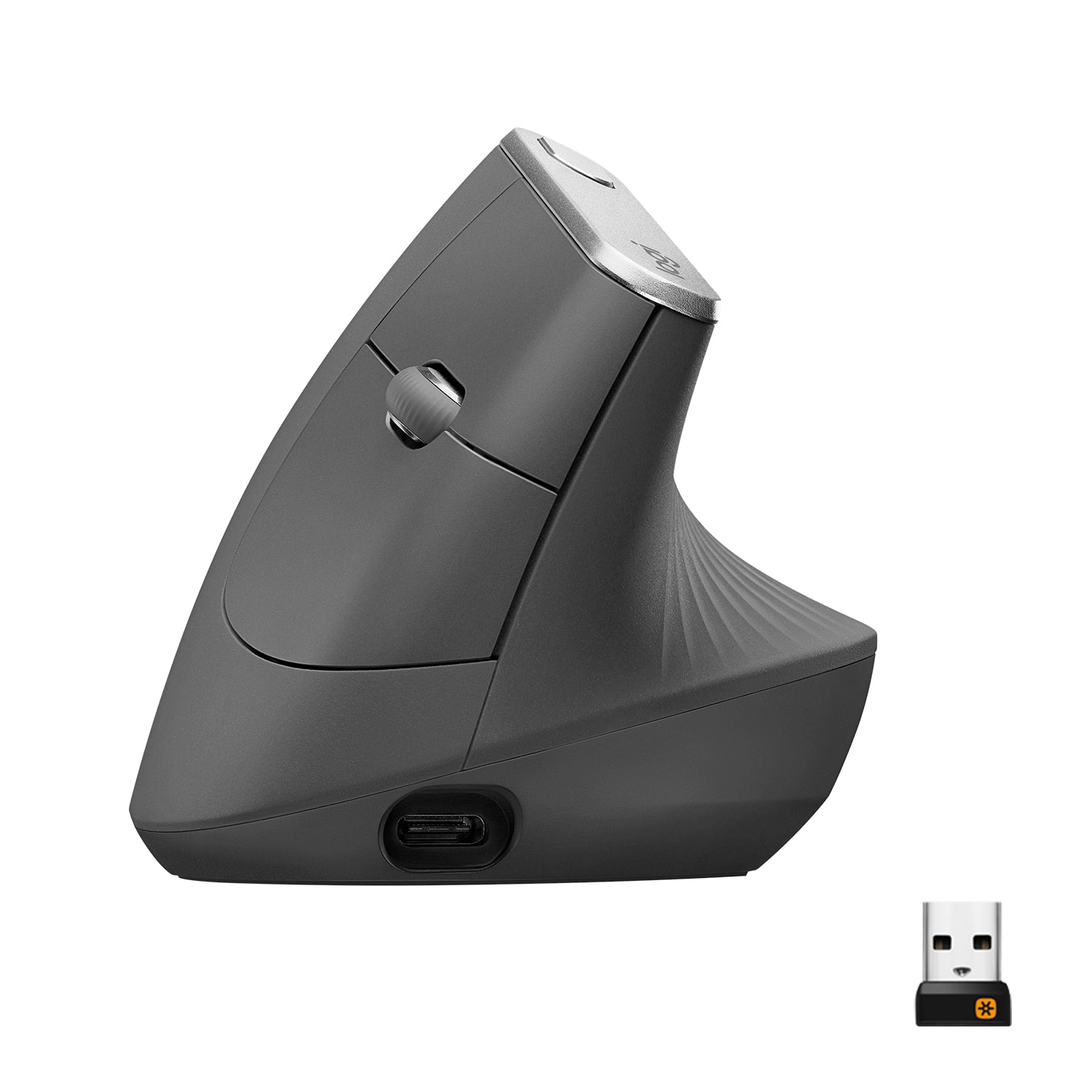
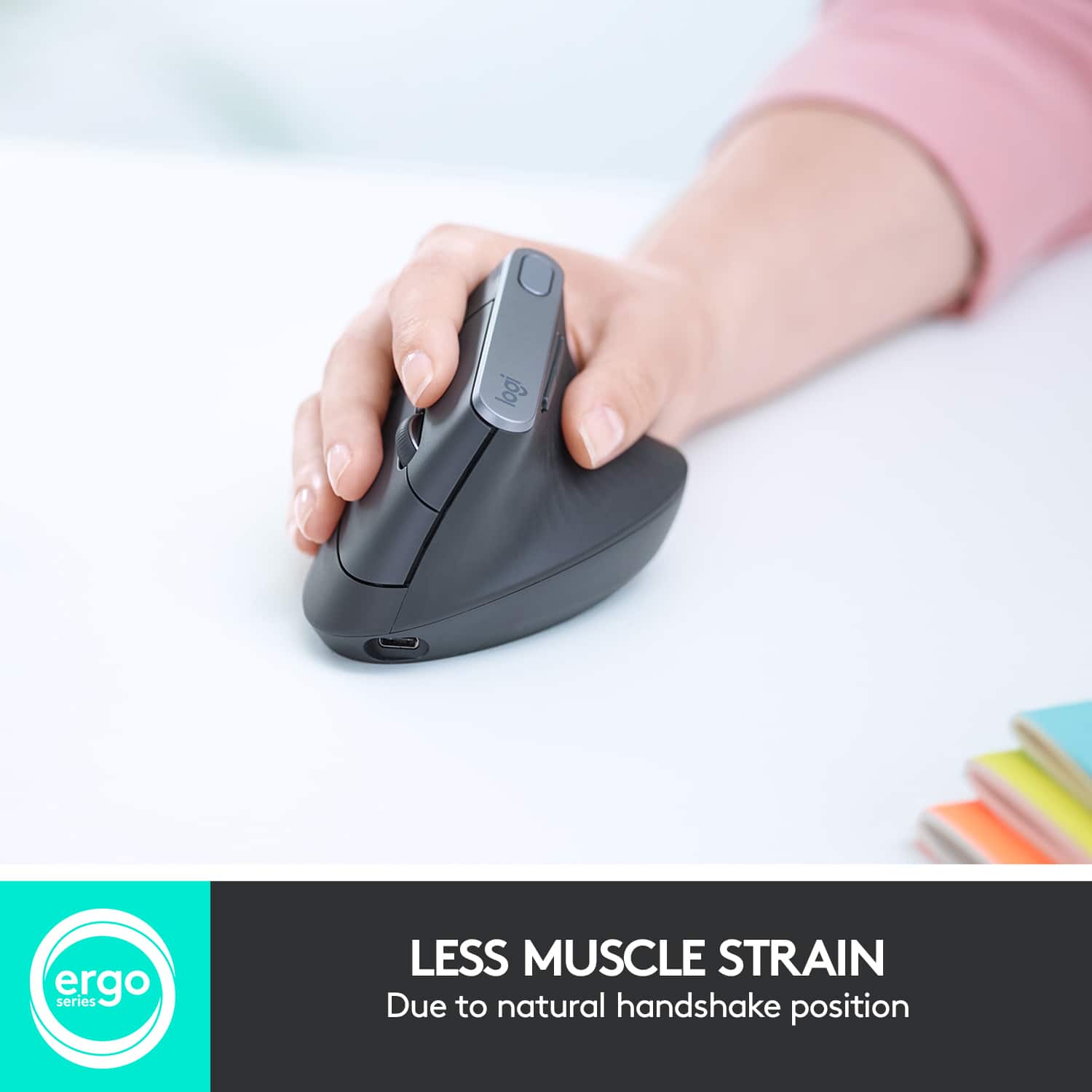
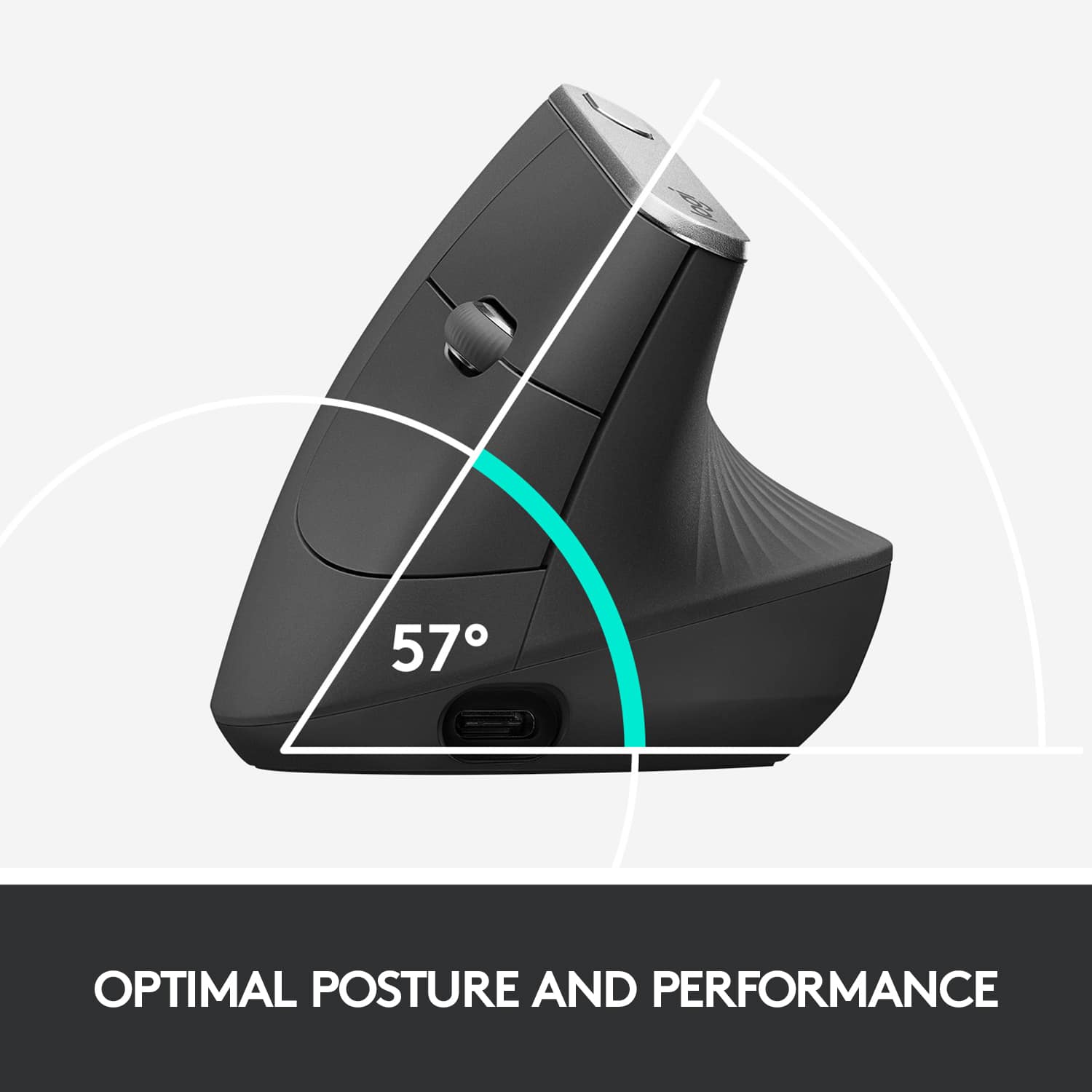
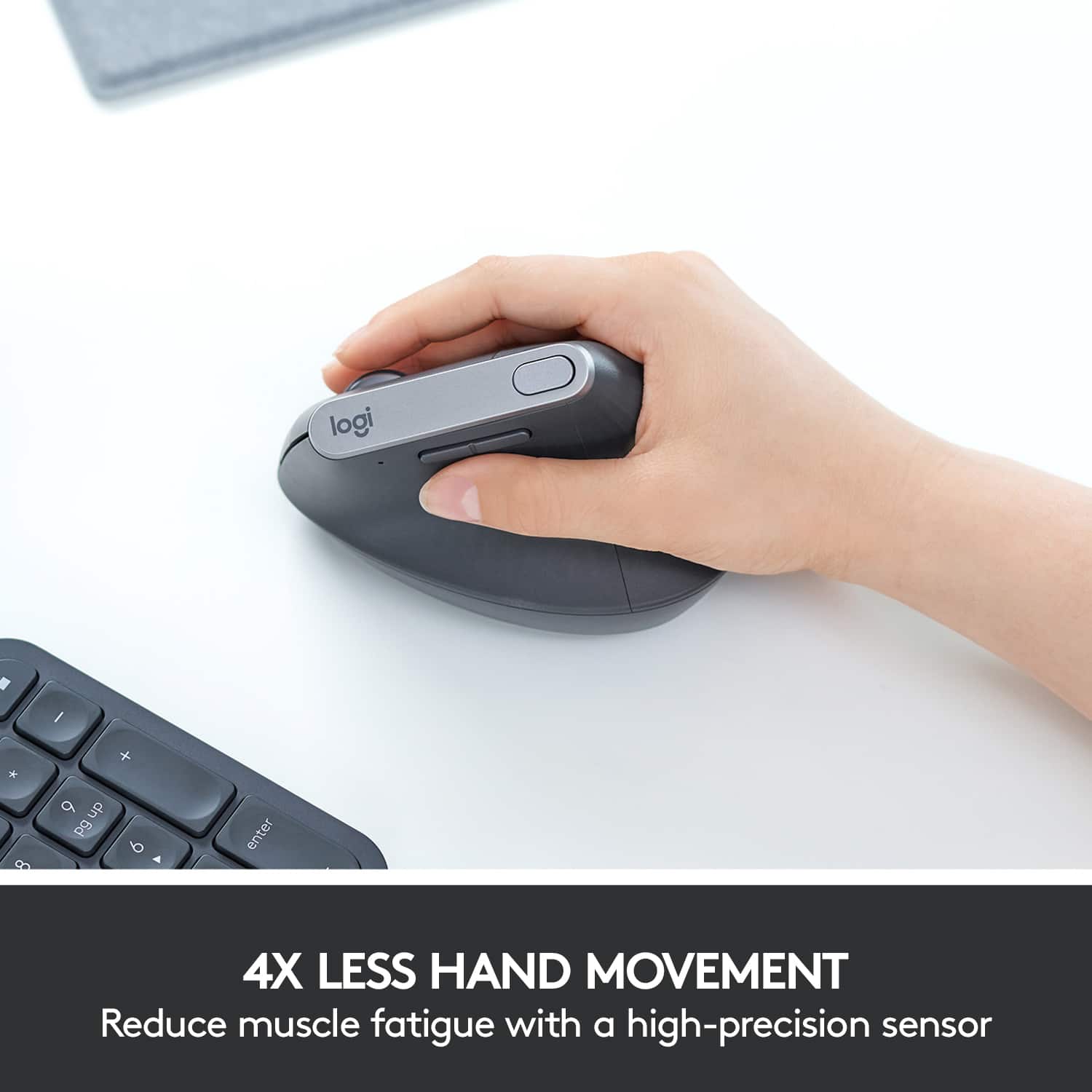
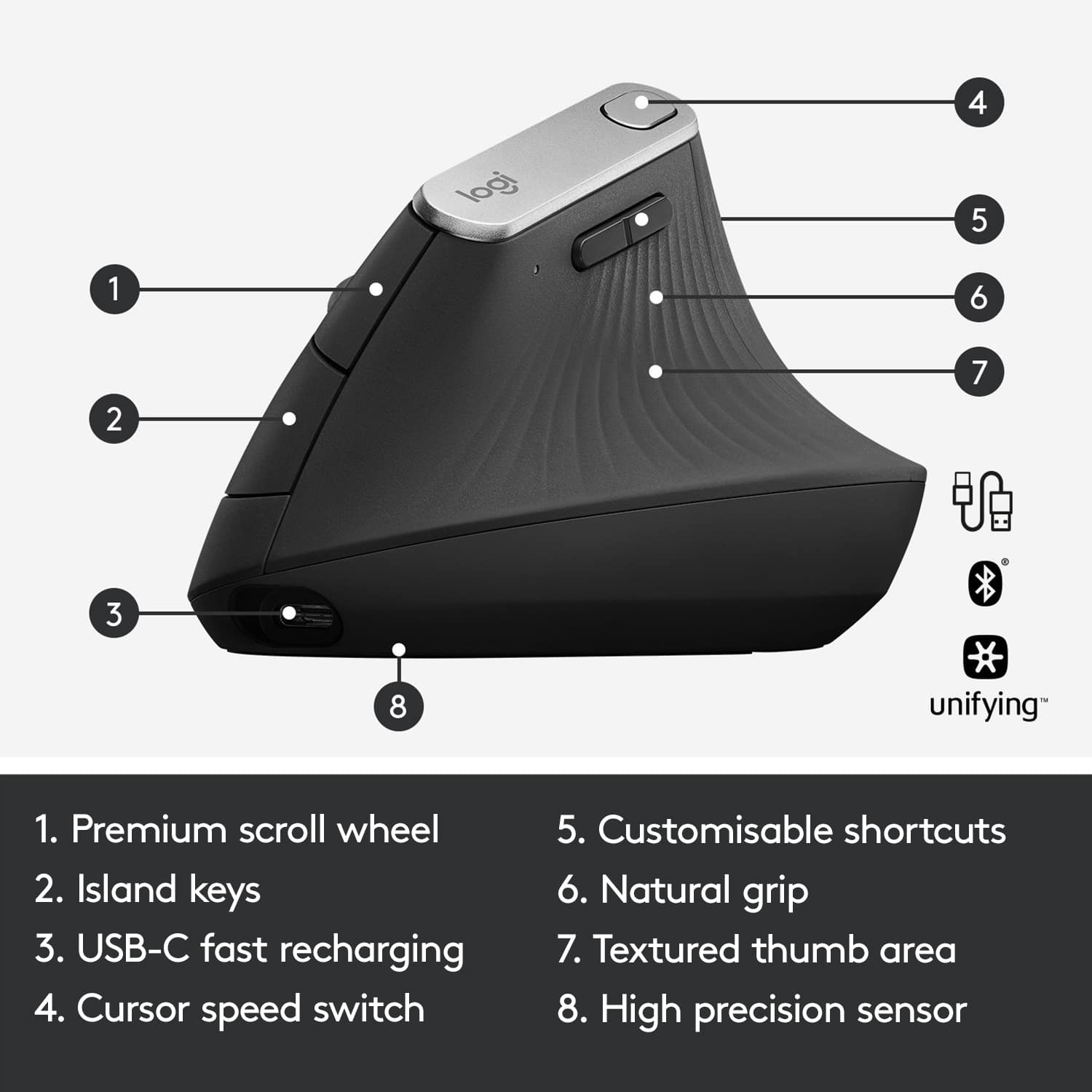
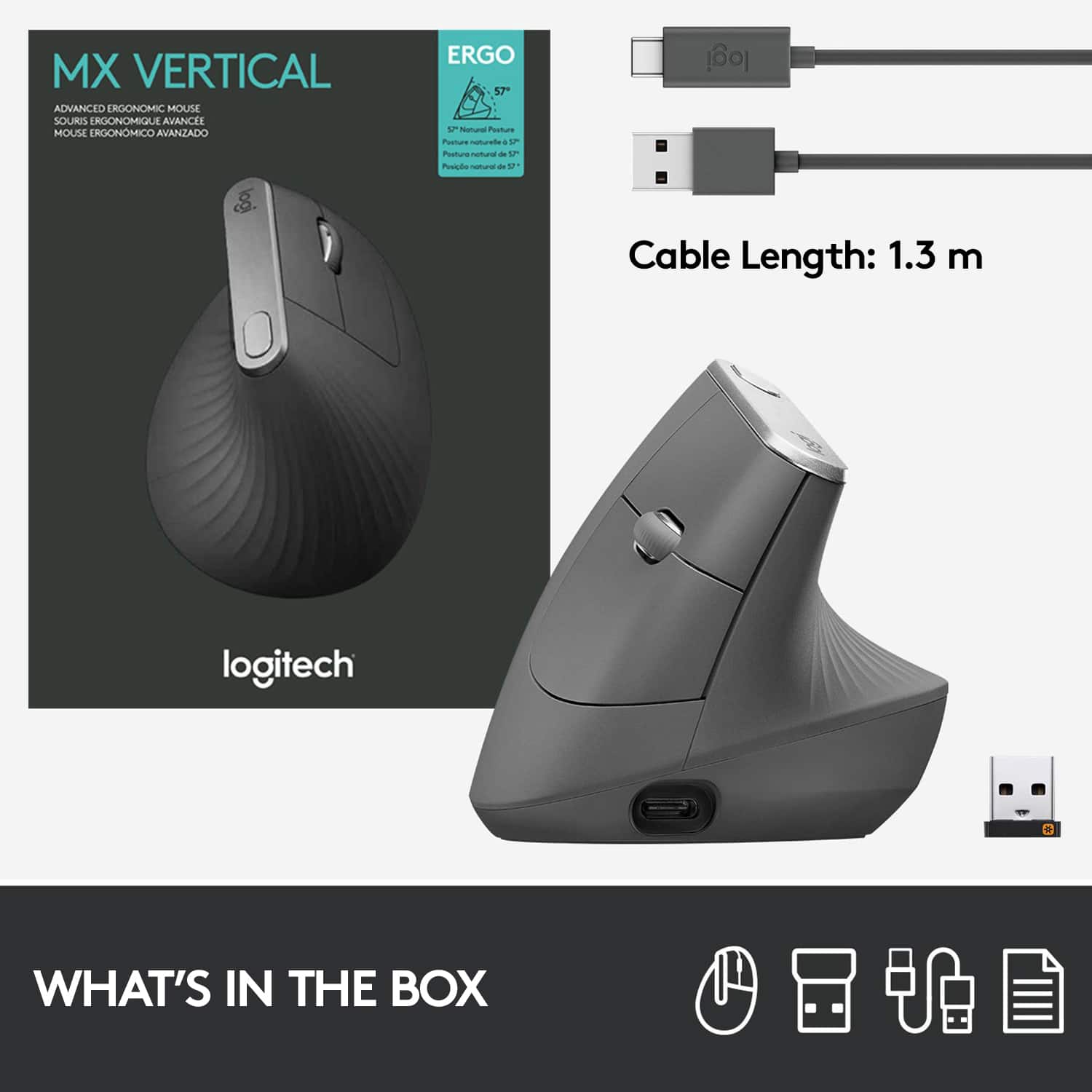
|Posted .This reviewer received promo considerations or sweepstakes entry for writing a review.I’ve been looking forward to getting this mouse. I’m a ‘my wrist hurts’ kind of guy who had surgery for carpal tunnel years ago. Well, it seems like it’s back. I’ve taken precautions to avoid this painful malady by using a protective foam guard to front-end my keyboard and mouse. No luck so far. This new mouse, Logitech’s MX Vertical Mouse, is an obvious change from what I’m used to. It’s supposed to promote a natural handshake position, thus reducing the effort normally used when using a mouse. Reducing the effort reduces the pressure on my wrist – so says Logitech. The Logitech MX can be used wirelessly using Bluetooth or using the Logitech USB receiver. I took the easy route and used the USB receiver. It worked perfectly the first time out, so I’m sticking with that approach. I like the fact that you can move the mouse pointer to the right or left on the screen with a minimal amount of wrist effort. The primary left and right buttons and a scroll wheel are on the right side of the mouse, as well as two additional buttons on the left. Oh, and don’t’ forget to go to the Logitech website and download the mouse’s supporting software. It lets you tweak the MX to your liking. For example, under the option Point & Scroll, it lets you specify Pointer Speed Smooth Scrolling, and Scroll Wheel Direction. Under option Flow, it shows you how to set up the mouse to work transparently between two systems. I didn’t play with the Flow option. A button at the top of the MX, when pressed, permits you to switch automatically between two pointer speeds – Slow and Faster-than-slow. I played with that a lot to find my sweet-spot. The MX has a USB-C port on the front end of the mouse and is used to charge the mouse, and it comes with a short USB-C cable in case you don’t have one. If you keep the USB-C cable connected to the mouse long-term, the MX becomes a tethered mouse to your computer just like wired mice before wireless became popular. Battery power is always a concern when running untethered, but If you find that you’ve just run out of battery power a quick charge of 15 minutes is all that is needed to get a few hours’ worth of power. Give it a more sufficient charge and the mouse is supposedly good for months. The MX is quite nice ergonomically and pressing the right-side primary left and right buttons feels very natural. I did find it awkward at first moving my hand from keyboard to mouse – I kept hitting the top of the MX with my hand. I’m not normally clumsy like that and I’m sure I’ll develop avoidance skills in the future. I haven’t researched what the outside skin is made from, but its feel and texture are very comfortable to me. The pointer tracking is very smooth and accurate, which is helpful as I move the pointer across numerous windows on multiple monitors. The MX alleviates the need for twisting my wrist (remember Carpal Tunnel) side to side too much when moving the pointer. After many years of using more traditional mice, I’m sure my mouse-hand needs to have its muscle memory recalibrated to match the MX. After giving the MX a good workout over a variety of applications, I’m giving it a thumbs-up. This, even though my mouse-hand still aches. Wrist pain doesn’t just magically go away, but it feels as though the constant ache after a hard day on the computer is more subdued now. Maybe this is wishful thinking, but using this mouse long-term might exactly be what I’ve been looking for. I can certainly hope!
I would recommend this to a friend still not the mouse urgo answer
||Posted . Owned for 6 months when reviewed.This reviewer received promo considerations or sweepstakes entry for writing a review.I still like the Logitech MX5500 mouse better. It seems too easy to move your wrist instead of your forearm which increases your chances of getting tennis elbow or increases your already affected tennis elbow pain level. The buttons are too stiff for ergo benefits as well.
No, I would not recommend this to a friendToo big for optimum ergonomics.
||Posted . Owned for 8 months when reviewed.This reviewer received promo considerations or sweepstakes entry for writing a review.Not as ergonomic as one might expect. Try in store first before purchasing.
No, I would not recommend this to a friendBrand response from Logitech
Posted .We're sorry to hear that the Logitech MX Vertical Advanced Wireless Optical Ergonomic Mouse wasn't as ergonomic as you expected and felt too big. We appreciate your feedback and the helpful suggestion for other customers to try it in-store.

Stopped working after 4 months
||Posted . Owned for 6 months when reviewed.This reviewer received promo considerations or sweepstakes entry for writing a review.Great ergo mouse everything was perfect until on August 5 it stopped working on black surface of my mouse pad. Still works on the white surface I don’t know what the reason might be not happy anymore
No, I would not recommend this to a friendBrand response from Logitech
Posted .Hi PlasticMan, Very sorry to hear that your MX Vertical Mouse has stopped working on the black surface of your mouse pad. You may need a firmware update which you can get using Logitech's Firmware Update Tool. Here's a link to the download and others: https://support.logi.com/hc/en-us/articles/360024698534--Downloads-MX-Vertical-Advanced-Ergonomic-Mouse. Hope that you found this helpful and that all is going well. Thank you for being a Logitech customer. - Richard from Logitech