Customer Ratings & Reviews
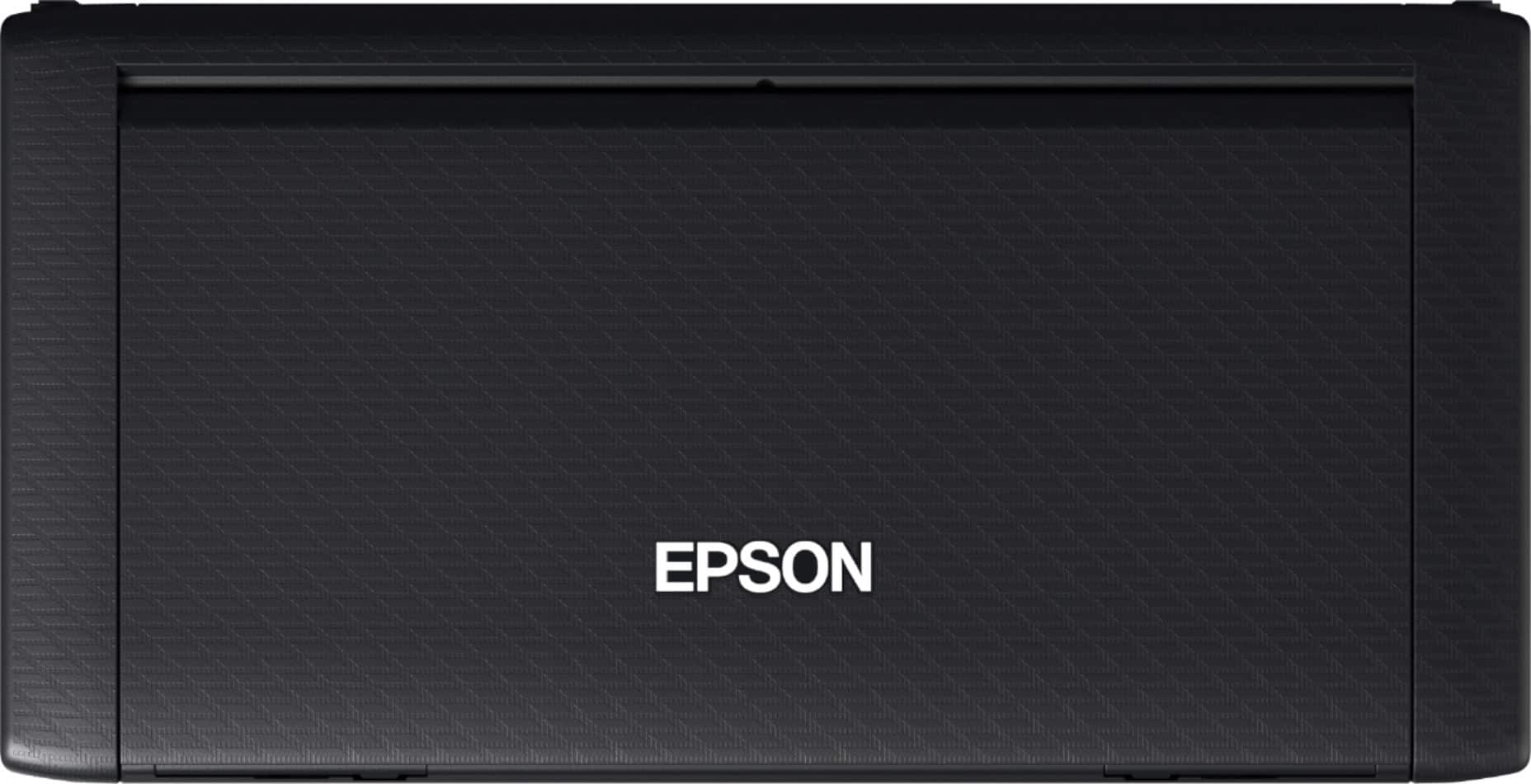
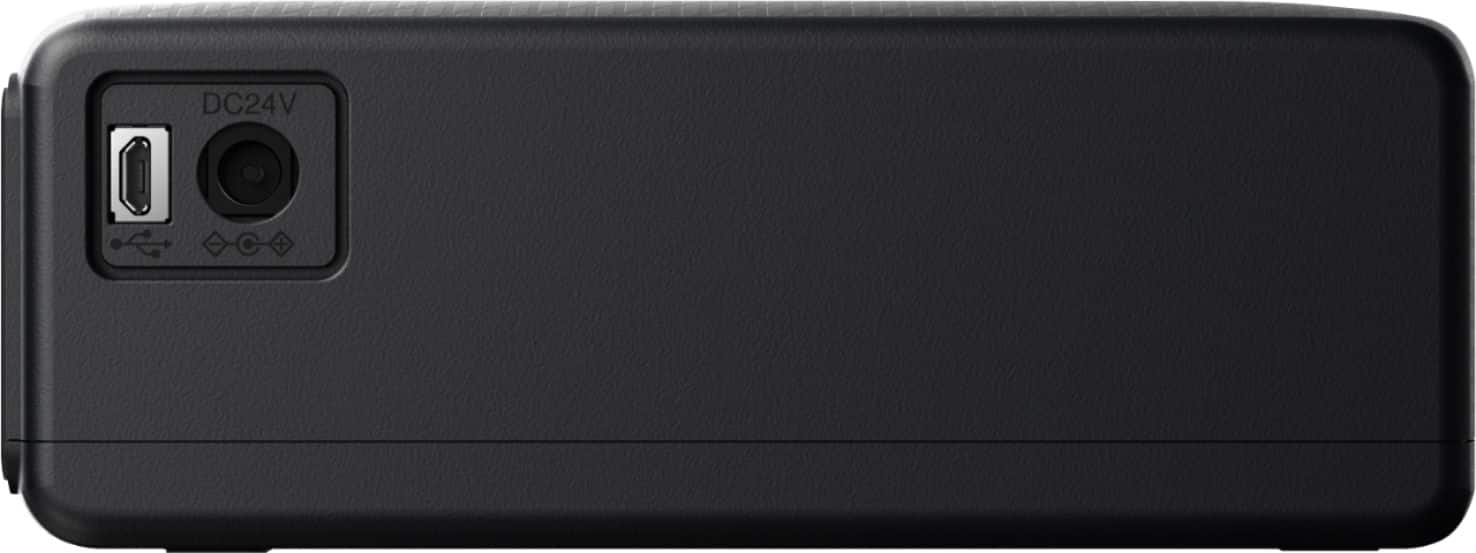
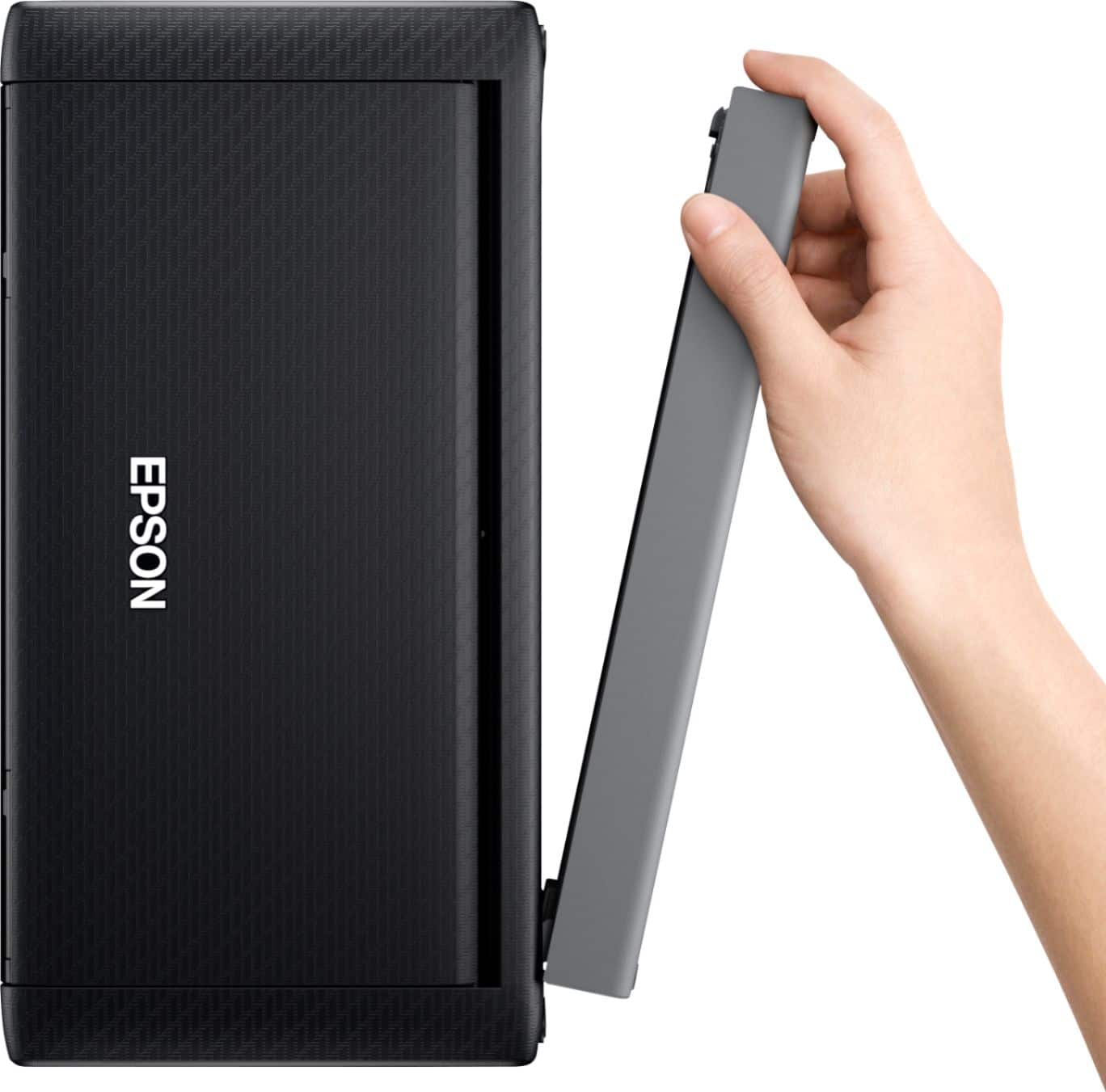
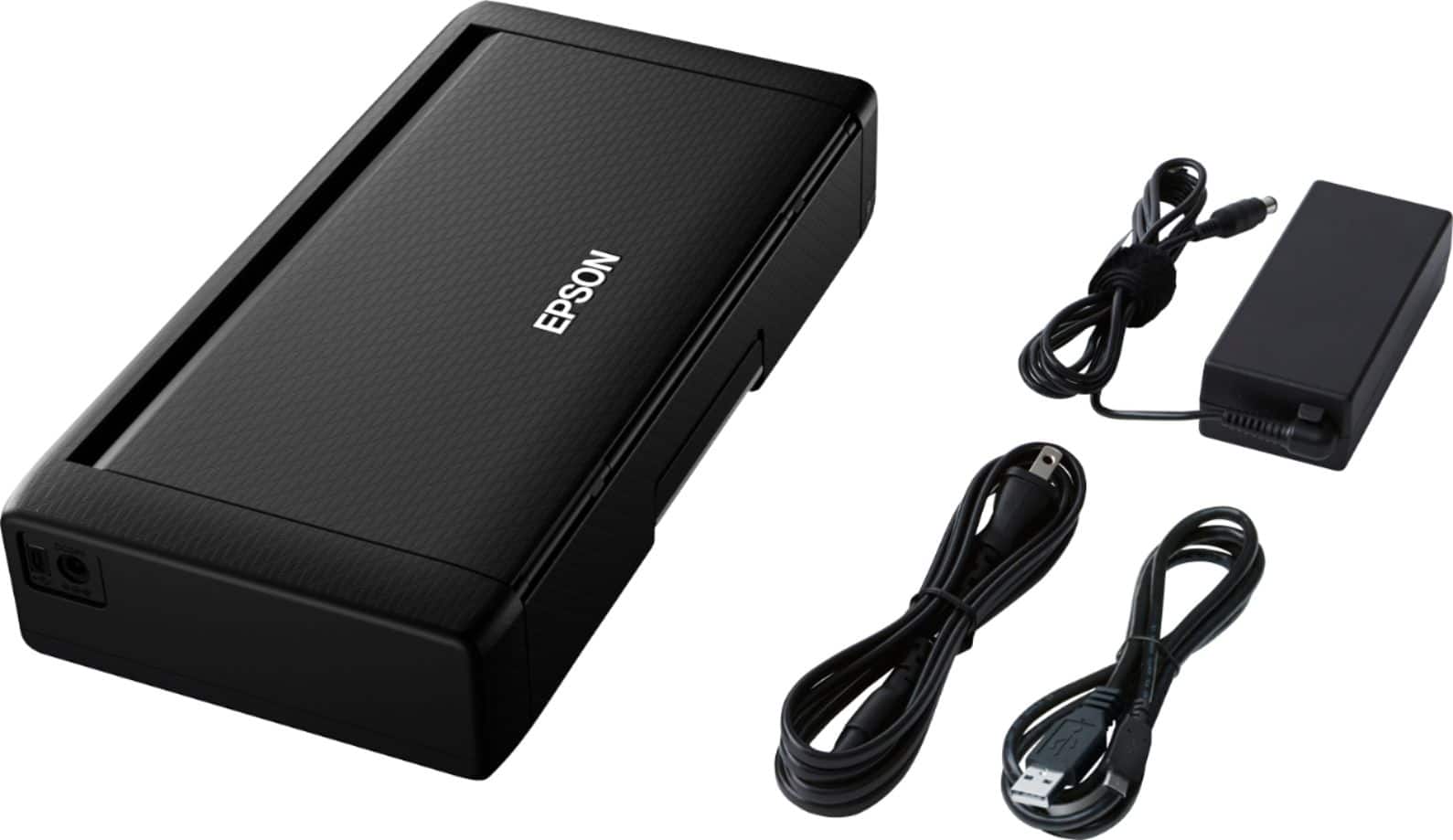
- Model:
- C11CH25201
- SKU:
- 6371542
Rating by feature
- Value
Rating 4.2 out of 5 stars
- Quality
Rating 4.4 out of 5 stars
- Ease of Use
Rating 4.4 out of 5 stars
Customers are saying
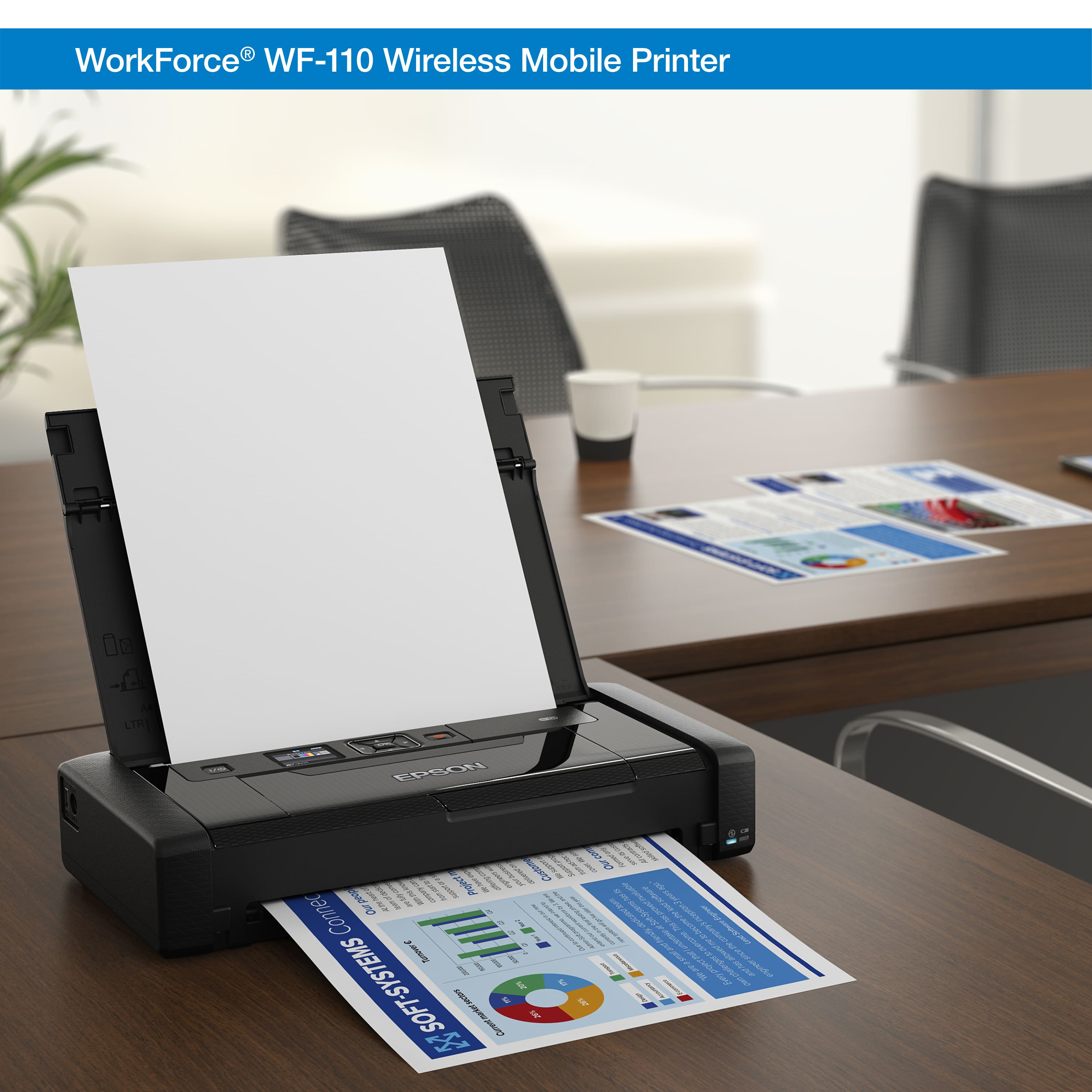
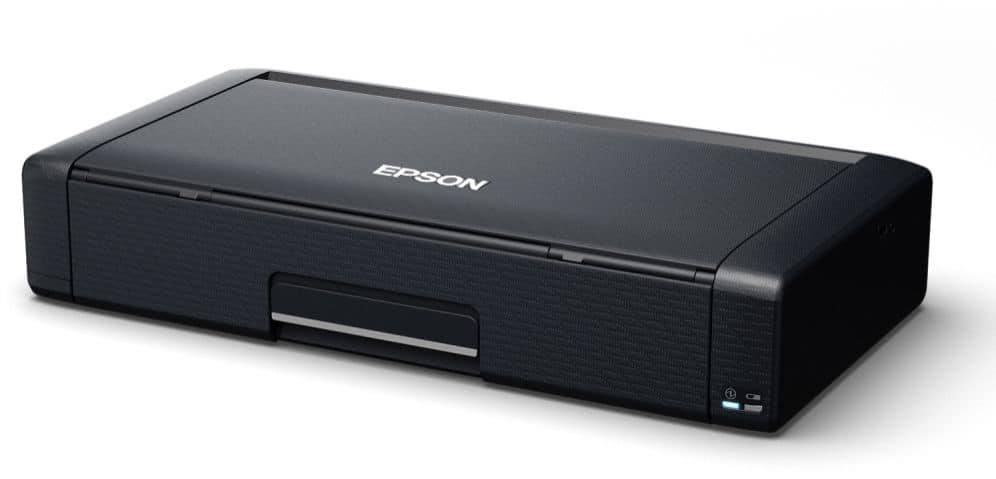
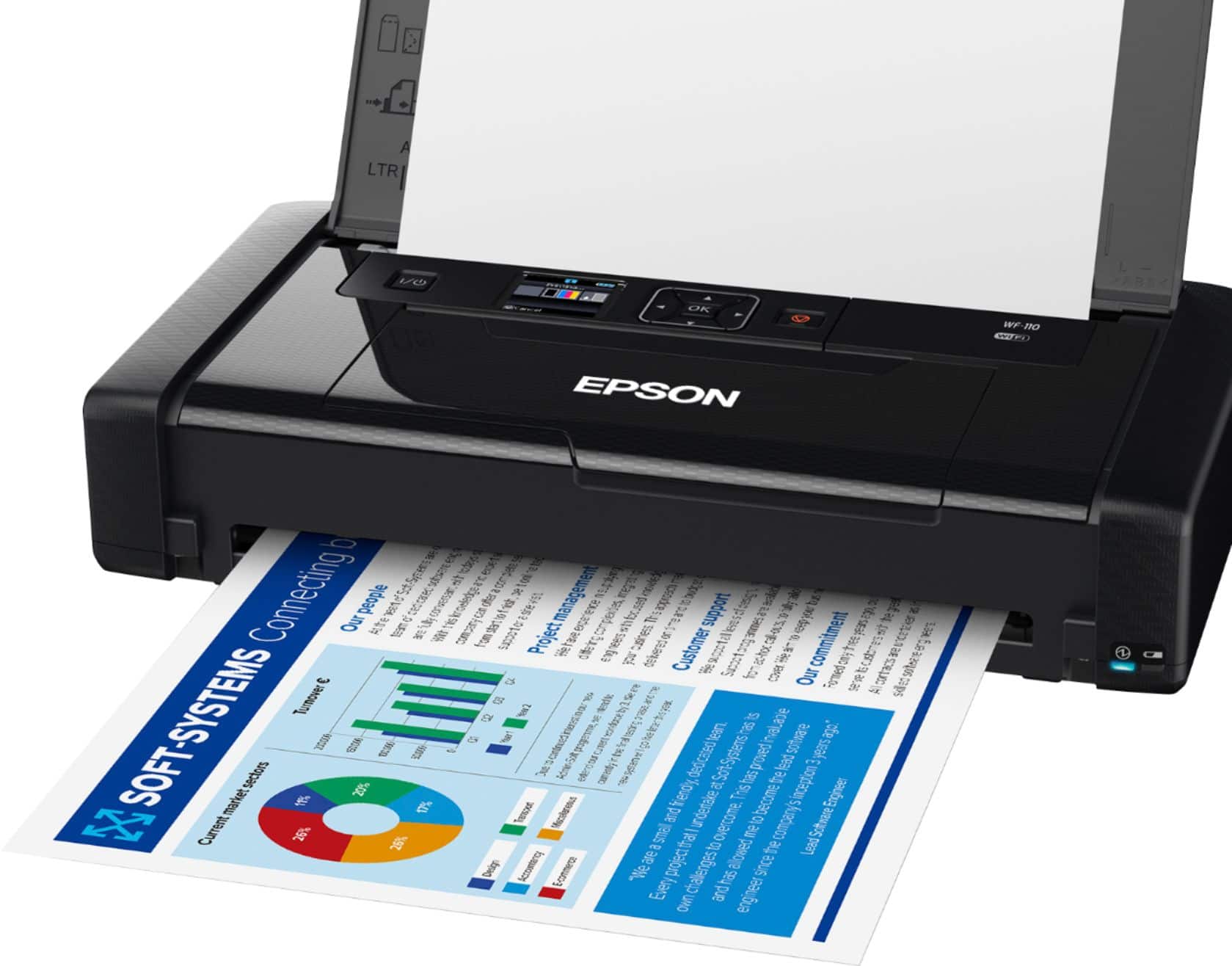
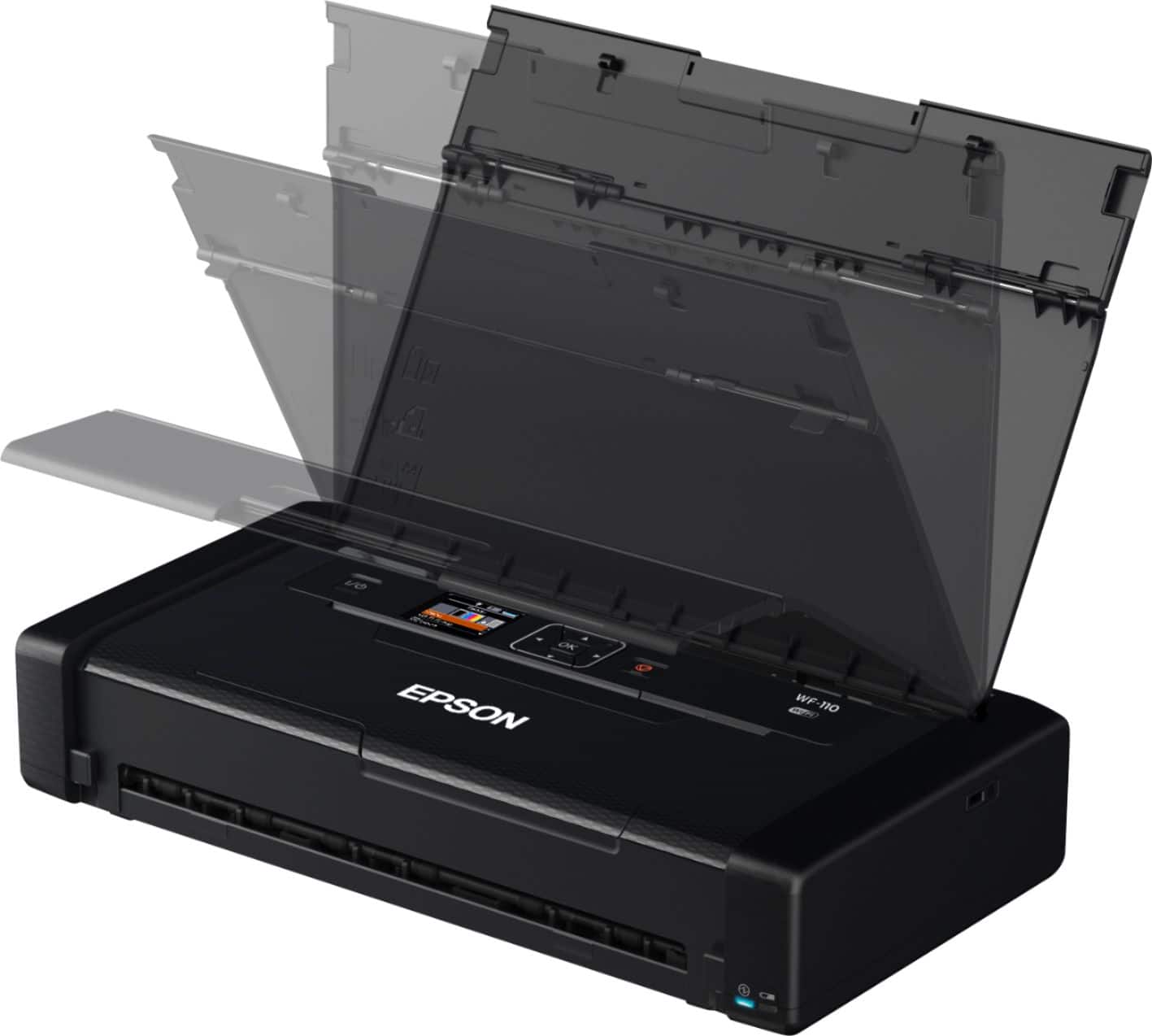
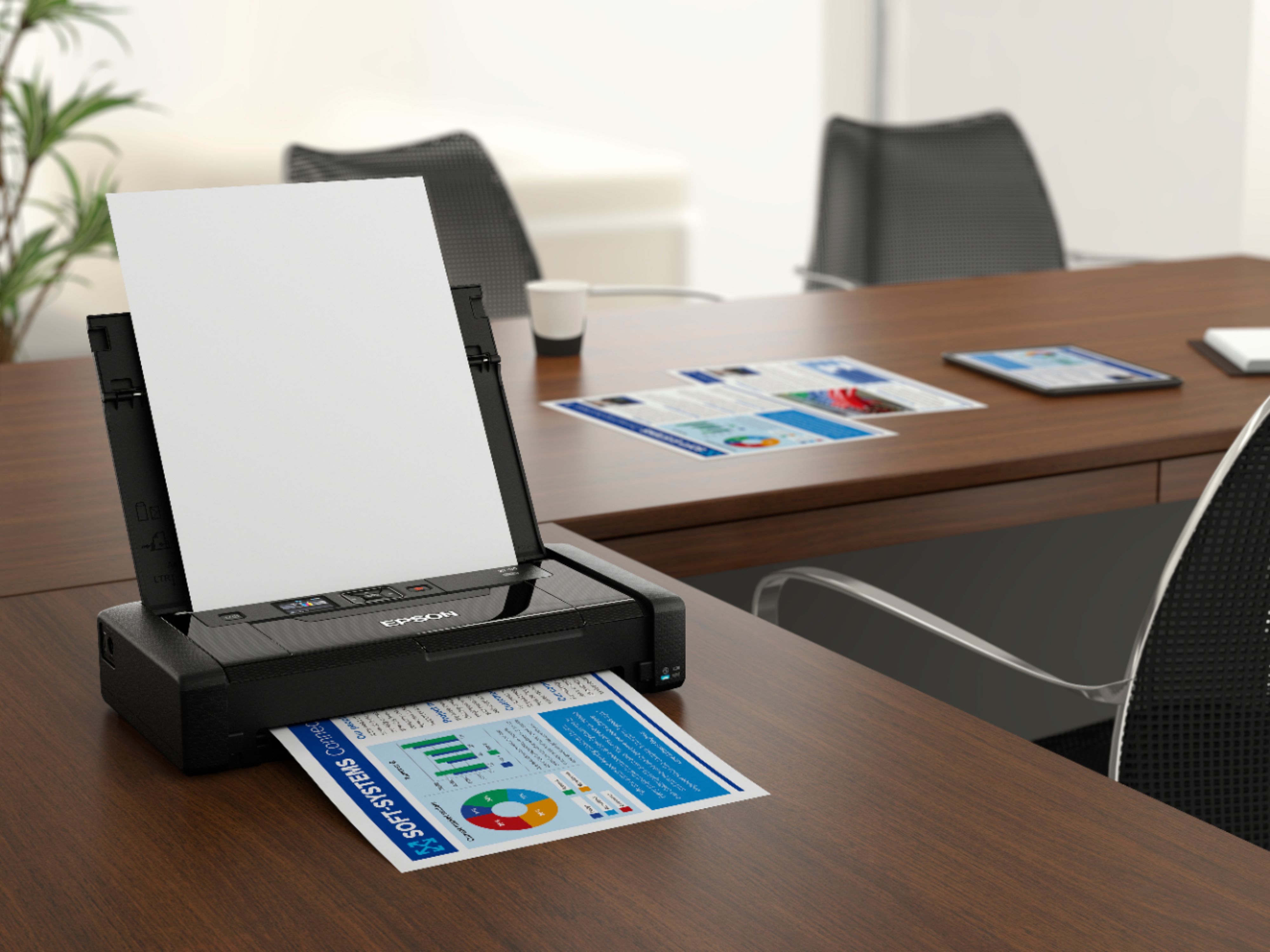
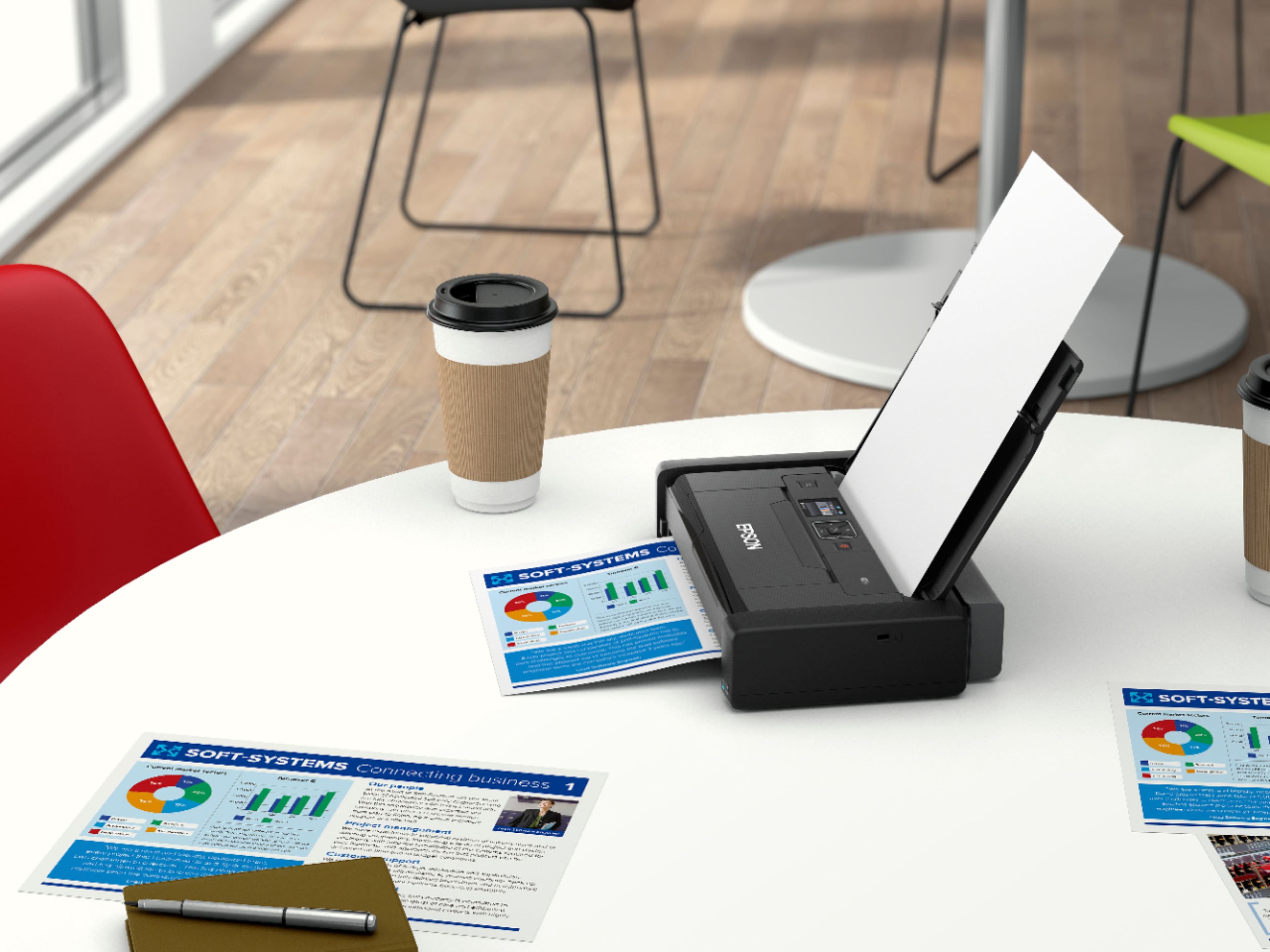
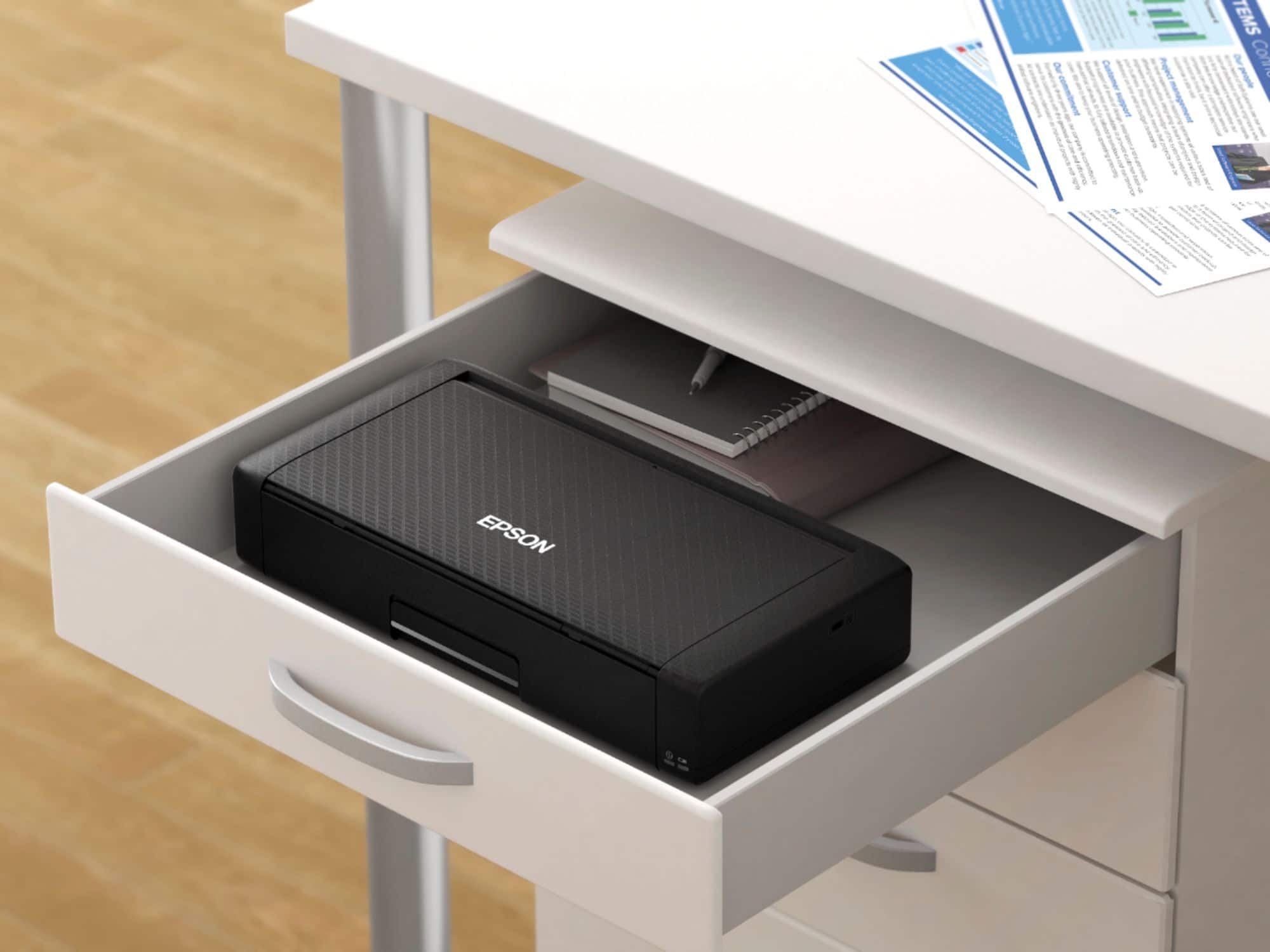
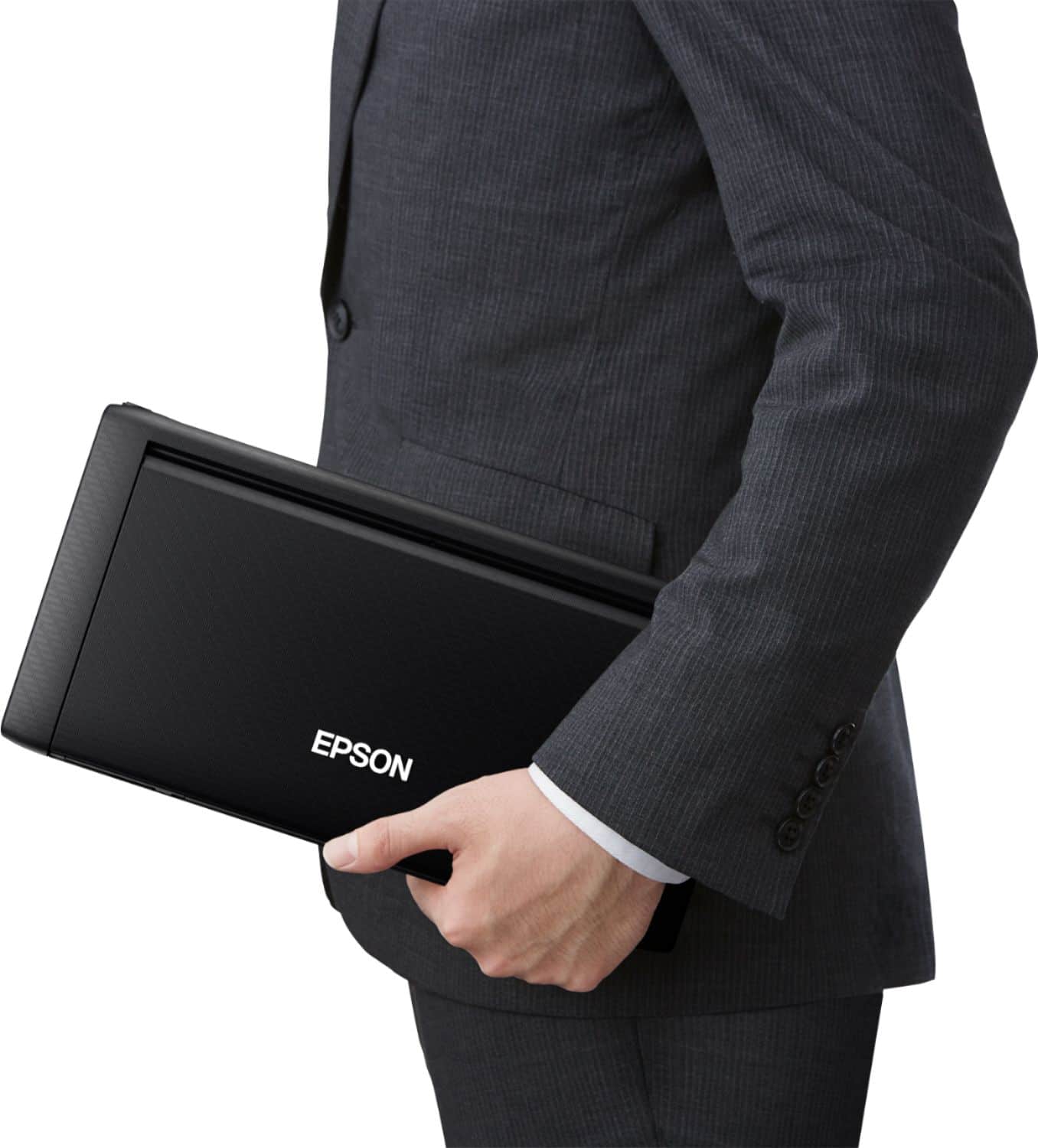
Customers often highlight the WorkForce WF-110 Wireless Inkjet Printer's portability, print quality, and convenient size. Battery life and connectivity options are also appreciated. The only concern mentioned is the product's price.
This summary was generated by AI based on customer reviews.
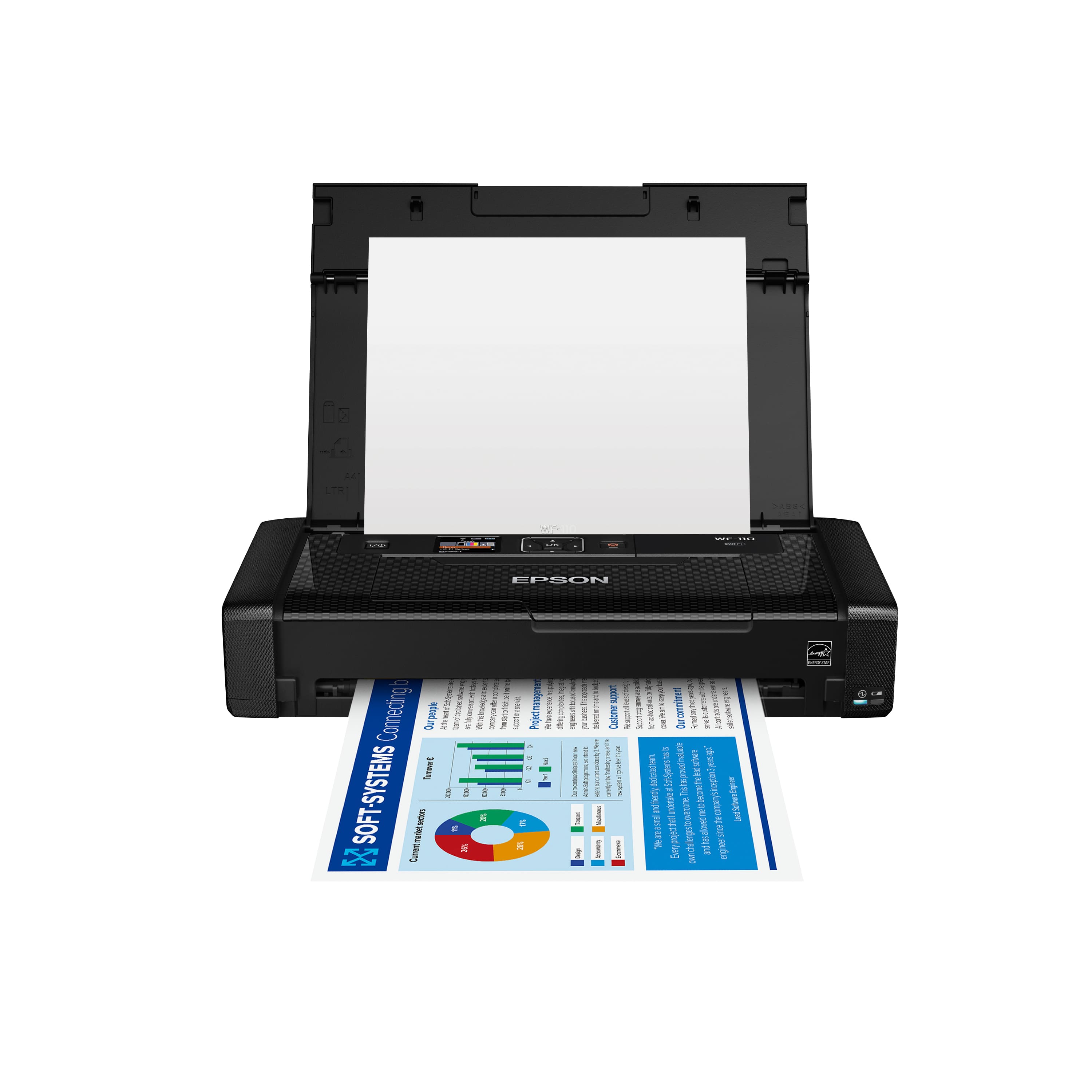
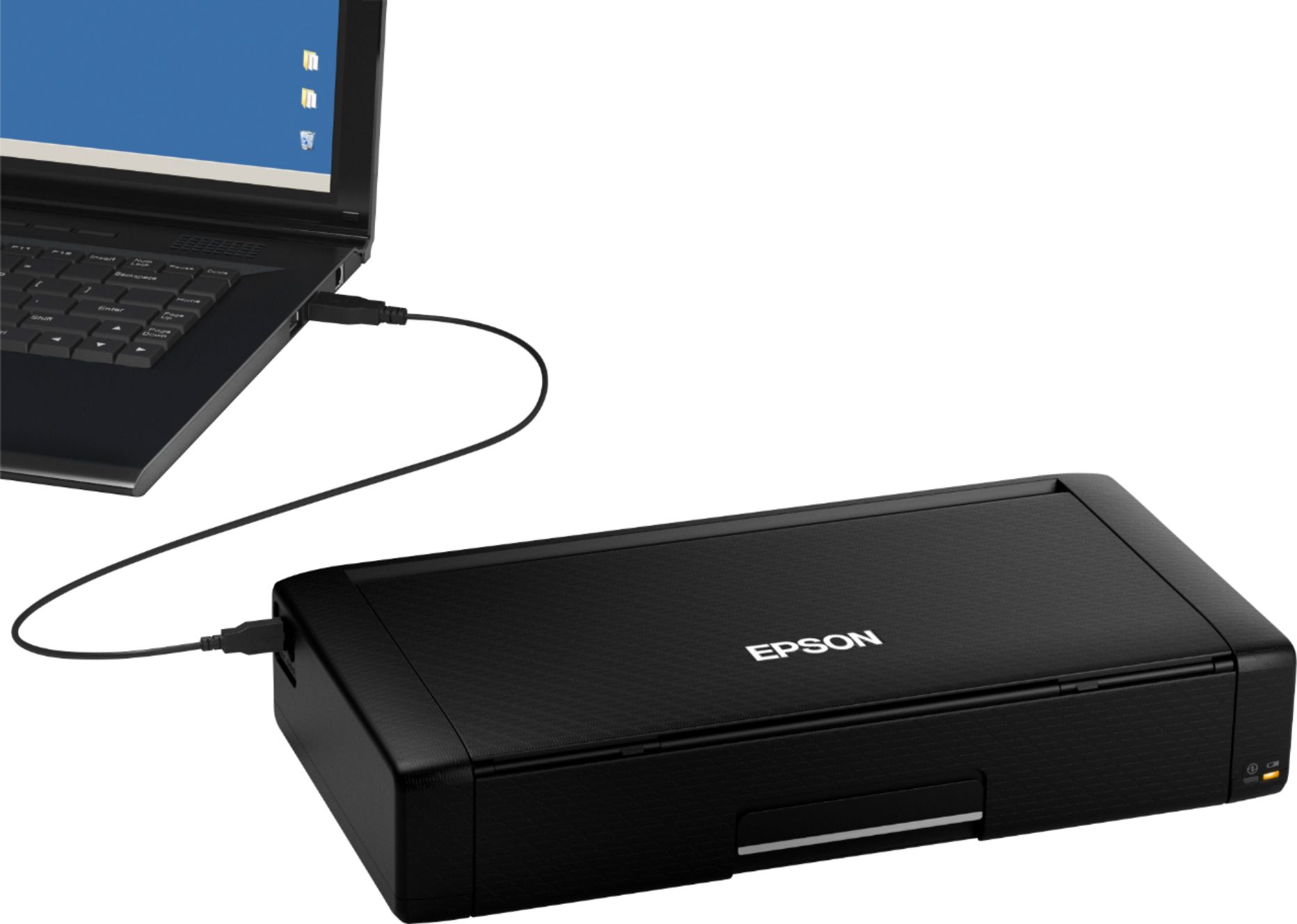
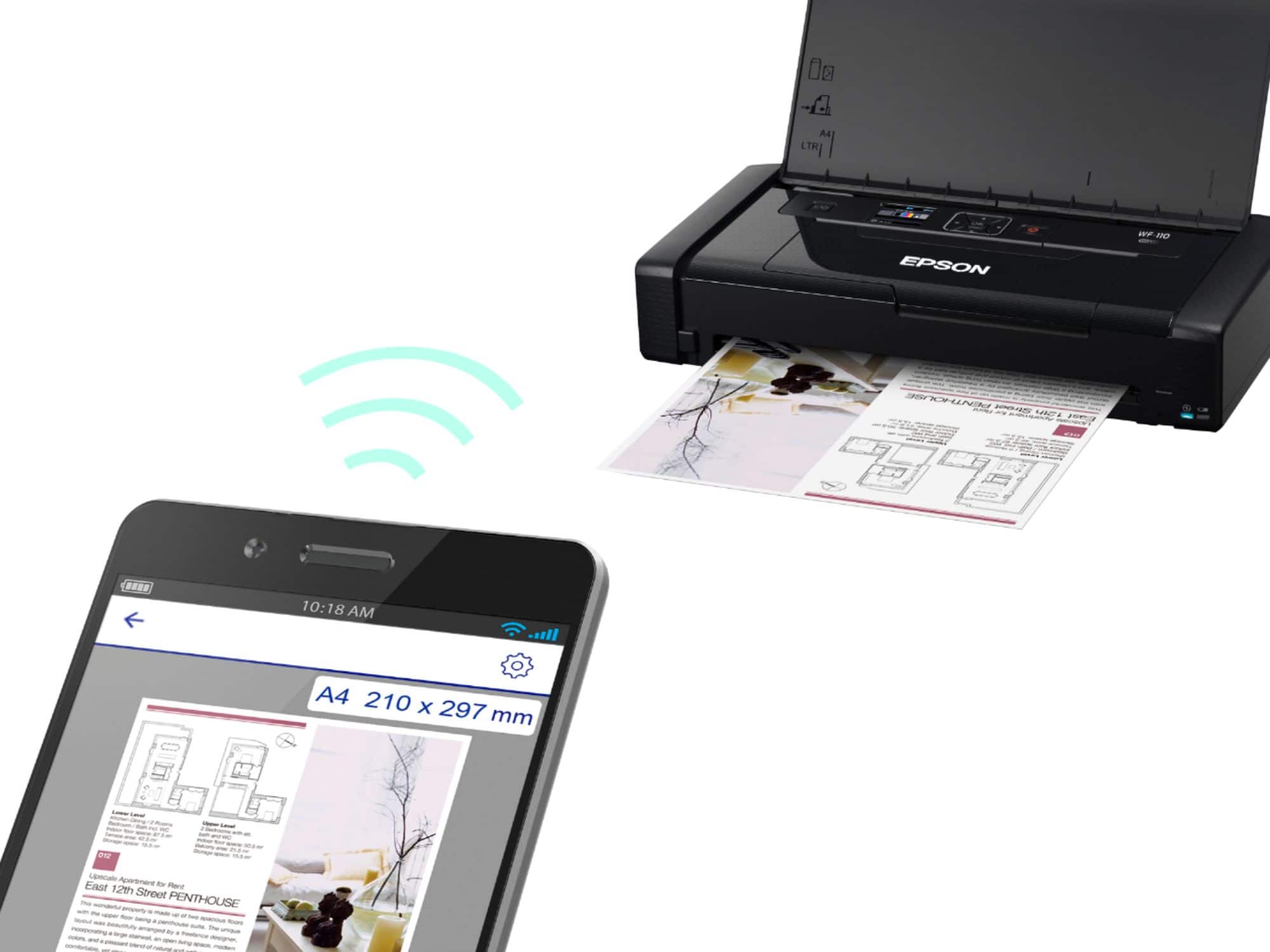
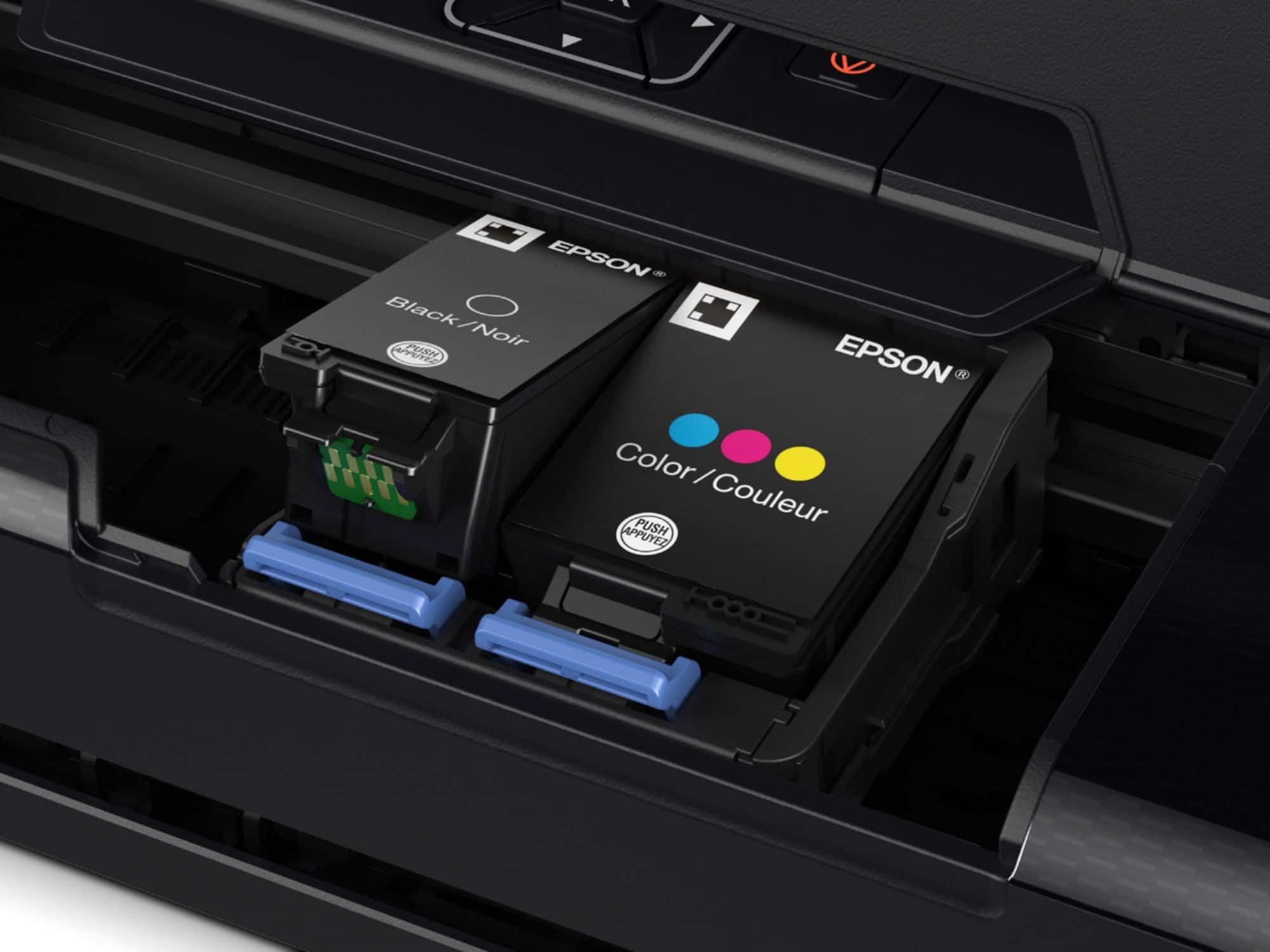
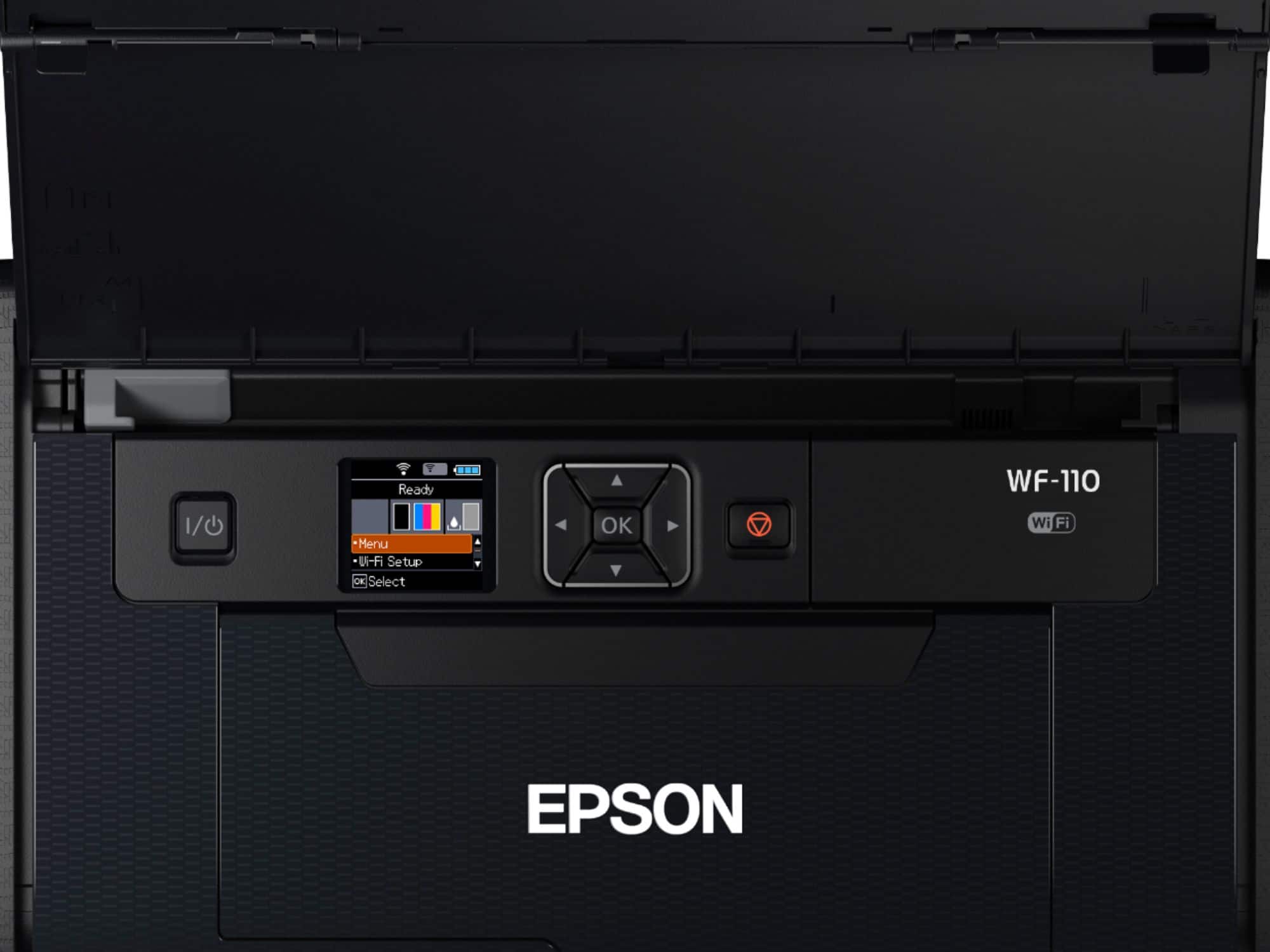
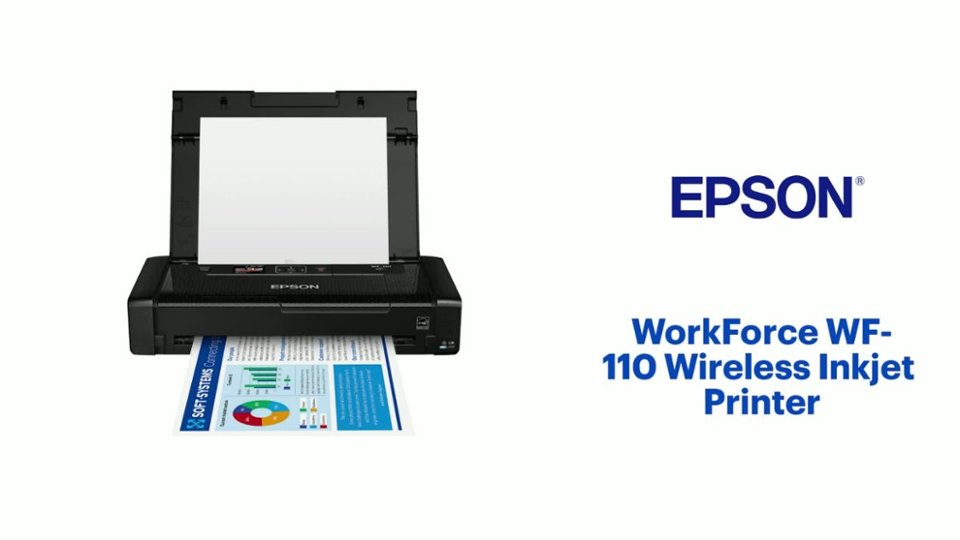
EPSON WF-110 printer
||Posted . Owned for 9 months when reviewed.This reviewer received promo considerations or sweepstakes entry for writing a review.I am not at all happy with this printer. I loved it because it fit nicely on the corner of my desk and was very convenient. For the first 6 months or so it worked great. But then it started to fail. It would not turn off. It had to be disconnected from the wall and wait for the battery to run down. Then when restarted, it would work for a few weeks, then same problem again. I have given up on it and will buy another printer. Plan to write to Epson and see if they will give me any compensation.
No, I would not recommend this to a friendPrinter
||Posted . Owned for 1 month when reviewed.This reviewer received promo considerations or sweepstakes entry for writing a review.I don’t have much to say about the product. It didn’t work when we set it up and returned it to the store.
No, I would not recommend this to a friendBrand response from Epson
Posted .Hi Greatest, we apologize for the disappointing experience that you had encountered with the WF-110 printer. Epson takes into consideration all feedback to improve the performance and quality of our products. If we can help you with anything else, our support team can be reached at (562) 276-4382 between 7 am - 4 pm (PT), Monday - Friday. Hopefully, we can assist you with a future product. Sincerely, Kevin - The Epson Team.

Maintenance box replacement
||Posted . Owned for 1 month when reviewed.This reviewer received promo considerations or sweepstakes entry for writing a review.I just bought this printer for a trip and after a month of using the device ( with very few print jobs) I had to replace the maintenance box. It would not let me print. There are no software resets to get around the problem. So now I carried this printer with me for no reason since there are no places to buy the replacement part where I am. What is the point of having a portable printer if it has a short life?
No, I would not recommend this to a friend- Pros mentioned:Battery life, Portability, Size
Lightweight and fast
Posted .This reviewer received promo considerations or sweepstakes entry for writing a review.I have been using this printer for about a week now and I’m very pleased. When I received the box I was surprised at how compact and lightweight it was. The setup was very easy thanks to the straightforward instructions. It took about 10 minutes or less to have this printer up and running. The only setback I had was installing the two (included) ink cartridges. At first, I couldn’t get the shuttle (spot to install the cartridges) to slide over but once I pushed the button on the display, it came over. The display itself is colored and very easy to navigate. I was able to connect my printer to our WiFi without any issues. The printer is lightweight and small but don’t let its size fool you. I downloaded the Epson iPrint app for my iPhone and was able to print pictures and documents in no time (make sure both the printer and phone are connected to the same WiFi network). Not only is this printer fast but it’s also very quiet. I like how the printer holds a charge for a long time and you are able to easily carry it with you. It can fit in my purse or any laptop bag. This is honestly one of the best printers I’ve used; It’s fast, quiet, lightweight and portable. I would highly recommend it to anyone looking for a new compact printer. This is a review for the Epson WorkForce WF-110 Wireless Inkjet Printer that I received free of charge to do a beta test and review.
I would recommend this to a friend mobile printers
||Posted . Owned for 3 weeks when reviewed.This reviewer received promo considerations or sweepstakes entry for writing a review.Quality wasn't what I expected! Wasn't a way to fine tune it either so I'll be exchanging it real soon
No, I would not recommend this to a friendBrand response from Epson
Posted .Hi thoughtIdTry, we apologize for the disappointing experience that you had encountered with the WorkForce WF-110 printer. Epson takes into consideration all feedback to improve the performance and quality of our products. If we can help you with anything else, our support team can be reached by phone at (562) 276-4382 or by email at https://epson.custhelp.com/app/ask/p_model_name/Epson%20WorkForce%20WF-110; Hours: Monday - Friday, 7 am - 4 pm PT. Hopefully, we can assist you with a future product. Sincerely, Bobby - The Epson Team.
Greatforwhatitis
||Posted . Owned for 3 weeks when reviewed.This reviewer received promo considerations or sweepstakes entry for writing a review.Works well, just a little slow. Which is expected being small
I would recommend this to a friendBrand response from Epson
Posted .Hello ConvenientHP, thank you so much for your feedback. Your WF-110 printer is backed by a 1-year Limited Warranty and includes free lifetime technical support. If you ever need assistance, please reach our support team by phone at (562) 276-4382; Hours: Monday - Friday, 7 am - 4 pm PT. Once again, thank you. Sincerely, Sam - The Epson Team.
- Pros mentioned:Battery life, Connectivity, Portability

Primo Portable Printer
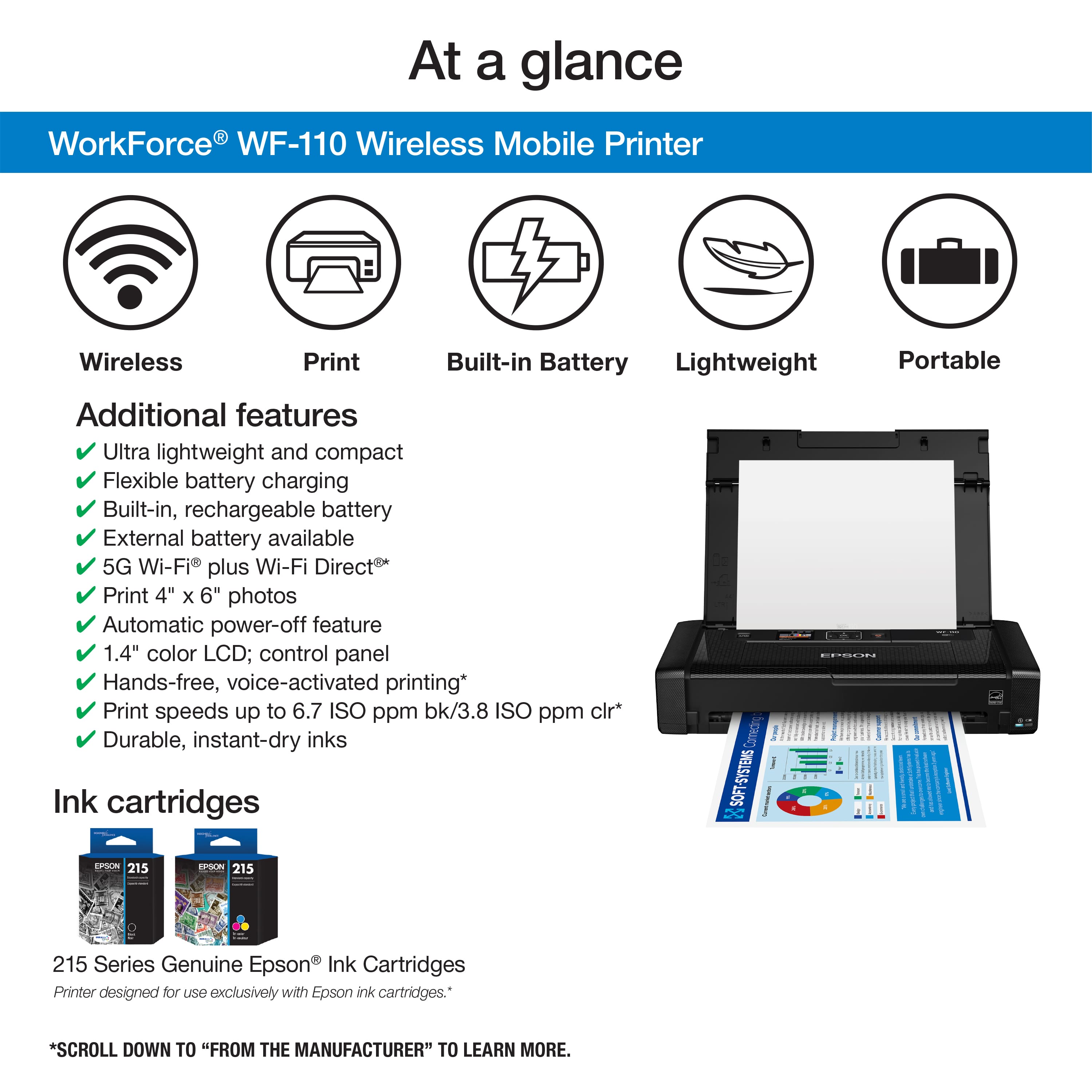
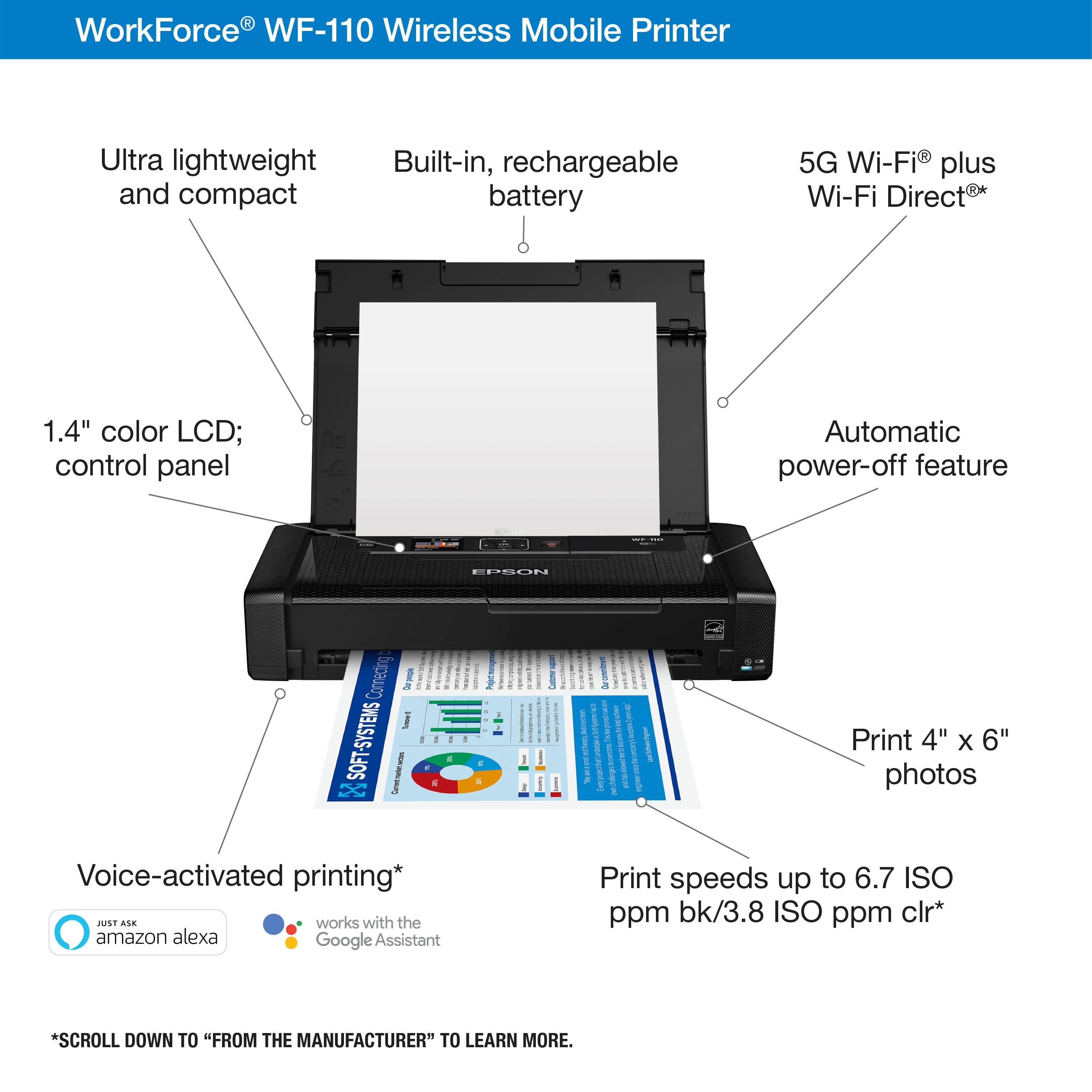
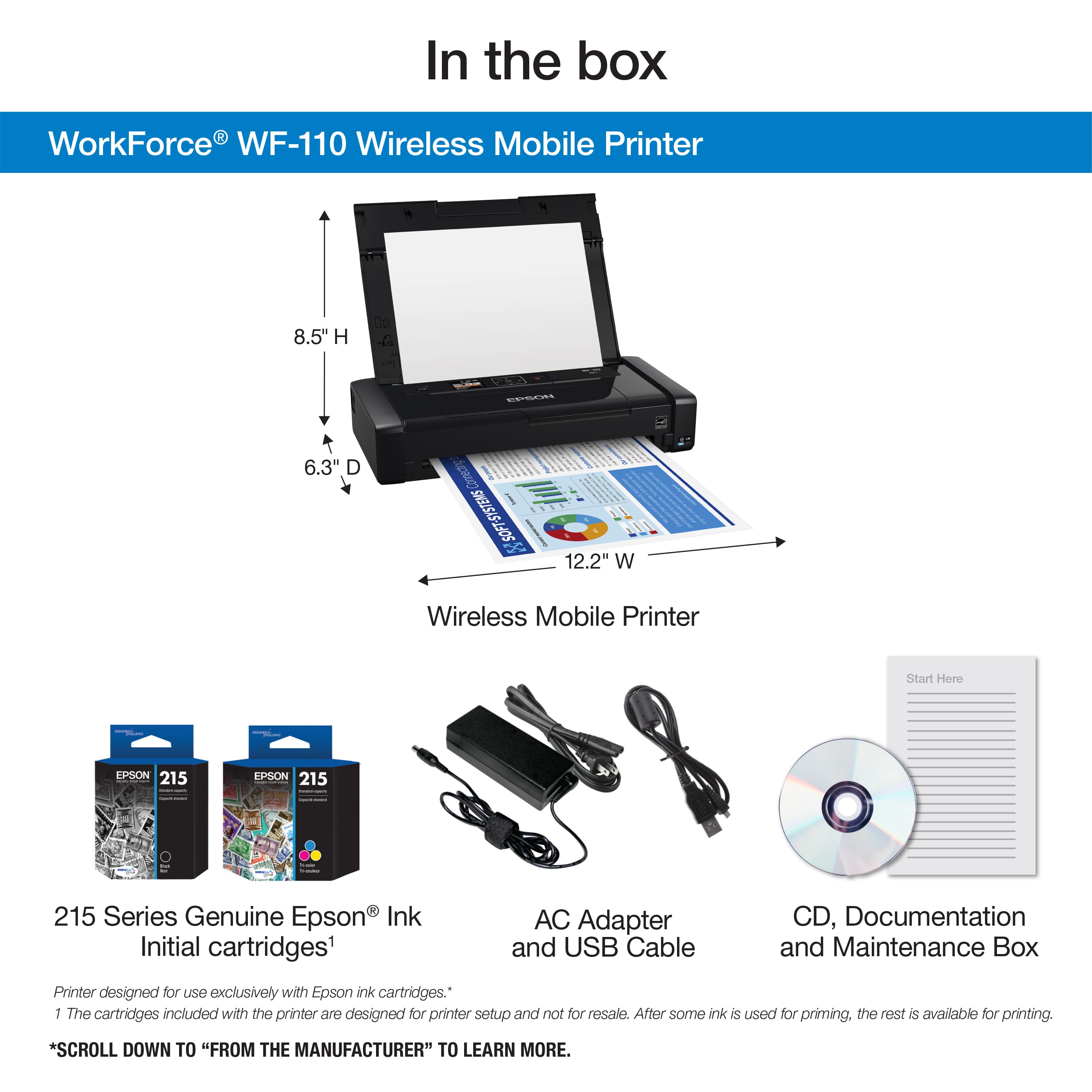
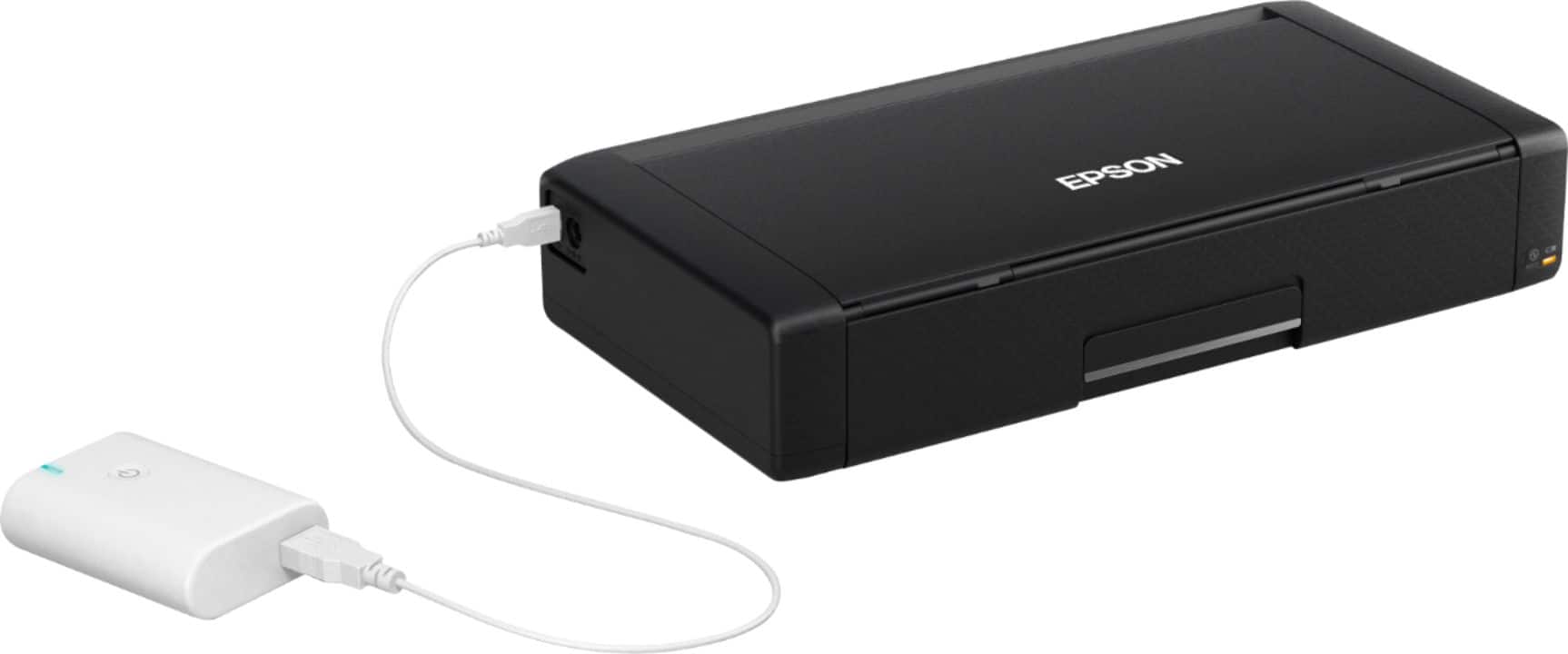
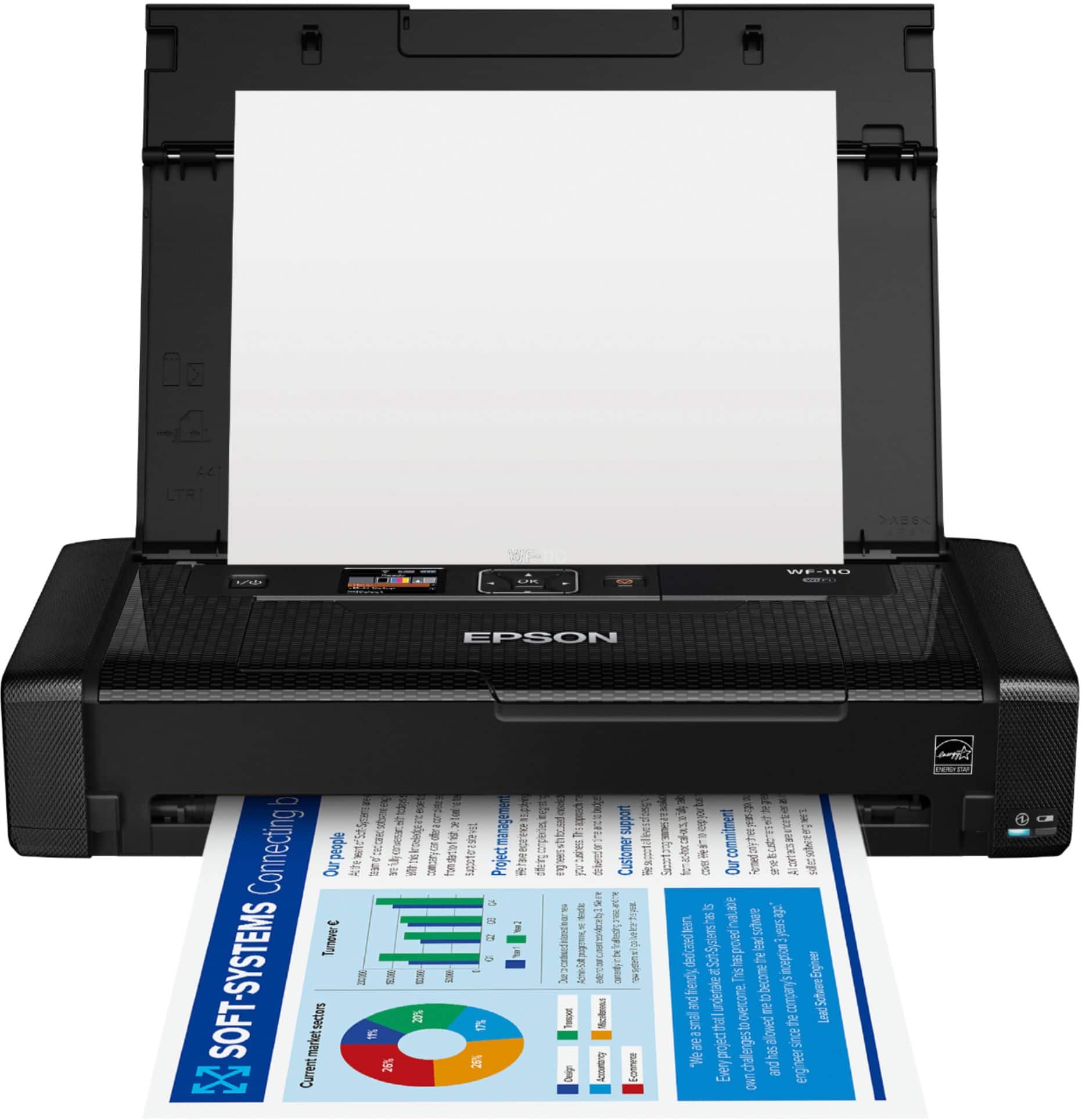
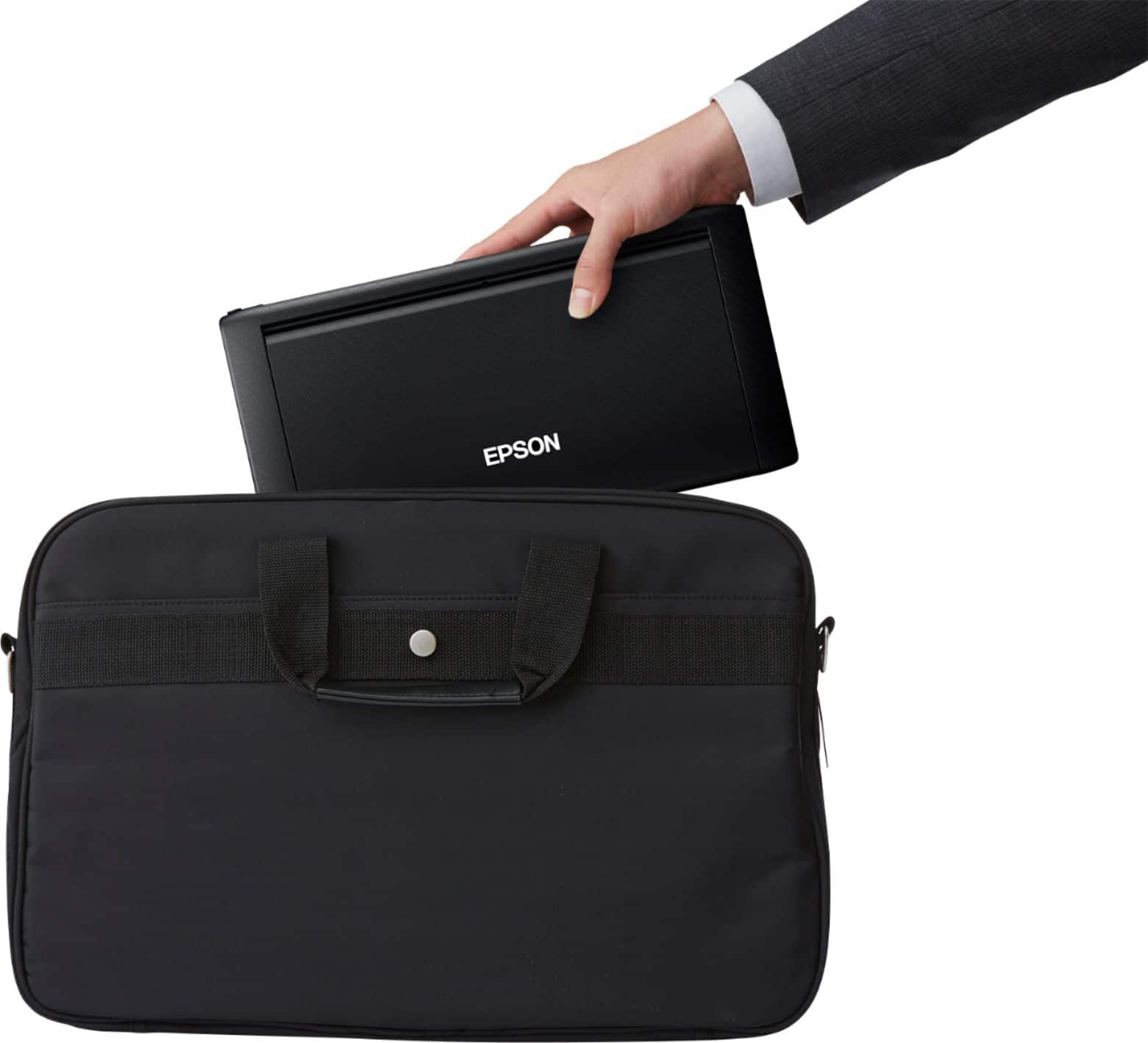
|Posted .This reviewer received promo considerations or sweepstakes entry for writing a review.The Epson WorkForce WF-110 Wireless Printer is a highly dependable tool designed to support all who conduct business on the go. No more frustration looking for a means of printing a document after hours or miles away from civilization. This is a professional, very high quality machine. It is grippy & does not slip out of your hands. It weighs 3.5# & measures 12.2" X 6.1" X 2.4" when closed for traveling. It fits easily in my TUMI Carry-On Roller Bag with my Surface Pro, iPad & Laptop. I charged the built-in Lithium-ion battery fully in 2 hrs. The printer is Energy Star qualified, so expect a long life from each battery charge. An optional external battery is even available if you need a lot of portable printing. The input tray holds 20 sheets. The printer connects by Wi-Fi & Wi-Fi Direct. It even has memory card slots for printing from a digital camera in the field. I tested it from an iPad using Apple AirPrint, a Surface Pro, a Windows 10 laptop & on my Mac desktop running Mac OS 10.14.6. It uses a black & a tri-color cartridge. The ink did not smear or smudge. It looked great, as though printed on a conventional desktop printer. I am very comfortable with the build quality of Epson photo printers & this portable printer appears to offer that same reliability. CONCLUSION: I am extremely impressed with this printer. The 1.4" Color LCD is easy to navigate. I have been looking for a lightweight portable printer that will stand up to travel & this is the best printer that meets all of my requirements. I highly recommend it.
I would recommend this to a friend Tedious
||Posted . Owned for 1 month when reviewed.This reviewer received promo considerations or sweepstakes entry for writing a review.While it prints well the tiny control panel requiring you to use arrow’s to move to select characters is both tedious and frustrating to use .
No, I would not recommend this to a friendMeh printer
||Posted . Owned for 9 months when reviewed.This reviewer received promo considerations or sweepstakes entry for writing a review.Ok, I have had better printers in the past this one is very very p
No, I would not recommend this to a friendBrand response from Epson
Posted .Hello guthdenn, we're sorry to hear you're having trouble with the Epson WF-110. Your WorkForce printer is backed by a 1-year Limited Warranty and includes free lifetime tech support. We would like to hear more about the issues you have encountered. Please reach out to our support team for assistance by phone at (562) 276-4382; Hours: Monday - Friday, 7 am - 4 pm PT. We look forward to hearing from you. Sincerely, Kevin - The Epson Team.
Reviewing a printer Epson Workforce WF-110
||Posted .This reviewer received promo considerations or sweepstakes entry for writing a review.Can't save pages When is more than 2 and need to print front & back of 1 page but doesn't do it. It doesn't have that future. Only print in 1 side of the page. When printing the pages it doesn't have a holding tray when it is finishing printing and the paper slips.
No, I would not recommend this to a friendBrand response from Epson
Posted .Hello, we're sorry to hear about the trouble you had with your WF-110 printer. Epson takes into consideration all feedback to improve the performance and quality of our products. Your WorkForce printer includes a 1-year Limited Warranty, plus free lifetime technical support. Additionally, Epson provides useful information on troubleshooting most problems, including FAQs and self-help tools, on the product support web page at https://epson.com/Support/Printers/Single-Function-Inkjet-Printers/WorkForce-Series/Epson-WorkForce-WF-110/s/SPT_C11CH25201#questions. If you need further assistance, our Epson Support Team would be happy to help you and can be reached at (562) 276-4382; Hours: Monday - Friday, 7 am - 4 pm PT; Sincerely, Sam - The Epson Team.
Epson
||Posted . Owned for 3 weeks when reviewed.This reviewer received promo considerations or sweepstakes entry for writing a review.Doesn't work, it charges, it turns on and I can download the driver software, but it won't hook up to my computer, so returning it
No, I would not recommend this to a friend- Pros mentioned:Battery life, Connectivity, Portability
Great travel printer
Posted .This reviewer received promo considerations or sweepstakes entry for writing a review.The Epson WorkForce WF-110 Wireless Portable InkJet Printer is an amazing little printer. The printer will come in handy when I am on the road and need to print a document for someone. There has been so many times that I have needed a printer like this. The printer can be connected to in multiple ways like WiFi, WiFi Direct, or USB. There is a great Epson iPrint App for mobile printing as well. Any changes to settings are done on a cute little 1.44” LCD screen on the printer. The printer only requires two ink cartridges (1 black and 1 color) and it claims to be able to print around 200 (Color) to 250 (Black) pages per cartridge before they will have to be replaced. All in all, this has been a great asset for the past couple of weeks. Having a printer that needs no cords due to having the internal built-in battery to print is amazing. It is only about half the size of one of those 2” 3-ring binders. I will definitely be referring this printer to all my family and friends. I am positive that they will enjoy the printer as much as I do. This is a review for the Epson WorkForce WF-110 Wireless Inkjet Printer that I received free of charge to do a beta test and review. Receiving the printer for free has not swayed my review in any way. I will always give honest and accurate reviews to the best of my ability.
I would recommend this to a friend Terrible support. Printer will not work
||Posted . Owned for 3 weeks when reviewed.This reviewer received promo considerations or sweepstakes entry for writing a review.Even though it came with ink cartridges, when I set up the printer it said I need new cartridges. Called Epson and they wanted dates when purchased and serial numbers, that I could not get to while the printer was in the setup state it was in. Their support was worthless. I will be returning the printer for a better printer.
No, I would not recommend this to a friendBrand response from Epson
Posted .Hello DonZ, we're sorry to hear about the trouble you had with the WF-110. Thank you for sharing your feedback; we will forward this information to the appropriate department for review. Please give us another chance to help by calling our Epson Advanced Support Team directly at 1-800-241-5794; Hours: Monday - Friday, 7 am - 4 pm (PT). We appreciate your time, and we look forward to your call. Kind Regards, Kevin - The Epson Team.
Broken after 1 year
||Posted . Owned for 10 months when reviewed.This reviewer received promo considerations or sweepstakes entry for writing a review.Slightly more than a year after purchasing this printer it is completely dead. All of a sudden it just would not turn on. It has always been finicky and I’ve had trouble from time to time connecting it to my wifi. But now it’s just dead! I contacted Epson support and they identified that it is a hardware failure but because I’ve had it for 13 months, I’m outside of warranty coverage. So, $300 for a printer that lasted one year with minimal use.
No, I would not recommend this to a friendBrand response from Epson
Posted .Hi Jenn, we sincerely apologize for the disappointing experience that you had encountered with the WF-110 printer. Epson takes into consideration all feedback to improve the performance and quality of our products. If we can help you with anything else, our support team can be reached by phone at (562) 276-4382; Hours: Monday - Friday, 7 am - 4 pm PT. Kind Regards, Sam - The Epson Team.
- Pros mentioned:Connectivity, Portability, Print quality
Portable Excellence
Posted .This reviewer received promo considerations or sweepstakes entry for writing a review.I love this compact little portable printer! It was easy to set up, even for a technically challenged person such as myself. I like being able to connect any device wirelessly, especially my phone. Because of the Bluetooth capabilities, you don’t necessarily need an internet connection either. It prints quickly and the pages are extra sharp. I wouldn’t have believed it if I hadn’t witnessed it myself, but it actually generates better quality prints than my desktop printer! The best part about this little jewel, at least for my needs, is that it can go anywhere. My husband is a remodeling contractor. We used to either hand write bids or email them; when we invoiced a customer, it had to be printed and mailed. Now, we can type them up and print them on the spot for our customers. It makes everything look so much more professional, which has already resulted in new business connections. I will definitely be using the heck out of this printer! This is a review for the Epson WorkForce WF-110 Wireless Inkjet Printer that I received free of charge to do a beta test and review.
I would recommend this to a friend - Pros mentioned:Connectivity, Portability, Print quality
Great on the go printer
Posted .This reviewer received promo considerations or sweepstakes entry for writing a review.The Epson Workforce WF-110 is small but powerful and effective. Most printers are bulky and need a specific storage location, but this printer is small and compact. It is perfect for on the go printing or having a printer that takes up minimal space. The printer is easy to pack up and carry with you or to pack up and store in your home when it is not in use. The printer was easy to set-up and took no more than 10 minutes. The directions were clear and concise. The printer has the option to be either wireless or USB connected with a computer. The printer charges and therefore can be used with or without an outlet making it ideal for printing on the go. The printer offers high quality color and back and white printing and has the ability to print photos as well. The printer cartridges are on the pricier side so I would not recommend this printer for bulk printing but otherwise this printer is a great solution to the time old problem of how to print on the go! This Epson WorkForce WF-110 Printer was received free of charge in exchange for a beta test and this review.
I would recommend this to a friend Don’t buy this
||Posted . Owned for 8 months when reviewed.This reviewer received promo considerations or sweepstakes entry for writing a review.Not liking much! Not recommend much! It’s always giving me trouble connecting this to my Mac. When I replace the ink asked me to replace the it’s ink maintenance device. Terrible decision I made! Not much recommend to someone
No, I would not recommend this to a friendBrand response from Epson
Posted .Hi Donmiu, we're sorry to hear about the trouble that you've encountered. Your WorkForce WF-110 printer comes with a 1-year Limited Warranty and free lifetime technical support. If you ever need assistance again, our support team can be reached by phone at (562) 276-4382 or by email at https://epson.custhelp.com/app/ask/p_model_name/Epson%20WorkForce%20WF-110; Hours: Monday - Friday, 7 am - 4 pm PT. Sincerely, Bobby - The Epson Team.
Didn't even work on day 1
||Posted . Owned for less than 1 week when reviewed.This reviewer received promo considerations or sweepstakes entry for writing a review.After setting up the WiFi connection, I tried to print a test page. The manual (page 7) says to slide the edge guide to the left. Well, the guide didn't move. I called Epson support and they said they will mail me another one after placing a hold on my card. I'd expect mechanical defects after a year or two of routine home use, but this is pathetic!
No, I would not recommend this to a friendBrand response from Epson
Posted .Hello, we're sorry to hear about your disappointing experience with the WF-110 printer. Epson considers all feedback to improve the performance and quality of our products. Epson provides helpful information to address most problems, including FAQs and self-help tools, on the product support web page at https://epson.com/Support/Printers/Single-Function-Inkjet-Printers/WorkForce-Series/Epson-WorkForce-WF-110/s/SPT_C11CH25201#questions. Additionally, your printer includes a 1-year Limited Warranty, plus free lifetime technical support. Please reach our support team directly at (562) 276-4382 between 7 am - 4 pm (PT), Monday - Friday, if you need any assistance.
Sincerely, Sam - The Epson Team.
Completely disappointed with the amount I invested
||Posted . Owned for 3 months when reviewed.This reviewer received promo considerations or sweepstakes entry for writing a review.I brought this 4 months ago. I don't print often. Now when I try to print, it says paper is jammed however there is no paper there. I am glad I bought the warranty however am uncertain if the same will happen with the same printer. DO NOT invest in this printer.
No, I would not recommend this to a friendDead 1 day out of warranty after purchase.
||Posted . Owned for 3 weeks when reviewed.This reviewer received promo considerations or sweepstakes entry for writing a review.Yeah shoulda bought an “extended” warranty right?! Well, didn’t. Live and learn!!! Was amazing for 16 days. Used it to print 10 sheets of paper flawlessly, then it died. Was really nice, opted for the high price model. Well, I now own a brick of plastic. Buyer beware. Unreal.
No, I would not recommend this to a friend