Customer Ratings & Reviews
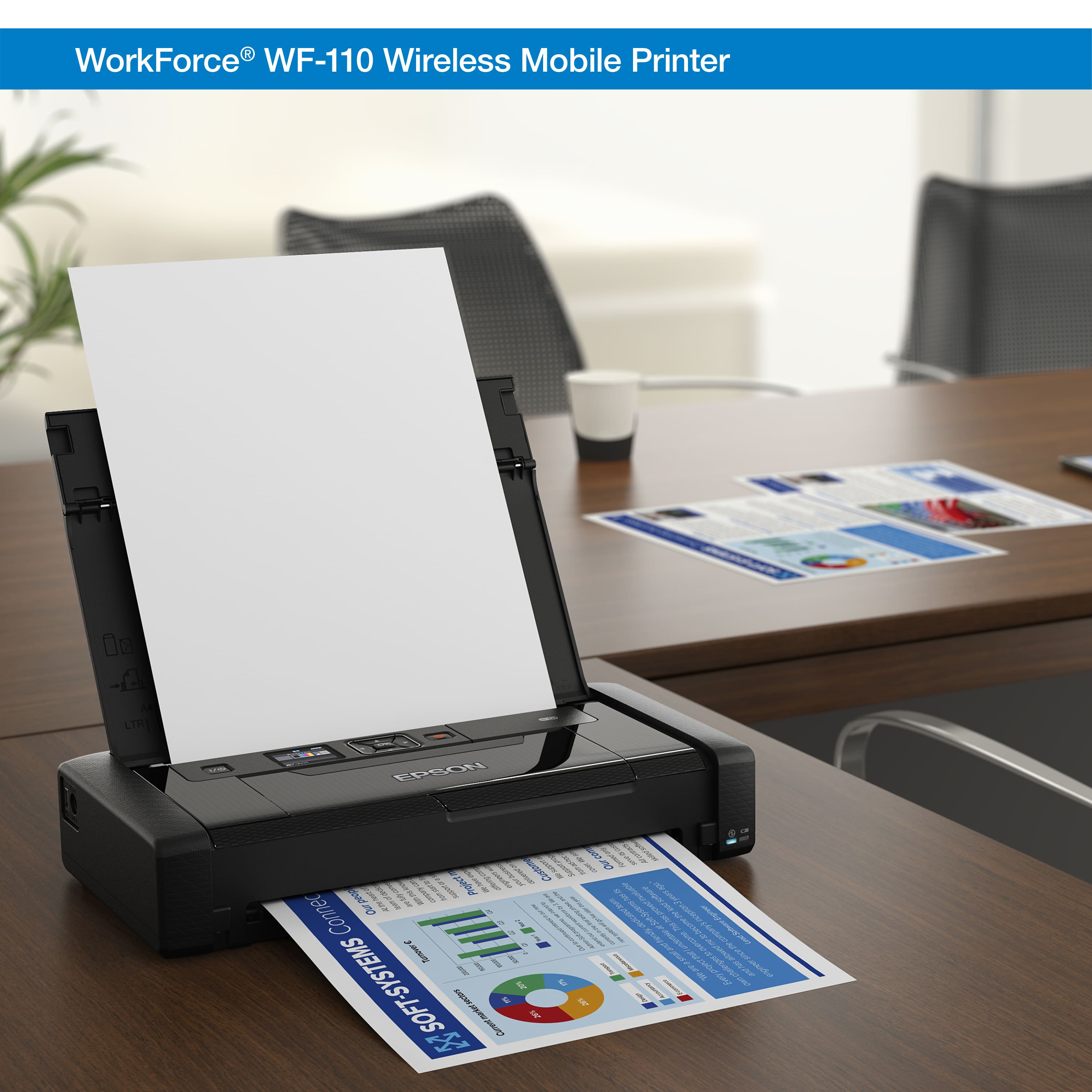
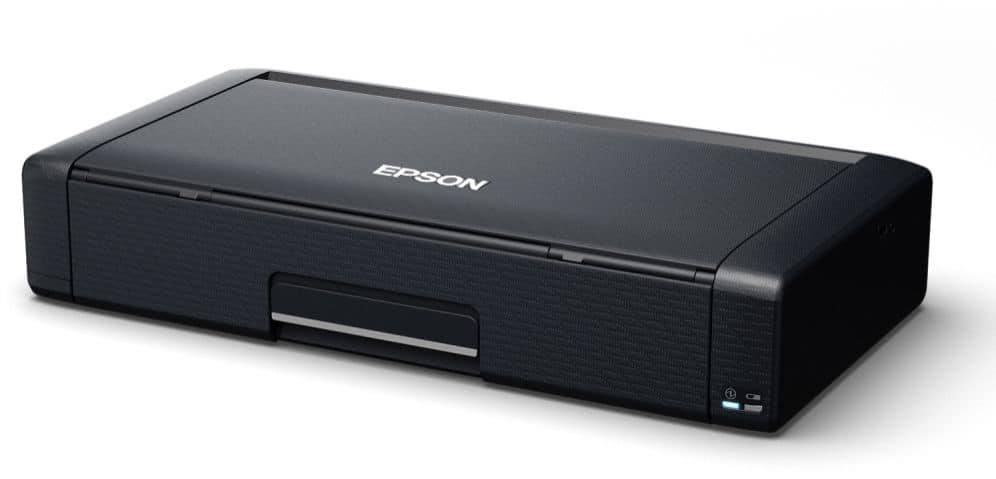
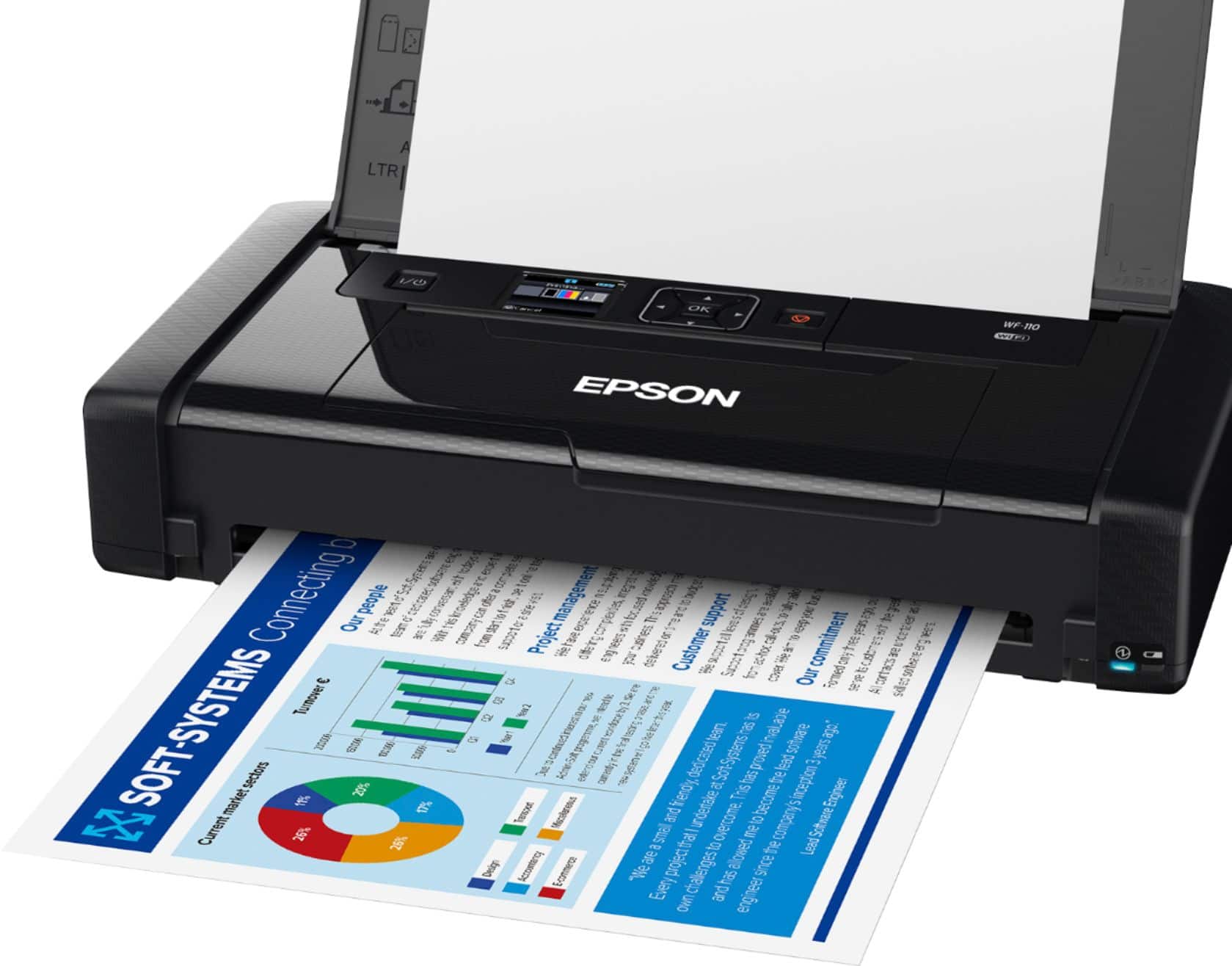
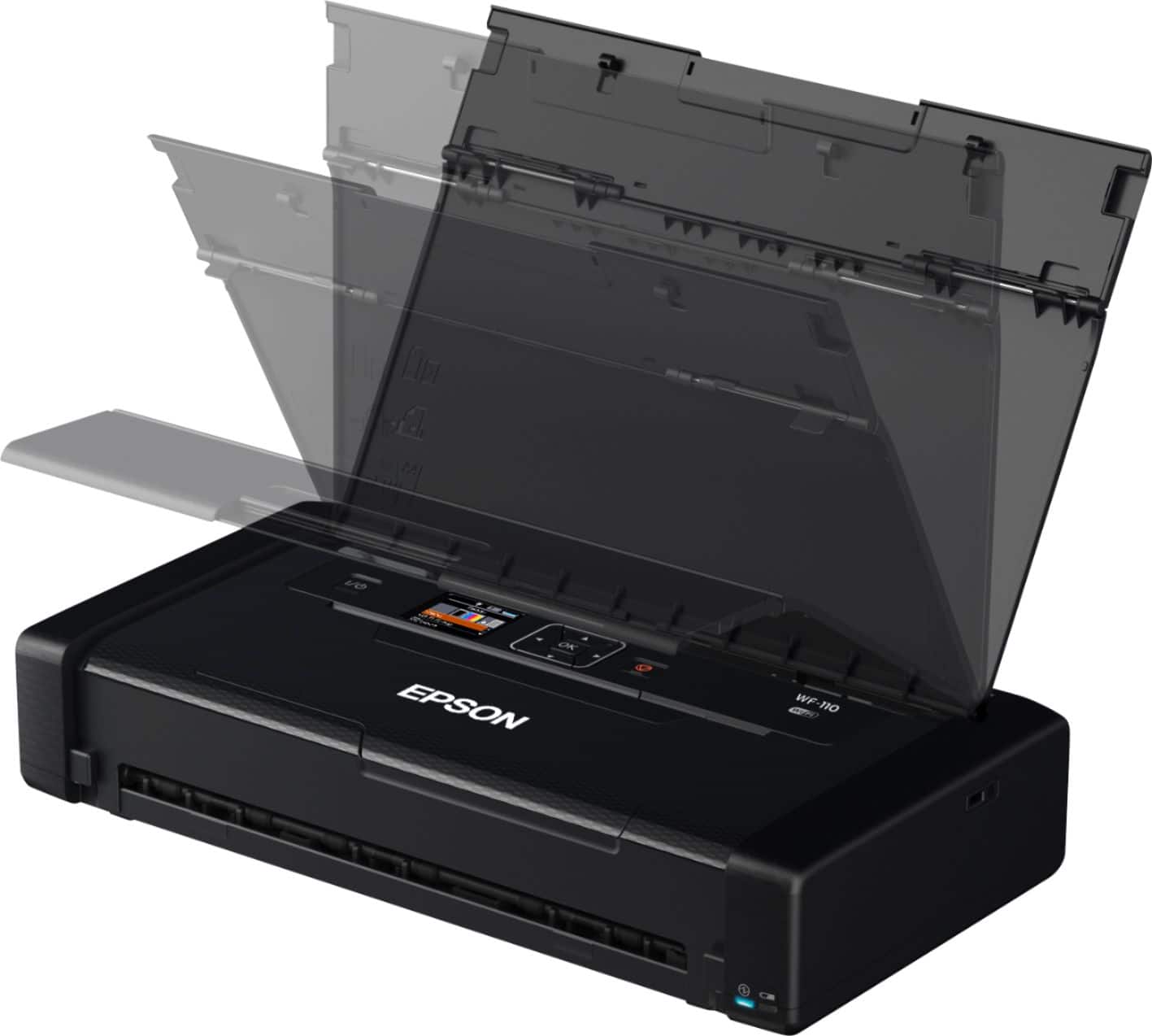
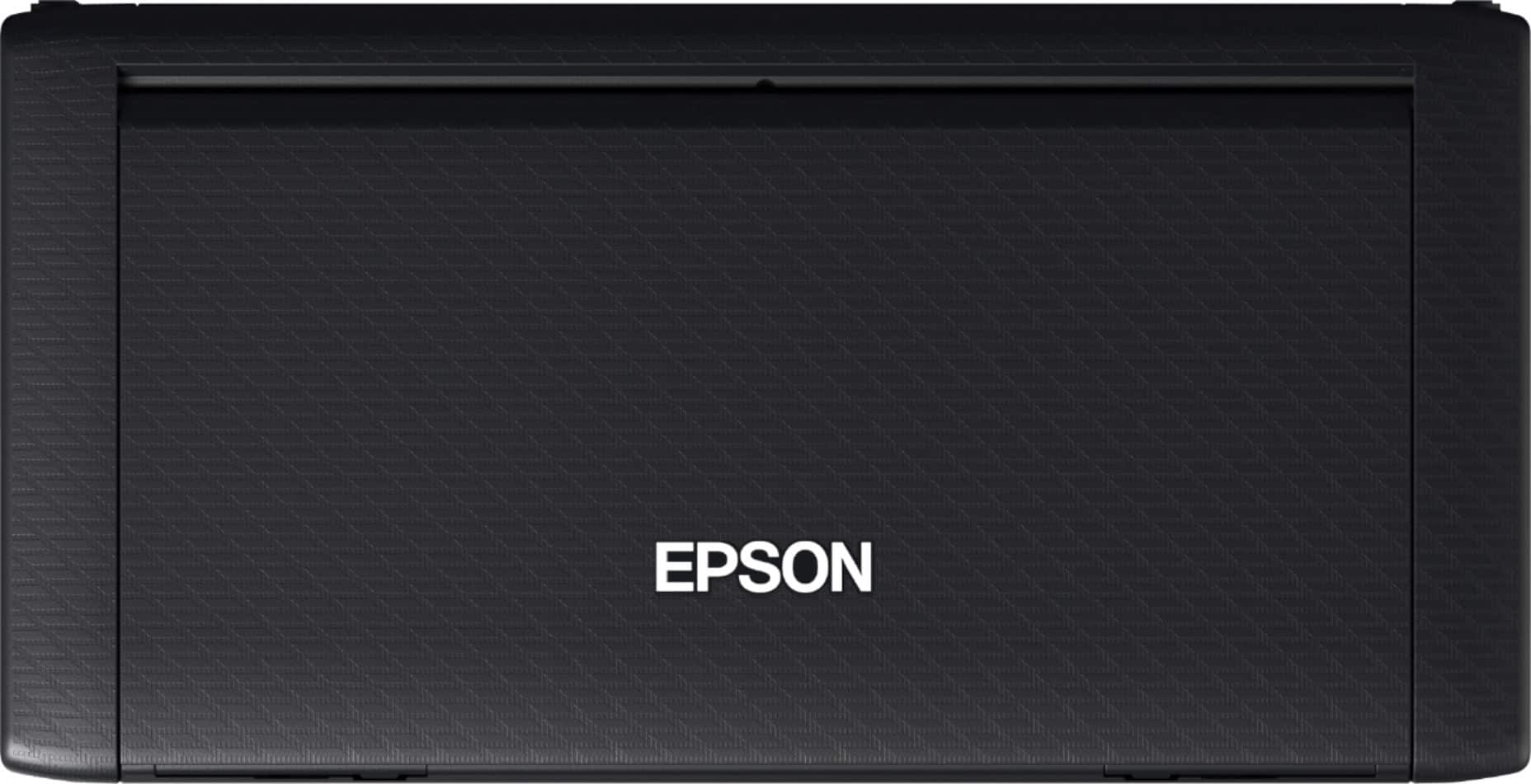
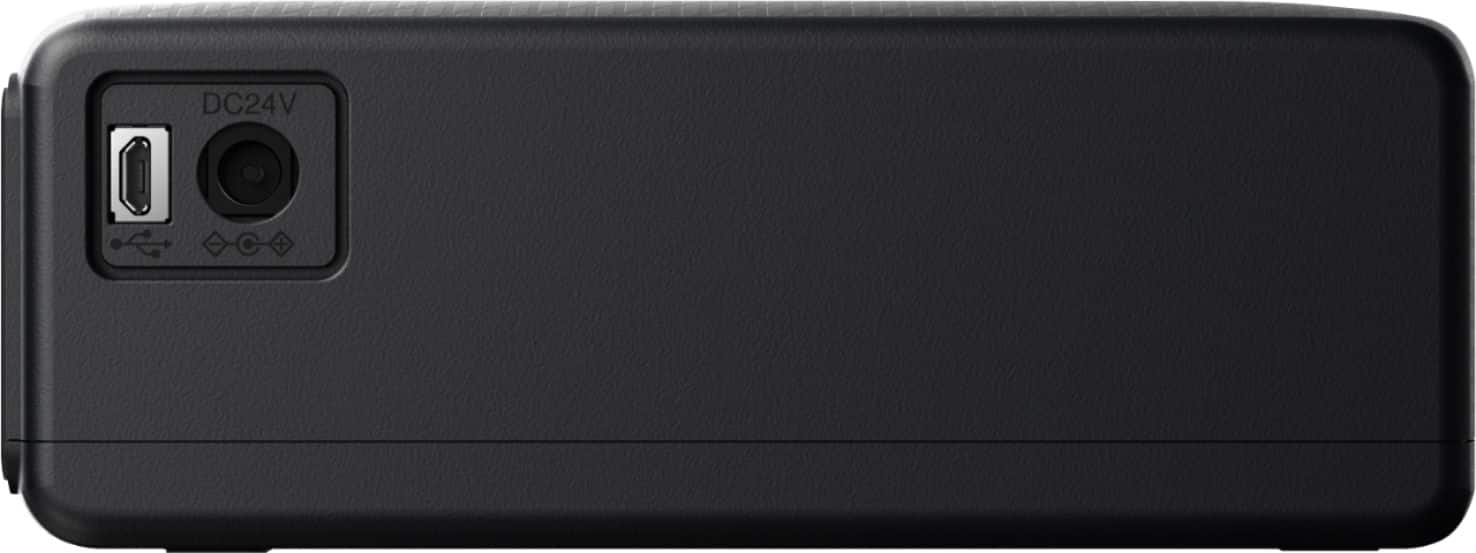
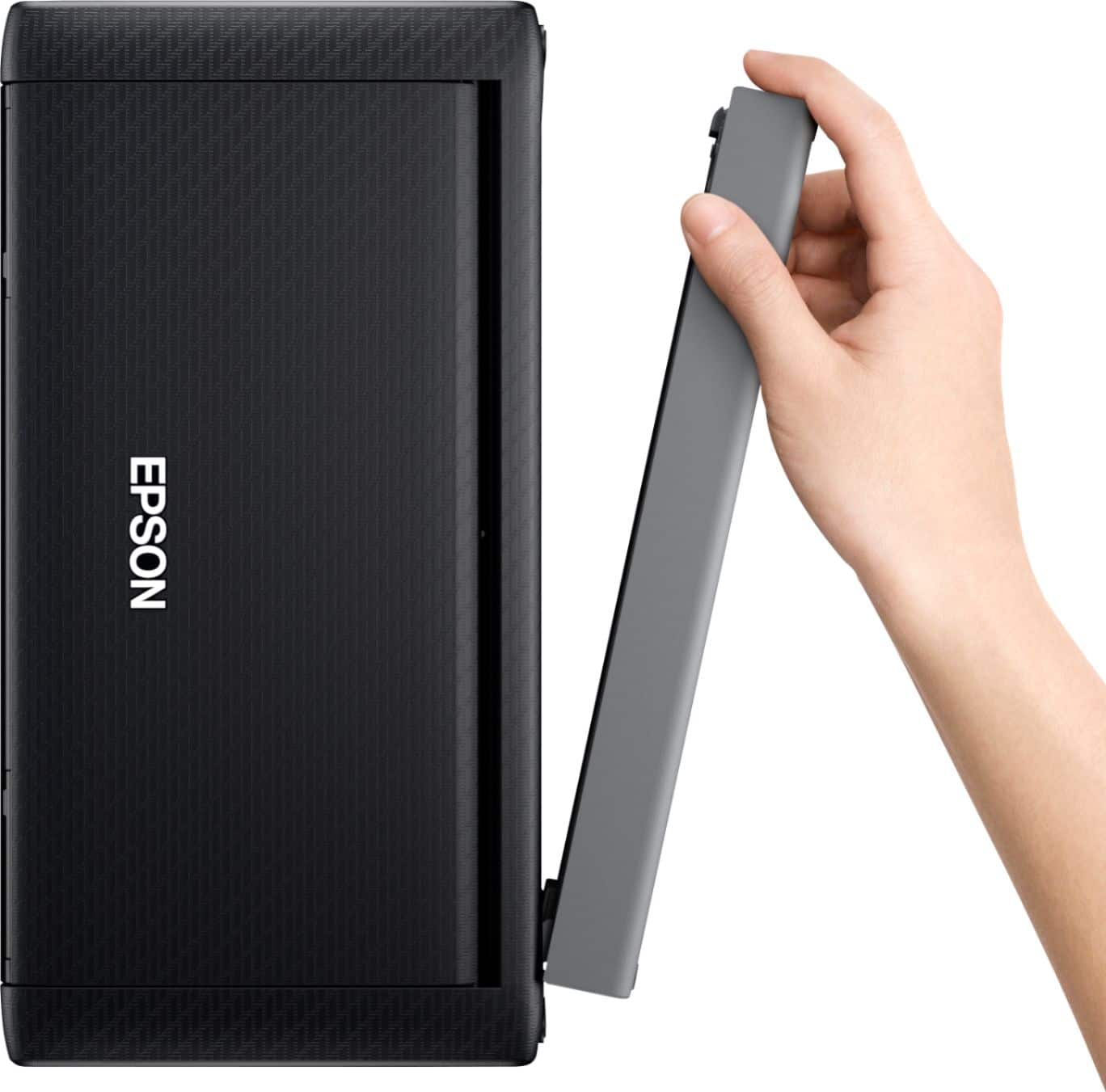
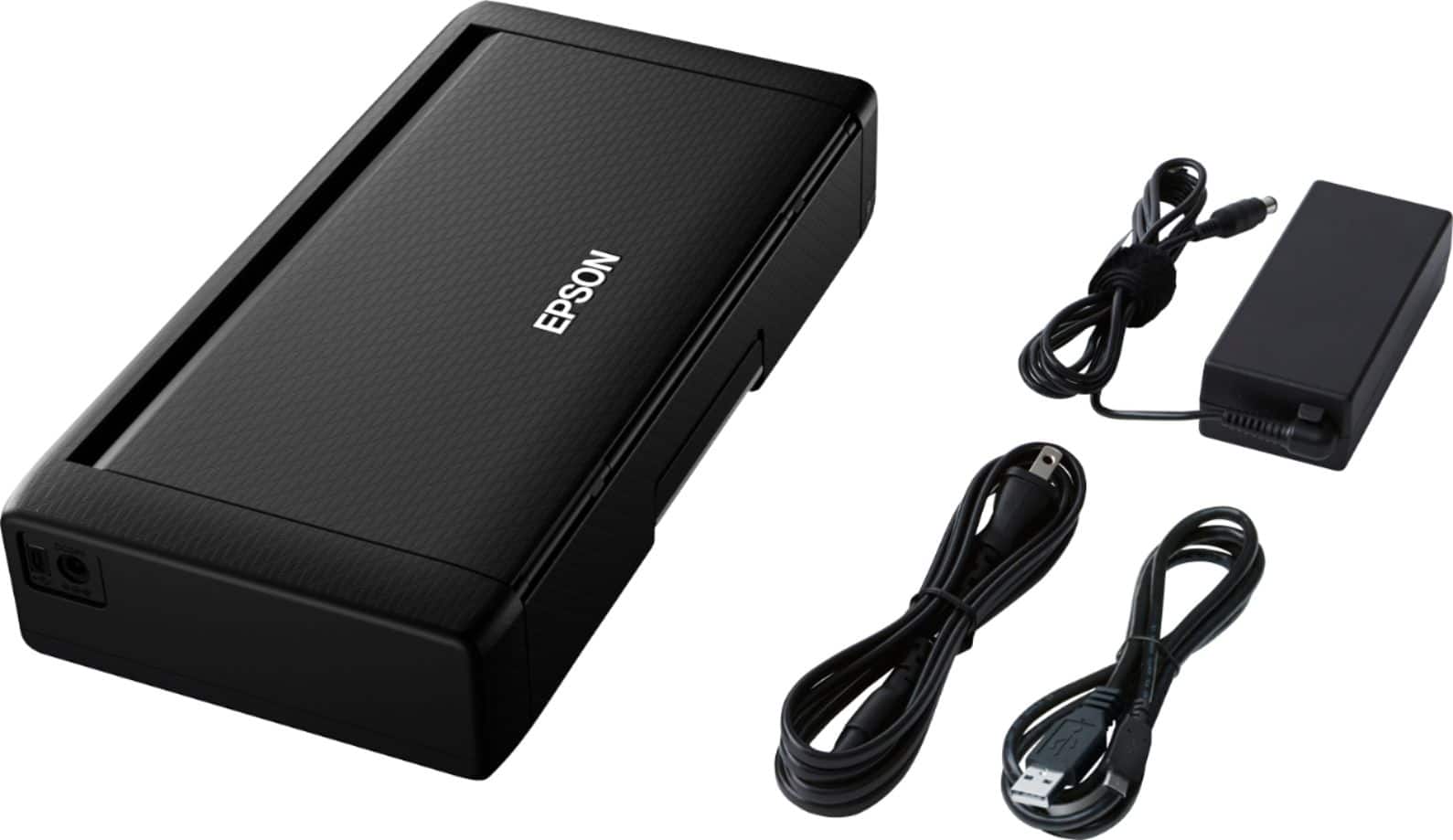
- Model:
- C11CH25201
- SKU:
- 6371542
Rating by feature
- Value
Rating 4.2 out of 5 stars
- Quality
Rating 4.4 out of 5 stars
- Ease of Use
Rating 4.4 out of 5 stars
Customers are saying
Customers often highlight the WorkForce WF-110 Wireless Inkjet Printer's portability, print quality, and convenient size. Battery life and connectivity options are also appreciated. The only concern mentioned is the product's price.
This summary was generated by AI based on customer reviews.
- Pros mentioned:Battery life, Print quality, Size

Great Portable Contract Printer
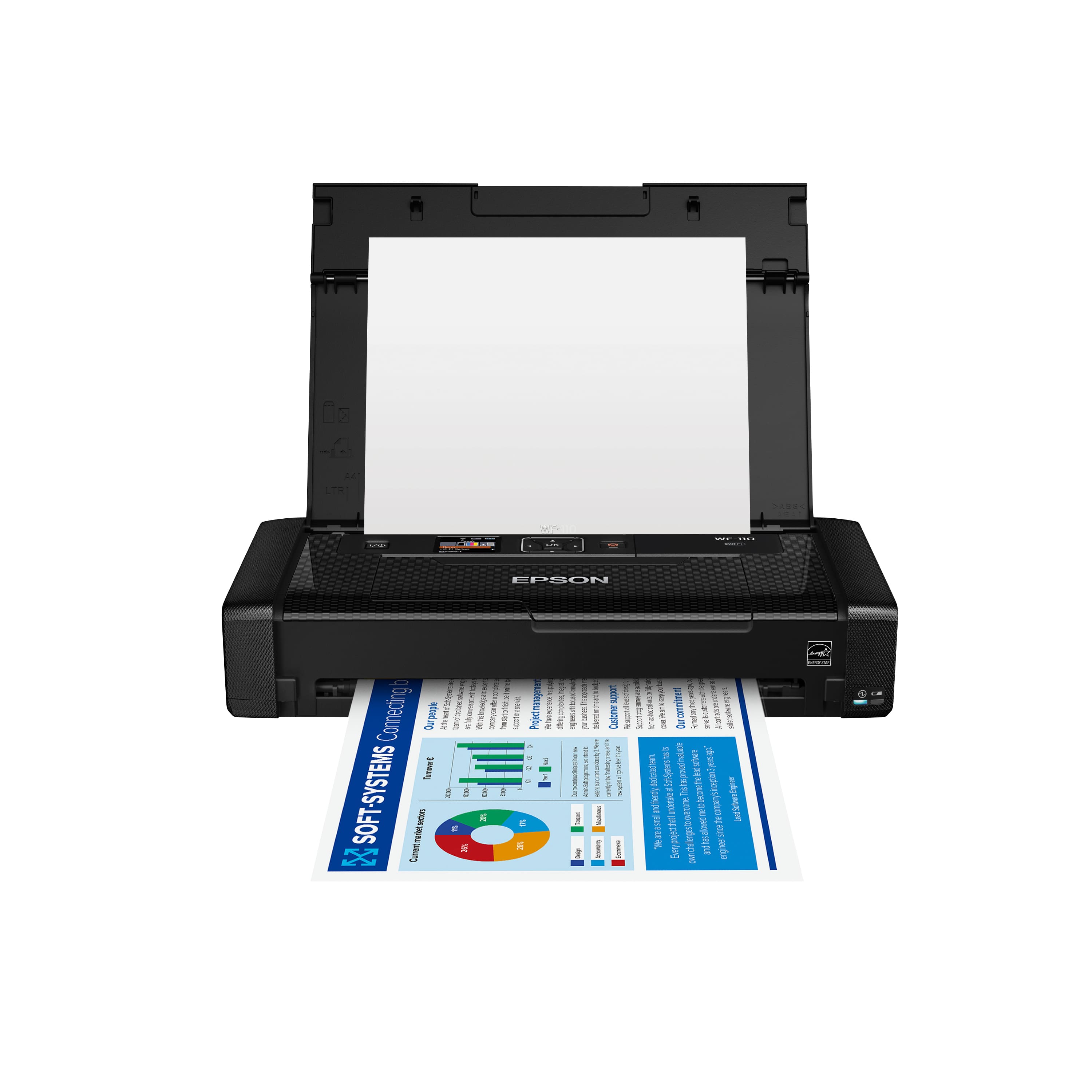
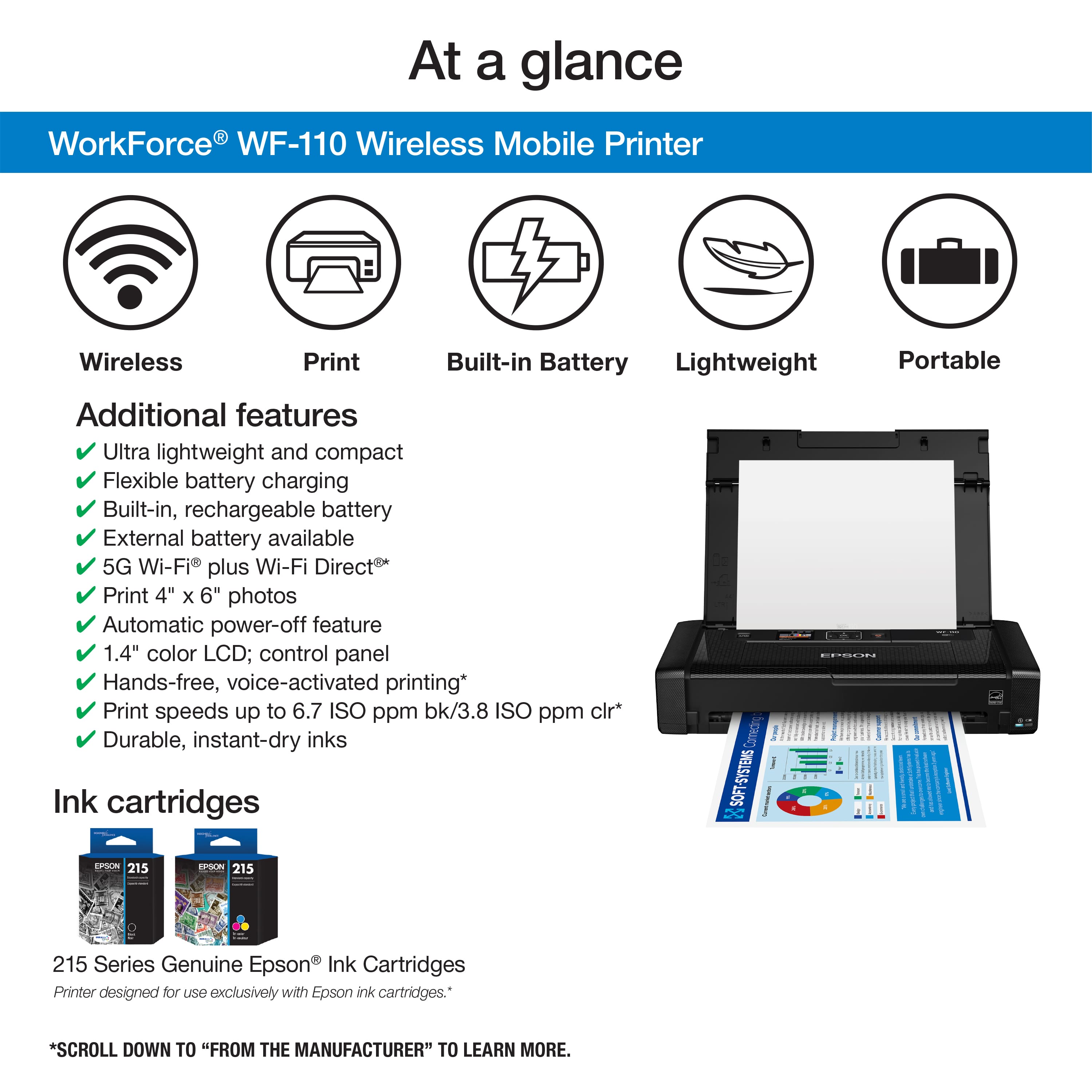
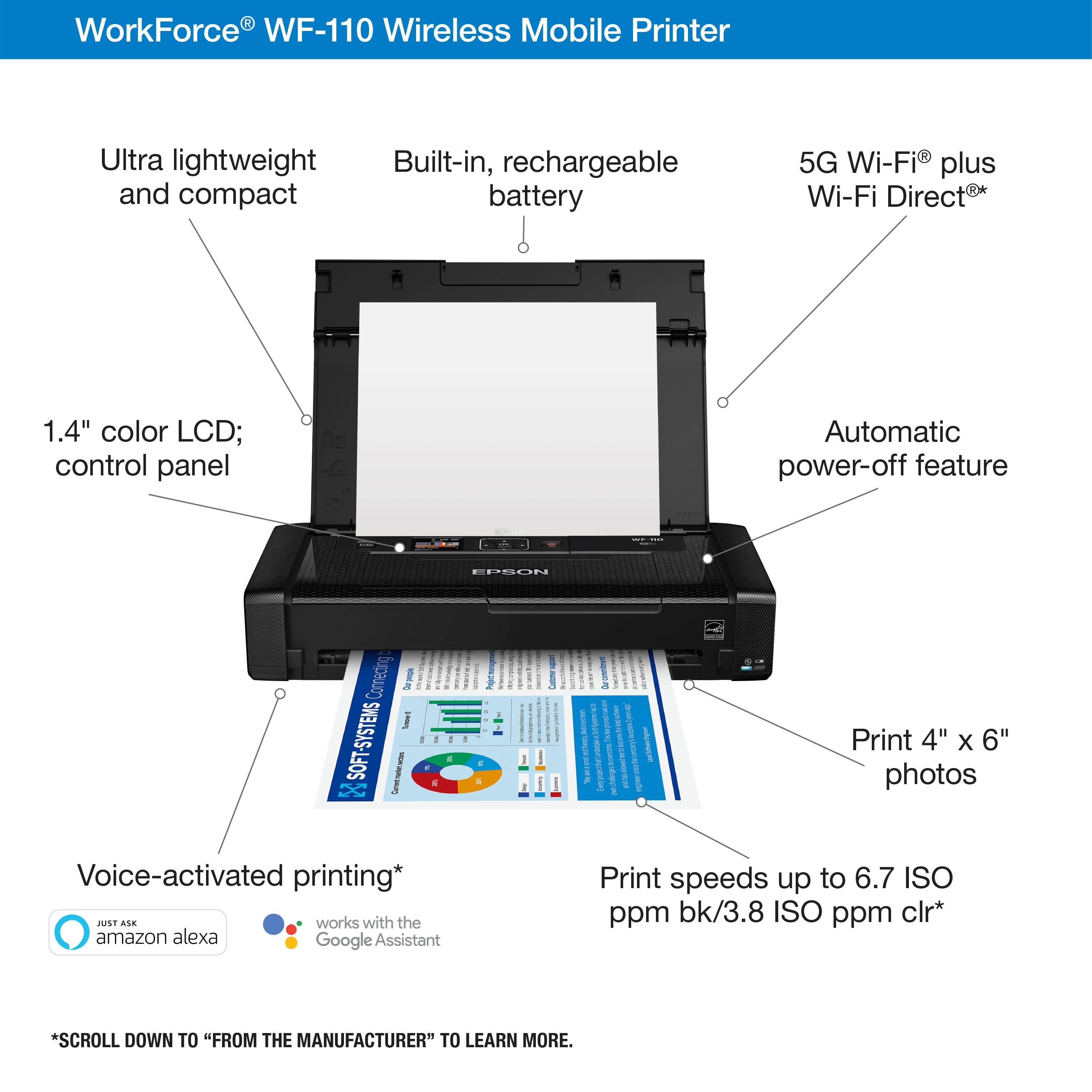
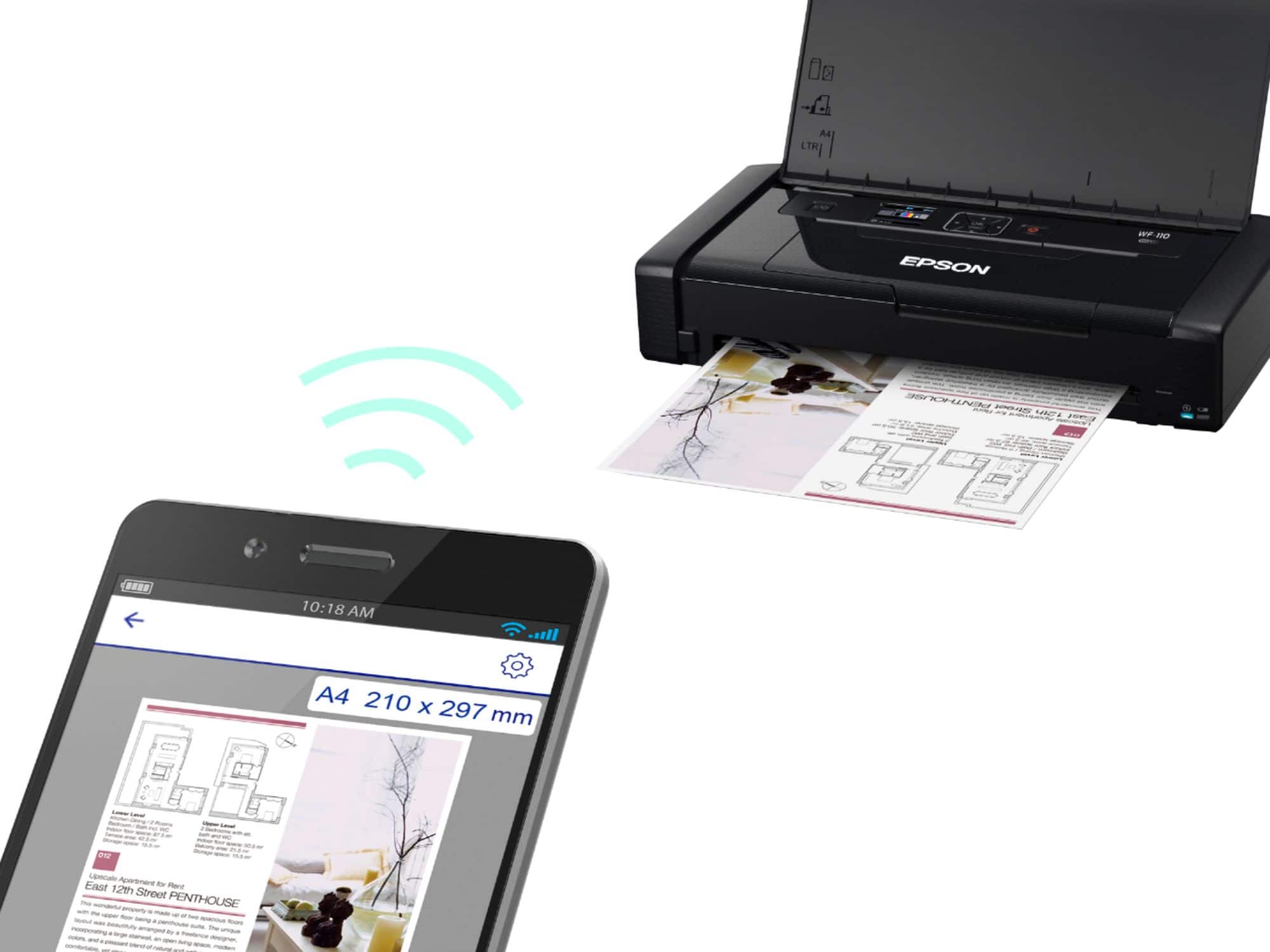
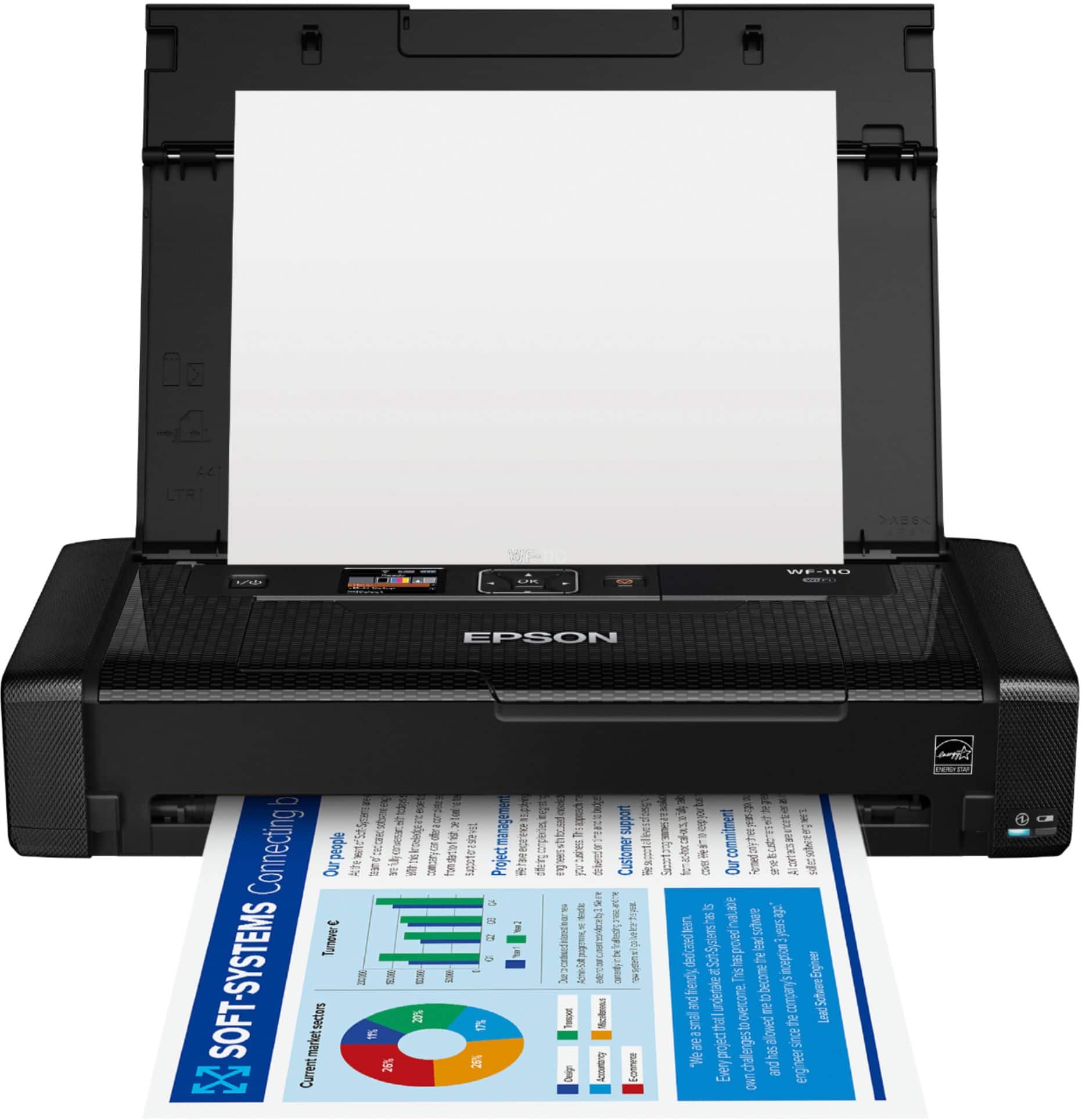
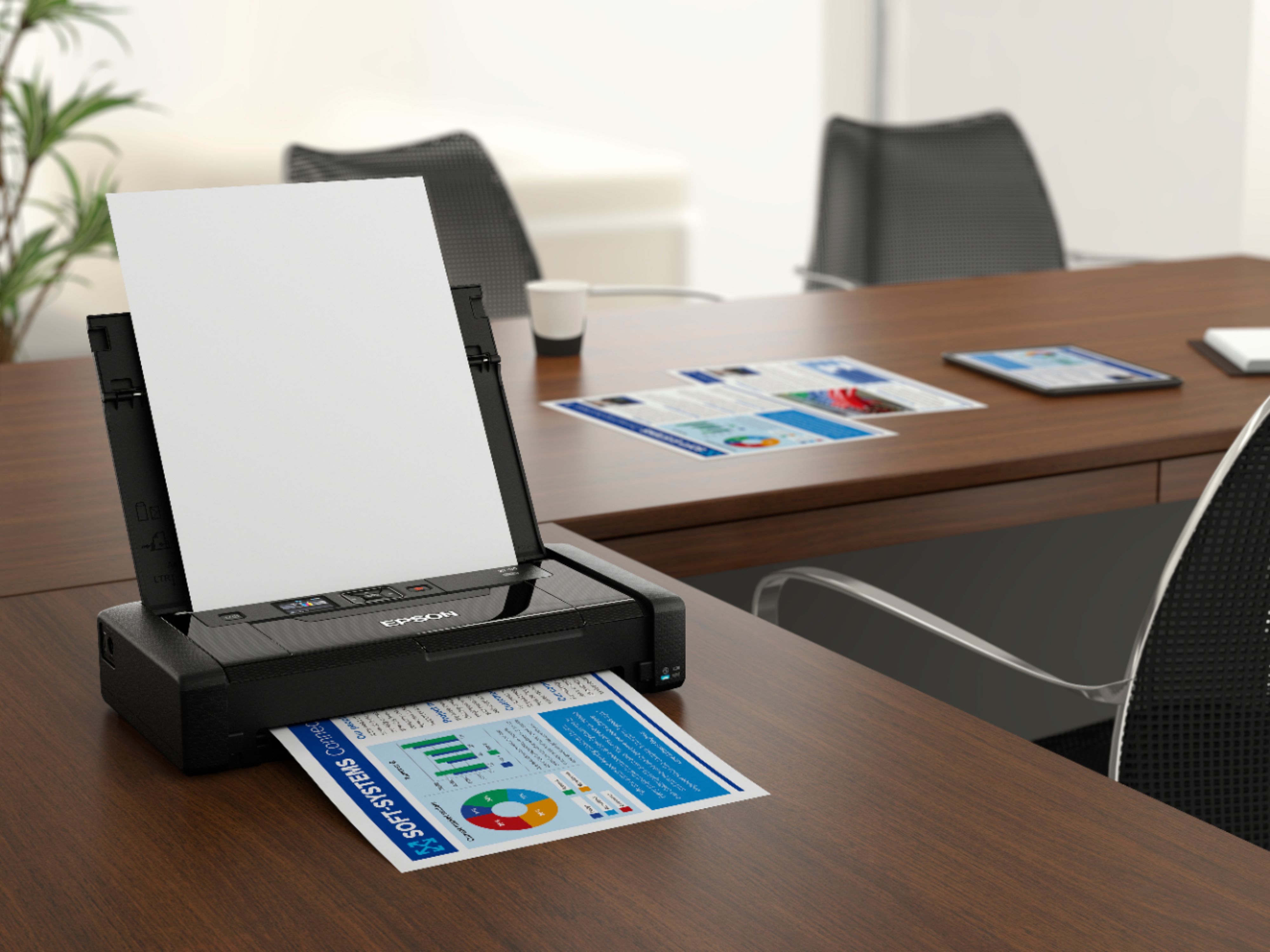
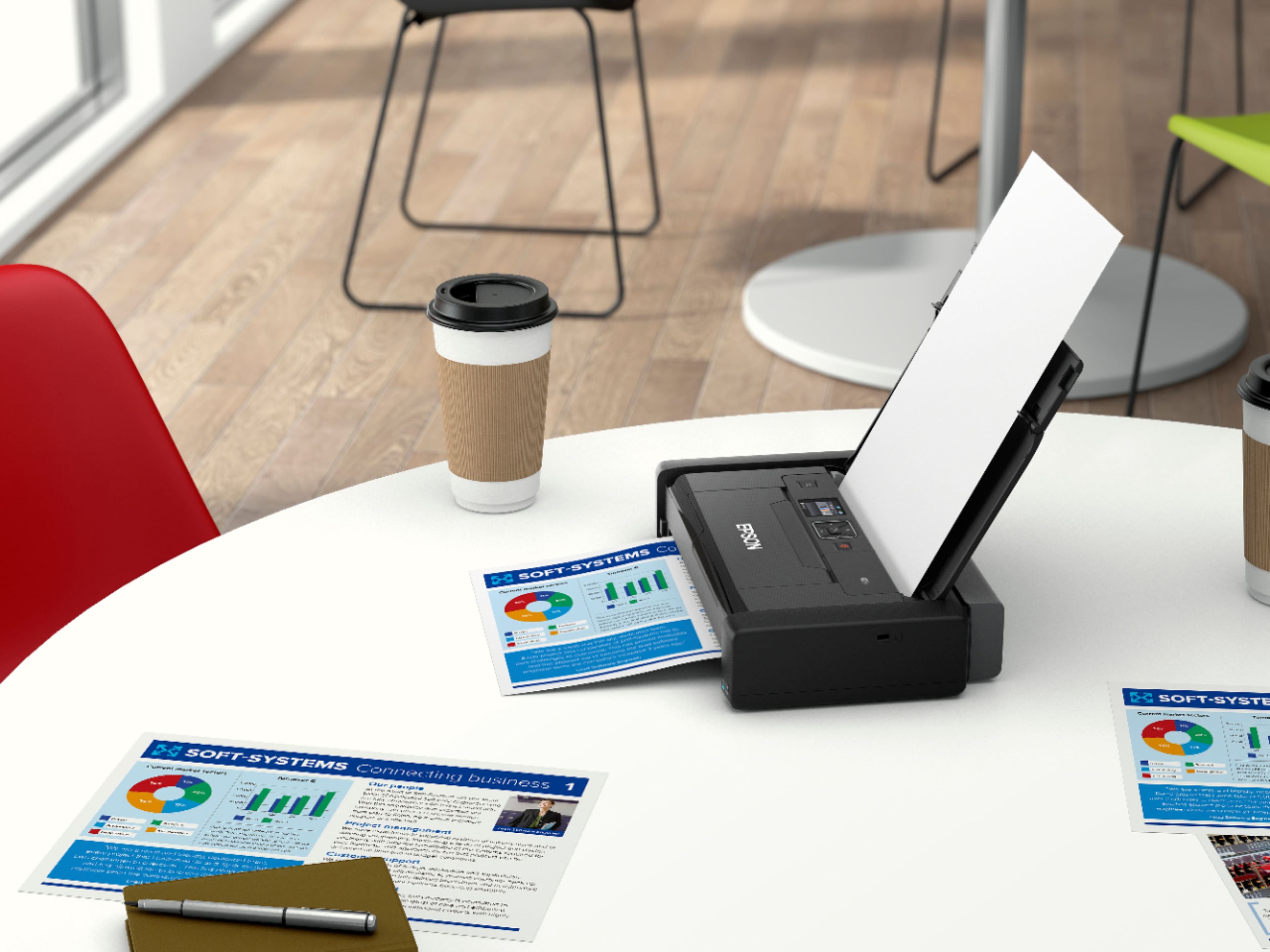
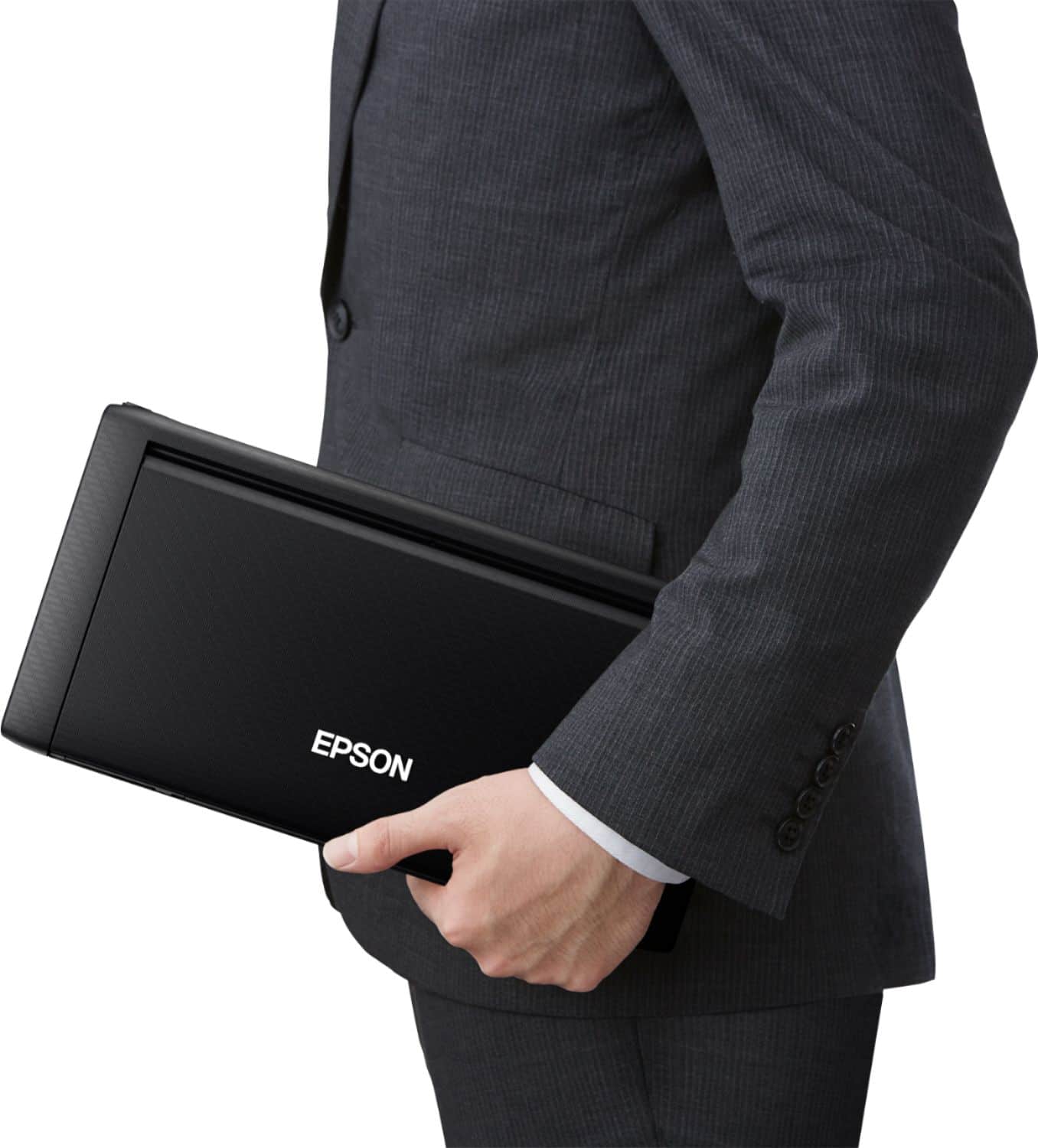
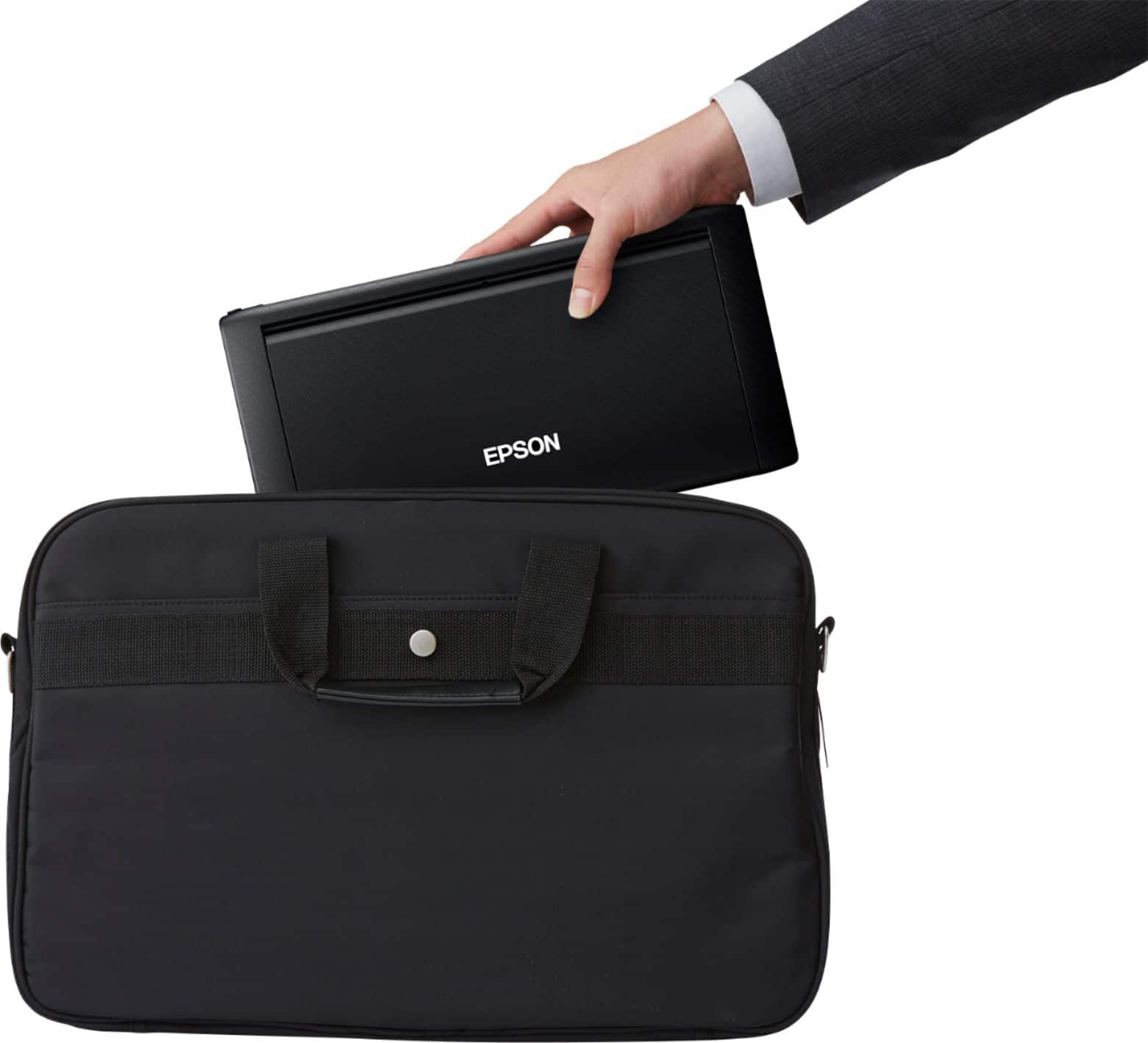
|Posted .This reviewer received promo considerations or sweepstakes entry for writing a review.I've been looking for a truly compact and portable printer to take out with me on sales presentations and negotiations to write and print contracts, photos, and leave behinds on the fly. It's so much more satisfying and leaves a greater impression when you can print out new contract terms or sell sheets and give it to your client right then and there. If you're looking for such a printer, the Epson WF-110 fits the bill admirably. There's a lot to like here. Size wise, it's competitive with other printers in this category, should fit inside an average briefcase, and fits perfectly in my leather laptop messenger bag. At about 3 pounds, it weighs about the same as another laptop, which is remarkable when we're talking about a wifi printer with a built-in battery that can do legal, letter, 5x7, and 4x6 prints. The battery is good for 50 color and 100 black and white prints, which should be good for most portable purposes, however I always bring the AC/charging cable with me anyway. Getting setup to print is a pretty quick and easy affair as well. The printer has a little digital screen to hook it up to your WiFi network for wireless printing, or you can connect to it directly if a network is unavailable. From my Android phone, it was as simple as downloading the "Epson iPrint" app and following the prompts, and from my MacBook I just had to add a printer in System Preferences and it was ready to go in just a few clicks. I think setting up the printer's WiFi as the first step will make everything else easier setup wise. I was able to configure both my laptop and phone with the printer in about 8 minutes and haven't had to reset or reconfigure anything else since, so I'm pleased. I was able to print from my laptop and phone with the printer 40 feet away in another room at the other end of the house, so I'm happy with the range as well. Print speed wise, it's noticeably slower than a regular full-sized printer, but you have to expect some compromise when going to something smaller, lighter, and portable. Black print speeds aren't bad at all, but full color prints slow it down considerably, which is why I think this is more suited for contracts and mostly text based prints. However, it does print photos and images fairly well. On Kodak Super Glossy 4x6 paper my color photo prints came out with good color and passable resolution. It's sharp enough to put up on a fridge door and most conventional photo prints, but I wouldn't recommend it if you're looking for professional quality photo printer crispness. That's a bit unreasonable to expect in this compact package anyway. Thankfully, it does a great job for text, word docs, emails, and webpage printing on basic 8.5x11 paper. If you're looking for a quality portable, wireless color printer, definitely give the Epson WF-110 a look. You can essentially fit an entire office workstation (printer, paper, laptop, chargers) in a messenger bag.
I would recommend this to a friend - Pros mentioned:Battery life, Portability, Print quality
Small Printer...BIG Solution!
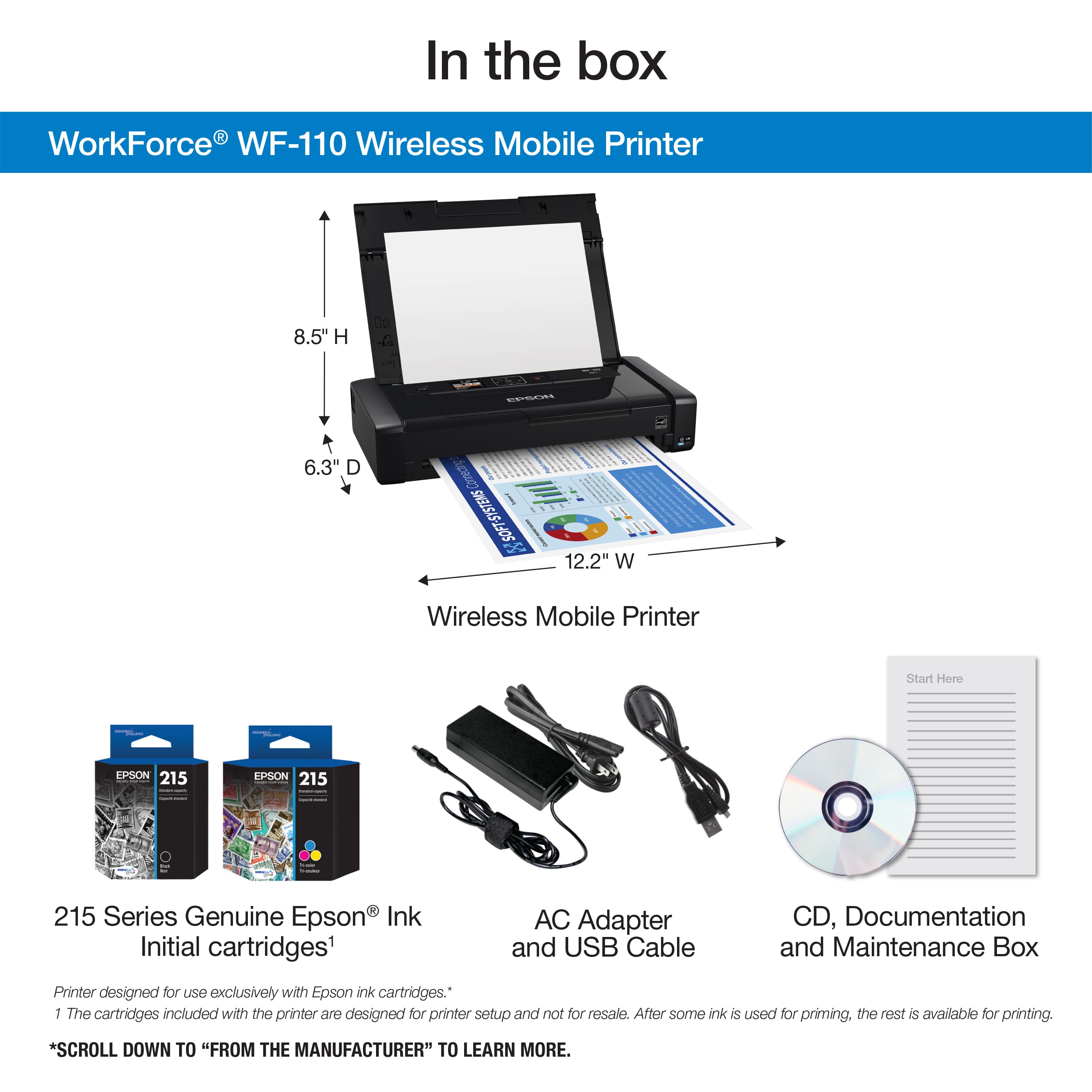
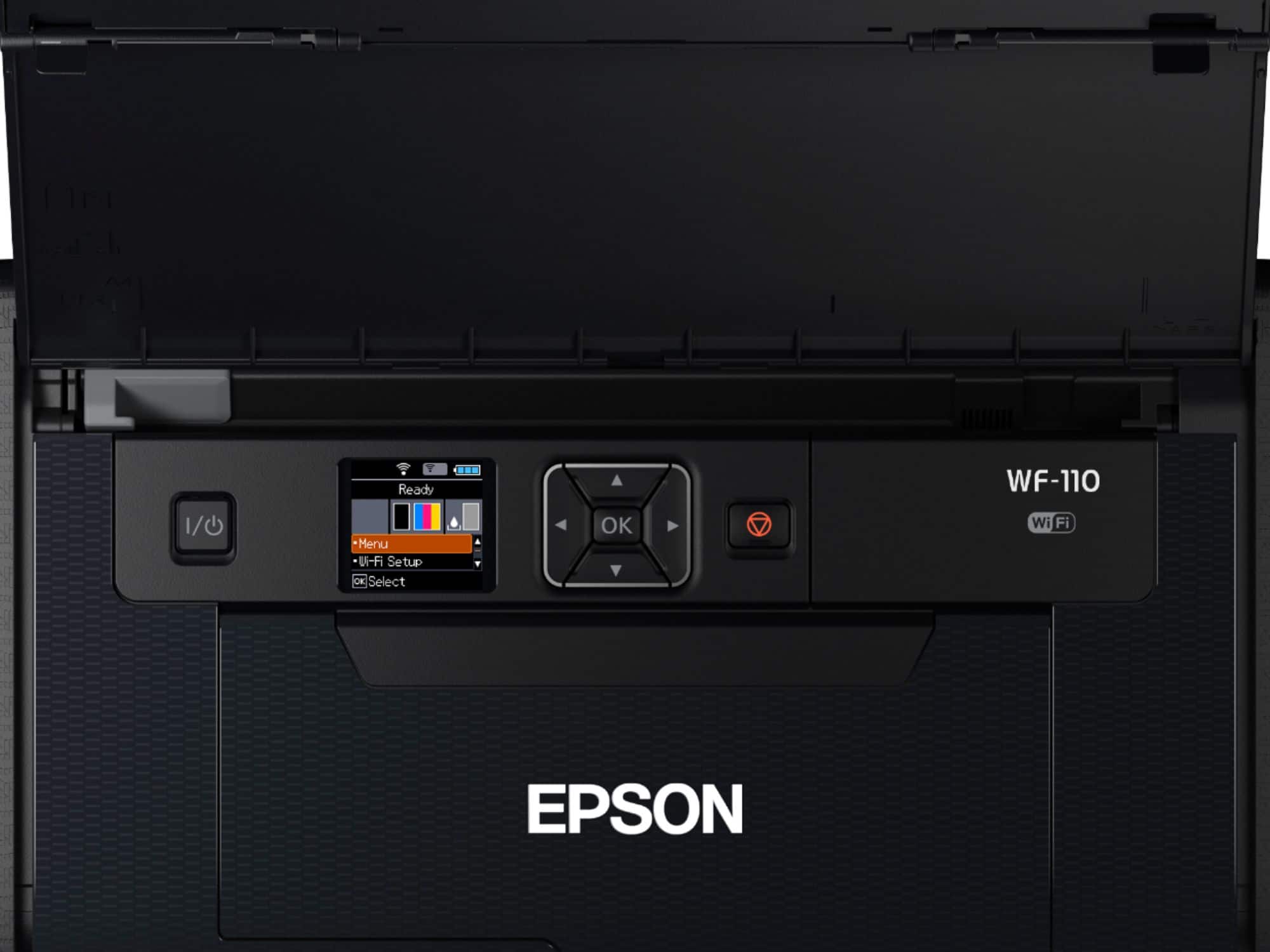
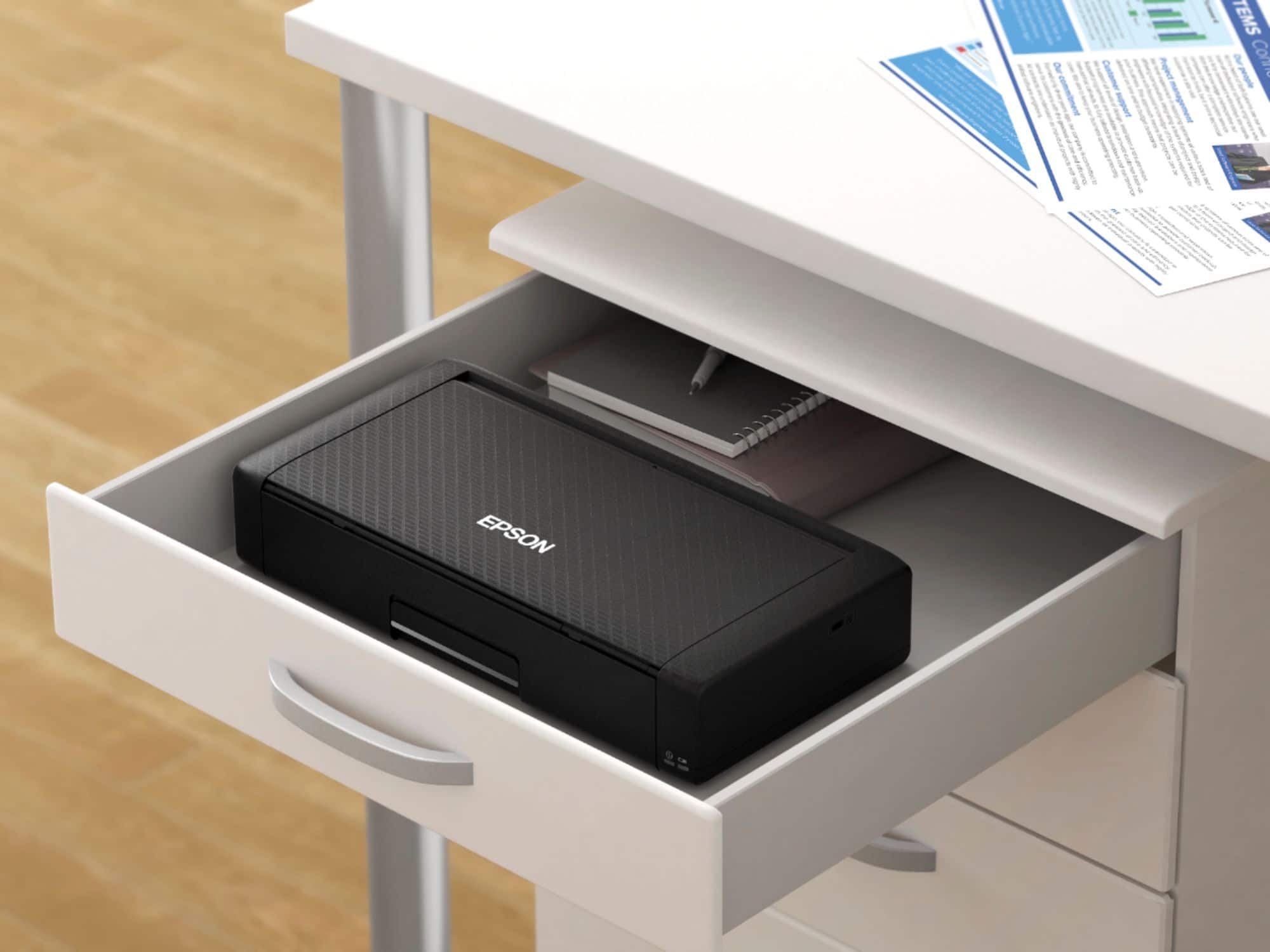
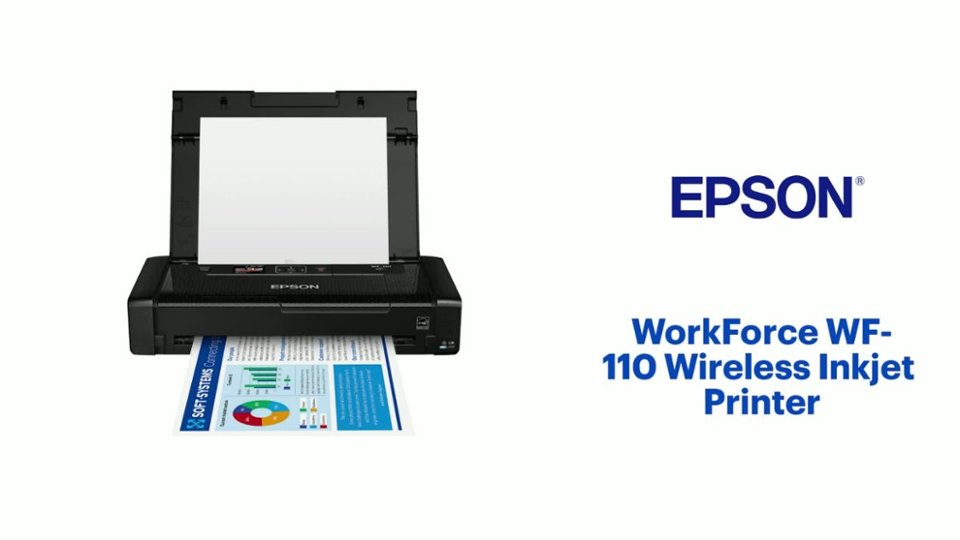
|Posted .This reviewer received promo considerations or sweepstakes entry for writing a review.As a Realtor, I'm constantly on the go and working with documents on every transaction. Although many documents can be signed electronically, there's still a very real need for printing contracts and other documents on the go. With the Epson WF-110 portable inkjet printer, there is now a solution. This small printer is the BIG solution! As an Epson printer user, my expectations for ease-of-use and reliability were already set high, and the WF-110 does not disappoint. Most of the setup processes and features are the same as a full sized office printer, all packed into a unit that is about a foot long, half that in width and about 2" tall. This printer fits in my bag along with my laptop and iPad when I'm on the go. In the box, Epson provides the printer, black and 3-color ink cartridges, charging cable, USB cable, replacement maintenance box, CD-ROM with drivers and a hearty user's manual. The user's manual has a quick start section, which I read through before getting started. From unboxing to printing via WiFi took about 10 minutes. This includes downloading the proper drivers from the Epson site, setting up the WiFi connection and installing and charging the ink cartridges. Setup is done on your computer and on the 1.4" color LCD on the printer. Battery Life - the battery was partially charged when unboxed, so using the included power cord I connected it and began charging while setting up. Overall it took about 2 hours to fully charge. I've already taken it on the road to a couple of Open Houses and printed out disclosures, contracts and assorted documents. The battery is still showing 2 of 3 bars. This really surprised me as I expected to have to carry the power cord (and I did initially) when I took it on the road. Now I simply make sure it's fully charged and I put it in my bag for the day. I would recommend keeping the printer on the power cord if it's going to be used all day in a small office environment. Print Quality & Speed - This is a portable printer, so I expected it to lack decent output and speed in lieu of portability. Not the case, as the B&W and color output is above average and compares to the output I've seen out of office printers. Speed is also great, it's listed at just under 7 pages a minute in B&W, and it easily and quickly printed every job I sent it's way. I have not printed any photos as of yet, as this is my road warrior and will print photos on my office machine. WiFi and AirPrint - I'm an Apple user and my current WF printer doesn't support AirPrint, so I was really excited to see it's supported on the WF-110. Printer and WiFi setup was done through a wizard on my Mac and once setup, my iPad and iPhone automatically recognized the WF-110 as an option in AirPrint. WOW, it couldn't have been easier. There is also the Epson Connect options which allows printing to the WF-110 from anywhere via a dedicated email for the printer, pretty cool! Controls - The 1.4" color LCD is very easy to use along with the toggle buttons on the control panel of the printer. The paper tray hold about 20 pieces of paper and is easy to adjust to different paper sizes. Pros: - Portability - this printer will fit in most backpacks or briefcases - Rechargeable Battery - no need to carry the power cord when on the road. - WiFi and AirPrint support - Excellent print quality in both B&W and color - Did I mention Portability, yeah, it's small, light and performs like larger office printers. Cons: - This is a niche printer and should not be considered a replacement for an office printer..unless you are limited with space and don't have significant printing needs. (not really even a Con, but should be noted) Overall, the Epson WorkForce WF-110 portable printer has changed the way I can do business on the road. No more running to a local office to print documents. This printer has been a game changer for how I do business remotely.
I would recommend this to a friend - Pros mentioned:Battery life, Print quality, Size
Portability is on point!
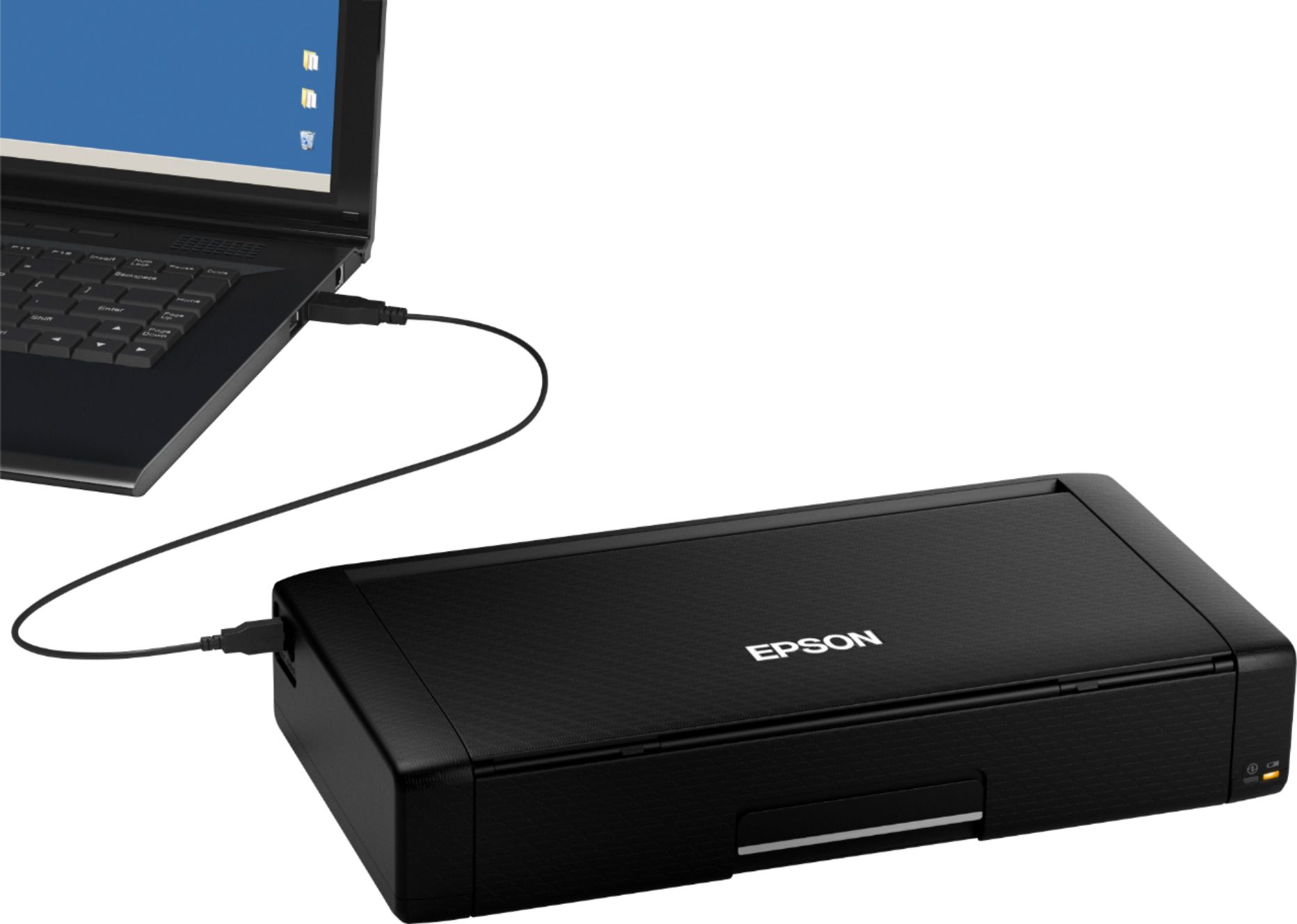
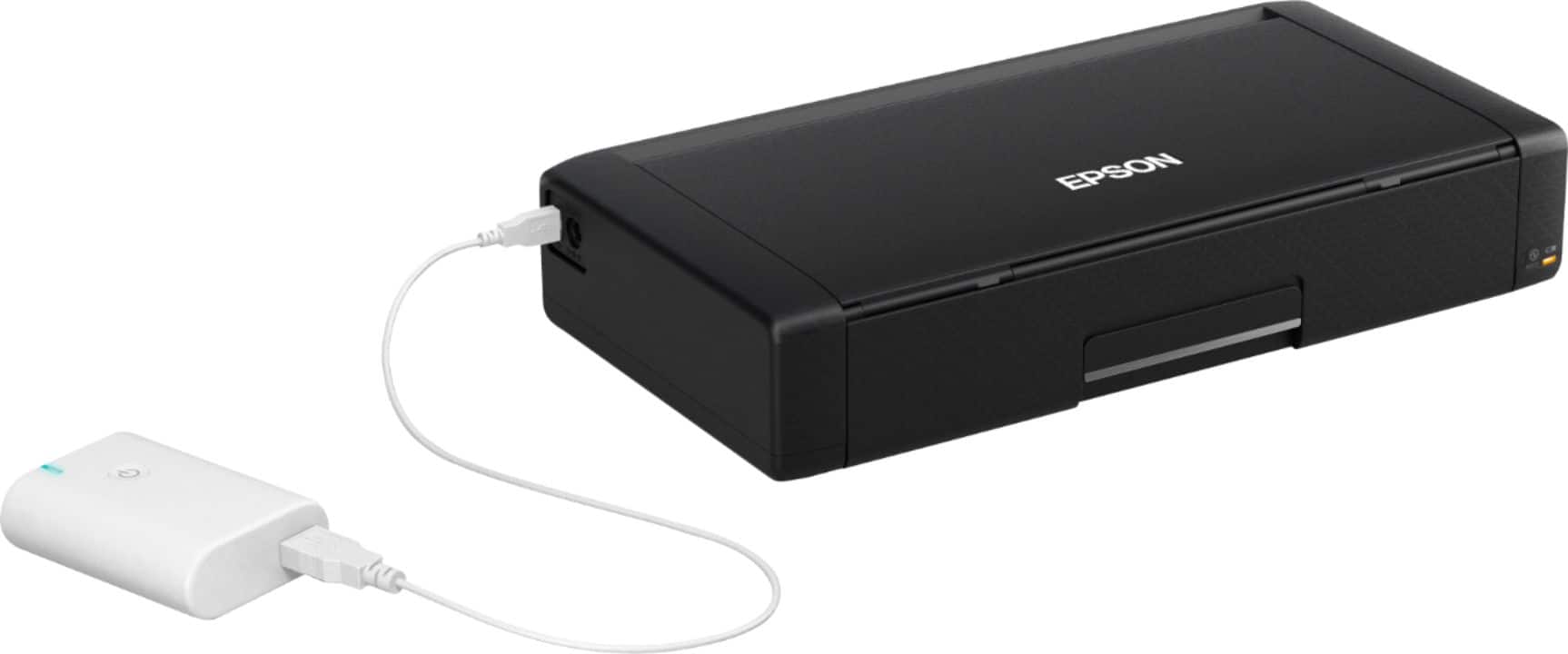
Posted .This reviewer received promo considerations or sweepstakes entry for writing a review.FIRST IMPRESSIONS- This thing is tiny! The designs overall appearance is really an ideal and cool little on the go gadget! I find that when needing to be out on the road or traveling, this printer actually fits in my glovebox or under my passenger seat. It's about half as tall as a tissue box and a little wider. I have no intentions of transporting it very often, but it looks like it would hold up well. The fact that it is chargeable by microUSB is brilliant! The ability to plug it into my cars USB port and print right away; Epic! The Epson WorkForce WF-110 is built for on the go and it’s the smallest and lightest battery-powered inkjet printer I have came across. Small but packing a mighty punch, this printer is a fully functional A4 color printer that has been shrunk to the size of handbag! Genius! REMOVAL FROM BOX- Setup of the printer was easy enough. Removing the packing and tape was probably the most time consuming. The printer ships with- power cord, two ink cartridges, a USB cable, Epson software disk containing drivers, a user's manual and nothing else. I don't have an optical drive on the laptop I currently use so I used the drive provided by Windows 10 when I installed the new device. It worked perfectly fine and I had no issues. The printer works via WiFi, WiFi direct or direct connect using the included USB cable. I actually prefer using WiFi when using it at home and when on the go choosing WiFi Direct. The WiFi connection has been very solid! I love the fact that the printer is 5G compatible. Although 5G isn't necessary to use the printer more efficiently, it does eliminate potential WiFi connection issues on 5G only networks. The USB cable can also be used to charge the battery but is a tad bit slower than charging with the main power cord. So the main thing is how does it print? Excellent! Printing is fast, quiet and the print quality is on point! I used regular bright white printer paper that I had on hand after receiving this product and the results are nothing short of perfect! Overall, I was very impressed by the clarity and precision of how the test pages turned out when starting up. The use of pigment ink rather than dye makes printed pages more durable and less likely to smudge when being printed on the go or printing photos, which is a huge advantage! THE PROS- WF-110 is definitely small, lightweight and prints very well. If your needing a multifunction printer I’d suggest going for a different option due to this printer is not a multi-function, so there are no extras like scanning, fax or copy. It's a dedicated printer and it excels beyond its functions. The USB cable can transfer data and recharge the battery when you don’t have the provided main power cord. It’s worth noting that the battery charges in 2.5 hours through the main power cord and 10 hours over USB. THE CONS- What you won’t find, which would have been very useful in my opinion, is a memory slot or a USB port for a flash memory drive! If that small detail doesn’t bother you, get this printer!! FINAL THOUGHTS- Given its ability to print so reliably and with such detail and clarity, I certainly recommend the Epson WorkForce WF-110 to anyone who needs to print documents or pictures where there might not be a power source. If this printer is providing you a solution to a portability need or a space issue; then it's highly worth considering! This is a review for the Epson WorkForce WF-110 Wireless Inkjet Printer that I received free of charge to do a beta test and review.
I would recommend this to a friend - Pros mentioned:Battery life, Print quality, Size
Great mobile compact printer
Posted .This reviewer received promo considerations or sweepstakes entry for writing a review.I found this to be a really good little compact printer. I was able to unpack, setup, and connect to my network in about 20 minutes. The instructions were easy to follow and the menu's on the printer very straight forward. The ink cartridge installation was a little tricky. Have to angle the cartridges just right to get them to snap into place. The print quality was better than I expected. I was able to print with ease from my android device. The battery charged up nicely and is a great feature to make it very mobile. This is a review for the Epson WorkForce WF-110 Wireless Inkjet Printer that I received free of charge to do a beta test and review.
I would recommend this to a friend Broke at 32 days
||Posted . Owned for 1 month when reviewed.This reviewer received promo considerations or sweepstakes entry for writing a review.Stopped working at 32 days. Extremely expensive ink, horrendous customer support from Epson, do NOT buy!!! Not worth the convenience. Get a Brother, forget the convenience of this form factor. Brother has reasonable ink prices, better service, and machines that work.
No, I would not recommend this to a friendBrand response from Epson
Posted .Hello, we're sorry to hear about your disappointing experience with the WF-110 printer. Epson considers all feedback to improve the performance and quality of our products. Epson provides helpful information, including FAQs and self-help tools, on the product support web page at https://epson.com/Support/Printers/Single-Function-Inkjet-Printers/WorkForce-Series/Epson-WorkForce-WF-110/s/SPT_C11CH25201#questions. Additionally, your printer includes a 1-year Limited Warranty, plus free lifetime technical support. Please reach our support team directly at (562) 276-4382 between 7 am - 4 pm (PT), Monday - Friday if you need any assistance. Sincerely, Sam - The Epson Team.

Needy junk printer
||Posted . Owned for 1 month when reviewed.This reviewer received promo considerations or sweepstakes entry for writing a review.This is the WORST printer in THE WORLD. It requires so much attention, maintenance, and repair. The ink cartridges don't last long at all - and I don't print much. PLEASE change your mind and go to the Canon Pixma TR150. Way superior of a product.
No, I would not recommend this to a friendBrand response from Epson
Posted .Hello DISPLAYNAME, we're sorry to hear about your disappointing experience with the WF-110 printer. Epson considers all feedback to improve the performance and quality of our products. Epson provides helpful information to address most problems, including FAQs and self-help tools, on the product support web page at https://epson.com/Support/Printers/Single-Function-Inkjet-Printers/WorkForce-Series/Epson-WorkForce-WF-110/s/SPT_C11CH25201#questions. Additionally, your printer includes a 1-year Limited Warranty, plus free lifetime technical support. Please reach our support team directly at (562) 276-4382 between 7 am - 4 pm (PT), Monday - Friday, if you need any assistance.
Sincerely, Sam - The Epson Team.
- Pros mentioned:Battery life, Print quality, Size
Perfect for on the go business
Posted .This reviewer received promo considerations or sweepstakes entry for writing a review.I've been using this printer for about a week now. The unboxing and set up are quite easy. The directions make everything very clear. The printer works quite well with the Epson print app. It was easy to use and the quality is great on my prints. The printer is easy to pack up and take with me. I've been using it on the go for my business and it's been a lifesaver. It's small so it doesn't take up a ton of space. The battery holds a great charge as I rarely have to plug in the charger while I'm out. I am very impressed with this printer overall. Definitely my new go to for all of my business needs. This is a review for the Epson WorkForce WF-110 Wireless Inkjet Printer that I received free of charge to do a beta test and review.
I would recommend this to a friend - Pros mentioned:Battery life, Portability, Size
Great Wireless Printer
Posted .This reviewer received promo considerations or sweepstakes entry for writing a review.Upon opening the box, the contents were neatly placed and all items were present. The printer was light enough that you could handle it with one hand if necessary. The instructions for setup were clear and easy to understand. There were diagrams that were very helpful as well. Set up didn’t take long at all. There is a 2 piece power cord that charges the battery while the printer is in use. There is a software installation CD included, but it was not necessary for me. Ink cartridge installation was easy. There are both black and color ink cartridges included. The printer is very compact – a bit smaller than a gaming console. Wi-Fi setup to my home network was simple as well. A network scan for the name, entered the password and was I ready to print. There is a mobile printing feature that allows you to print from your mobile device. This is a very good feature since I do a lot of business on my phone and sometimes need to print things. Initial printing was done from an iPhone. I also printed items from an android device, as well as my Windows computer. The printer shows up as long as connected to the same network. Printing times were the same. Text documents printed very quickly using black ink. When printing the same text document using color ink, it took slightly more time, but still relatively quick. When printing photos, it took about a minute, but that is to be expected and is understandable. Although I didn’t print a black and white photo, I would assume that it would take less time than color. When using battery power, after about 2 minutes of inactivity, the printer goes into sleep mode and after a total of about 5 minutes, it shuts off to preserve the battery. It’s small and portable, which is good for travel, if needed. All in all, this is a very nice printer to have. This is a review for the Epson WorkForce WF-110 Wireless Inkjet Printer that I received free of charge to do a beta test and review.
I would recommend this to a friend Dud
||Posted . Owned for 2 weeks when reviewed.This reviewer received promo considerations or sweepstakes entry for writing a review.I was excited to get a compact printer from. Epson. Worked for a few days then had a hardware failure. Took it back to best buy. Ordered a replacement. That one worked for a week and had same issue. Went back to hp
No, I would not recommend this to a friend- Pros mentioned:Battery life, Portability, Print quality
Awesome Printer for On the Go!!
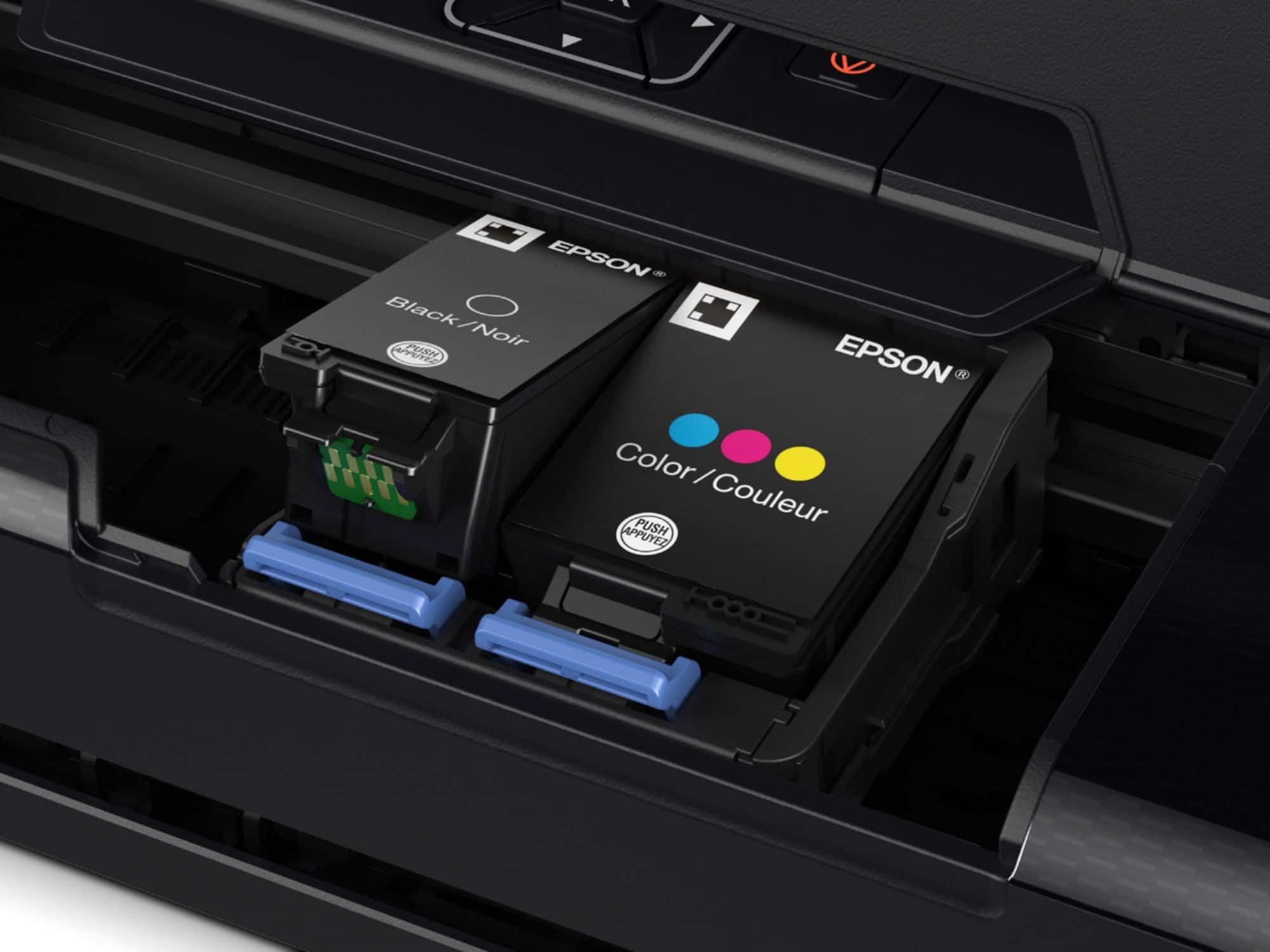
Posted .This reviewer received promo considerations or sweepstakes entry for writing a review.The Epson Workforce WF-110 is a fantastic mobile printer and it looks like a good add-on for anyone needing to do much printing away from house power. It comes with 2 batteries, usb cable, and power cord; therefore,you can use it via Wi-Fi or usb. I connect mine via Wi-Fi but if you are out and about, you will want to use the usb cable because it might be a problem to connect via Wi-Fi or hotspot. What is not a problem is connecting this printer to your Wi-Fi network or its ease of use; it's a breeze to connect to your Wi-Fi network, and you can download the drivers and anything else needed right from the Epson website. My suggestion would be to do all of the setting up prior to taking the printer on the go as it does take a few minutes to initialize and to complete. It comes with 2 starter inks, and it looks like they designed it where you won't be able to use generics in the future. The printer comes with a starter set of ink cartridges, and more can be ordered. In addition to color and black ink cartridges, this printer also needs what's called a maintenance box (an empty cartridge to hold waste ink.) It's best to have spares of all three on hand for when the printer decides a new one is needed. Printing is pretty quick for a mobile printer; it can’t really compete with a full size printer at home or work, but for a portable printer is a wonderful electronic to have on hand in a pinch.I particularly like that this printer communicates via WiFi (or USB.) That lets it be placed wherever needed, rather than having to be close to the computer. I had no trouble joining it to our home WiFi manually, and once there, our computer also saw it easily. I'm glad it also supports WiFi Direct, as I have needed that when away from all other WiFi networks. That it can be recharge via USB, rather than having to cart along its charger is also welcome when traveling light. I don't know how long the ink will last not being used, and the inks are not cheap. However, for the convenience and utility aspect, this cannot be beat. With only 4 colors of ink, this printer won't replace our other home printer (HP Officejet Pro 8600 Plus) any time soon for glossy color prints, but is fast and effective for everything else we need printed. It is definitely a great electronic to have when you are on the go or when you just need to print a few documents. It also talks to everything else we have, including a Samsung Google Chromebook, iPad Pro, and the iPhone X. Overall, this is a very small and portable yet competent printer. Recommended. “This is a review for the Epson WorkForce WF-110 Wireless Inkjet Printer that I received free of charge to do a beta test and review.”
I would recommend this to a friend Couldn’t get it to connect to WiFi
||Posted . Owned for 1 month when reviewed.This reviewer received promo considerations or sweepstakes entry for writing a review.Can’t get it to connect to WiFi …after weeks of trying I will probably have to return.
No, I would not recommend this to a friendBrand response from Epson
Posted .Hello, we're sorry to hear about the Wi-Fi connection issue with the WF-110 printer. Epson takes into consideration all feedback to improve the performance and quality of our products. Epson offers helpful information, including FAQs and self-help tools, on the product support web page at https://epson.com/Support/Printers/Single-Function-Inkjet-Printers/WorkForce-Series/Epson-WorkForce-WF-110/s/SPT_C11CH25201#questions. Additionally, your WorkForce printer includes a 1-year Limited Warranty, plus free lifetime technical support. If you need any assistance, our Epson Support Team would be happy to help you and can be reached at (562) 276-4382; Hours: Monday - Friday, 7 am - 4 pm PT; Sincerely, Tony - The Epson Team.
Printer heads clogged
||Posted . Owned for 1 month when reviewed.This reviewer received promo considerations or sweepstakes entry for writing a review.Good printer . Loved the size and it’s cool. But the printing quality left lines in paper . Had to return
No, I would not recommend this to a friendWould not recommend
||Posted . Owned for 3 weeks when reviewed.This reviewer received promo considerations or sweepstakes entry for writing a review.hoping i can actually still take this product back - it worked ok at first and then when i was traveling and tried to use it, it would just print gibberish! so frustrating.
No, I would not recommend this to a friendDifficult to use
||Posted . Owned for 3 weeks when reviewed.This reviewer received promo considerations or sweepstakes entry for writing a review.Bought it for the direct connection feature and be able to print without wifi, doesn’t work very well.
No, I would not recommend this to a friendcan't hook up
||Posted . Owned for 1 month when reviewed.This reviewer received promo considerations or sweepstakes entry for writing a review.I have been calling the help line - but I can't wait forever. I have not hooked up the printer yet, as my computer isn't working properly. Lately, the geek guys are entirely to busy to help me. Even though I pay for the service.
No, I would not recommend this to a friendPoor quality
||Posted . Owned for more than 2 years when reviewed.This reviewer received promo considerations or sweepstakes entry for writing a review.Very poor quality worked for a month warranty ended product now sits on the shelf collecting dust
No, I would not recommend this to a friendYou will need your support number handy.
||Posted . Owned for 1 month when reviewed.This reviewer received promo considerations or sweepstakes entry for writing a review.Many hours spent to get set up to print. Printed 5 work orders and then it stopped printing again. Battery doesent last very long either. Wish I wouldent have bought this one.
No, I would not recommend this to a friendDon’t waste your time
||Posted . Owned for 1 month when reviewed.This reviewer received promo considerations or sweepstakes entry for writing a review.Awful printer. Quality is very cheap. It’s great for a lightweight printer if you are ok with low quality prints for a week or two before the printer stops working entirely. Garbage.
No, I would not recommend this to a friendBrand response from Epson
Posted .Hi MyPrize, we're sorry to hear about the disappointing experience you had with the WF-110 printer. Your WorkForce printer is backed by a 1-year limited warranty and includes free lifetime technical support. In addition, Epson provides useful information in the FAQs and User's Guide to help address print quality issues at www.epson.com/Support/Printers/Single-Function-Inkjet-Printers/WorkForce-Series/Epson-WorkForce-WF-110/s/SPT_C11CH25201#questions. If you need further assistance, please contact Epson Support directly at (562) 276-4382 between 7 am - 4 pm (PT), Monday - Friday. Kind Regards, Sam- The Epson Team.
- Pros mentioned:Battery life, Print quality
Compact and PACKED with features!
Posted .This reviewer received promo considerations or sweepstakes entry for writing a review.I am a big fan of Epson printers after using my WF-2830. The WF-110 is is very compact and attractively designed. I like the textured surface and clean look. The color display is easy to navigate and follows the same flow as the 2830. As an Epson user, this was a nice feature. Setup was a breeze. I easily added the printer to Epson iPrint on my iPhone 11. The printer was easy to connect to Wifi through the on-screen prompts. The battery is strong and lasts throughout many printing jobs. The Wifi direct makes this a great device to throw in my backpack with my laptop and head to my favorite coffee shop. It easily connected for me to print documents on the go. The print quality is nice and on par for what I would expect from an Epson WorkForce series printer. I have printed full color photos and many documents. The ink seems to last as well. No real loss in my ink reserves after printing several full-color photos. This is a great little device to bring along when traveling, grabbing a coffee, etc. I am very happy with this printer. My only suggestion would be to include a pouch or case with the base device. The printer is compact, but it will not fit in all bags and it would be nice to have that extra layer of protection. “This is a review for the Epson WorkForce WF-110 Wireless Inkjet Printer that I received free of charge to do a beta test and review.”
I would recommend this to a friend Epson-WorkForce WF-110 did not work.
||Posted . Owned for 3 weeks when reviewed.This reviewer received promo considerations or sweepstakes entry for writing a review.This Epson-WorkForce WF-110 Wireless Inkjet Printer did not work for me. I tried for a week and it never worked.
No, I would not recommend this to a friend