Customer Ratings & Reviews
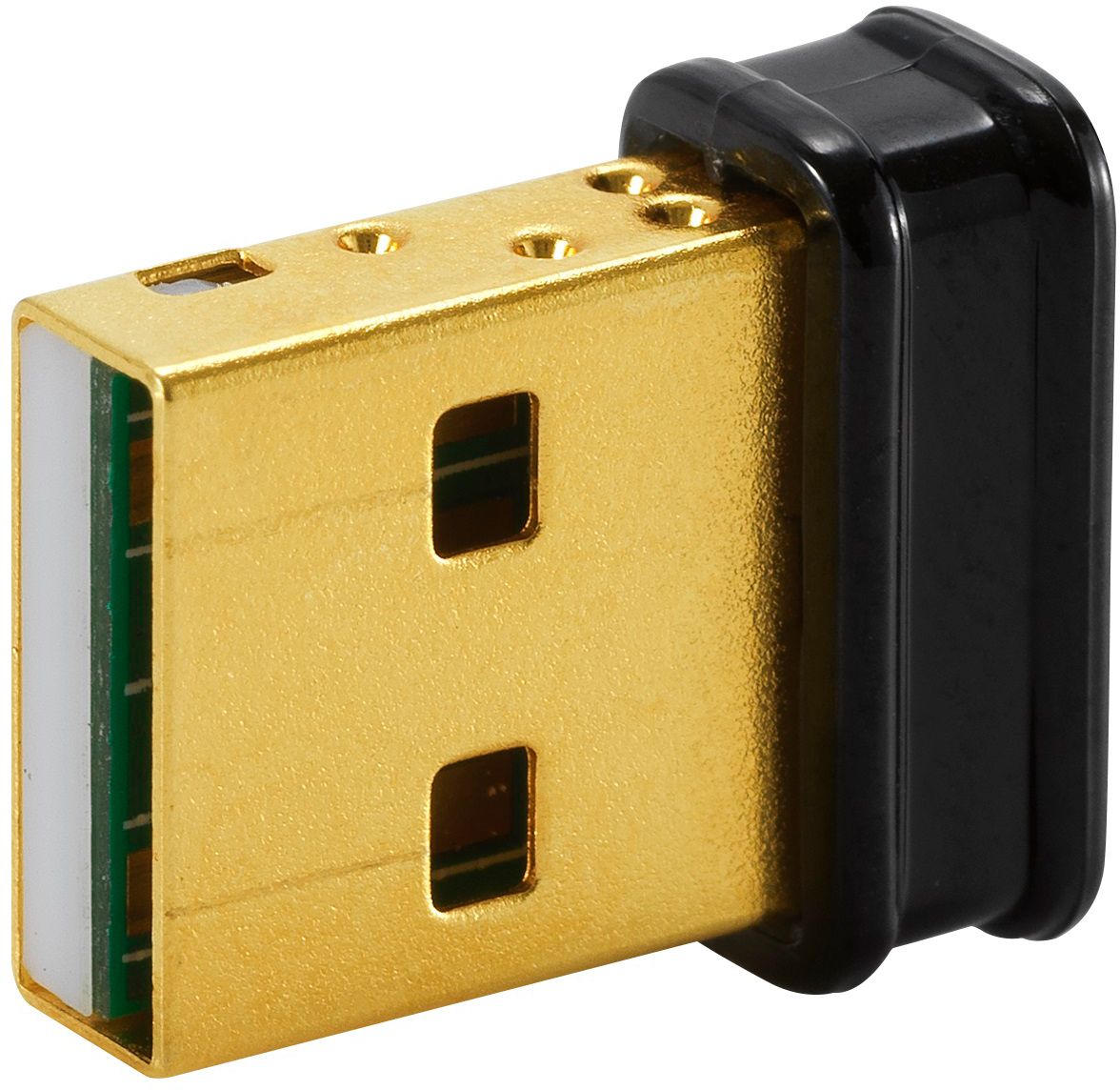
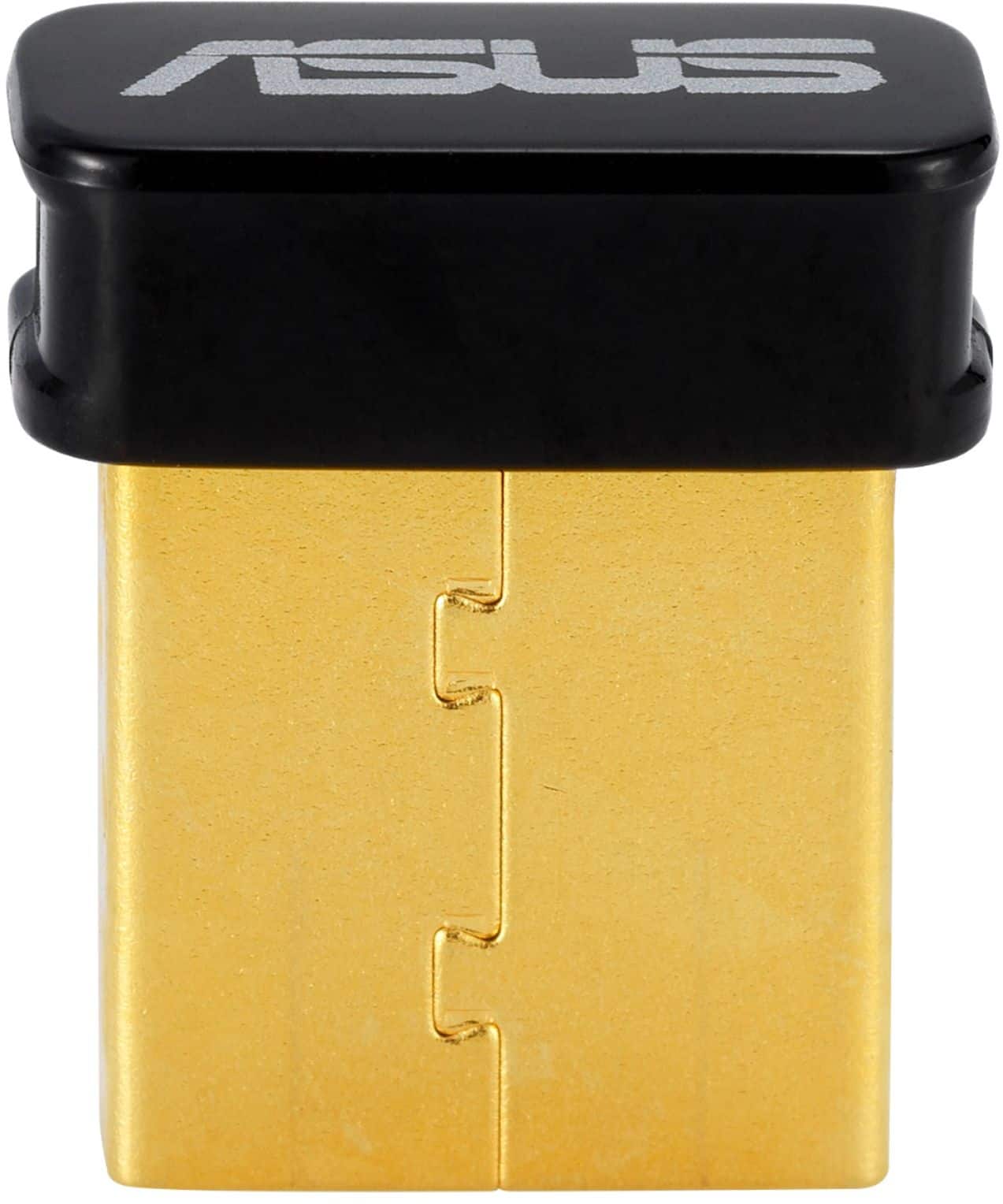
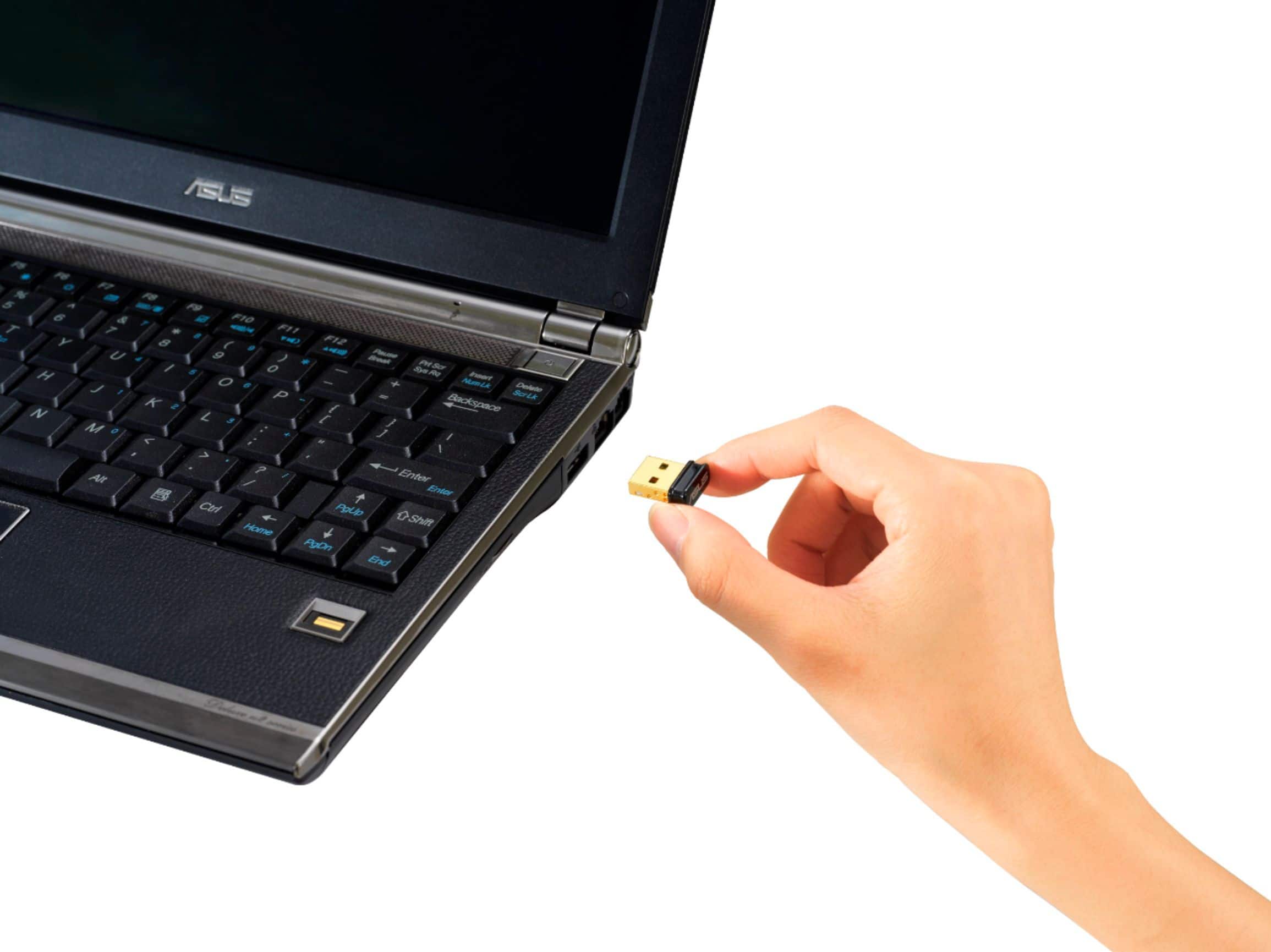
- Model:
- USBBT500
- SKU:
- 6428133
Rating by feature
- Value
Rating 4.6 out of 5 stars
- Quality
Rating 4.6 out of 5 stars
- Ease of Use
Rating 4.7 out of 5 stars
Customers are saying
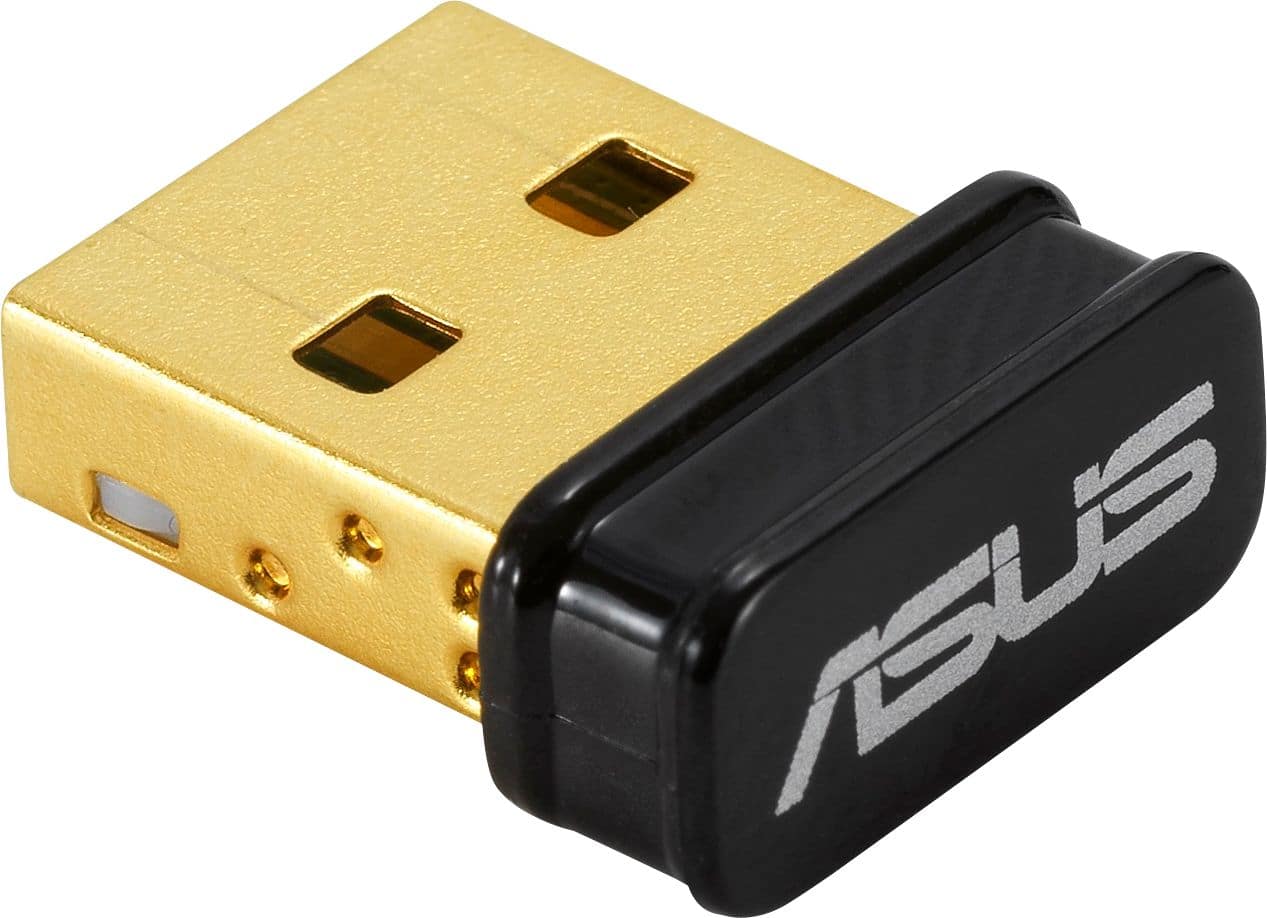
Customers consistently note the USB-BT500 Bluetooth 5.0 Adapter for its ease of use and reliable Bluetooth connectivity. Many appreciate its performance, compatibility, range, and reasonable price. However, some users have reported experiencing lag and issues with signal strength.
This summary was generated by AI based on customer reviews.
USB Dongle at a Super Valie!
||Posted .This reviewer received promo considerations or sweepstakes entry for writing a review.Plug n play (like most), but if you have to transfer over drivers (which is unlikely) they’re super easy to find unlike some other cheaper devices. Works great, and has a super low profile. A great buy if this meets your needs for a great value! Thanks Best Buy
I would recommend this to a friend- Pros mentioned:Compatibility
Works great, no issues so far.
||Posted . Owned for more than 2 years when reviewed.This reviewer received promo considerations or sweepstakes entry for writing a review.Great piece if your PC does not have native Bluetooth connectivity. Works as it should. I have been able to connect headphones, keyboards, game contollers using this dongle.
I would recommend this to a friend - Pros mentioned:Compatibility, Ease of use
Worked Instantly
||Posted . Owned for 3 weeks when reviewed.This reviewer received promo considerations or sweepstakes entry for writing a review.Worked right away Windows installed the drivers and no issues.
I would recommend this to a friend ASUS bluetooth adapter
||Posted . Owned for 3 months when reviewed.This reviewer received promo considerations or sweepstakes entry for writing a review.Cheap little bluetooth adapter for pc, thought the value was great and it works as advertised
I would recommend this to a friendWorks with Apple Airpods
||Posted . Owned for 7 months when reviewed.This reviewer received promo considerations or sweepstakes entry for writing a review.Very useful and nice price. I used it in the office for the receptionist phone. Now she can use the phone with her Apple AirPods. Can answer calls and talk with them.
I would recommend this to a friendBluetooth
||Posted . Owned for 8 months when reviewed.This reviewer received promo considerations or sweepstakes entry for writing a review.Love it!! Was very useful in letting me use this item!!
I would recommend this to a friend- Pros mentioned:Ease of use
Works great!
||Posted . Owned for 1.5 years when reviewed.This reviewer received promo considerations or sweepstakes entry for writing a review.I got so used to my old PC, I forgot that building my own PC would not come with Bluetooth. So, I did some research and decided on this one. It works perfectly. Just plug it in and connect to any device you want.
I would recommend this to a friend - Pros mentioned:Bluetooth
Works as advertised
||Posted . Owned for 2 weeks when reviewed.This reviewer received promo considerations or sweepstakes entry for writing a review.Was having problems with static on my older usb BT4.0 dongle. Not sure the brand as it was some "no name" company. Decided to use get a USB BT 5.0, and it fixed my issues. Also, decided to get a name brand this go around in hopes to avoid any issues now and in the future.
I would recommend this to a friend Works as intended
||Posted . Owned for 3 months when reviewed.This reviewer received promo considerations or sweepstakes entry for writing a review.Purchased this to improve the connection for my psvr2 on pc. Works as intended!
I would recommend this to a friend- Pros mentioned:Compatibility
Works great on Linux Mint.
||Posted . Owned for 3 weeks when reviewed.This reviewer received promo considerations or sweepstakes entry for writing a review.Was looking for an adapter that would work on my Linux server. This was plug and play on Linux Mint. No problems so far.
I would recommend this to a friend - Pros mentioned:Bluetooth
Win 11 64 with XBox Controller
||Posted .This reviewer received promo considerations or sweepstakes entry for writing a review.Win 11 64 running a generic Xbox Bluetooth controller without issue. The only issue I had was my connect button on the controller was sticky and I had to press it a few times, before I figured that out I updated the drivers (unnecessary) and reinstalled them since the reviews indicated a possible concern that made me distrustful.
I would recommend this to a friend - Cons mentioned:Lag
Doesnt work that well for controller about 6' away
||Posted . Owned for 3 weeks when reviewed.This reviewer received promo considerations or sweepstakes entry for writing a review.It works as a connector for BT devices, but when I tried using it with my controller on PC, it was dropping inputs. I tried updating the drivers, avoiding any obstacles between this receiver and my device, and staying about 6 feet away, but still didn't improve performance.
No, I would not recommend this to a friendBrand response from ASUS Answers
Posted .Dear Darren,
We sincerely apologize for the connectivity issue you've faced with the Bluetooth USB Adapter and your controller. What you've experienced was not intentional. To troubleshoot the issue described, we recommend following the steps in the FAQ below. Should the issue persist, please contact our support team at https://www.asus.com/us/support/CallUs to further investigate the problem.
We stand behind our products and continuously strive to improve our products and processes to achieve customer service excellence. If you require any further assistance, please email us at customerloyalty@asus.com and include the case number "N2108018926-0028" as a reference. We will do our best to resolve your case quickly. Your feedback is very important to us and enables us to improve our support channels. Thank you for choosing ASUS.
Best Regards,
Chantae
ASUS Customer Loyalty US Support
[Troubleshooting] ASUS USB Wireless(Wi-Fi) Adapter FAQs - https://www.asus.com/support/faq/1053079/
- Pros mentioned:Bluetooth
Add Bluetooth Connectivity
||Posted . Owned for less than 1 week when reviewed.This reviewer received promo considerations or sweepstakes entry for writing a review.If your computer lacks a Bluetooth feature, this will solve your issue. It's plug-and-play for adding Bluetooth connectivity to your computer. I recommend plugging it in to the front USB ports on your computer.
I would recommend this to a friend - Pros mentioned:Bluetooth
Good buy
||Posted . Owned for 1 year when reviewed.This reviewer received promo considerations or sweepstakes entry for writing a review.Surprised it worked for what I needed. Thanks for the help with this.
I would recommend this to a friend - Pros mentioned:Bluetooth
Great Adapter!
||Posted . Owned for 1 week when reviewed.This reviewer received promo considerations or sweepstakes entry for writing a review.I needed something to connect my Dual Shock 4 to my pc to play games on steam. Plugged it in, and after a few seconds my pc had blu tooth! Connected my controller and paired my ear buds no problem.
I would recommend this to a friend - Pros mentioned:Ease of use
Works Perfect
||Posted . Owned for 2 weeks when reviewed.This reviewer received promo considerations or sweepstakes entry for writing a review.I got this for my desktop without integrated Bluetooth. This worked right away and have been able to connect everything from my controllers to my speakers to my headphones.
I would recommend this to a friend Worth it!
||Posted . Owned for 3 weeks when reviewed.This reviewer received promo considerations or sweepstakes entry for writing a review.First time building a pc and didn't realize the little aspects some might take for granted like Bluetooth and wifi lol. This little guy saved me tremendously on playing my games wireless. Switching to pc isn't easy. Definitely worth a buy!
I would recommend this to a friendWorks Perfect
||Posted .This reviewer received promo considerations or sweepstakes entry for writing a review.It works fine. I’ve never had any issues with the connection or the drop signal.
I would recommend this to a friend- Pros mentioned:Compatibility
Great for use with a Smart Bike Trainer
||Posted . Owned for 3 weeks when reviewed.This reviewer received promo considerations or sweepstakes entry for writing a review.Got this so I could use a Smart Bike Trainer with my PC. It hooked up to my computer with no issues. However, I did have an issue with signal drop while training, not sure if it was the dongle or my trainer. I moved PC closer to the trainer and out from behind a desk and the issue was resolved.
I would recommend this to a friend Not the best
||Posted . Owned for 1 year when reviewed.This reviewer received promo considerations or sweepstakes entry for writing a review.I bought it to use for my Xbox series x controller on a of and it disconnects when it wants. Kind of annoying but it gets the job done I guess
No, I would not recommend this to a friendBrand response from ASUS Answers
Posted .Dear KevinC,
We are sorry to hear that your ASUS USB-BT500 Adapter is experiencing intermittent disconnections when paired with your Xbox Series X controller, and we sincerely apologize for the inconvenience this has caused.
To help resolve this issue, we recommend reinstalling the Bluetooth driver. The troubleshooting steps are outlined in our FAQ guide linked below. If the issue persists after completing these steps, please contact our support team directly at https://www.asus.com/us/support/callus/ so we can assist with further diagnostics.
We stand behind our products and continuously strive to improve our products and processes to achieve customer service excellence. For more information, email us at customerloyalty@asus.com and include the case number "N2108018926-0033" as a reference. We will do our best to resolve your case quickly. Your feedback is very important to us and enables us to improve our support channels. Thank you for choosing ASUS.
Best Regards,
Chantae
ASUS Customer Loyalty US Support
[Troubleshooting] Cannot install ASUS USB bluetooth adapter successfully: https://www.asus.com/support/faq/1043965/