Customer Ratings & Reviews


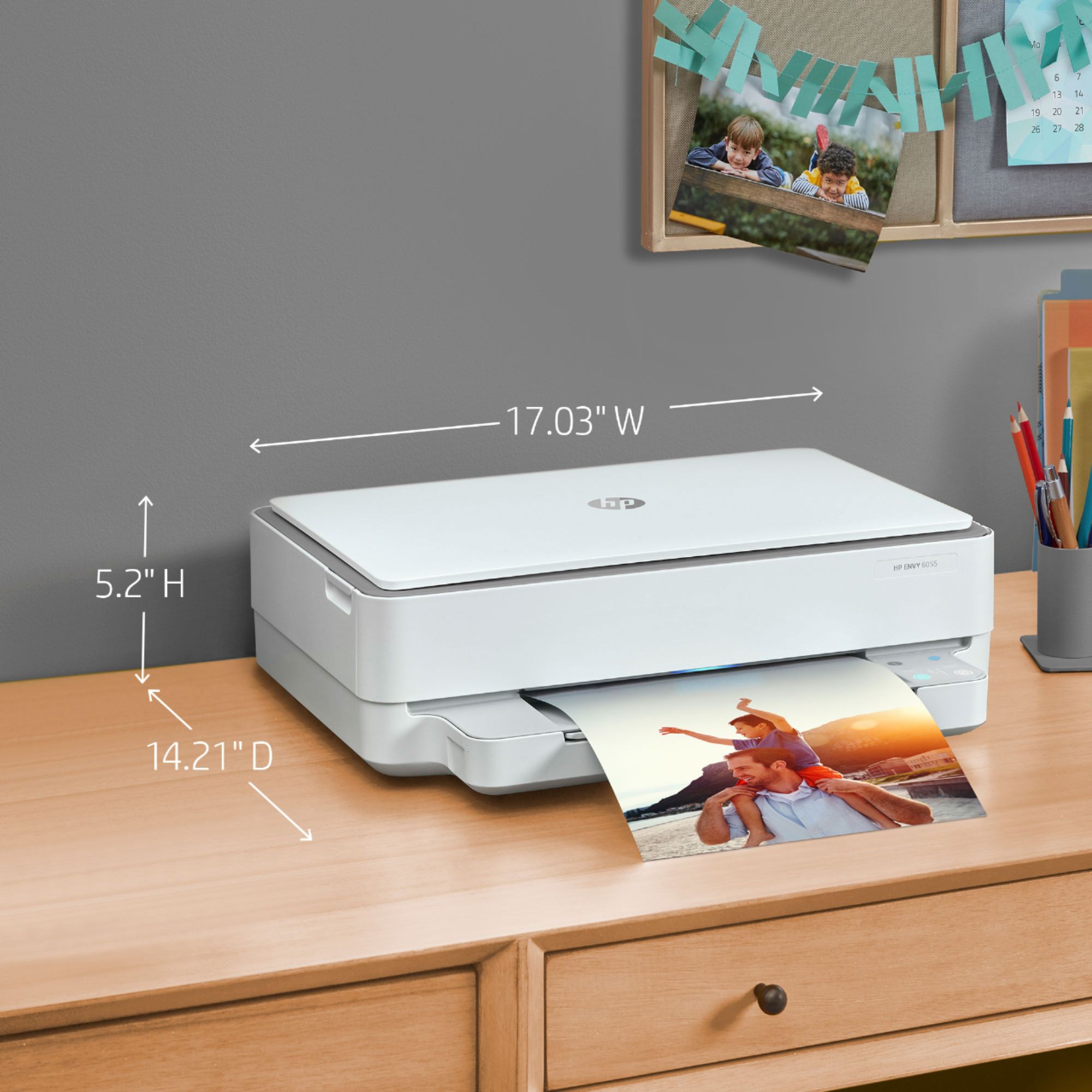
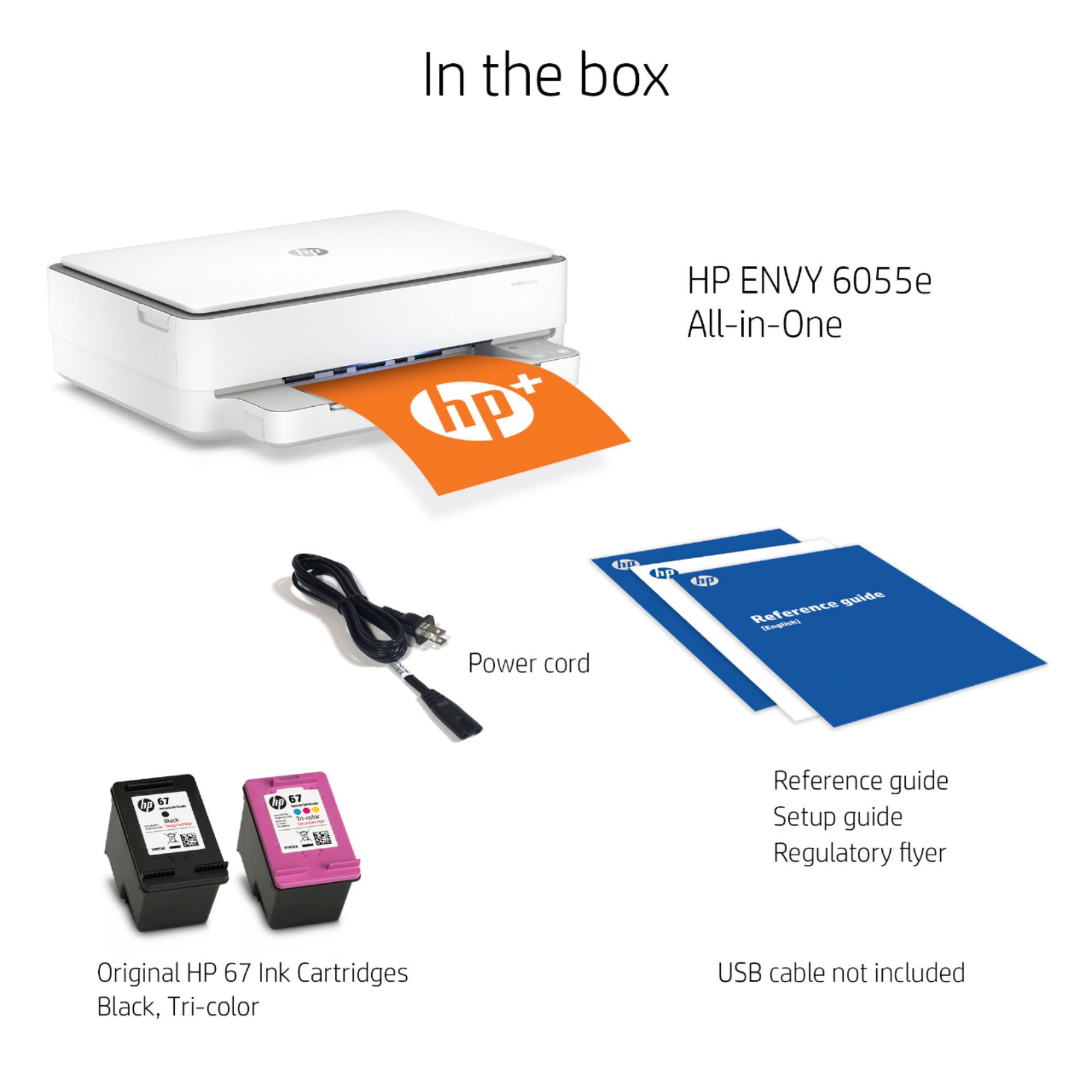
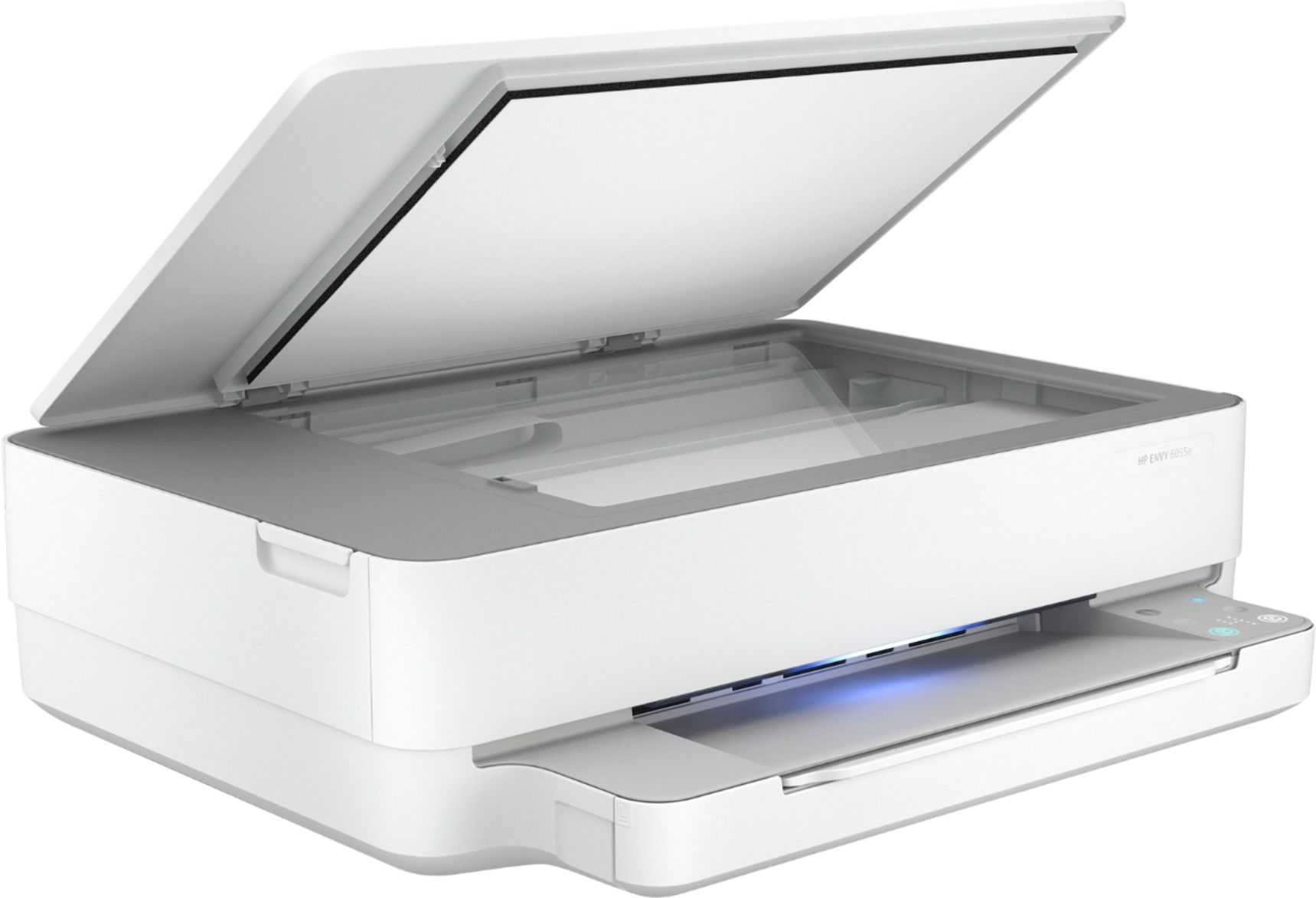
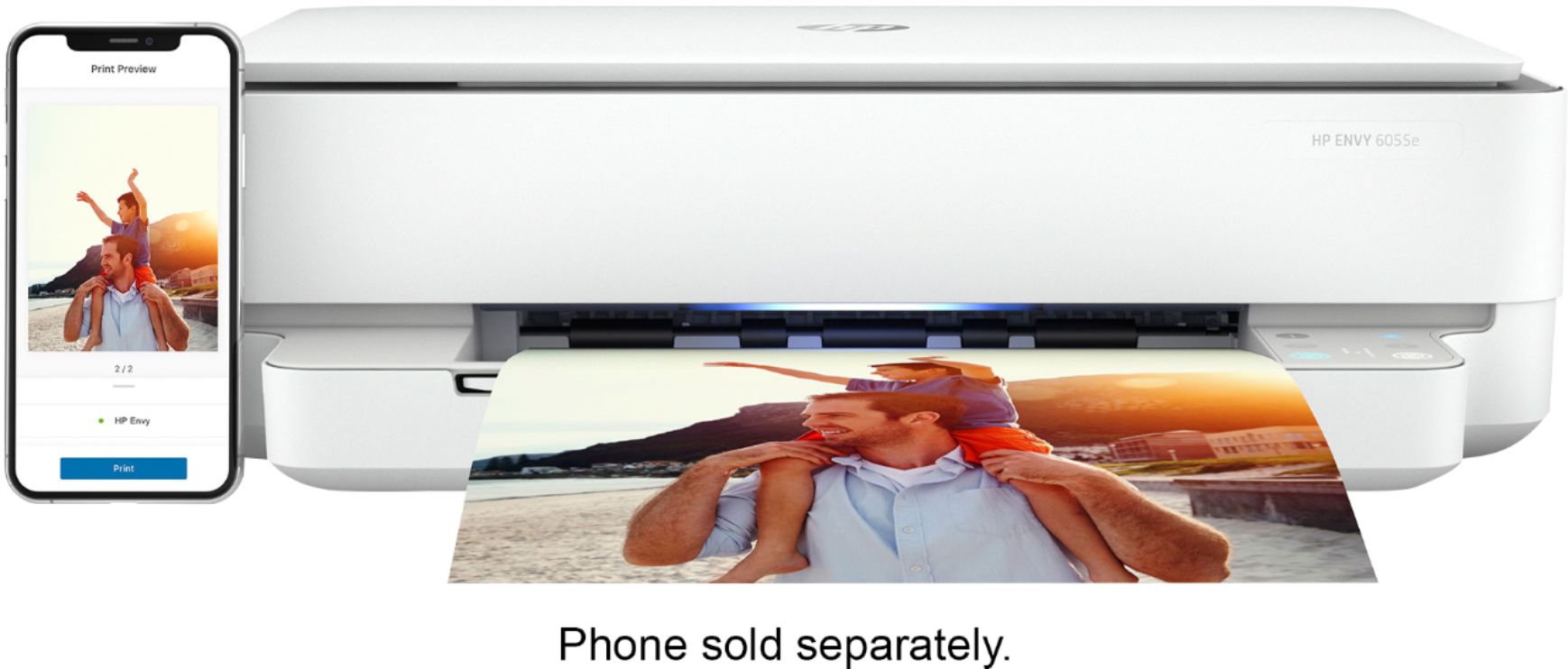
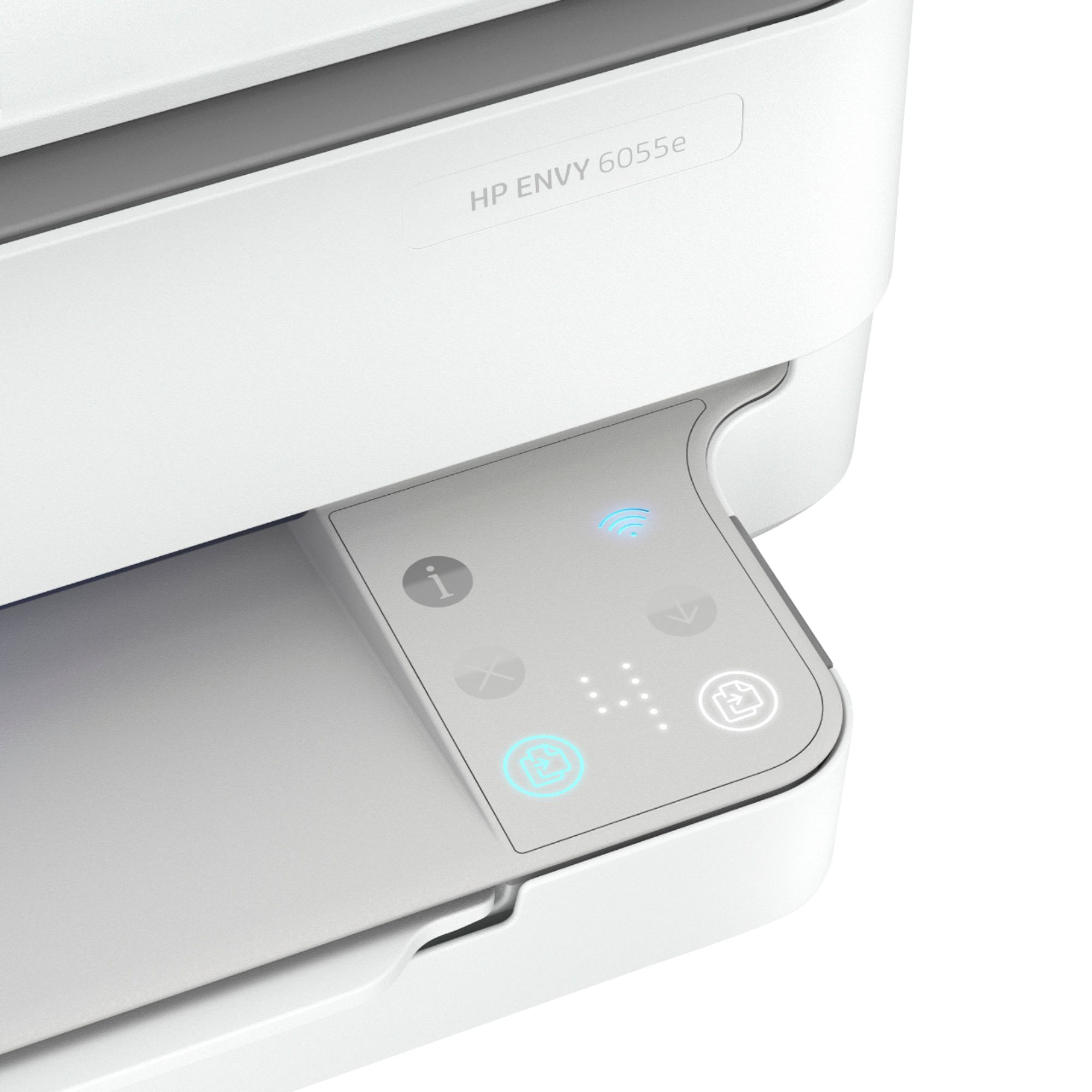
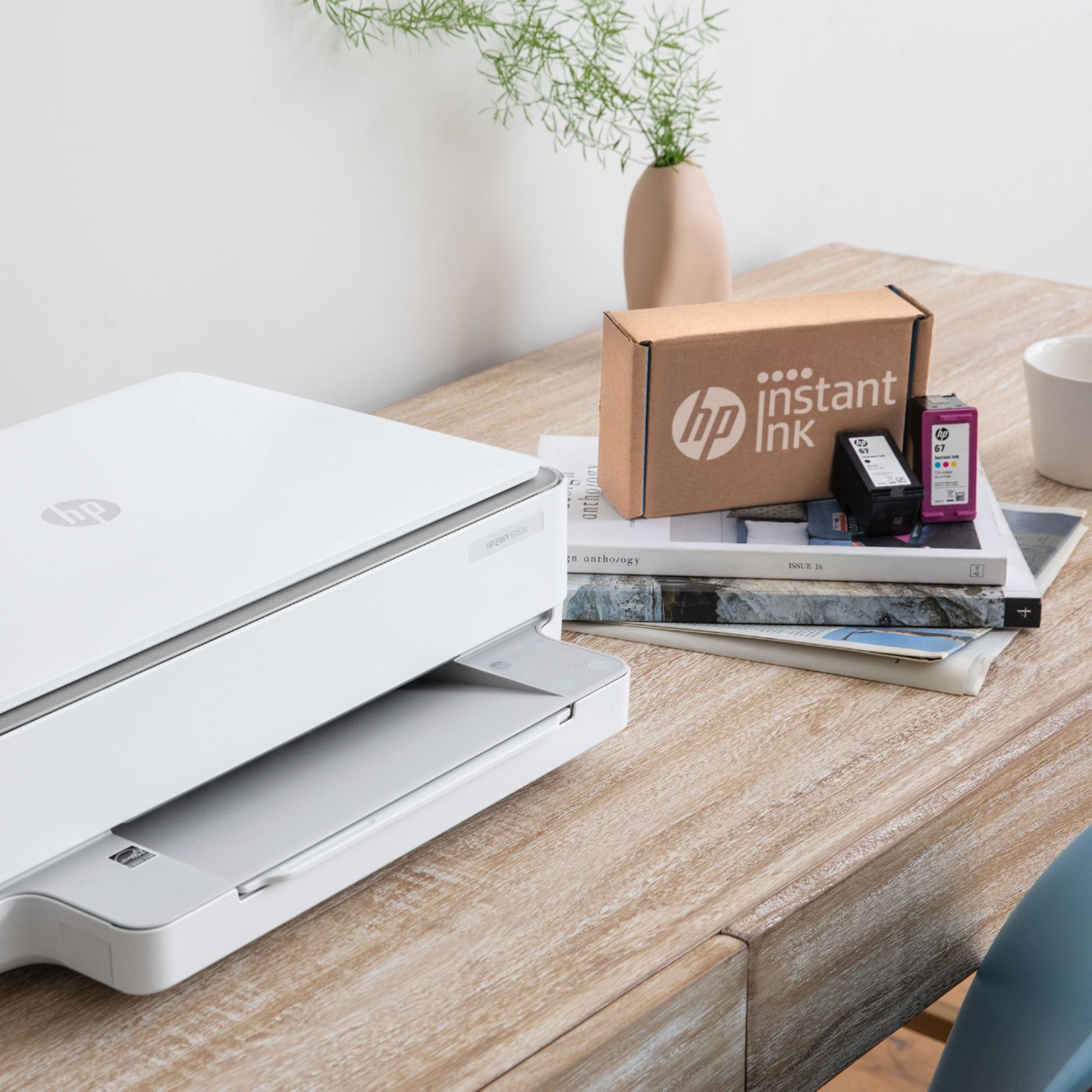
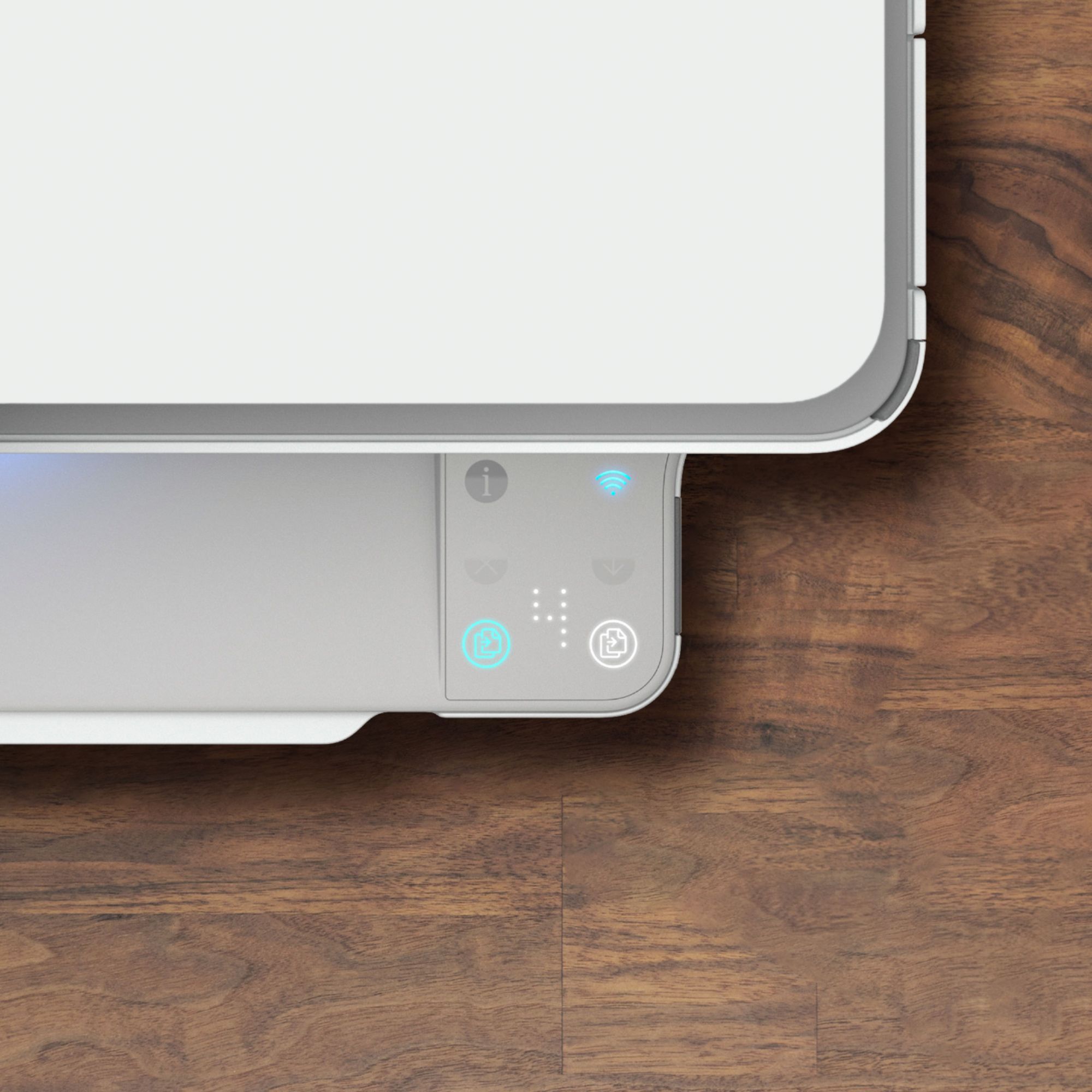



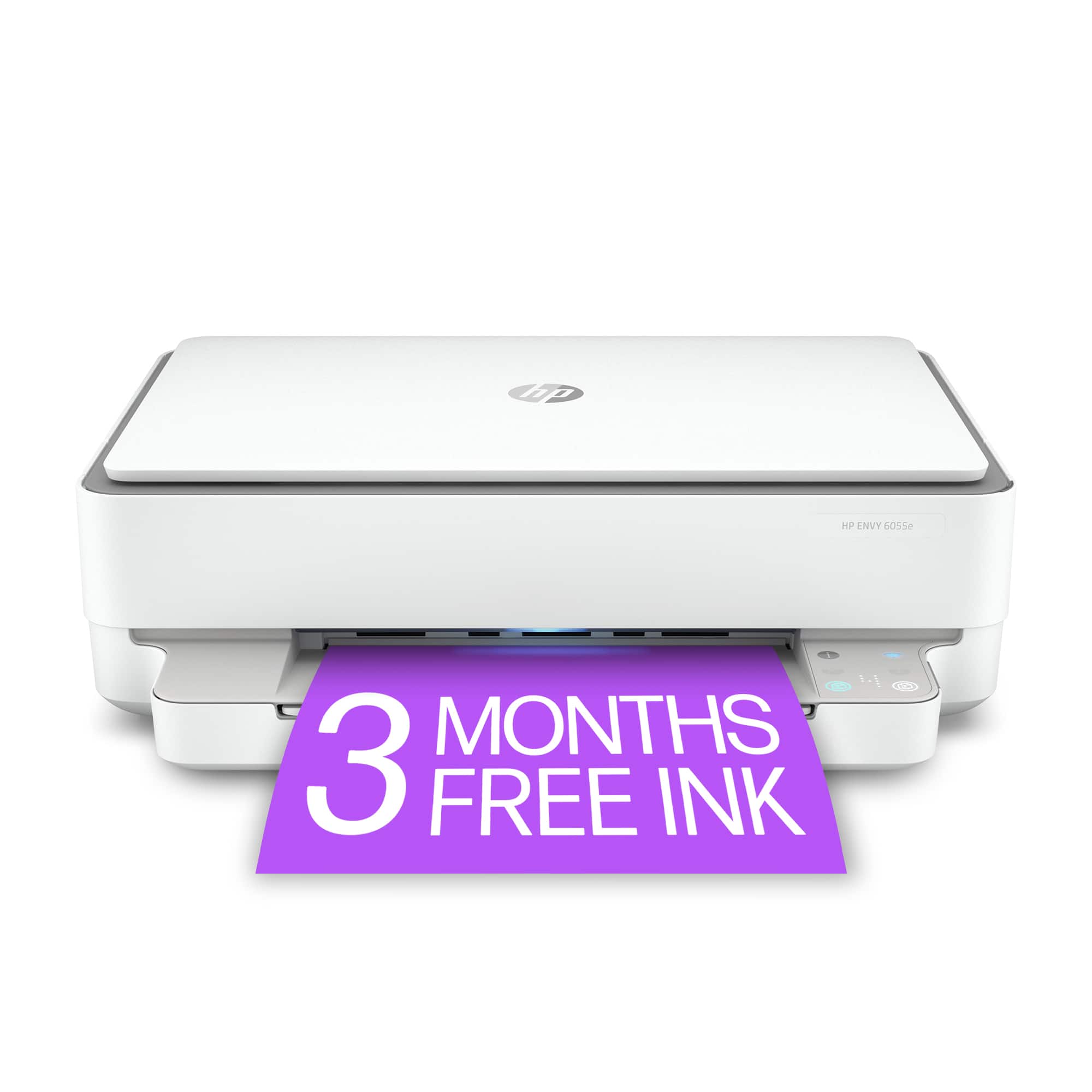



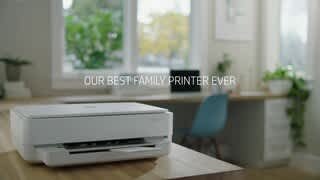
- Model:
- Envy 6055e/223N1A#B1H
- SKU:
- 6454281
Rating by feature
- Value
Rating 4.3 out of 5 stars
- Quality
Rating 4.3 out of 5 stars
- Ease of Use
Rating 4.1 out of 5 stars
Customers are saying
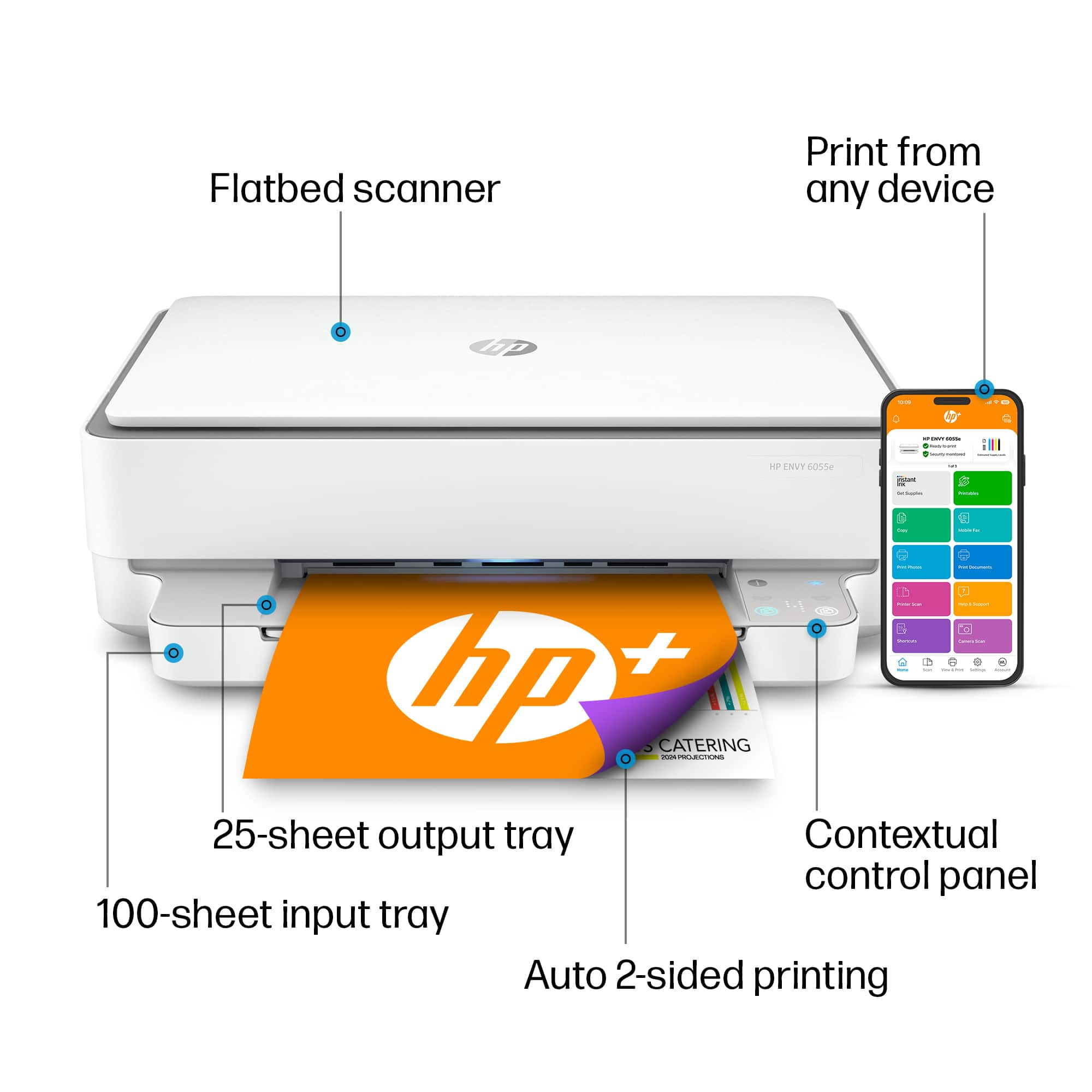
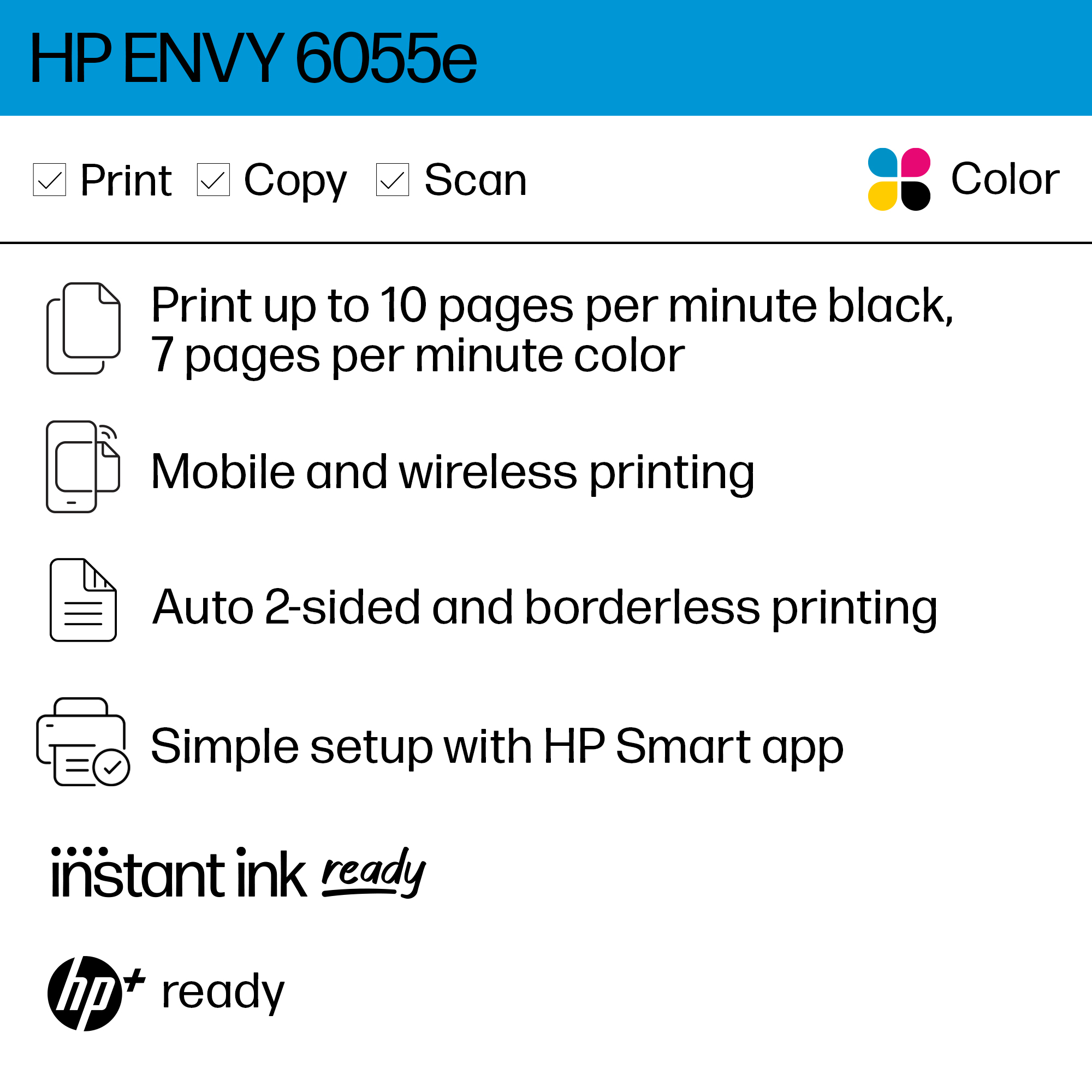
Customers are satisfied with the ENVY 6055e's ease of use, print quality, and compact size. Many appreciate its affordable price and straightforward setup process. Positive feedback also highlights the printer's sleek design and quiet operation. However, some users experienced challenges with maintaining a stable Wi-Fi connection.
This summary was generated by AI based on customer reviews.
Seriously and honestly cannot recommend!!!
Posted .This reviewer received promo considerations or sweepstakes entry for writing a review.I have had this printer for about 30 days now and as a fan of HP, I seriously cannot recommend this item!! While the printer had potential at first and I was very patient with it, this printer is not worthwhile!! It constantly disconnects from Wifi, it freezes so that pushing the power button to shut it off has no effect! I have to constantly disconnect the power cord and re-connect it. I have reset it numerous times, it is on the latest software but the issues unfortunately remain!! It is past the 30 day mark now so too late to return it. I guess I will go with Canon at this point for reliability because this has been a total waste of time!! Between the wasting of ink and paper, this is not what I've been used to in the past as far as HP printers go and do not understand where the HP quality has gone. Do not bother getting this trash!!!
No, I would not recommend this to a friendBrand response from HP Team
Posted .Hi, Rafael.
I’m sorry to hear that your printer has performed so poorly for you. I can easily understand why issues related to connectivity and frozen functionality requiring frequent resets would be frustrating as well as disappointing, especially considering you’ve had good experiences with HP printers in the past. I would love to help you remedy this situation, so I’ll suggest some resources aimed at getting you there.
First, I recommend that you visit a page on our support site that has diagnostic tools for various tasks and issues, including wireless and connectivity and printer-offline difficulties. To troubleshoot the freezing issue, on the same page you’ll find a general-purpose tool called the HP Print and Scan Doctor. If you use Windows, the tool will help identify and guide you through solutions to a wide range of common printing and scanning issues. Visit that page here:
- support.hp.com/us-en/topic/diagnostics
If the problem persists, I suggest that you contact us directly at +1 800-474-6836 so we can help you assess what’s happening and find a solution. (Please note that because of restrictions on personal movement and workplace attendance associated with the COVID-19 pandemic, wait times for agents are longer than normal. Thanks in advance for your understanding.) To expedite the process, I recommend gathering the following information before the call:
- Model number
- Serial number
- Your location
- Case number (from any previous contact with HP support)
Keith
HP Care
hp.com/support
HP PRINTER
Posted .This reviewer received promo considerations or sweepstakes entry for writing a review.Not USER FRIENDLY!! No user manual…initial setup not easy
No, I would not recommend this to a friendBrand response from HP Team
Posted .Hi there.
I’m sorry to learn that your printer was hard to set up and that you’ve experienced difficulty using it. The frustration you express is totally understandable, especially considering you’ve not yet had access to a user manual. I want to help you find that manual and have a better experience with the printer from here forward, so I’ll direct you to some resources aimed at meeting that goal.
To learn more about your printer and all its features, or for help solving problems, you can access user manuals, how-to documents, troubleshooting guides and software updates here:
- support.hp.com/us-en/product/model/2100187510
You can also visit a page on our support site that has diagnostic tools for various tasks and issues, including cartridge installation, print quality, operating-system compatibility and connectivity. There you can find a general-purpose tool called the HP Print and Scan Doctor. If you use Windows, the tool will help identify and guide you through solutions to a wide range of common printing and scanning issues. You can find the page here:
- support.hp.com/us-en/topic/diagnostics
If you need further assistance with anything, I suggest you contact us directly so we can help you assess the situation and find a solution. HP+ printers such as yours come with exclusive concierge support. To call and reach live HP+ experts, visit the following URL and enter your HP+ serial number:
- hp.com/plus-help
Keith
HP Care
hp.com/support
You get what you pay for
Posted .This reviewer received promo considerations or sweepstakes entry for writing a review.After owning the HP Envy 6055 (purchased at another Brick and Mortar store) for less than 6 months, I can say that it is the biggest piece of garbage on the market. No display makes you print instructions to reconnect to internet, no way to take apart printer to remove jams without plastic breaking in your hands. NEVER AGAIN HP.
No, I would not recommend this to a friendBrand response from HP Team
Posted .Hi, Jenn.
I’m sorry to hear that your printer has experienced a paper jam that might have damaged its construction. The frustration you express is easily understood, considering how your printer performed, so I’ll offer some resources that I hope will help.
First, if you haven’t done so already, I recommend going through the steps to clearing and avoiding paper jams that you’ll find in this troubleshooting guide on our support site:
- support.hp.com/us-en/document/c06575809
If the problem persists, I suggest that you contact us directly at +1 800-474-6836 so we can help you assess the situation and find a solution. (Please note that because of restrictions on personal movement and workplace attendance associated with the COVID-19 pandemic, wait times for agents are longer than normal. Thanks in advance for your understanding.) To expedite the process, I recommend gathering the following information before the call:
- Model number
- Serial number
- Your location
- Case number (from any previous contact with HP support)
I'll also mention that HP printers have a one-year warranty from their purchase date that covers hardware as well as ink supplies, so if it comes to that, you might consider making use of it. You can verify the warranty using the following link: support.hp.com/us-en/checkwarranty
Keith
HP Care
hp.com/support
Pass on this garbage
Posted .This reviewer received promo considerations or sweepstakes entry for writing a review.This is an unreliable printer. Customer service is complete garbage. I can not print three times in a row without there being an issue that takes 30+ minutes away from my lift and my work day. It's driven me to near tears from a very happy mood. Not doing anything fancy here. Just printing documents off Word. Printer offline and Diver errors are the culprits. The Customer service part is what has sworn me off from HP all together for the foreseeable future. Pass on this one. I had free 300 pages to print for the first two months and I was able to print maybe 15 pages successfully. In 2 months.
No, I would not recommend this to a friend- Cons mentioned:Connectivity
Always a problem
Posted .This reviewer received promo considerations or sweepstakes entry for writing a review.As with all HP products, not user-friendly, fails to stay connected to wifi, impossible to reconnect easily. Bad product and too much hassle
No, I would not recommend this to a friendBrand response from HP Team
Posted .Hi, Thomas.
I’m sorry that your printer has performed poorly. I can certainly understand why frequent connectivity trouble would quickly become exasperating. I want to help you remedy this problem, so I’ll suggest some resources that I hope will reach that end.
First, I recommend you visit a page on our support site that has diagnostic tools for various issues, including setup and wireless connectivity difficulties. You can find that page here:
- support.hp.com/us-en/topic/diagnostics
You can also find troubleshooting guides specific to your printer, including ones on connectivity, in addition to user manuals, how-to documents and software updates here:
- support.hp.com/us-en/product/model/2100187510
If the problem persists, I suggest that you contact us directly at +1 800-474-6836 so we can help you assess what’s happening and find the best course of action. To expedite the process, I recommend gathering the following information before the call:
- Model number
- Serial number
- Your location
- Case number (from any previous contact with HP support)
Keith
HP Care
hp.com/support
This Printer is a Joke
Posted .This reviewer received promo considerations or sweepstakes entry for writing a review.I would happily smash this printer against a wall. The actual printer itself is fine, but the connection from the computer to the machine is SO TERRIBLE. Half my print jobs fail, you have to print through the stupid app. The software on this printer is HORRIFIC. And here's the thing, I am a Millennial with a Macbook - it shouldn't be this hard. Don't waste your money unless you are planning on outfitting your office into a Rage Room.
No, I would not recommend this to a friendBrand response from HP Team
Posted .Hi there.
I’m sorry that you’ve experienced connectivity issues with your printer as well as difficulty with the HP Smart App. I can easily see why that combination would put you in an exasperated state. I want to help you resolve these problems, so I’ll guide you to some resources I hope will make that happen.
First, I recommend you visit a page on our support site that has diagnostic tools for various issues, including wireless connectivity difficulties. You can find that page here:
- support.hp.com/us-en/topic/diagnostics
Next, I suggest that you follow a guide to installing and using the HP Smart App, especially the FAQ portion, which covers common questions as well as difficulties users have encountered. Choose the link to whichever document matches your operating system:
- Mac OS: support.hp.com/us-en/document/c06188214
- iOS and Android: support.hp.com/us-en/document/c03561640
- Windows 10: support.hp.com/us-en/document/c04675142
If any problem persists, I suggest that you contact us directly at +1 800-474-6836 so we can help you assess the situation and find a solution. (Please note that because of restrictions on personal movement and workplace attendance associated with the COVID-19 pandemic, wait times for agents are longer than normal. Thanks in advance for your understanding.) To expedite the process, I recommend gathering the following information before the call:
- Model number
- Serial number
- Your location
- Case number (from any previous contact with HP support)
Keith
HP Care
hp.com/support
Impossible to setup
Posted .This reviewer received promo considerations or sweepstakes entry for writing a review.I was never able to get the printer to work. I there is NO instruction manual. Instead there is a 1 page print out that tells you to go to a website for setup; the website does not include instructions yet says the printer is upto date and ready to go. I am in my 20s and have setup several other printers in the past with little to no issue.
No, I would not recommend this to a friendBrand response from HP Team
Posted .Hi there.
I’m sorry to hear that your printer would not connect and set up like it should, and that you didn’t have adequate instructions for the task. I can understand how that would quickly go from puzzling to exasperating, so I’ll provide some resources and information that I hope will help.
First, I recommend you visit a page on our support site that has diagnostic tools for various issues, including setup and connectivity. Visit that page here:
- support.hp.com/us-en/topic/diagnostics
To find video tutorials and other materials on setting up your printer, as well as how-to documents, user manuals, troubleshooting guides and software updates, visit this page on our support site:
- support.hp.com/us-en/product/hp-envy-6000-all-in-one-printer-series/29256672/model/30153277
If the problem persists, I recommend that you contact us directly at +1 800-474-6836 so we can guide you through the proper troubleshooting. (Please note that because of restrictions on personal movement and workplace attendance associated with the COVID-19 pandemic, wait times for agents are longer than normal. Thanks in advance for your understanding.) To expedite the process, I recommend gathering the following information before the call:
- Model number
- Serial number
- Your location
- Case number (from any previous contact with HP support)
Keith
HP Care
hp.com/support
Trash printer from a trash company
Posted .This reviewer received promo considerations or sweepstakes entry for writing a review.Absolute piece of trash garbage, and they have to know it. Besides the excruciatingly miserable "software as a service" nonsense that requires logging in regularly just to use my home printer, the thing doesn't even work right. I haven't used it in a few weeks, and now it won't print in color, despite all settings being set correctly. This is a miserable corporation staffed by miserable engineers and even more miserable customer service people who truly do not care about doing the one "passion" they've chosen to pursue-- printing documents-- with any ease.
No, I would not recommend this to a friendMight print good if it could print...
Posted .This reviewer received promo considerations or sweepstakes entry for writing a review.Purchased to replace an old HP printer that just worked great for at least 5 years. However this one requires app to set up. Then the app won't work. On phone it gets stuck saying thanks for waiting. What choice do I have but to wait when the app won't pass the thanks for waiting. The app on computer keeps going around in circles starting over. In the 45 minutes I have so far wasted trying to just get this app to work I managed to take old printer totally apart and repair it. But the point in buying a new printer was to save time...oh and I am very tech savvy. Its not me nor my internet that is the issue. Its relying on a cloud based service to do something as simple as calibrate a printer.
No, I would not recommend this to a friendBrand response from HP Team
Posted .Hi there.
I'm sorry to hear that you’ve encountered such difficulty with the HP Smart App. The ordeal you describe indeed sounds exasperating, so I’ll suggest a resource and some information I hope will help.
I can’t tell from your review why the app and your printer are not working like they should, so I recommend that you contact us directly at +1 800-474-6836 so we can help you assess the situation and find a solution. (Please note that because of restrictions on personal movement and workplace attendance associated with the COVID-19 pandemic, wait times for agents are longer than normal. Thanks in advance for your understanding.) To expedite the process, I recommend gathering the following information before the call:
- Model number
- Serial number
- Your location
- Case number (from any previous contact with HP support)
I'll also mention that HP printers have a one-year warranty from their purchase date that covers hardware as well as ink supplies, so if it comes to that, you might consider making use of it. You can verify the warranty using the following link: support.hp.com/us-en/checkwarranty
Keith
HP Care
hp.com/support
So many issues
Posted .This reviewer received promo considerations or sweepstakes entry for writing a review.Terrible printer! There is no screen on it to preview why it’s not working or thinks like ink supply - everything has to be done via the app except that it constantly gets disconnected and I need to unplug the printer constantly. I’ve also never experienced a machine that guzzles this much ink. I’m averaging 10-15 pages per cartridge (just text). I’m constantly having to trouble shoot errors and cartridge jams. It looks nice but that’s about it.
No, I would not recommend this to a friendBrand response from HP Team
Posted .Hi, Gaby.
I’m sorry to hear that your printer is going through so much ink. It concerns me that the cartridges you’ve received performed so poorly. Unless you were printing mostly high-density prints, it does seem like you should have been able to print more.
Here are some things you can consider:
- If it appears that a cartridge was low on ink to begin with, or that the poor page yield was caused by a defective cartridge, you can always contact the seller who sent you the cartridge about that.
- Contact us if the supplies are defective genuine cartridges that are not replaced by the vendor (and they are still within the “warranty ends” date on the cartridges). Reach out to us via this link: support.hp.com/us-en/contact-hp
Here are some facts on ink use that might help you get more prints without too much extra effort:
- A high-density print (such as an image or graph) uses ink more quickly than a text-only document, particularly if the paper is highly absorbent and the environment is dry.
- Using the draft and black only settings on your printer can help save on ink, particularly the colors.
- Shutting the printer down between uses can result in some savings. However, always use the power button on the printer itself to turn it off. That will let the printer to 'park' so that the nozzles that spray the ink onto the paper are protected from excess drying.
If the problem persists, I suggest that you contact us directly at +1 800-474-6836 so we can help you assess the situation and find a solution. (Please note that because of restrictions on personal movement and workplace attendance associated with the COVID-19 pandemic, wait times for agents are longer than normal. Thanks in advance for your understanding.) To expedite the process, I recommend gathering the following information before the call:
- Model number
- Serial number
- Your location
- Case number (from any previous contact with HP support)
Keith
HP Care
hp.com/support
- Cons mentioned:Connectivity
Didn't work out of the box
Posted .This reviewer received promo considerations or sweepstakes entry for writing a review.Could not get this to work at all. All the lights keep flashing and HP gives zero support on this. Tried to make it work for a eek and finally gave up. returning it.
No, I would not recommend this to a friend Don't waste your money
Posted .This reviewer received promo considerations or sweepstakes entry for writing a review.I hate this printer! I can only get it to print one page and that's it. I get an error message saying it is out of paper. I pull out the paper tray and it loaded as high as it can it go. That only way I can get it to print again is to pull the plug on the back, save all my material and completely reboot the computer to print another page. This is utterly unacceptable!! Absolutely hate this thing, a total waste of money
No, I would not recommend this to a friendBrand response from HP Team
Posted .Hi there.
I’m sorry to hear that your printer has displayed an unexplained out-of-paper error. I can wholly understand why that would be a disconcerting start to owning a new device, so I’ll offer a resource and some information I hope will help.
First, I recommend you follow the steps outlined in this guide on how to deal with an out-of-paper error or when a printer does not pick up paper:
- support.hp.com/us-en/document/c00786157
If the problem persists, I suggest that you contact us directly at +1 800-474-6836 so we can help you assess the situation and find a solution. (Please note that because of restrictions on personal movement and workplace attendance associated with the COVID-19 pandemic, wait times for agents are longer than normal. Thanks in advance for your understanding.) To expedite the process, I recommend gathering the following information before the call:
- Model number
- Serial number
- Your location
- Case number (from any previous contact with HP support)
I'll also mention that HP printers have a one-year warranty from their purchase date that covers hardware as well as ink supplies, so if it comes to that, you might consider making use of it. You can verify the warranty using the following link: support.hp.com/us-en/checkwarranty
Keith
HP Care
hp.com/support
Worst printer, don't buy
Posted .This reviewer received promo considerations or sweepstakes entry for writing a review.Terrible printer, it constantly goes into a deep sleep snd will not wake up causing you to reinstall onto your network. The HP printer app is terrible, the printer is constantly "not available". When it does finally print the quality is average. If i could get negative stars on this garbage printer I would.
No, I would not recommend this to a friendBrand response from HP Team
Posted .Hi there.
I’m sorry that you’ve encountered such difficulty and inconvenience with your printer. The frustration you express is wholly understandable, considering you’ve endured issues related to sleep mode, the HP Smart App and print quality. I want to help you resolve these problems, so I’ll direct you to some resources I hope will accomplish that goal.
First, I recommend you follow this guide to sleep mode and how to deal with problems that arise when a printer is in sleep mode:
- support.hp.com/us-en/document/c04183583
You might also gain useful information by following a guide to installing and using the HP Smart App, especially the FAQ portion, which covers common questions as well as difficulties users have encountered. Choose the link to whichever document matches your operating system:
- Windows 10: support.hp.com/us-en/document/c04675142
- Mac OS: support.hp.com/us-en/document/c06188214
- Android and iOS: support.hp.com/us-en/document/c03561640
If any problem persists – and for help on improving print quality – I recommend that you contact us directly at +1 800-474-6836 so we can help you assess the situation and find a solution. (Please note that because of restrictions on personal movement and workplace attendance associated with the COVID-19 pandemic, wait times for agents are longer than normal. Thanks in advance for your understanding.) To expedite the process, I recommend gathering the following information before the call:
- Model number
- Serial number
- Your location
- Case number (from any previous contact with HP support)
Keith
HP Care
hp.com/support
Worthless
Posted .This reviewer received promo considerations or sweepstakes entry for writing a review.Beyond horrible, nothing but problems from start. Could only get the driver downloaded to one computer. Will not print, have checked all the settings and no solutions. Should not have to troubleshoot everytime to print a one-page Word document. Thought I had done my research in choosing this printer however I was wrong. Save yourself the frustration and keeping looking for a different printer.
No, I would not recommend this to a friendDo not buy
Posted .This reviewer received promo considerations or sweepstakes entry for writing a review.When the printer works, it is perfect, but if you loose power or WIFI, it is a colossal piece of garbage. It is a major ordeal and production to get it working again. In the past, all my printers have been HP's, but this is the last printer that I will own from HP
No, I would not recommend this to a friendBrand response from HP Team
Posted .Hi there.
Thanks for the review and the feedback. While I’m glad to hear that you like your printer’s functionality, I’m sorry to hear that it has failed to maintain a reliable wireless connection and has been so difficult to reconnect when that connection goes out. It’s easy to understand why this would be tremendously frustrating, so I’ll point you toward some resources I hope will help.
First, I recommend that you visit a page on our support site that has diagnostic tools for various tasks and issues, including connectivity. You can find the page here:
- support.hp.com/us-en/topic/diagnostics
If any problem persists, I suggest that you contact us directly at +1 800-474-6836 so we can help you assess the situation and find a solution. (Please note that because of restrictions on personal movement and workplace attendance associated with the COVID-19 pandemic, wait times for agents are longer than normal. Thanks in advance for your understanding.) To expedite the process, I recommend gathering the following information before the call:
- Model number
- Serial number
- Your location
- Case number (from any previous contact with HP support)
Keith
HP Care
hp.com/support
Can't set up unless you're a rocket scientist
Posted .This reviewer received promo considerations or sweepstakes entry for writing a review.This is SOOOOO aggravating..... my son and I have spent the last hour, trying to START this rocket engine! Turned around the internet to figure this out and are still unable to connect it to wifi! Instructions are aweful.....online and the app. I'm about to go to Best Buy and return it! I have moderate technology knowledge.
No, I would not recommend this to a friendBrand response from HP Team
Posted .Hi, Debbie.
I’m sorry to hear that your printer would not complete the process of setup and connection. I can understand why the ordeal you describe and the time you spent troubleshooting would be a tremendously frustrating start to owning a printer, so I’ll offer some resources and information I hope will help.
First, you can access a setup tutorial as well as user manuals, troubleshooting guides, how-to documents and software updates for your printer on our support site. Do that by following this link:
- support.hp.com/us-en/product/hp-envy-6000-all-in-one-printer-series/29256672/model/30153277
You can also visit a page on our support site that has diagnostic tools for various tasks and issues, including setup and connectivity. You can find the page here:
- support.hp.com/us-en/topic/diagnostics
If you need further assistance with setup or connection, I suggest that you contact us directly at +1 800-474-6836 so we can help you assess the situation and guide you through any applicable troubleshooting. (Please note that because of restrictions on personal movement and workplace attendance associated with the COVID-19 pandemic, wait times for agents are longer than normal. Thanks in advance for your understanding.) To expedite the process, I recommend gathering the following information before the call:
- Model number
- Serial number
- Your location
- Case number (from any previous contact with HP support)
Keith
HP Care
hp.com/support
Terrible expensive printer
Posted .This reviewer received promo considerations or sweepstakes entry for writing a review.This printer is totally useless and expensive. The installation was not easy and it was very time consuming. I have never had so much trouble installing a printer!The scanner seemed very slow. Printing even slower. It doesn't print color. I have always had Cannon. Won't every buy another HP product. Piece of junk!!
No, I would not recommend this to a friendBrand response from HP Team
Posted .Hi there.
I’m sorry to hear that your printer has caused you such inconvenience. It’s easy to understand why a difficult setup followed by issues related to slow printing and scanning as well as not printing color would be quite a shocking performance by a new printer. With that in mind, I’ll offer some resources I hope will help you remedy the situation.
I can’t tell from your review why your printer has performed this way, but the color issue concerns me especially, so I suggest you contact us directly at +1 800-474-6836 so we can help you assess the situation and find a solution. (Please note that because of restrictions on personal movement and workplace attendance associated with the COVID-19 pandemic, wait times for agents are longer than normal. Thanks in advance for your understanding.) To expedite the process, I recommend gathering the following information before the call:
- Model number
- Serial number
- Your location
- Case number (from any previous contact with HP support)
I'll also mention that HP printers have a one-year warranty from their purchase date that covers hardware as well as ink supplies, so if it comes to that, you might consider making use of it. You can verify the warranty using the following link: support.hp.com/us-en/checkwarranty
Keith
HP Care
hp.com/support
Bad choice
Posted .This reviewer received promo considerations or sweepstakes entry for writing a review.Problem with set up. 4 hrs on phone with geek squad total tech support. Almost connected, but paper loading error was insurmountable. Heading back into store. Very disappointed.
No, I would not recommend this to a friendA real pain
Posted .This reviewer received promo considerations or sweepstakes entry for writing a review.A real pain. Terrible CS. Not reliable. Wireless connection is soooo bad,
No, I would not recommend this to a friendBrand response from HP Team
Posted .Hi there.
I’m sorry to hear that you’ve encountered such difficulty with your new printer. I can certainly understand why connectivity issues, unreliable printing and not getting the support you need would quickly become exasperating. I want to help you get the printer working to your satisfaction, so I’ll suggest some resources aimed at making that happen.
First, I recommend you visit a page on our support site that has diagnostic tools for various issues, including wireless connectivity difficulties. On the same page you’ll find a general-purpose tool called the HP Print and Scan Doctor. If you use Windows, the tool will help identify and guide you through solutions to a wide range of common printing and scanning difficulties. Visit that page here:
- support.hp.com/us-en/topic/diagnostics
For more help solving problems or to learn more about your printer and all its features, you can access troubleshooting guides (including ones on connectivity), how-to documents, user manuals and software updates here:
- support.hp.com/us-en/product/model/30153277
If any problem persists, I suggest that you contact us directly at +1 800-474-6836 so we can help you assess the situation and find a solution. (Please note that because of restrictions on personal movement and workplace attendance associated with the COVID-19 pandemic, wait times for agents are longer than normal. Thanks in advance for your understanding.) To expedite the process, I recommend gathering the following information before the call:
- Model number
- Serial number
- Your location
- Case number (from any previous contact with HP support)
Keith
HP Care
hp.com/support
Slowest home printer ever
Posted .This reviewer received promo considerations or sweepstakes entry for writing a review.Slowest Printer I ever used even though this is the most expensive Home Printer I ever bought
No, I would not recommend this to a friendBrand response from HP Team
Posted .Hi there.
I’m sorry to hear that your printer has rendered prints slowly. The disappointment you express comes as no surprise, considering you paid more for this printer than any before it. I want to help you resolve this situation, so I’ll provide some resources aimed at making that happen.
First, I recommend that you follow a guide on our support site that covers improving print speed; choose whichever of the following two links matches your operating system:
- Windows: support.hp.com/us-en/document/bud03409
- Mac OS: support.hp.com/us-en/document/c01928898
Also, often just updating the firmware can help improve print speed. You can find out how to do that here:
- support.hp.com/us-en/document/c02919168
If the problem persists, I suggest that you contact us directly at +1 800-474-6836 so we can help you assess the situation and find a solution. (Please note that because of restrictions on personal movement and workplace attendance associated with the COVID-19 pandemic, wait times for agents are longer than normal. Thanks in advance for your understanding.) To expedite the process, I recommend gathering the following information before the call:
- Model number
- Serial number
- Your location
- Case number (from any previous contact with HP support)
I'll also mention that HP printers have a one-year warranty from their purchase date that covers hardware as well as ink supplies, so if it comes to that, you might consider making use of it. You can verify the warranty using the following link:
- support.hp.com/us-en/checkwarranty
Keith
HP Care
hp.com/support