Customer Ratings & Reviews
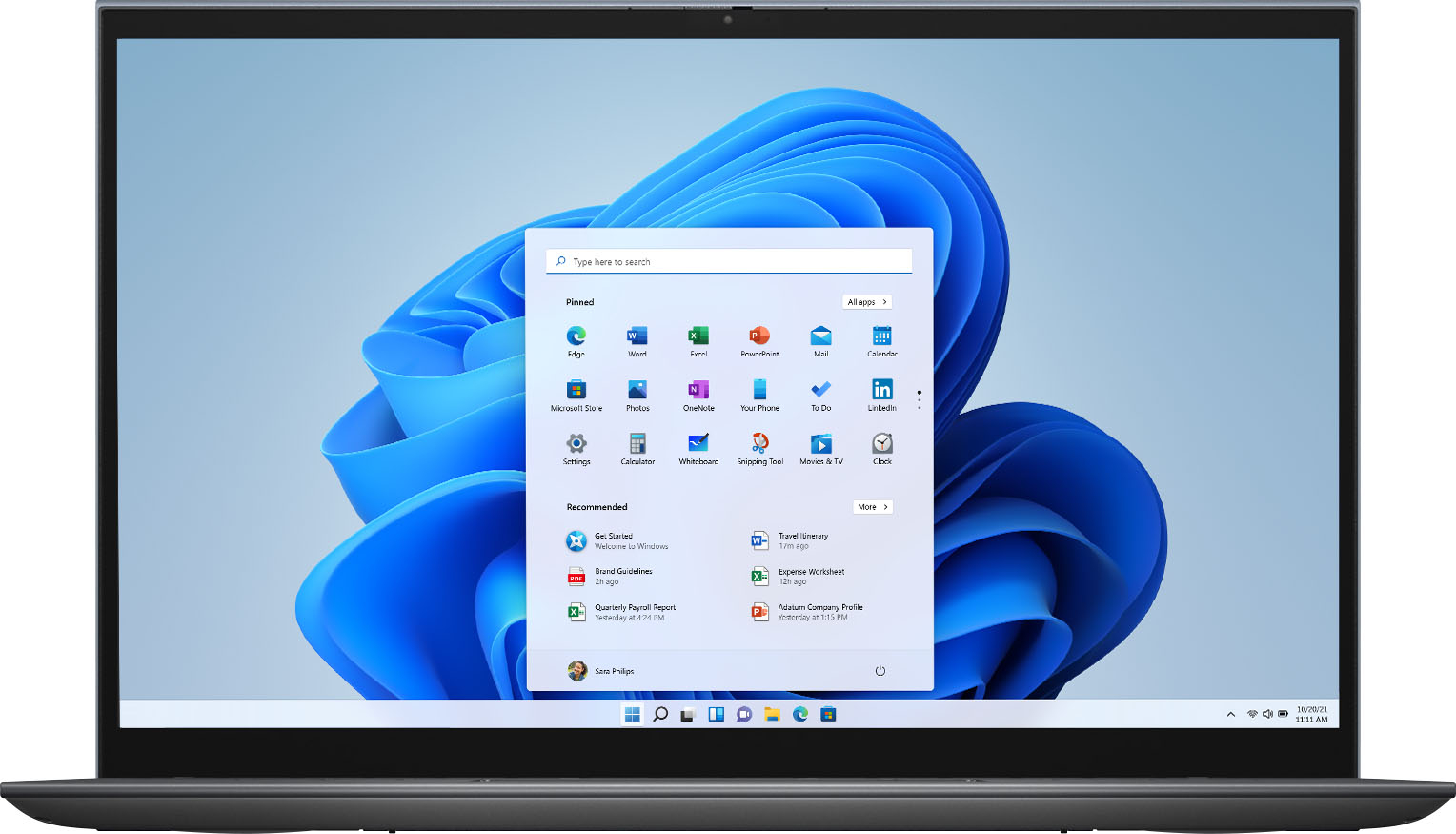
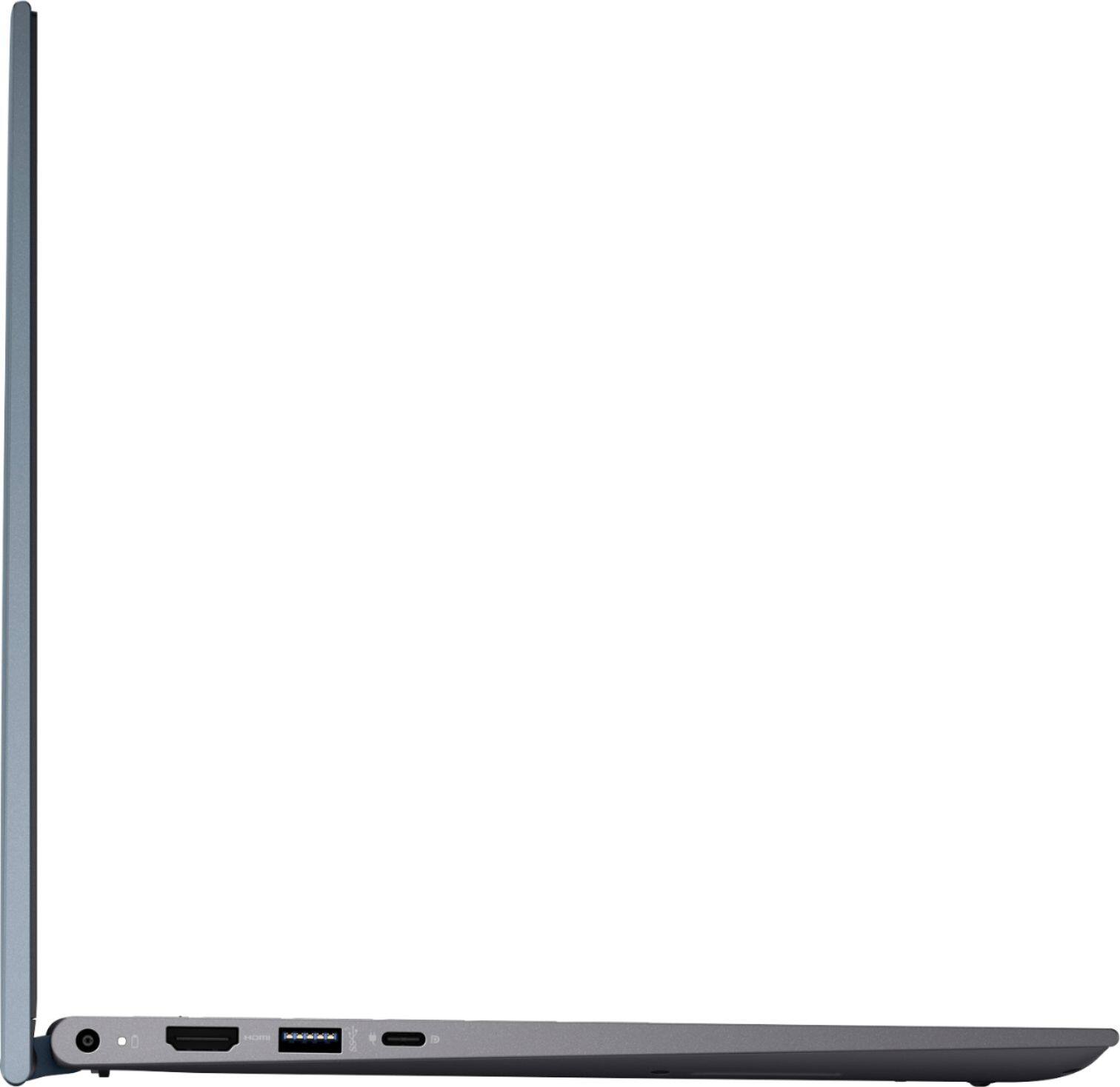
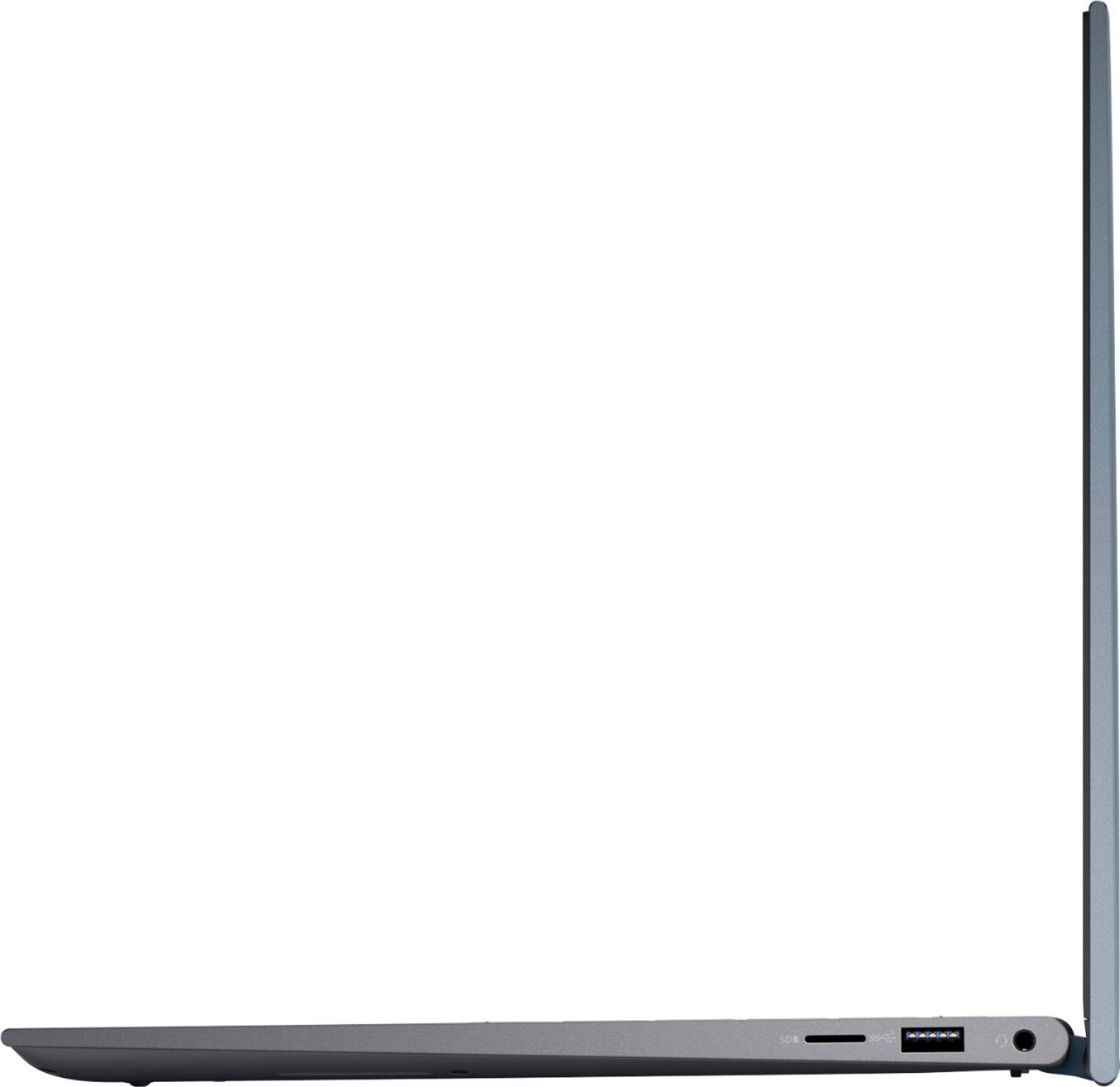

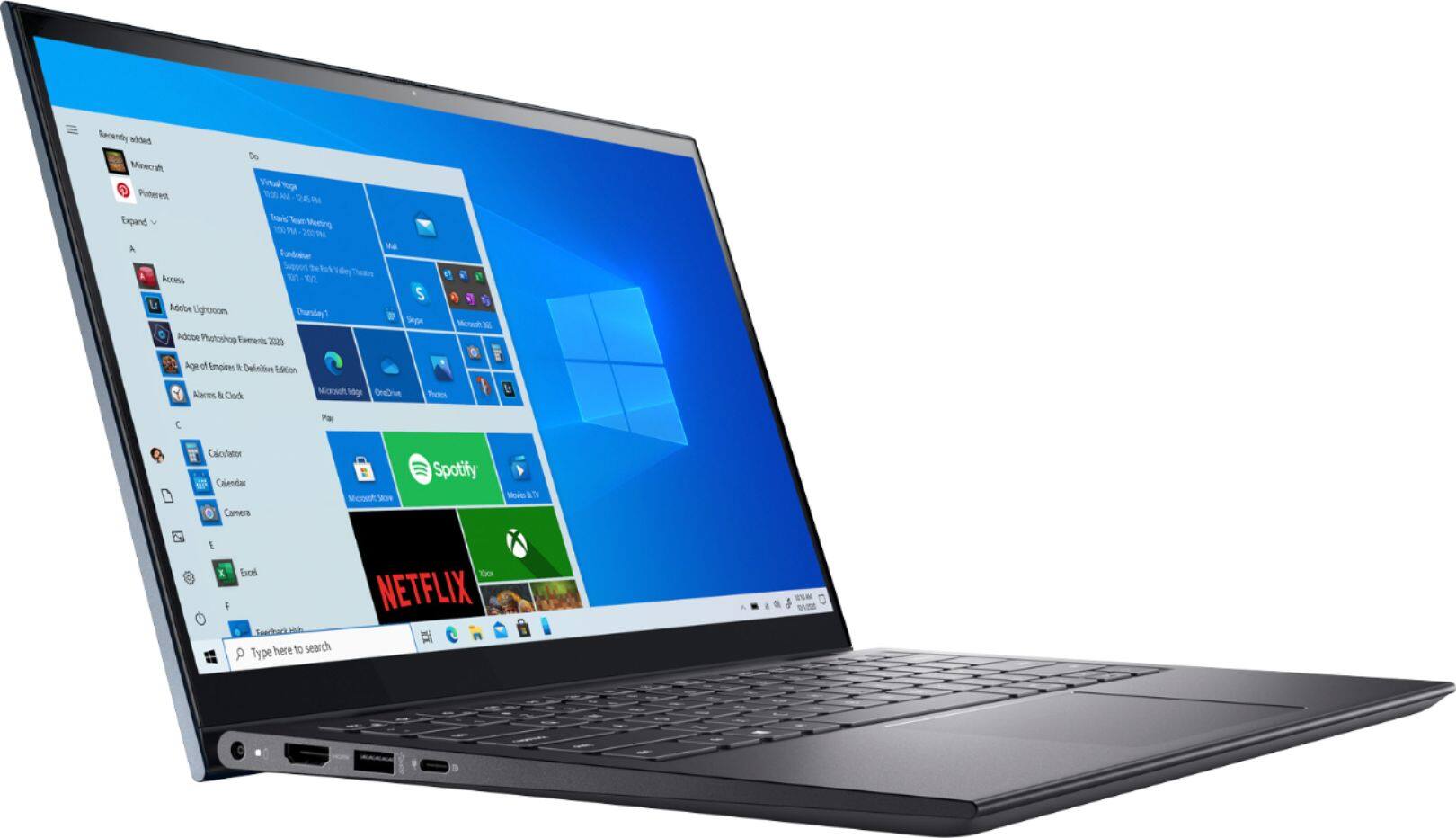
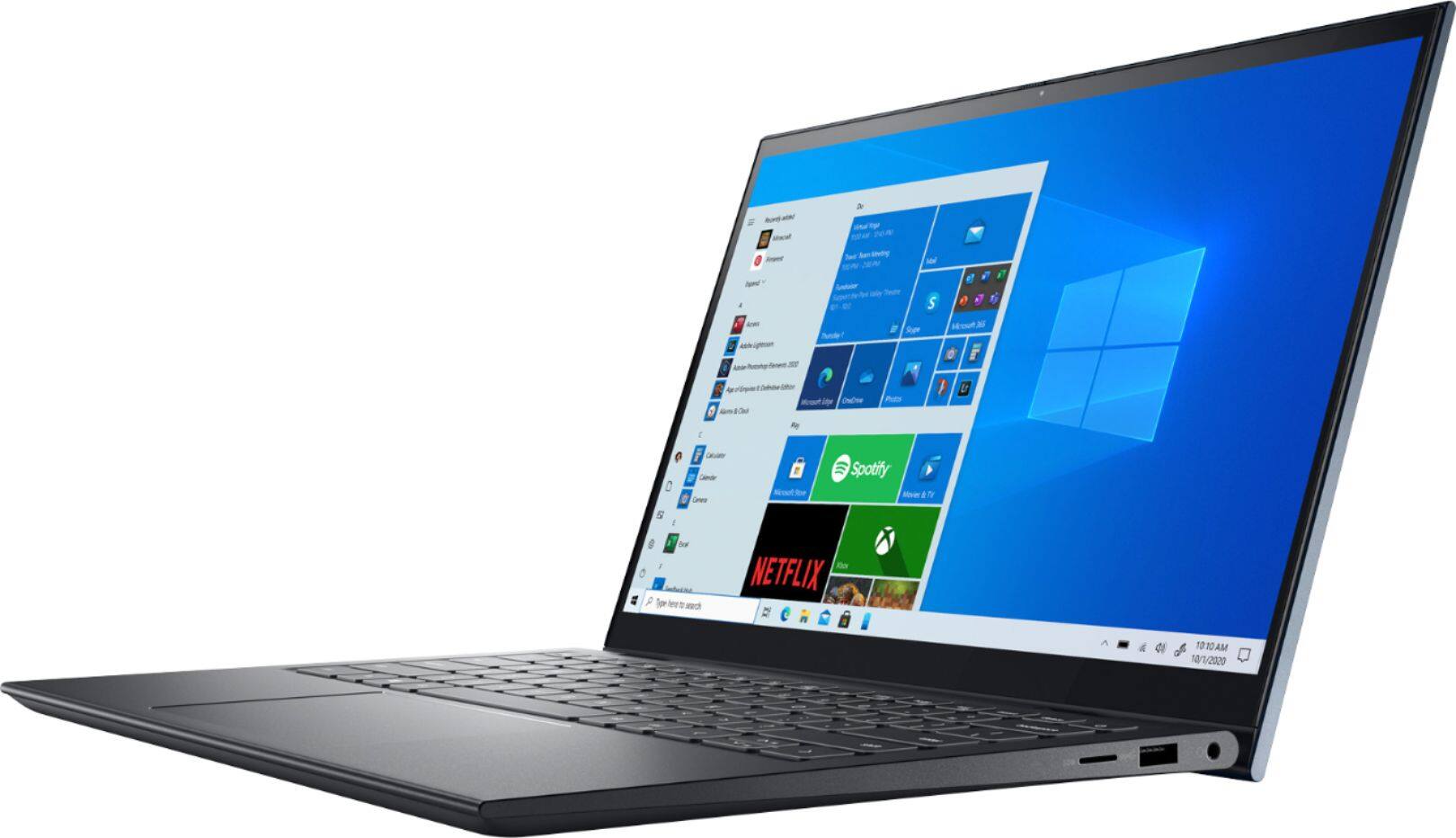
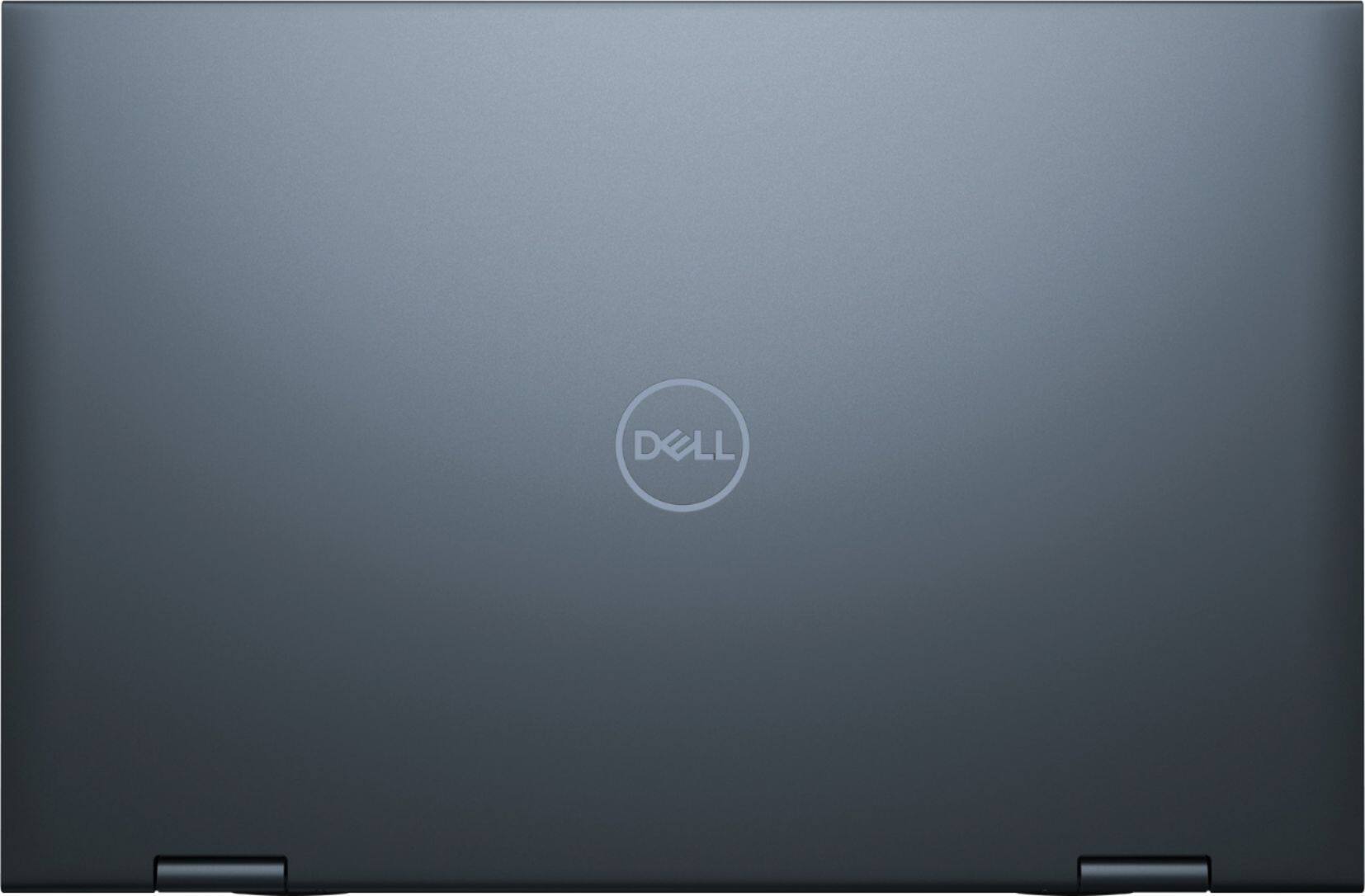

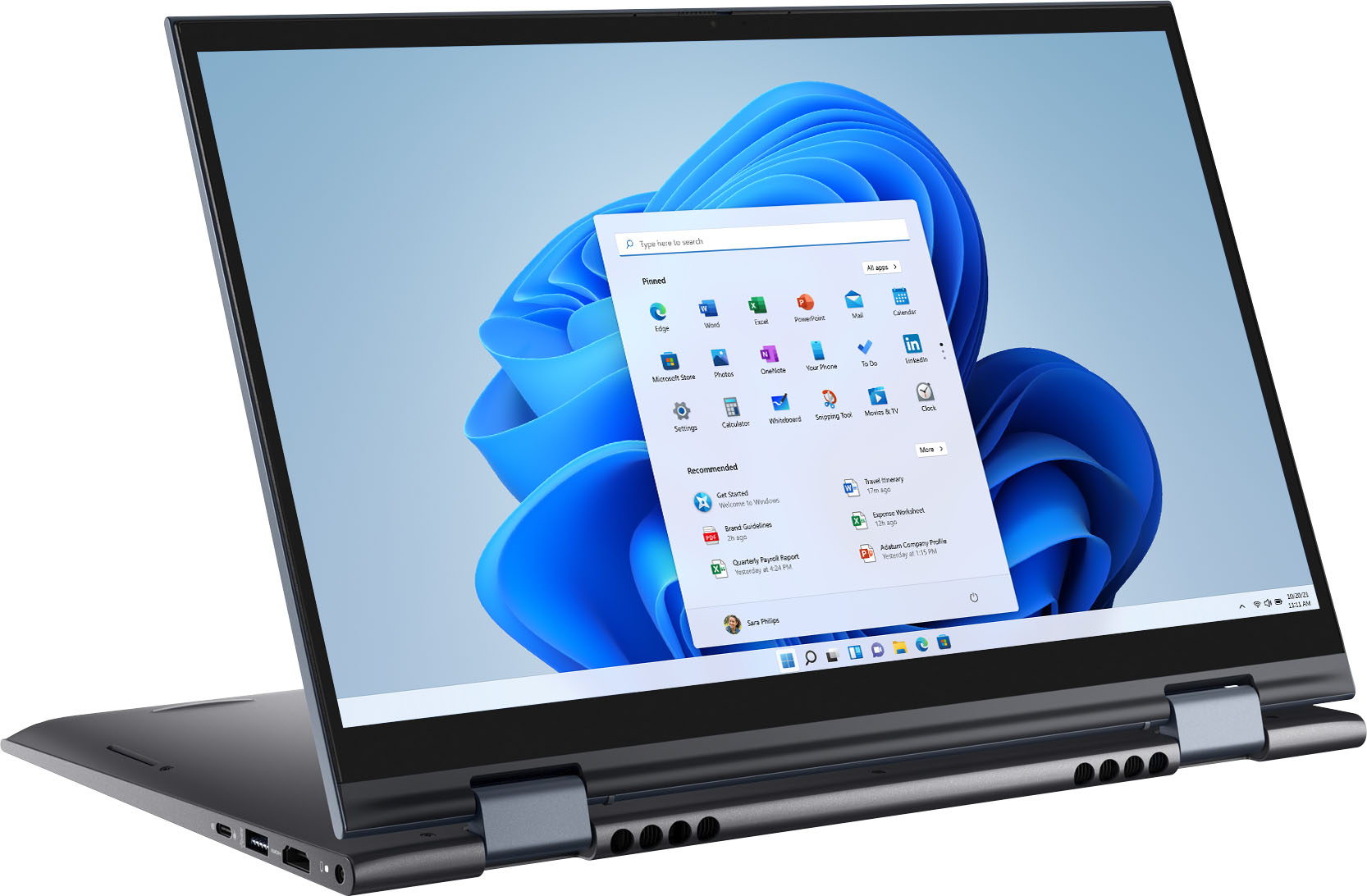
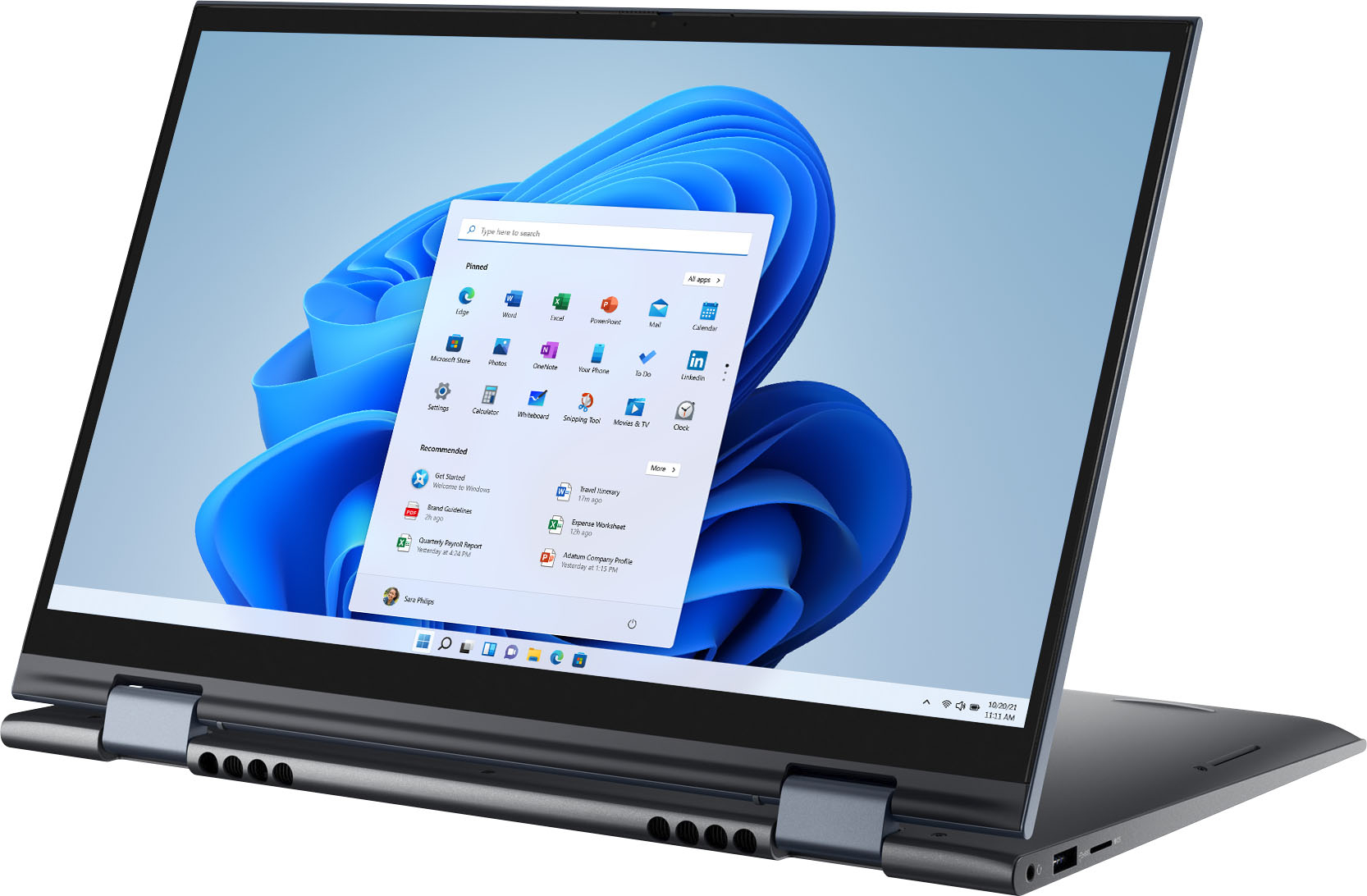
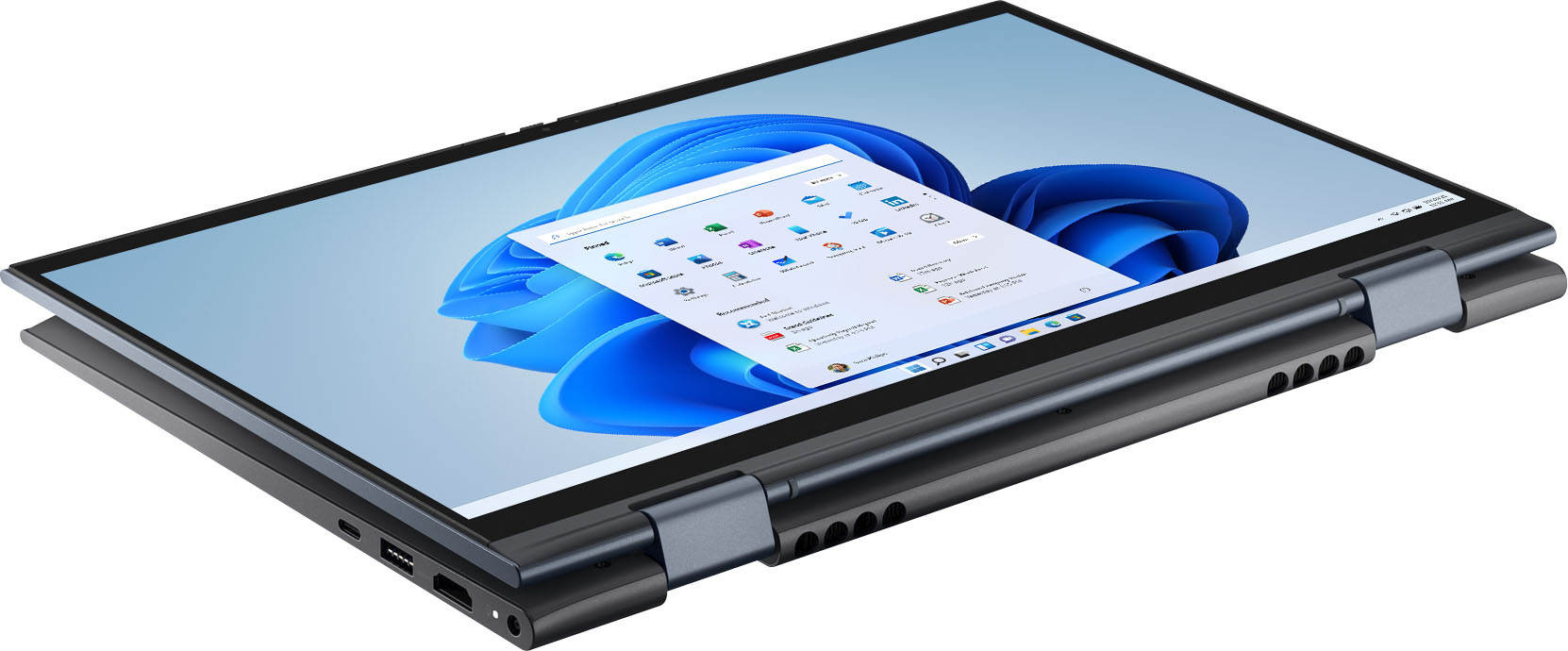
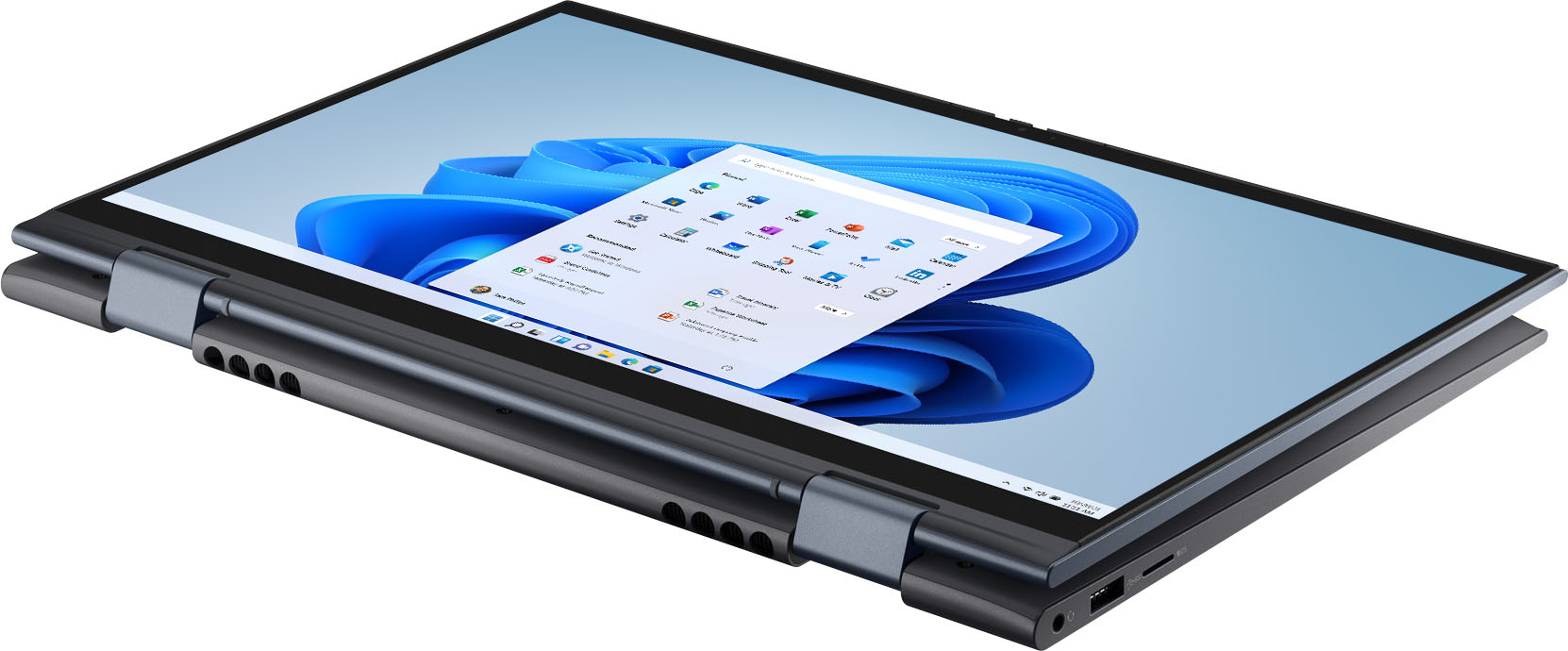

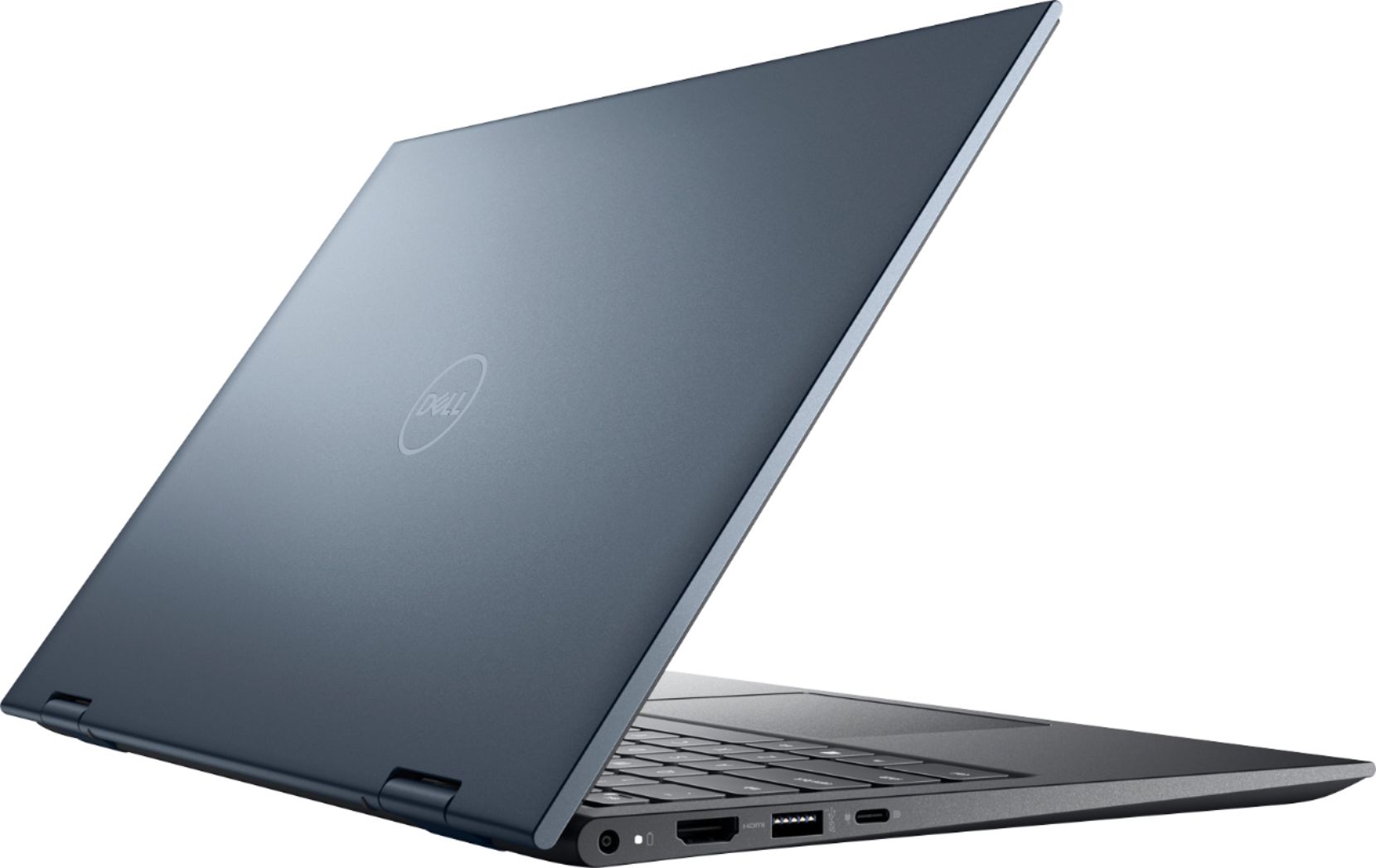
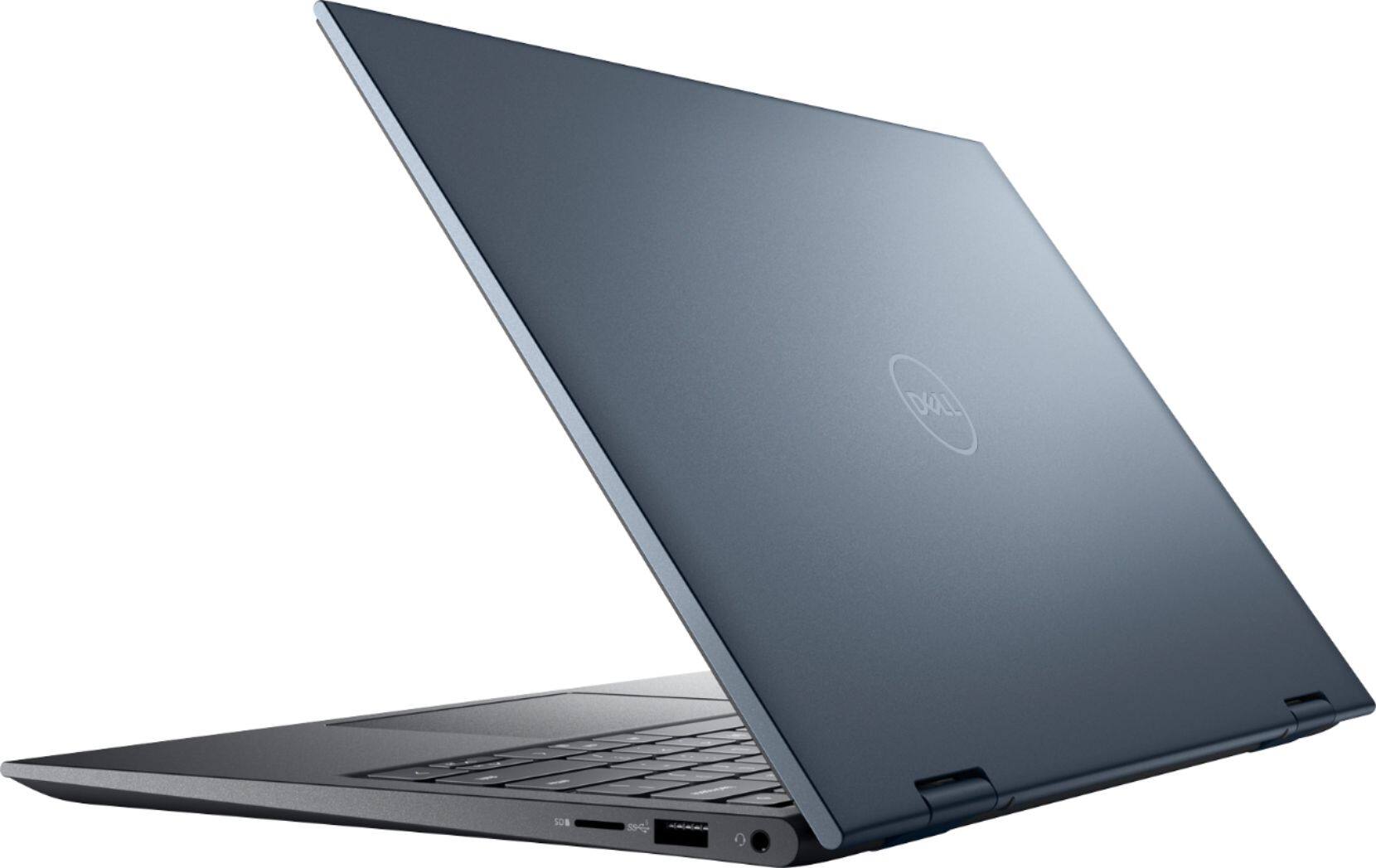
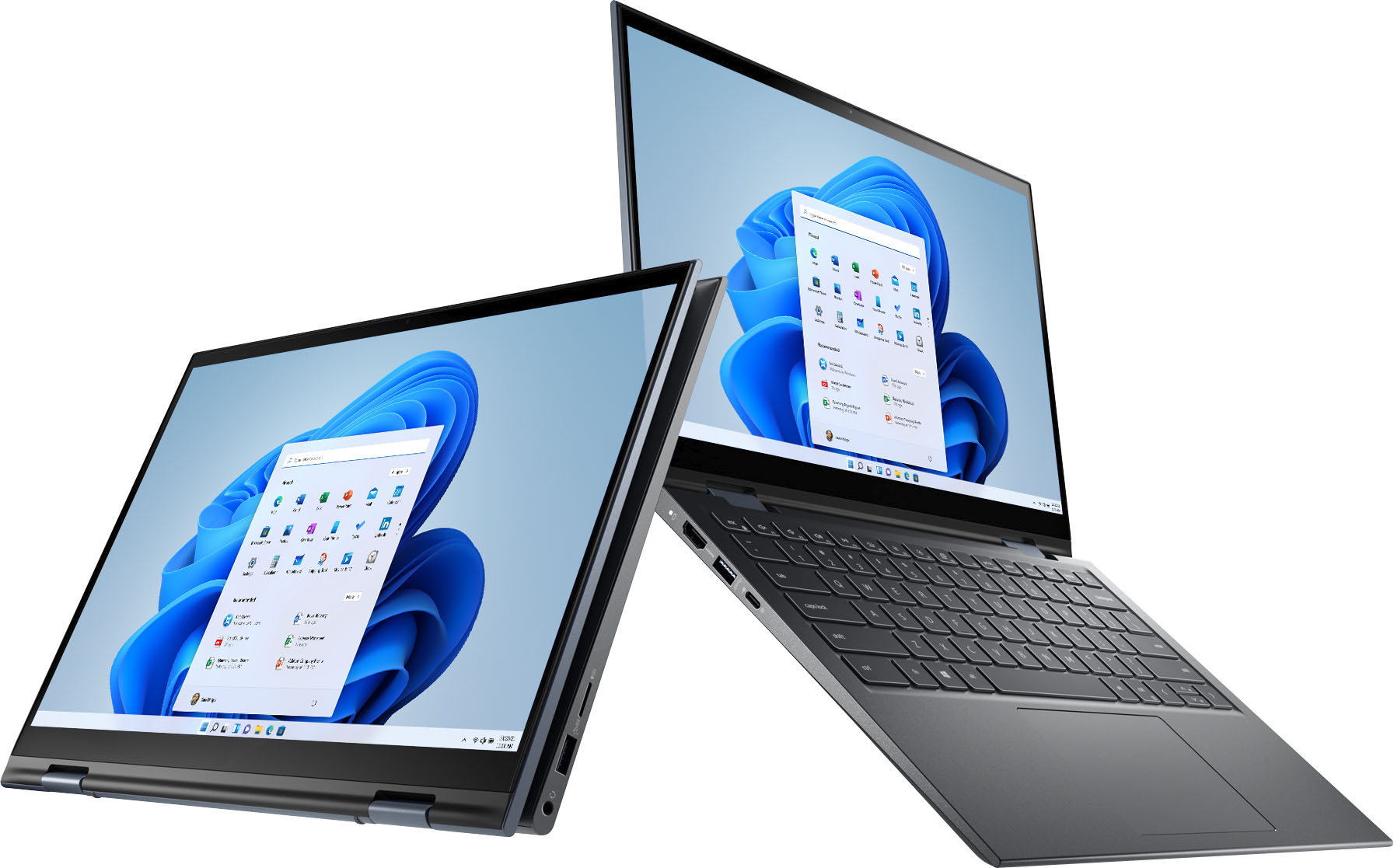
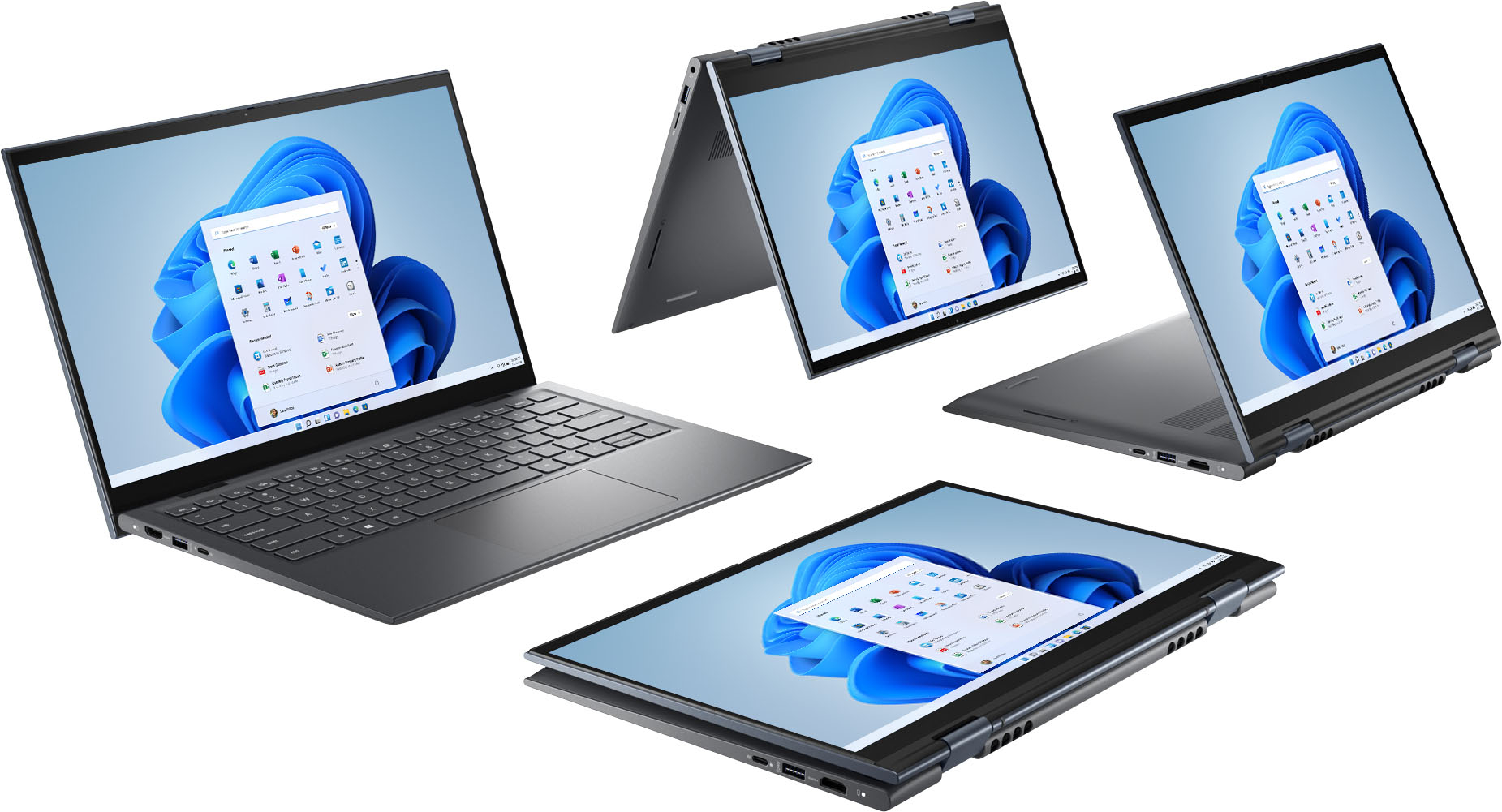

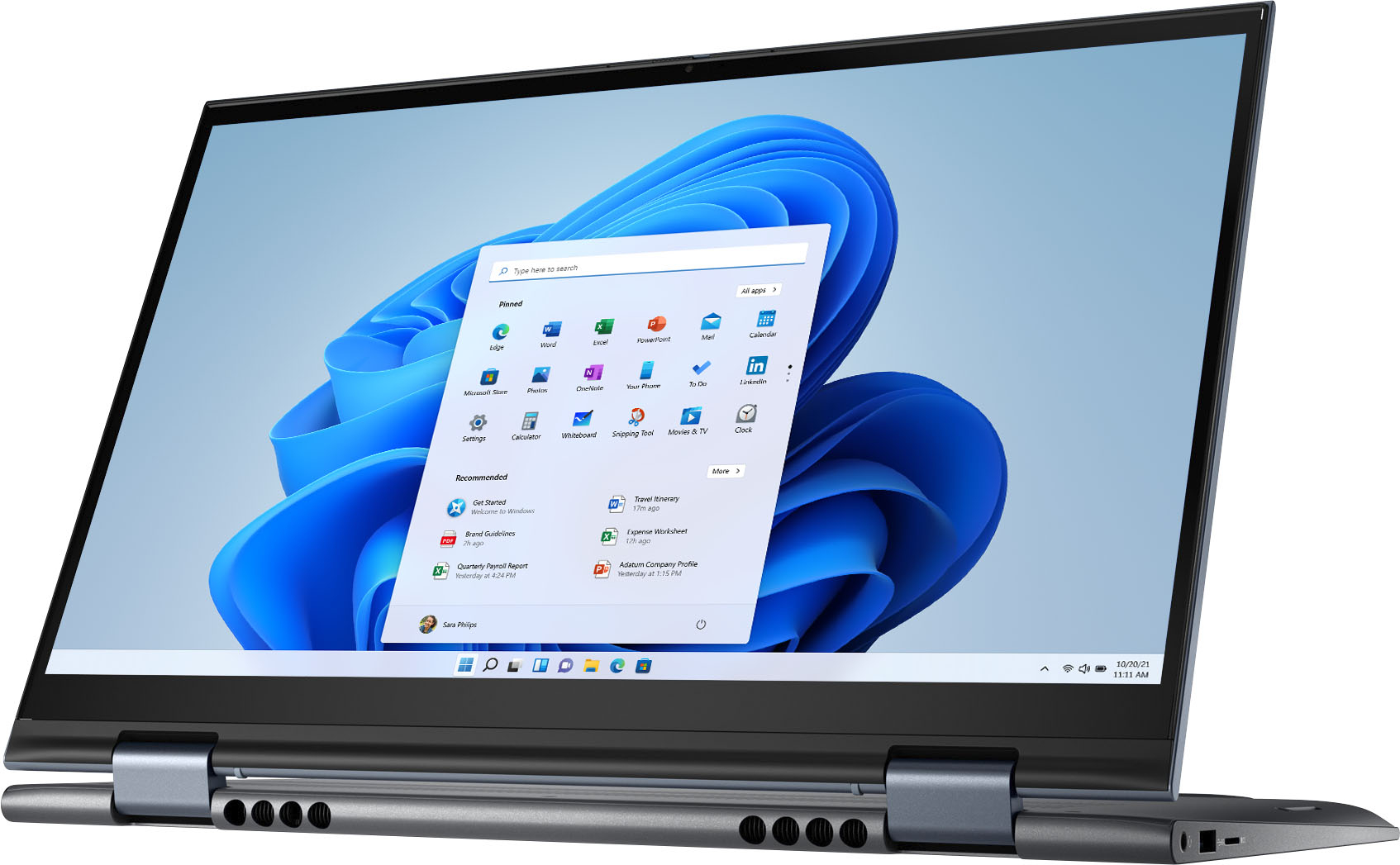
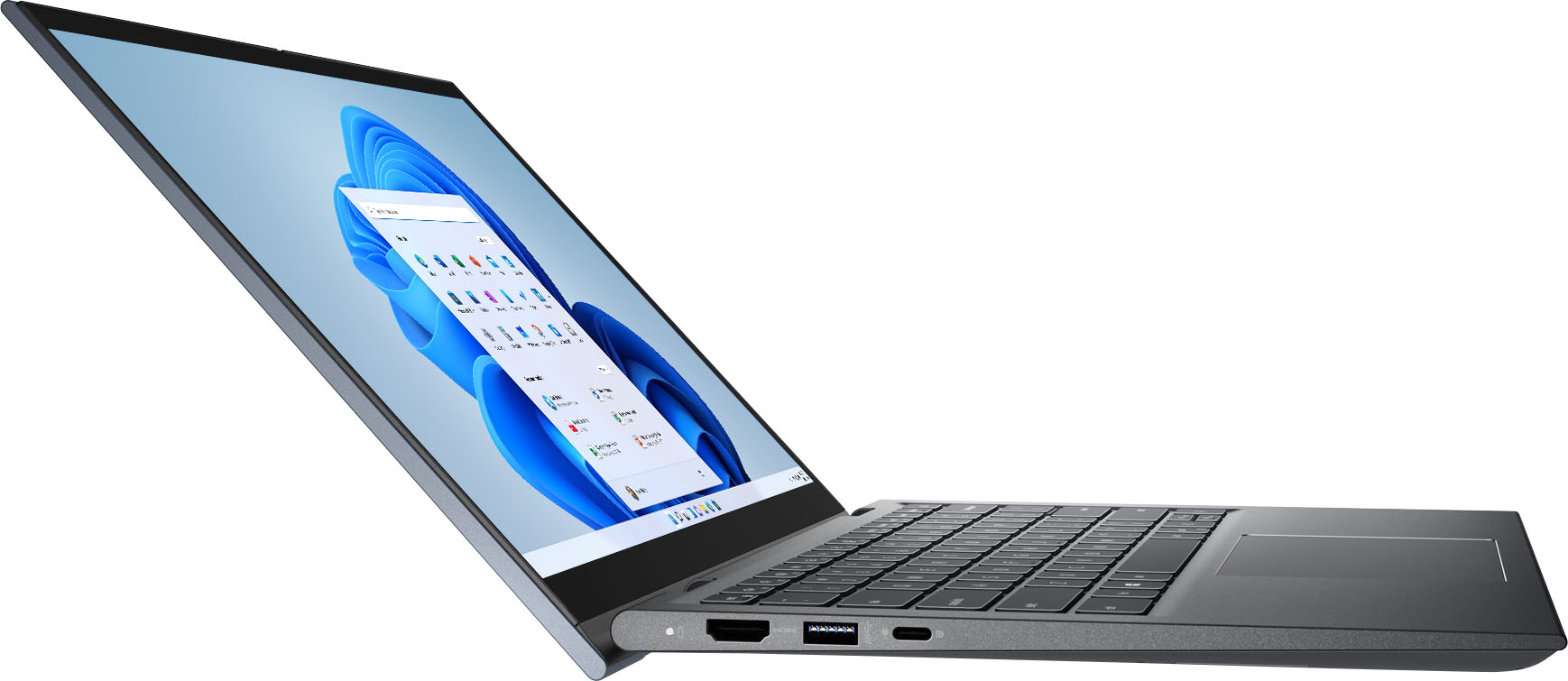
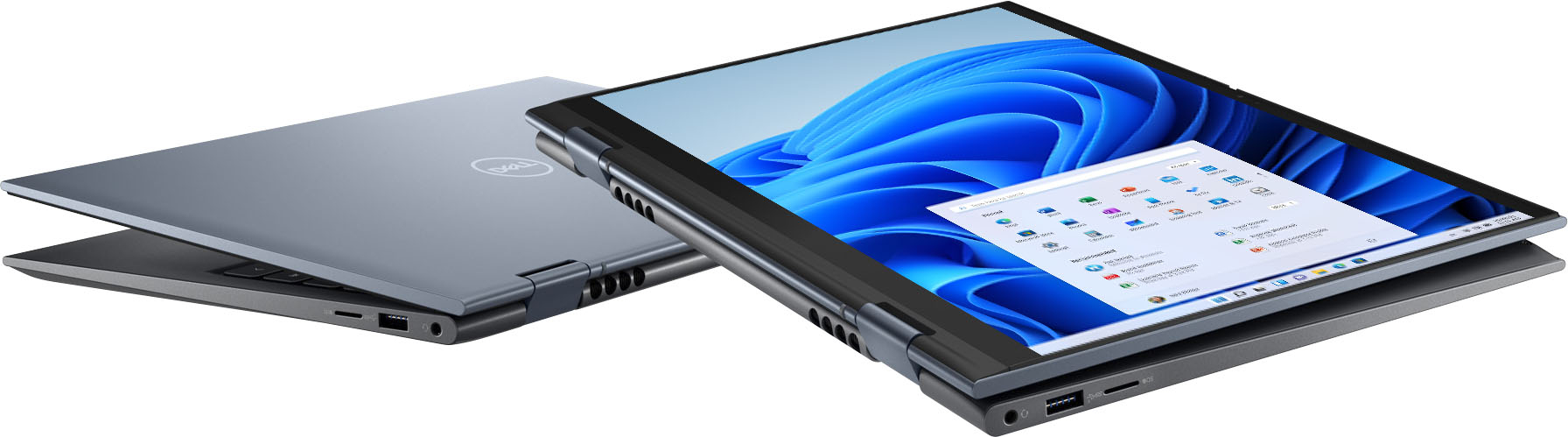
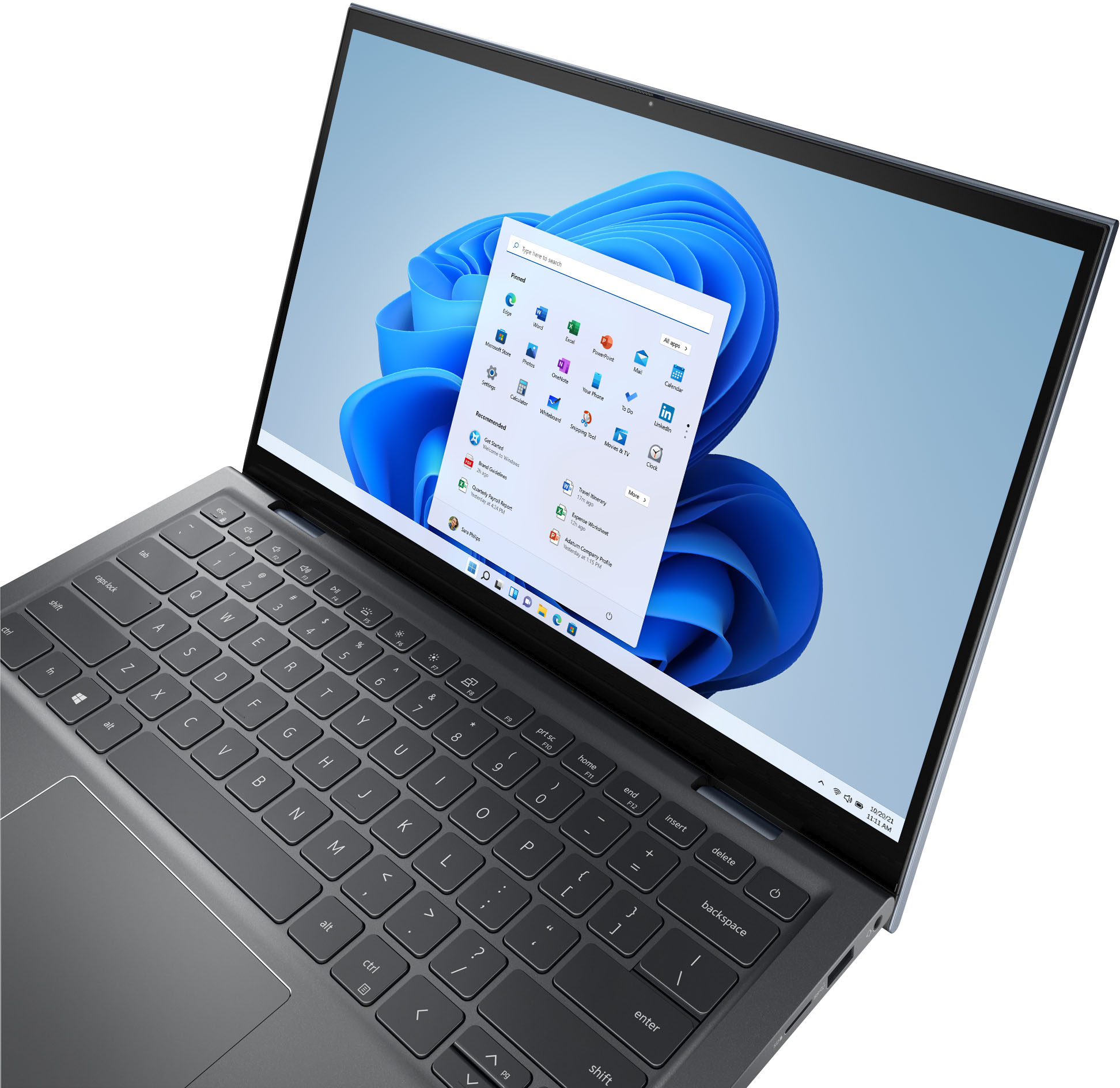




- Model:
- i7415-A906BLU-PUS
- SKU:
- 6458907
Rating by feature
- Battery Life
Rating 4.5 out of 5 stars
- Speed
Rating 4.6 out of 5 stars
- Display
Rating 4.6 out of 5 stars
Customers are saying
Customers value the Inspiron 7000 2-in-1 laptop for its touchscreen capabilities, affordable price, lightweight design, and long battery life. They appreciate its portability and ease of use, making it suitable for various tasks, including schoolwork and work-related activities. However, some customers have concerns about the durability of the hinge and the occasional fan noise.
This summary was generated by AI based on customer reviews.
Dissatisfaction
||Posted . Owned for 3 weeks when reviewed.This reviewer received promo considerations or sweepstakes entry for writing a review.I was really exited about this laptop but it hasn’t been a great experience. It constantly freezes up, the fingerprint reader only works 50% of the time and the screen orientation doesn’t change when you flip. Will be retuning
No, I would not recommend this to a friendBrand response from YourDellTeam
Posted .Dear AMATT,
We appreciate your valued feedback. We are sorry to hear you have come across some issues with your Inspiron 7415 2 in 1 that have made it less than enjoyable. To help with the freezing problem, we recommend making sure all drivers and downloads are up to date on your system, especially the BIOS. I have provided a link to the Drivers and Downloads page for PC so you can check for and do any applicable updates. As for the fingerprint reader problem, I have given you a link to an article to help with using your fingerprint reader. I have also provided a link to the Setup and Specifications Guide to help with the screen orientation issue.
Drivers and Downloads Page: https://dell.to/3FBTAje
Best Practices: https://dell.to/3Ad6DVG
Setup and Specifications Guide: https://dell.to/3Fs3DHz
If you still experience these problems after you have finished troubleshooting your system, please contact our support team here: 1-800-624-9896.
If you require further assistance, you can contact Dell directly with the information below.
Chat or call: https://bit.ly/DellSupportTeam
Phone number to Dell 1-800-624-9896
Best,
Ashley@Dell
Does not power on after 4 months
||Posted . Owned for 4 months when reviewed.This reviewer received promo considerations or sweepstakes entry for writing a review.I purchased this computer on may 9, 2022 from a Bestbuy Store. It is September 7, 2022 and it will not power on. I have contacted Dell support and they are unable to help me as there was not a service tag on the laptop (from the time of purchase) and the numbers I gave him from the charger do not match - that I now need to contact Bestbuy and see if they are able to help me further.
No, I would not recommend this to a friendBrand response from YourDellTeam
Posted .Hello Newyork569,
We want to thank you for taking the time to leave us your review and valued feedback. We are sorry to hear about the troubles you have come across with your Dell Inspiron 7415 2-in-1 laptop because it doesn’t power on. We apologize that Dell Support Team was not able to help you. This is certainly not the experience that we like to hear from our customers. We appreciate your feedback and will use it to help improve our current and future products and services.
Below I have provided a link to help resolve this issue. On that page, you can choose between, no power, no post, no boot, or no video. Once you choose you can find the options to help troubleshoot and resolve that issue. We would also suggest making sure all your drivers and downloads are up to date on your PC. I have also included a link below to the Drivers and Downloads page for your computer.
Resolve Boot Up Issues: https://dell.to/3sdfce6
Drivers and Downloads Page: https://dell.to/3CxAVEy
If the issue with your Inspiron is still not resolved after utilizing the troubleshooting options above, please contact the Dell Support Team at 1-800-624-9896 for further guidance. We hope that the next representative you speak with can help you to resolve this issue to your satisfaction.
Best,
Katarina@Dell
Should you need further assistance, you can contact Dell directly with the information below.
Chat or call: https://bit.ly/DellSupportTeam
Phone number to Dell: 1-800-624-9896
Discussed
||Posted . Owned for less than 1 week when reviewed.This reviewer received promo considerations or sweepstakes entry for writing a review.Unhappy on phone 2 hours with Tech. and 2 hours with Dell. Could not fix location, and screen stays in Portrait mode, does not rotate. Purchased on Monday,2/15 not have to return today 2/17 waist of my time. Tried again to chat with Tech...she told me I need to purchase a plan??? what plan?? Also mouse jumping all over and can not close windows..Enough
No, I would not recommend this to a friendBrand response from YourDellTeam
Posted .Hi Rock,
We would like to thank you for taking the time to provide us with your feedback. We apologize for the issues you have come across with your Inspiron 14. With a little more information, we would like to help you as soon as possible. Please use the information below to contact Dell Support at your earliest convenience.
Best,
Katarina@Dell
Should you need further assistance, you can contact Dell directly with the information below.
Chat or call: https://bit.ly/DellSupportTeam
Phone number to Dell 1-800-624-9896
eeeh
||Posted . Owned for 5 months when reviewed.This reviewer received promo considerations or sweepstakes entry for writing a review.does the job but unfortunately this is the 2nd laptop that folds back that cracks after a while of using that feature
No, I would not recommend this to a friendBrand response from YourDellTeam
Posted .Hi Maldonado,
Thank you very much for your valued feedback. We apologize for the hinge issues you are having with your Dell Inspiron 7415 2-in-1 laptop. This is certainly not the experience we like to hear from our customers. We will share your feedback with our quality team so improvements can be made in the future.
Please take a moment to contact Dell Support Team at the information provided below at your earliest convenience so we can help you to resolve this issue to your satisfaction.
Best,
Katarina@Dell
Should you need further assistance, you can contact Dell directly with the information below.
Chat or call: https://bit.ly/DellSupportTeam
Phone number to Dell: 1-800-624-9896
Worst experience ever
||Posted . Owned for 1 week when reviewed.This reviewer received promo considerations or sweepstakes entry for writing a review.I have had the worst experience with this computer and Best Buy. First off the computer showed up with a battery problem it was like bulging out of the computer and leaking some sort of substance. Best Buy told me to “return it” by mail (I live a good amount away from the store) and the carry service said you can’t ship a faulty battery product. So I ended up having to dispose of it and now I’m out $600. Thanks Best Buy for nothing!
No, I would not recommend this to a friendBrand response from YourDellTeam
Posted .Dear Emilyyoung0,
Thank you for taking the time to leave us your review. We sincerely apologize for your experience. This is certainly not what we like to hear from our valued customers. We recommend reaching out to our support team at your earliest convenience for further guidance.
You can contact Dell directly with the information below.
Chat or call: https://bit.ly/DellSupportTeam
Phone number to Dell 1-800-624-9896
Best,
Ashley@Dell
Flaws
||Posted . Owned for 3 months when reviewed.This reviewer received promo considerations or sweepstakes entry for writing a review.Nice screen. Mouse stopped working after a week or two. I have to use an external mouse
No, I would not recommend this to a friendBrand response from YourDellTeam
Posted .Dear Giancarlo,
We would like to thank you for taking the time to provide us with your feedback. We apologize for the issues you have come across with your Dell Inspiron 7000 laptop because its touchpad stopped working.
We will share your comments with our quality team, so improvements can be made now and in the future.
We would like to help you to resolve this issue. Please use the information below to contact Dell at your earliest convenience.
Best,
Katarina@Dell
Should you need further assistance, you can contact Dell directly with the information below.
Chat or call: https://bit.ly/DellSupportTeam
Phone number to Dell 1-800-624-9896
Not Good for even small application use
||Posted . Owned for 1 month when reviewed.This reviewer received promo considerations or sweepstakes entry for writing a review.Performance is not good. Though I haven't tested using complex applications because the laptop keeps hanging for small apps like one note, word, etc. I don't recommend this at all. Best buy is not accepting returns as the return period is expired which is 20 days (Unusual).
No, I would not recommend this to a friendBrand response from YourDellTeam
Posted .Dear Valued Customer,
We would like to thank you for taking the time to provide us with your feedback. We are sorry to hear that you have experienced issues with your Inspiron 7000 2-in-1 computer because it is performing slowly.
There are several ways to help improve the performance of your computer if it is running slower than you expected it to. We'd recommend the following steps to help improve your computer's overall performance and speed: 1. Restart your computer regularly.
2. Run the automated tools provided in the SupportAssist Tool.
3. Run a complete hardware diagnostic test.
4. Scan your computer for malware.
5. Restore your Dell computer using Windows System Restore.
6. Reinstall Microsoft Windows.
You can read the full steps associated with each of these recommendations here: https://dell.to/3n29QjE.
If the issue with your Inspiron is still not resolved after utilizing the troubleshooting options above, please contact the Dell Support Team at 1-800-624-9896 for further guidance.
Best,
Katarina@Dell
Should you need further assistance, you can contact Dell directly with the information below.
Chat or call: https://bit.ly/DellSupportTeam
Phone number to Dell 1-800-624-9896
Disappointed
||Posted . Owned for 1 month when reviewed.This reviewer received promo considerations or sweepstakes entry for writing a review.the laptop is okay but slow. I miss my MS Surface Pro Tablet. Wished I bought a new one of those rather than this Dell.
No, I would not recommend this to a friendBrand response from YourDellTeam
Posted .Hello Valued Customer,
We would like to thank you for taking the time to provide us with your feedback. We apologize for the issues you have come across with your Dell Inspiron 7415 laptop because it is performing very slowly.
I have provided some steps you can take that should help with this issue.
There are several ways to help improve the performance of your computer if it is running slower than you expected it to. We'd recommend the following steps to help improve your computer's overall performance and speed:
1. Restart your computer regularly.
2. Run the automated tools provided in the SupportAssist Tool.
3. Run a complete hardware diagnostic test.
4. Scan your computer for malware.
5. Restore your Dell computer using Windows System Restore.
6. Reinstall Microsoft Windows.
You can read the full steps associated with each of these recommendations here: https://dell.to/3n29QjE.
If the performance issue with your Inspiron is still not resolved after utilizing the troubleshooting options above, please contact the Dell Support Team at 1-800-624-9896 for further guidance.
Best,
Katarina@Dell
Should you need further assistance, you can contact Dell directly with the information below.
Chat or call: https://bit.ly/DellSupportTeam
Phone number to Dell
Literally anything is better
||Posted . Owned for 1 week when reviewed.This reviewer received promo considerations or sweepstakes entry for writing a review.Right now for a little more money you can get a MacBook Air, it’s half the size and like a third the weight, doesn’t have all the annoying windows 10 bugs, and you can honestly have a Mac for roughly the same investment. Honestly, buy anything else, dell quality hasn’t been at it’s best lately and I’ve heard a lot of complaints and I would simply recommend skipping the dell section altogether. My experience is not only based on this instance.
No, I would not recommend this to a friendBrand response from YourDellTeam
Posted .Hello,
Thank you for sharing your thoughts. We are sorry to hear that the Inspiron has not met all your expectations. Your feedback is sincerely appreciated and will surely be taken into consideration when designing future products. If you have any questions, don't hesitate to visit the support page for your Inspiron.
Best,
Wendy C.
https://bit.ly/DellSupportTeam.
Phone number to Dell: 1-800-264-9896.
CRASHED IN 30
||Posted . Owned for 1 month when reviewed.This reviewer received promo considerations or sweepstakes entry for writing a review.This computer crashed within 30 days of owning which just conveniently was past the holiday return policy for Best Buy. I purchased the Webroot Security and Microsoft Bundle so I'm out over $700 since this was a holiday special. So frustrating - DO NOT RECOMMEND.
No, I would not recommend this to a friendBrand response from YourDellTeam
Posted .Hi Dellnomore,
Thank you for your review and valued feedback. We sincerely apologize for the trouble you have had with your Inspiron 7415 2 in 1 crashing. This is certainly not what we like to hear from our loyal customers. Below I have provided a link to help resolve this issue. On that page, you can choose between, no power, no post not boot, or no video. Once you choose you can find the options to help troubleshoot and resolve that issue.
Resolve boot up issues: https://dell.to/3sdfce6
If you still experience this issue after you have finished troubleshooting your system, please feel free to contact our support team here: 1-800-624-9896.
Best Regards,
Ashley@Dell
Should you need further assistance, you can contact Dell directly with the information below.
Chat or call: https://bit.ly/DellSupportTeam
Phone number to Dell 1-800-624-9896
DO NOT BUY THIS MACHINE.
||Posted . Owned for 1 month when reviewed.This reviewer received promo considerations or sweepstakes entry for writing a review.Junk. Within 24 hours of the purchase, I was downloading the Windows update. When I rebooted I get the message " Your memory is full. Memory used up? I had it for less than a week. Only add were updates issued by Microsoft. There is no way only updates could fill a new machine. I finally got a return of my money. Had to rattle cages to get the return. The machine sucks
No, I would not recommend this to a friendBrand response from YourDellTeam
Posted .Hi Jacpeace72,
Thank you very much for your valued review. We are sorry to hear that you were not too happy with your Dell Inspiron 7415 2-in-1 laptop and that you have ultimately decided to return this system. We will share your comment with our quality team, so future improvements can be made. In the future, we would love the opportunity to help troubleshoot any problems you may be facing.
Even if this particular product was not the right fit for you we hope that you will consider Dell in the future when you make your next system purchase.
If you come across any questions about the Dell products, please don’t hesitate to contact Dell Support Team at the information provided below.
Best,
Katarina@Dell
Should you need further assistance, you can contact Dell directly with the information below.
Chat or call: https://bit.ly/DellSupportTeam
Phone number to Dell 1-800-624-9896
College laptop
||Posted . Owned for 3 weeks when reviewed.This reviewer received promo considerations or sweepstakes entry for writing a review.We got this for my daughter to take to college. It's fine for her studies, but she does have issues trying to watch tv on it.
No, I would not recommend this to a friendBrand response from YourDellTeam
Posted .Hello LIsa,
Thank you for taking a moment to feedback and response. We are glad to hear that this Inspiron is meeting all of your expectations. We would like to assist your daughter with any troubleshooting needs but would need a little more information. Please feel free to reach out to Dell Support directly at 1-800-264-9896.
Best,
Wendy C.
https://bit.ly/DellSupportTeam.
Phone number to Dell: 1-800-264-9896.
Horrible Laptop
||Posted . Owned for 1 month when reviewed.This reviewer received promo considerations or sweepstakes entry for writing a review.I bought the Dell laptop a month ago. It freezes and overheats constantly. Best Buy will not allow me ro exchange it for another one because they it is past the return date. However, the salesman convined me that it is good laptop.....this is the second Dell laptop that overheats.
No, I would not recommend this to a friendBrand response from YourDellTeam
Posted .Hi Graduategirl19,
We appreciate you taking the time to leave us your review. We are sorry to hear about the issue you have encountered with your Dell Inspiron 7415 2-in-1 laptop because it is freezing up and overheating.
To help with overheating issue, we would recommend making sure the BIOS is up to date on your PC. I have provided a link to the Drivers and Downloads page so you can check for and do any applicable updates. Dell has also released an Intel Power Management Utility to help with the overheating that you may be experiencing on your computer. For this package to take effect, the system power plan must be set to Balanced under the Additional Power Settings. Also, the Power Mode option that is displayed when you click the battery icon, should be set to Better Performance. This package only takes effect on AC power and not on battery power. The Intel Power Management Utility can be found here - http://dell.to/3tStRgX.
Drivers and Downloads Page: https://dell.to/3CxAVEy
I have also provided a list of solutions for the freezing issue:
Resolutions
1. Run a Computer Diagnostic. To determine if your computer is experiencing a hardware problem, run the Dell Pre-boot System Assessment (PSA) Diagnostics. For information on how to run Diagnostics, and to determine the issue, refer to Dell Knowledge Base Article: http://dell.to/2iaiujA
2. Check Safe Mode for Symptoms. To boot into safe mode, please follow the instructions below:
a) Start the computer.
b) Tap 'F8' on the keyboard immediately and every one second until the Dell logo screen disappears. From there you will see the Windows Advanced Options Menu on the screen. (If the Windows Advanced Options Menu does not appear, restart the system and try again.)
c) Select Safe mode with Networking and press Enter.
d) Log on as the administrator or as a user with administrative access.
e) Open applications and test the computer in safe mode. If the symptoms exist in safe mode, please continue the troubleshooting steps in this article. If the symptoms do not exist in safe mode, the issue is likely related to a driver or software and you may wish to complete step 3 to see if you are able to resolve the lockups or freezing.
3. Check for Malware. Malware (Virus, Spyware, etc.) can definitely cause a Windows system to lock up or appear to hang. To check for malware on your system and to ensure that your computer is up to date on security software, visit Dell Knowledge Base Article: http://dell.to/2wWP1zI
You can read the full article here - https://dell.to/3rTldMZ
If the issues with your laptop are still not resolved after utilizing the troubleshooting options above, please contact the Dell Support Team at 1-800-624-9896 for further guidance.
Best,
Katarina@Dell
Should you need further assistance, you can contact Dell directly with the information below.
Chat or call: https://bit.ly/DellSupportTeam
Phone number to Dell 1-800-624-9896
Overheats way to much
||Posted . Owned for 1 week when reviewed.This reviewer received promo considerations or sweepstakes entry for writing a review.Not sure if I receive a bad one, but as soon as I opened up the computer to configure it… almost immediately the fans kicked in. Coming from an IT background this is usually the case for new computers, but after 6 hours of having it running and multiple rebooting it still would not slow down the fans and stop overheating. It was a cool little thing, but I just wish it worked
No, I would not recommend this to a friendBrand response from YourDellTeam
Posted .Hi MC95,
Thank you for taking the time to leave us your review. We apologize for the overheating problem you are having with your Inspiron 7415 2 in 1. We suggest making sure all drivers and downloads are up to date on your PC, especially the BIOS. We have provided a link to the Drivers and Downloads page for your system so you can check for and do any applicable updates.
Drivers and Downloads Page: https://dell.to/3dL7Tpp
If you still experience this problem after you have finished troubleshooting your PC, please contact our support team here: 1-800-624-9896.
If you require further assistance, you can contact Dell directly with the information below.
Chat or call: https://bit.ly/DellSupportTeam
Phone number to Dell 1-800-624-9896
Best,
Ashley@Dell
- Pros mentioned:Lightweight, Speed

Compact, turns into a tablet and fast, plus Alexa
|Posted .This reviewer received promo considerations or sweepstakes entry for writing a review.Im actually writing this review on this device right now and its super fast, compact and has all the latest bells and whistles and is a Windows computer. Not only does this device flip over and turns instantly into a tablet, it is a small and compact enough to slip inside a small bag and pull out and start working on it. Easy set up and connects immediately to your Microsoft accounts and includes MS Edge. What is great about this device is that it is a Dell and includes all of the fast Dell technology which includes a bright display and a fast AMD chip. This is a great moderately priced laptop/tablet combo.
I would recommend this to a friend Item was returned
||Posted . Owned for 3 weeks when reviewed.This reviewer received promo considerations or sweepstakes entry for writing a review.Didn’t like the product, I didn’t realize it had no side # keyboard.
No, I would not recommend this to a friendBrand response from YourDellTeam
Posted .Hello Chino,
Thank you very much for your valued feedback. We are sorry to hear that you have decided to return your Dell Inspiron 7415 laptop because of its keyboard layout. We will share your comment with our quality team so future improvements can be made. Even if this particular product was not the right fit for you we hope that you will consider Dell in the future when you make your next system purchase.
If you come across any questions or have concerns about this product, please don’t hesitate to contact Dell Support Team at the information provided below.
Best,
Katarina@Dell
Should you need further assistance, you can contact Dell directly with the information below.
Chat or call: https://bit.ly/DellSupportTeam
Phone number to Dell: 1-800-624-9896
Inspiration 7451
||Posted . Owned for 7 months when reviewed.This reviewer received promo considerations or sweepstakes entry for writing a review.I have had this product since the end of November 2021 and the hinge on the screen randomly stopped working and I can no longer open or close the laptop. After searching on Dell it appears to be a common issue and is not covered under warranty. First and last time buying a Dell.
No, I would not recommend this to a friendBrand response from YourDellTeam
Posted .Hello JK77,
We would like to thank you for taking the time to provide us with your feedback. We are sorry to hear that you have come across some trouble with your Dell Inspiron 7415 2-in-1 laptop because of its hinge broke. This is certainly not what we like to hear from our valued customers. We will share your comment about this issue with our quality team so future improvements can be made.
Please use the information below to contact Dell at your earliest convenience so we can help to resolve this issue as soon as possible.
Best,
Katarina@Dell
Should you need further assistance, you can contact Dell directly with the information below.
Chat or call: https://bit.ly/DellSupportTeam
Phone number to Dell 1-800-624-9896
Terrible
||Posted .This reviewer received promo considerations or sweepstakes entry for writing a review.Laptop is slow battery life sucks, laptop won’t turn on,
No, I would not recommend this to a friendBrand response from YourDellTeam
Posted .Hi Valued Customer,
Thank you very much for your valuable feedback. We are sorry to hear that you are not too happy with your Dell Inspiron 7415 2-in-1 laptop because it is performing slowly, its battery doesn’t hold charge very long and it won’t turn on.
I have provided some steps you can take that should help with the slow performance issue.
There are several ways to help improve the performance of your computer if it is running slower than you expected it to. We'd recommend the following steps to help improve your computer's overall performance and speed:
1. Restart your computer regularly.
2. Run the automated tools provided in the SupportAssist Tool.
3. Run a complete hardware diagnostic test.
4. Scan your computer for malware.
5. Restore your Dell computer using Windows System Restore.
6. Reinstall Microsoft Windows.
We also recommend making sure all drivers and downloads are up to date on your PC. I have given you a link to the Drivers and Downloads page for your computer.
Drivers and Downloads page: https://dell.to/3PQa4tw
If the issues with your Inspiron are still not resolved after utilizing the troubleshooting options above, please contact the Dell Support Team at 1-800-624-9896 for further guidance.
To help your battery perform better, we recommend changing the Power Plan:
1. On the taskbar’s notification area, right-click the Battery icon.
2. On the options list, click Power Options.
3. Select a power plan on the battery meter, such as Power Saver or Balanced. Windows 10 has a built-in 'Battery Saver' mode that can be activated to extend your system's battery life. The Battery Saver mode will monitor and limit background activity and other features such as push notifications. You do have the option to enable or disable this mode within settings or within advanced Battery Saver settings, you can customize the mode to best suit your needs.
a) Click on the Action Center icon in the taskbar and select the tile for Battery Saver.
b) If running Cortana, type Battery Saver into the search box and select from the results.
Within the Battery Saver settings page, you will be able to turn on and off the feature and customize the feature to best meet your needs.
c) Turn Battery Saver On or Off.
d) Additional settings available via the Battery use and Battery saver settings links.
e) Battery use shows further info on apps and their power usage.
f) Battery Saver Settings screen allows you to customize further Battery Saver features.
You can read the full article here - http://dell.to/2vfXWf4
To help resolve the booting issue, please see the link below for troubleshooting tips. On that page, you can choose between, no power, no post, no boot, or no video. Once you choose you can find the options to help troubleshoot and resolve that issue. We would also suggest making sure all your drivers and downloads are up to date on your PC. I have also given you a link below to the Drivers and Downloads page for your computer.
Resolve Boot Up Issues: https://dell.to/3sdfce6
Drivers and Downloads Page: https://dell.to/3CxAVEy
After utilizing the troubleshooting options provided, if the problem is not resolved, please contact our support team for further guidance here: 1-800-624-9896.
Best,
Katarina@Dell
Should you need further assistance, you can contact Dell directly with the information below.
Chat or call: https://bit.ly/DellSupportTeam
Phone number to Dell 1-800-624-9896
Just pk
||Posted . Owned for 2 weeks when reviewed.This reviewer received promo considerations or sweepstakes entry for writing a review.This laptop is ok but not for me too slow lol not for me
I would recommend this to a friendBrand response from YourDellTeam
Posted .Hi MOCC,
Thank you very much for your valuable feedback. We are sorry to hear that you are not too happy with your Dell Inspiron 7415 2-in-1 because it is performing very slowly.
I have provided some steps you can take that should help with this issue.
There are several ways to help improve the performance of your computer if it is running slower than you expected it to. We'd recommend the following steps to help improve your computer's overall performance and speed:
1. Restart your computer regularly.
2. Run the automated tools provided in the SupportAssist Tool.
3. Run a complete hardware diagnostic test.
4. Scan your computer for malware.
5. Restore your Dell computer using Windows System Restore.
6. Reinstall Microsoft Windows.
You can read the full steps associated with each of these recommendations here: https://dell.to/3n29QjE.
If the issue with the performance is still not resolved after utilizing the troubleshooting options above, please contact the Dell Support Team at 1-800-624-9896 for further guidance.
Best,
Katarina@Dell
Should you need further assistance, you can contact Dell directly with the information below.
Chat or call: https://bit.ly/DellSupportTeam
Phone number to Dell 1-800-624-9896
Faulty Model
||Posted . Owned for 3 months when reviewed.This reviewer received promo considerations or sweepstakes entry for writing a review.Dec 15 Right Hinge on computer screen broke cracking screen...Fixed under warranty. After checking on internet definitely a product problem..Dell should recall all these computers.
No, I would not recommend this to a friendBrand response from YourDellTeam
Posted .Hello RobertB,
Thank you for taking the time to leave a review of your Inspiron 7415. We are sorry to hear that your hinge broke causing your screen to break. That is not the type of Dell intends deliver or the type of feedback we like to hear from our customers. We have noted the details of your statement and we will use them to improve current and future products.
Should you need further assistance; we recommend that you contact Dell directly with the information below.
Chat or call: https://bit.ly/DellSupportTeam
Phone number to Dell: 1-800-624-9896.
Best Regards,
Summer@Dell