Customer Ratings & Reviews
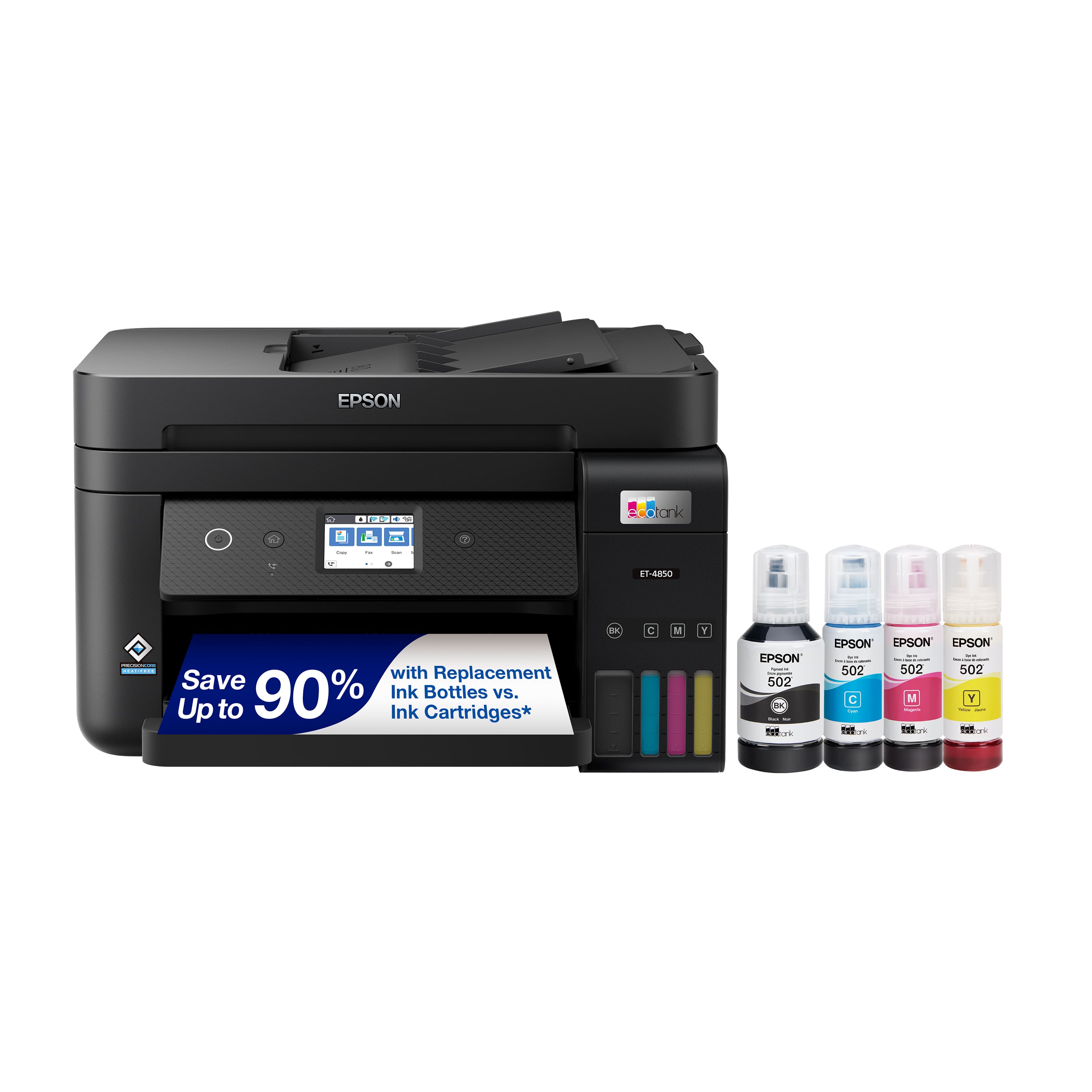
.](https://pisces.bbystatic.com/image2/BestBuy_US/images/products/a01213e6-2fa2-47d6-b2f3-64e0bf48e22f.jpg)
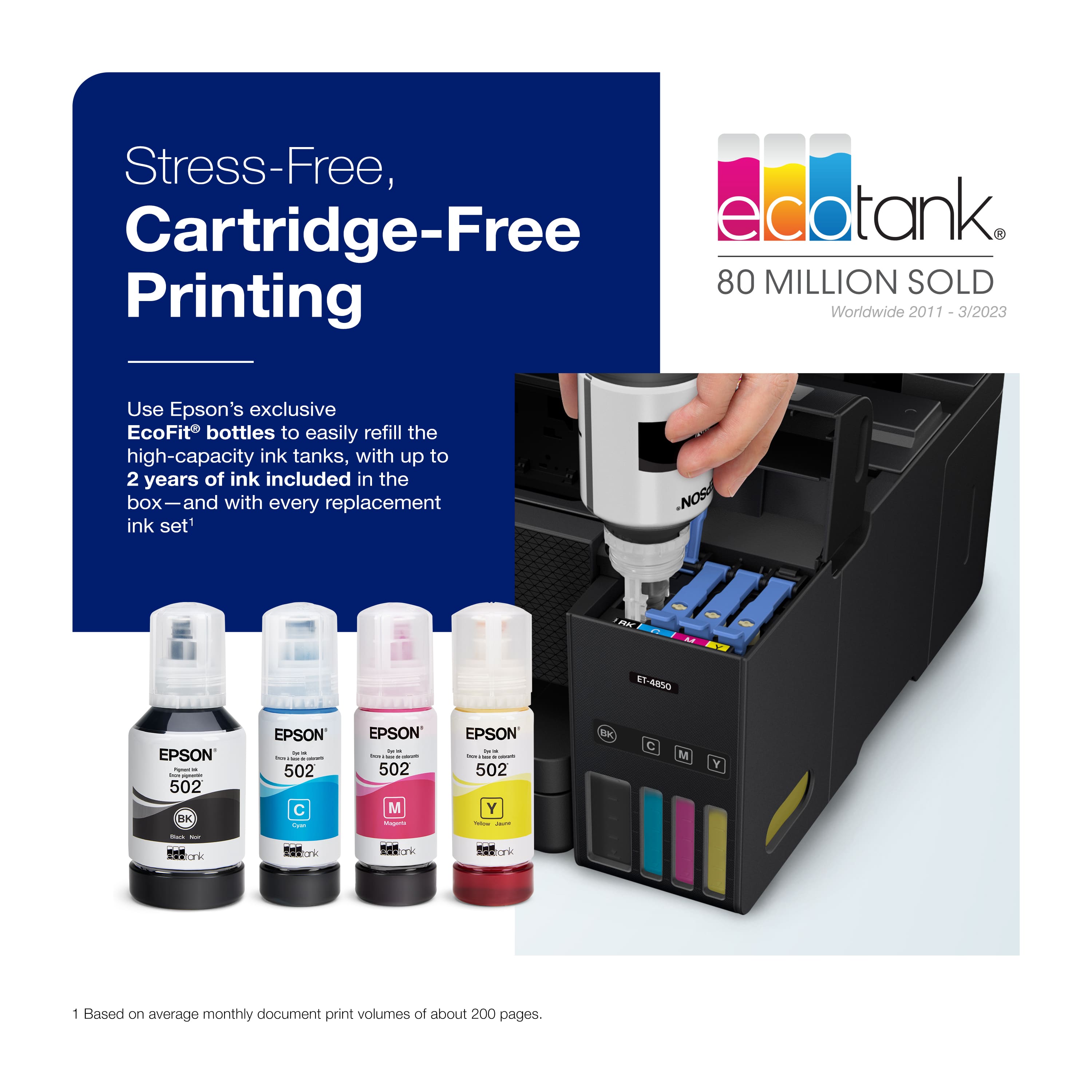
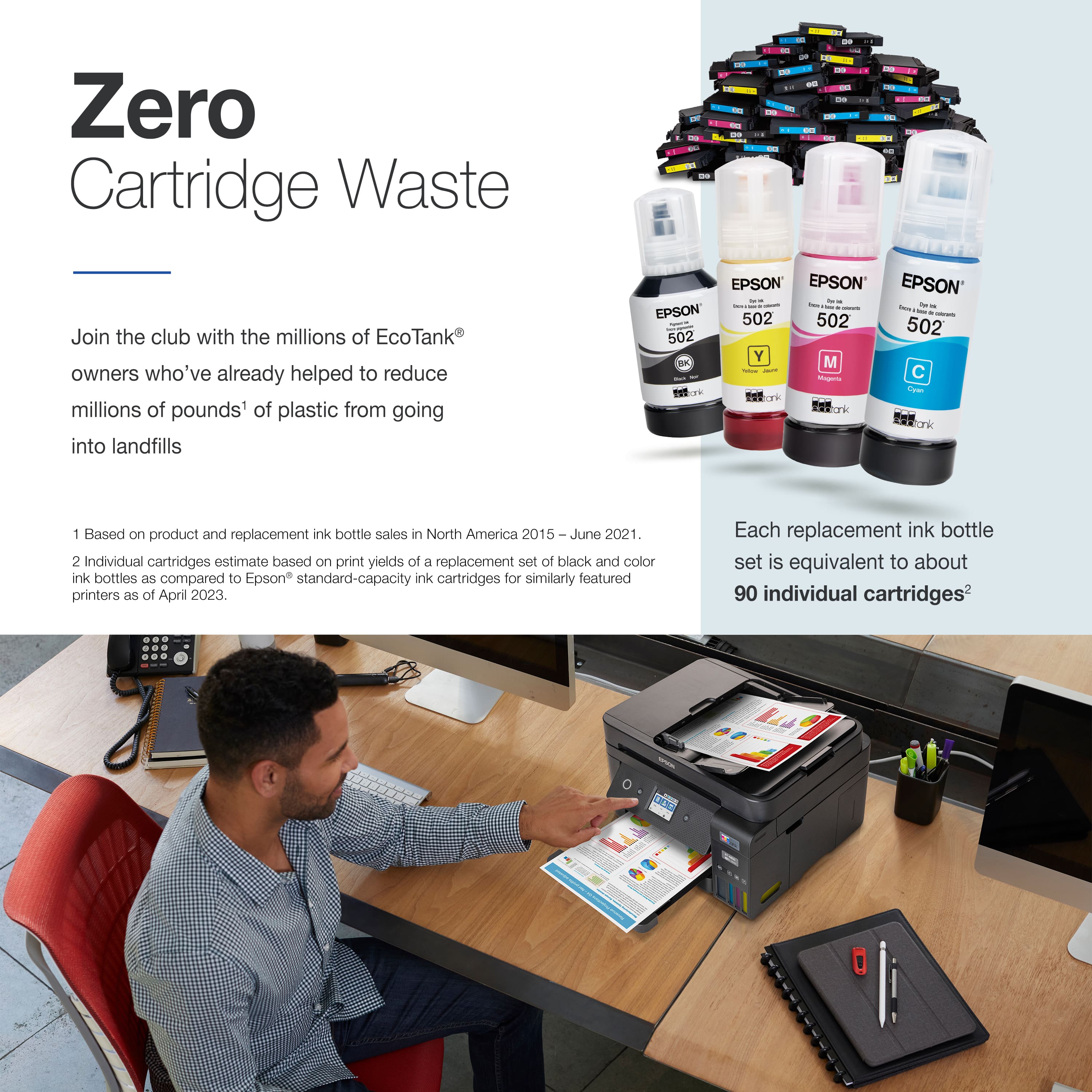
. Most features require a Internet connection to the printer, as well as an Internet- and/or email-enabled device. For a list of Epson Connect enabled printers and compatible devices and apps, visit [www.epson.com/connect](http://www.epson.com/connect).](https://pisces.bbystatic.com/image2/BestBuy_US/images/products/9d12aa07-d773-4dd1-9c3f-6223e2e99909.jpg)
- Model:
- C11CJ60201
- SKU:
- 6470007
Rating by feature
- Value
Rating 4.4 out of 5 stars
- Quality
Rating 4.5 out of 5 stars
- Ease of Use
Rating 4.5 out of 5 stars
Customers are saying
Customers have good things to say about the EcoTank ET-4850's print quality, ease of use, and straightforward setup. Many appreciate its compact size. While some users find the noise level a bit high and have experienced challenges with the document feeder and scanning functions, the positive feedback on printing and ease of use outweighs these concerns for most. A few customers also mentioned the printer's price point as a potential drawback.
This summary was generated by AI based on customer reviews.
- Pros mentioned:Print quality, Setup

A nice home office printer with one shortcoming
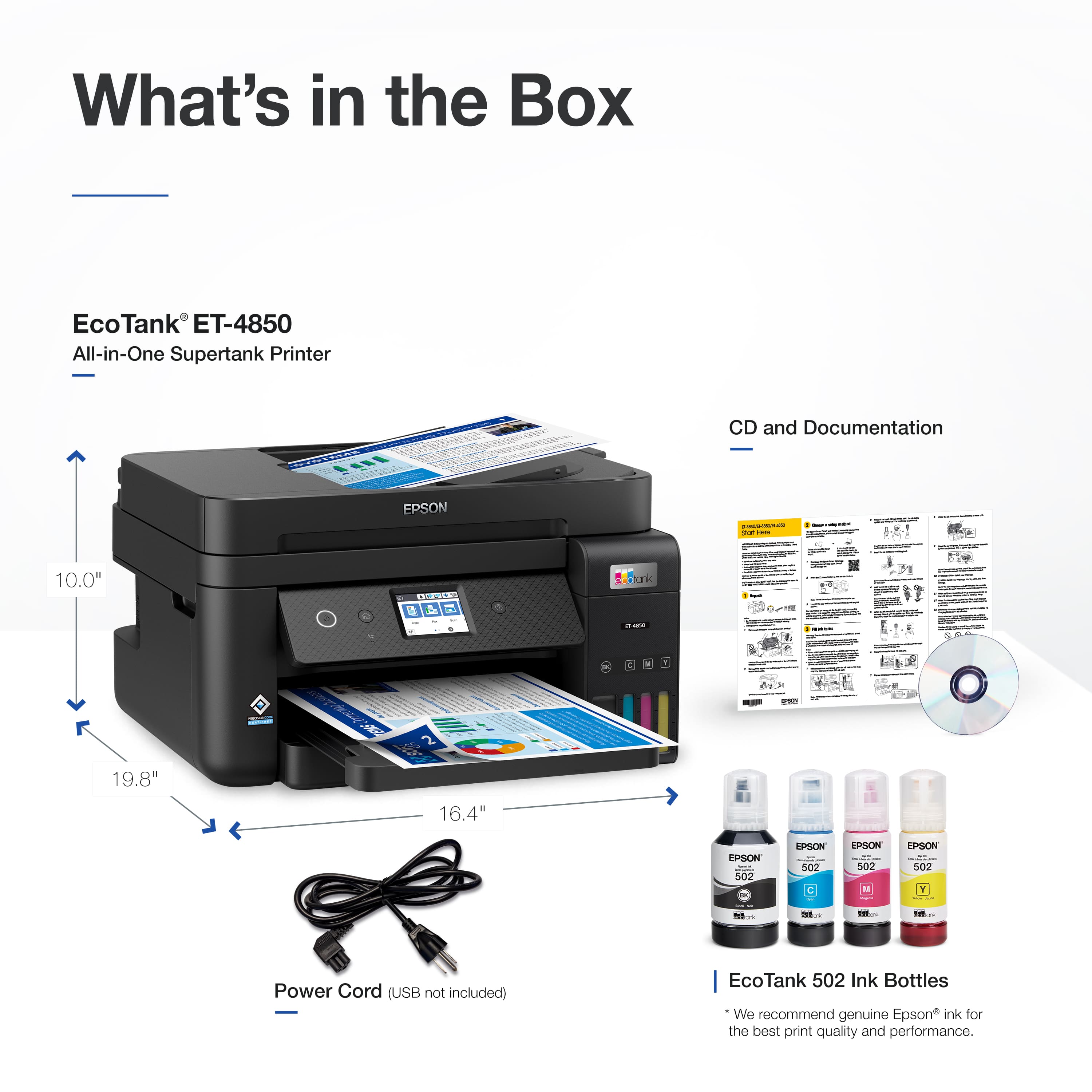
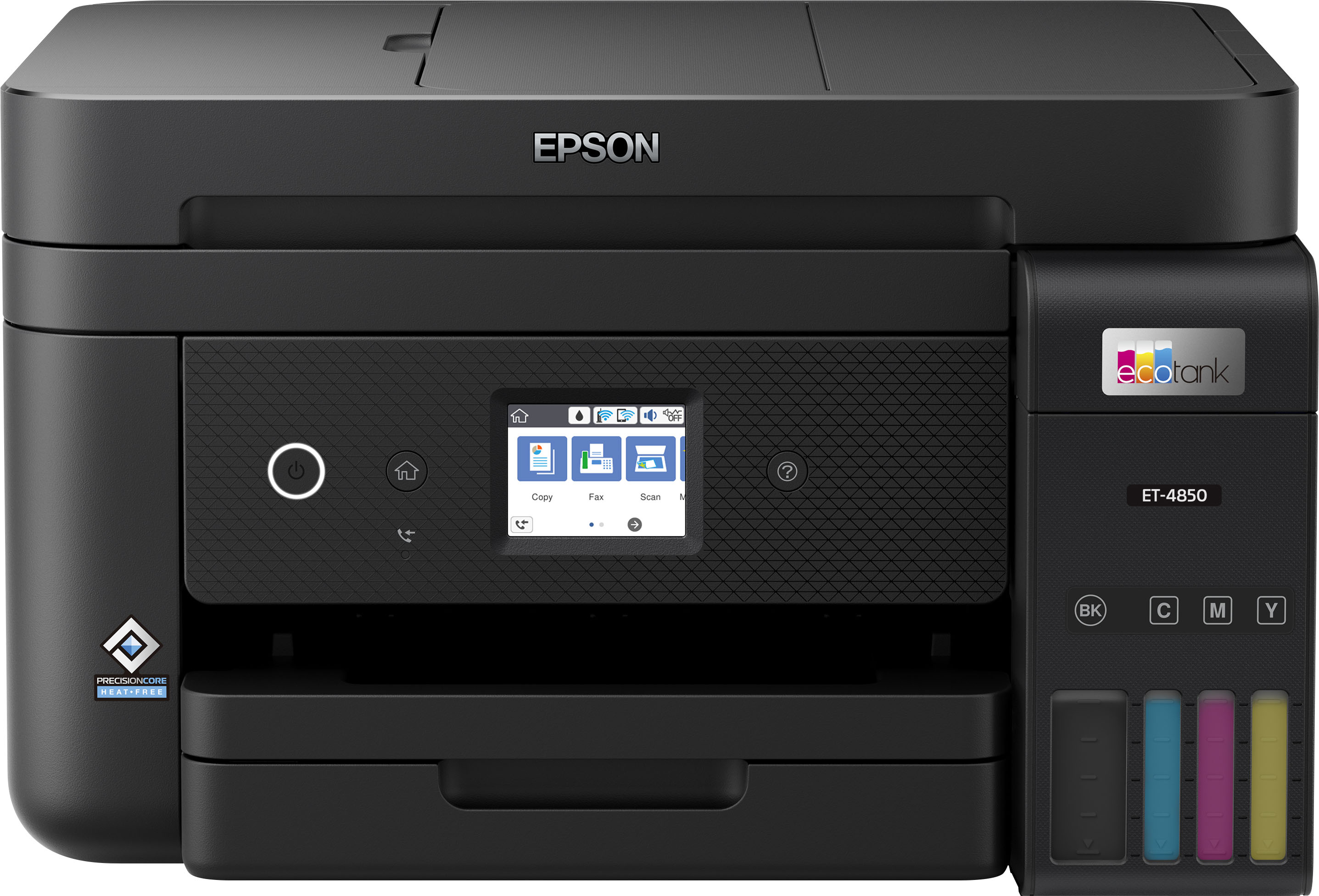
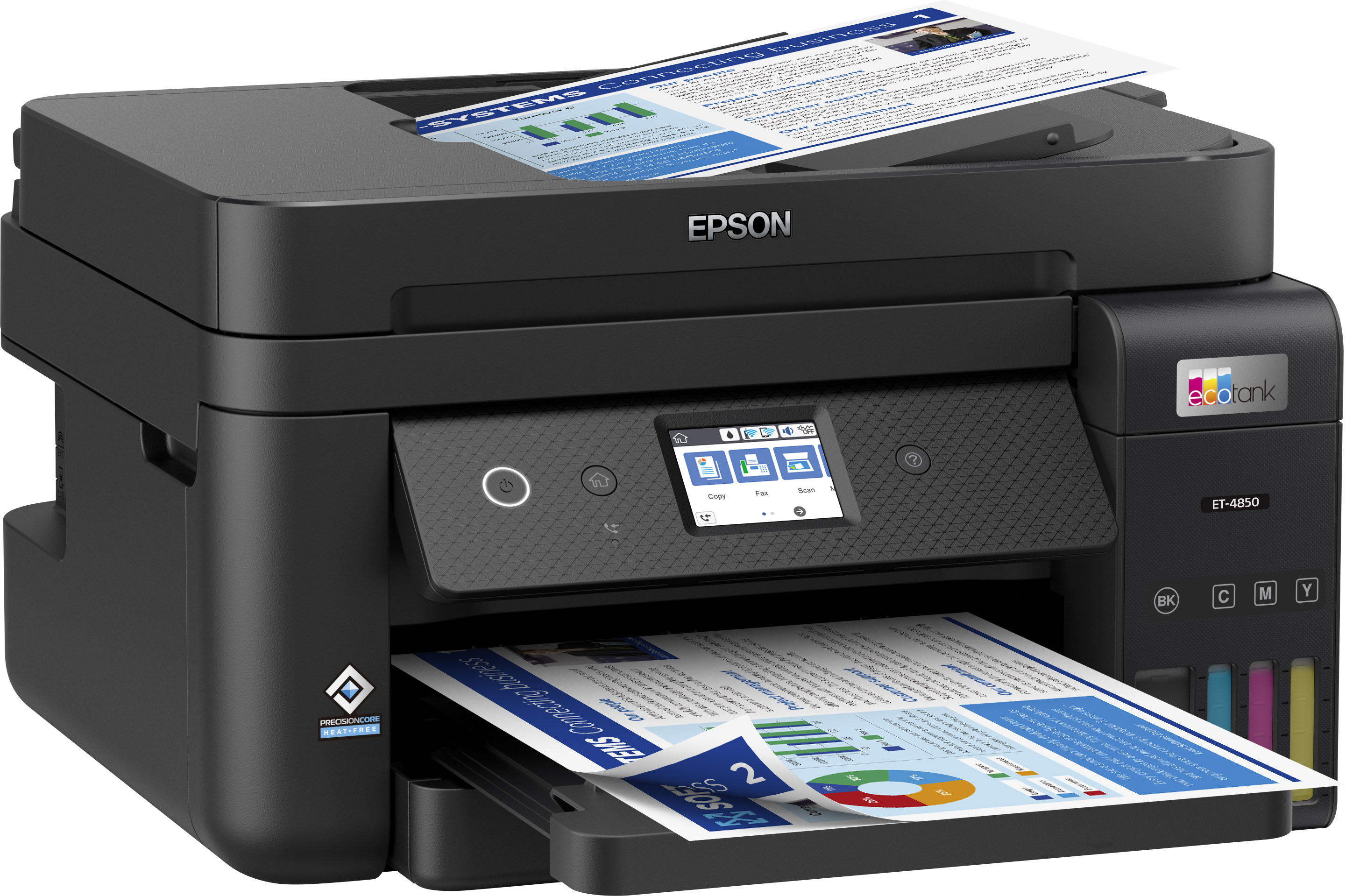
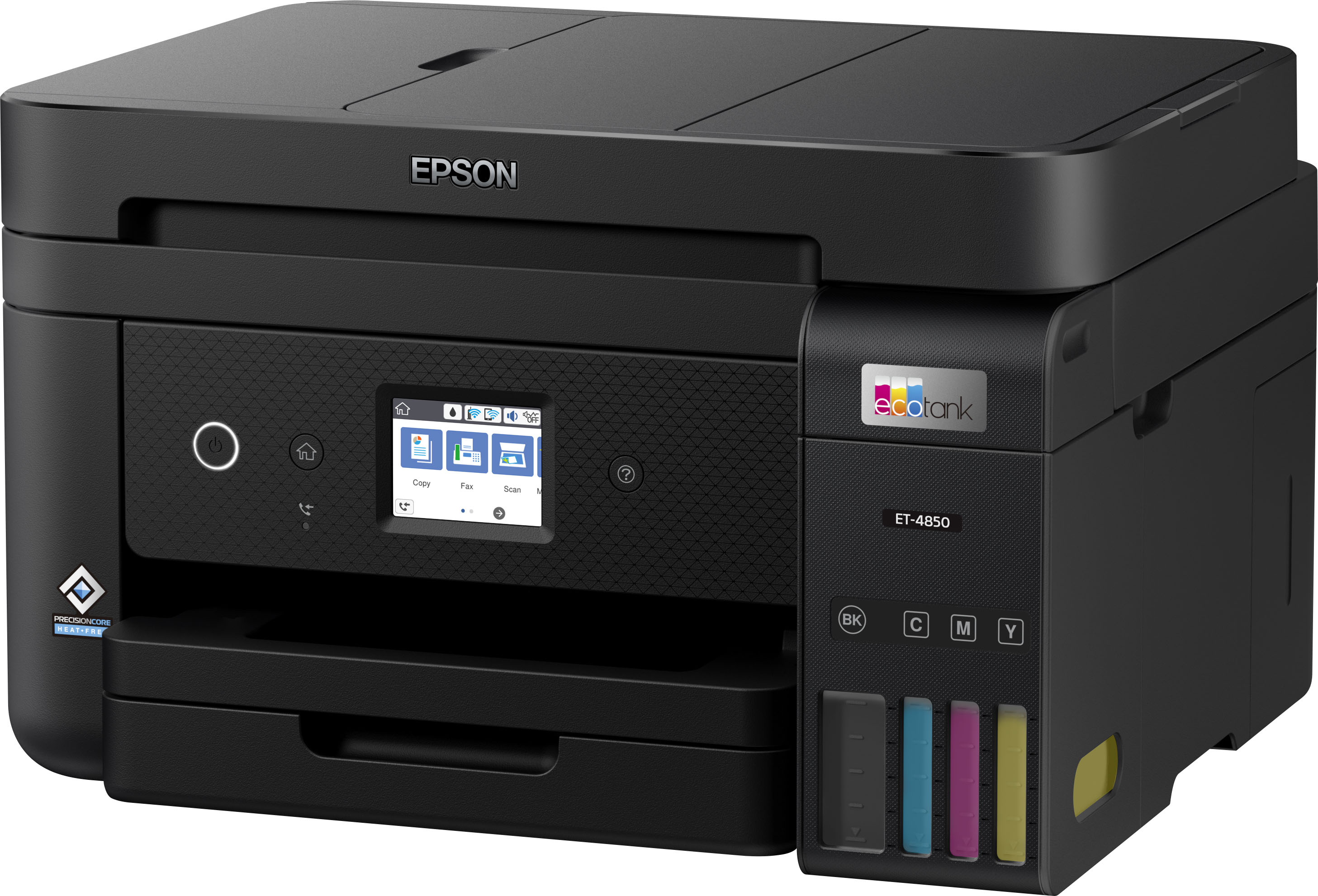
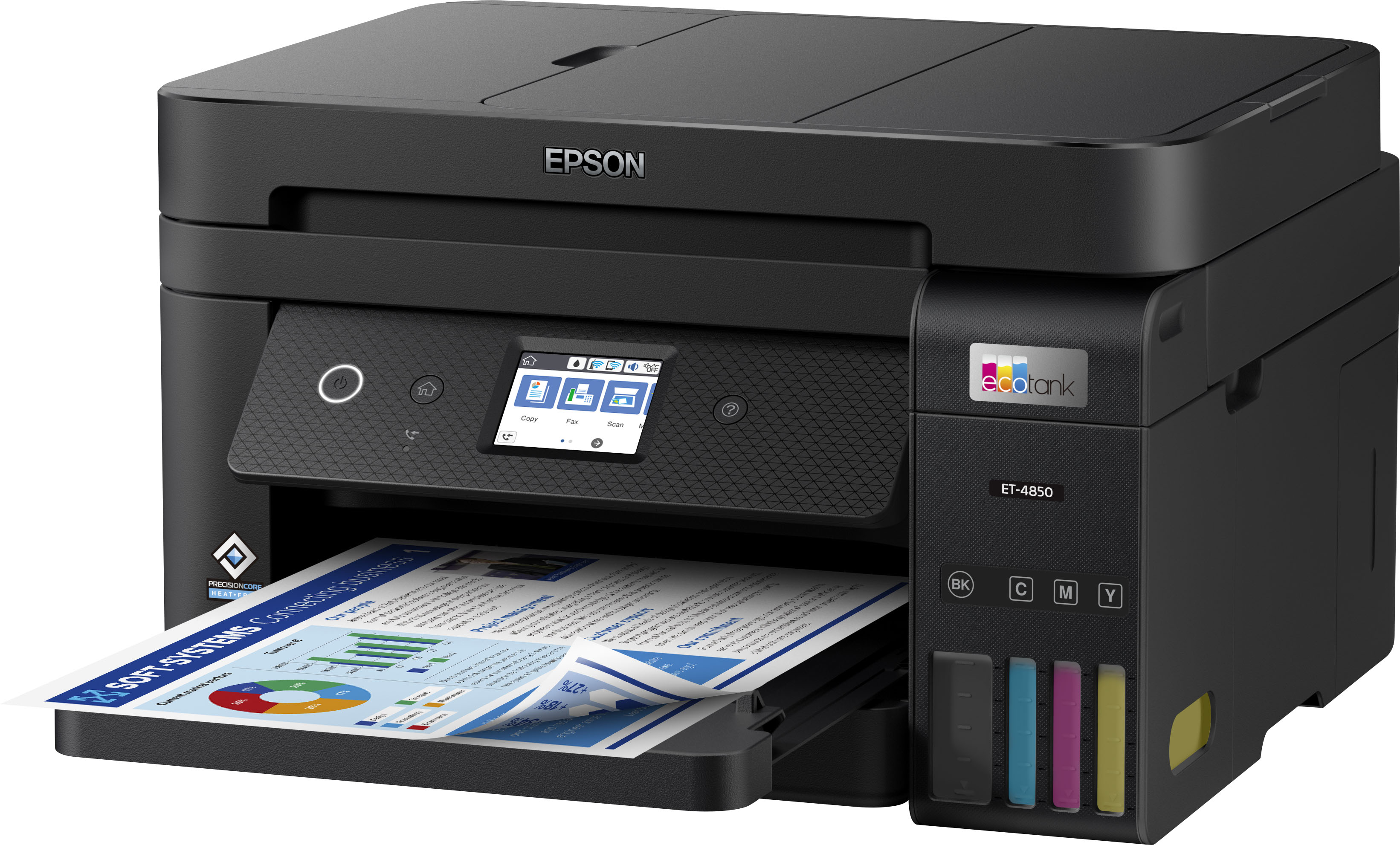
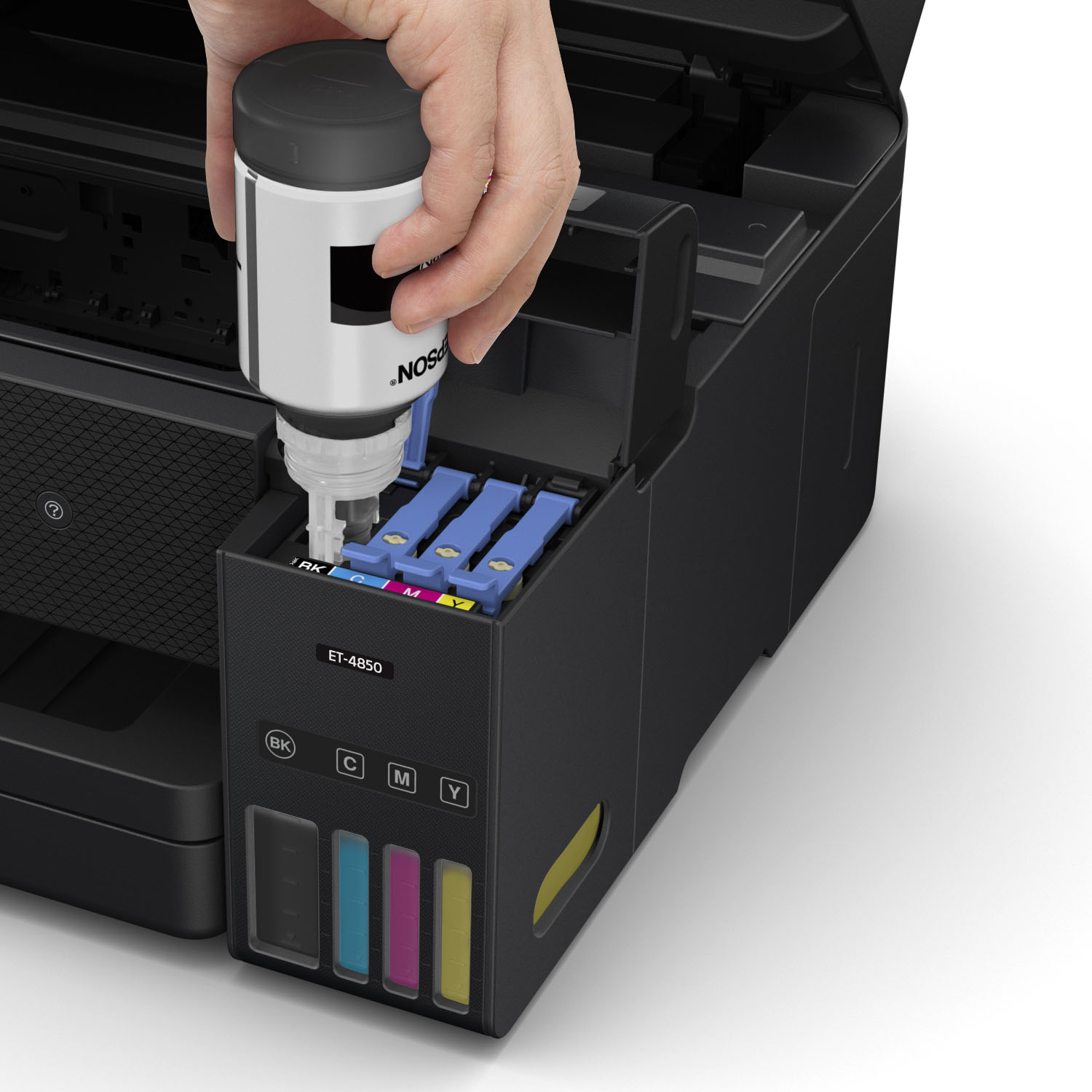
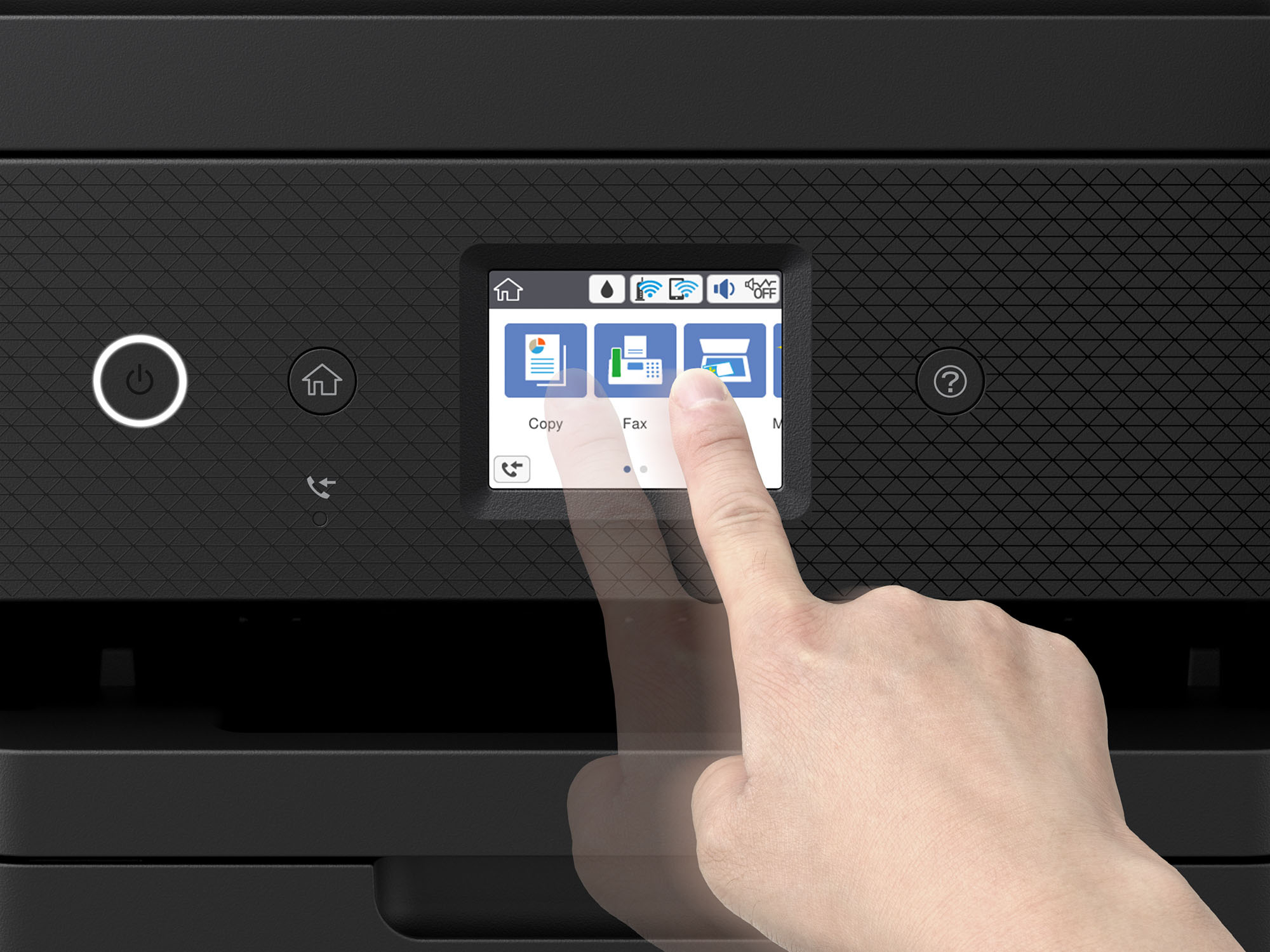
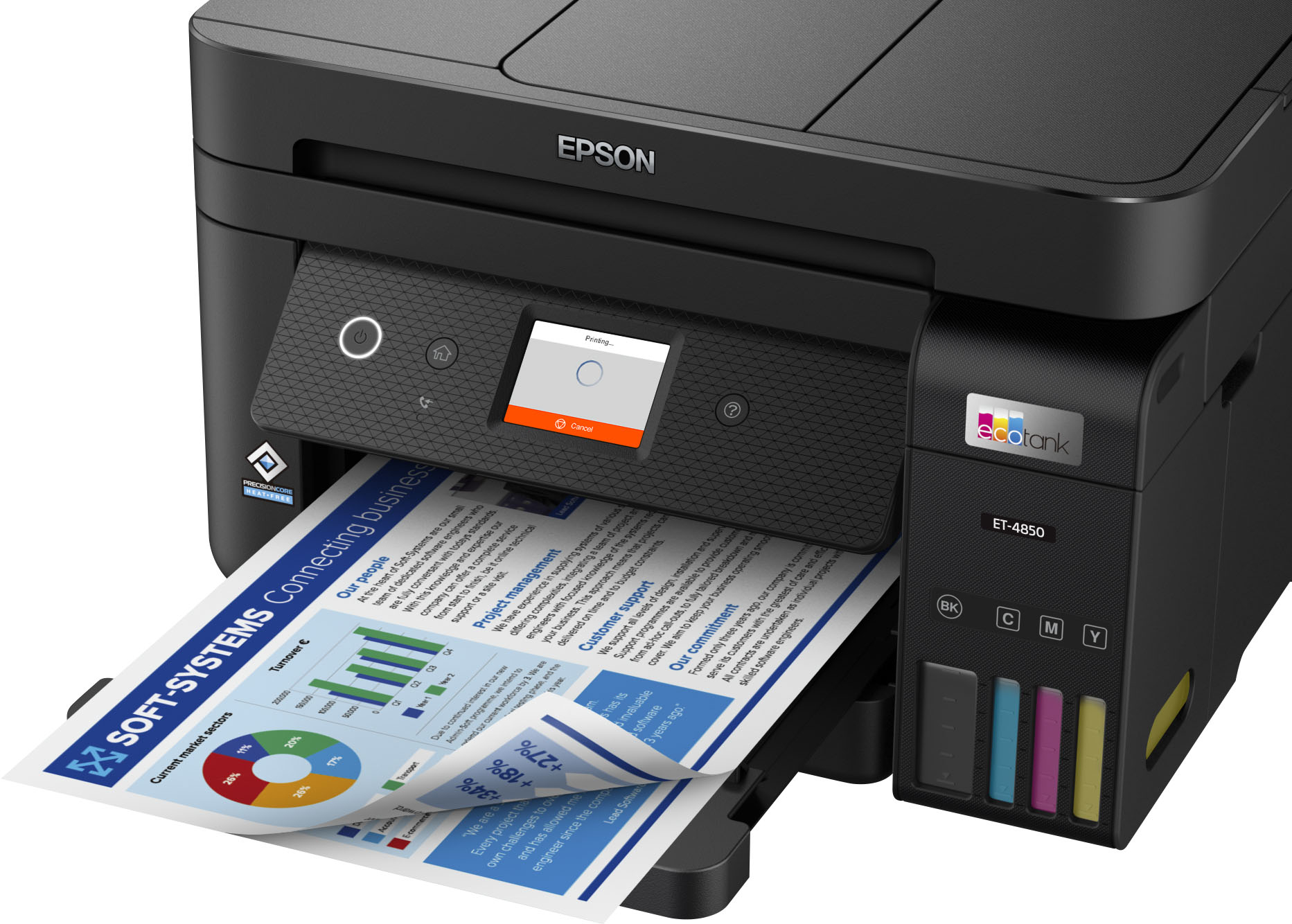
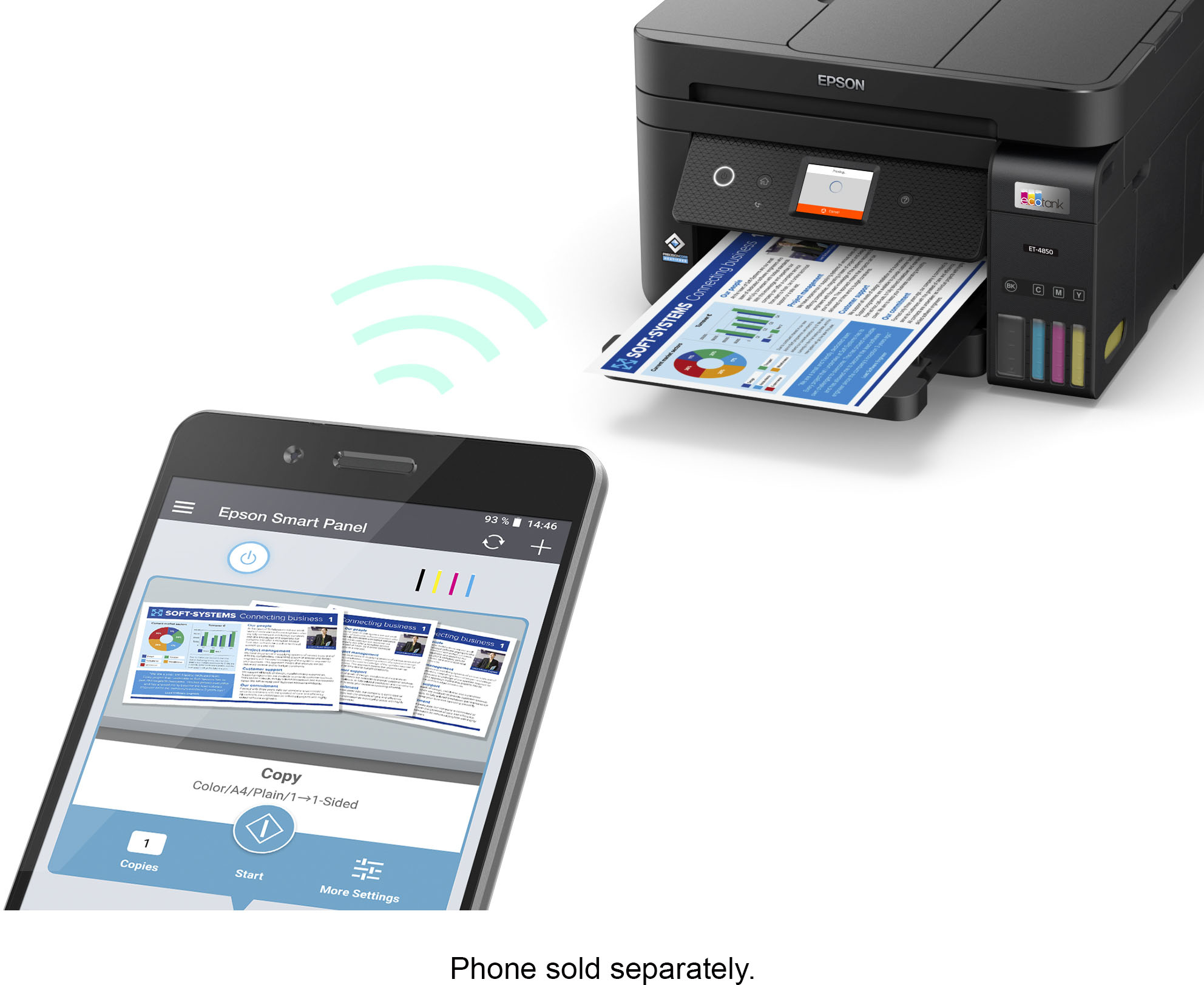
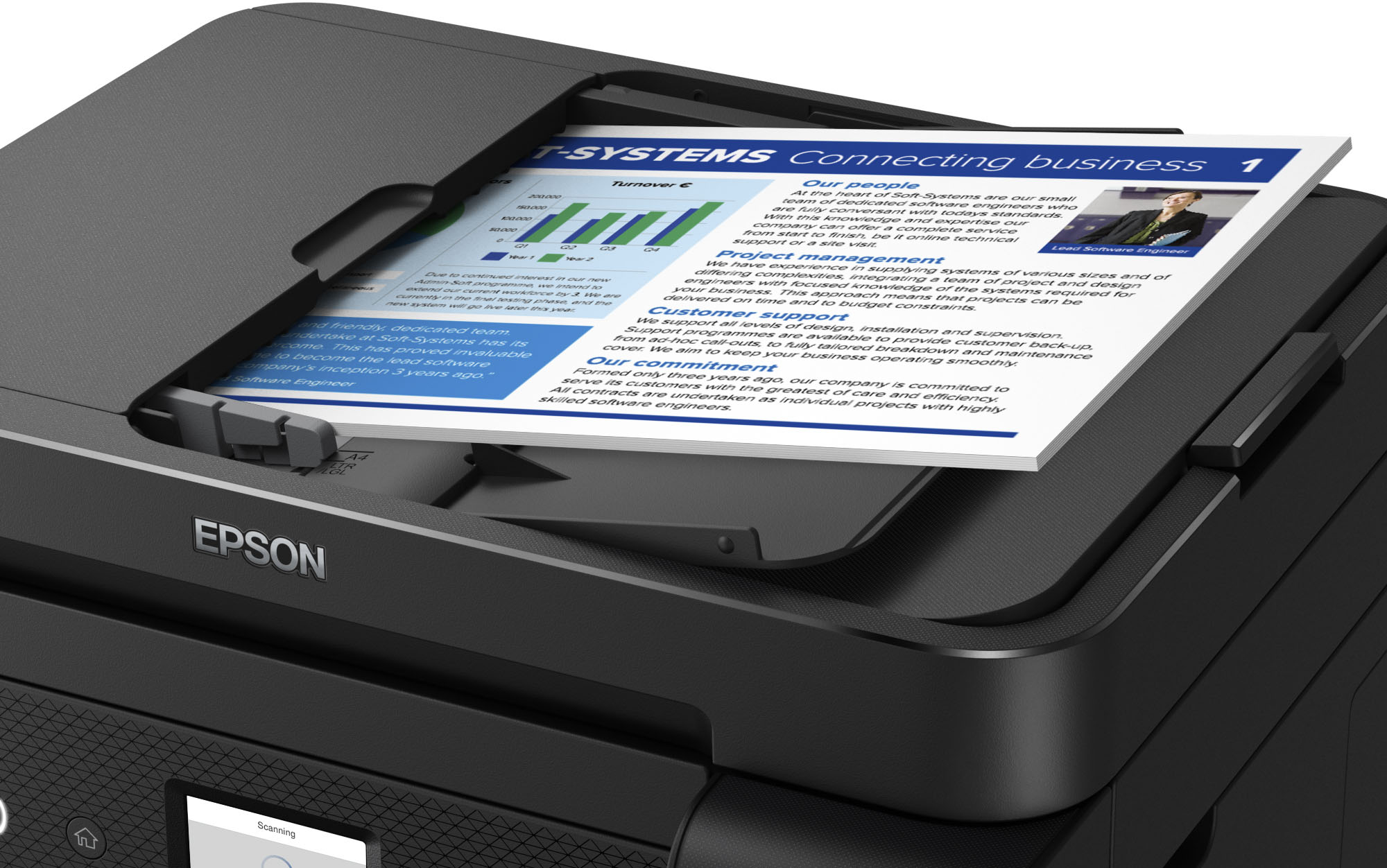
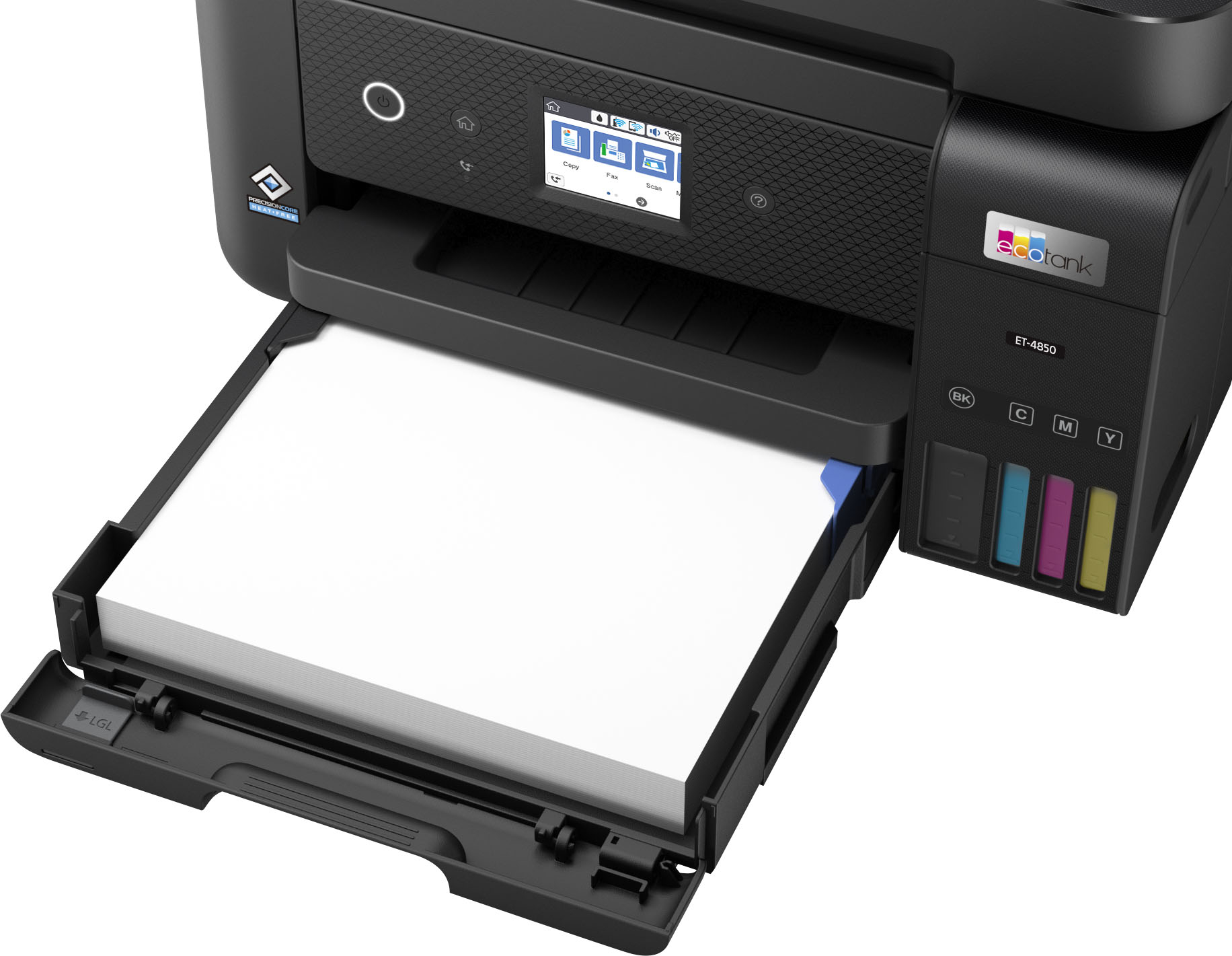
|Posted .This reviewer received promo considerations or sweepstakes entry for writing a review.This is not my first Epson Inkjet printer. I’ve had a few of them over the years with my last being a WF-7720. This one, the EcoTank ET-4850, promises to correct an issue prominent in many Inkjet printers – high printer ink costs. In purchasing this unit, Epson provided four bottles of ink: Black, Cyan, Magenta, and Yellow. Adding ink to the printer is easy as pie, and as easy as promoted. And the process is quick, perhaps a minute or so per bottle. Epson states that the ink should be sufficient for 2 years’ printing needs, although that’s relative to the kind of printing you do. Setting up the printer was also easy. The included documentation had a link to a web-based process that walks you through the installation process. It waits while you install the ink, prompts you to select your local network’s SSID and password, and so on. In about 30-45 minutes, all was up and running. The ET-4850 can scan, copy, fax, and print. You can use the printer’s small display window to do many of these functions, but the screen is so small that I regularly pressed the wrong icon or entered the wrong letter or number. Seriously, the screen is not geared for people with large fingers, nor for older people who might need larger characters with which to work. Epson provides apps that run on your phone to perform all functions, as well as downloadable apps for your Windows/Mac systems. I prefer the Windows apps for the majority of work I do. The ET-4850 can do both one-sided and two-sided printing. It does both very well and is reasonably fast. For test printing color documents, I have a Word document with three brightly colored bird photos embedded, and the results were surprisingly good. To get a good color result on my other printers using plain paper, I had to change the other printer’s respective print driver to reflect high-quality even though I was only using plain paper. Not specifying high-quality caused the color to be blah. And on top of that, the printing slowed down substantially. With the ET-4850, however, you can get pretty good color prints using plain paper. For good photo quality prints, replace the paper in the paper tray with something akin to Kodak Premium Picture Paper. Place the glossy side down in the tray, then define to the printer driver the kind of photo paper you’re using, size stock, and portrait/landscape. For our needs, our photo paper is High Glossy, 4x6”, portrait. Printing a photo on the ET-4850 also caused it to print slower, but not as slow as my other printers. As an aside, the printer comes with a 250-sheet paper tray, which minimizes how frequently you’ll need to add paper. For faxing, there is a separate Epson Fax app to manage your fax-related phone numbers, as well as tools to ensure that your landline is connected to the printer correctly. Everything related to the faxing process is easy to set up. The ET-4850 comes with both a built-in flatbed scanner and an Automatic Document Feeder (ADF). The flatbed scanner worked without any issues. The ADF, not so much! I scan up to fifty (50) mostly 2-sided documents a month. Since the ADF does NOT do two-sided scanning, the ADF is almost as bad as having to lift the top to get to the flatbed scanner. Place the two-sided document into the ADF and scan the first side, then flip the page over and place it on the ADF for another scan. For me, this defeats the purpose of an ADF. ADF’s come in many flavors. Some scan the top of the document, then automatically flip the document over and scan the bottom. Others scan both the top and the bottom of the document (duplex) at the same time. And then there’s this ADF, which only scans one side of a document. Consider this: my homeowner’s insurance policy is generally 30 pages long. If I want to scan the policy in, I’m going to have to scan the whole document twice. The first pass will scan in the top side of each page, then I’ll need a second pass to scan the bottom of each page. If all pages are double-sided, the policy will scan pages 1, 3, 5 etc. on the first pass, then even numbered pages on the second pass. Fortunately, the Epson Scan 2 app can be set to Edit, which permits me to drag and drop scanned images once the scanning is completed. However, this can be onerous since it is difficult to read the small fonts in Edit mode (even if you expand each page on a 1-by-1 basis). And you’re dealing with 60 images. Another issue with the ET-4850’s ADF is how easy it gets jammed. I recently scanned in a four (4) page document. Three of the pages were pristine, with no dog ears, staple marks, or previous folds. The fourth page had previously been folded, although I spent to good bit of time ensuring that it was as straight as possible. The ET-4850’s ADF jammed every time on that page. Yet, that same page went through a different printer’s ADF without any problem. The ADF put a damper on an otherwise nice multifunction printer. For someone who might rarely use the ADF, or scans primarily one-sided documents, and only scans pristine pages, this is a super solution. It prints reasonably fast and does an excellent job printing color photos on photo-grade paper. And of high importance to me, replacement ink is very affordable. The ET-4850 would easily be a 5-star solution if not for the ADF. As such, I’m giving it a 4-star rating.
I would recommend this to a friend Super slow
||Posted . Owned for 2 weeks when reviewed.This reviewer received promo considerations or sweepstakes entry for writing a review.It may say 8 pages a mjnute but not for photos it take 3 Minutes per print and they were low quality as well
No, I would not recommend this to a friendBrand response from Epson
Posted .Hello Koolaidpapi, we apologize for your disappointing experience with the ET-4850 printer. Epson considers all feedback to improve the performance and quality of our products. Epson also provides helpful information on FAQs and self-help tools on the product support web page at https://epson.com/Support/Printers/All-In-Ones/ET-Series/Epson-ET-4850/s/SPT_C11CJ60202#questions. Additionally, your printer includes a 1-year Limited Warranty plus free lifetime technical support. Please get in touch with our support team directly at (562) 276-4382 between 7 am - 4 pm (PT), Monday - Friday, if you need further assistance.
Sincerely, Sam - The Epson Team
EPSON PRINTER
||Posted . Owned for 1 year when reviewed.This reviewer received promo considerations or sweepstakes entry for writing a review.Very difficult to connect to multiple devises, no phone support, prints 1/2 pages not full copy, color is muted not sharp, dont try to print photos poor quality.
No, I would not recommend this to a friendDisappointed Buyer.
||Posted . Owned for 3 weeks when reviewed.This reviewer received promo considerations or sweepstakes entry for writing a review.Mediocre print quality, quirky user interface, lightweight construction quality. Buy a laser printer.
No, I would not recommend this to a friendBrand response from Epson
Posted .Hello Rusty, we apologize for your disappointing experience with the ET-4850 printer. Epson considers all feedback to improve the performance and quality of our products. Epson also provides helpful information on FAQs and self-help tools on the product support web page at https://epson.com/Support/Printers/All-In-Ones/ET-Series/Epson-ET-4850/s/SPT_C11CJ60202#questions. Additionally, your printer includes a 1-year Limited Warranty plus free lifetime technical support. Please get in touch with our support team directly at (562) 276-4382 between 7 am - 4 pm (PT), Monday - Friday, if you need further assistance.
Sincerely, Sam - The Epson Team
GREAT PRINTER
||Posted . Owned for 3 weeks when reviewed.This reviewer received promo considerations or sweepstakes entry for writing a review.Easy setup, complete up to date software, beautiful prints including on photo paper
I would recommend this to a friendEco tabk printer
||Posted . Owned for 1 month when reviewed.This reviewer received promo considerations or sweepstakes entry for writing a review.I don't know why they keep asking me to make a review on something that I purchased online and it didn't even make it to my house the guy who supposed to deliver my printer didn't deliver it and keep it for him self.and thats why im giving it a 1 star.i end up buying the printer somewhere els exact same printer and i love it.
I would recommend this to a friendGreat Printer
||Posted . Owned for 1 month when reviewed.This reviewer received promo considerations or sweepstakes entry for writing a review.great printer like the fact that I don't have to purchase anymore ink cartridges.
I would recommend this to a friendPleased
||Posted . Owned for 1 month when reviewed.This reviewer received promo considerations or sweepstakes entry for writing a review.It was a little difficult to install but I have been very please with this product so far.
I would recommend this to a friendEt4850
||Posted . Owned for 3 weeks when reviewed.This reviewer received promo considerations or sweepstakes entry for writing a review.Printer works as expected.. We've used as wireless several times... Worked great.
I would recommend this to a friendCrap.
||Posted . Owned for 2 months when reviewed.This reviewer received promo considerations or sweepstakes entry for writing a review.Garbage. I bought this about 2 months ago and have never ending problems with print jobs getting stalled from Windows 10 as well as Ubuntu 20.x... my wife can't print from her Chromebook because the printer isn't "compatible". I paid ~$450 for this thing and it is also slow. Never would have bought another Epson except I was desperate and inventories were low. Won't do so again.
No, I would not recommend this to a friendBrand response from Epson
Posted .Hello bbneo, we're sorry to hear about your disappointment with your ET-4850 printer. Epson takes into consideration all feedback to improve the performance and quality of our products. Epson provides helpful information on the product support web page, including FAQs and self-help tools at https://epson.com/Support/Printers/All-In-Ones/ET-Series/Epson-ET-4850/s/SPT_C11CJ60202#questions. Additionally, your EcoTank printer includes a 1-year Limited Warranty, plus free lifetime technical support. If you need any assistance, our Epson Support Team would be happy to help you and can be reached at (562) 276-4382; Hours: Monday - Friday, 7 am - 4 pm PT; Sincerely, Sam - The Epson Team.
Returned it
||Posted . Owned for 3 weeks when reviewed.This reviewer received promo considerations or sweepstakes entry for writing a review.The printing was slow and the prints looked very faded. The colors looked very dull so I returned it.
No, I would not recommend this to a friendBrand response from Epson
Posted .Hello Lily, we apologize for your disappointing experience with the ET-4850 printer. Epson considers all feedback to improve the performance and quality of our products. If we can help you with anything else, you can reach our support team at (562) 276-4382 between 7 am - 4 pm (PT), Monday - Friday. Hopefully, we can assist you with a future product. Sincerely, Sam - The Epson Team.
Highly DO NOT Recommend
||Posted . Owned for 1 month when reviewed.This reviewer received promo considerations or sweepstakes entry for writing a review.Did not like and had to return. Color did not print true and print always seemed to have a blur and not crisp. I now have another printer that is just great that i like very much.
No, I would not recommend this to a friendPrint - OK, Scan - HORRIBLE, now returning it.
||Posted . Owned for 2 weeks when reviewed.This reviewer received promo considerations or sweepstakes entry for writing a review.Having owned for two weeks...I find the printer to be satisfactory, nothing to get excited about. However the scanner is a MASSIVE p.o.j. Very, very disappointed. I have a ruler shaped Epson DS pocket scanner that I use because its FASTER and doesn't jam over and over again. NOW I have to go through all the BS to return this pile and get something else. GRRRRRR!
No, I would not recommend this to a friendBrand response from Epson
Posted .Hello BlacklightIndustries, we're sorry to hear about the disappointing experience with the ET-4850 printer. Epson considers all feedback to improve the performance and quality of our products. Epson provides helpful information such as FAQs and the User's Guide to help you troubleshoot most issues at https://epson.com/Support/Printers/All-In-Ones/ET-Series/Epson-ET-4850/s/SPT_C11CJ60202#questions. Additionally, your printer is backed by a 1-year Limited Warranty and includes free lifetime technical support. Please reach our Advanced Support Team at (562) 276-4382 between 7 am - 4 pm (PT), Monday - Friday, if you need further assistance.
Sincerely, Sam - The Epson Team.
Copier
||Posted . Owned for 2 weeks when reviewed.This reviewer received promo considerations or sweepstakes entry for writing a review.Very nicely made copier that can hold 250 sheets of paper in the tray
I would recommend this to a friendEpson ET-4850
||Posted . Owned for 1 month when reviewed.This reviewer received promo considerations or sweepstakes entry for writing a review.I don't think there is a worse product on this planet than the Epson ET-4850. It is mind-boggling slow, printing either color or B&W, and has a high difficulty connecting with a wireless system, making the scan feature useless.
No, I would not recommend this to a friendEpson 4850
||Posted . Owned for 1 month when reviewed.This reviewer received promo considerations or sweepstakes entry for writing a review.The Epson printer is great and is very useful would buy it again.
I would recommend this to a friendGreat printer
||Posted . Owned for 1 month when reviewed.This reviewer received promo considerations or sweepstakes entry for writing a review.I use it for school, printing lots of stuff, doing well so far
I would recommend this to a friendWhat I wanted
||Posted . Owned for 1 week when reviewed.This reviewer received promo considerations or sweepstakes entry for writing a review.Printer’s quality is amazing. The setup is really fast and easy.
I would recommend this to a friendEpson Ecotank Printer
||Posted . Owned for 3 weeks when reviewed.This reviewer received promo considerations or sweepstakes entry for writing a review.I am very satisfied with my purchase of this printer!
I would recommend this to a friendJams & Paper Issues
||Posted . Owned for 1 week when reviewed.This reviewer received promo considerations or sweepstakes entry for writing a review.The printer jams alot and everytime I attempt to print I have to press "ok" because it does not recognize the paper type. I am working on trying to determine how to fix this issue. I have never had these types of issues with a printer. The cost for this printer is really too much for the types of issues I am dealing with.
No, I would not recommend this to a friendBrand response from Epson
Posted .Hello, we're sorry to hear about the paper jam issue with the ET-4850 printer. Epson considers all feedback to improve the performance and quality of our products. Epson also offers helpful information, including FAQs and self-help tools, on the product support web page at https://epson.com/Support/Printers/All-In-Ones/ET-Series/Epson-ET-4850/s/SPT_C11CJ60202#questions. Your EcoTank printer includes a 1-year Limited Warranty, plus free lifetime technical support. If you need assistance, our Epson Support Team would be happy to help you and can be reached at (562) 276-4382; Hours: Monday - Friday, 7 am - 4 pm PT; Sincerely, Sam - The Epson Team.