Customer Ratings & Reviews

.](https://pisces.bbystatic.com/image2/BestBuy_US/images/products/e7f7b8a3-4d8b-4350-9bbd-c97539be30a7.jpg)
. 1 Most features require an Internet connection to the printer, as well as an Internet- and/or email-enabled device. For a list of Epson Connect enabled printers and compatible devices and apps, visit [www.epson.com/connect](http://www.epson.com/connect).](https://pisces.bbystatic.com/image2/BestBuy_US/images/products/d6e3691d-df7e-4aa7-8df7-3adddd584649.jpg)
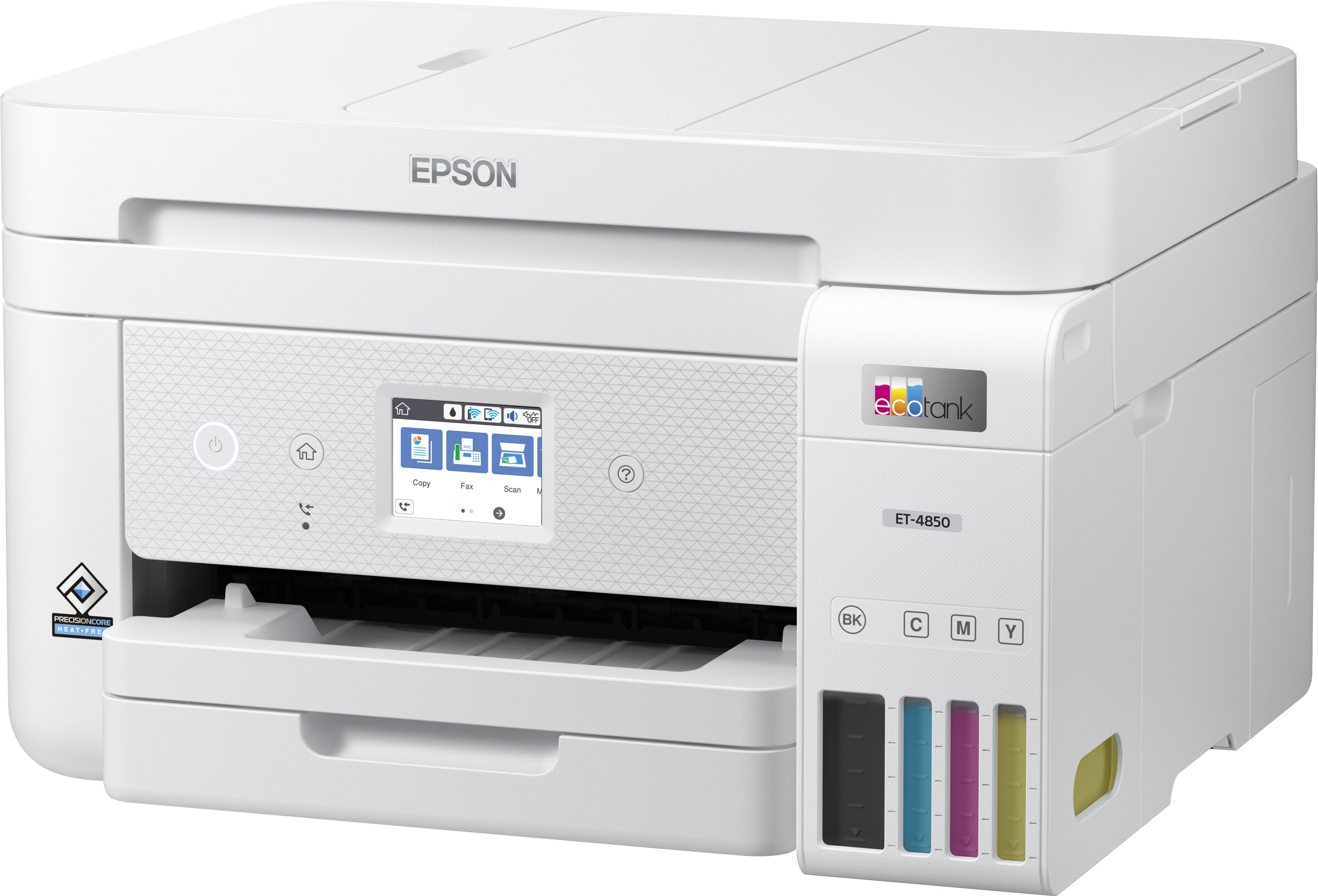

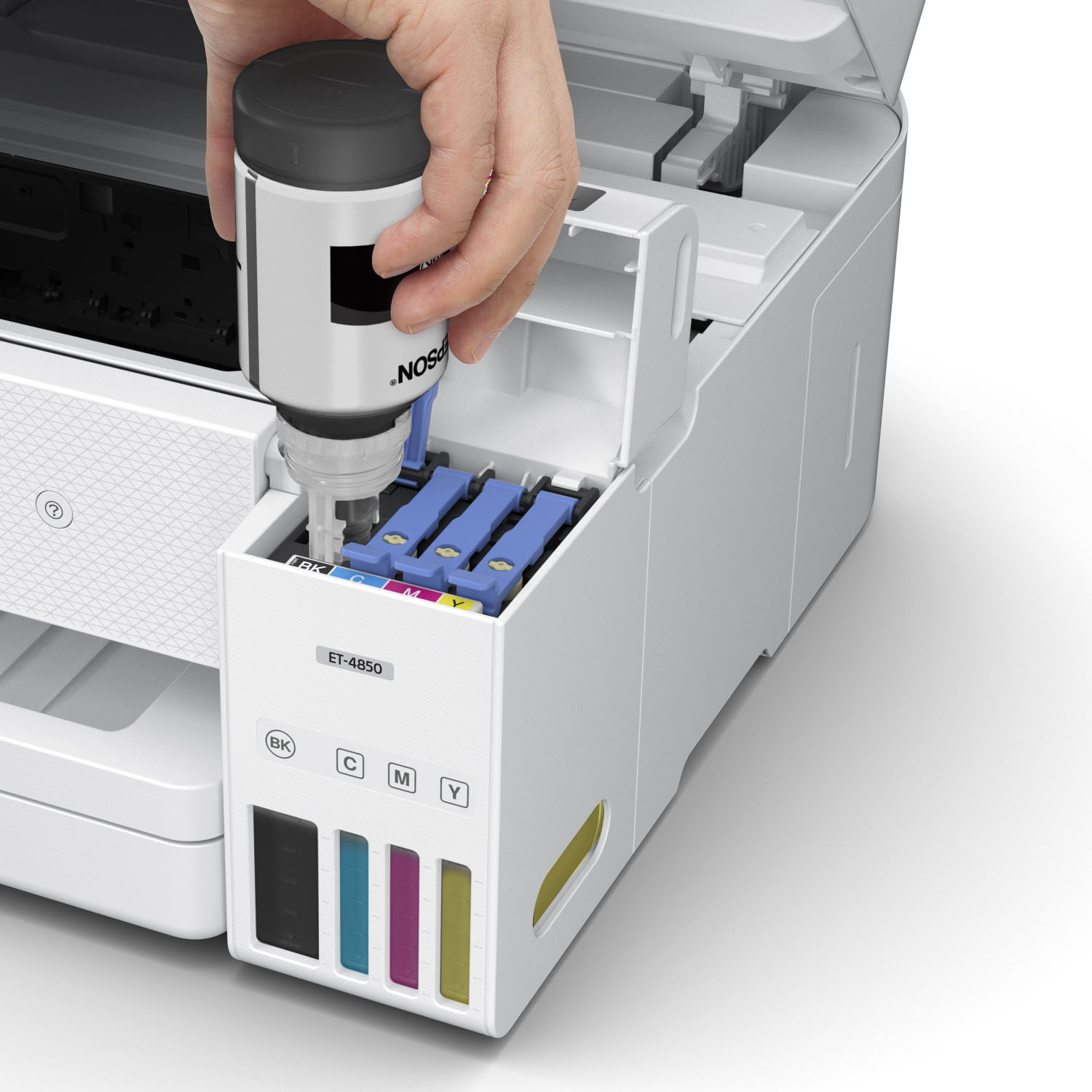
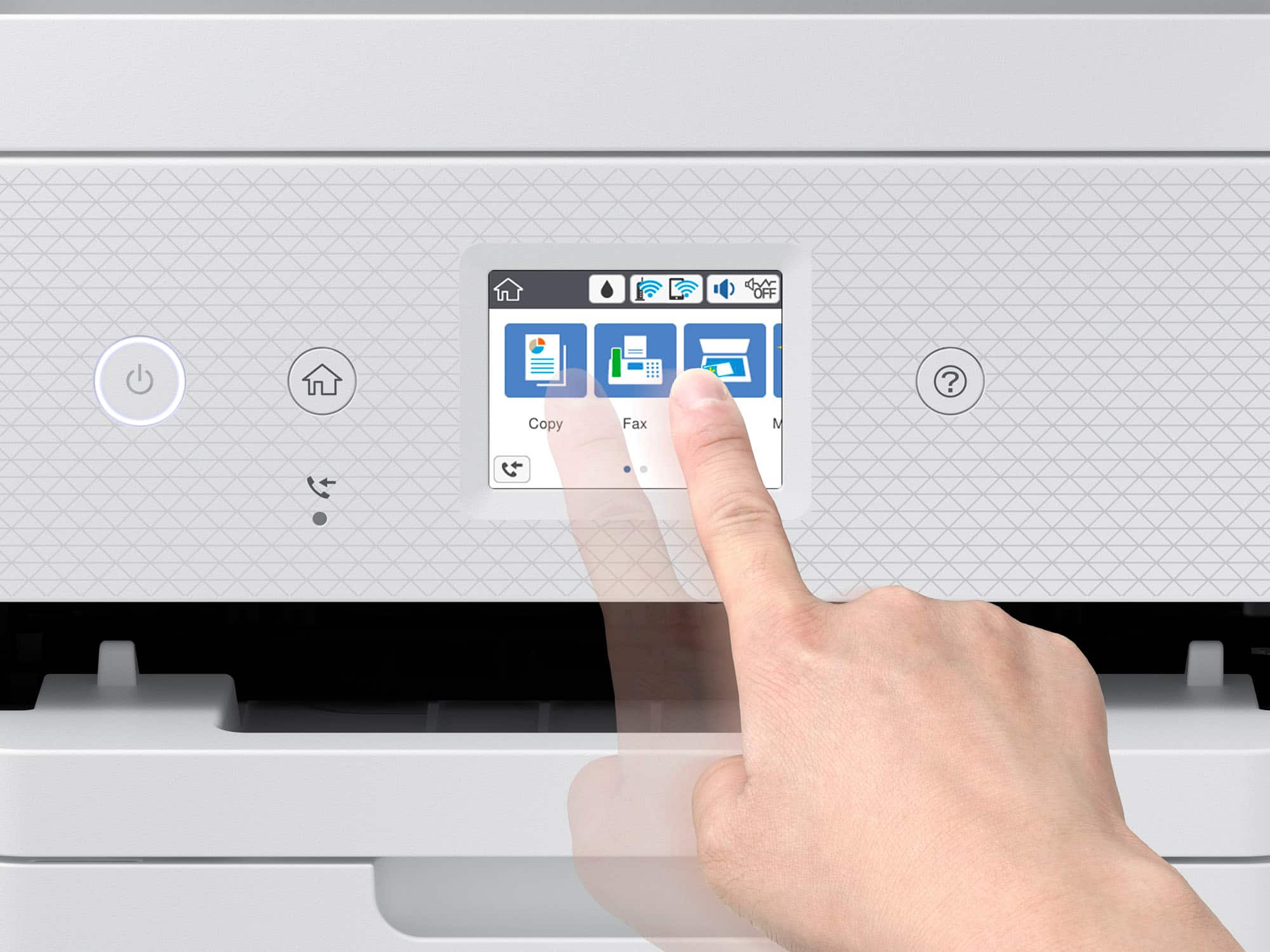
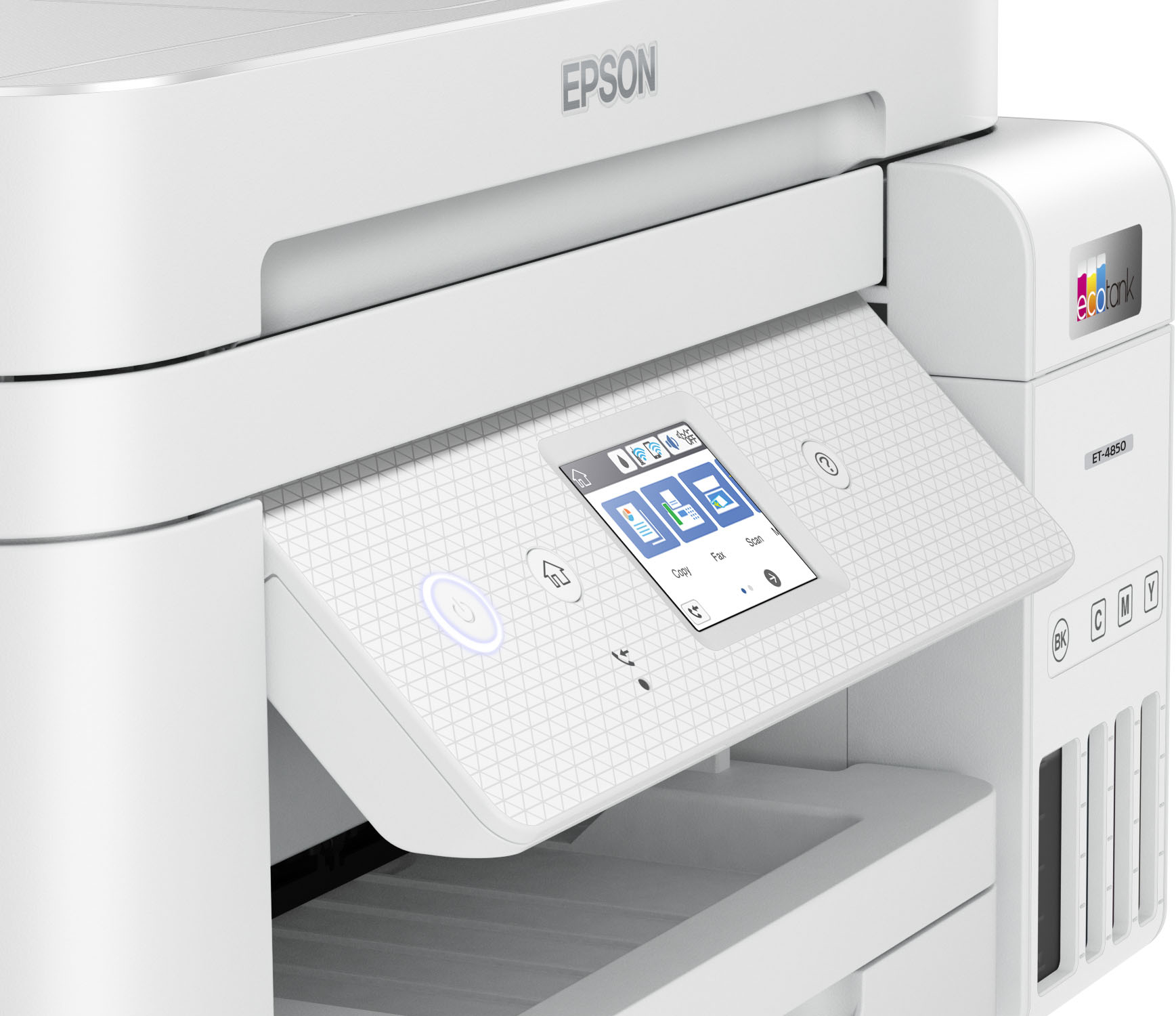


- Model:
- C11CJ60202
- SKU:
- 6470011
Rating by feature
- Value
Rating 4.4 out of 5 stars
- Quality
Rating 4.5 out of 5 stars
- Ease of Use
Rating 4.5 out of 5 stars
Customers are saying
Customers have good things to say about the EcoTank ET-4850's print quality, ease of use, and straightforward setup. Many appreciate its compact size. While some users find the noise level a bit high and have experienced challenges with the document feeder and scanning functions, the positive feedback on printing and ease of use outweighs these concerns for most. A few customers also mentioned the printer's price point as a potential drawback.
This summary was generated by AI based on customer reviews.
Garbage
Posted .This reviewer received promo considerations or sweepstakes entry for writing a review.Garbage. Worked good for 1 year of home use. Now you have to spend hours trying to get it to print. Turning off and unplugging, waiting, trying to get connected. Now cannot get scanner to work at all. Starts to scan then stops when first page is part way through. Hours with tech support and tried everything I could find on internet. No luck. Way too much money for one year's worth of use.
No, I would not recommend this to a friendET-4850 Huge Disappointment
Posted .This reviewer received promo considerations or sweepstakes entry for writing a review.The Epson ET-4850 has trouble printing the correct colors, far from your image colors most of the time. Greens and reds are the worst. It is a huge disappointment, Epson Customer service was no help.
No, I would not recommend this to a friendWi-Fi won’t work
Posted .This reviewer received promo considerations or sweepstakes entry for writing a review.Wouldn’t connect with my wifi. Kept shutting down Wi-Fi and cable every time I tried to print. I called my cable company, Epson and Best Buy. They couldn’t figure it out.
No, I would not recommend this to a friendBrand response from Epson
Posted .Hello Dad1973, thank you for your feedback on the ET-4850 printer. Epson considers all feedback to improve the performance and quality of our products. Epson provides helpful information to address print Wi-Fi connectivity issues, including FAQs and self-help tools, on the product support web page at https://epson.com/Support/Printers/All-In-Ones/ET-Series/Epson-ET-4850/s/SPT_C11CJ60202#questions. Additionally, your printer includes a 1-year Limited Warranty, plus free lifetime technical support. Please reach our support team directly at (562) 276-4382 between 7 am - 4 pm (PT), Monday - Friday, if you need any assistance.
Sincerely, Sam - The Epson Team.
Mr.
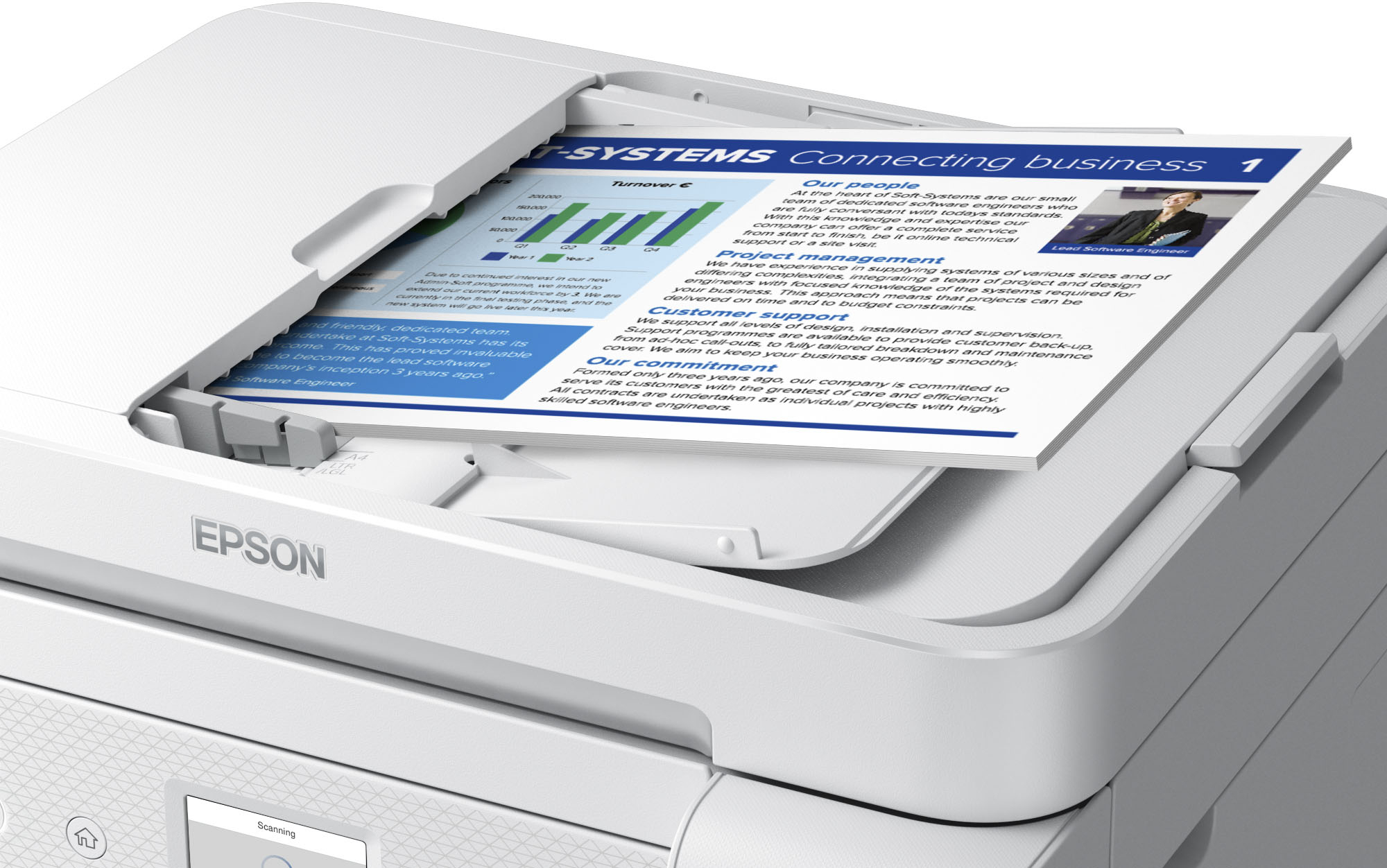
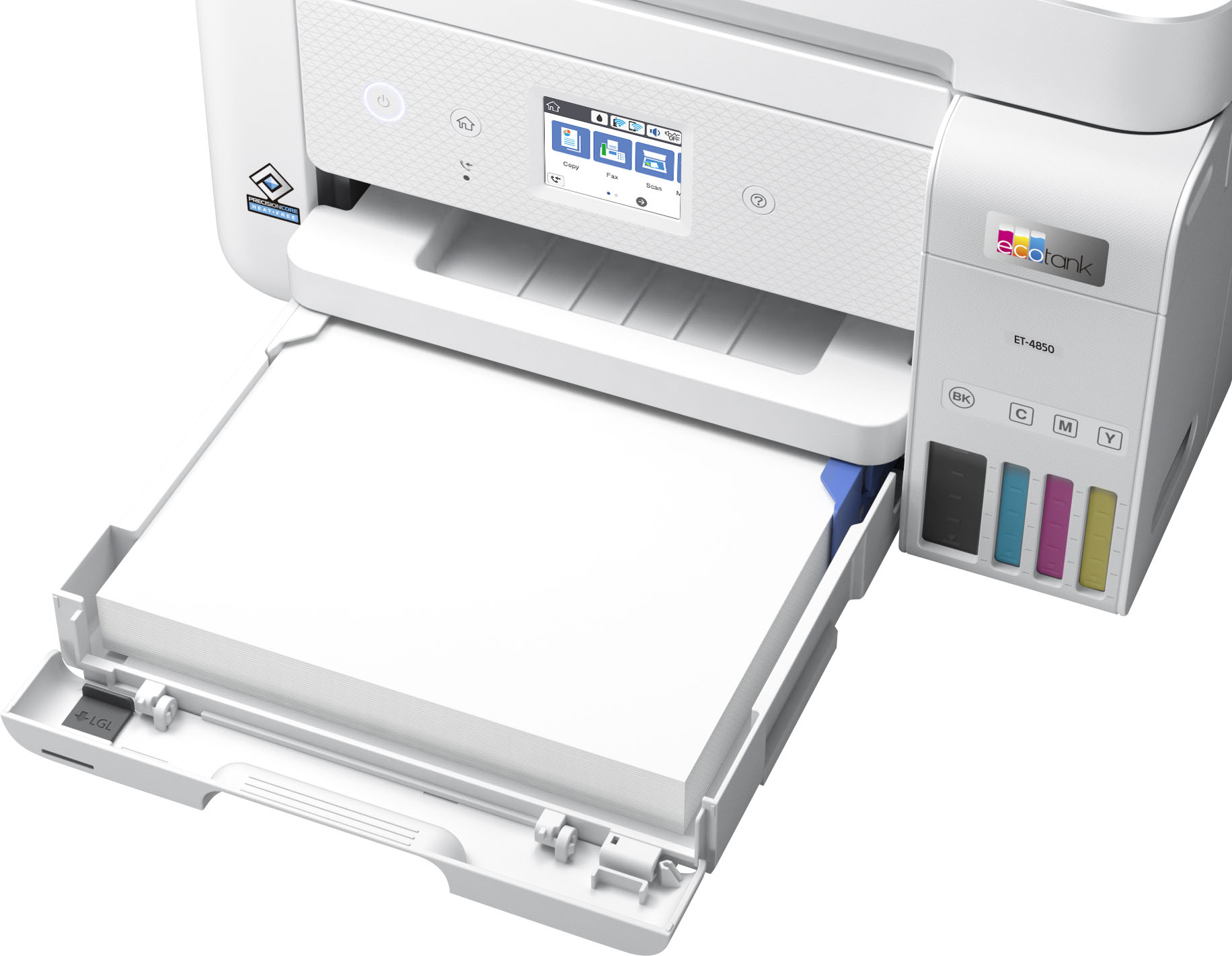
Posted .This reviewer received promo considerations or sweepstakes entry for writing a review.Printing seems OK, though I cannot see how much paper is available. The ADF did not work.
No, I would not recommend this to a friendHorrible.
Posted .This reviewer received promo considerations or sweepstakes entry for writing a review.Right out of the box my color prints were GRAINY, even at the highest quality setting. I did everything i could donto try ronsee if it fixes it like change paper, color profiles, wuality setting, every possible thing and it ONLY printed out grainy images no matter ehat. $400 for what? Ridiculous! I’m never going back to epson ever again.
No, I would not recommend this to a friendBig Latency and Interruptions
Posted .This reviewer received promo considerations or sweepstakes entry for writing a review.The printer has a big latency to print out image contained docs, not less 2-4 times of interruption for 12 pages doc any time and too slow…
No, I would not recommend this to a friendBrand response from Epson
Posted .Hello EvgeniiK, we apologize for your disappointing experience with the ET-4850 printer. Epson considers all feedback to improve the performance and quality of our products. Epson also provides helpful information on FAQs and self-help tools on the product support web page at https://epson.com/Support/Printers/All-In-Ones/ET-Series/Epson-ET-4850/s/SPT_C11CJ60202#questions. Additionally, your printer includes a 1-year Limited Warranty plus free lifetime technical support. Please get in touch with our support team directly at (562) 276-4382 between 7 am - 4 pm (PT), Monday - Friday, if you need further assistance.
Sincerely, Sam - The Epson Team
No a good printer
Posted .This reviewer received promo considerations or sweepstakes entry for writing a review.Worse printer i have ever buy..pictures comeup very messing everytime
No, I would not recommend this to a friendCrap
Posted .This reviewer received promo considerations or sweepstakes entry for writing a review.Your return policy sucks, the printer doesn’t work. Overall it’s sucks
No, I would not recommend this to a friendBrand response from Epson
Posted .Hello user306389, we apologize for your disappointing experience with the ET-4850 printer. Epson considers all feedback to improve the performance and quality of our products. Epson also provides helpful information on FAQs and self-help tools on the product support web page at https://epson.com/Support/Printers/All-In-Ones/ET-Series/Epson-ET-4850/s/SPT_C11CJ60202#questions. Your printer also includes a 1-year Limited Warranty plus free lifetime technical support. Please contact our support team directly at (562) 276-4382 between 7 am - 4 pm (PT), Monday - Friday, if you need further assistance.
Sincerely, Sam - The Epson Team