Customer Ratings & Reviews
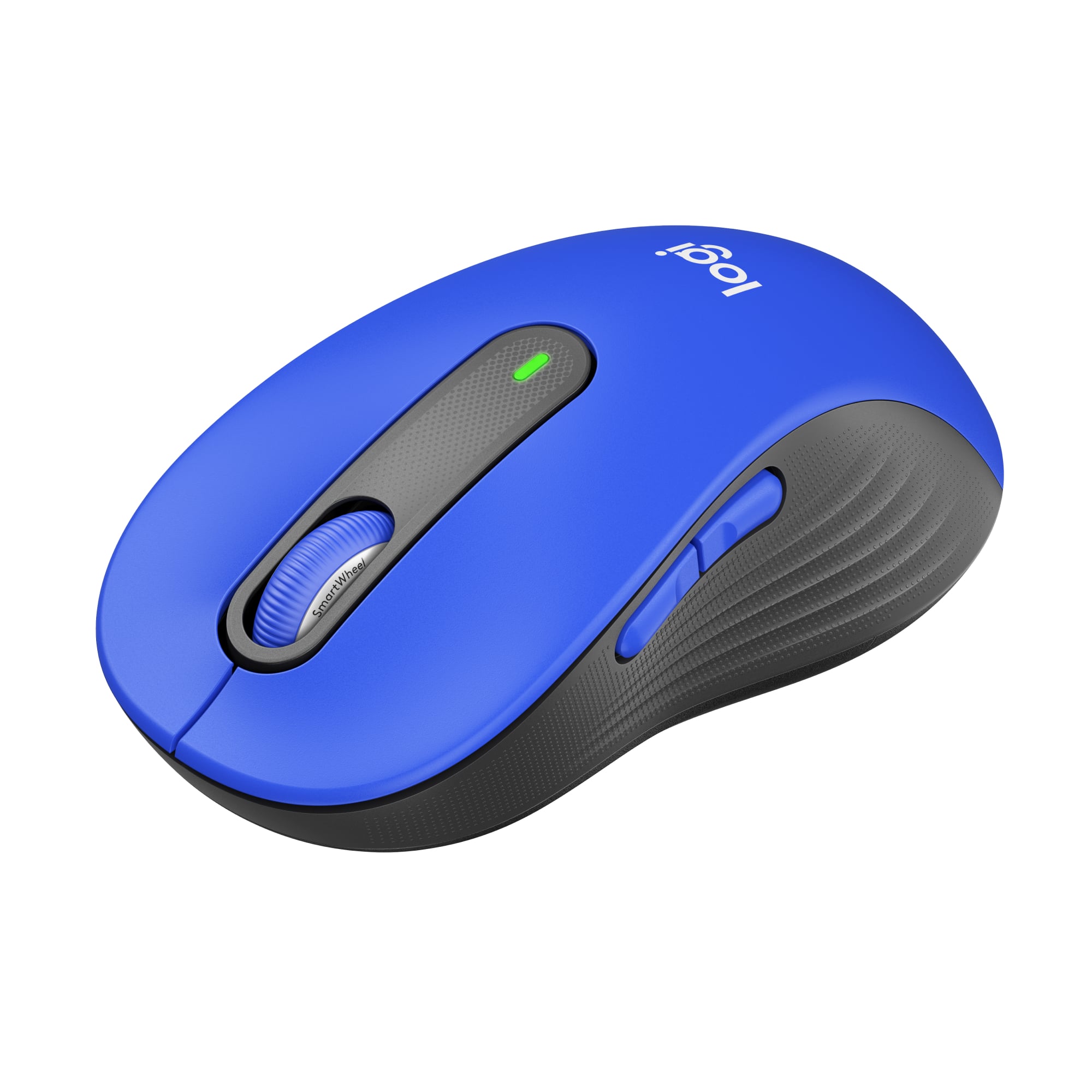
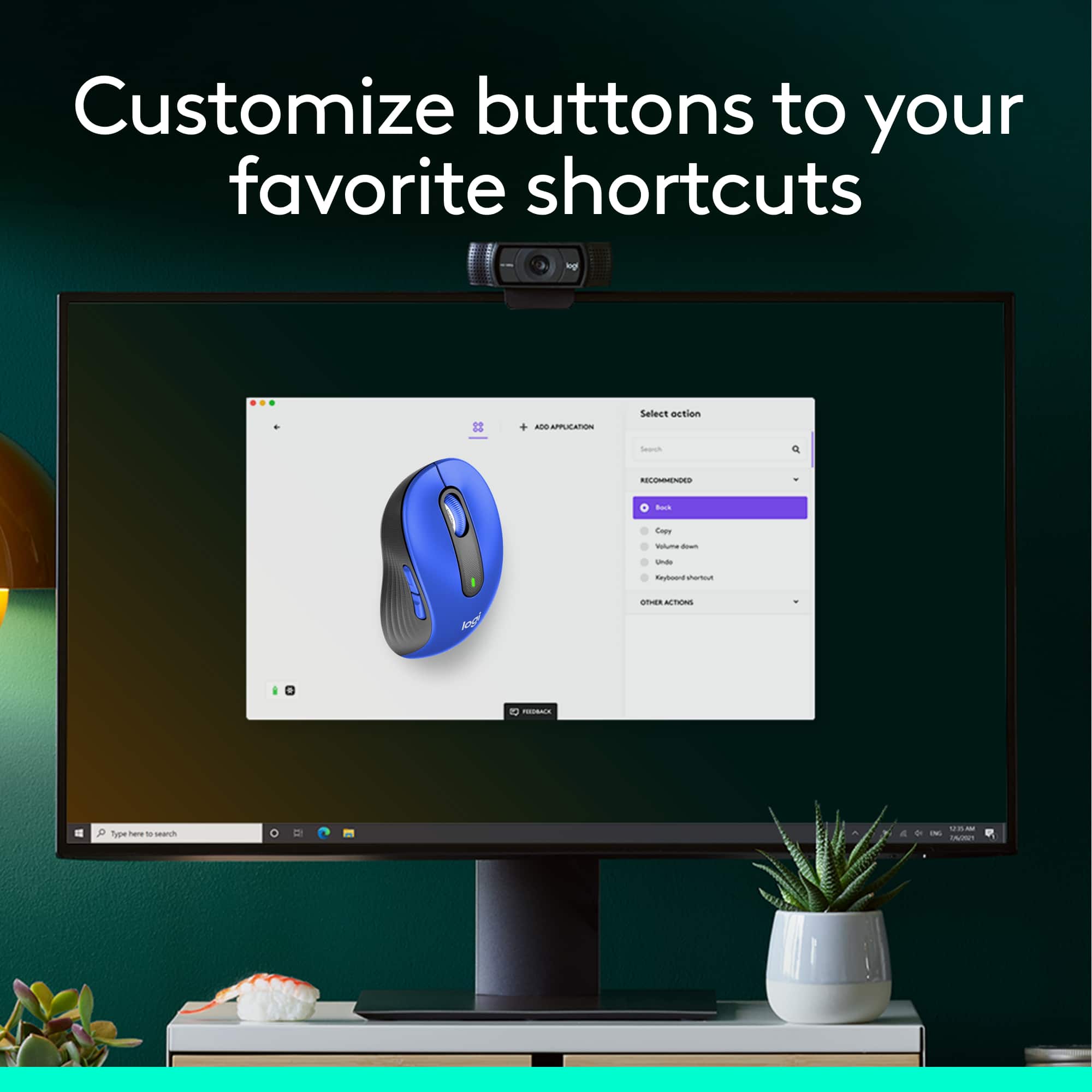
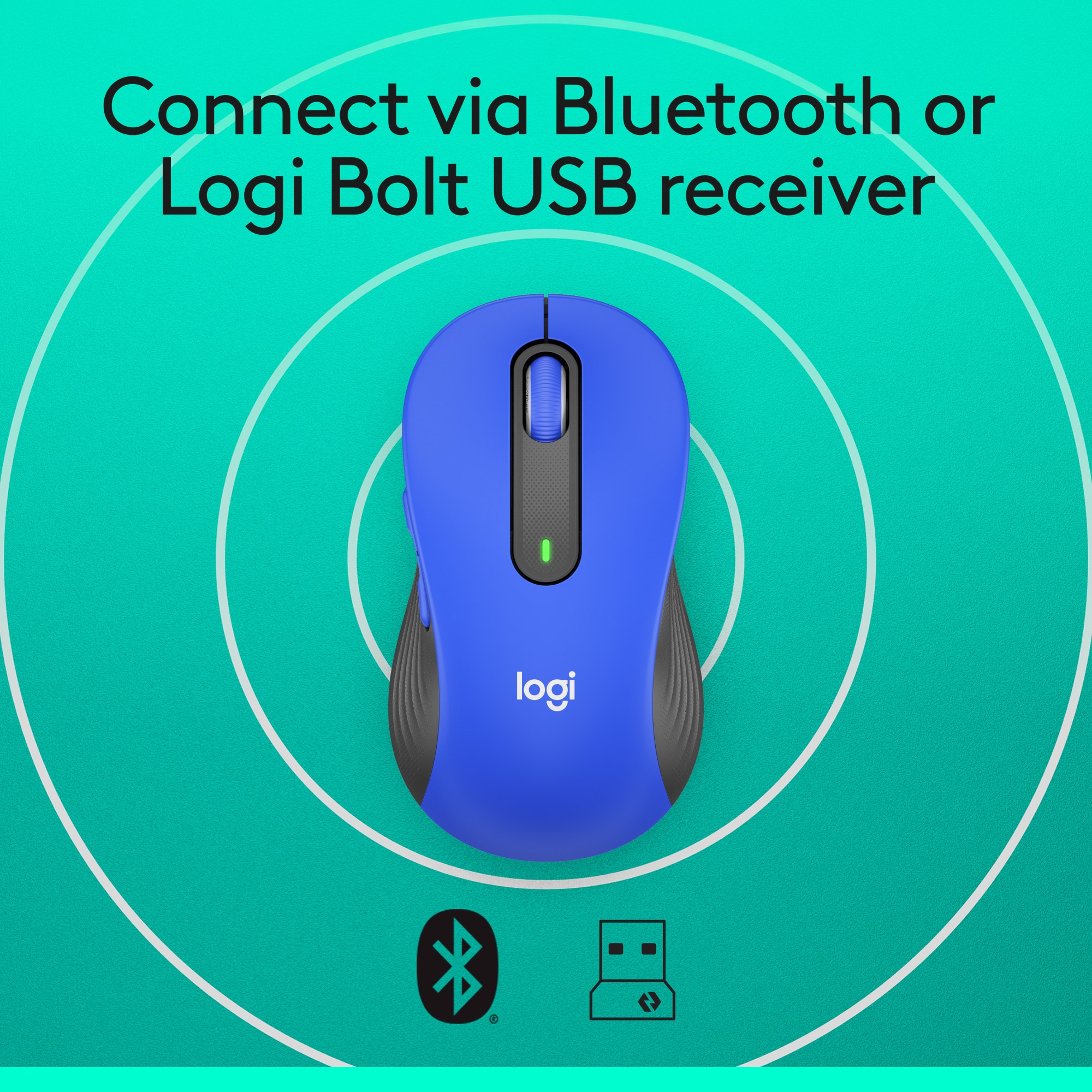
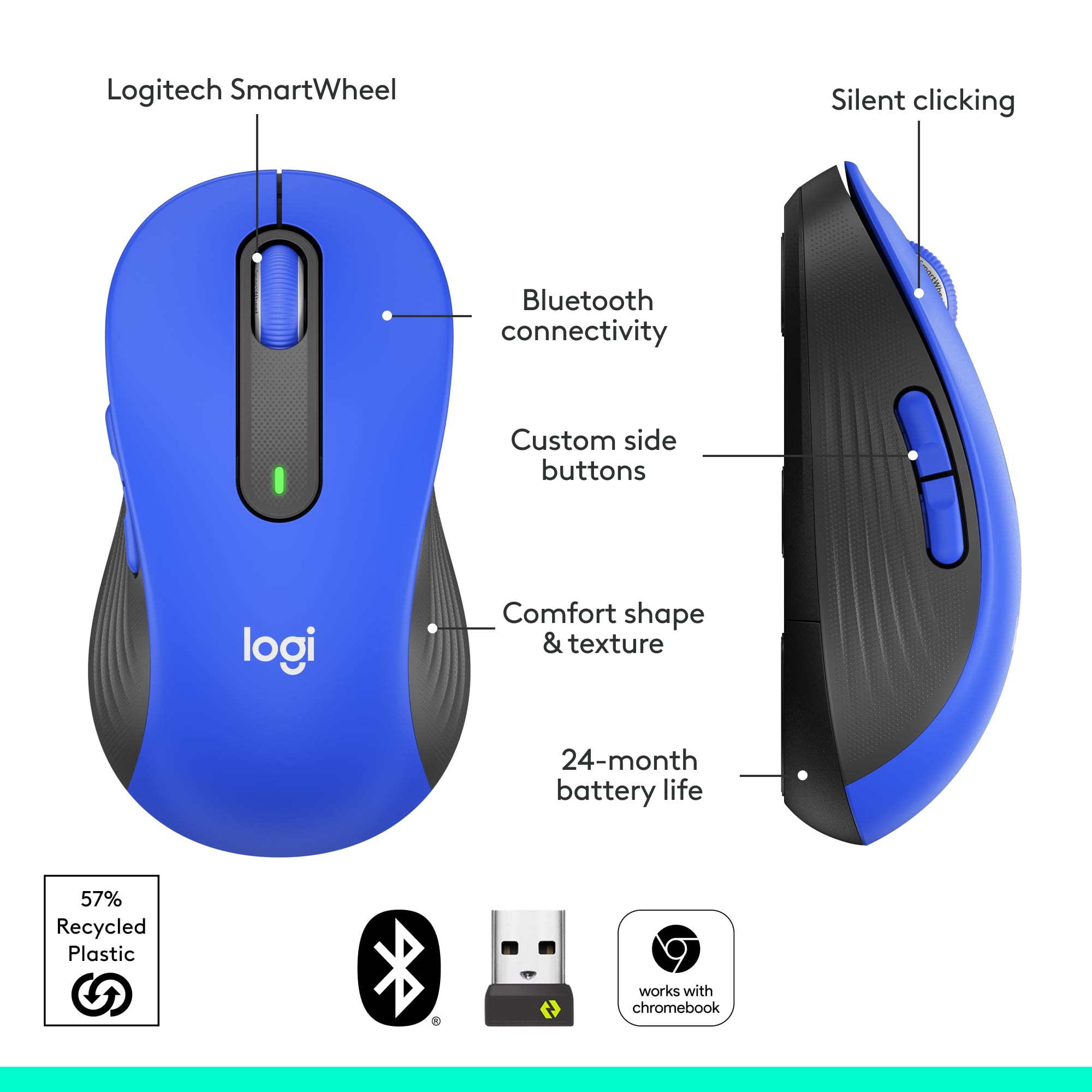
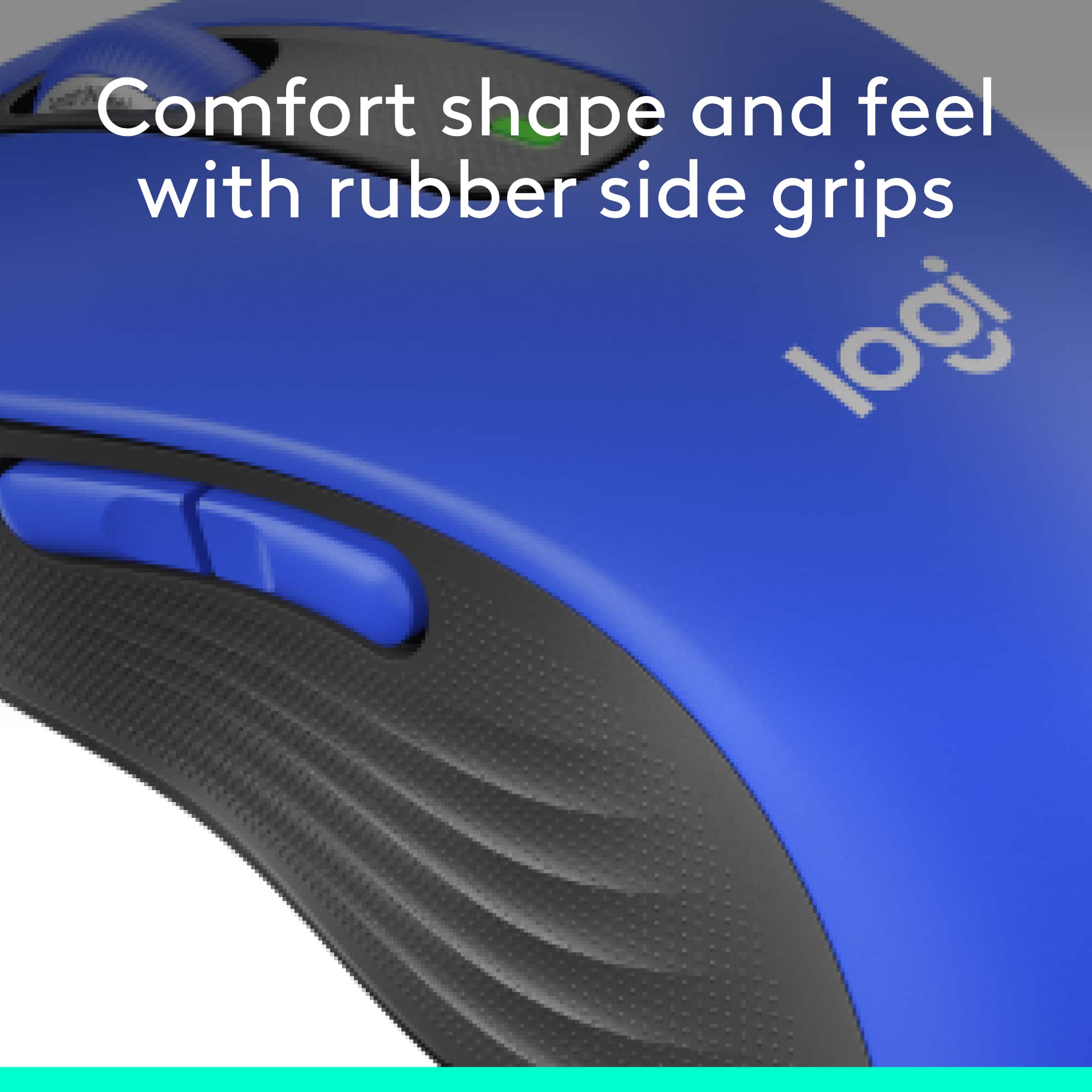
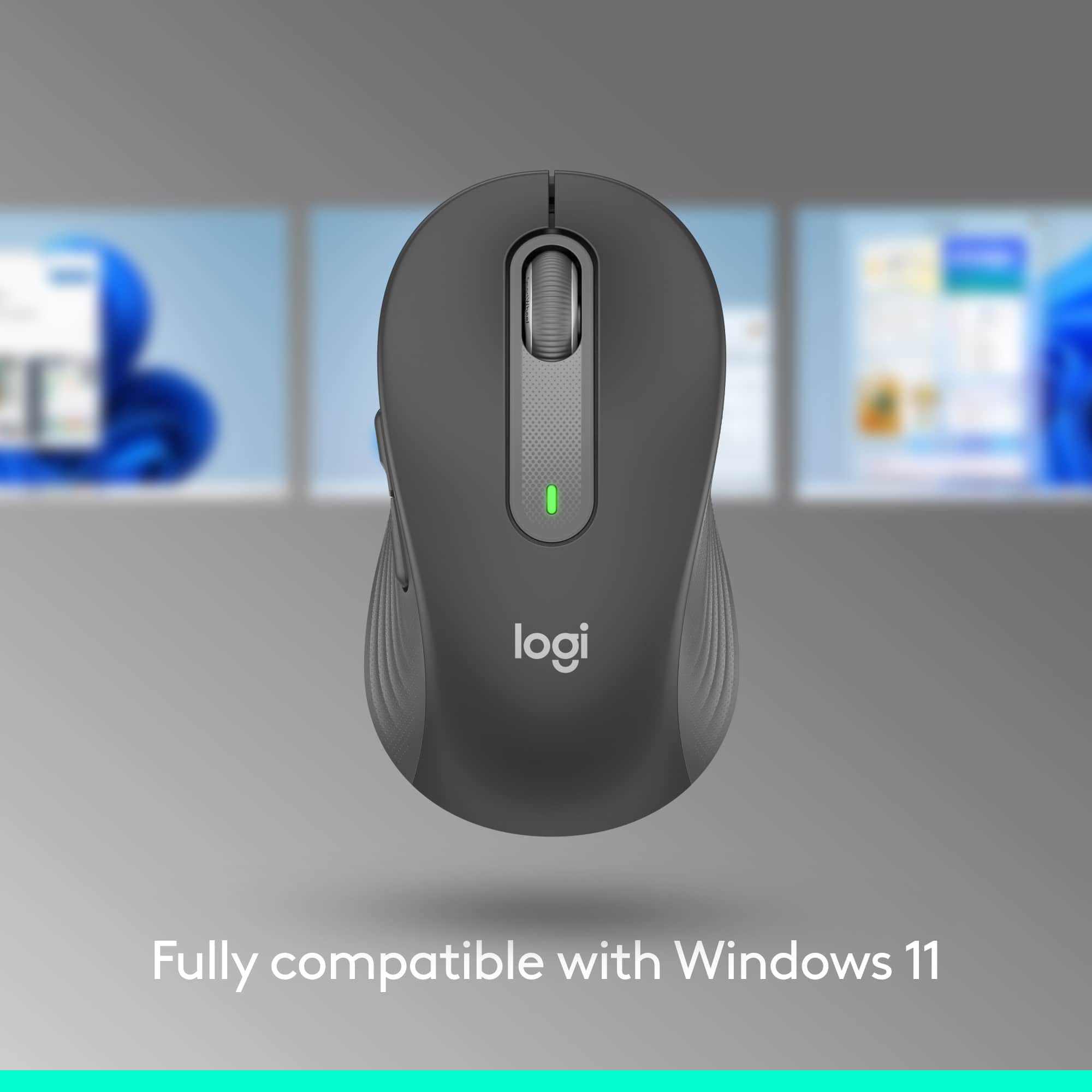
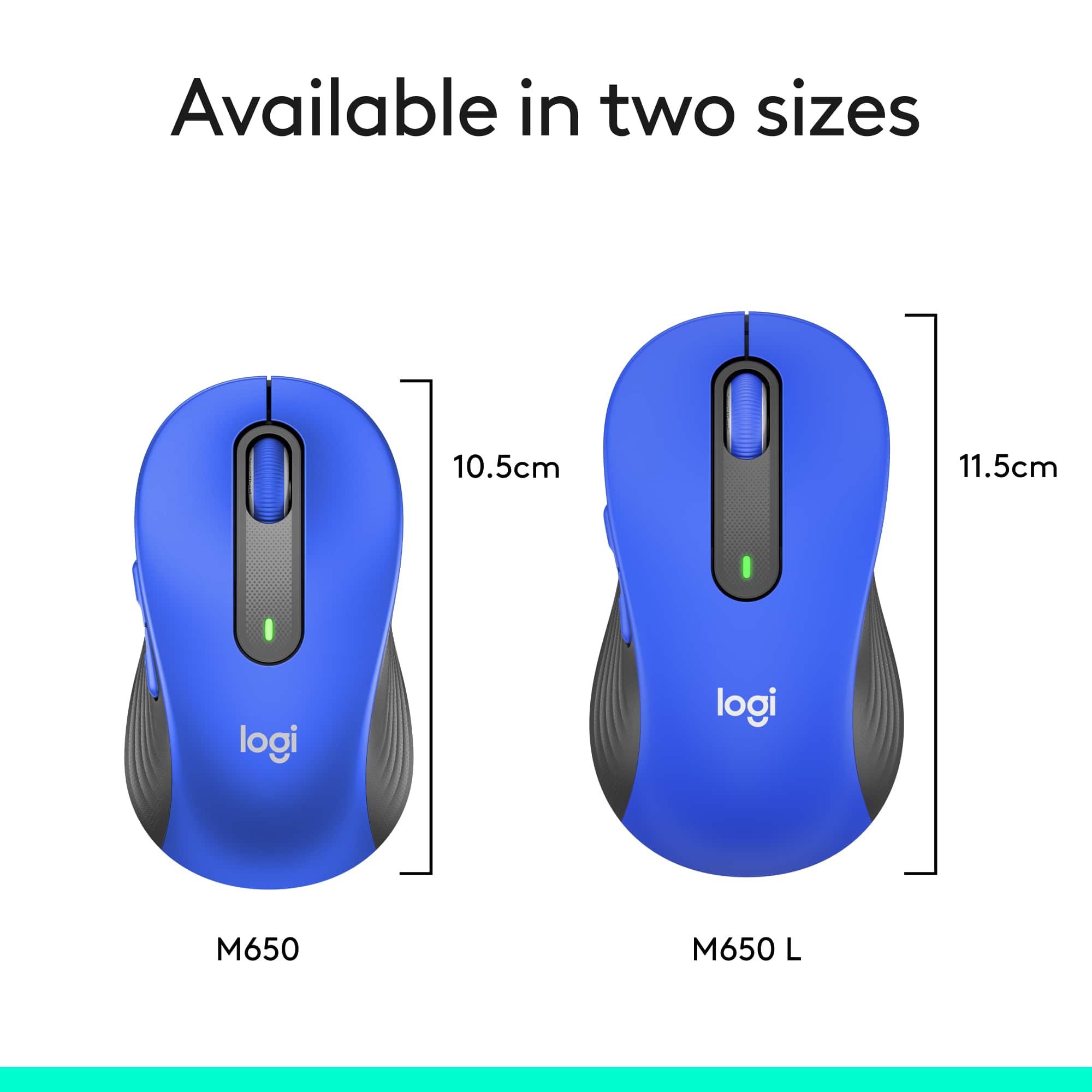


- Model:
- 910-006232
- SKU:
- 6491143
Rating by feature
- Value
Rating 4.7 out of 5 stars
- Quality
Rating 4.8 out of 5 stars
- Ease of Use
Rating 4.8 out of 5 stars
Customers are saying
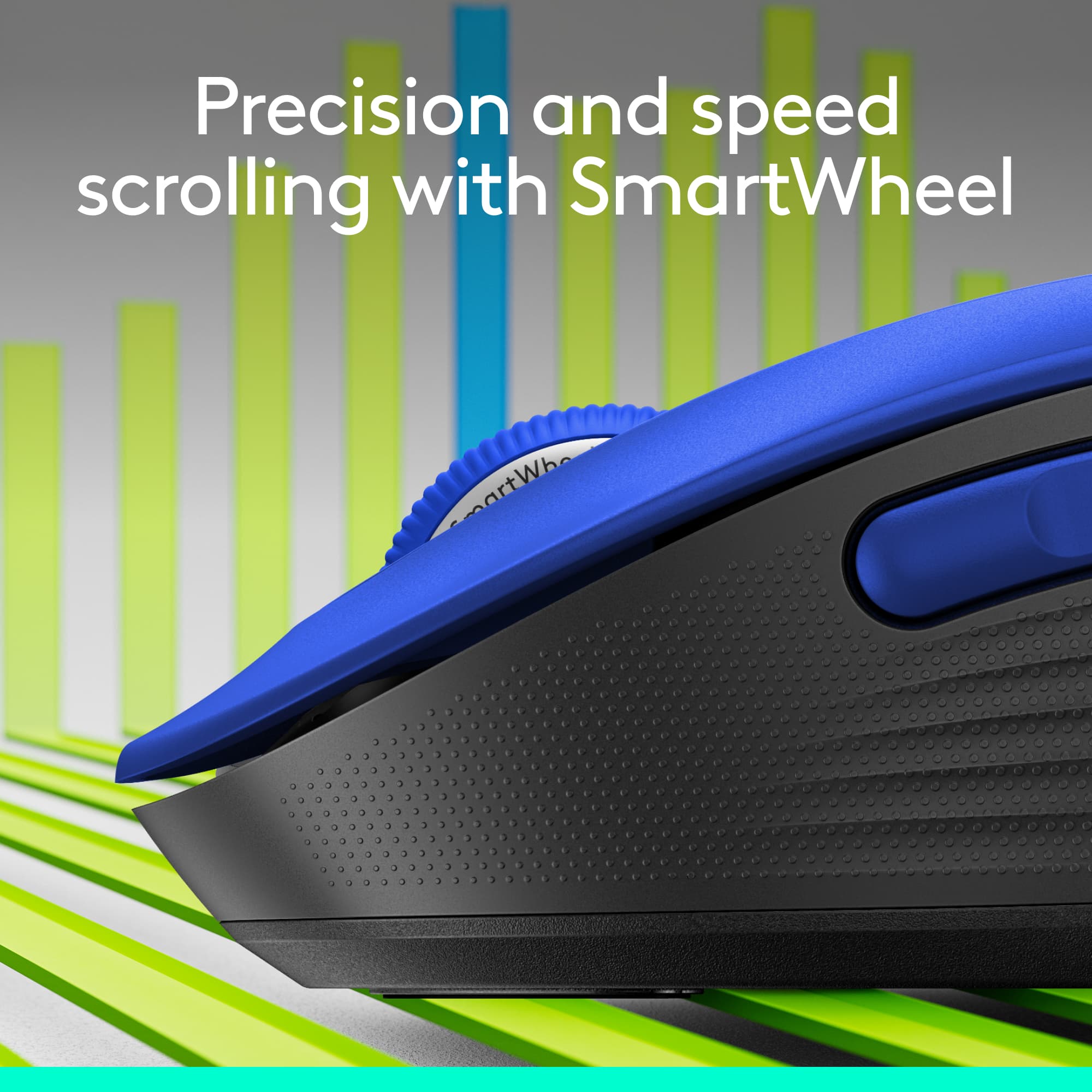
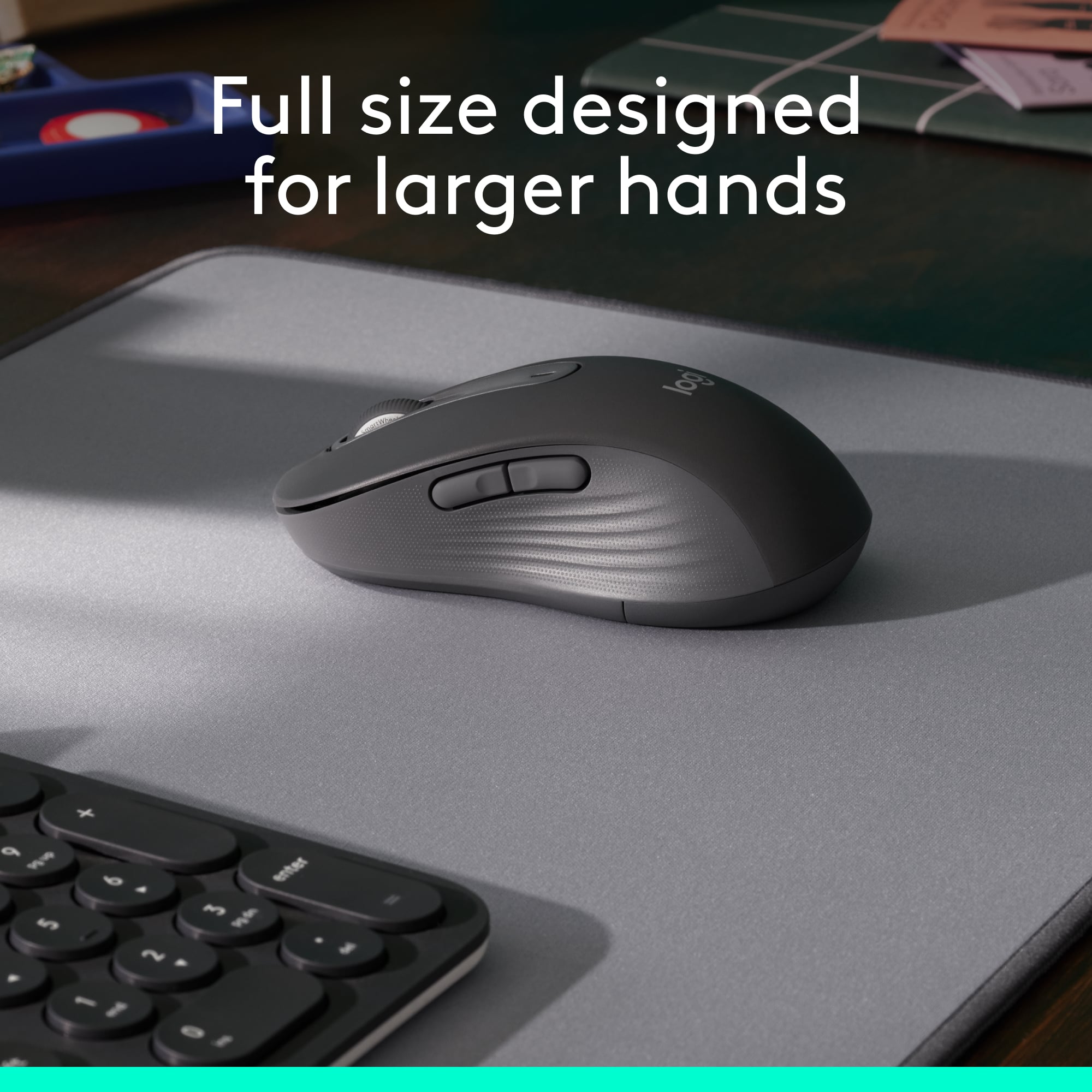
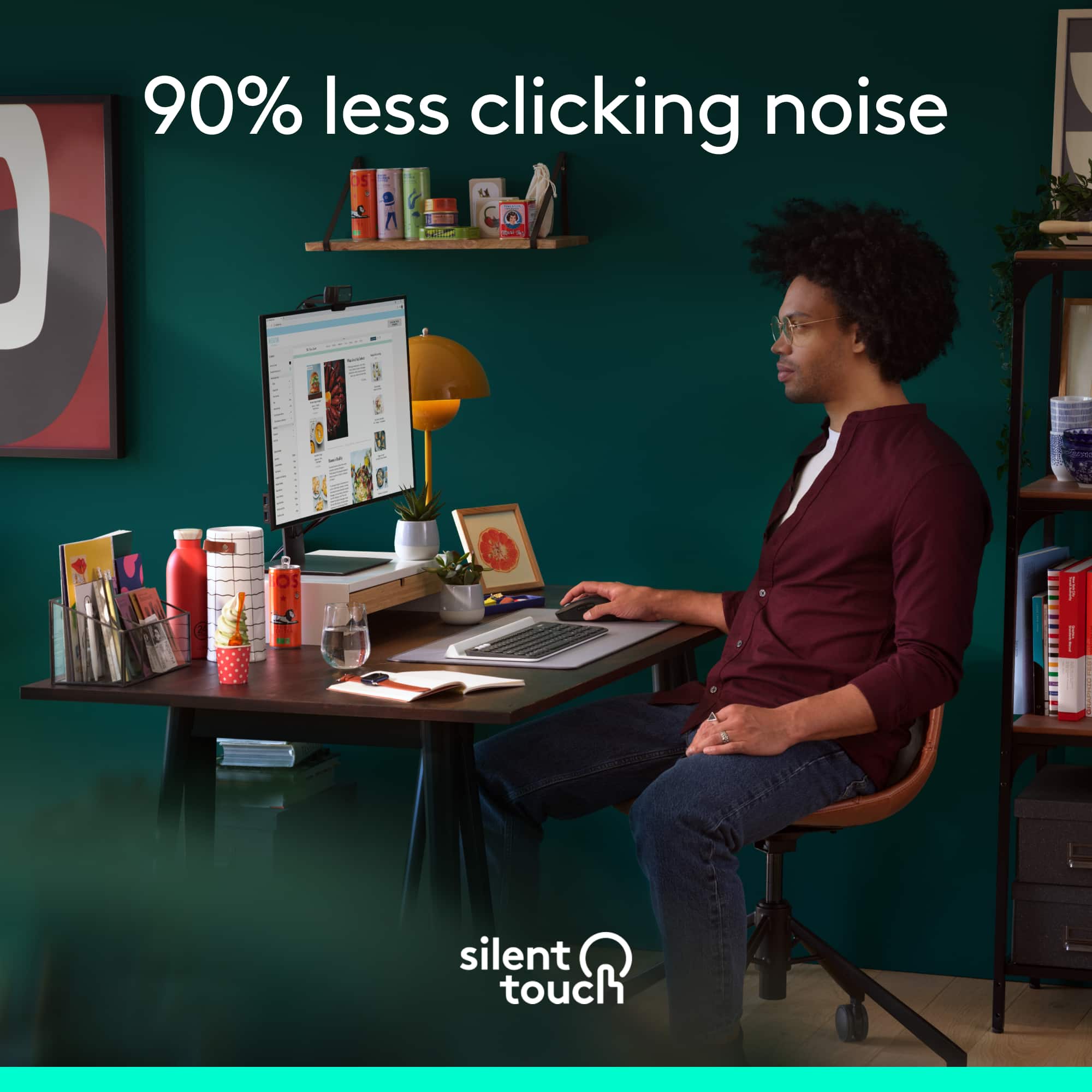
Customers are enthusiastic about the Signature M650 L mouse, particularly its ease of use and comfortable size. Many appreciate the convenience of Bluetooth connectivity and the quietness of the silent clicks. While the side buttons are not silent, users are generally satisfied with the mouse's ergonomics, long battery life, and overall performance.
This summary was generated by AI based on customer reviews.
Mouse
||Posted . Owned for 3 weeks when reviewed.This reviewer received promo considerations or sweepstakes entry for writing a review.Didn't work. Got full refund but had to drive 25 miles to return it.
No, I would not recommend this to a friendBrand response from Logitech
Posted .Thank you for sharing your experience—it’s truly valuable to us. We’re sorry for the inconvenience and travel you had to go through, and we appreciate your patience throughout the process. Your feedback helps us work toward smoother solutions ahead.

Mouse
||Posted . Owned for 1 month when reviewed.This reviewer received promo considerations or sweepstakes entry for writing a review.Mouse is great. Love the fact that it is wireless.
I would recommend this to a friendSilent clickjng
||Posted . Owned for 2 weeks when reviewed.This reviewer received promo considerations or sweepstakes entry for writing a review.Silent, Bluetooth, and ergonomic for large hands!!
I would recommend this to a friendmouse does less
||Posted . Owned for 1 month when reviewed.This reviewer received promo considerations or sweepstakes entry for writing a review.Clicking my new mouse will NOT turn on my computer, whereas my old mouse DOEs turn on my computer. I had to hook my old mouse back up
No, I would not recommend this to a frienddont waste money
||Posted . Owned for 1 month when reviewed.This reviewer received promo considerations or sweepstakes entry for writing a review.barely lasted a month of use tried changing battery it just doesnt work anymore
No, I would not recommend this to a friendReally disappointed in Logitech lately
||Posted . Owned for 1 month when reviewed.This reviewer received promo considerations or sweepstakes entry for writing a review.I have owned close to a dozen Logitech mice over the years, this is the first one that I stopped using after only a day. It simply has jerky mouse pointer movements, plus the scroll wheel starts to roll super SLOW at odd times. Plus, really SUCKS that I must now use two Logitech dongles as this mouse uses the new "Bolt" dongle, but my logitech keyboard needs the old dongle.
No, I would not recommend this to a friendBrand response from Logitech
Posted .Hello eye4bear,
I am sorry that the M650 L mouse did not meet your expectations. Logitech understands that every user's needs are different, which is why they offer an ample line of products. Feel free to check out other Logitech mice that still work with the Unify wireless adapter. Logitech appreciates your product review. - Leo from Logitech
Awful mouse
||Posted . Owned for 4 months when reviewed.This reviewer received promo considerations or sweepstakes entry for writing a review.This is a supposed to be a "silent click" mouse. My complaint is that it takes no effort to press the buttons. This means you are pressing the buttons whether you want to or not...and it makes this mouse completely unusable.
No, I would not recommend this to a friendWorst Logitech I've ever owned
||Posted . Owned for 2 months when reviewed.This reviewer received promo considerations or sweepstakes entry for writing a review.It's a little too big and the left mouse click button does not work as it should.
No, I would not recommend this to a friendBrand response from Logitech
Posted .Thank you for your feedback on the Signature M650 L Mouse. We sincerely apologize for the issues you've encountered, including the size and the left mouse button functionality. To get that issue resolved, we recommend reaching out to our social care team via email at socialcare@logitech.com with your
- Name:
- Email Address:
- Country:
- Product Name:
- Brief description of issue:
Works well
||Posted . Owned for 2 weeks when reviewed.This reviewer received promo considerations or sweepstakes entry for writing a review.Could track a little better, but otherwise well made.
I would recommend this to a friendBluetooth
||Posted . Owned for 1 month when reviewed.This reviewer received promo considerations or sweepstakes entry for writing a review.Drops blue tooth signal out often. Seems to occur if I move the cursor too much with the touchpad. I have an older laptop so that may be the issue, but other than signal issues its a good mouse.
I would recommend this to a friendNot compatible with Logitech Unifying devices
||Posted . Owned for 3 weeks when reviewed.This reviewer received promo considerations or sweepstakes entry for writing a review.Disappointed that the logi Bolt technology is not backward compatible with Logitech Unifying devices. I have to use two usb dongles or replace my keyboard. And I’m not a fan of the silent click.
No, I would not recommend this to a friendbad choice
||Posted . Owned for 3 weeks when reviewed.This reviewer received promo considerations or sweepstakes entry for writing a review.I didn't know the buttons by my thumb would be such a hinderance. I hit them by accident and lose all my work. It may just be me because I did not understand how the mouse would work.
No, I would not recommend this to a friendSilent Mouse, I don't think so.
||Posted . Owned for 1 month when reviewed.This reviewer received promo considerations or sweepstakes entry for writing a review.I purchased this item because I really needed a silent mouse. There still seems to be some clicking feature still audible within this device. Very disappointed.
No, I would not recommend this to a friendBrand response from Logitech
Posted .Hello lmcarthur24,
I am sorry that the M650 L is not meeting your expectations. This is not a usual complaint, so feel free to contact the Logitech support team for a replacement if you think there is a manufacturer's defect. Logitech appreciates your product review. - Leo from Logitech
Owner of business
||Posted . Owned for 1 month when reviewed.This reviewer received promo considerations or sweepstakes entry for writing a review.Doesn't respond. Waste of $$$ was recommended by geek squad.
No, I would not recommend this to a friendBrand response from Logitech
Posted .Hey! We apologize for the inconvenience caused by the Logitech Unifying receiver not working as expected for your keyboard. Logitech unifying receiver allows you to connect up to six Logitech unifying devices, please do check if the product have orange color symbol or keyboard is listed as compatible with Unifying receivers. If pairing fails, contact our social care team via email at socialcare@logitech.com with your
- Name:
- Email Address:
- Country:
- Product Name:
- Brief description of issue:
Unhappy rezalts.
||Posted . Owned for 1 month when reviewed.This reviewer received promo considerations or sweepstakes entry for writing a review.I could not make it work. I wanted to use it in the WIFI mode and it would not set up for me. I plan to take it back.
No, I would not recommend this to a friendBrand response from Logitech
Posted .Hello MeFromSD,
I am sorry that the M650 L did not work as you expected. The M650L does not support WiFi connectivity, but it supports Bluetooth and wireless adaptor connectivity. I hope that you find this information useful. Logitech appreciates your product review. - Leo from Logitech
No Mouse Needed
||Posted . Owned for 2 weeks when reviewed.This reviewer received promo considerations or sweepstakes entry for writing a review.Returned ... never opened. The store was out of keyboards so I ordered one online from Amazon which came with a mouse.
I would recommend this to a friendTiny mouse
||Posted . Owned for 3 weeks when reviewed.This reviewer received promo considerations or sweepstakes entry for writing a review.Way too small for me. Not a good choice if you have medium size hands
No, I would not recommend this to a friendBrand response from Logitech
Posted .M650 L is recommended for large-sized hands. You can check out our sizing guide using the link. https://www.logitech.com/products/mice/m650-signature-wireless-mouse.910-006247.html. However, we will take this as feedback and pass it along to the right team.
Not a good purchase
||Posted . Owned for 3 weeks when reviewed.This reviewer received promo considerations or sweepstakes entry for writing a review.does not work well. I would not purchase again. Negative
No, I would not recommend this to a friendBrand response from Logitech
Posted .Your product feedback is important to us, and we're grateful that you took the time to provide it, even when your experience wasn't perfect. Your insights will be shared with the relevant team.
Frustrating to use
||Posted . Owned for 3 weeks when reviewed.This reviewer received promo considerations or sweepstakes entry for writing a review.Cursor not reliably reflective of movement and does not scroll evenly
No, I would not recommend this to a friendI won’t recommend this mouse.. waste of money
||Posted . Owned for 1 month when reviewed.This reviewer received promo considerations or sweepstakes entry for writing a review.It is not working after a month . Bad product.. going to return it
No, I would not recommend this to a friend