Customer Ratings & Reviews
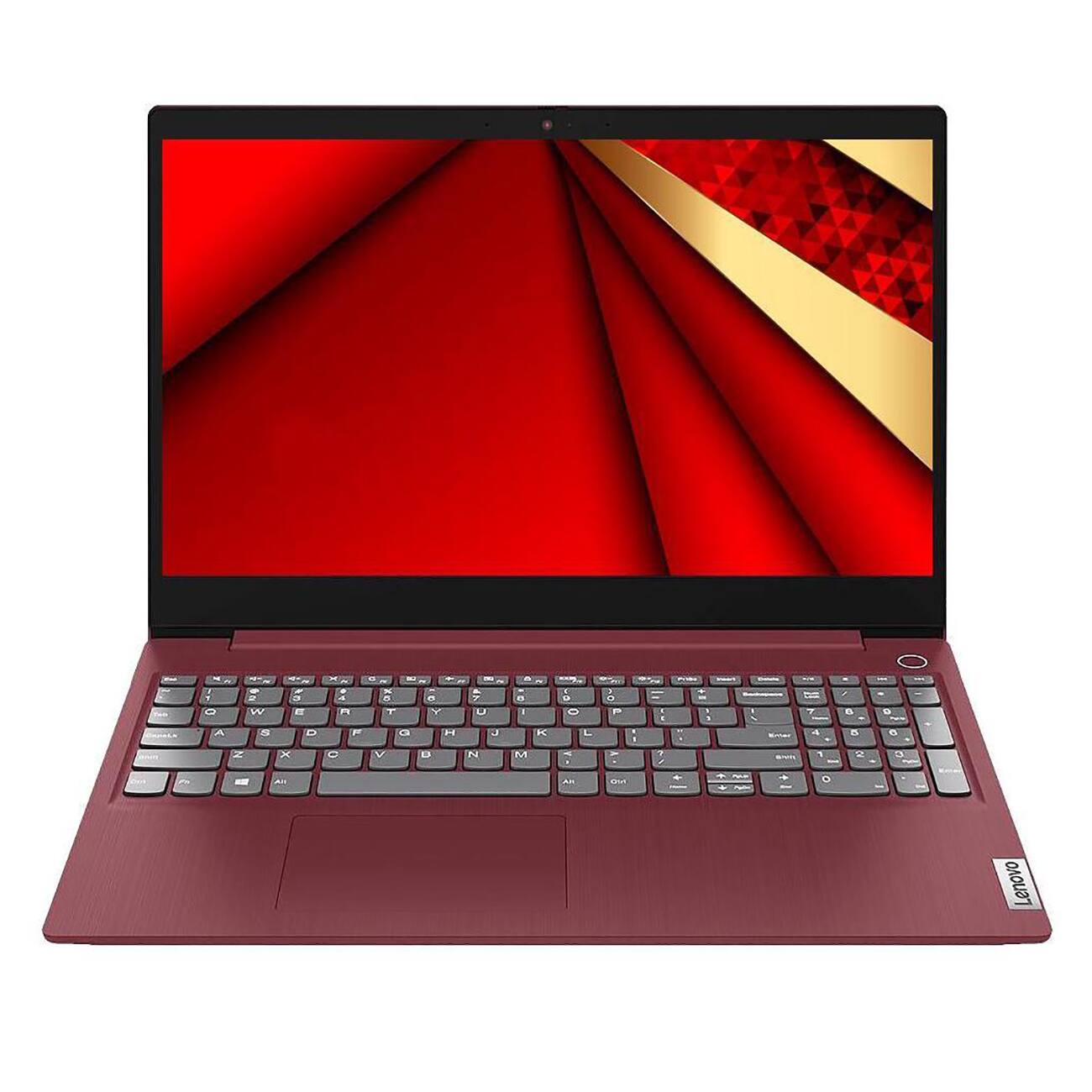
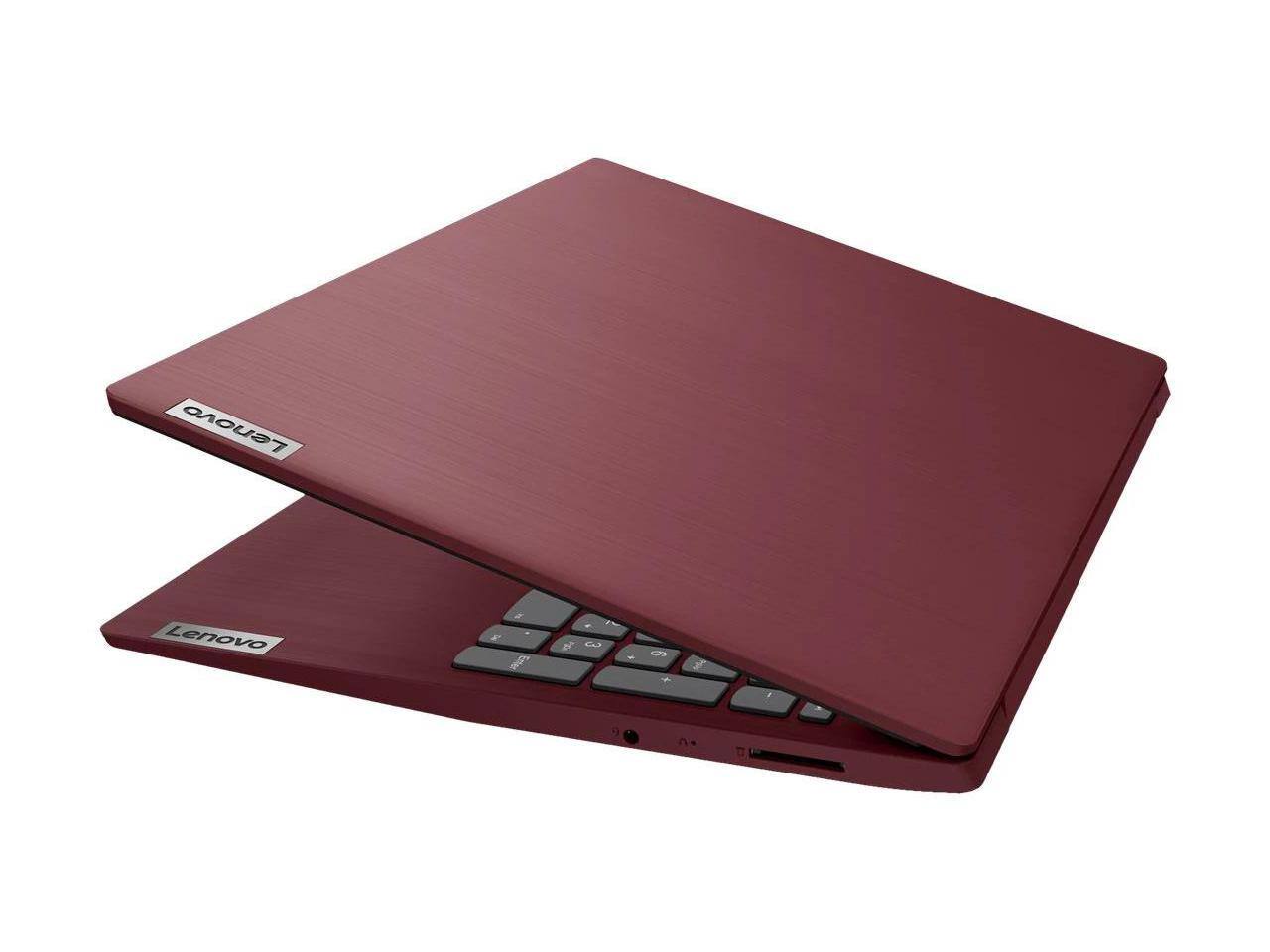
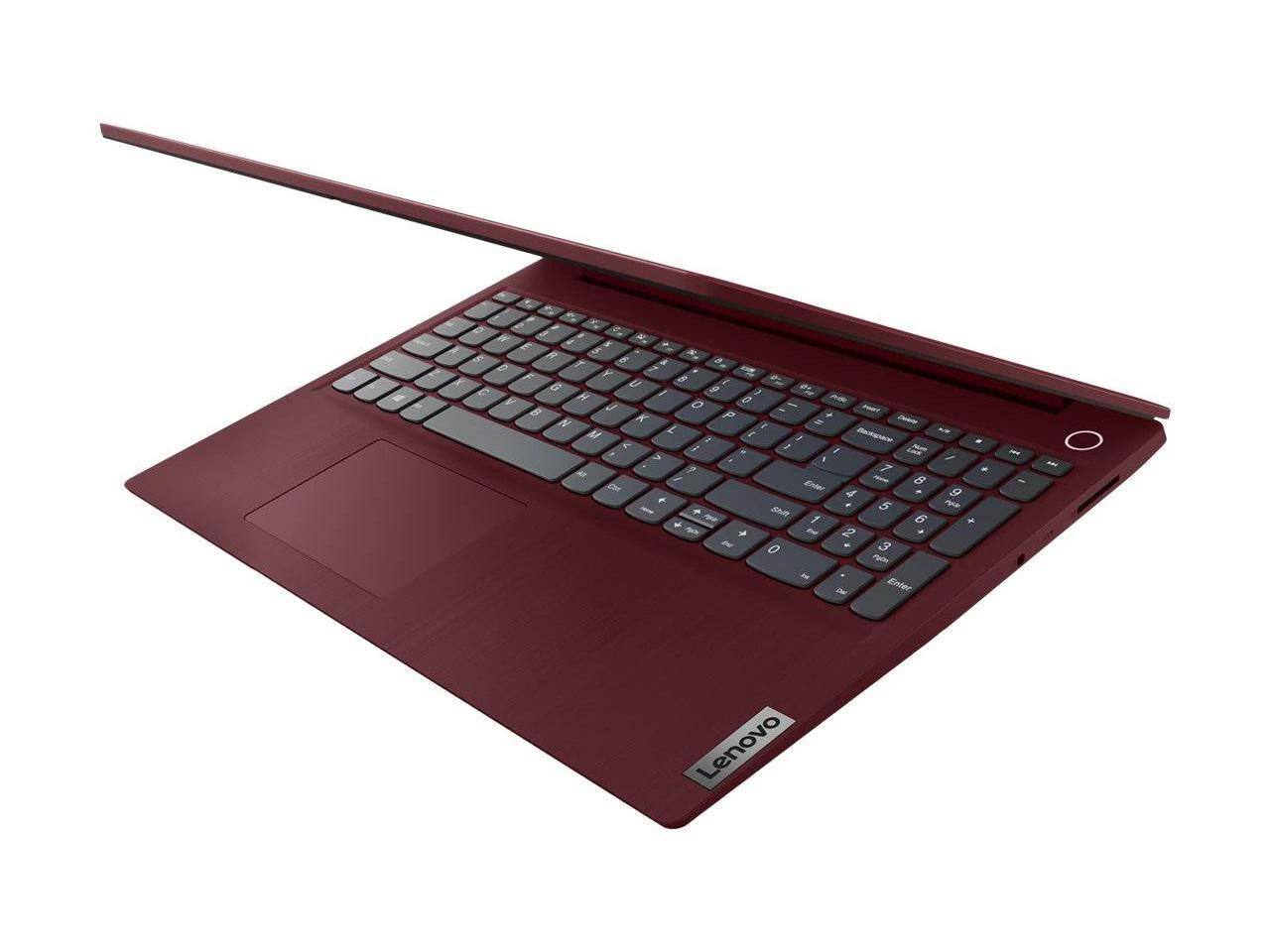
- Model:
- 81WQ00CKUS
- SKU:
- 6527728
to a friend
Doing it job
||Posted . Owned for 7 months when reviewed.This reviewer received promo considerations or sweepstakes entry for writing a review.Doesn’t work for me to keep money for lp is stupid.
No, I would not recommend this to a friendTrash
||Posted . Owned for 1 week when reviewed.This reviewer received promo considerations or sweepstakes entry for writing a review.The keyboard doesn’t work. Wouldn’t recommend anyone to buy it
No, I would not recommend this to a friendBrand response from Lenovo Product Expert
Posted .Hello, Jowayne, we are sorry to hear that you have experienced an issue with your IdeaPad 3i 15. In advance, this is a lengthy response, however we want to address your pronouncement completely. To help resolve your issue, first, we recommend checking for updates through Windows Update settings. These updates can help resolve issues from operating system bugs to driver software improvements. To navigate there, select start on the taskbar (windows logo), then select Settings. In Settings, select Windows Update, and then select the Check For Updates button. Install any available updates and restart your PC if required. If you didn’t have any updates that required a restart, it’s still a good idea to restart your device to make sure any pending updates are installed. Additionally, check for updates in the Lenovo Vantage application that is preinstalled on Windows devices. You can check by opening the app, navigating to the device tab, and selecting the “check for updates” option. If there are updates to install, follow the onscreen directions to finalize those updates. If your issues persists after these steps, we also recommend that you reach out to Lenovo Tech Support at this number for additional assistance: 877-453-6686.

Fun
||Posted . Owned for 1 month when reviewed.This reviewer received promo considerations or sweepstakes entry for writing a review.Fun!!!!!!!!!!!!!!!!!!!!!!!!!!!!!!!!!!!!!!!!!!!!!!!!
I would recommend this to a friendBrand response from Lenovo Product Expert
Posted .Hello, thank you for choosing Lenovo! We are pleased to hear that your IdeaPad 3i 15 is a good fit for your needs.
Great buy!
||Posted . Owned for 3 weeks when reviewed.This reviewer received promo considerations or sweepstakes entry for writing a review.Excellent i would highly recommend to anyone on the hunt for a great laptop
I would recommend this to a friend