Customer Ratings & Reviews
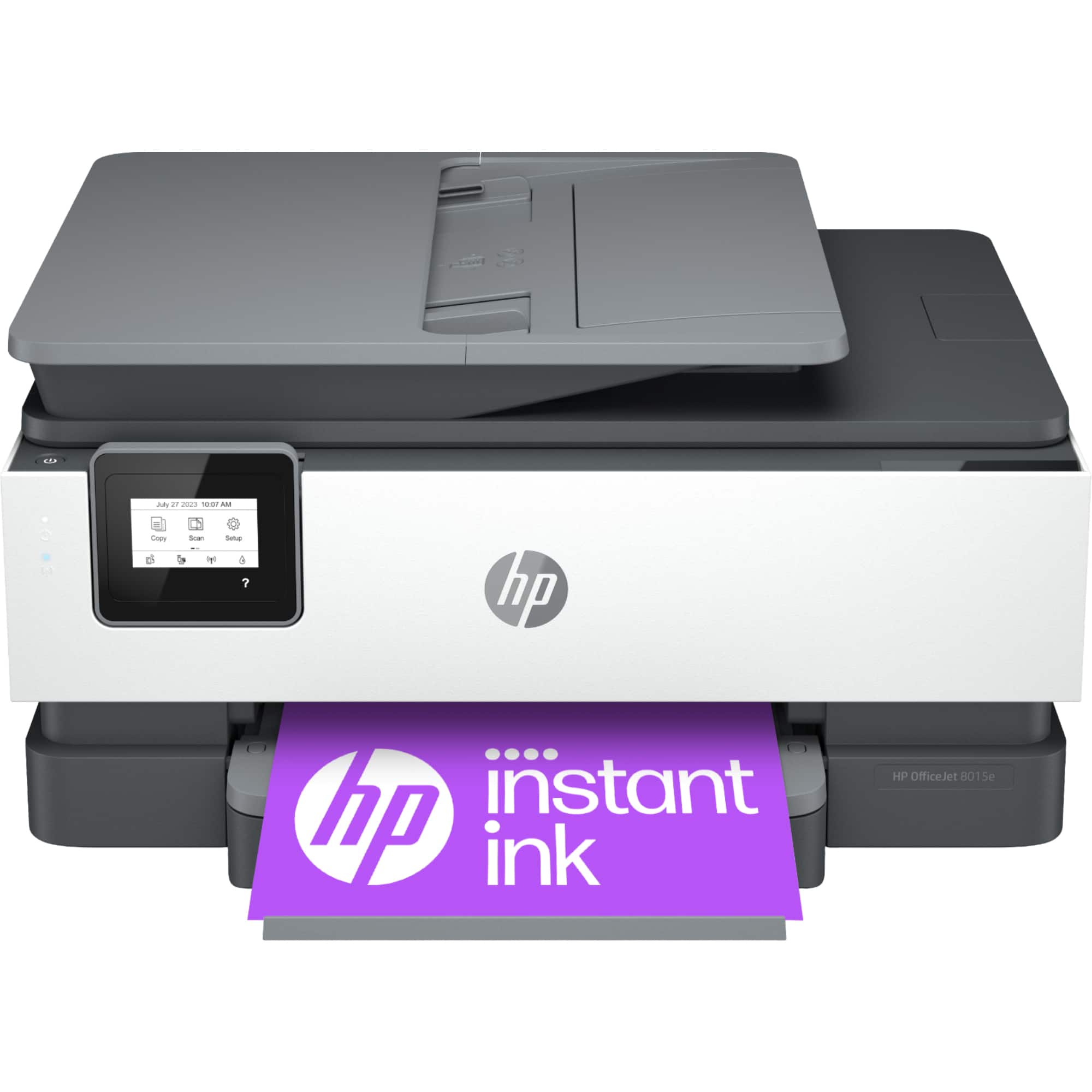
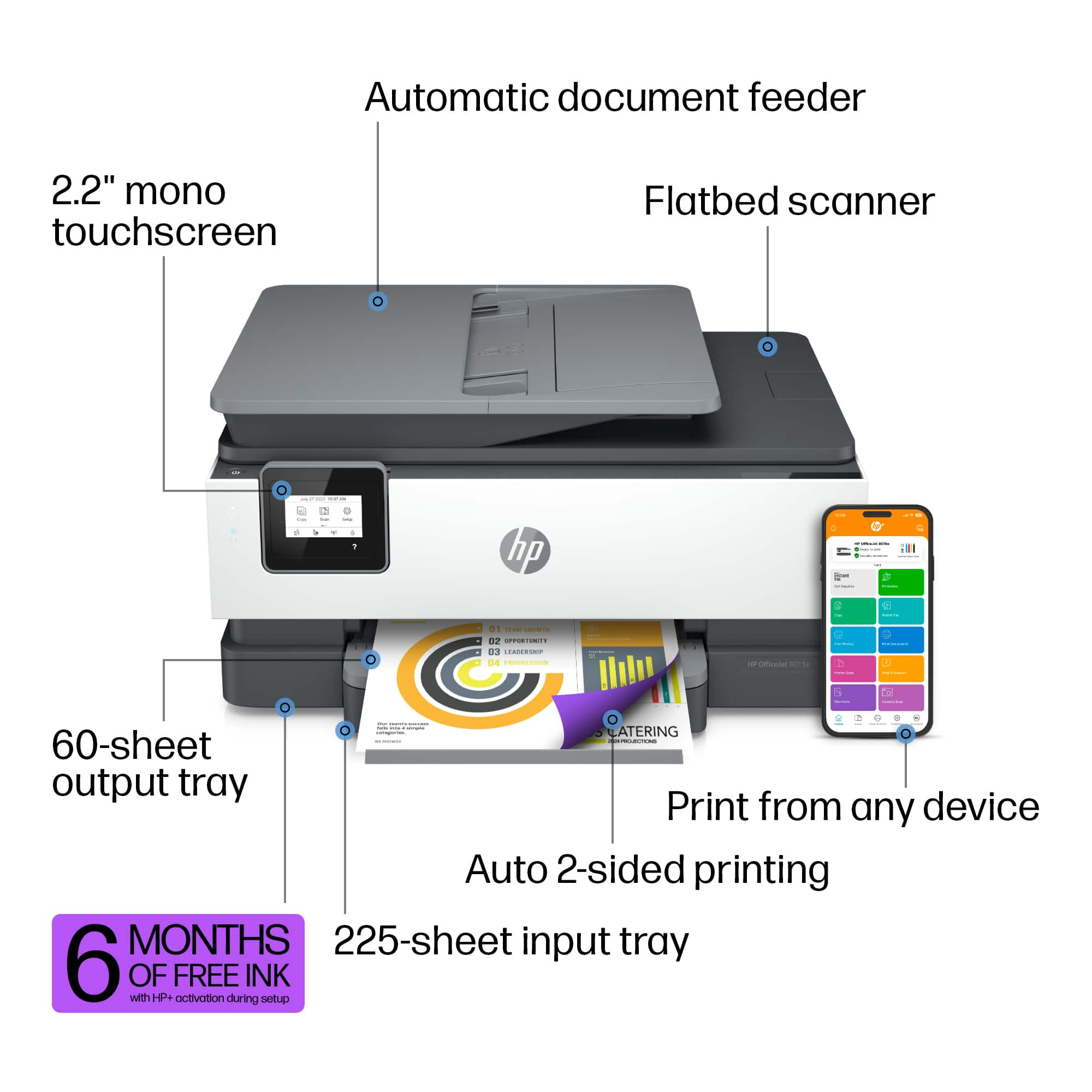
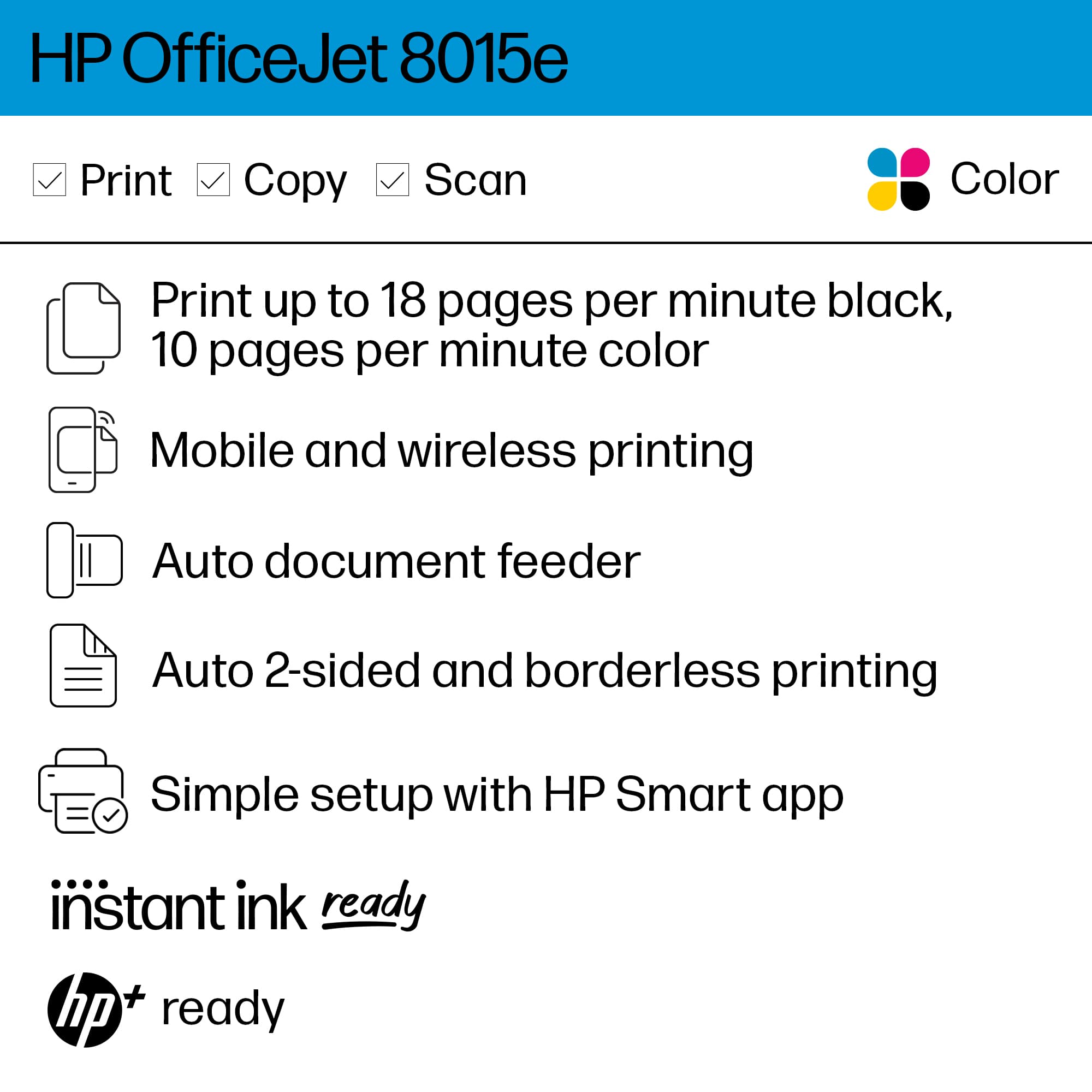

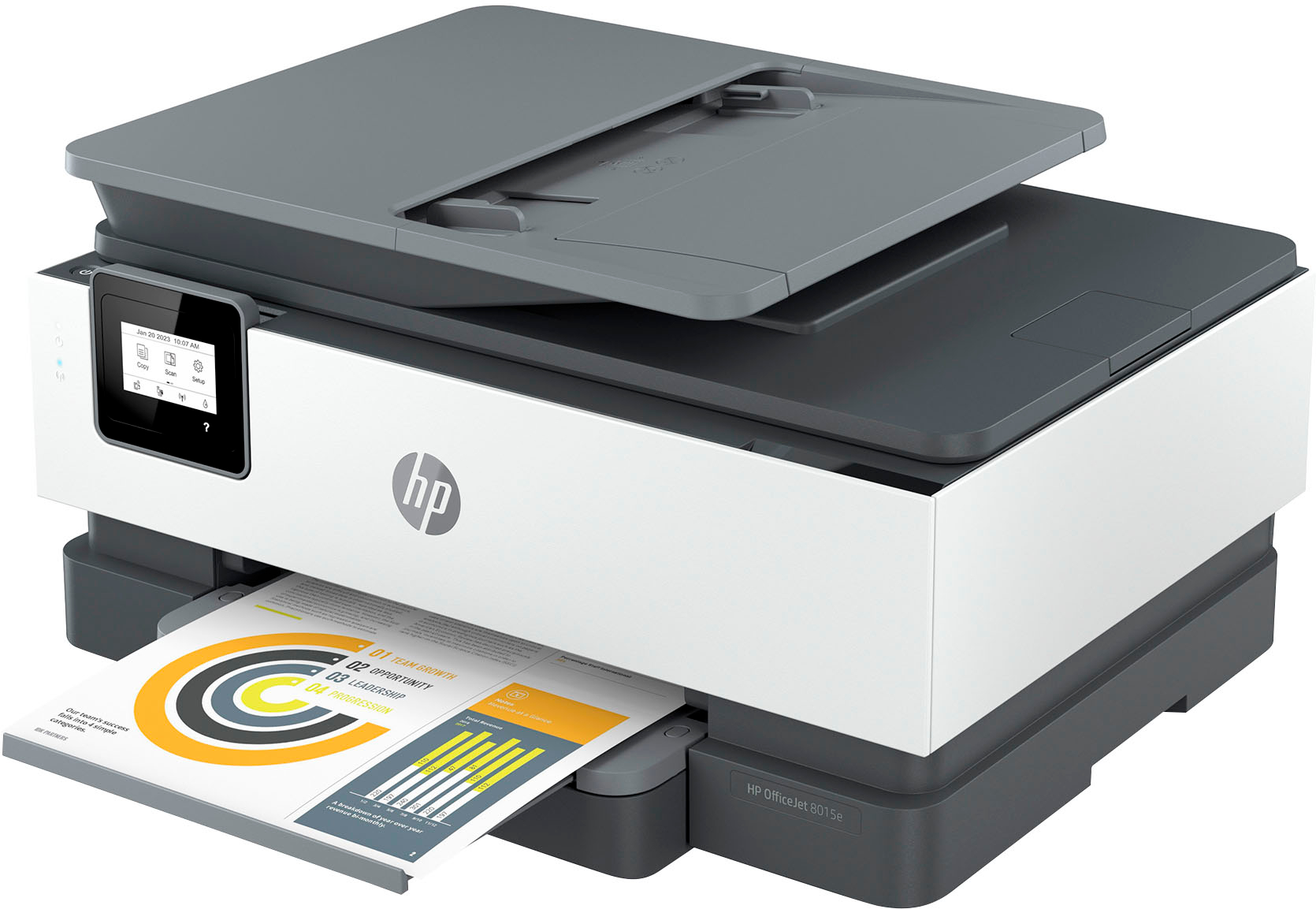
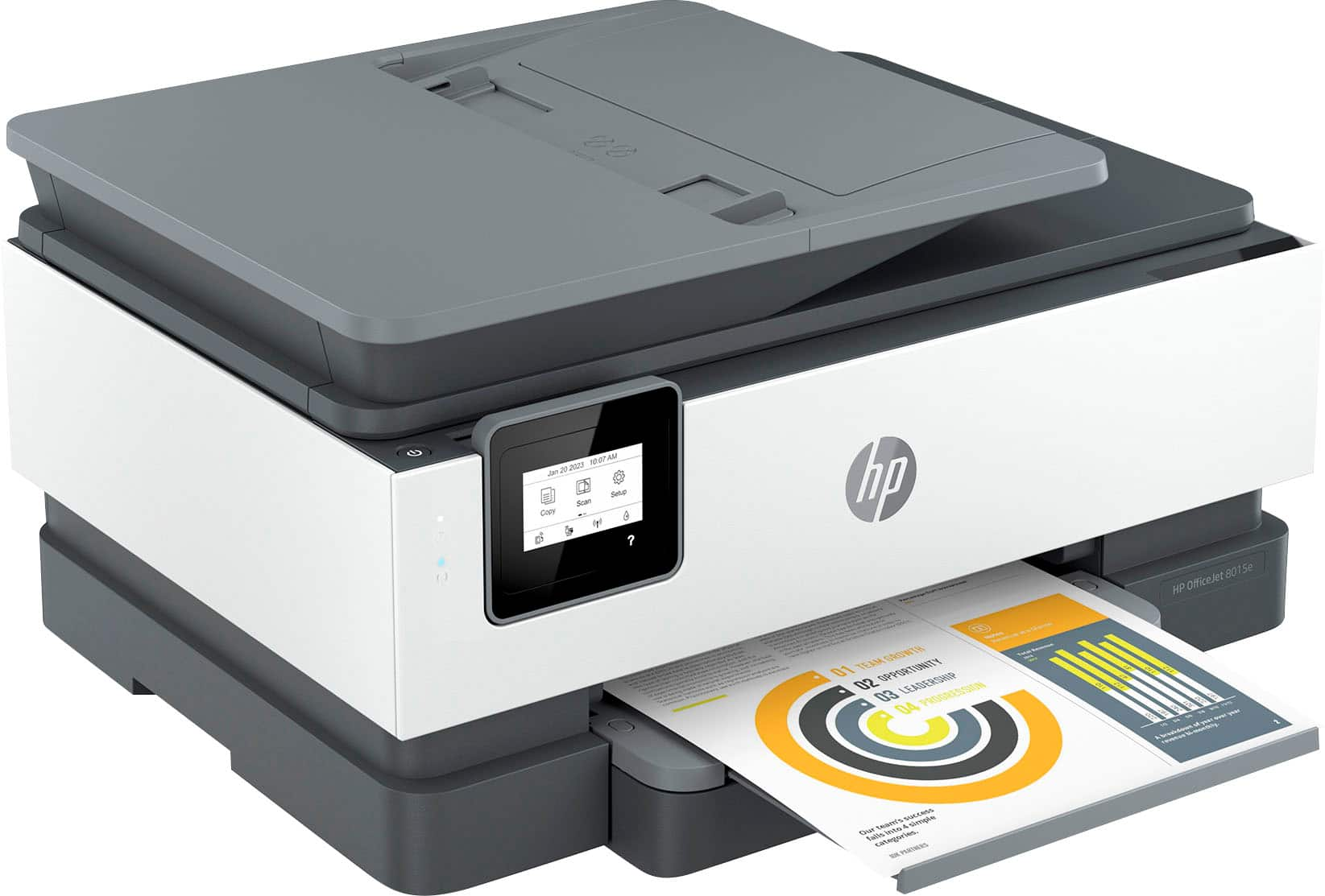
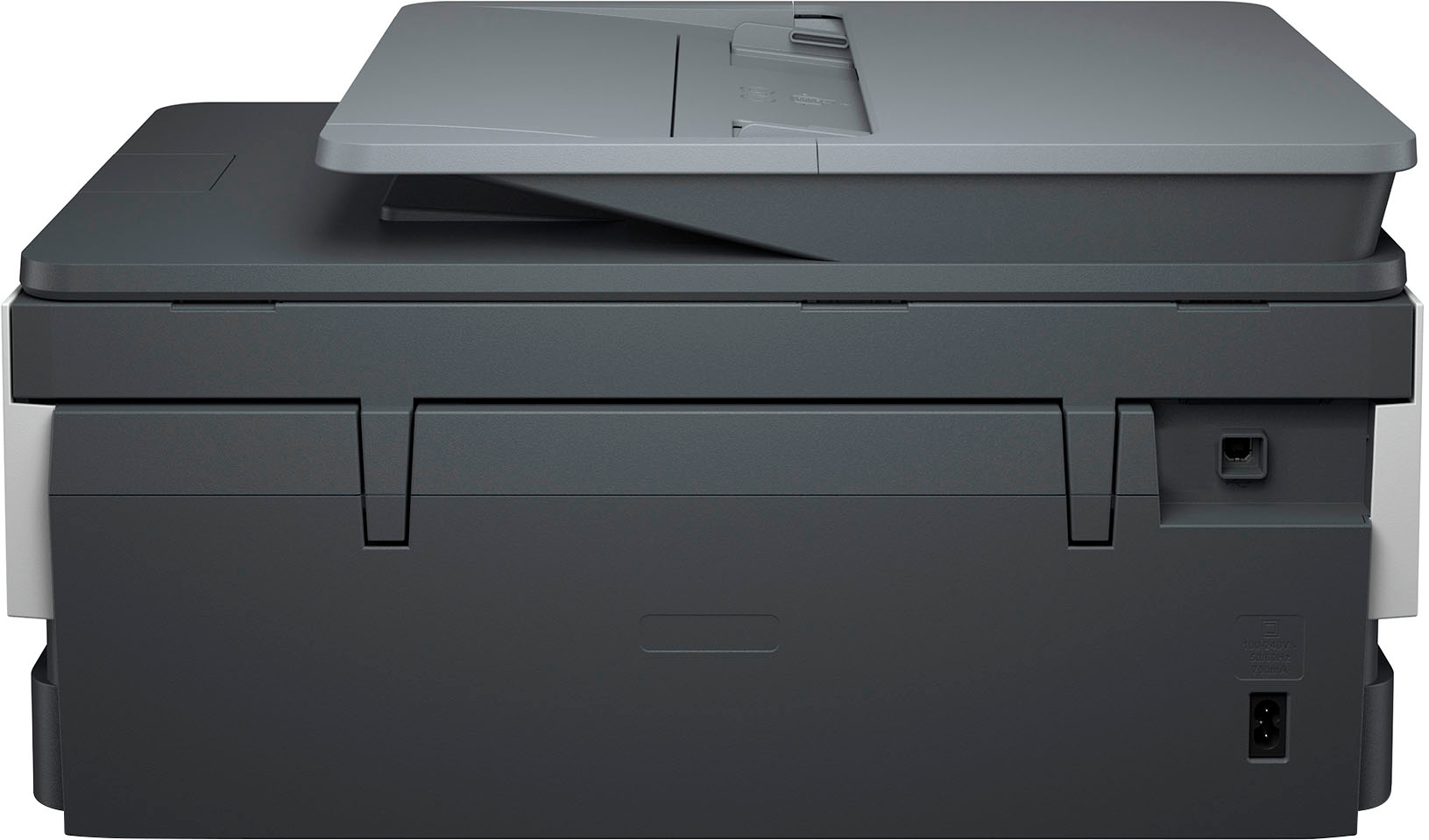
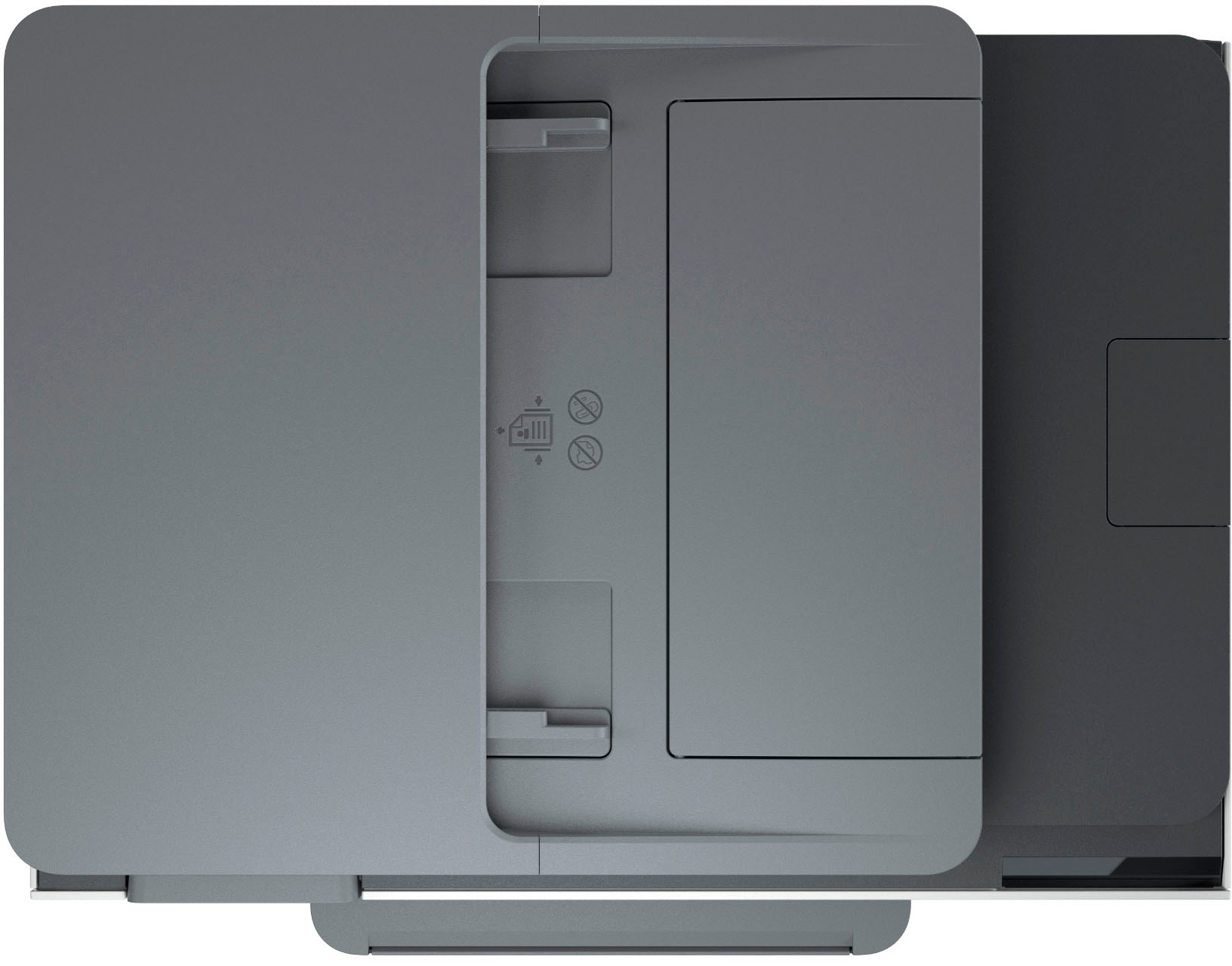





- Model:
- OJ 8015e/228F5A#B1H
- SKU:
- 6529738
Rating by feature
- Value
Rating 4.5 out of 5 stars
- Quality
Rating 4.4 out of 5 stars
- Ease of Use
Rating 4.4 out of 5 stars
Customers are saying
Customers are pleased with the OfficeJet 8015e Wireless All-In-One Inkjet Printer's overall performance, print quality, and ease of use. Many reviewers found the setup process to be simple and appreciated the printer's connectivity. Users also noted the printer's suitable size and relatively quiet operation.
This summary was generated by AI based on customer reviews.
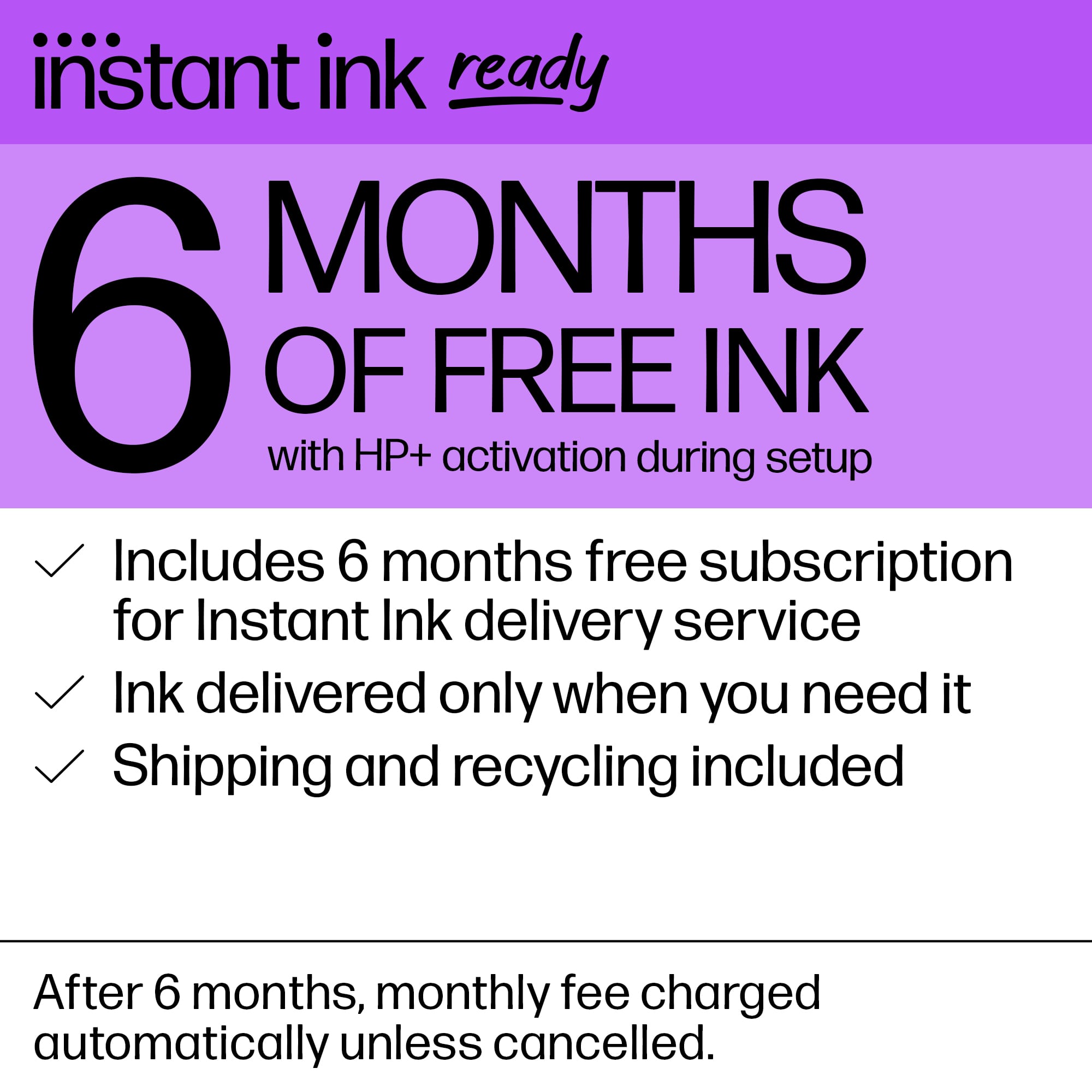
HP remotely disables printers on instant ink subs
Posted .This reviewer received promo considerations or sweepstakes entry for writing a review.Hp ink subscription is a scam — HP disables printer remotely to force purchase of new printer!!! Ink subscription and Printer replacement conspiracy! My “old” hp printer suddenly stopped working after I installed brand new hp ink subscription cartridges. Now, these new cartridges are not authorized for use on new (same as old) printer. I believe one of the hp cartridges installed had an instruction embedded to disable my old printer (which was only 3 years old). It’s very interesting that, just before this, hp started sending me emails about adding a new printer to my monthly ink subscription (for additional $8/mo for same printer). Too coincidental — hp is always monitoring the printer, so I’m sure they can disable it. This will be my last hp printer.
No, I would not recommend this to a friendBig Printer
Posted .This reviewer received promo considerations or sweepstakes entry for writing a review.it reproduces slowly. I got the automatic top feed because I needed a faster printer than the one I had. The ink looks expensive if you don't get on a ink plan.
No, I would not recommend this to a friendBest Buy lied to me
Posted .This reviewer received promo considerations or sweepstakes entry for writing a review.Today I used the internet to buy this printer. The chatbot assured me that there was just one left in the city, and that it would be ready for me to pick up in an hour. Drove across town to that store an hour later, and found they had none. They hope it will be in their shipment next week, but have no way to find out. Similar printers are in stock, but cost more, and Best Buy is unwilling to make a price adjustment. So thdy have my money, but I have no printer...only the hope that it might arrive next week. If it doesn’t, I'm heading to Officemax.
No, I would not recommend this to a friendUnhappy customer
Posted .This reviewer received promo considerations or sweepstakes entry for writing a review.It did not come with directions on how to use. Very annoying. Always need to ask for help from neighbors so I can use
No, I would not recommend this to a friendBig mistake in this purchase.
Posted .This reviewer received promo considerations or sweepstakes entry for writing a review.OK I hate this printer. It stopped working several days ago and following all instructions to "fix" it nothing has worked. I have gone around in circles doing-redoing everything to no avail. I have owned it since July and the printing was ok. Sometimes when shutting down it just goes on and on and on. Right now it's been shutting down for at least 5 min and hasn't stopped or shut down. I have done so many times the list to end the blue light blinking and it goes off for awhile, still claiming I need to finish the set up, despite it was fully set up when installed. Then back to the blinking blue light!!! Not impressed with the little touch screen either. Big mistake..should have gotten something better.
No, I would not recommend this to a friendhp office jet pro 8015e
Posted .This reviewer received promo considerations or sweepstakes entry for writing a review.photo quality is terrible 8035e 8034e and 8015e there all same the copy tray on top is slow and you constantly have fill paper tray with 60 pages the price is right but screen is too small the one on 8034e and 8035e was perfect size hp can do better than this but hope people who try this printer hope u have better luck than I did
No, I would not recommend this to a friendBrand response from HP Team
Posted .Hi there.
I’m sorry you’ve had a frustrating experience using HP printers. I can’t tell from your review which model or models you’ve owned or used. You’ve left feedback for many models here, so I can’t be sure. Regardless, if you’ve had trouble with print quality using the OfficeJet 8010 line or the OfficeJet Pro 8020 or 8030 lines, I hope the resources I’ve listed below will help you resolve it.
I recommend following the steps listed in a guide on our support site to improving print quality on these printer lines. Issues covered include faded or streaked prints, color or black ink not printing properly or at all, and blurred or fuzzy text. Find that guide here:
- support.hp.com/us-en/document/c06260268
Because you mention photos, you also might gain useful information from a guide to printing photos with HP printers. It covers the types and loading of photo paper, printing photos from various operating systems, and tips on shooting and editing photos before printing to get better results. Find that guide here:
- support.hp.com/us-en/document/ish_2387104-2310812-16
If the problem persists, I suggest that you contact us directly at +1 800-474-6836 so we can help you assess what’s happening and find the best course of action. To expedite the process, I recommend gathering the following information before the call:
- Model number
- Serial number
- Your location
- Case number (from any previous contact with HP support)
Keith
HP Care
hp.com/support
Don’t purchase
Posted .This reviewer received promo considerations or sweepstakes entry for writing a review.Do not buy HP printers unless you want to be controlled by the number of pages you print! 1. They charge when they feel like it. 2. They say that you can use your own purchased ink on the printers but they don’t work. 3. They charge a dollar per page for extra pages printed. 4. If you decide to opt out of their program, they won’t let you use the left over ink cartridges that are in the house. If you print a lot, do yourselves a favor and don’t purchase this printer.
No, I would not recommend this to a friendBox was more useful than the printer
Posted .This reviewer received promo considerations or sweepstakes entry for writing a review.I read similar reviews about how hard this printer was to set up, etc and figured I’d take a chance. Bad idea, I spent the better part of 4 hours chatting with HP support (which itself kept disconnecting) trying to figure out why it wasn’t working- “printer carriage issue” and just printing a blank test page. After all this (several times the support person gave me instructions for a printer with a removable carriage which this doesn’t have) the tech support person said it was an equipment issue, which I figured up front. In addition, I think you are required to subscribe to hp’s ink subscription service even to get the full functionality of the printer and the printer will refuse to work with anything that isn’t detected as their ink. Luckily I was within the return window.
No, I would not recommend this to a friendNo more HP for me
Posted .This reviewer received promo considerations or sweepstakes entry for writing a review.Had 2 hp printers which were bought and failed at thr same time. They lasted about 4 years. I was generally happy with the quality, so i bought another HP. It lasted 14 months. Open it up and theres a broken gear sitting at the bottom. Barely used the thing. I suppose quality is a thing of the past.
No, I would not recommend this to a friendHP DeskJet 4155e
Posted .This reviewer received promo considerations or sweepstakes entry for writing a review.Using this printer for design homework has been perfect because of the AirPrint feature. The printer's ability to talk to my mobile device is very nice for printing directly from my class app, as well as my laptop. The scanner bed on top is great for scanning high-quality sketches and making copies of my templates. The top completely opens for easy access to the larger glass surface, which is helpful for working on projects involving physical media distortion. Link :https://www.bestbuy.com/site/reviews/submission_2/18776977242/?campaignId=PDP
No, I would not recommend this to a friendPaper tray
Posted .This reviewer received promo considerations or sweepstakes entry for writing a review.I had return due to the paper tray would keep getting stuck. Did not even get a chance to print.
No, I would not recommend this to a friendUnable to get new Officejet printer to work.
Posted .This reviewer received promo considerations or sweepstakes entry for writing a review.Even after having Geek Squad online for 2 hours, and although it worked for about an hour, after that is did not print from our computer. Extremely frustrating. Also expected it to be like our former Office Jet 6970 but is not. Hard to get the paper loaded.
No, I would not recommend this to a friendSad
Posted .This reviewer received promo considerations or sweepstakes entry for writing a review.Doesn't work. They said it would work off the phone. Can't get it to work with cord connection either.
No, I would not recommend this to a friendLate
Posted .This reviewer received promo considerations or sweepstakes entry for writing a review.The printer was shipped late and the box was damaged.
No, I would not recommend this to a friendSave your money. Junk!!
Posted .This reviewer received promo considerations or sweepstakes entry for writing a review.Lasted exactly 2 weeks. Horrible experience. Traded for Epson and love it.
No, I would not recommend this to a friendDo not buy, hp forces you to use their ink
Posted .This reviewer received promo considerations or sweepstakes entry for writing a review.They will not allow you to use non hp ink. Printer is useless.
No, I would not recommend this to a friendCrap!!
Posted .This reviewer received promo considerations or sweepstakes entry for writing a review.Worst printer i have ever had. Lot of problems. Quality of the printer itself is terrible.
No, I would not recommend this to a friendZero stars
Posted .This reviewer received promo considerations or sweepstakes entry for writing a review.I never got my product. It was returned the same day it shipped and I don’t know why. I won’t buy from Best Buy again.
No, I would not recommend this to a friendprinter didn’t work
Posted .This reviewer received promo considerations or sweepstakes entry for writing a review.worked for the first day then suddenly stopped working
No, I would not recommend this to a friend