Customer Ratings & Reviews
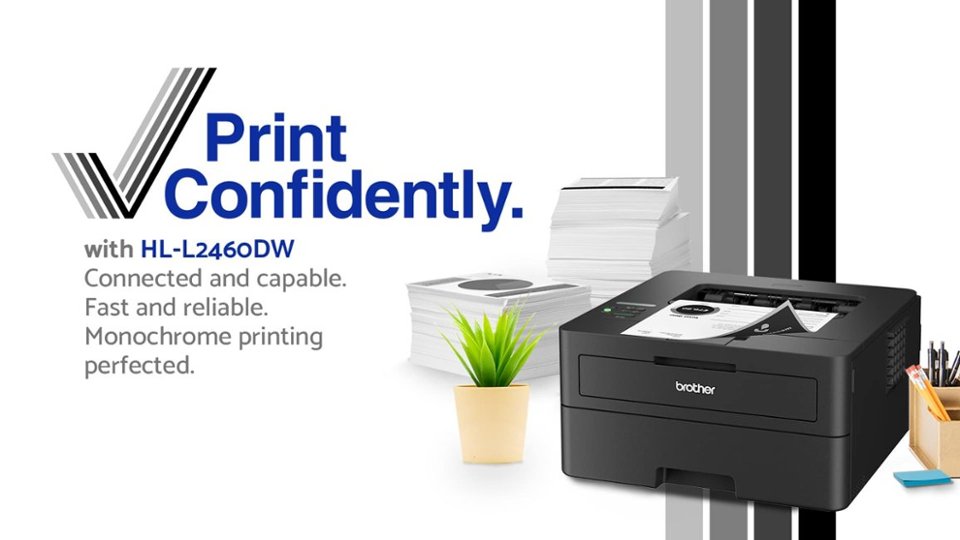
- Model:
- HL-L2460DW
- SKU:
- 6569816
Rating by feature
- Value
Rating 4.5 out of 5 stars
- Quality
Rating 4.5 out of 5 stars
- Ease of Use
Rating 4.4 out of 5 stars
Customers are saying
Customers value the HL-L2460DW printer for its excellent print quality, overall great performance, and ease of use. Users appreciate its simple setup and connectivity, as well as its compact size and relatively quiet operation. Some customers have noted that the genuine Brother replacement toner can be expensive, and a few have experienced issues with the printer entering a deep sleep mode.
This summary was generated by AI based on customer reviews.
- Pros mentioned:Ease of use, Print quality

Very easy set-up, easy to use
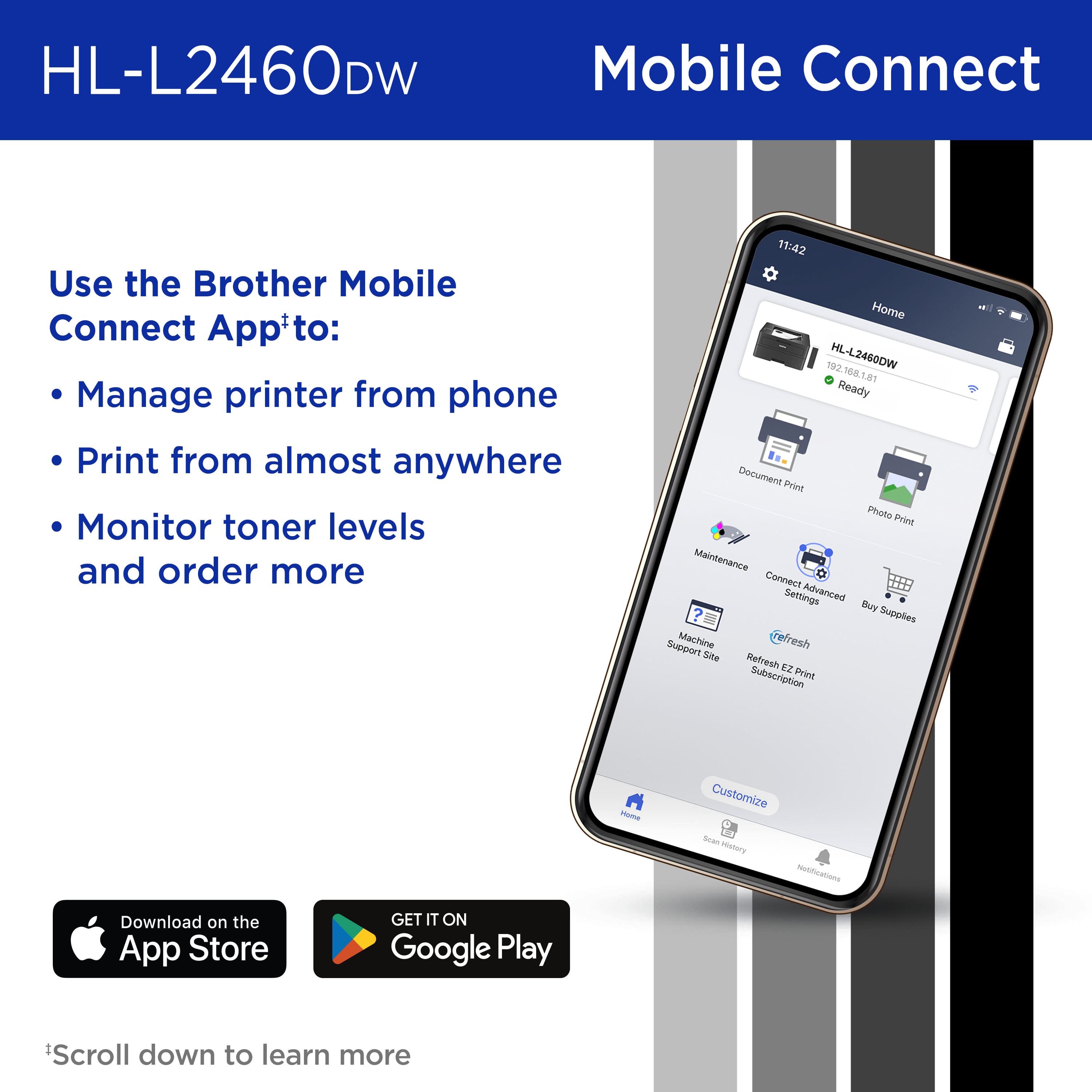
|Posted .This reviewer received promo considerations or sweepstakes entry for writing a review.The Brother HL-L2460DW printer impressed me with its simplicity and functionality. Unboxing and setup were a breeze thanks to straightforward instructions and a compact design that suits my small home office. There was only one part to install, which was the ink cartridge. Installation was hassle-free and the cartridge snapped into place easily. Connecting the printer to Wi-Fi with my mobile phone took less than three minutes. The adjustable paper tray is convenient, but after adjusting it, make sure the tray fits the paper snugly, or else the printer will have trouble grabbing the paper. One standout feature is the printer's lack of forced sign-ups or registrations. The only information you need to put into the mobile app is the printer's model number. The app has a simple user interface that my eight-year-old granddaughter could use. For basic black and white home printing needs, the Brother HL-L2460DW is a good choice. It prints quickly and clearly without the complexity of advanced features or subscriptions. It's an ideal choice for those seeking a straightforward and efficient printer.
I would recommend this to a friend - Pros mentioned:Print quality
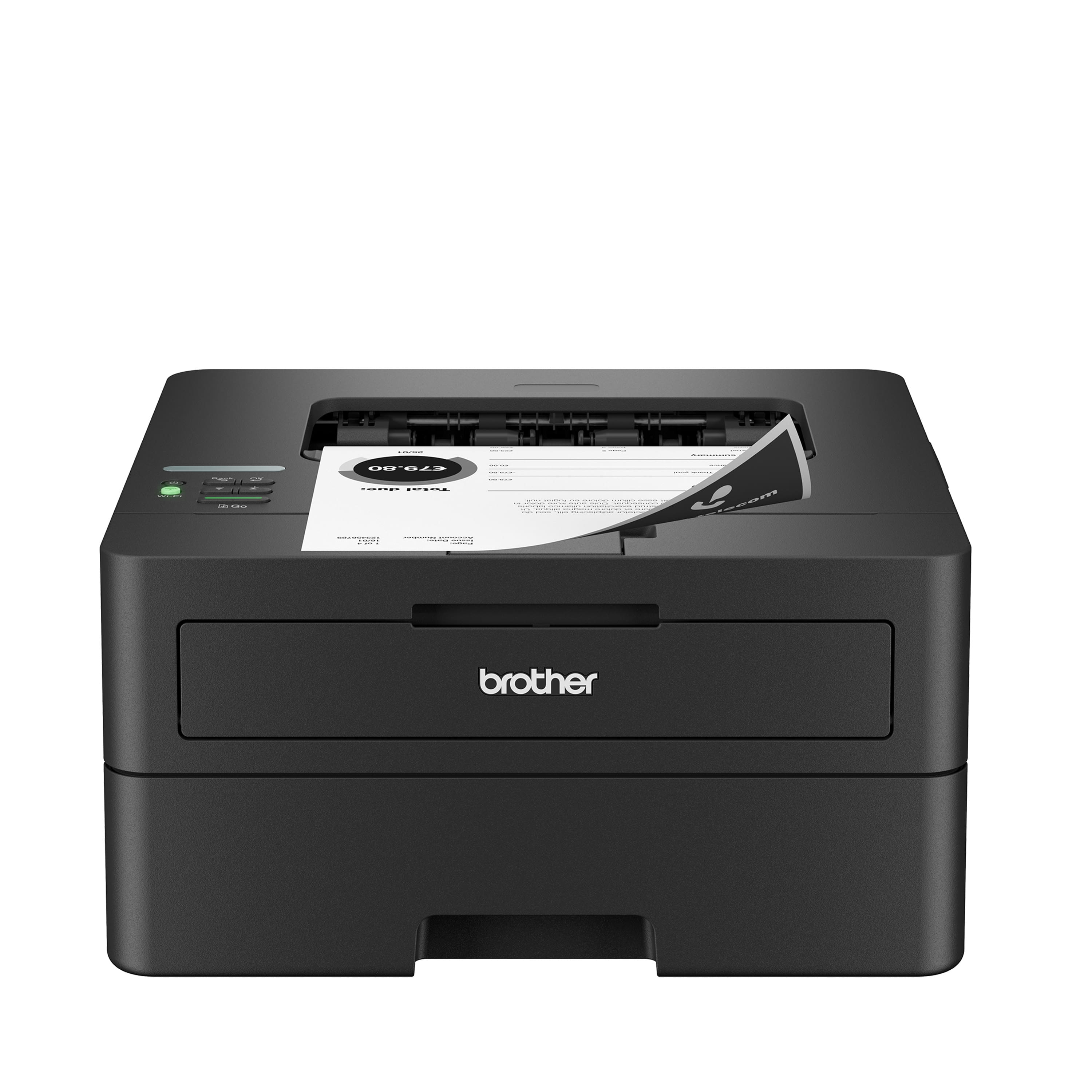
Everything you need in a compact form factor
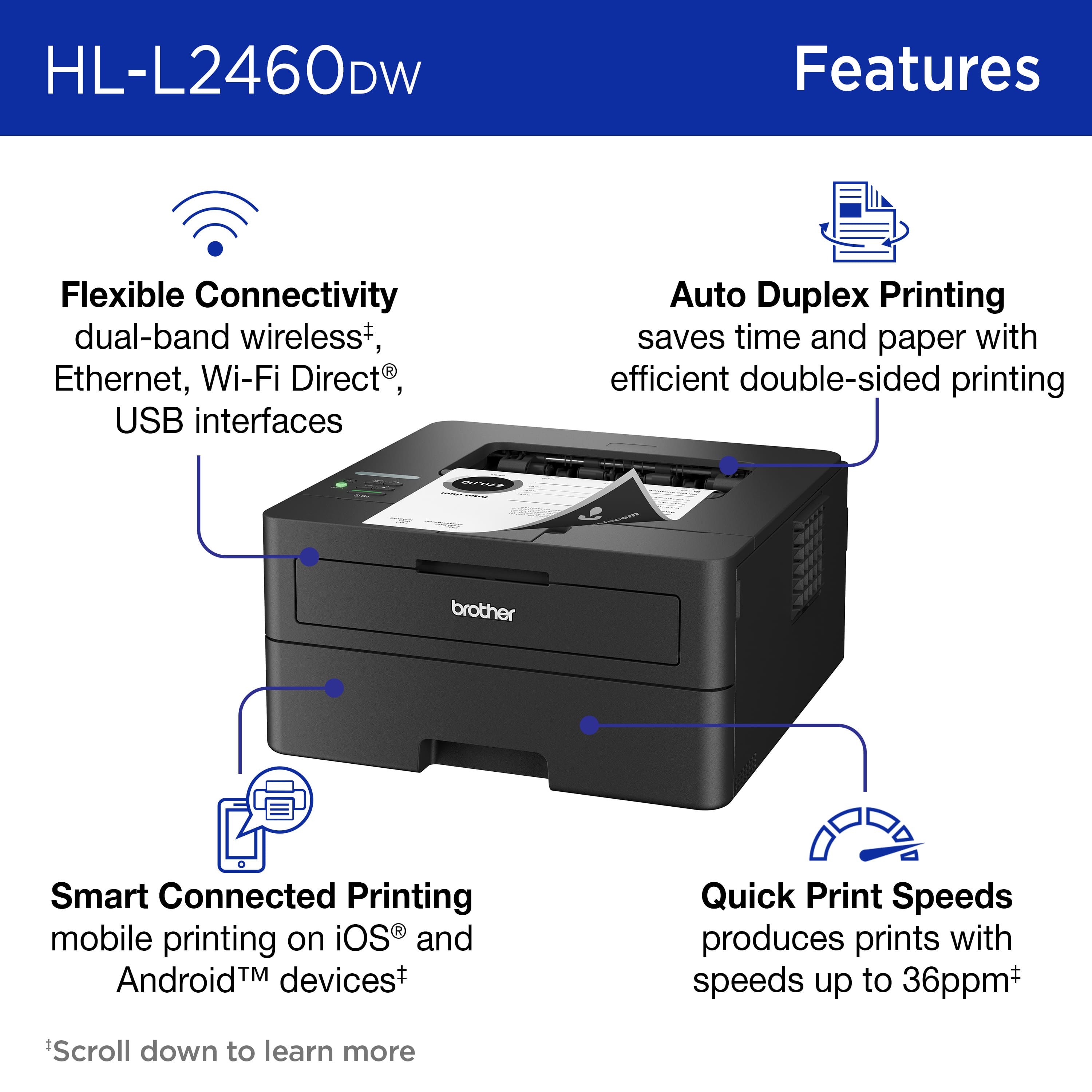
|Posted .This reviewer received promo considerations or sweepstakes entry for writing a review.Is it sad that in the year 2023 the thing I printed most was Amazon return shipping labels? With a daughter in college and a son in high school I figured there were be lots of random printing requirements in the year but almost everything they are asked to create is digital. A quick poll of my family and friends all confirmed the same - they barely touched their printers last year many ended up with ruined ink cartridges from them sitting for so long with no use. How is any of this relevant to your decision to buy this Brother printer? For starters if your printing needs are as simple as mine you don’t need a lot of fancy features - you just want simple reliable printing. The Brother HL-L2460DW is a compact LaserJet printer that provides this level of simplicity. Without a lot of fuss beyond the initial configuration, the printer supports double-sided printing, it supports Apple AirPrint and includes both ethernet or wifi printing configurations (or USB printing) and it’s simple black coloring and compact design prevent it from being an eye-sore. I keep mine is a separate room from my office and enjoy the speed of LaserJet printing with all but the largest print jobs being completed before I can walk from my desk to the printer. Setup is done from your mobile phone using the Brother Mobile Connect app. For networks with multiple Wifi networks the app allows you to select the specific wifi network to use for configuration; unlike many other mobile apps that assume the Wifi your phone is on is the one you want to use. For more advanced configuration options, the printer has a web-based administration tool and a day-0 firmware update is recommended. The one-time-password you’ll need to get to the admin page is printed on the back of the printer then changed as part of the initial setup process. I’m concerned about the Maintenance Information as the page counter shows the total pages printed is quadrupled from what I’ve actually printed. IT Admins will appreciate support of PCL6 language support via HP LaserJet emulation mode allowing applications that previously required HP printers to work with this Brother printer or BR-Script 3. The printer supports IPv6, it supports IPv4 filtering, SSL certificate configuration (direct creation or importing an existing CA Cert) and includes up to TLS 1.3.
I would recommend this to a friend - Pros mentioned:Print quality
Brother is the leading home printer company
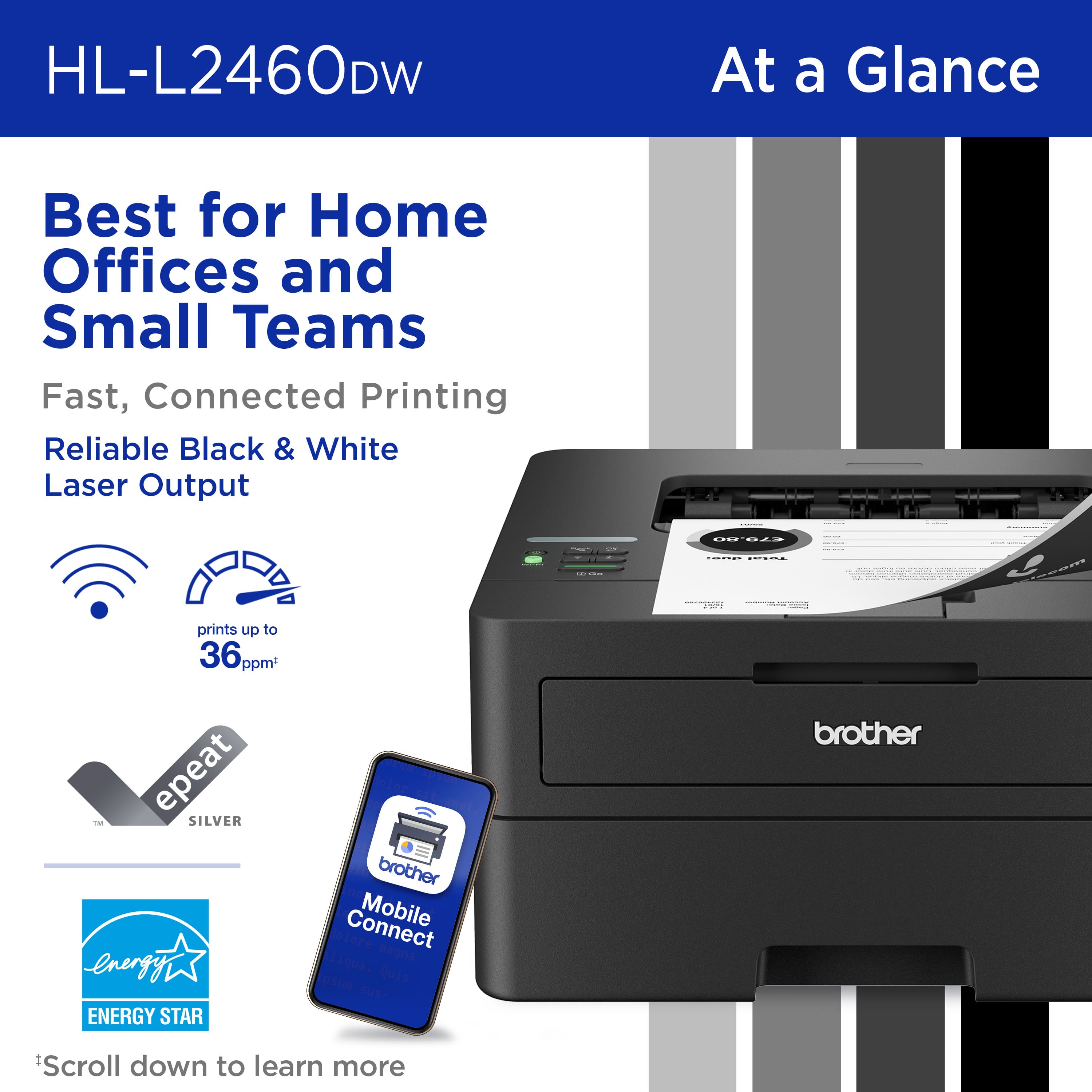
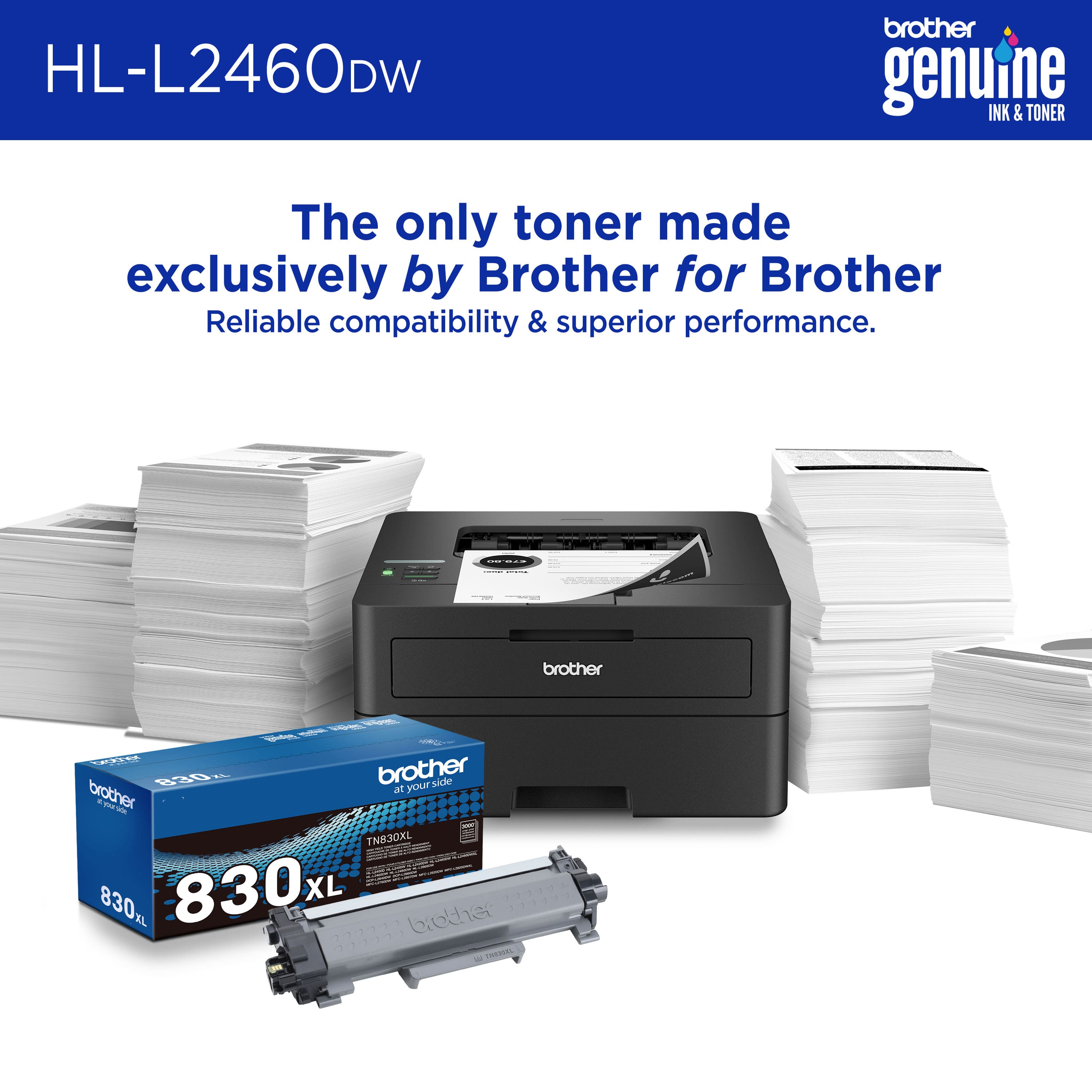
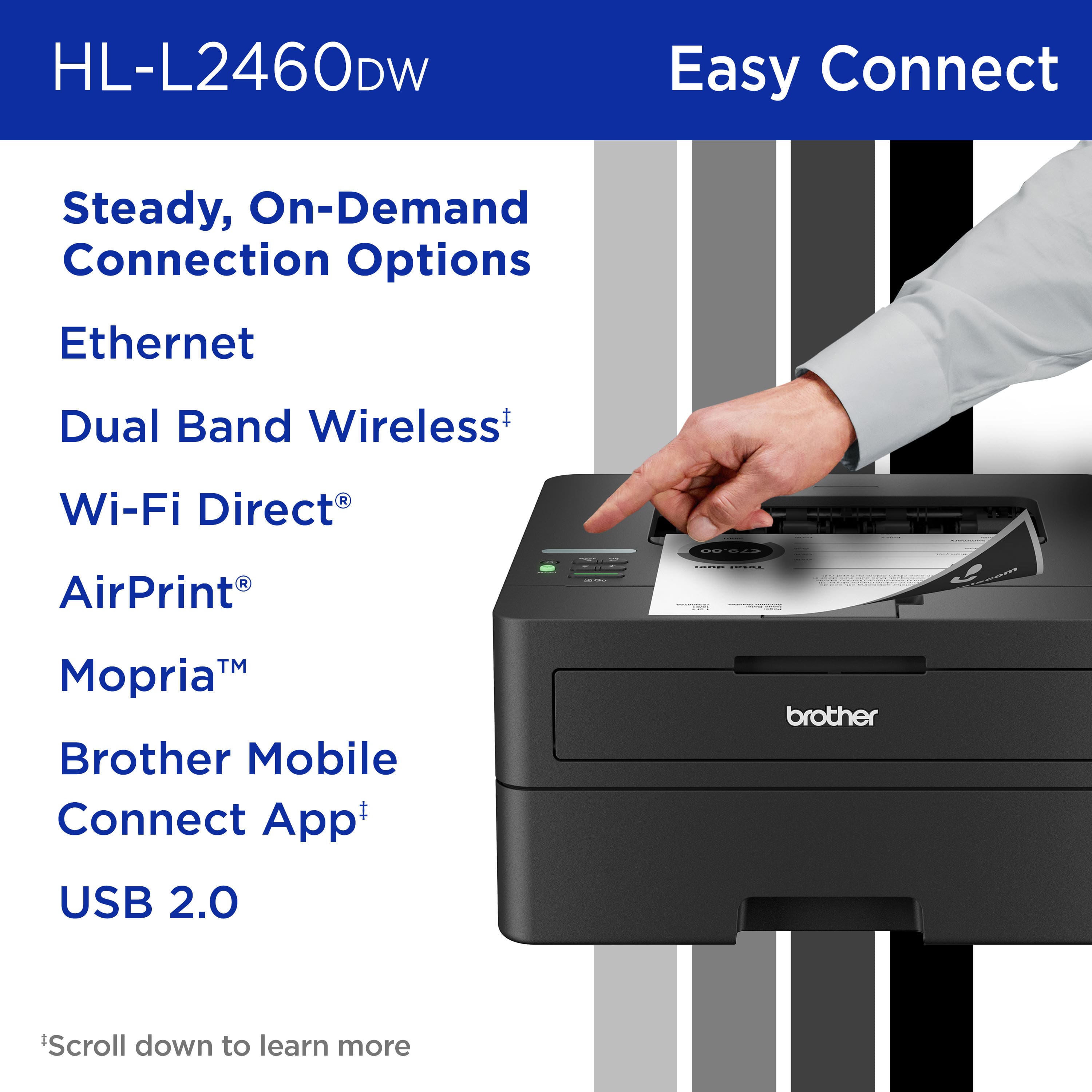
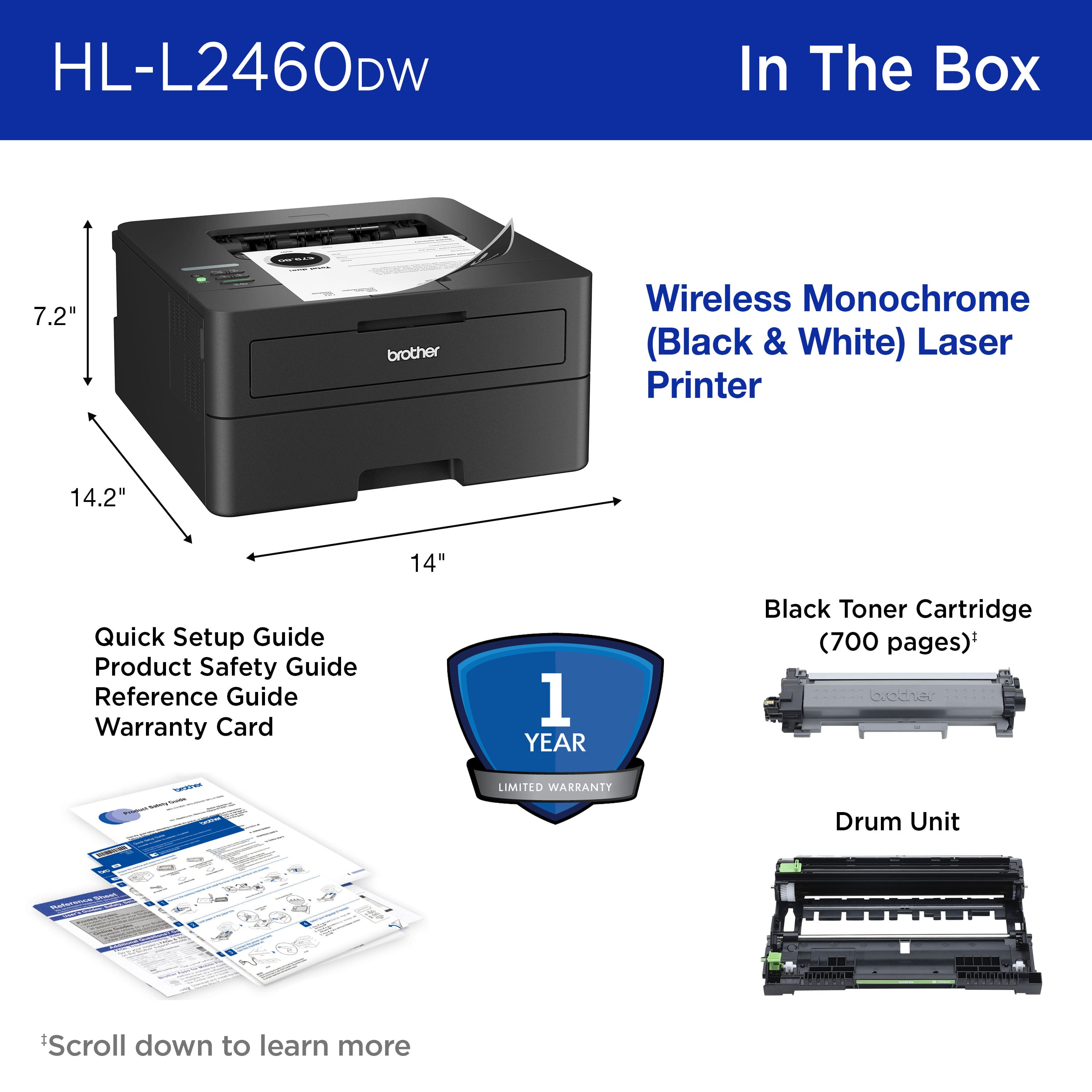
|Posted .This reviewer received promo considerations or sweepstakes entry for writing a review.I’ve always loved Brother printers. They tend to offer great bang for the buck, very reliable and tons of features. The Brother Wireless HL-L2460DW continues that tradition, even more so. Let’s look at the features, functions, and benefits: Connectivity: Covers everything you could ever need - USB 2.0, Ethernet & Wi-Fi. Stick to the Wi-Fi or Ethernet. USB is nice but it is slow. Print Speed and time to first print: A listed 36 ppm is totally on mark. I was shocked at how fast it printed for a printer in this price range. Brother lists the first page out at 8.5 seconds. I timed about 10 seconds (which feels like an eternity for my impatient soul,) but it got better as the printer warmed up. Regardless, this is a fast printer. Features: All standard fare for most laser printers. Duplex printing, print resolution of 1200 x 1200 dpi, 250-sheet input tray all in package that is 7.2 inches high. You read that right, 7.2 inches. I have HP in my TV cabinet that has similar features, but it is nearly 9 inches tall and barely fits. This printer will be replacing it. Build quality: It is impossible to tell the true quality without taking it apart, so I am going to leave you with this thought. It has a recommended duty cycle of up to 2500 pages and maximum of 35000 per month. An HP unit of comparable price and features has the same recommended monthly but has a 50,000 maximum. Of course, that does not mean the Brother HL-L2460DW is of less quality but there has to be some reason for a 30% less maximum. Consumables – This is an area of strength for Brother that crushes HP. Brothers’ toners are about half the cost of HP’s. Now HP high capacity is 4000 pages to Brothers 3000 pages but that is not always an accurate gauge. Regardless, the cost per page is about 30% less. It really will add up. In conclusion, the HL-L2460DW is a feature rich, top notch performer in this price segment. The only downside is the included toner is only good for 700 pages. Brother offers lifetime product support and the HL-L2460DW comes with the Brother 1 year warranty. It is easy to set up and compatible with multiple devices.
I would recommend this to a friend - Pros mentioned:Print quality
Easy setup, fast, quiet and love that it's black!
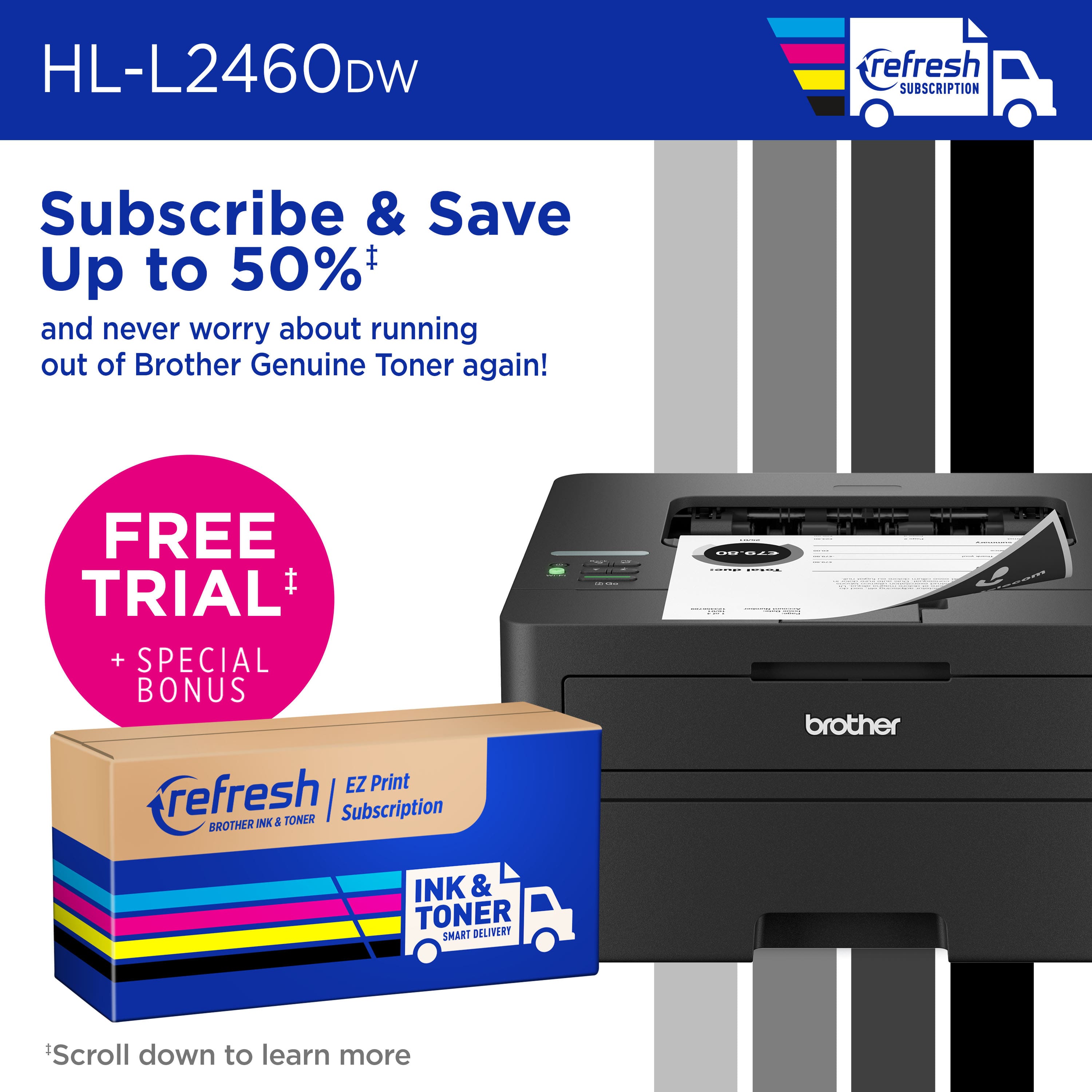
|Posted .This reviewer received promo considerations or sweepstakes entry for writing a review.I've been using the Brother HL-2460DW for over a week now. Owning it couldn't have come at a better time as I started the year having to print A LOT of letters, documents, and more. In the box you get the Brother HL-2460DW, a power cable, toner cartridge, and some instruction leaflets. Setup on my dual band WiFi network was easy, although TIP take a photo of the default password is on a label on the back of the printer before you put the printer where it will live on your desk, etc. It will help with setup later. The Brother Mobile Connect App is one of the best printer mobile apps I have used and makes WiFi setup easy. Print quality is VERY good, as is print speed. FYI, printed paper output is at the top of the printer. So no need to worry about pages falling out onto the floor if you print a lot. I have to point this out because I am upgrading from a non-laser non-Brother printer and it was not setup this way. Brother rate the printer at 36ppm. I mostly print letters, receipts, etc. so can't test the accuracy of the claim. What I do like is it's tray handles envelopes! wohoo! so for the letters I need to said, no more hand scrawl on the front and I am printing professional looking envelopes! I also have had no problem using iOS AirPrint direct from my phone. In terms of toner life, it's too early to tell but I know from having owned Brother printers in the past, they are on the more affordable side of replacement toner. Brother also have an EZ Print subscription service where you can subscribe to ink delivery. I don't print enough to warrant this, but at the basic level, it's less than a few bucks a month - which is surprisingly affordable to never have to worry about running out of ink. Overall, impressed. Love that it's black, setup was super fast, it's quiet and fast oh and if you don't want to use WiFi, it also has a network port. btw it also prints duplex, so it's perfect for my home office! recommended!!
I would recommend this to a friend - Pros mentioned:Ease of use, Print quality
Does exactly what I want it to do.
Posted .This reviewer received promo considerations or sweepstakes entry for writing a review.Does exactly what I want it to do (simple wired network printer). Worked with minimal set up. (It defaulted to wifi, I had to muck about in the settings to get it to work on the wired connection.) Built-in duplex printing! Not using the refresh subscription. Assuming that I can continue to not use the refresh subscription, this is perfect for my needs. Would be better if I didn't even have to worry about it.
I would recommend this to a friend - Pros mentioned:Print quality
Wireless connection is terrible, printer is ok
|Posted .This reviewer received promo considerations or sweepstakes entry for writing a review.I got this Brother printer to replace an aging inkjet printer that only got used for printing black and white documents. The printer itself is relatively compact so it will easily fit into smaller spaces and isn’t a massive eyesore. Once you get it set up (more on that later) it does print pretty quickly and documents are crisp and clear as one would from a laser printer. I like the large paper tray and the fact that the documents come out on the top of the machine rather than out the front (no more spilling documents on the floor!!). I have a few issues with this printer though which keeps me from recommending it. First, there is a single line monochrome display window that is nearly impossible to read. There is no backlighting and, as far as I can find, no way to adjust the contrast to make it readable in various lighting conditions. But by far the largest issue I have is with the wireless setup. I spent nearly two hours trying to get this thing connected using different laptops, phones, and tablets. Although the printer itself would say it was connected and online, none of my devices could reliably “see” it on the network. On the rare occasion I could connect, my device would say the printer was offline. After trying every conceivable fix and method of connecting, I finally resigned myself to using this as only a wired printer. Plugged in a USB cable to my desktop and was able to start printing. Obviously, this isn’t an ideal situation and completely defeats the purpose of having a wireless printer. I have set up countless printers in my day and never had this much trouble getting one up and running. Because of that major issue, I just can’t recommend this particular model.
No, I would not recommend this to a friend - Pros mentioned:Print quality
Great small form factor black & white laser
|Posted .This reviewer received promo considerations or sweepstakes entry for writing a review.This is a great desktop / small foot print black and white laser printer. At 36 pages per minute this sucker is QUITE speedy. All the expected connection options are there - multiple bands of wifi, ethernet, and USB. The paper tray is generous enough for small business use, handling a ream of paper at a time, and also offering a manual feed for printing things like labels, stickers, or envelopes is quite nice when there isn't a 2nd tray. I tried the brother print app from my iPhone and was easily able to find it on my network and print to it with no issues. I find the "print from anywhere" features to sometimes be unnecessary, but it is still an option for you here. Also following in the footsteps of subscription based inkjet printers, this new offering from Brother is eligible for their toner subscription service, and includes a free trial. I'm unsure of when I'll run out of toner, probably not any time soon with my casual home/home office use, but it's still nice to know it's there and the printer can communicate directly with the vendor, and the result is that you get a discount on supplies. Print quality is excellent, and what i expect from a black and white laser printer in 2023. Overall this little workhorse is perfectly at home in your home or small business where you don't want to sacrifice speed or 2-sided for small footprint.
I would recommend this to a friend - Pros mentioned:Print quality
Reliable, well built, typical of a brother printer
|Posted .This reviewer received promo considerations or sweepstakes entry for writing a review.Brother Printers are known to be ultra reliable and printers that you can depend on. I have owned many brother printers over the years and to me this seems to be the biggest upgrade to previous and similar models that I have owned / used like the HL-L2300D. This is a wifi enabled printer for both wireless and mobile printing. These both work exceptionally well and even documents printing from my iphone print how I would expect them to with a computer. The setup for wifi is a little tedious as you must enter your wifi password on the printer using up and down arrows to set the password. This is my only downside to the printer, but it is quite small considering you only have to do this once. The printer also has a subscription service now where when you are low on toner brother will send a replenishment. I print quite a bit so this is a handy feature. The paper tray is also quite large and holds about 250 sheets of paper. It is important to note that this is not a color printer and it is only black and white. This is perfect for my needs. Also, one of the neatest features if the duplex printing. So you can print a two sides sheet of paper now without the need for the sheet to be refed into the printer to print on the other side. Overall, it is a super solid, well built and reliable printer for not a lot of money. It is worth the purchase.
I would recommend this to a friend - Pros mentioned:Print quality
Great Sister Printer from Brother
|Posted .This reviewer received promo considerations or sweepstakes entry for writing a review.So I have several Brother printer products already, so this one is a great addition to replace a frustrating HP... and it hasn't let us down. I already have a Brother inkjet and a Brother Sublimation printer, so the setup for this one was very familiar as it was very similar. Unbox, plug in, add some paper, add to the network, and off we go. The price point is great, especially for a laser printer. Yes this is monochrome, so no color. And that is fine. when you realize how much you print that really doesn't need color. Save that inkjet printer for the Pictures and the School presentations... use the more cost efficient monochrome laser for everything else. Having Duplexing built in is also nice, as you do save paper (and space in a binder) for things you are printing. The printer isn't silent, but it isn't loud either... So really shouldn't be a bother in a standard house or home office. Quick response to print command for most projects and prints. LOVE that it responds to Apple's Air Print, and so far have not had any problems with it not appearing as an option. With it's small size, and minimal cost... I would recommend that everyone add this printer to their home to use for probably 80-90% of their printing needs
I would recommend this to a friend - Pros mentioned:Connectivity, Ease of use
Small and easy to set up! Great laser printer!
Posted .This reviewer received promo considerations or sweepstakes entry for writing a review.Wanted a small laser printer for occasional home use. This printer is easy to set up and works perfectly. Easily print from phone or laptop. Very happy with it!
I would recommend this to a friend - Pros mentioned:Print quality
MR .Chef
Posted .This reviewer received promo considerations or sweepstakes entry for writing a review.Is great print !! Thanks brother! Now I can print my documents anytime that I need thanks toBrother.
I would recommend this to a friend - Pros mentioned:Ease of use
Wireless printer
Posted .This reviewer received promo considerations or sweepstakes entry for writing a review.Very simple, quick and relatively compact...however the setup connecting to your wiFi is tedious. Shouldn't be so difficult.
I would recommend this to a friend - Pros mentioned:Ease of use
good quality
Posted .This reviewer received promo considerations or sweepstakes entry for writing a review.excellent, practical machine with an easy setup...
I would recommend this to a friend - Pros mentioned:Print quality
Brother Laser Printer (black toner)
Posted .This reviewer received promo considerations or sweepstakes entry for writing a review.Exactly what I was looking for plus it prints on both sides of the page.
I would recommend this to a friend no ongoing support
Posted .This reviewer received promo considerations or sweepstakes entry for writing a review.It is impossible to find the most current security firmware officially hosted by Brother. This is s serious concern because this is a flagship printer. Such negligence from a company at the top of it's field is disappointing to me.
I would recommend this to a friendAs advertised!
Posted .This reviewer received promo considerations or sweepstakes entry for writing a review.Easy to set up and works! Replaced an HP which had problems connecting to my WiFi and HP was no help.
I would recommend this to a friend