Customer Ratings & Reviews
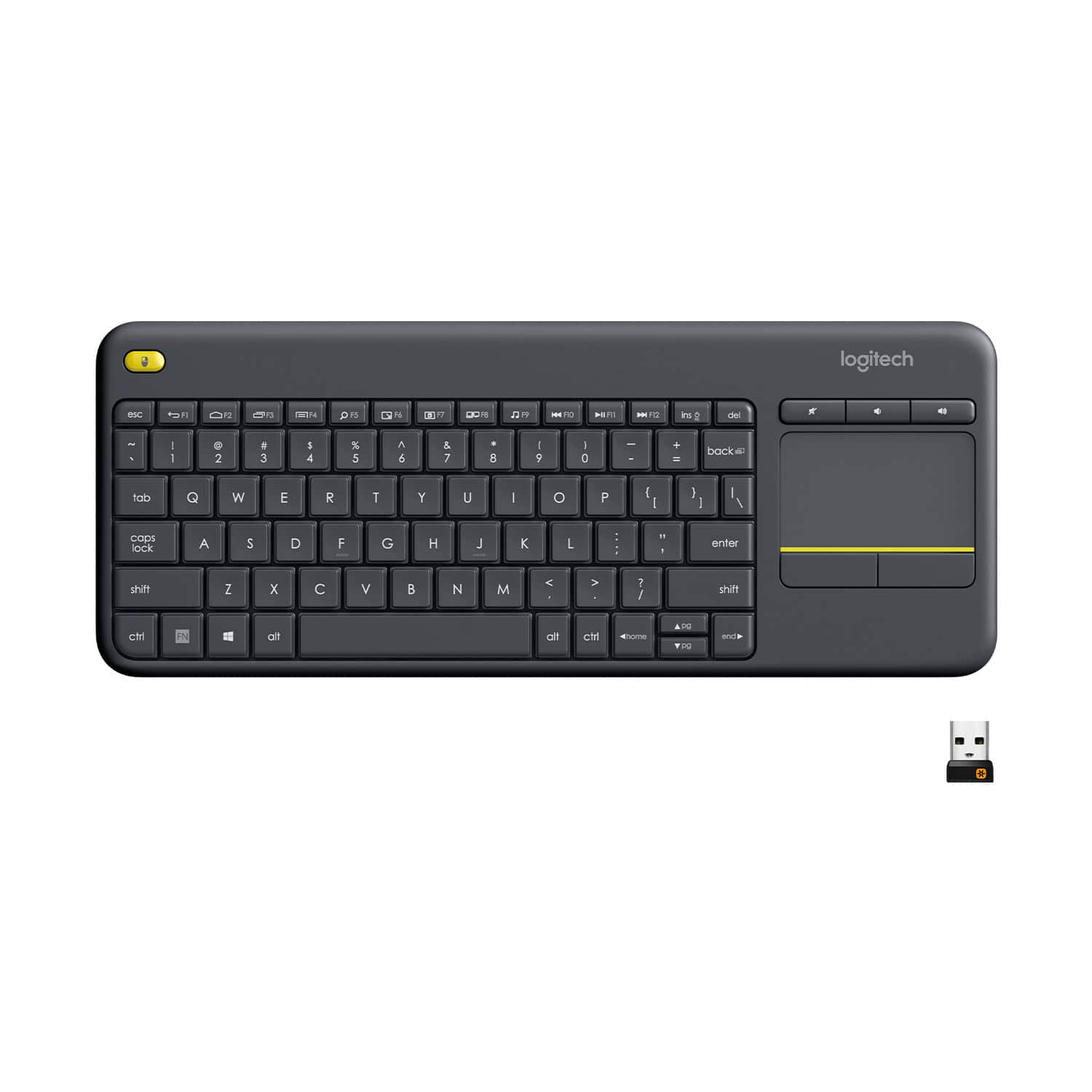

![Built-in touchpad logitech ins PC del + = back } ] I / POINT SCROLL enter shift](https://pisces.bbystatic.com/image2/BestBuy_US/images/products/9b5a0d6f-631a-4c6c-a7bf-e65b20135ee8.jpg)

- Model:
- 920-007119
- SKU:
- 7575039
Rating by feature
- Value
Rating 4.7 out of 5 stars
- Quality
Rating 4.5 out of 5 stars
- Ease of Use
Rating 4.6 out of 5 stars
Customers are saying
Customers appreciate the K400 Plus TKL Wireless Membrane Keyboard for its ease of use, convenient touchpad, and compact size. Many users also value its wireless connectivity, reliable range, long battery life, and affordable price. The keyboard's lightweight design and broad compatibility are additional benefits noted by customers. However, a small number of users have reported experiencing lag.
This summary was generated by AI based on customer reviews.
- Pros mentioned:Ease of use, Touchpad
Great Wireless Keyboard/Mouse Combo
||Posted . Owned for 1 month when reviewed.This reviewer received promo considerations or sweepstakes entry for writing a review.I have this connected to a Rasberry Pi mounted to a TV and this combination device makes it easy to grab the keyboard and surf the internet, pull up webpages, whatever we want, and without having to keep up with a separate mouse or use another USB port. One of the cheapest options out there and performs just as good or better than more expensive versions.
I would recommend this to a friend - Pros mentioned:Ease of use
Great Keyboard For HTPC Use
||Posted . Owned for 7 months when reviewed.This reviewer received promo considerations or sweepstakes entry for writing a review.No complaints. It works great. I like the left click button on the top-left side of keyboard for dragging items. I use this on my home theatre pc, and it suits its purpose. It’s light weight, and the batteries last a long time. I use it daily, and have owned it for 7 months with the original batteries that were included.
I would recommend this to a friend - Pros mentioned:Overall performance
Nice keyboard
||Posted . Owned for more than 2 years when reviewed.This reviewer received promo considerations or sweepstakes entry for writing a review.Works perfectly for setups were you don’t want long wire run across the room to control your computer on the big screen.
I would recommend this to a friendBrand response from Logitech
Posted .We’re so pleased to hear you’re satisfied. Your input helps us continue to build products that people love. Thanks for being part of our journey.

- Pros mentioned:Overall performance
awesome
||Posted . Owned for 2 weeks when reviewed.This reviewer received promo considerations or sweepstakes entry for writing a review.It works great and is durable and light. Would recommend
I would recommend this to a friendBrand response from Logitech
Posted .Thank you for your kind words! We’re delighted the product is performing well for you. Your feedback inspires us to keep pushing forward.
- Pros mentioned:Touchpad
Absolute best for Android, especially the Tab S6
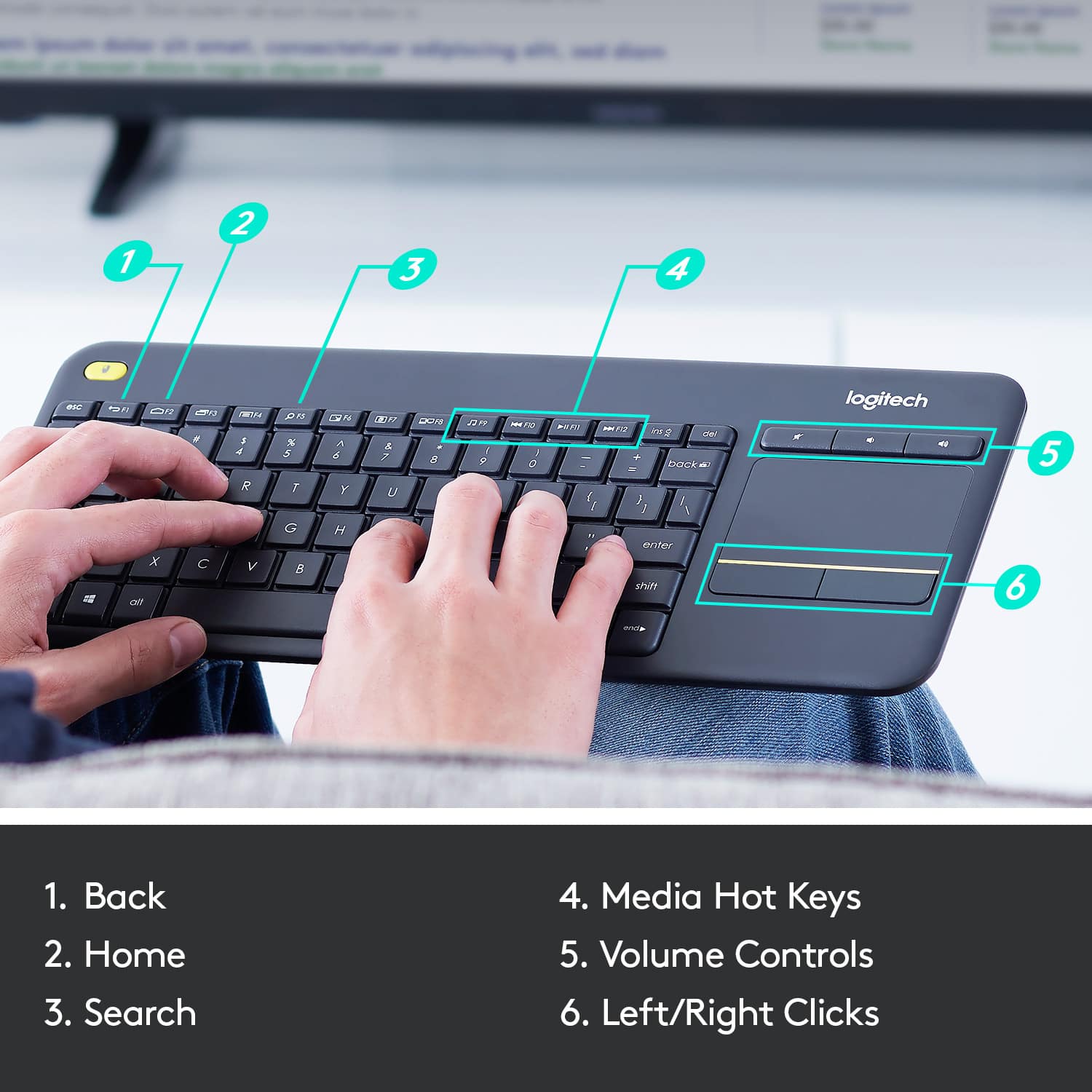
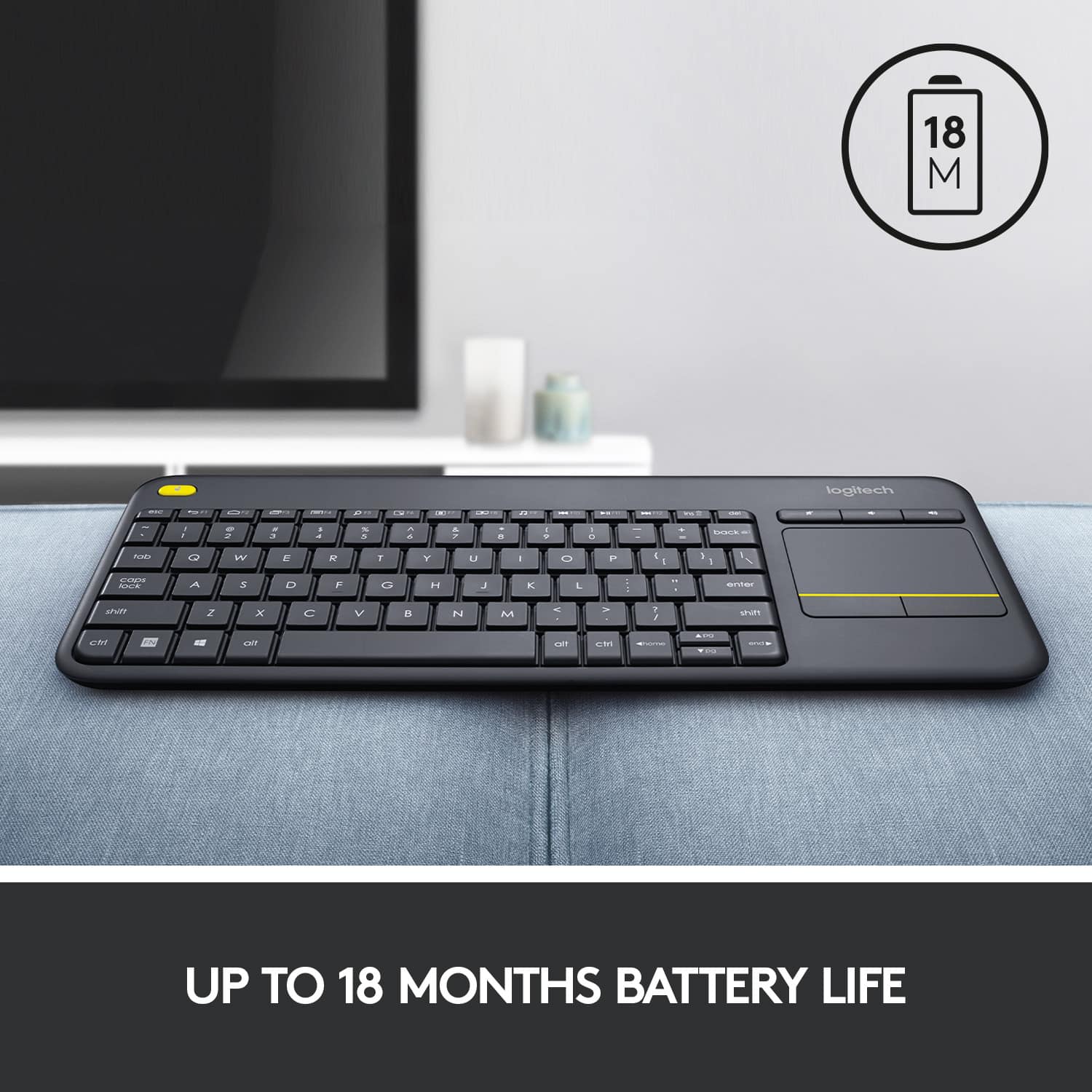
||Posted . Owned for 1 month when reviewed.This reviewer received promo considerations or sweepstakes entry for writing a review.It has the extra row of keys for function and a real Escape key. Some things require the Function key, but it is easy to get used to. Reasonably good feel. And excellent value. It is wireless USB so you need an adapter to connect the Unifying connector (you may want a power injecting hub as well). I wish there was a bluetooth version. But the best thing are the three Android keys over F1-3. The Back, Home, and AppSwitch keys are right there which makes doing Android very easy, all from the keyboard, especially the app switch since I'm often sending links via email, so one press switches there and back. There's more including multimedia, and also a trackpad. This is the perfect keyboard for Android, especially when it is on sale. It uses two AA batteries that should last a year - it doesn't draw much power. These keys also work for Windows and iOS, but I haven't tried them as much. But I'm lost trying to type without a keyboard.
I would recommend this to a friend - Pros mentioned:Size, Touchpad
great keyboard
Posted .This reviewer received promo considerations or sweepstakes entry for writing a review.I love this keyboard. it is compact and it has a built in trackpad
I would recommend this to a friend - Pros mentioned:Overall performance
Great device. Feels cheap but works great.
||Posted . Owned for 1 month when reviewed.This reviewer received promo considerations or sweepstakes entry for writing a review.Great device. Compared to other Logitech devices it does feel a little cheap in quality. but works great and easy to use.
I would recommend this to a friendBrand response from Logitech
Posted .Thank you for your honest feedback! We’re glad to hear the Logitech K400 Plus delivers great performance and ease of use, and we truly value your input on its build quality. Your insights help us continue improving.
- Pros mentioned:Ease of use, Size, Touchpad
Easy to use.
||Posted . Owned for 1 month when reviewed.This reviewer received promo considerations or sweepstakes entry for writing a review.This was an emergency purchase and I'm so glad Best Buy had it. I wanted a smallish wireless keyboard with a mouse pad on the key board which would be simple to pair up with my laptop. The salesperson showed me this one and I bought it right away. I'm very happy with it and I would highly recommend it to anyone looking for a keyboard.
I would recommend this to a friend - Pros mentioned:Ease of use, Touchpad, Wireless
Great wireless keyboard and great value!
||Posted . Owned for 3 weeks when reviewed.This reviewer received promo considerations or sweepstakes entry for writing a review.Great wireless keyboard and easy to setup with the usb dongle. The pad to use as a mouse cursor really helps. Would recommend this laptop to everyone
I would recommend this to a friend - Pros mentioned:Ease of use, Size
Logitech K400
||Posted .This reviewer received promo considerations or sweepstakes entry for writing a review.There is not much to say about it. It is simply perfect, plug in and starts working. No hassle. I got one first and then another one for my children's computer, there is not interference at all and you can get as far from the screen that you can't read it, but the keyboard still works. It is compact, convenient.. Very recommendable if you are tired of wires and need a simple, efficient keyboard and touchpad.
I would recommend this to a friend - Pros mentioned:Ease of use, Size, Touchpad
very compact keyboard.
||Posted .This reviewer received promo considerations or sweepstakes entry for writing a review.The reason I bought this keyboard is to use on a server which only needs attention very infrequently so compact size was the most important thing to me. The built in track pad eliminates the need for a separate mouse. The track pad responds well and is easy to use. Setup was super easy, just plug in the dongle and it was working, no setting or configuration needed.
I would recommend this to a friend - Pros mentioned:Overall performance, Size
Compact Keyboard That Fits My Needs
||Posted . Owned for 1 month when reviewed.This reviewer received promo considerations or sweepstakes entry for writing a review.Although this keyboard was apparently designed with Smart TV's in mind, it does a good job of fitting my needs for a comfortable, compact keyboard to pair with my Windows 10 laptop. I have limited desktop space, so a built in trackpad is a key consideration. The trackpad on this keyboard is completely adequate for business work and surfing the web -- but I would recommend connecting an actual mouse for any sort of graphic work. The upside is that it's responsive to gestures. The downside is that it feels a less "low-res" in that scrolling can feel a little bit "chunky." I like the positive response and feel of the keys. Range on this keyboard is just fine. Let's be honest - I'm never going to be sitting as far as 30ft from my monitor. But a few feet away is no problem at all. The keyboard is compact ... so if you're accustomed to a full-size keyboard with a 10-key, this will take a bit of adjustment. Otherwise, I find the size to be comfortable ... it doesn't feel cramped. It is pretty cool that I can easily connect this keyboard to my Raspberry Pi and my TV in addition to my laptop. It works just great. The bang for the buck value on this product is very high. I would recommend it to a friend without hesitation.
I would recommend this to a friend - Pros mentioned:Size, Wireless
Excellent all-in-one!
||Posted . Owned for 3 weeks when reviewed.This reviewer received promo considerations or sweepstakes entry for writing a review.I use this mostly for working on single-board computers (think Raspberry Pi). It's great to have a small, wireless keyboard that can be easily moved around with the SBC, and the mouse is great if the SBC has a desktop environment installed. It's particularly useful when you're also working with a full-size laptop or desktop computer and you really need the space for other peripherals. The key arrangement on this one is far superior to the previous version (I think it was the K400 without the plus?). The previous generation had a terrible layout for the arrow keys; this one is more normal. The keys themselves are not particularly tactile, but they're not horribly mushy either. There's a key combo to swap the "Function" keys between F1-F12 and multimedia modes. The touchpad is certainly not as nice as that on, say, a MacBook, but it's not terrible either. I would not recommend it as a daily driver, but for working with a second computer, or as a keyboard for gaming or working a computer from a couch, it's great. And for the price, it's an incredible value!
I would recommend this to a friend - Pros mentioned:Wireless
Great keyboard but leaves something to desire.
||Posted . Owned for 4 months when reviewed.This reviewer received promo considerations or sweepstakes entry for writing a review.Great product, easy connectivity. The functional trackpad is an awesome addition to a keyboard. Unfortunately the scroll on the trackpad is too fast and jumpy rather than being a smooth scroll. Miss the backlighting on the keys which would be a great addition given the fact that the product is for laptop and tv use.
I would recommend this to a friendBrand response from Logitech
Posted .Thanks for sharing your feedback on the Logitech K400 Plus keyboard! We appreciate you taking the time to share your thoughts, especially about the trackpad and backlighting.
- Pros mentioned:Size
Great keyboard to use with blue tooth tv...
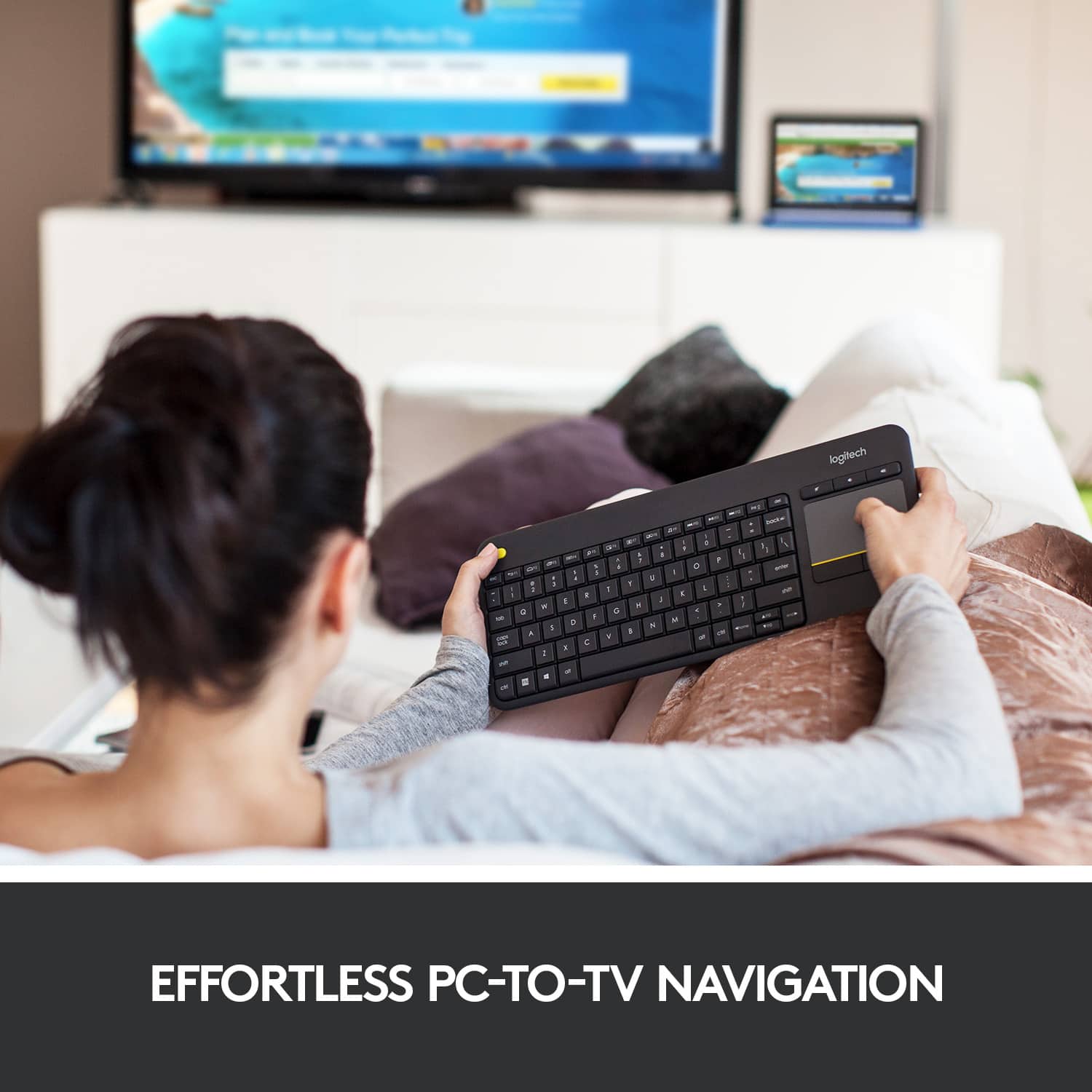
||Posted .This reviewer received promo considerations or sweepstakes entry for writing a review.We purchased a new big screen tv and was not even planning on purchasing a keyboard for it until we saw this keyboard. Our teenage son pointed out how nice it would be to have a keyboard for the tv. We purchased this because of the brand, price and size. It has worked out perfect for using the internet and it picks up well across the living room. Fits great in our entertainment center too.
I would recommend this to a friend - Pros mentioned:Touchpad
Great keyboard, held back by software
||Posted .This reviewer received promo considerations or sweepstakes entry for writing a review.I've had several of these type keyboards, ones made for home theaters, media PCs, etc. I've always liked Logitech's versions with the trackpad. This keyboard is great, feels solid, and doesn't have any physical flaws at all. I like the volume controls above the trackpad and it seems like it would last years on one set of batteries. The reason I didn't give it 5 stars is because of the Logitech software. It removes many functions that the old software for the older model of this keyboard provided. One being trackpad/mouse acceleration. The old keyboard had options for that which made it much easier to get from one side of a 1080p screen to the other with a fast swipe. With the new software, there is no acceleration option. So you have to increase the general mouse speed to get across the screen in one swipe across the trackpad. This makes it hard for fine movements when trying to click small buttons and such. Another thing is that general mouse speed. Cranking the mouse speed in the new Logitech software to the highest setting still does not allow the mouse to get from one side of the screen to the other in one swipe of the trackpad. This is where mouse acceleration would come in handy. So what I have to do is go to the Windows mouse settings and crank the speed up there. With lots of tweaking between the Logitech software and the Windows mouse settings, I've finally got a decent match to get across the screen as well as having some control over clicking small buttons, etc. It's not where I want it to be but it's all I could do. In summary, it's a great great keyboard that is only held back by the software.
I would recommend this to a friend - Pros mentioned:Touchpad, Wireless
Can work well across a room.
||Posted . Owned for 3 weeks when reviewed.This reviewer received promo considerations or sweepstakes entry for writing a review.Bought this keyboard to be able to use my PC when I hooked it up to the TV in my living room as my office was being renovated. Can sit a good 15 feet away and still type things easily and move the cursor with the trackpad fairly well.
I would recommend this to a friend - Pros mentioned:Wireless
Great for TV/PC set-up
||Posted . Owned for 1 month when reviewed.This reviewer received promo considerations or sweepstakes entry for writing a review.Excellent for those who have their PC hooked up to a big TV. An all-in-one device like this is really convenient when using the PC from the couch.
I would recommend this to a friendBrand response from Logitech
Posted .Thanks for taking a moment to share your experience. We’re so glad the product is working well for you. Your support means a lot and helps us keep improving.
- Pros mentioned:Ease of use, Size, Touchpad
Simple, Small and Great Quality
||Posted .This reviewer received promo considerations or sweepstakes entry for writing a review.I purchased this use when running my computer to my big screen tv for viewing. It helps me navigate youtube, volume, screen changes, etc. without having to be at my computer (it's a PC). I love it. It's small, easy to use and I love that it has a mousepad. I haven't used it for my small devices, but I would expect it to work well as everything else has been seamless.
I would recommend this to a friend - Pros mentioned:Size, Touchpad
Great Keyboard for Fire TV Box
||Posted .This reviewer received promo considerations or sweepstakes entry for writing a review.This is a great little keyboard and on-board touch pad mouse to use with the Fire TV Box. The keyboard requires an included USB dongle that is plugged into the back of the Fire TV box. It does not work with the Fire TV stick; since there is no where to plug-in a USB device. The keyboard is not Bluetooth enabled; but the wireless works great. I had a bit of trouble installing the keyboard until discovered that USB debugging must be turned off. If it is enabled it will make USB accessories unavailable. To turn off USB debugging on the Fire TV box go to Home screen top bar: Settings > Device > Developer options > and turn off USB debugging.{note the warning - enabling will make USB accessories unavailable} After that the dongle and keyboard should be plug and play. The on-board mouse is a wonderful feature; easier to navigate with than with the keyboard arrows alone. The keyboard is comfortable to type with yet is surprisingly very light and compact. Highly recommended.
I would recommend this to a friend