Customer Ratings & Reviews
- Model:
- 83DA
- |
- SKU:
- 6383460
Customer reviews
Rating 4.3 out of 5 stars with 567 reviews
(567 customer reviews)Rating by feature
- Value4.4
Rating 4.4 out of 5 stars
- Quality4.4
Rating 4.4 out of 5 stars
- Ease of Use4.2
Rating 4.2 out of 5 stars
Customers are saying
Customers have good things to say about the Wireless USB Adapter for Most Gaming Controllers, especially its compatibility and ease of use. The USB stick generally works as expected, and once paired, the adapter provides satisfactory overall performance. Some customers have reported connection issues and lag, while others have noted issues with pairing to specific controllers or a desire for clearer instructions.
This summary was generated by AI based on customer reviews.
Rated 1 out of 5 stars
Would not buy it
||Posted . Owned for 11 months when reviewed.This reviewer received promo considerations or sweepstakes entry for writing a review.It does not allow to use audio over ps4 controllers. It only works to use the ps4 controller.
No, I would not recommend this to a friendRated 1 out of 5 stars
Wasn't Compatible
||Posted . Owned for 1 month when reviewed.This reviewer received promo considerations or sweepstakes entry for writing a review.Didn't work and was unfortunately a waste of a buy. It was advertised as working for the 360 controller but doesn't
No, I would not recommend this to a friendRated 1 out of 5 stars
sucks
||Posted . Owned for 3 weeks when reviewed.This reviewer received promo considerations or sweepstakes entry for writing a review.Bought this to connect my dualshock controller to my pc to play call of duty warzone but it did not work.
No, I would not recommend this to a friendRated 1 out of 5 stars
Didn’t work
||Posted . Owned for 9 months when reviewed.This reviewer received promo considerations or sweepstakes entry for writing a review.Didn’t work with my Windows PC for my Xbox controller kinda disappointing for me :(
No, I would not recommend this to a friendRated 1 out of 5 stars
may be good if your looking for Bluetooth connecti
||Posted . Owned for 1 week when reviewed.This reviewer received promo considerations or sweepstakes entry for writing a review.Wrong description said wireless connection, but it is wireless Bluetooth not what I needed
No, I would not recommend this to a friendRated 1 out of 5 stars
Broke
||Posted . Owned for 1 year when reviewed.This reviewer received promo considerations or sweepstakes entry for writing a review.Was broken out of the box. Returened it. Woukd not recommend.
No, I would not recommend this to a friendRated 1 out of 5 stars
Does not work with the new Series X controllers
||Posted . Owned for 11 months when reviewed.This reviewer received promo considerations or sweepstakes entry for writing a review.Does not work with the new Series X controllers. So useless.
I would recommend this to a friendRated 1 out of 5 stars
Didn't work
||Posted . Owned for 2 weeks when reviewed.This reviewer received promo considerations or sweepstakes entry for writing a review.DOES NOT WORK FOR ANY OF OUR XBOX CONTROLLERS!!!!!DS
No, I would not recommend this to a friendRated 1 out of 5 stars
BLUETOOTH
||Posted . Owned for 3 weeks when reviewed.This reviewer received promo considerations or sweepstakes entry for writing a review.WASN'T THE RIGHT ADAPTER FOR I NEEDED. CONNECT HEARING AID TO COMPUTER.
I would recommend this to a friendRated 1 out of 5 stars
Didn’t work.
||Posted . Owned for 6 months when reviewed.This reviewer received promo considerations or sweepstakes entry for writing a review.Couldn’t get this piece of poop to work. Hot garbage. Save your money.
No, I would not recommend this to a friendRated 1 out of 5 stars
DOES NOT WORK. GARBAGE!
||Posted .This reviewer received promo considerations or sweepstakes entry for writing a review.Plain and simple: it’s GARBAGE. DO NOT BUY. Don’t say I didn’t tell you so.
No, I would not recommend this to a friendRated 1 out of 5 stars
Don't recommend this product
||Posted . Owned for 3 weeks when reviewed.This reviewer received promo considerations or sweepstakes entry for writing a review.I think I wasted my money. Couldn't get controller to work with ps4
No, I would not recommend this to a friendRated 1 out of 5 stars
Didnt work for me with a Xbox controller
||Posted . Owned for 1 month when reviewed.This reviewer received promo considerations or sweepstakes entry for writing a review.didn't work for me on my pc. Tried up and down to get a response.
No, I would not recommend this to a friendRated 1 out of 5 stars
Usb Adapter
||Posted . Owned for 8 months when reviewed.This reviewer received promo considerations or sweepstakes entry for writing a review.Didn't work from the start maybe i had a defective one.
No, I would not recommend this to a friendRated 5 out of 5 stars
Allows for Dualshock 4 use on almost any device.
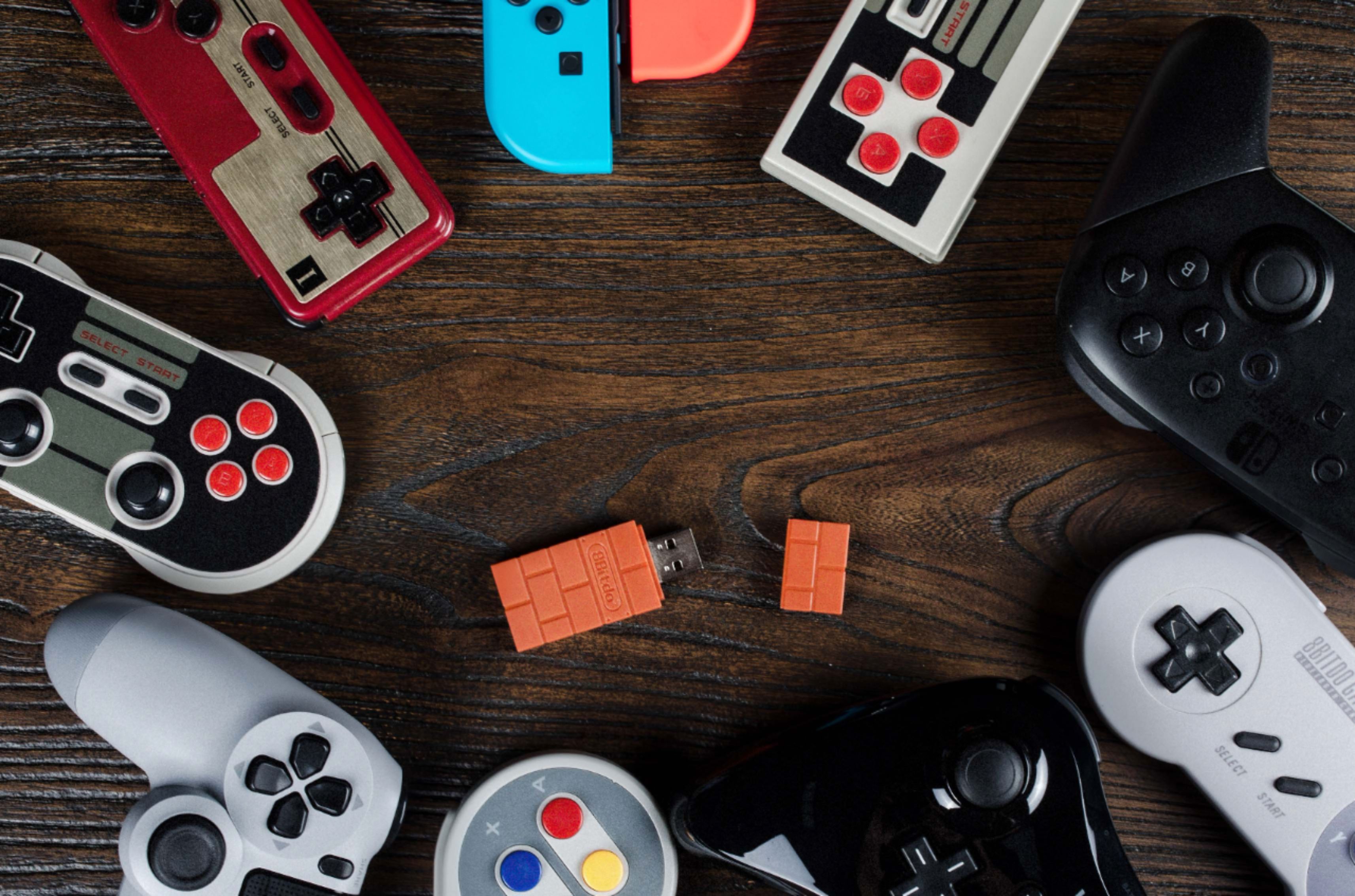
Posted .This reviewer received promo considerations or sweepstakes entry for writing a review.To use this adapter your device must have an available USB type A port. This can be achieved with a micro USB type B OTG cable on older smart phones, and a USB type C to USB type A on newer smart phones and laptops. Firmware update tool, PDF manual, and DualShock 3 pair tool is available on 8bitdo's website. I use this adapter to use my DualShock 4 device that accepts Xbox 360 wired controllers. This is accomplished by setting the 8bitdo adapter into Xinput mode. This has made my DualShock 4 compatible with Android TV OS, Android mobile OS, and Windows 10 OS. This is good for devices that do not have Bluetooth. If your device has Bluetooth the use of a DualShock 4 controller can be used by other means, but I like being able to move the 8bitdo adapter from device to device as a plug and play solution instead of having to go through a pairing process every time. The firmware has 3 other modes: Nintendo Switch, Mac OS, and Dinput mode. The first two I feel are self explanatory. TL,DR: Dinput is still relevant for older games, mecha games, and flight simulators with elaborate hardware controls. Dinput mode is an older protocol used by older games such as "Driver". This requires mapping the buttons within the game itself. The Dinput mode is superior when it comes to games with complex controls such as flight simulators. Some flight simulator hardware setups are quite elaborate with yaw pedals, toggle switches, engine power control levers, and too many individual inputs to be supported by Xinput.
I would recommend this to a friend- Pros mentioned:Ease of useCons mentioned:Lag
Rated 5 out of 5 stars
Great for Connecting PS4 Controller
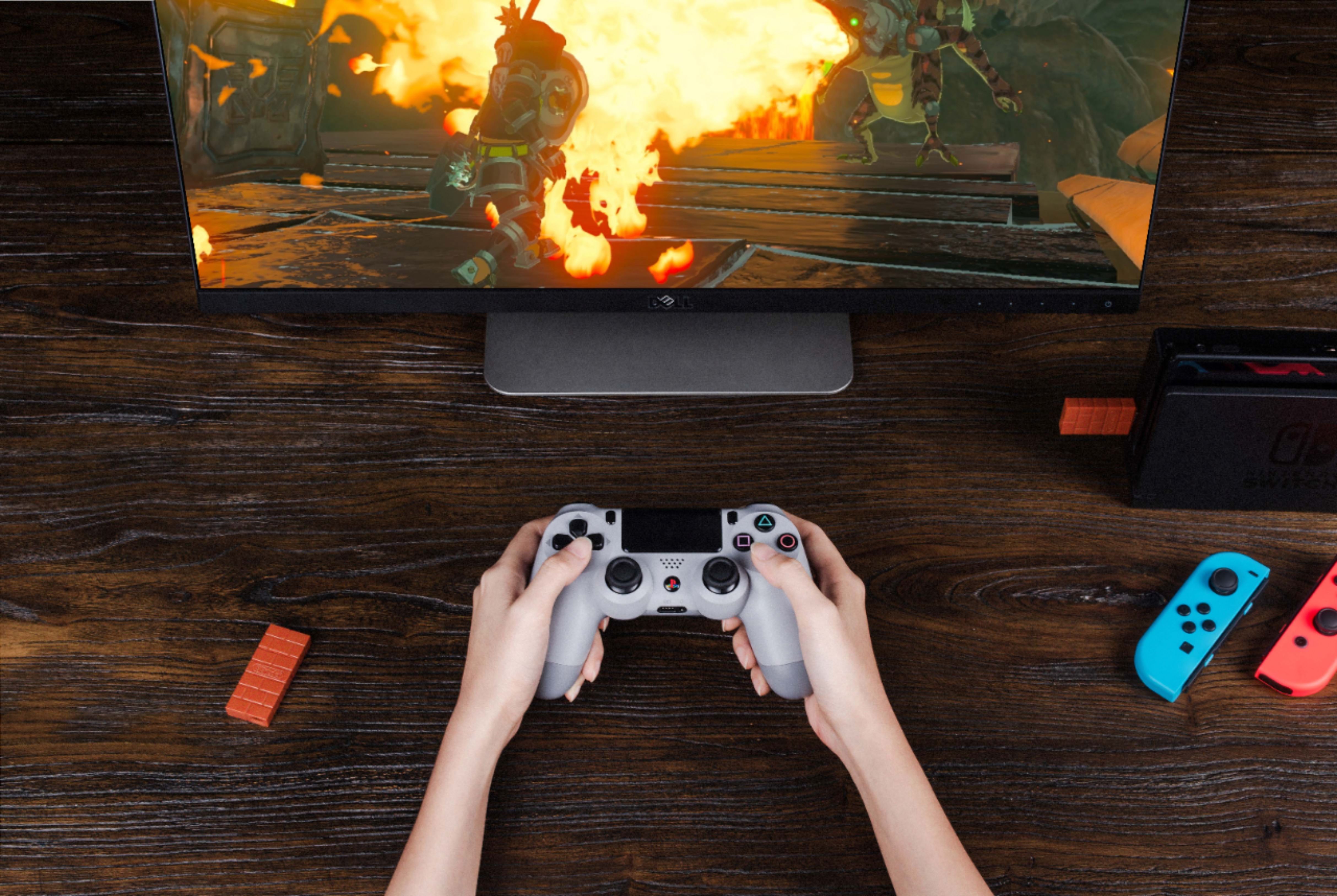
Posted .This reviewer received promo considerations or sweepstakes entry for writing a review.My son used the 8BitDo to connect his PS4 dualshock controller to the PC to play Fortnite. Synching was quick and easy; my 11-year old did it by himself. He had no complaints and said there was no lag. He also used it to pair his PS4 controller to his Switch, since his joy-cons were drifting. Great product.
I would recommend this to a friend - Cons mentioned:Connection
Rated 4 out of 5 stars
Great option for convenience!
Posted .This reviewer received promo considerations or sweepstakes entry for writing a review.This works right out of the box with just a pairing. It drops connection sometimes but for the price is a perfect option that requires very minimal setup.
I would recommend this to a friend - Pros mentioned:Ease of use
Rated 4 out of 5 stars
Good
Posted .This reviewer received promo considerations or sweepstakes entry for writing a review.Not bad good plugs right in and get working pretty fast
I would recommend this to a friend - Pros mentioned:Compatibility
Rated 5 out of 5 stars
Works great on the Evercade
Posted .This reviewer received promo considerations or sweepstakes entry for writing a review.Purchased these to add wireless controllers to the Evercade VS. Works great.
I would recommend this to a friend Rated 3 out of 5 stars
Headache to Pair w/ PS3 Controllers
Posted .This reviewer received promo considerations or sweepstakes entry for writing a review.To use, the product sounds super simple. "Push the button on the adapter, then the one on your controller and BOOM!" That is certainly not the case for the PS3 controller. For that, you need to put the dongle in a FW update mode, and download the "PS3 Pairing App" off the 8BitDo website. The app is a total headache under Windows due to drivers and signing. After 30 minutes I gave up and did it on a Mac instead. Once the pairing issue is resolved, the controller and dongle work well either on a Switch (with the wired Pro Controller setting enabled), or on my PC. If you don't have a Mac and just want something to work out of the Box, I'd just get an Xbox controller instead of dorking around with this. Otherwise, if you tinkering and to breath new life into your PS3 controllers, then give this a shot.
I would recommend this to a friend