Customer Ratings & Reviews
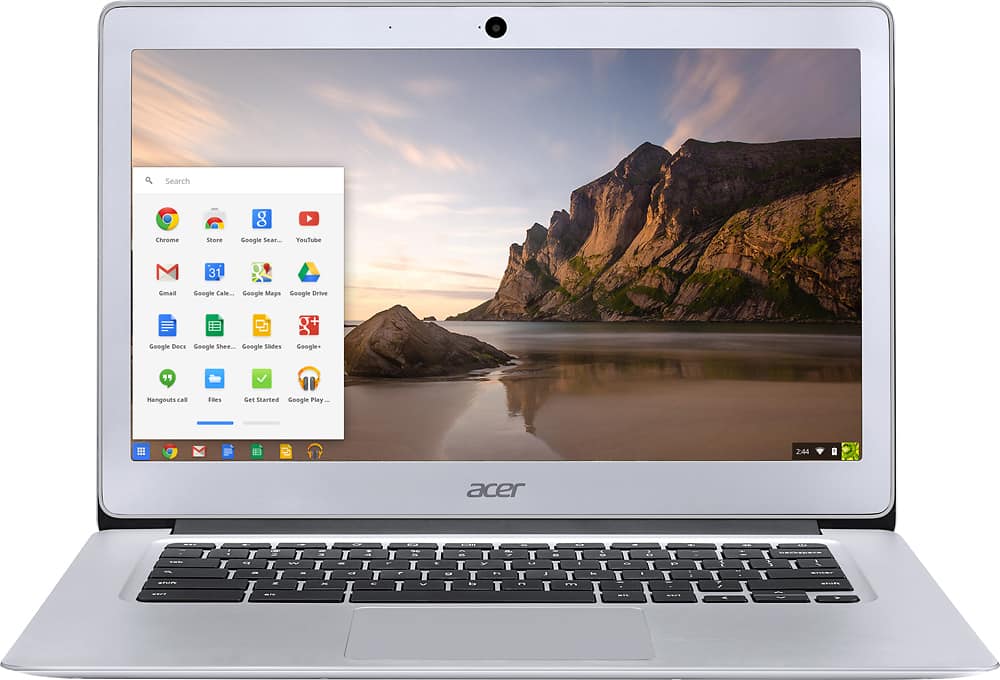
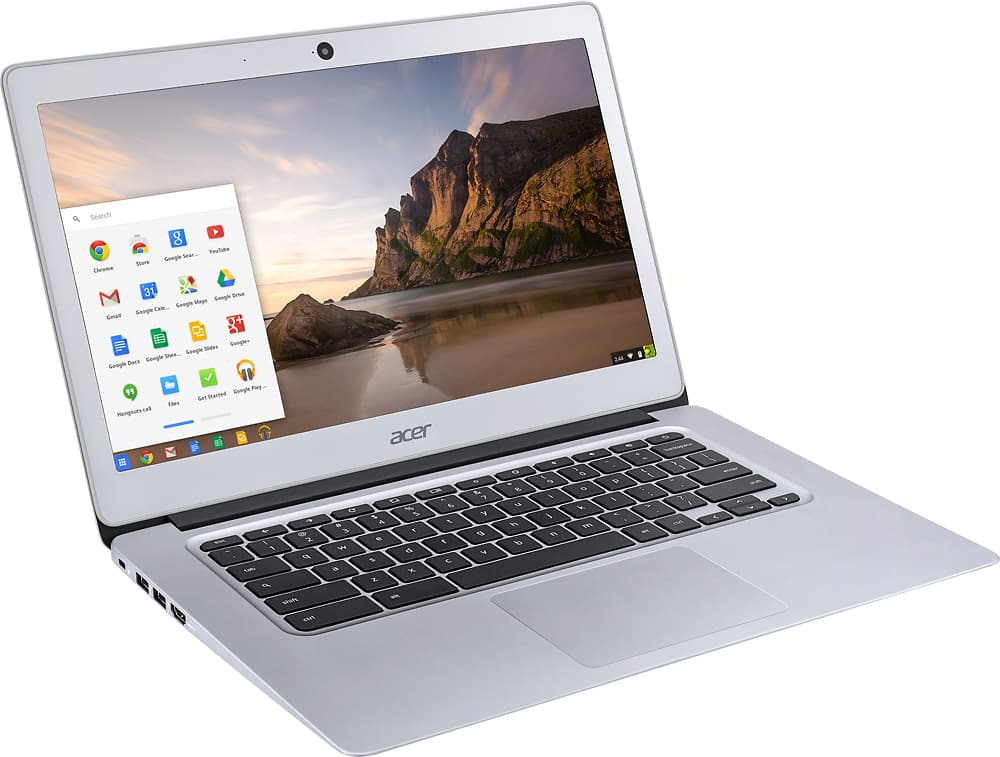
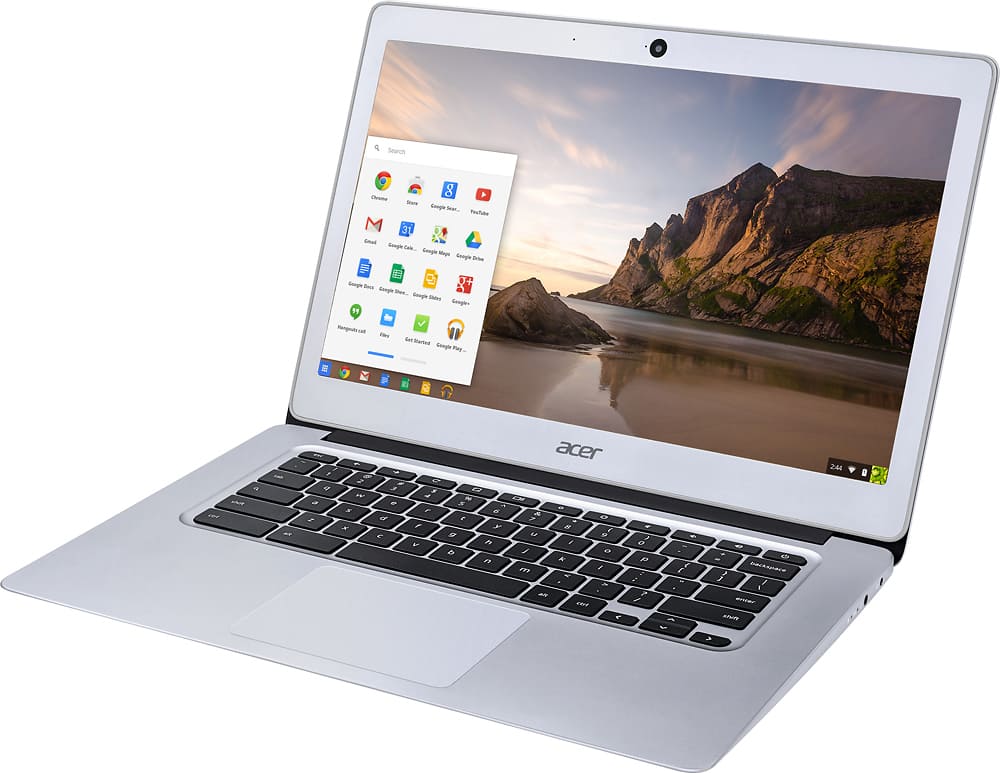
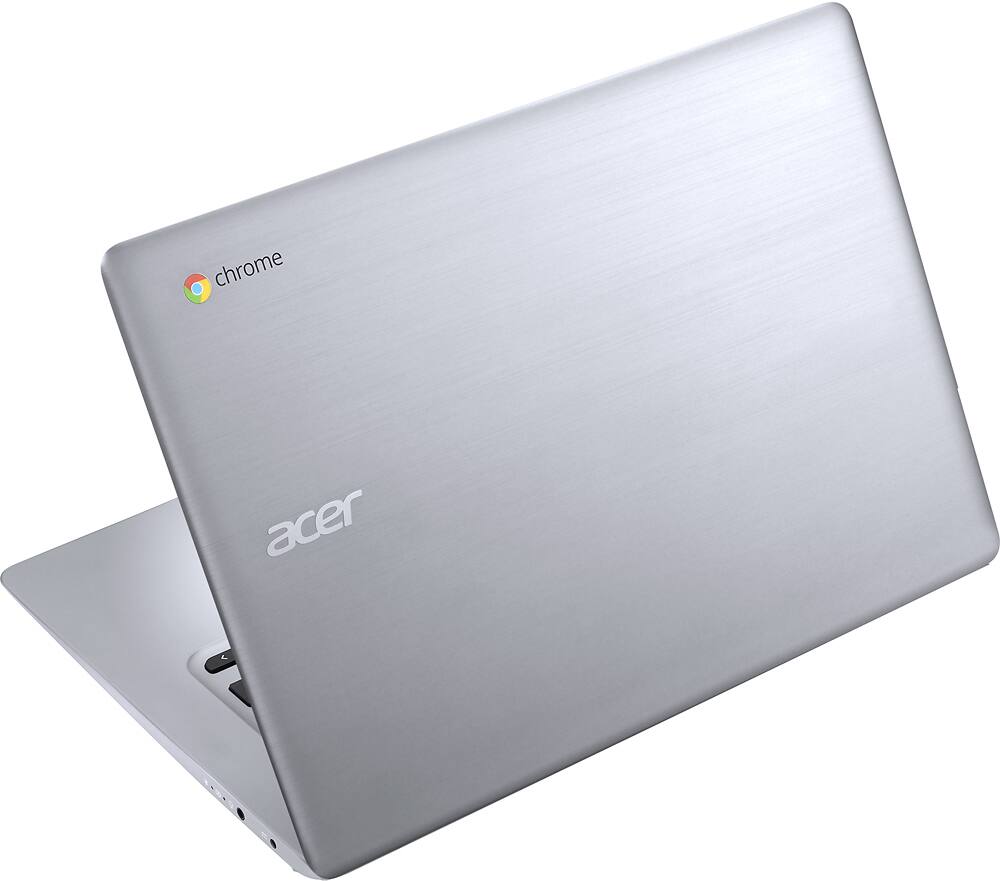

- Model:
- CB3-431-C5EX
- SKU:
- 5203000
Rating by feature
- Value
Rating 4.5 out of 5 stars
- Quality
Rating 4.5 out of 5 stars
- Ease of Use
Rating 4.6 out of 5 stars
Customers are saying
Customers appreciate the ease of use, screen size, and long battery life of the 14" Chromebook. Many also praise its lightweight design and affordable price. However, some users have experienced issues with the keyboard and trackpad, and a few find the storage capacity to be limited. The performance is generally considered good, though some users wish for more memory.
This summary was generated by AI based on customer reviews.
returned
||Posted .This reviewer received promo considerations or sweepstakes entry for writing a review.You get what you pay for...This computer would not hook up to our office network & had to be returned.
No, I would not recommend this to a friendBrand response from TeamAcer
Posted .Sorry to hear this; we understand you returned the Chromebook but we would have been happy to provide support for you. If in the future you need assistance with an Acer product, feel free to contact support from the info posted at http://www.acer.com/ac/en/US/content/service-contact

Not a great laptop
||Posted .This reviewer received promo considerations or sweepstakes entry for writing a review.Not worth the money. Slow and very confusing. Absolutely not what I was expecting.
No, I would not recommend this to a friendBrand response from TeamAcer
Posted .Hello Renie,
Sorry to hear your Acer Chromebook did not meet your expectations. Chromebooks are different from standard laptop products in that they are designed to be used primarily while connected to the Internet, with most applications and documents living in the cloud. Because of this they don’t have much for on board storage but they also are not expensive either. If you need to use third party software applications that must be installed on the computer, a Chromebook is likely not for you, where a Windows laptop would suit you better. If you would like assistance with your Chromebook please fill out this form so that we can contact and assist you:
http://csapps.acer.com/prompt/?key=f44c3a1e234b75ac70daa7eafdfe0840d6547736
Thank you,
Acer America
hated it
||Posted .This reviewer received promo considerations or sweepstakes entry for writing a review.terrible couldn't find anything or home pages or yahoo terrible
No, I would not recommend this to a friendBrand response from TeamAcer
Posted .Hello Bratt,
Thank you for taking the time to write this review. We’re sorry that the Acer Chromebook is not performing to your expectations. This is not the experience we want our customers to have with our products or support. Please visit this personalized URL and fill out the form so we can look into this issue and assist you:
http://csapps.acer.com/prompt/?key=99b2fbe0078abb3488708a6859664ca05d03cc20
Thank you,
Acer America
Great Student Alternative to the Macbook Air
Posted .This reviewer received promo considerations or sweepstakes entry for writing a review.I purchased this laptop after being a Windows user for the last ten years. I was hesitant because of its limited capabilities, but was pleasantly surprised when I found that I actually didn't mind it. I went from an $800+ laptop that had excessive storage and crazy amounts of ram to a chromebook.... and barely noticed a difference. Overall, this is a great value and feels like a huge upgrade, even though it costs way less than most laptops on the market today. Pros: -This computer is the best rated chromebook on the market right now and it's rated that way for a reason -The battery life: It has an advertised 12 hours of battery life, but I've gotten closer to 8-9 while using netflix, social media sites, and doing random web browsing. -It doesn't make any noise. -The F1+ keys are replaced with screen brightness adjustment keys, sound adjustment keys, etc -The 14" screen and the macbook-air imitation look makes it the most portable and awesome looking laptop that I have ever used -You can "pin" apps to the bottom of the screen (I have chrome, google docs, my email app, netflix, and hulu there, so it's all in once place) Cons: -The storage: you wont realize how tiny it is until you start saving photos. Someone suggested getting a tiny flash drive that barely sticks out of the USB port, so that seems like an excellent alternative to spending $$$ on a different computer for a ton of storage -The speakers are on the bottom of it - which is the only design flaw that I have seen. It won't get incredibly loud, but it still has great sound. -You're going to need a WiFi connection if you want to get the most out of it -Right clicking isn't really a thing on the touch-pad. You have to hold down the ALT key and tap it to get the right click functions. -It doesn't really come with a user manual, so figuring out how to use certain functions will need to be googled. Things You Should Know: -Suck it up and buy an Office 365 subscription, you'll thank me later. I thought I'd be okay using google docs, but it seems like a super minimal program if you need to be using it for classes. Office 365 is literally an online version of the Office Suite - it has word, excel, and powerpoint (all the things you could need for school) -When I was trying this chromebook out in the store, I couldn't read the top part of google chrome for the life of me because the font was so small. Hold down CTRL, Shift, & the plus sign at the same time to adjust the screen size. - If you've used google chrome before and had your google account signed in with it, sync it with this computer. It transferred 600 bookmarks and all of my saved passwords in a few short seconds. -This is an awesome alternative to spending oogles of money on the macbook air. It looks the same, is super fast and lightweight, and can do all the things you need it to do (as long as you won't need special programs like CAD). -It's priced at $299 currently and feels like a computer that should be hundreds of dollars more.
I would recommend this to a friend- Pros mentioned:Battery life, Screen size
Awesome Chromebook!
Posted .This reviewer received promo considerations or sweepstakes entry for writing a review.Best chromebook for the money! I really like the aluminum instead of the plastic. Beautiful screen, fast performance, long battery life and charges fast too. Exactly what I was looking for!
I would recommend this to a friend Great
Posted .This reviewer received promo considerations or sweepstakes entry for writing a review.Bought this product couple years ago and I’m surprised it still works today. Didn’t slow down nothing best value for my dollar.
I would recommend this to a friendExcellent
Posted .This reviewer received promo considerations or sweepstakes entry for writing a review.I am a school teacher and our district switched to Google Chrome. We use the Chromebooks in school and they work great. I researched the different brands and decided to go with Acer. This one is sleek, light and looks great. The price was wonderful and it has been excellent for our family. It turns on so fast and if you are a Chrome user... You need this Chromebook. We are thinking of buying another one.
I would recommend this to a friendSolid Construction, Excellent Display
Posted .This reviewer received promo considerations or sweepstakes entry for writing a review.Solid, above average aluminum construction and a very good, 1080p IPS display. Performance is good, but not exceptional with the Braswel N3160 CPU, however, 4GB of ram and 32 gb of flash memory are above average for a consumer grade Chrome laptop. Lack of SD card reader is puzzling- but having two USB 3 ports is helpful, for example, when connecting to an external hard drive. Be advised that some Chrome extensions can hamper performance, and if ad blocking is use, I would recommend Ublock Origin versus Adblock, as the later significantly decreases performance (Chrome Web Store). Finally, this laptop should run Android apps sometime in 2016/2017.
I would recommend this to a friend- Pros mentioned:Speed
Very solid, happy with first chromebook
Posted .This reviewer received promo considerations or sweepstakes entry for writing a review.This is my first chromebook, and although I haven't owned it long, I'm very impressed. The all metal case makes me feel like I'm using a premium macbook. It seems fast enough for me to use since I generally use 8 tabs or less. Also, it DOES work just fine with crouton(Linux), contrary to what another review said--you just need to change the trackpad settings, but this seems like a common change. I think the screen brightness is just fine, although it would be nice if could go brighter just to have that option, and I don't know how the screen looks outside yet. I would buy again, and with the sales at Best Buy I was able to get a pretty good deal!
I would recommend this to a friend - Pros mentioned:Screen size
Hardware great, Software not so much
Posted .This reviewer received promo considerations or sweepstakes entry for writing a review.The hardware on this laptop is great. The screen is the best screen I've ever had on a laptop. So is the build quality itself. Very premium. Where they really messed up is the power cord and insert. First of all its an older power type cord that I thought the industry was done with. Why have something portable and then put a big old ugly cord to go with it. Knocking a star just for that. I'm also not impressed with the battery. Brightness at 60% and I'm already down to 50% at 1pm. My asus lasts me all day. I dont think this one is going to make it. Software wise, well its chromeOS and not windows. Thats good and bad. I loathe WIndows 10 which is why I bought this. However I can't find a decent video player that is as good as Potplayer on windows. I also can't find a decent photo app. I want to look at my photos full screen and use the keyboard arrow to flick thru them at my own leisure at full screen. But I cant find one that does that. Android apps are coming soon so hopefully this will tackle that problem. I've got 14 days to decide whether to keep this or not. The power cord and battery is a real turn off. However the screen and build quality is pretty friggin nice. I'm really looking for the perfect laptop. That would be this in a 13 inch version with a decent battery and better power cord, and ChromeOS with android apps. So close yet so far.
I would recommend this to a friend - Cons mentioned:Keyboard backlight
A different kind of computer
Posted .This reviewer received promo considerations or sweepstakes entry for writing a review.Using a Chromebook is very different from using a traditional laptop. The way things work and the entire user interface is just that different from using a laptop, be it a Windows laptop or a Mac laptop. If transitioning from the aforementioned platform, prepare for a learning curve. Using a Chromebook makes for a different experience. The hardware makes using ChromeOS snappy and quick. Startup is very fast. Using the touchpad is unusual and unfamiliar, having been so used to using a pad that has two buttons like the mouse. Keyboard feels slightly different. Whether that's due to using a mechanical keyboard for so long or perhaps due to the design/build quality of it, I don't know.
I would recommend this to a friend Fixes what the Toshiba Chromebook 2 messed up
Posted .This reviewer received promo considerations or sweepstakes entry for writing a review.A few months before this Chromebook was released I had purchased the Toshiba Chromebook 2 which most people seemed to regard as the best Chromebook. I returned it within a few days because the body was painted plastic, the trackpad squeaked, the keyboard felt squishy, and the screen had so much glare. This Acer Chromebook fixed all of those problems for me. I love that this has a full metal body, I love the feel of the keyboard and the screen is matte. For $300 (though I purchased on sale for $269) this is probably the best Chromebook out there. It's a terrific looking machine that looks more expensive than it actually is, the battery lasts a very long time, and it's the perfect size; a 14" screen is not too small, nor too large. My reasoning for not giving this 5 stars is that there is no micro SD storage slot which is something I use in my Acer Chromebook 11 100% of the time to make up for the small amount of storage in these computers. I also had to exchange my first Acer Chromebook 14 because after three weeks the trackpad was starting to stick. Thankfully Best Buy exchanged the device with no hassle and I'm hoping for the best from this Chromebook that I was excited about even prior to it's release. Chromebooks are terrific because they start up immediately upon opening the device and are ready to use in seconds. They download updates in the background and you do not have to sit through anywhere from 5-20 minutes of updates like you do with a Windows laptop. This machine never lags on me and I am a person who frequently has 8 or more tabs open.
I would recommend this to a friend- Pros mentioned:Battery life
Best for playing games on Facebook
Posted .This reviewer received promo considerations or sweepstakes entry for writing a review.I am a 60 yr old lady who knows nothing bout computers or laptops. I first bought a laptop which I had to up date and check for virus and malware and all that stuff. I just got so confused hated the updates which at times took 10 minutes. Well I bought me a Chromebook and wow no updates no need to download Java Everything was so easy to start playing my games . Wont buy anything else but a Chromebook I have an 11 inch and the battery is good for 6 hours They come on sale so keep an eye out Cheaper even if u buy online
I would recommend this to a friend Great for school
Posted .This reviewer received promo considerations or sweepstakes entry for writing a review.This is a great laptop. I used it for my nursing program. It worked great. And I love the metal body.
I would recommend this to a friendHad hopes, but returning.
Posted .This reviewer received promo considerations or sweepstakes entry for writing a review.This seemed like a great little chromebook for the price based on all the reviews I read. However for me something about the screen, maybe it being matte, strains my eyes like no other. It looks grainy and so slightly out of focus. The other issue I have is how slow it is. I accepted that a celeron cpu was slow, just didn't think it would be noticeable doing the simple things I wanted, Facebook, Hearthstone, browsing... It would freeze intermittently while typing/scrolling through facebook. Last issue that caused me to return it was the spacebar. It only registered being hit about 70% of the time, leaving me to have to go back and add spaces in where I've been writing.
No, I would not recommend this to a friendGood but not great
Posted .This reviewer received promo considerations or sweepstakes entry for writing a review.Its good but 6 days after i got this there is this strange thing on the little part of the left side that has a different lighting so i adjusted the icons to the left so i would not have to be bothered with it
I would recommend this to a friend- Pros mentioned:Battery life
Works as expected
Posted .This reviewer received promo considerations or sweepstakes entry for writing a review.I love that I can do everything I can do on my PC but with Google. I do not miss using a PC whatsoever. The battery life is amazing. I only have to charge it every 3 days and I am very active on it. I watch netflix, Facebook and even use Google docs to write and save my blogs. Love love love it.
I would recommend this to a friend - Pros mentioned:Screen size
Awesome Chromebook
Posted .This reviewer received promo considerations or sweepstakes entry for writing a review.This is one of the best Chromebooks out right now. What I like right away is the metallic body. It looks and feels ultra premium. The next is the gorgeous 1080p display. Most Chromebooks sacrifice display quality for the low price but not his model. The last thing is the excellent keyboard and trackpad. Acer did a really great job on this product and I highly recommend it.
I would recommend this to a friend - Cons mentioned:Keyboard backlight
Fantastic as a Chromebook, but not for Crouton
Posted .This reviewer received promo considerations or sweepstakes entry for writing a review.This is a fantastic device if you are using it as a Chromebook, which most will. But, if you are like me and want to do some developing on it with Linux, I would get another one. The drivers for touch pad and keyboard do not work in many different Linux distributions. For this reason I had to return it and get a different one. This is the only reason I gave it 4 stars.
I would recommend this to a friend Fantastic!
Posted .This reviewer received promo considerations or sweepstakes entry for writing a review.I previously had a HP 14" Chromebook, when it died after 4 years, I started looking for a replacement. I've had this Acer 14" Chromebook for 3+ weeks now & except for the speaker volume (the Acer has less volume output than the HP did), it's a better machine in every way.
I would recommend this to a friend