Customer Ratings & Reviews
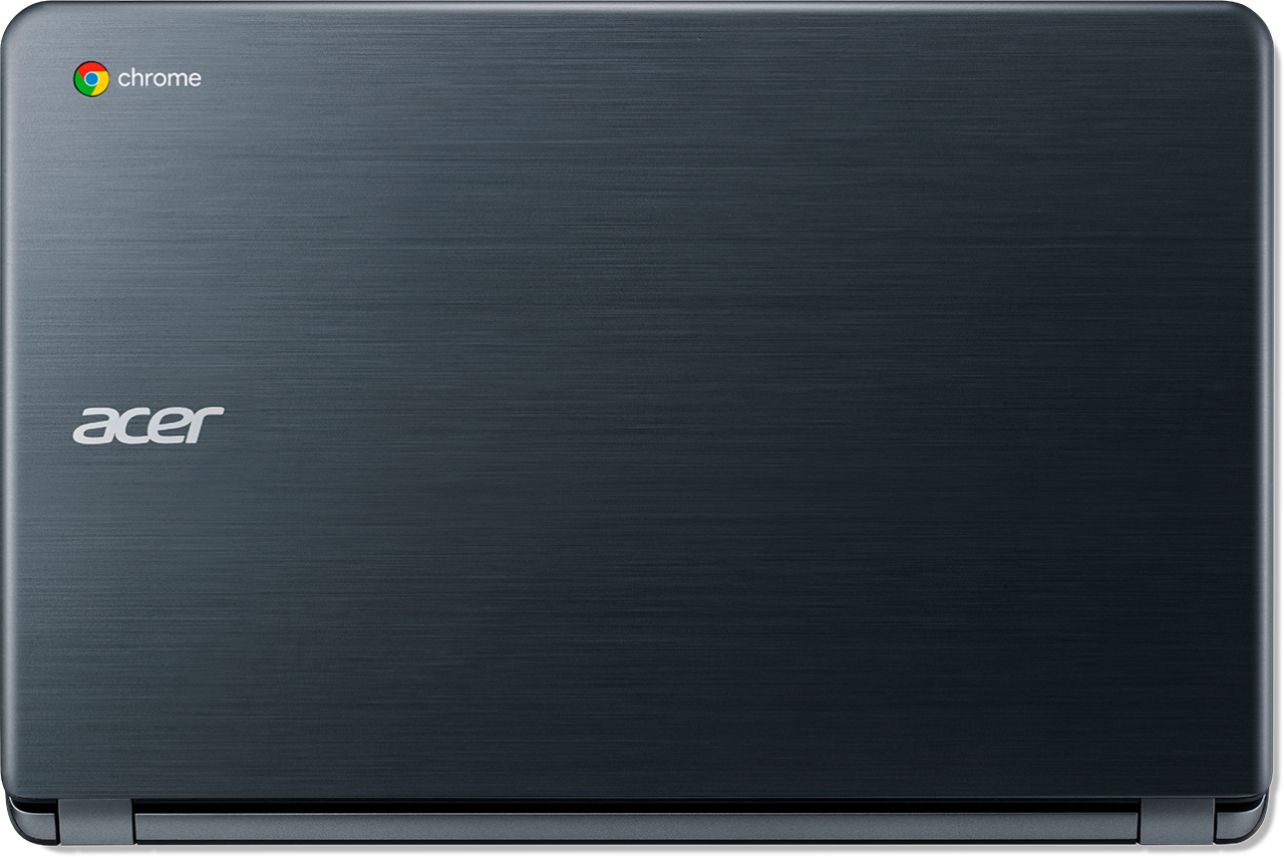




- Model:
- CB3-532-C8DF
- SKU:
- 6170703
Rating by feature
- Value
Rating 4.6 out of 5 stars
- Quality
Rating 4.4 out of 5 stars
- Ease of Use
Rating 4.5 out of 5 stars
Customers are saying
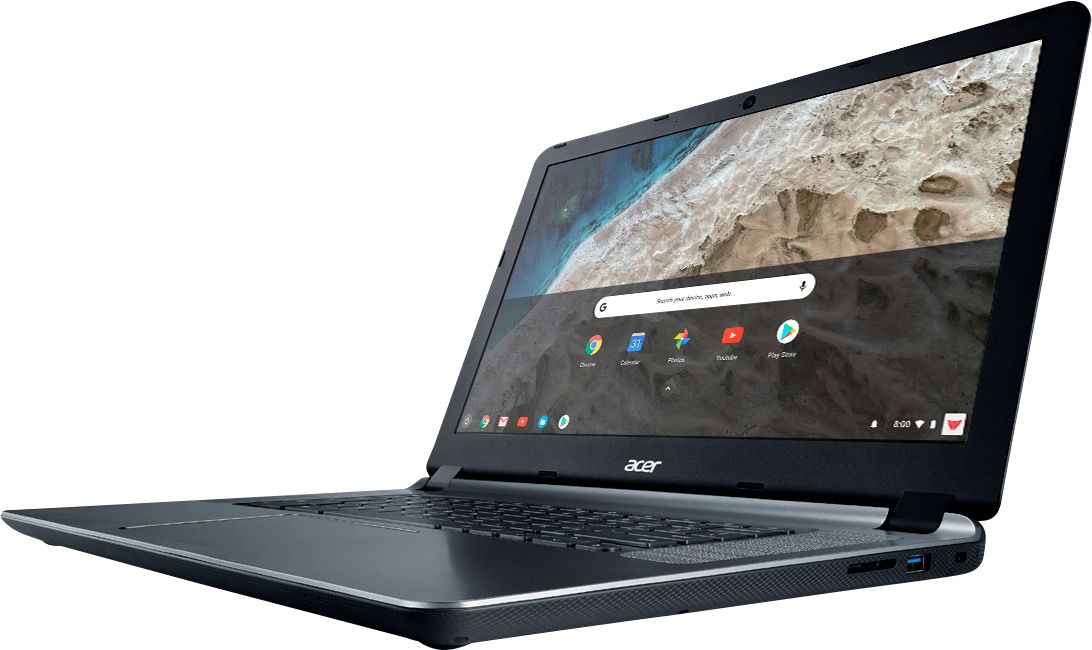
Customers recognize the 15.6" Chromebook as easy to use and having a desirable screen size. Positive feedback also highlights its affordability and acceptable battery life, while some users note limitations in storage capacity. A few customers mention compatibility issues with certain software and the operating system's limitations.
This summary was generated by AI based on customer reviews.
charging cable
||Posted .This reviewer received promo considerations or sweepstakes entry for writing a review.my power cord that charges the computer won't stay in.
No, I would not recommend this to a friendBrand response from TeamAcer
Posted .Dear Shemyra,
We are sorry to hear you are having problems with the AC adapter that came with your Acer Chromebook. This is not the experience we want our customers to have and we would like to help you get this resolved. If you are located in the US or Canada please fill out this form so that we can assist you: http://csapps.acer.com/prompt/?key=887918bb6c0ce3338c661c5cb9c386cd33473b26
We appreciate you taking the time to write this review.
Thank you
Acer America

Nice for a budget laptop
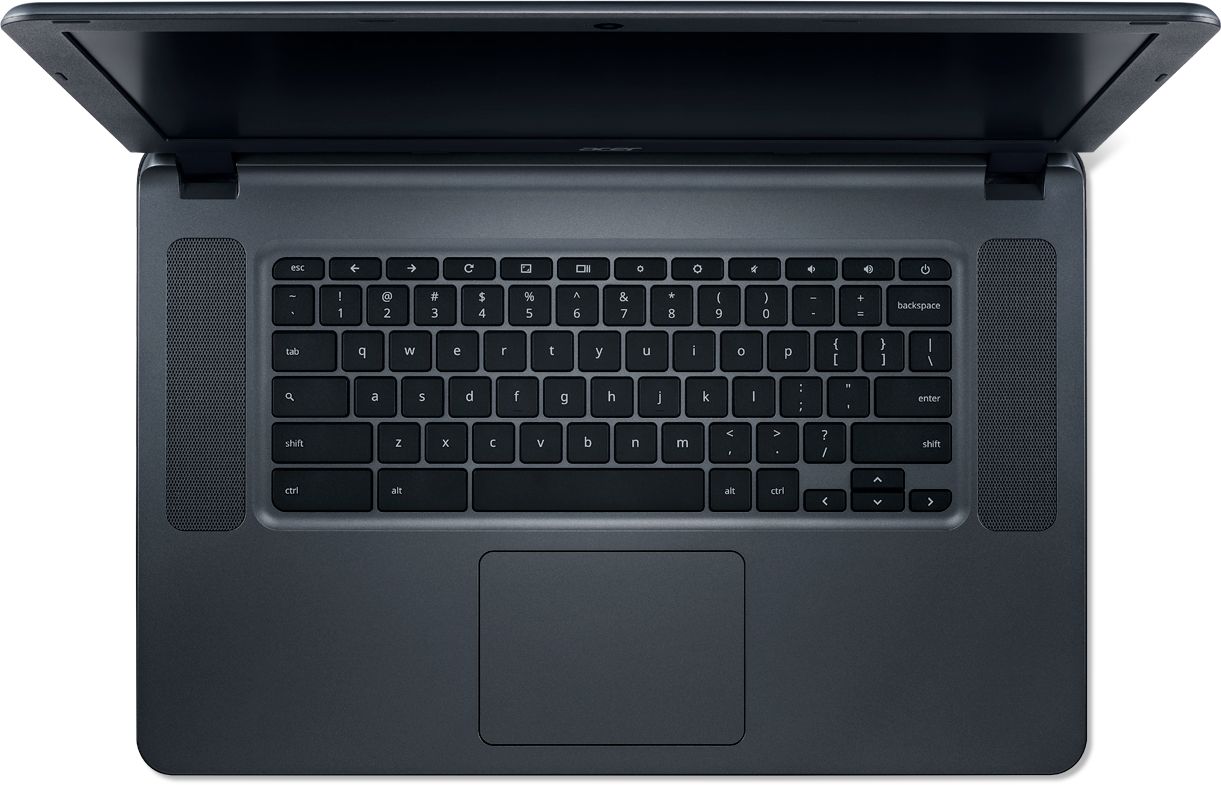
|Posted .This reviewer received promo considerations or sweepstakes entry for writing a review.This is my first experience with a Chromebook, and also my first experience with a budget laptop in about 5 years. The main thing that I've noticed is how little has changed. Display: the 15.6" panel is reasonable. It's a little odd on a Chromebook, but I suppose it meets a need. The main problem that I have is the 1366x768 resolution. This is the same as budget notebooks from 5 years ago, and the display may actually be worse. If there is bright light in the room,or if you are looking at even a slightly downward angle, the display looks a bit washed out. If you are looking slightly upward relative to the display, the colors quickly start to shift. The same goes from side-to-side. You have perhaps less than 30 degrees of visibility. The display is also matte, so you won't see reflections, but have a greater tendency to have a haze falling over the image. The brightness is acceptable. In a room with indirect natural light, full brightness will suffice to see the image, if not very clearly (a combination of the low resolution and narrow viewing angles). Keyboard: this is a reasonable keyboard. The keys don't travel very far, but the board itself seems sturdy (doesn't flex just when typing). It would have been nice to have a number-pad, but that would have cut out all room for the speakers. Speakers: middling at best. They tend to be very tinny, without any low end, and not very loud. Definitely not what you would usually expect given the real-estate they take up in the body of the computer. Battery: this is where all of the compromises are supposed to pay off. I was streaming HD video at full brightness and full volume (which is only reasonable volume, not blowing you away) for about 7 hours and still had a reported 2 hours or so remaining. This will definitely last all day. Chrome: This is an odd OS. After always using Windows, it feels like baby's-first-computer software. There are very few settings to see. You sign in and everything is through the web browser. Even "programs" with their own icons are actually just shortcuts to web pages. The most recent update allows you to use Android Apps, which is a definite plus. Now you can at least use actual productivity software rather than the free on-line versions of Word and Excel. If you have need of a limited purpose computer for basic productivity, and perhaps streaming videos, this is a reasonable computer. If you're looking for actual productivity software, enough power for most gaming, or doing anything else specialized, you'll need to look elsewhere. Good machine for basic educational uses.
I would recommend this to a friendSuperb machine for the price
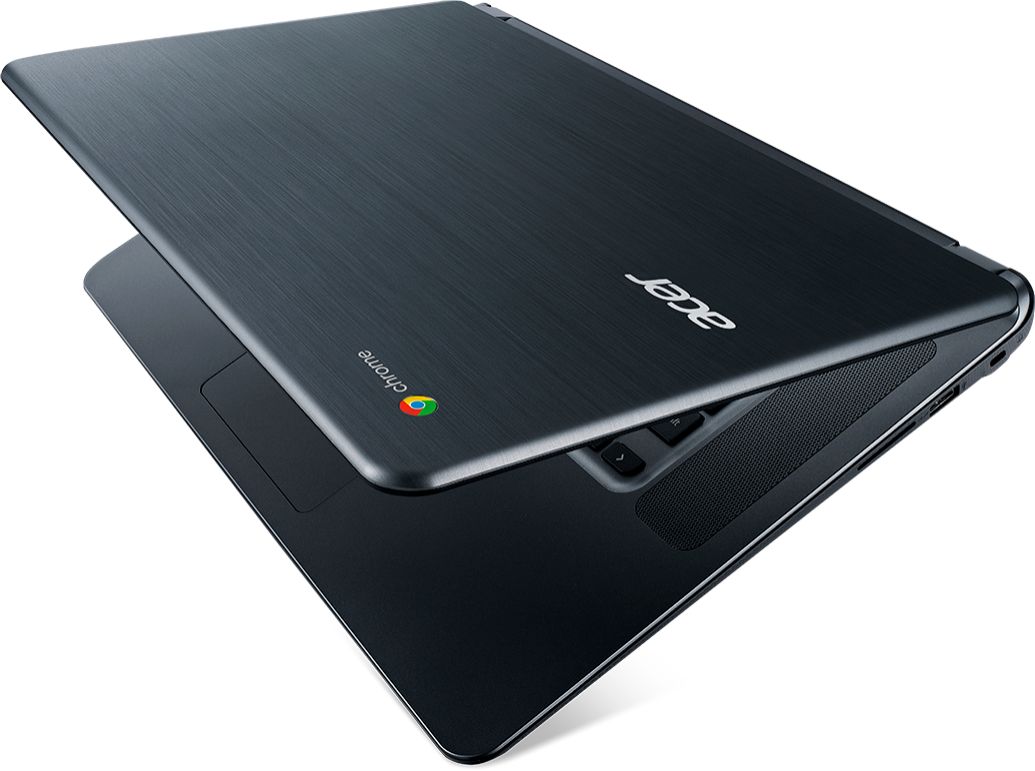
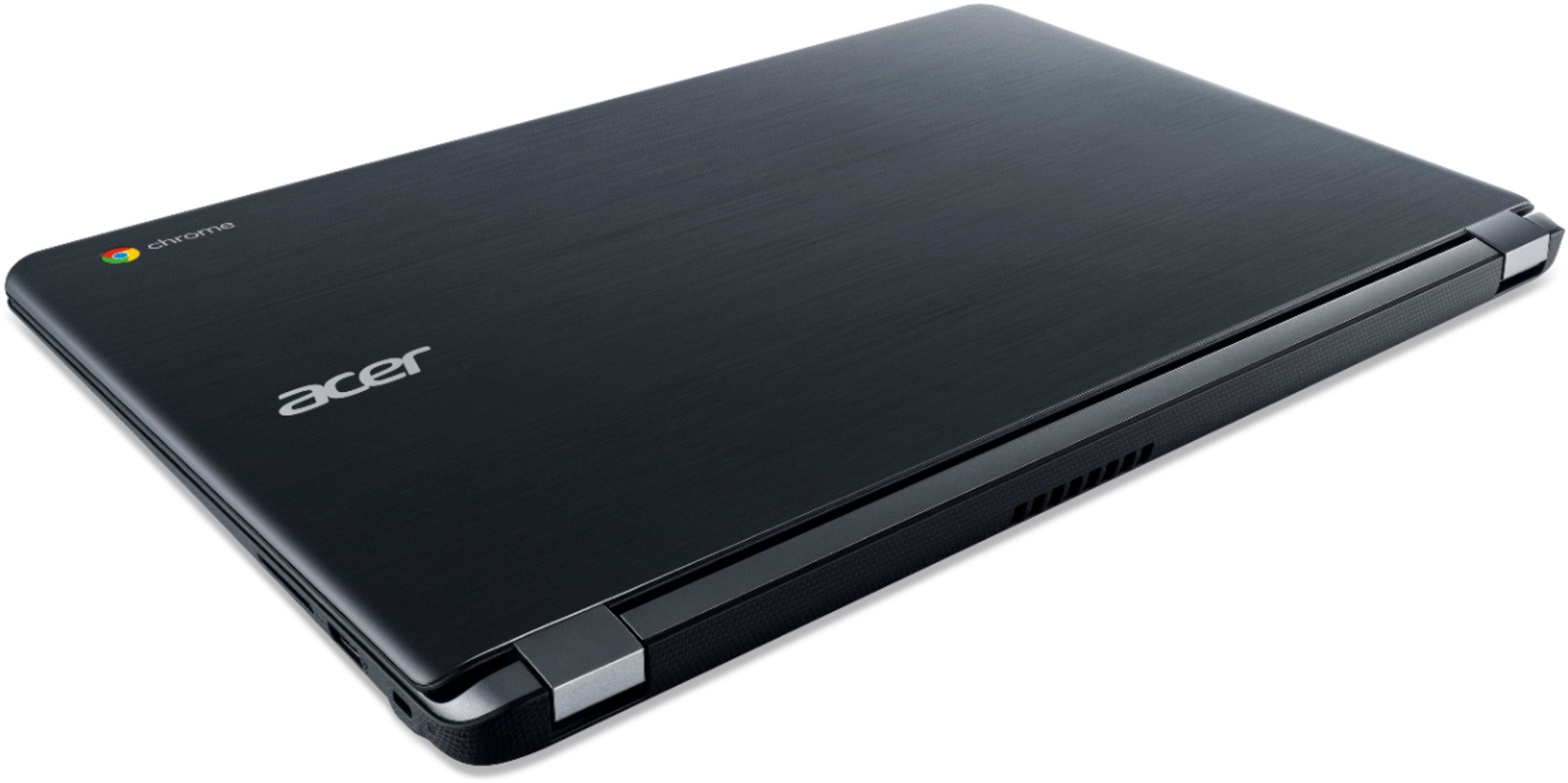
|Posted .This reviewer received promo considerations or sweepstakes entry for writing a review.After receiving this Chromebook, I was really impressed by the cosmetics. The back of the monitor has a brushed aluminum appearance. The bottom panel has a nice carbon fiber like texture which is great for grip. This generates a feel that belies its very affordable price tag. The Chromebooks I'm used to seeing are typically 11" or 13". This Acer Chromebook boasts a 15" screen. It's a nice, comfortable display but it is a little washed out. The resolution was slightly disappointing. The self-proclaimed best resolution is 1366 x 768, however, you can bump it up to 1536 x 864. Instead of a numeric keypad, the space is divided between 2 speakers on either side of the keyboard. The speakers give sufficient sound, albeit a little light in the bass. After the initial charge, I've run this Acer Chromebook about 6 hours across a weekend and it is just now dipping below 50% battery life, so as far as I can tell, the 12 hour battery life claim holds true. The Dual Core Celeron is plenty powerful. It allows the rendering of busy websites with ease. I was a little disappointed of the apps available in the Chrome Web Store, however, the OS update that showed up the first morning brought the Google Play Store allowing many Android Apps to run directly on the Chromebook. I was also able to test adding an external monitor via HDMI and it worked flawlessly. And adding an external mouse via USB also worked well. My kids use Chromebooks at school. While they have access to a Windows machine at home, its tedious to sign into Windows only to sign into Chrome Browser (school account has strict user management protocols) to get to their Google Classroom resources. Signing into the Chromebook has a much better user experience for my kids. My plan is to give this to my kids so that they have an easier experience moving from one device to another. This Chromebook easily outclasses the ones available at their school. Here is where I would nit-pick this Chromebook: -As I've mentioned above, the screen is a bit washed out. Please don't expect a super sharp Apple Retina display, especially at this price point. -Resolution not FullHD. -No numeric keypad. -Brightness of the screen defaults to 60% after reboots. Luckily, there are function keys to change the brightness quickly. I had the additional benefit of connecting this Chromebook to my workplace's Virtual Desktop Infrastructure. This Chromebook works great as a Thin Client providing me access to my virtual Windows 10 desktop. However, the Android Horizon View client (from Google Play Store) receives a better hand-off than the Chrome App version. My co-workers were impressed by this Chromebook and I can tell they're thinking of getting this one for themselves.
I would recommend this to a friendNice Chromebook
|Posted .This reviewer received promo considerations or sweepstakes entry for writing a review.If you can live with the limitations of a Chromebook, this is a good one. This one has about 9GB of local storage space available, but a Chromebook isn't really meant for local content. It's all about the cloud. You can also use USB drives or SD cards. Performance is snappy, screen is nice. Extra credit for having a MIMO 802.11ac WiFi card, that's a very fast WiFi connection if you have access to that kind of network.
I would recommend this to a friendNice Large Screen, better than previous sizes
|Posted .This reviewer received promo considerations or sweepstakes entry for writing a review.The Chromebook 15 is a HUGE jump from the previous Acer Chromebook offerings, even from the Chromebook 13 which was just released less than 6 months ago! I'm going to go into details below but here is the super quick summary: PROS: * This Chromebook is big which has pros and cons although I'm absolutely loving the big screen. * The processor is lightening fast (so glad they ditched the Tegra K-1 processor and went back to Intel.) * There is absolutely no lag with the 4 GB RAM version. * The screen is FINALLY nice and clear, bright, and vibrant, especially being a matte, anti-glare screen. It is much brighter than your standard matte screen and the viewing angle is literally almost 180 degrees while still getting good colors, brightness, and readability. * The keyboard is more natural feeling and the track pad is bigger and easier to use. *The speakers are right on top of the keyboard and the sound is better than I've heard on ANY laptop to date, seriously. It's louder, clearer, and less "tinny" than anything I've heard on a laptop or Chromebook in a long-time. The only downside to this is they had to keep the keyboard the same smaller size as past Chromebooks to make room for the speakers. *The Chrome software is running better than ever, and all apps are working as they should (something the previous Chromebook 13 with the Tegra K-1 processor was having problems with.) *Charging time is super fast as has been the case with the past few generations. I can be at 50% power and back up to 100% in less than an hour!
I would recommend this to a friend- Pros mentioned:Battery life
Great basic machine
|Posted .This reviewer received promo considerations or sweepstakes entry for writing a review.Sometimes you just need a basic laptop to be able to complete tasks like writing a paper for school or getting on the internet. This meets the need. Fast, great battery, and works. A great item for a person on a budget or a kid that just needs it for school. No, it doesn’t have all of the bells and whistles that a higher end machine may have but it gets the job done. Ultimately that’s the most important thing
I would recommend this to a friend Great purchase
Posted .This reviewer received promo considerations or sweepstakes entry for writing a review.Fast laptop great purchase 3 years later still works amazing would recommend
I would recommend this to a friendLighter than the standard laptop, but....
|Posted .This reviewer received promo considerations or sweepstakes entry for writing a review.This Chromebook comes at no surprise in that it is the standard OS all the other Chromebooks have. The advantage this product has is that it is lighter than I imagined, it has the biggest screen (15.6") by comparison, a faster processor, and a pretty large touchpad. The disadvantages are a speaker set that is oriented on either side of the keyboard, forcing the keyboard to be designed surprisingly but understandably small. I don't see the appeal of having a touchscreen on a laptop, it must be a preference thing. It's nice, does what it's supposed to do, and I enjoy using it.This does not replace a PC, it is a cheaper option for someone who is looking for just a computer to do their work on.
I would recommend this to a friend- Pros mentioned:Battery lifeCons mentioned:Storage
Affordable, Low Storage, Battery long lasting
Posted .This reviewer received promo considerations or sweepstakes entry for writing a review.Cons: The screen looks gray at certain angles when you adjust the screen from the keyboard. Maybe at the second or third month, the screen would automatically turn black signaling that the laptop is asleep when the laptop was idle for a specific time. In order to wake it up, I had to press a combination of keys on the keyboard. It doesn't fall asleep when idle now. You can't play DVD's or music CD's or use Windows based software since it runs on Chrome OS. It didn't do it in the beginning, but it eventually disconnects or can't detect my wifi-router. In order to solve the problem, I have to reset my wifi-router every time this occurs, which is almost once a day. It gets worse during the summer. Pages load slowly when first starting the laptop each day. Pages load fast after the laptop has been awake. When this laptop was still new, the pages still loaded slowly when first starting the laptop each day, but it's even slower now. It was slow then. It's more slow now. Pages still load fast now after the laptop has been awake. The keyboard is not backlit and this laptop doesn't have a built in DVD/CD drive as expected since it doesn't say it has those anywhere on the box the laptop came in. You can't store a lot of data. It's best to save documents on an external hard drive that you connect to this laptop with a USB. If you're not familiar with Google Docs and decide to use it, save a docx or PDF version of the document that you're saving so that you can open that document on this laptop or another medium. You can't open the Docs version of the document if you move the file to a USB flash drive or external hard drive because Docs files open with a url and moving a Docs file will make the url invalid. Pros: The battery life is 12 hours long. It charges quickly. You can access any website. You can install and use Android apps.
I would recommend this to a friend ok chromebook for the price
|Posted .This reviewer received promo considerations or sweepstakes entry for writing a review.you get what you pay for. there are some pros and cons. some of the cons first. the screen resolution is not the best but not bad either. but the view angle you have to be in front or slightly off. and not touch screen. the speakers are not to loud. it boots up pretty fast and does basic things. however, some apps like slither was installed and to even get that game to run I had to set it to low graphics. which the game is already a pretty low graphic game. and just have to get used to use the google chrome os. no backlight for the keyboard. small amount of storage built in. however you can get a sd card or external hard drive. some pros it uses usb 3.0. I prefer this over the new usb c as most things like mouses use the usb 2 or 3. so I was able to plug in my mouse and use it with it. is has hdmi port so you can plug into a bigger screen. but the screen is a 15" so a descent size screen. affordable. boots up fast. overall for the price its a good chromebook. will do your basic needs. if you are looking at a chromebook then you already know why you are choosing one. it is slightly bigger then others as its a 15". but still light and easy to take around. bigger for me usually also means more room for cooling. I do own a pixel book as well. both do the same thing. the pixel book is smaller and has better specs but cost 1000$. but can play slither easily. some of the cons I listed and why I do recommend this is because you can work around those. like I said, has a hdmi port so you can plug into a monitor or projector. has a headphone jack plus it has Bluetooth so you can plug into speakers. if you are on a low budget but want something this is for you.
I would recommend this to a friendDecent beginner laptop-not much else
|Posted .This reviewer received promo considerations or sweepstakes entry for writing a review.Lets be real about these types of simple cheap laptops, they are simple and for few uses. Very good for college students, but not for project/video use, gaming, etc. This is a basic chromebook with ok storage and speeds. You can run 2-3 programs without lagging but you are better off speed wise not putting to much stress on the processor. If you are gaming or using some kind of video editing program then I would look elsewhere. This chromebook looks nice, is lightweight, and functional for basic uses, but I would not buy this expecting it to do more as you will be disappointed.
No, I would not recommend this to a friend- Pros mentioned:Battery life, Screen size
Seamless for a computer that costs <$200.
Posted .This reviewer received promo considerations or sweepstakes entry for writing a review.This computer isn't designed to do all that much; it's made for Web browsing and performing simple media functions (like playing an mp3 or mp4). It costs almost nothing -- less than any self-respecting tablet -- and for the money, has a huge screen and dynamite performance. It barely lags, even with lots of tabs open, and the battery lasts forever. This is a great buy.
I would recommend this to a friend - Pros mentioned:Battery life
Just ok
|Posted .This reviewer received promo considerations or sweepstakes entry for writing a review.The good: chrome books have gotten much better. This one boots fast, has awesome battery life, and a great camera. The bad: why do all of the low end laptops and chrome books have the same cheap feel on the case and the keyboard. It’s usable, for sure - but not what I would want as an every day machine for typing anything long. Fine for browsing and email.
No, I would not recommend this to a friend - Pros mentioned:Speed
No Frills Computing
Posted .This reviewer received promo considerations or sweepstakes entry for writing a review.For hardware, I'm Apple. For software, I'm Google all the way. With that said, this computer offer the no frills experience that I look for in a laptop: no expensive touchscreen, clean and simple keyboard, nice large display, very quiet while running. Also, it's lighting quick because it does not have a lot of memory, everything is on the Google cloud. Nowadays, any kind of basic office work can be done with Google apps, all Microsoft Office compatible. We have a moving company and I have yet not been able to get work done with Google apps. So, you need not worry about productivity. Overall, if you're looking for great value and don't need a lot of extras, or you already have an iPad and want a proper laptop compliment, this Acer Chromebook is the way to go.
I would recommend this to a friend - Pros mentioned:Screen size
Amazing
Posted .This reviewer received promo considerations or sweepstakes entry for writing a review.Any negative review came from someone who didn't know what a Chromebook was for before purchase. I run an art business and am also a grad student. I use this computer for work and school. It's a great companion to my Surface Pro. Big Screen (lower resolution), but good quality. For $200 you could not get any bigger or better. This is a great purchase for web surfers, emailing, homework assignments...anything administrative. YouTube, Netflix, Hulu, Funimation...etc. All work just fine as well. (Hearthstone, Shadowverse, Andriod apps!) This is a great first computer for a kid or a nice budget tech option for a college student/young professional. I highly recommend this product to everyone on planet earth.
I would recommend this to a friend - Pros mentioned:Speed
great laptop for a student
Posted .This reviewer received promo considerations or sweepstakes entry for writing a review.i bought this laptop for college and i love it, it multi-tasks like a champ. and it runs smooth the chrome browser is lightning quick.
I would recommend this to a friend Works for exact reason I bought
Posted .This reviewer received promo considerations or sweepstakes entry for writing a review.So it's google, so you're tracked. Hello Apple! I've owned your products, I want to buy Apple, I hate being tracked. Problem is I've lost contacts, etc. via apple. My elderly parents have trusted in Apple-with ill effects. So for the time being, I'll live with being tracked and have a solid netbook like this for $200. Next phone? Nokia or Sony. Next laptop? This, and a windows 10 dell from discount electronics. Apple stop making your devices worthless after a couple of years due to updates. If I can pull a dead hard drive from a laptop and load Linux Mint onto a newly installed SSD I don't count myself as an idiot. Yet I lost it with apple's idiot proof ecosystem-that failed this "idiot". I haven't investigated whether open office can be installed on this, I have other options. But this is genius. High capacity USB's can be plugged in. You just don't have a need for a huge hard drive, esp. a spinning (that can fail) hard drive anymore. Rip away apple fanbwahs. Tired of being apple support for my elderly folks when their apple products fail. Tired of following all apple instrux and then asking what the he77 happened. Tired of overpaying for a product and then support is pulled before device fails. Am I stupid enough to submit spit for dna test kit? NO. Am I stupid enough to go google? YES. Apple just to pricey, and it should always work, but it just does not always work. Ask my elderly parents---and their tech support---me.
I would recommend this to a friendGood Value for price
Posted .This reviewer received promo considerations or sweepstakes entry for writing a review.I'm a student and my computer conveniently broke down before the school year. I needed something reliable but not too expensive, so I ordered this chromebook. This chromebooks is not the fastest but it works very well. So far, I have NEVER heard the fans on this computer and the computer has always stayed cool! Battery life is good. I don't know exactly how long it lasts but it lasts at least 10 hours and charges very fast. This laptop is also pretty light for a 15 inch(in my opinion). When buying the computer, I was scared that it would be too heavy for me to carry around, however, this laptop is pretty light for the size. In fact, this laptop is actually the same weight as my previous laptop, which was a 13 inch! The only downside is that it is really big and bulky so I don't have as much space in my backpack. Overall, good laptop for students. Great value.
I would recommend this to a friendI could not be happier!
Posted .This reviewer received promo considerations or sweepstakes entry for writing a review.I am working student who has a Mac Pro tower (Great for major computing tasks, but not mobile and getting old), Toshibia Satellite 15" (has had problems since converting to the windows 10 update, slow to boot up, noisy) and an Acer 11" chromebook (great with the windows office extension and very portable, but wish the screen was bigger most of the time). With a 15" display, I have a portable computer that boots up fast and does all my daily tasks quietiy. If you like the chrome ecosystem and live on a tight budget, but still want a decent screen size: this is the computer is for you. The SD slot gives you room to store files without anything sticking out of the computer. (but almost everything is on the cloud)
I would recommend this to a friendYou simply cannot go wrong
Posted .This reviewer received promo considerations or sweepstakes entry for writing a review.If your looking for a quick web browser for a way inexpensive price, this is your deal. It’s a no muss, no fuss operating system. Any questions about the OS I just google the answer and BAM there’s the answer. Would HIghly recommend this to anyone who is not totally computer savvy. It doesn’t take to many smarts. Buy this computer, you won’t regret it. Oh, and yeah the screen could be better, but for the price, I will look at it straight on so I can get the whole picture. Lol.
I would recommend this to a friend