Customer Ratings & Reviews


- Model:
- CB315-4H-P8FZ
- SKU:
- 10364781
Rating by feature
- Battery Life
Rating 4.7 out of 5 stars
- Speed
Rating 4.6 out of 5 stars
- Display
Rating 4.6 out of 5 stars
to a friend
Acer laptop
||Posted . Owned for 2 months when reviewed.This reviewer received promo considerations or sweepstakes entry for writing a review.This computer was alright if you're not looking to do much. Basically the kiddos play games on it but I wouldn't recommend for schooling or work.
No, I would not recommend this to a friendNot What I was Expecting
||Posted . Owned for 3 months when reviewed.This reviewer received promo considerations or sweepstakes entry for writing a review.I was not aware this equipment could not do most of the task I bought it for. It does not have windows and that is what I needed to be able to work on it.
No, I would not recommend this to a friendProblem Wi-Fi
||Posted .This reviewer received promo considerations or sweepstakes entry for writing a review.It is not bad use it but I hate problem with Wi-Fi sometime disconnect.
I would recommend this to a friendApple is better
||Posted . Owned for 5 months when reviewed.This reviewer received promo considerations or sweepstakes entry for writing a review.After having many Macbook laptops, I don't like the functioning of this laptop, personally wish I didn't spend my money on it.
No, I would not recommend this to a friendNot a fan
||Posted .This reviewer received promo considerations or sweepstakes entry for writing a review.Unfortunately this laptop broke 2 weeks ago didn’t even have it a year
No, I would not recommend this to a friendMy first time laptop
||Posted . Owned for 1 month when reviewed.This reviewer received promo considerations or sweepstakes entry for writing a review.Cool item. I haven't hàd time to really use it yet.. So far its not easy to charge. I may have to return it
I would recommend this to a friendPrice change- for on sale listed item
||Posted . Owned for less than 1 week when reviewed.This reviewer received promo considerations or sweepstakes entry for writing a review.I bought this on sale for $129.00. I was charged $148.21 for this item. Orig price was $349. I bought a mouse that was $20.00 and got that for $9.99. Dont know where the extra $20 came from. Tried calling them and of course I spoke to someone in another country who I couldnt understand and she finally told me to call my bank and they will take care of it. Horrible customer service
No, I would not recommend this to a friendDepends what you need it for
||Posted . Owned for 2 months when reviewed.This reviewer received promo considerations or sweepstakes entry for writing a review.It's good enough to bring to class but I would never recommend this to someone who needs an actual, functioning laptop to get work done. Being forced to use the web version of Office is bad enough but it freezes, lags, and the battery is pretty quickly showing that it's not going to last.
No, I would not recommend this to a friendBrand response from TeamAcer
Posted .Dear AlexisF,
Chromebooks are different from Windows laptop products in that they are designed to be used primarily while connected to the Internet, with most applications and documents living in the cloud. Because of this they don’t have much for on-board storage but they also are not expensive either. Chromebooks run off apps like an Android phone or tablet so you cannot download and install applications or .exe files. If you need to use third party software applications that must be installed on the computer, a Chromebook is likely not for you, where a Windows laptop would suit you better. If you have questions on or have issues with using your Chromebook please contact our support team at 1-866-695-2237, chat or social media, and we will be glad to help.
We appreciate you taking the time to write this review.
Regards,
Acer America
don't buy
||Posted .This reviewer received promo considerations or sweepstakes entry for writing a review.I bought this computer at best buy. First the scroll bar didn't work and then the keyboard didn't work. Took it back to best buy and Many excuses that they can't get it fixed. it has been over a month and still don't have my computer back. Last told they are waiting for a part.
No, I would not recommend this to a friendJust by a regular laptop
||Posted . Owned for 1 month when reviewed.This reviewer received promo considerations or sweepstakes entry for writing a review.Please just invest in a laptop because the apps don't work properly. Too late to return so this will just collect dust because it's useless. Waste of money.... I now see why the price was so low.
No, I would not recommend this to a friendBrand response from TeamAcer
Posted .Dear ChitownDiva,
Thank you for taking the time to leave a review on your Acer Chromebook. We are sorry to hear that the product did not meet your expectations in some areas, and we want to work with you to see how we can help improve this experience. If you are in the US or Canada, please feel free to contact our support team at 866-695-2237; they are available to assist 24/7 for in-warranty products.
Regards,
Acer America
Long start up time and poor screen and video.
||Posted . Owned for 1 month when reviewed.This reviewer received promo considerations or sweepstakes entry for writing a review.I purchased this product for my daughter as beginner laptop. However, this Chromebook is very slow. it takes 3 to 4 min to starts. Screen quality is very poor and very poor video quality.
No, I would not recommend this to a friendBrand response from TeamAcer
Posted .Dear MansiP,
Thank you for taking the time to leave a review on your Acer Chromebook. We are sorry to hear that the product did not meet your expectations in some areas, and we want to work with you to see how we can help improve this experience. If you are in the US or Canada, please feel free to contact our support team at 866-695-2237; they are available to assist 24/7 for in-warranty products.
Regards,
Acer America
not good
||Posted . Owned for 1 year when reviewed.This reviewer received promo considerations or sweepstakes entry for writing a review.The computer was ok but as the days go on the battery life and the overall performance of the computer were not good
No, I would not recommend this to a friendchromebook
||Posted . Owned for 3 weeks when reviewed.This reviewer received promo considerations or sweepstakes entry for writing a review.Display is so no bright i would n ot recommend, not touch screen either.
No, I would not recommend this to a friendBrand response from TeamAcer
Posted .Dear MatthewA,
We are very sorry to hear that your newly purchased Chromebook did not meet your expectations. We are constantly working to improve the designs, and appreciate hearing directly from customers what they need and expect out of a product. We have sent this feedback to our product development teams for review. If you need any assistance with your Chromebook, don't hesitate to contact our support team at 866-695-2237, so we can help.
We appreciate you taking the time to write this review.
Regards,
Acer America
Not good for me
||Posted . Owned for 2 months when reviewed.This reviewer received promo considerations or sweepstakes entry for writing a review.Didn’t like the finger use to get to where you have to click
No, I would not recommend this to a friendBrand response from TeamAcer
Posted .Dear TinaN,
Thank you for taking the time to leave a review on your Chromebook. We are sorry to hear that the product did not meet your expectations, and we want to work with you to see how we can help improve this experience. If you are in the US or Canada, please feel free to contact our support team at 866-695-2237; they are available to assist 24/7 for in-warranty products.
Regards,
Acer America
Just not working
||Posted . Owned for 3 weeks when reviewed.This reviewer received promo considerations or sweepstakes entry for writing a review.If I could go less than one star I would. Bought this as a gift and it does not work!! It freezes, goes black and has needed to be power washed twice. It was opened on Christmas. The moment we went to use it it started acting up. It sucks to have a disappointed family member…will return immediately!
No, I would not recommend this to a friendBrand response from TeamAcer
Posted .Dear Mike,
We are sorry to hear that you decided to return your newly purchased Acer Chromebook. Our support team is always available to assist with getting your new product set up and configured, or assist with any other troubles you may experience with your purchase. If you should change your mind and decide to keep your product and need assistance, please contact our support team at 866-695-2237, chat or social media, and we will be glad to help.
We appreciate you taking the time to write this review.
Regards,
Acer America
Just Get a PC
||Posted . Owned for 9 months when reviewed.This reviewer received promo considerations or sweepstakes entry for writing a review.I returned it and ended up getting a PC. I thought it could be a substitute for a laptop but I guess not.
No, I would not recommend this to a friendservice no habla enges
||Posted . Owned for 1 week when reviewed.This reviewer received promo considerations or sweepstakes entry for writing a review.purchsed 3 for gifts, wrapped them, christmas time, then price dropped, from 129 to 119..tried to explain that to best buys customer serice, this guy kept on about price match..I said bro..I bought them here. would not honor the price. Im done with them, check my history bestbuy. No more. crazy, my last time buying from here.
No, I would not recommend this to a friendStopped working after ya month and a half…
||Posted .This reviewer received promo considerations or sweepstakes entry for writing a review.Hasn’t been 2 months and the laptop won’t come on at all. It won’t charge. No light indicator while plugged in. Nothing.
No, I would not recommend this to a friendBrand response from TeamAcer
Posted .Dear BrendaJ,
We are sorry to hear your Acer Chromebook is not booting/functioning properly and we understand this is frustrating for you. This is not the experience we want our customers to have and we would like to help you get this resolved. If you are in the US or Canada, please feel free to contact our support team at 866-695-2237; they are available to assist 24/7 for in-warranty products.
Regards,
Acer America
Defective, crashes and resets at the data privacy
||Posted . Owned for 2 weeks when reviewed.This reviewer received promo considerations or sweepstakes entry for writing a review.Can't even setup. Crashes and factory resets at the data privacy screen. See why it was on sale. Absolute trash.
No, I would not recommend this to a friendBrand response from TeamAcer
Posted .Dear DamianB,
We are sorry to hear your Acer Chromebook is not booting/functioning properly and we understand this is frustrating for you. This is not the experience we want our customers to have and we would like to help you get this resolved. If you are in the US or Canada, please feel free to contact our support team at 866-695-2237; they are available to assist 24/7 for in-warranty products.
Regards,
Acer America

don’t sleep on chromebook
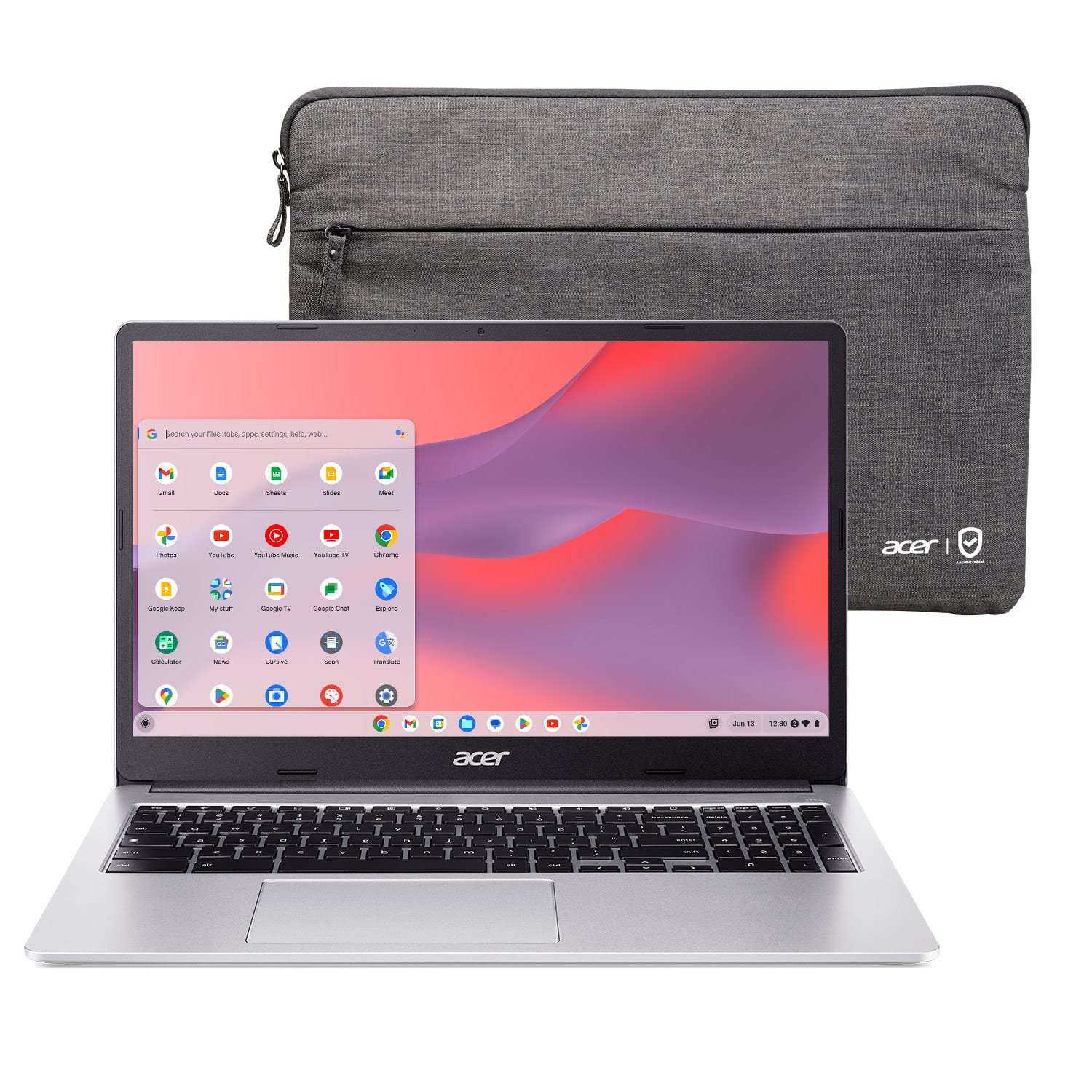
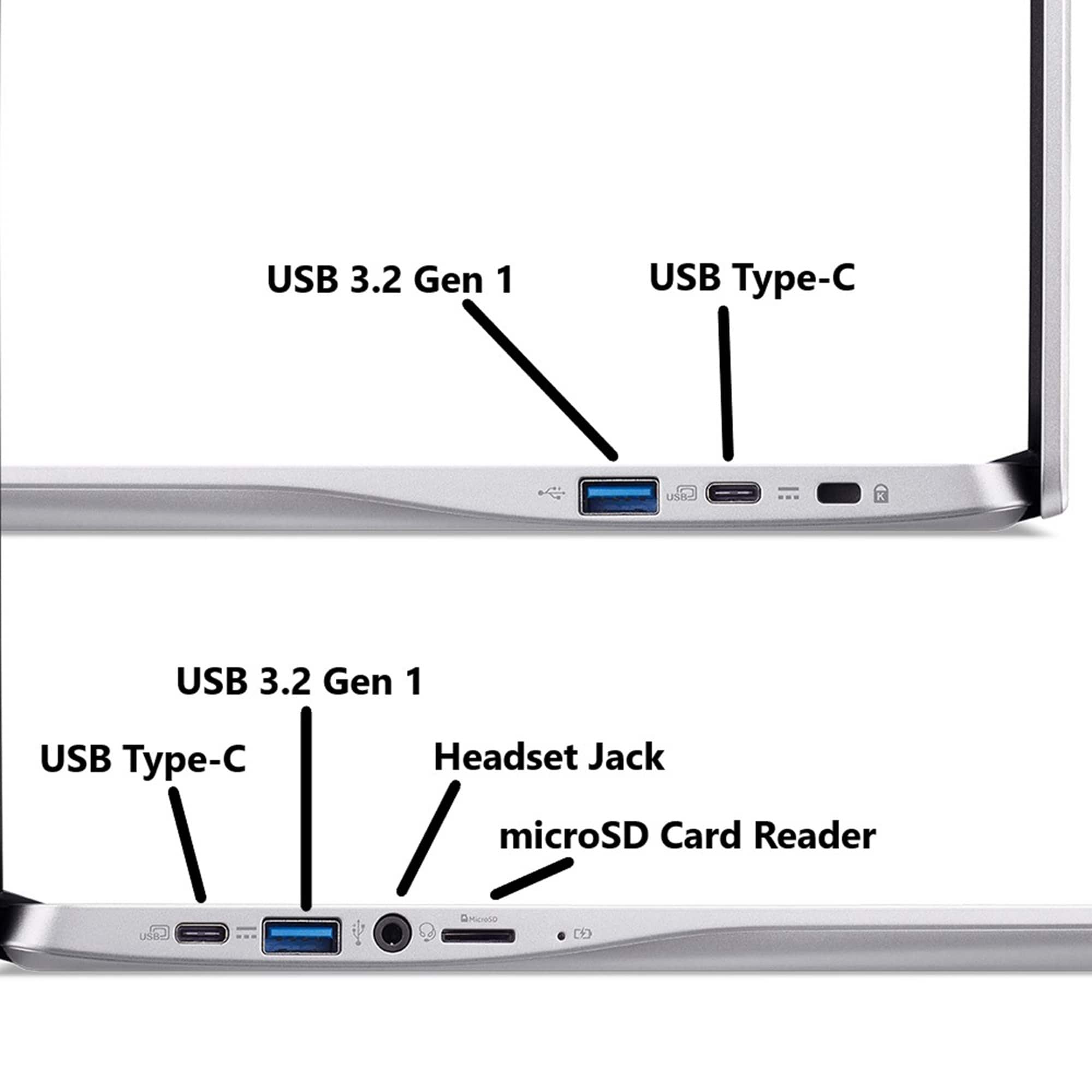
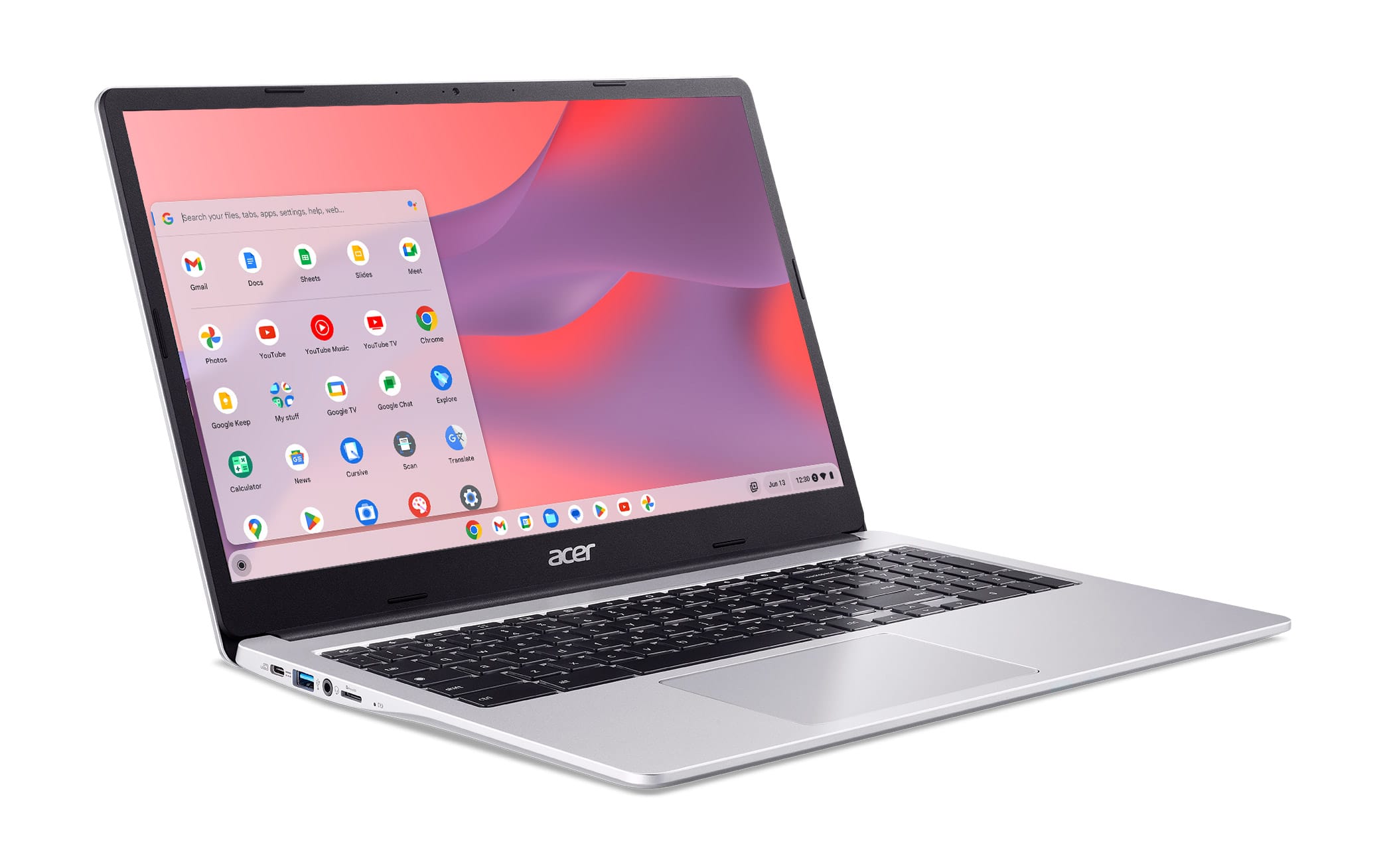
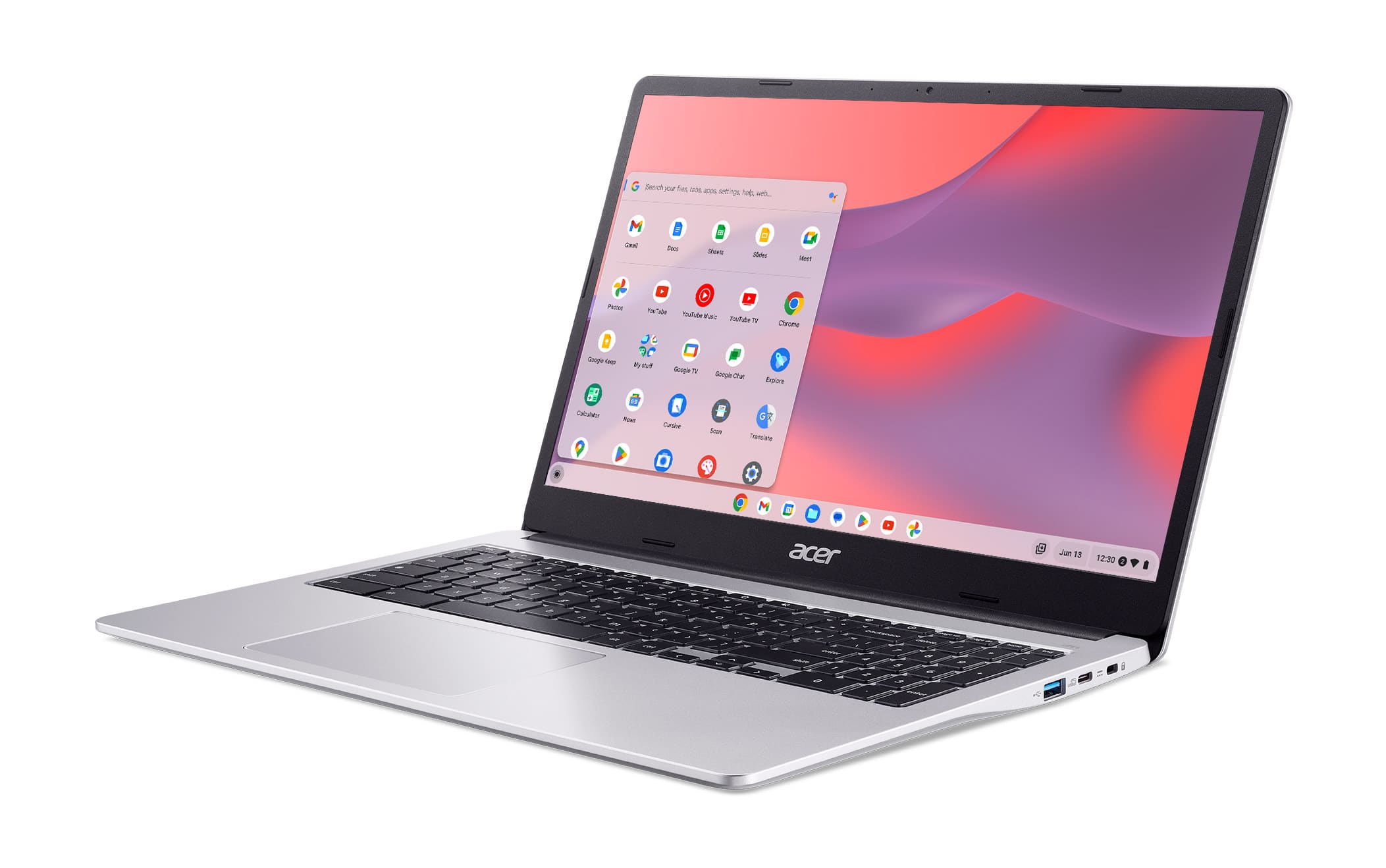
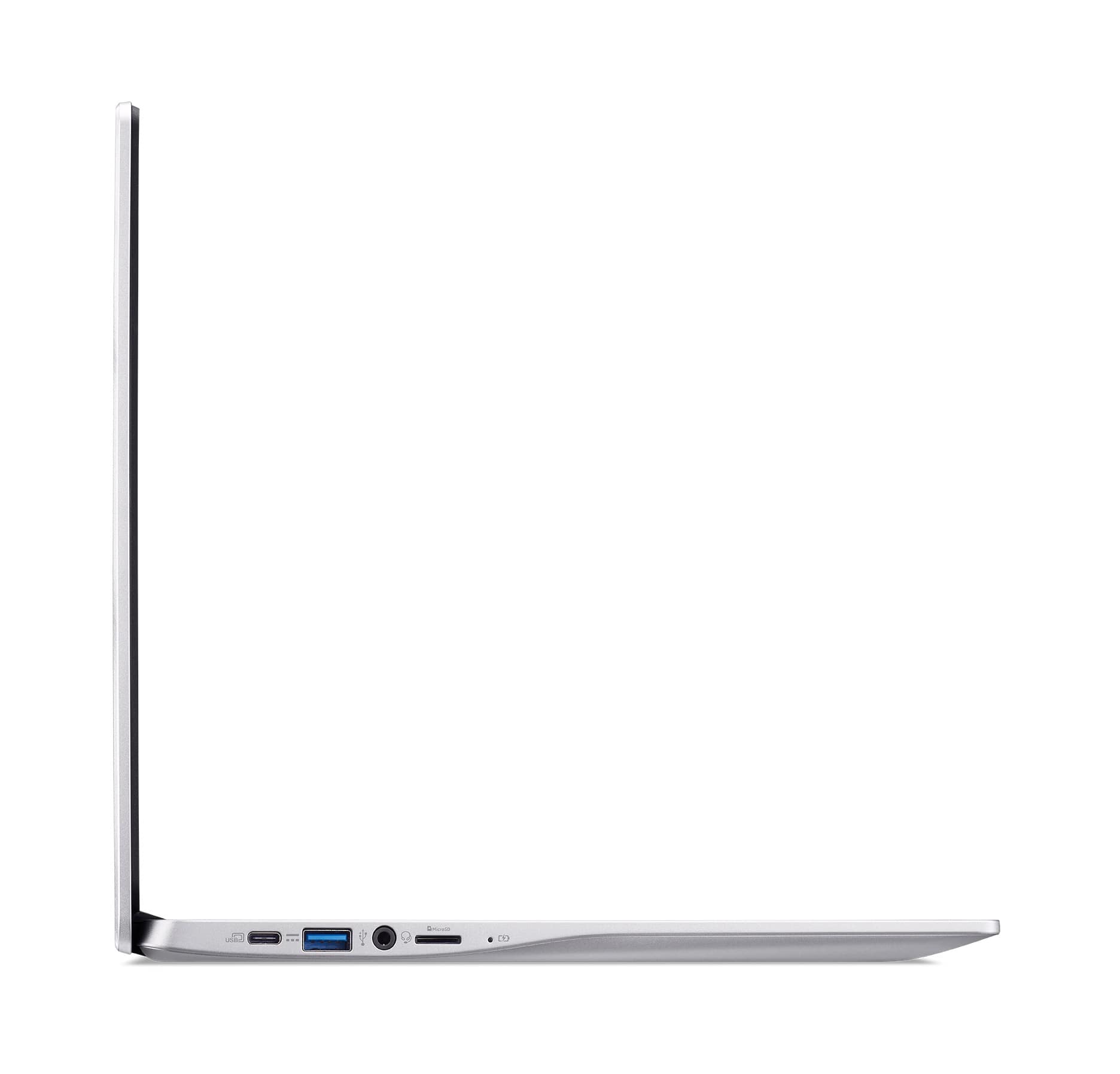
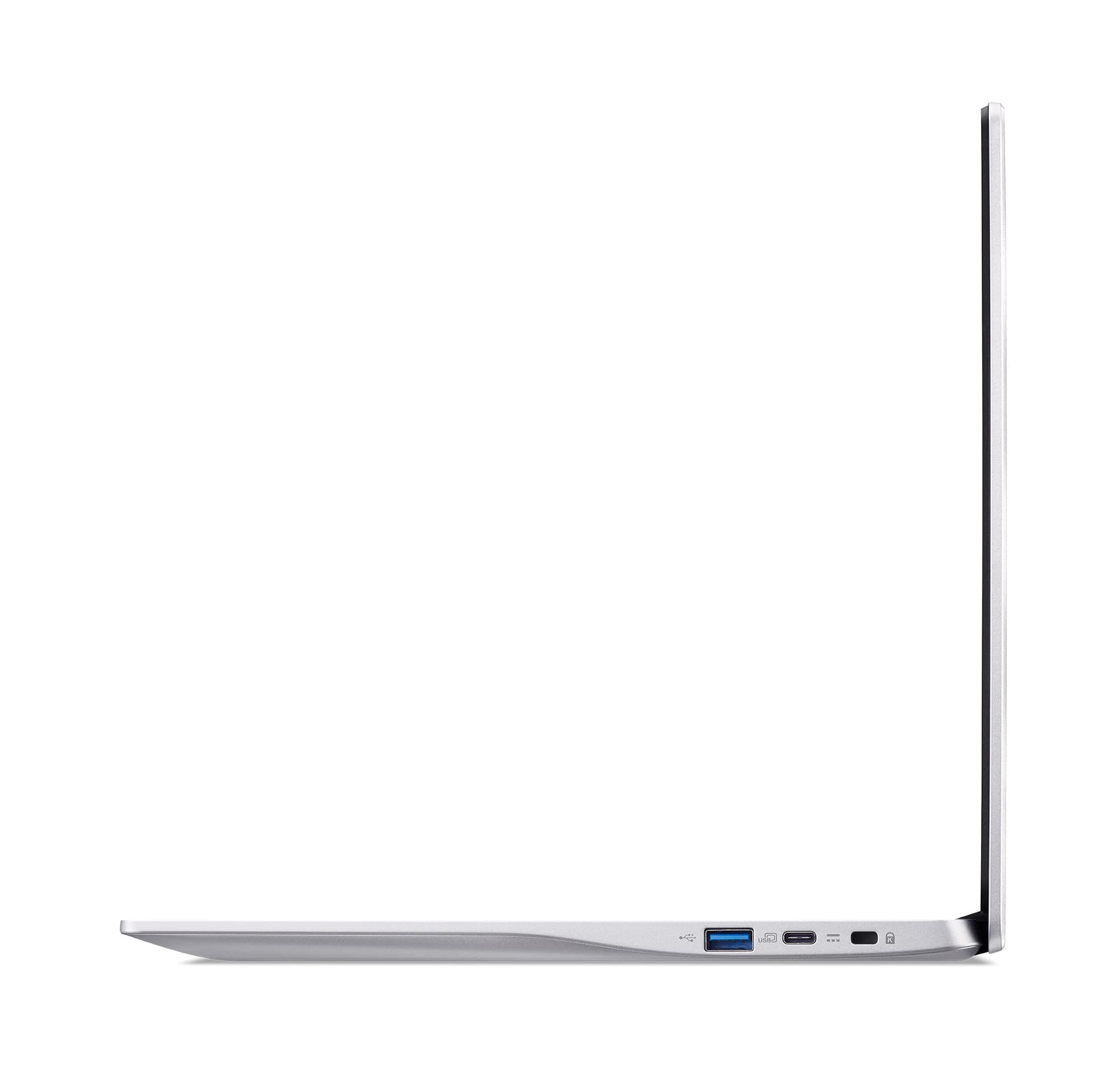
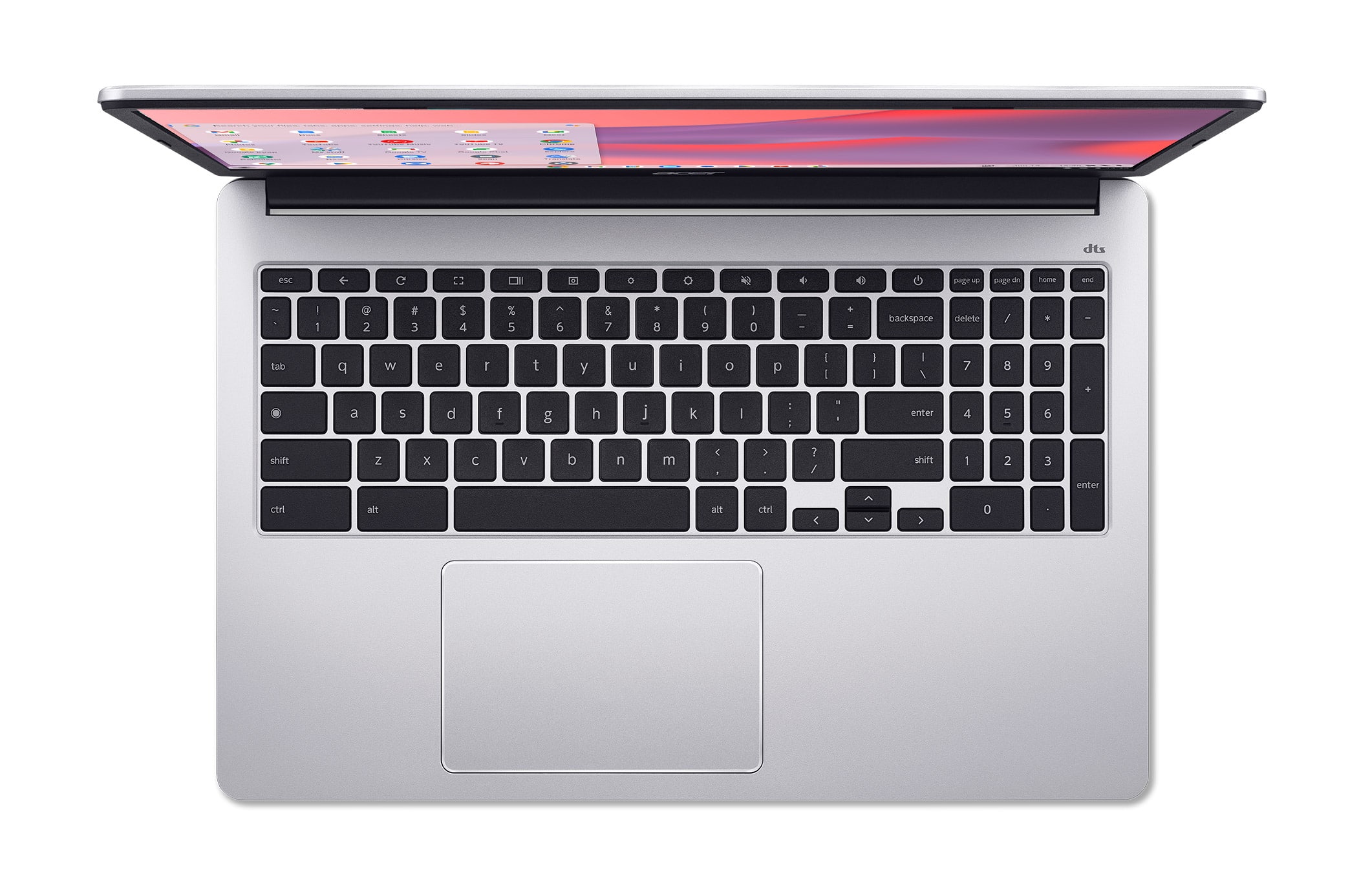
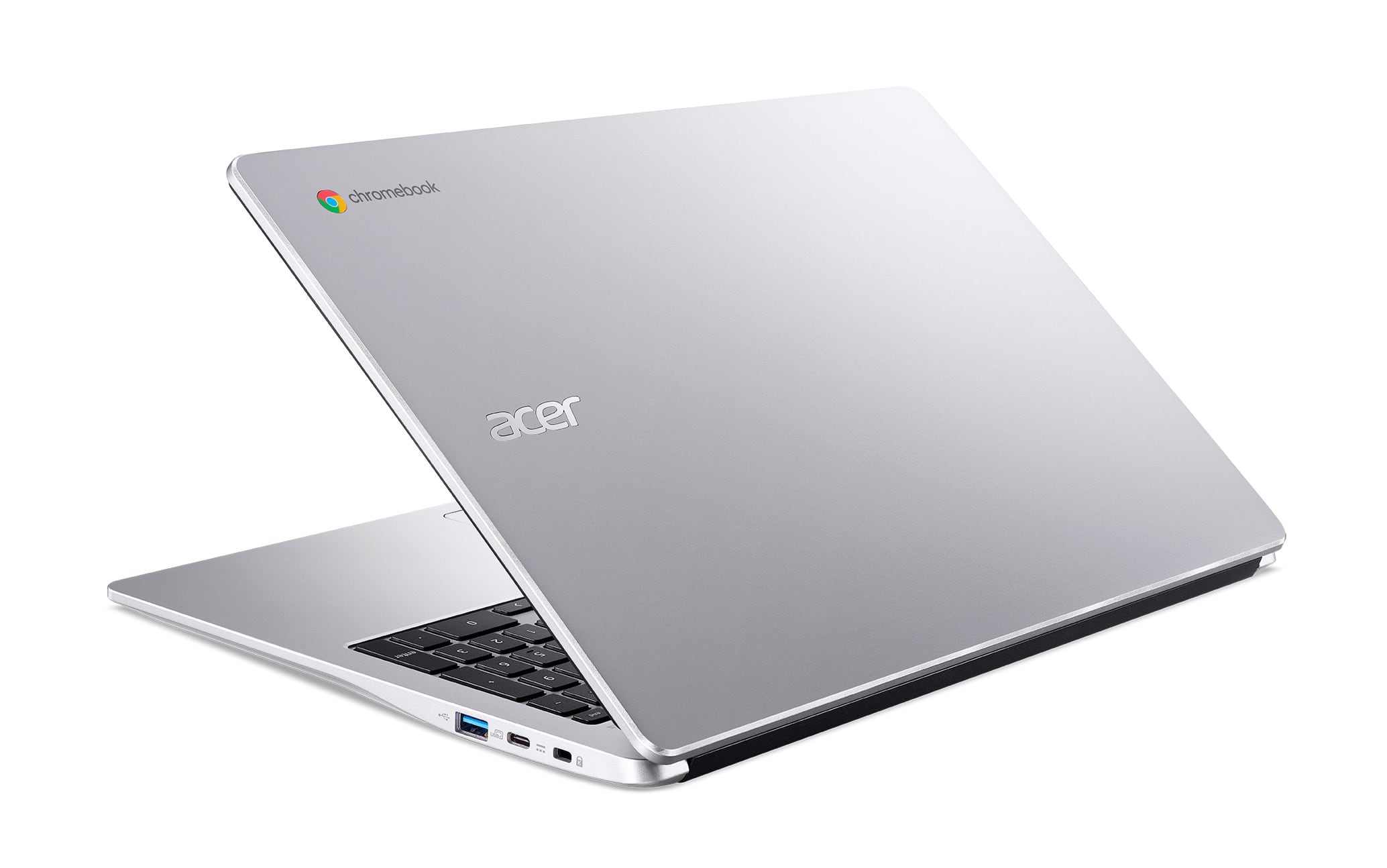
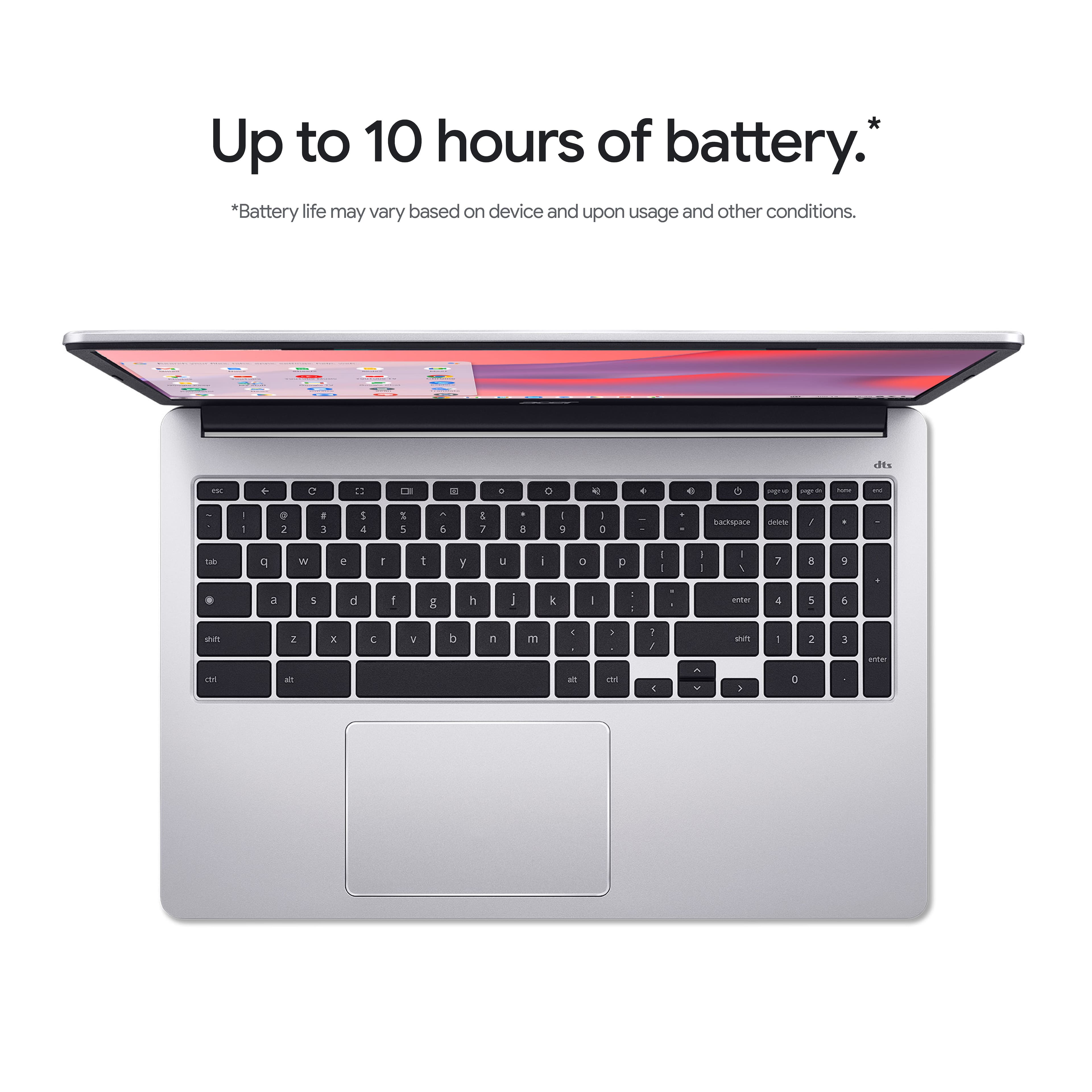
|Posted .This reviewer received promo considerations or sweepstakes entry for writing a review.Device: Acer continues with their yearly Chromebook update this year with Acer chromebook 315 with anti glare screen design with decent onboard 128GB eMMC storage, 4GB of Memory, this is with the Pentium N600 processor. this an entry level type of laptop so build quality is plastic and overall built was good. this chromebook also supports touch screen I find this very useful for older individuals who might not enjoying typing and honestly it’s perfect for someone with typing issues. you get a great keyboard size and a 15.6” display full HD LCD, this acer chromebook could last you about 10 hrs of battery life. it’s pretty much a standard but yes it comes with a front facing camera that is 720p. Experience: overall i’ve had experience with this one compared to previous I haven’t really felt much different from the older version, yes we do get the latest CPU but it was harder for me to tell how well these are performing compared to previous gen. my mine used of this laptop is actually using it for cloud gaming. with nvidia gforce now it’s perfect for chilling out in bed and playing some top quality games using the browsers. speaker on this Acer 315 is great clear enough. browning with this and using youtube has been a pretty quick experience I did not notice any slow down. recently visited my parents and my mom did enjoyed her time borrowing the laptop while I was around. Conclusion: I don’t really have any negatives things to say about this Acer 315 chromebook, from my experience this laptop just works. before buying just a reminder that this is a chromebook so you will not have windows 11 OS. so if you use google apps on use most of their services I think a chromebook would be a perfect fit for you. or like I mentioned before this is always the perfect gift for elder people who just want to browse talk on messenger with family with dealing with other features/ app that would not matter to them at all. it’s light weight enough not so heavy. it looks good it’s simple and great built quality
I would recommend this to a friend