Customer Ratings & Reviews


- Model:
- CB315-3HT-C3FQ
- SKU:
- 6529400
Rating by feature
- Battery Life
Rating 4.7 out of 5 stars
- Speed
Rating 4.5 out of 5 stars
- Display
Rating 4.7 out of 5 stars
Customers are saying
Customers commend the Chromebook 315 for its large screen size, ease of use, and affordable price. Positive feedback also highlights the convenient touchscreen functionality and acceptable battery life. While some users wish for a different operating system, most find the performance adequate for their needs. The lightweight design is another frequently praised aspect.
This summary was generated by AI based on customer reviews.
- Pros mentioned:Speed, Touchscreen
A Reliable and Versatile Companion
||Posted . Owned for 2 weeks when reviewed.This reviewer received promo considerations or sweepstakes entry for writing a review.I recently purchased the Acer 315 Chromebook, and I must say it has exceeded my expectations in every way possible. This device has become an integral part of my daily routine, and I am delighted to share my positive experience with it. First and foremost, the Acer 315 Chromebook boasts an impressive build quality. Its sleek design and sturdy construction make it both attractive and durable. The 15.6-inch full HD display is vibrant and crisp, offering an immersive visual experience for work and entertainment alike. One of the standout features of this Chromebook is its impressive battery life. I can confidently go through an entire day of work, including web browsing, document editing, and streaming videos, without worrying about running out of power. This level of reliability is truly commendable and sets the Acer 315 apart from many other laptops in its price range. Another aspect that sets this Chromebook apart is its versatility. The device runs on Chrome OS, which provides seamless integration with Google's suite of applications and services. Whether it's using Google Docs for work, accessing my Gmail, or organizing my calendar with Google Calendar, everything is seamlessly synchronized and easily accessible on the Acer 315 Chromebook. Performance-wise, this Chromebook delivers exceptional results. The Intel Celeron processor combined with 4GB of RAM ensures smooth multitasking, allowing me to effortlessly switch between different applications without any noticeable lag. I was pleasantly surprised by how well this device handles even moderately demanding tasks such as photo editing and light gaming. Furthermore, the keyboard and trackpad of the Acer 315 Chromebook deserve a special mention. The keyboard offers a comfortable typing experience, with well-spaced keys that provide good feedback. The trackpad is responsive and accurate, making navigation a breeze. Connectivity options on this device are abundant. With multiple USB ports, including USB-C, and an HDMI port, I have no trouble connecting external devices or an additional monitor. The inclusion of an SD card slot is a nice touch, allowing me to easily expand the storage capacity when needed. Finally, the affordability of the Acer 315 Chromebook cannot be overstated. It offers incredible value for its price, making it an excellent choice for students, professionals, or anyone in need of a reliable, budget-friendly laptop. In conclusion, the Acer 315 Chromebook has impressed me with its excellent build quality, impressive battery life, seamless integration with Google services, and overall performance. If you're in the market for a reliable and versatile laptop that won't break the bank, I highly recommend considering the Acer 315 Chromebook. It has certainly exceeded my expectations and has become an indispensable tool in my daily life.
I would recommend this to a friend - Pros mentioned:Screen size, Speed
Top 10 Companies for Computers and Laptops.
||Posted . Owned for 1 month when reviewed.This reviewer received promo considerations or sweepstakes entry for writing a review.I enjoy the 15.6 screen it's bigger than I ever had in laptop. Also, the Acer is faster then all of my laptops that I ever had. I really like Acer because their name is very poplar in the computer world.
I would recommend this to a friend - Pros mentioned:Speed
Great Buy
||Posted . Owned for 3 weeks when reviewed.This reviewer received promo considerations or sweepstakes entry for writing a review.It is great for the purpose I use it to check my time for work and pay bills and check accounts. Very quick and lightweight and love the carrying case it comes in!
I would recommend this to a friend - Pros mentioned:Price
Good value
||Posted . Owned for 1 year when reviewed.This reviewer received promo considerations or sweepstakes entry for writing a review.I found this Chromebook to be a great value. I use it most days for work, which generally consists of filling out web-based reports and completing various online trainings. I can't speak for the trackpad, as I use a wireless mouse instead.
I would recommend this to a friend Works great for my 9 year old
||Posted . Owned for 2 weeks when reviewed.This reviewer received promo considerations or sweepstakes entry for writing a review.I purchased this chrome book so my daughter could do an online homeschool program. She is also using the google sheets and docs. I have no programs installed, and do not plan to. Most external apps dont really work well. I dont think it could keep up with something like that. It works great as a first computer and I love all the parental controls on it, as well. 10/10.
I would recommend this to a friend- Pros mentioned:Screen size
MacBook killer
||Posted . Owned for 3 weeks when reviewed.This reviewer received promo considerations or sweepstakes entry for writing a review.Roommate has a late model MacBook Pro and my 180$ sale Chromebook had her envious, I upgraded from a 2012 MacBook Pro on a budget in my 20s. first new laptop I bought on my own!
I would recommend this to a friend - Pros mentioned:Screen size, Speed
Laptop 4 school
||Posted . Owned for 3 weeks when reviewed.This reviewer received promo considerations or sweepstakes entry for writing a review.Good speed. Compact. Easy to navigate. Touch screen . Came with travel case , grey.
I would recommend this to a friend - Pros mentioned:Screen size
Acer is my Ace....
||Posted . Owned for 3 weeks when reviewed.This reviewer received promo considerations or sweepstakes entry for writing a review.Great product, plug and play, easy as pie !! great graffics and Chrome is sooo easy to navigate !! And the Touch Screen...well THATS Amazing and FUN !!
I would recommend this to a friend Great Product
||Posted . Owned for 3 weeks when reviewed.This reviewer received promo considerations or sweepstakes entry for writing a review.(I bought this laptop around a month ago) This is the very first laptop i’ve ever bought, it is great quality, fits in my bag has long lasting battery, brings a laptop bag. Definitely worth the price!!
I would recommend this to a friend- Pros mentioned:Price
Late Bloomer
||Posted . Owned for 2 weeks when reviewed.This reviewer received promo considerations or sweepstakes entry for writing a review.I like it. I'm definitely in the stone age when it comes to technology, even tho I'm an 80s baby- the price was right. I just wish I could change it's name when it shows up on the network??
I would recommend this to a friend - Pros mentioned:Touchscreen
Great Buy at Best Buy!
||Posted . Owned for 3 weeks when reviewed.This reviewer received promo considerations or sweepstakes entry for writing a review.Its everything I need in a laptop! I couldnt pass on the price either! The touchscreen is over the top...
I would recommend this to a friend Great and affordable device
||Posted . Owned for 3 weeks when reviewed.This reviewer received promo considerations or sweepstakes entry for writing a review.I just love my new chrome book! Not to mention this is my very first. It’s extremely easy to maneuver around with. not to mention it comes with a free case for your Chromebook. Which I thought was so cool!
I would recommend this to a friendParents look into this
||Posted .This reviewer received promo considerations or sweepstakes entry for writing a review.I spend days looking at laptops for college and I landed on this one. With the deal going on, it’s definitely worth the purchase and the case is included. It feels great to hold, and it gets everything I need done.
I would recommend this to a friendWorks gr
||Posted . Owned for 3 weeks when reviewed.This reviewer received promo considerations or sweepstakes entry for writing a review.Very smooth this laptop works great I’m happy I went to buy it. This laptop is my new best friend
I would recommend this to a friendBest purchase ever
||Posted . Owned for less than 1 week when reviewed.This reviewer received promo considerations or sweepstakes entry for writing a review.Would highly recommend it's big but not too big just right for work school or multiple use speakers are on the bottom compatible with Microsoft office and the touchscreen isn't too sensitive It stays with battery the whole day doesn't take forever to get full of battery
I would recommend this to a friend- Cons mentioned:Ram

Decent for casual and school use
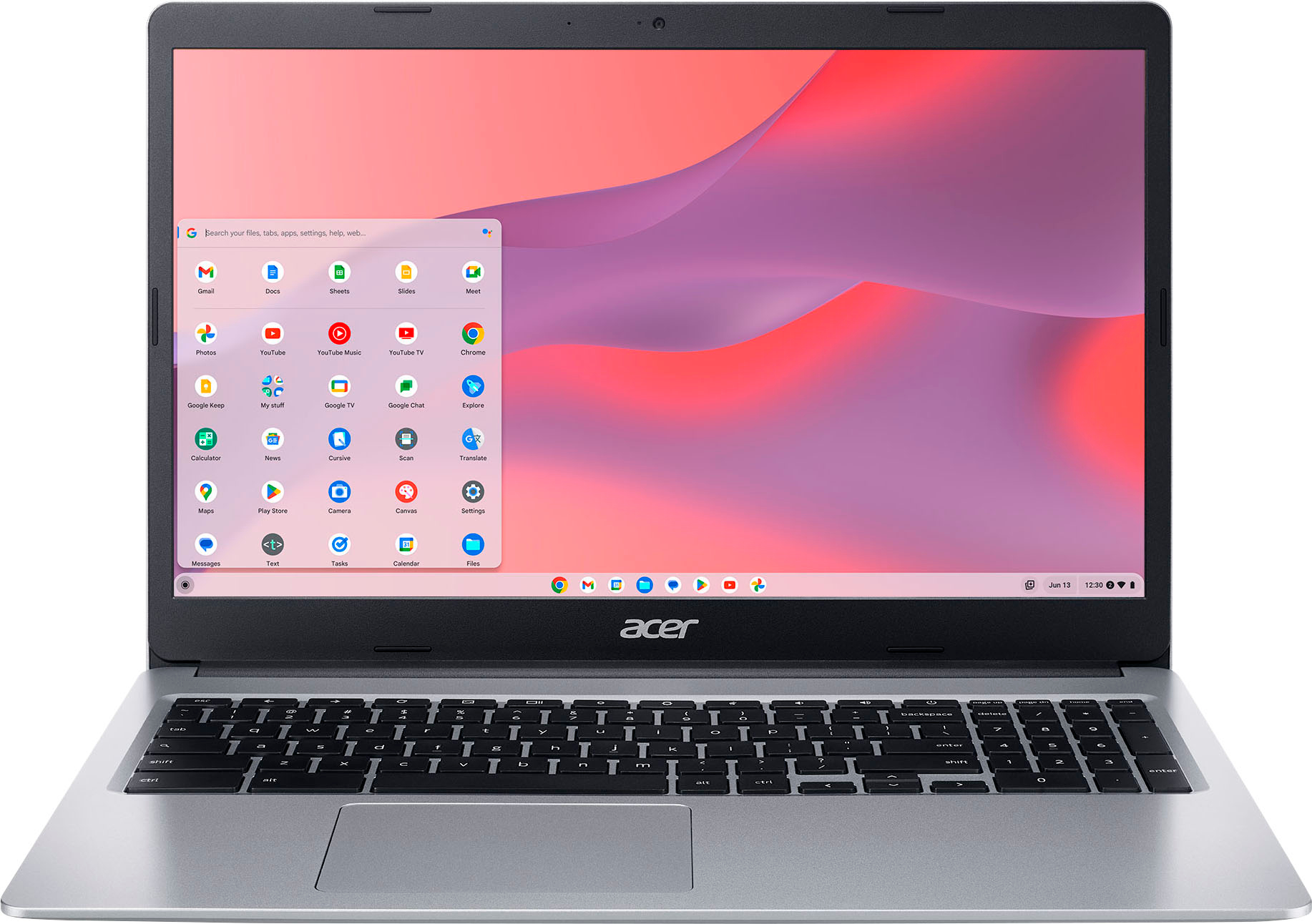
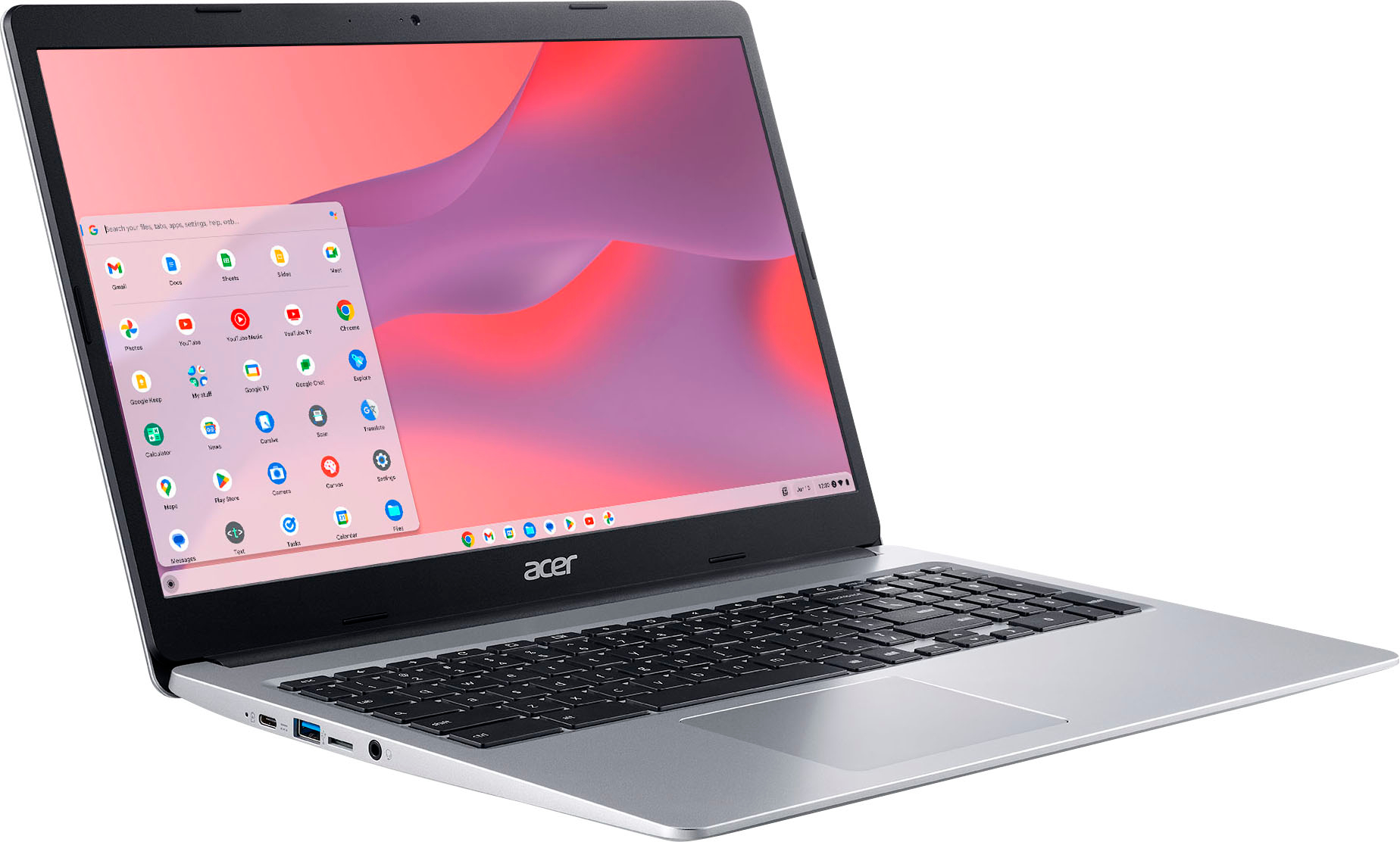
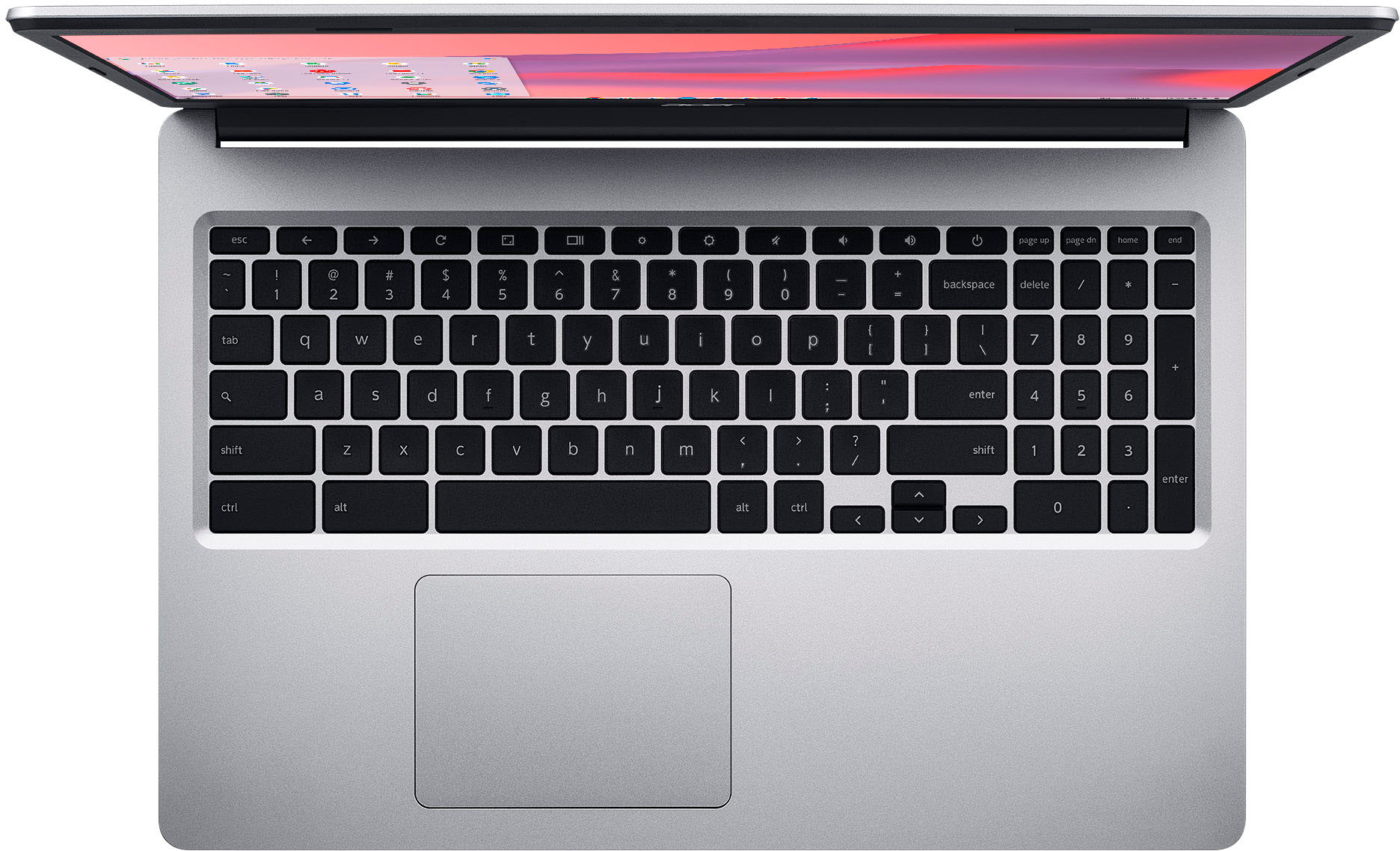
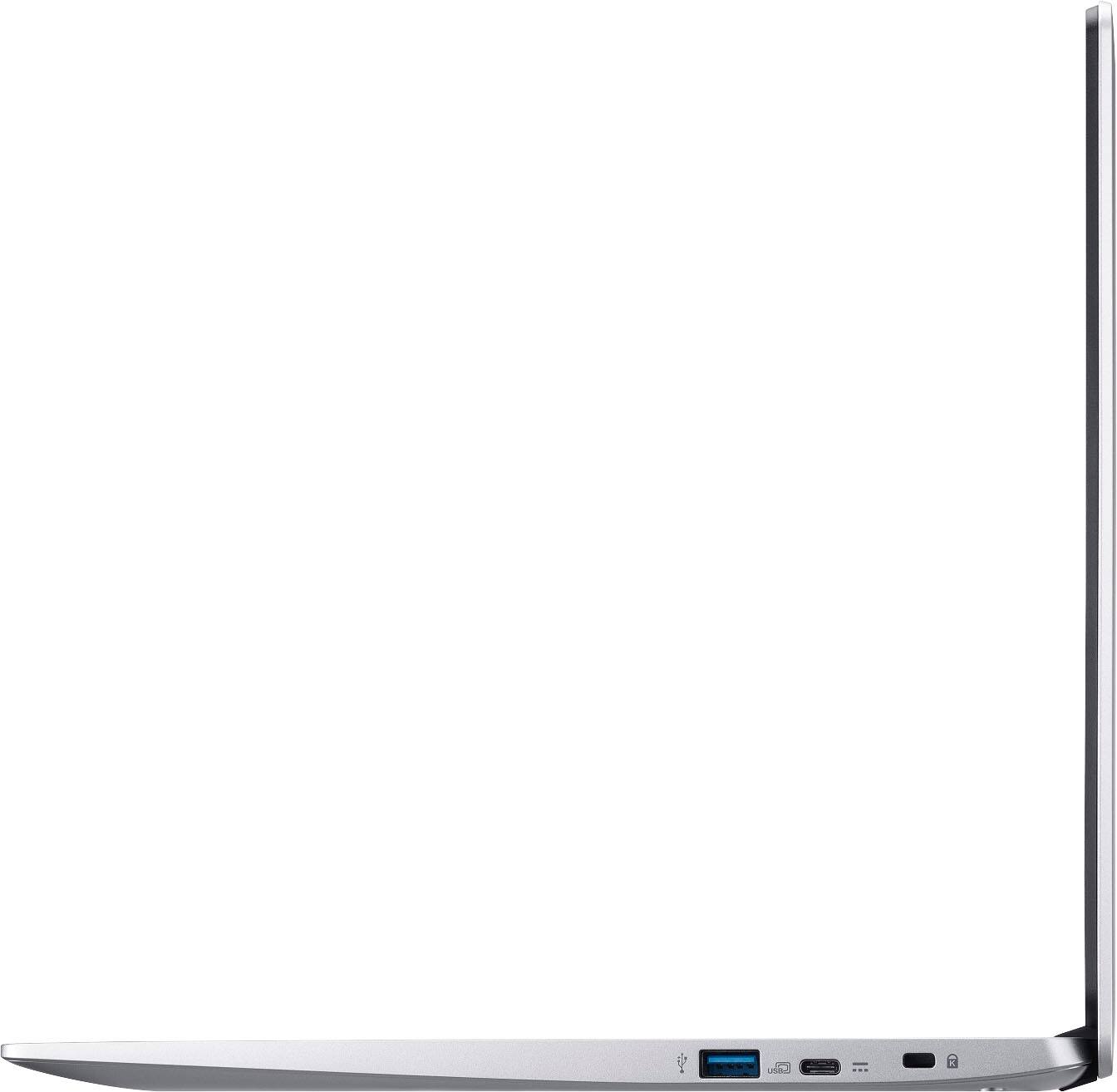
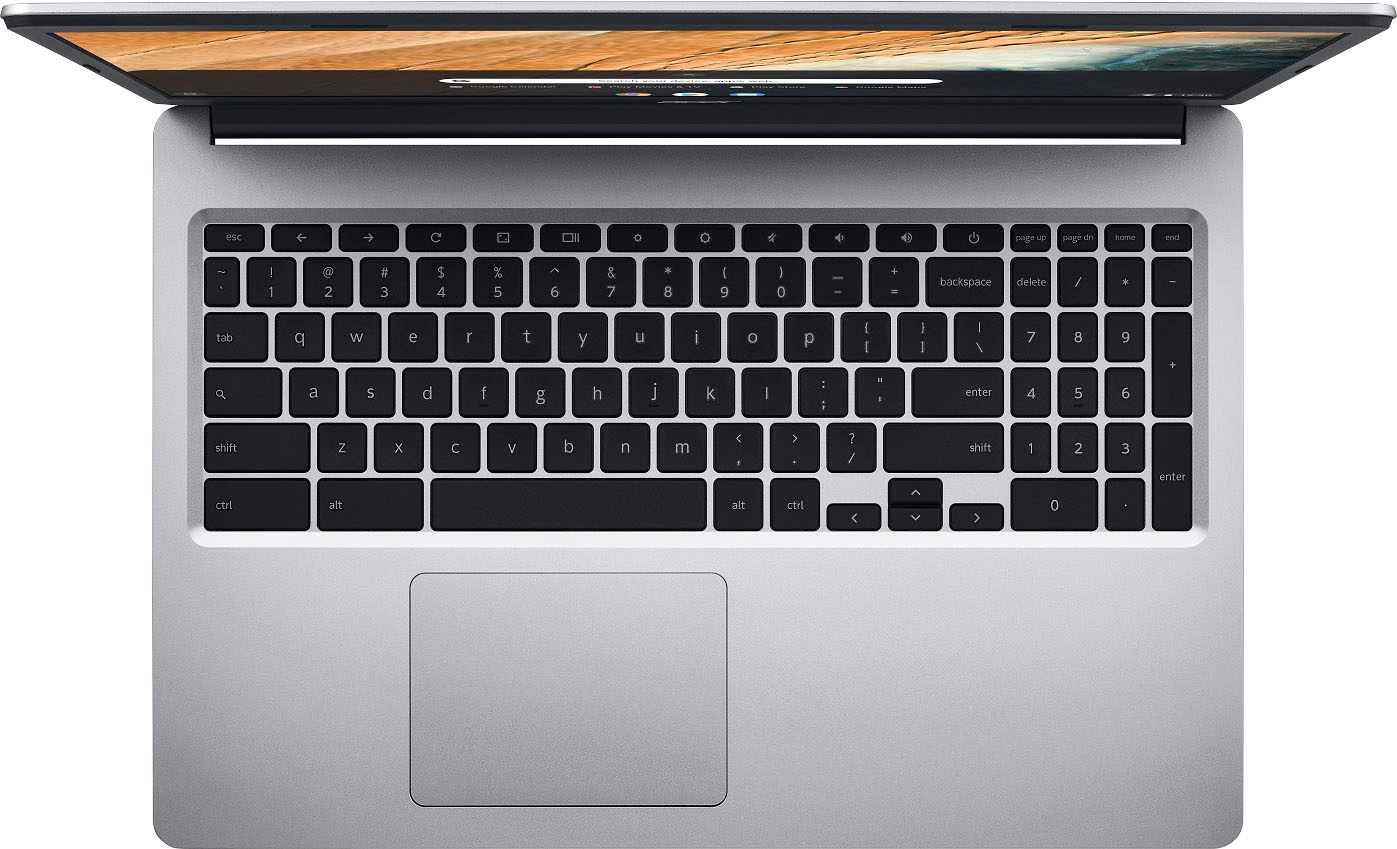
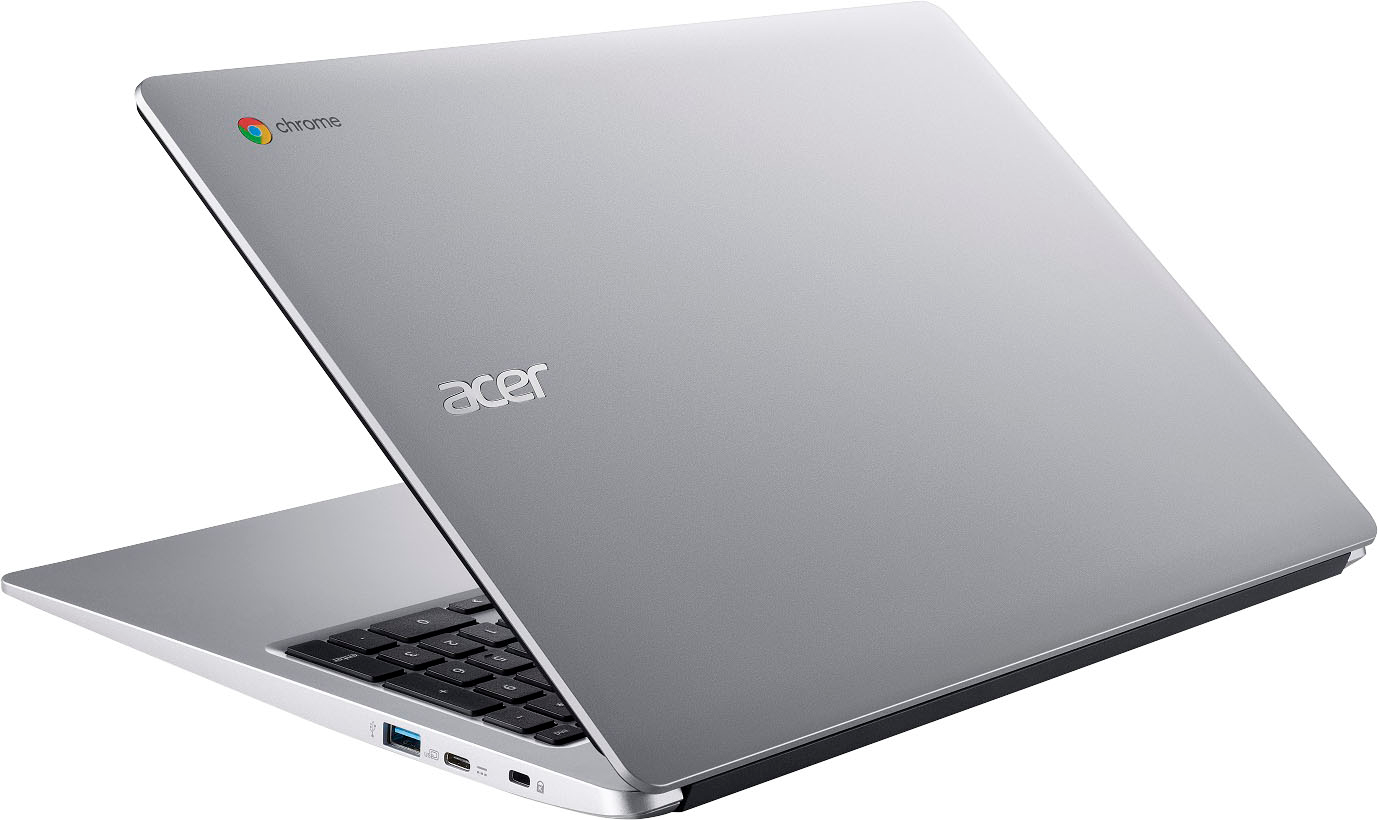
|Posted .This reviewer received promo considerations or sweepstakes entry for writing a review.The Acer Chromebook 315 is my second Chromebook device but first from this manufacturer. It has a traditional clamshell laptop/notebook design, and the 15.6” diagonal 1080P IPS touchscreen display opens a full 180° and can be laid flat. The device weighs a little over 3.5 lbs, and comes with a padded, zippered storage sleeve with slim front pouch for accessories like the 45W charger. Its construction consists of a lightweight matte plastic housing with four rubber feet on the bottom corners for stabilization. It has a Kensington lock slot and two USB-C and two USB-A ports for peripherals, one set on either side; either USB-C port can be used for charging, but a charging status LED is adjacent only to the port on the left side. The keyboard is not backlit so can be difficult to see in the dark but does include a 10-key number pad on the right-hand side. The top row has dedicated action keys e.g. volume, brightness, and browser navigation. The trackpad in front of the keyboard is located left-of-center and is generously sized with a 4”W x 3”L footprint, multi-touch, and gesture support. You can also tap, pinch, and swipe on the screen and control the device like a mobile phone or tablet, though its matte screen tends to pick up fingerprints fairly easily. As for specifications, this model has an Intel Celeron N4020 2.8GHZ Dual-core processor with 4 GB of RAM and 64 GB of eMMC internal storage (about 20 GB is used by the OS and apps out-of-the-box). There are no upgradable internal components or memory card slots, so the only way to add more storage is to use an external USB drive or utilize cloud storage. Under heavy loads, for example when running multiple apps at once, the performance of the device is somewhat laggy, and the specs won’t meet the minimum requirements for some resource-intensive mobile games either, resulting in sluggish gameplay, crashing, or prevent you from installing it altogether. That isn’t surprising though as this device is mainly built for lightweight computing tasks like web browsing and word processing. As for connectivity, this device supports WiFi 5 802.11AC and Bluetooth v5. During internet speed tests, download speeds were reasonably fast (on my WiFi 6 network) while upload speeds tended to trail some of my other devices. It can also be paired to an Android smartphone to access its data hotspot on your mobile service plan, if available. The 15.6” diagonal 60Hz display has decent saturation, brightness, and color. It’s perfectly suitable for watching video with its full HD 1920 x 1080 resolution at 160dpi, however, it doesn’t support a wide color gamut if you need precise and accurate colors for creative work like digital art or photography. The stereo speakers are located on the bottom, and the volume output by these is surprisingly strong, though the quality tends to sound constrained and boxy. While certainly not an audiophile experience, they are fine for listening to podcasts and participating in virtual meetings; if you want better sound, you can use high-quality headphones or external speakers via the 3.5mm headphone/mic combo jack. A front facing 720p 0.9MP webcam and pinhole mic are centered above the screen though the camera provides a fairly grainy image that suffers greatly in low-light settings. There is also no built-in flash or lens cover for this camera, however, an adjacent green LED illuminates when the camera is in use. The audio captured by the microphone is decently clear for livestreaming or vlogging. The device runs Chrome OS and there is a taskbar along the bottom of the screen as well as notifications, date/time, and status icons in the bottom-right corner. Chromebooks use Google apps by default like Gmail, Chrome, and Google Drive etc. and to access all its features, you are required to log into the device using a Google account. You can set up PIN number or paired phone unlocking (Smart Lock) of the device as well. This machine does not have any biometric security features like a fingerprint scanner or facial recognition. If you choose not to log in you may use the device as a guest user, however, this mode is primarily limited to using the web browser. Since this is a cloud computing device, many apps and services are launched within the Chrome web-browser rather than from standalone apps. If you choose to install apps from the Play Store, remember that this will use up internal storage space, so when possible, I recommend accessing most services like Amazon or Netflix through the browser. Mobile device apps typically launch in a smaller window to mimic the look and feel of a smartphone or tablet. Note that strictly desktop computer programs cannot be installed on this device. The “everything button,” which has a magnifying glass on it, is on the keyboard where the Caps lock key is usually located. This button functions just like clicking the search toggle in the lower left-hand corner of the screen, displaying a drawer of installed apps and enabling you to search the device and internet for files, answers to questions, and settings. You can also use Google’s AI assistant by voice by saying the wake words, “Hey Google” (if enabled). This feature lets you ask questions and control networked smart devices connected by Google Home. To save battery, you can have it only listen and respond when the device is plugged in and charging, rather than ‘always on.’ Depending on your settings, you’ll get up to 10-12 hours of continuous use on a full charge. Overall, I found this Chromebook to be quite suitable for web browsing, light computing, and the occasional casual game. It is decently lightweight at this form factor, has ample battery life and a large HD screen, acceptable for viewing media, word processing, and using web-based productivity apps. I don’t love the webcam quality, but it is serviceable in a pinch. While it doesn’t replace all the functions of a traditional laptop in terms of power and versatility, it is a more budget-friendly alternative that travels and functions well, as long as you can connect to the internet.
I would recommend this to a friend Is there anything I can do? I don’t think I have t
||Posted . Owned for 9 months when reviewed.This reviewer received promo considerations or sweepstakes entry for writing a review.I’ve been having mine for almost a year and I really enjoyed it until last night. It just stopped working. I cannot afford another one. 6/10/2024
I would recommend this to a friendAcer Chromebook
||Posted . Owned for 1 week when reviewed.This reviewer received promo considerations or sweepstakes entry for writing a review.Luv it. Caught a nice sale item. Way larger in person.
I would recommend this to a friendAcer Chromebook
||Posted . Owned for less than 1 week when reviewed.This reviewer received promo considerations or sweepstakes entry for writing a review.Amazing product for an amazing price wish I could afford more than one
I would recommend this to a friendGood for price if on sale
||Posted . Owned for 3 weeks when reviewed.This reviewer received promo considerations or sweepstakes entry for writing a review.pretty good for the price, perfect for school if your kid needs a cheap laptop, would recommend something a bit faster if you want to do any sort of heavy productivity
I would recommend this to a friend