Customer Ratings & Reviews
- Model:
- AN515-54-54W2
- SKU:
- 6344383
Rating by feature
- Battery Life
Rating 3.9 out of 5 stars
- Speed
Rating 4.4 out of 5 stars
- Display
Rating 4.5 out of 5 stars
Customers are saying
Customers regard the Nitro 5 gaming laptop favorably for its performance, graphics capabilities, and affordable price. Positive feedback also highlights its ease of use and sufficient storage. However, some users note that the battery life could be improved, and there are comments about the keyboard and the laptop's weight. Overall, the laptop receives praise for its speed and value.
This summary was generated by AI based on customer reviews.
Nice
||Posted .This reviewer received promo considerations or sweepstakes entry for writing a review.My son likes his laptop for gaming and everyday use.
I would recommend this to a friendGood for gaming
||Posted .This reviewer received promo considerations or sweepstakes entry for writing a review.Good for basic gaming. Smooth and fast system that gets the job done.
No, I would not recommend this to a friendOk pc for editing youtube videos
||Posted . Owned for 1 month when reviewed.This reviewer received promo considerations or sweepstakes entry for writing a review.Can lock up when reviewing and rending videos with adobe
No, I would not recommend this to a friendNice computer
||Posted .This reviewer received promo considerations or sweepstakes entry for writing a review.This computer was nice but not what I really needed
No, I would not recommend this to a friend- Pros mentioned:PerformanceCons mentioned:Keyboard

It is a budget gaming laptop afterall.
|Posted .This reviewer received promo considerations or sweepstakes entry for writing a review.There is much to like about this laptop if you are not buying it to play games. This computer is quick to boot and runs and opens programs with a nice amount of speed. What isn't so remarkable is the keyboard which is backlit in red and is difficult to read in any amount of light - bright or dark. I was neither bothered nor enthralled with the trackpad or overall keyboard feel. But I have seen better backlit keyboards on other laptops. Construction of this laptop is done to a budget - which is not necessarily a bad thing, but it is not remarkable either. There are touches of red on the laptop that makes it look better than it could have been, but this thing is covered in plastic and plastic only. When it comes to gaming, I ran a 3dMark test on it using Time Spy and benchmarked it to other computers that I have and this is where I was left underwhelmed. I managed to get a score of only 2302 AFTER upgrading to windows 10 build 1903 - the stock version of windows 10 build 1809 produced even lower score of 2265. In comparison to a very nice (and similarly priced) HP envy with a Ryzen 5 (second generation) with the same amount of ram (8 gigs), I was able to get 3103 out of that machine running the same test. What would make me think twice about getting this laptop is its small 256 ssd. If you can get this on sale, it is a nice enough "laptop" that can play games. It is okay. It is not remarkable.
I would recommend this to a friend - Cons mentioned:Battery life
Very poor battery life. Keyboard lights doesn't
||Posted . Owned for 1 month when reviewed.This reviewer received promo considerations or sweepstakes entry for writing a review.Very poor battery life. Keyboard lights doesn't stay on all the time after awhile it turns off and got to press any key to turn lights back on... it's so annoying! I don't like that at all.
No, I would not recommend this to a friendBrand response from TeamAcer
Posted .Dear Naash,
We are sorry to hear you are unhappy with the battery life you are getting with your Acer Nitro 5 laptop. This is not the experience we want our customers to have, and we want to work with you to see how we can help improve this experience. If you are located in the US or Canada, please fill out this form so that we can assist you: http://csapps.acer.com/prompt/?key=b12512581588100f40ea043269e42e320ddfcbbd
We appreciate you taking the time to write this review.
Regards,
Acer America
- Pros mentioned:Price, Speed
Excellent value
|Posted .This reviewer received promo considerations or sweepstakes entry for writing a review.After giving this Acer gaming laptop a thorough test drive, my son and I were incredibly impressed with this machine. We have had several gaming laptops over the years. We’ve tried all types from low-end versions to premium versions. We think the value you get for this Acer laptop is excellent. The graphics on this 15.6 inch screen are outstanding and the responsiveness of the Intel core processor is super fast. We also really like the look of this machine. It’s sleek and doesn’t have some of the bells and whistle‘s that get in the way of other gaming laptops. The set up of this machine was easy. We opted for the voice enabled to set up which was a first for us. We were very impressed with the usability of this voice option. We also like the ability to enable us to upgrade this computer on our own, without having to take it in to have an expert open up the device to add additional memory. One additional positive for this machine is how cool it runs. Despite heavy use and some serious gameplay, the laptop did not heat up like others that we have used even at the high price points. This is a quality laptop for a great value.
I would recommend this to a friend - Pros mentioned:Ram
Entry Gaming Laptop With Limitations
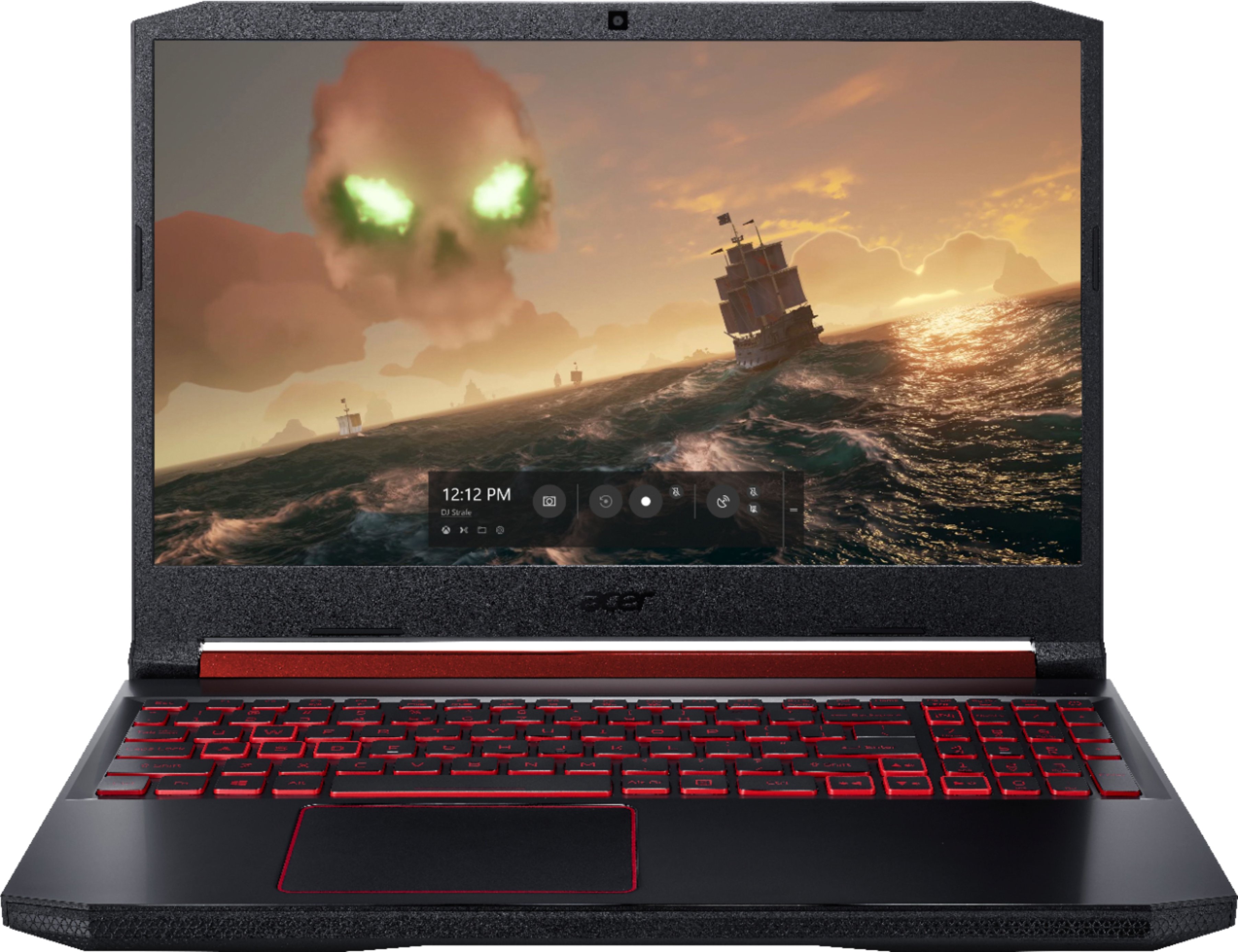

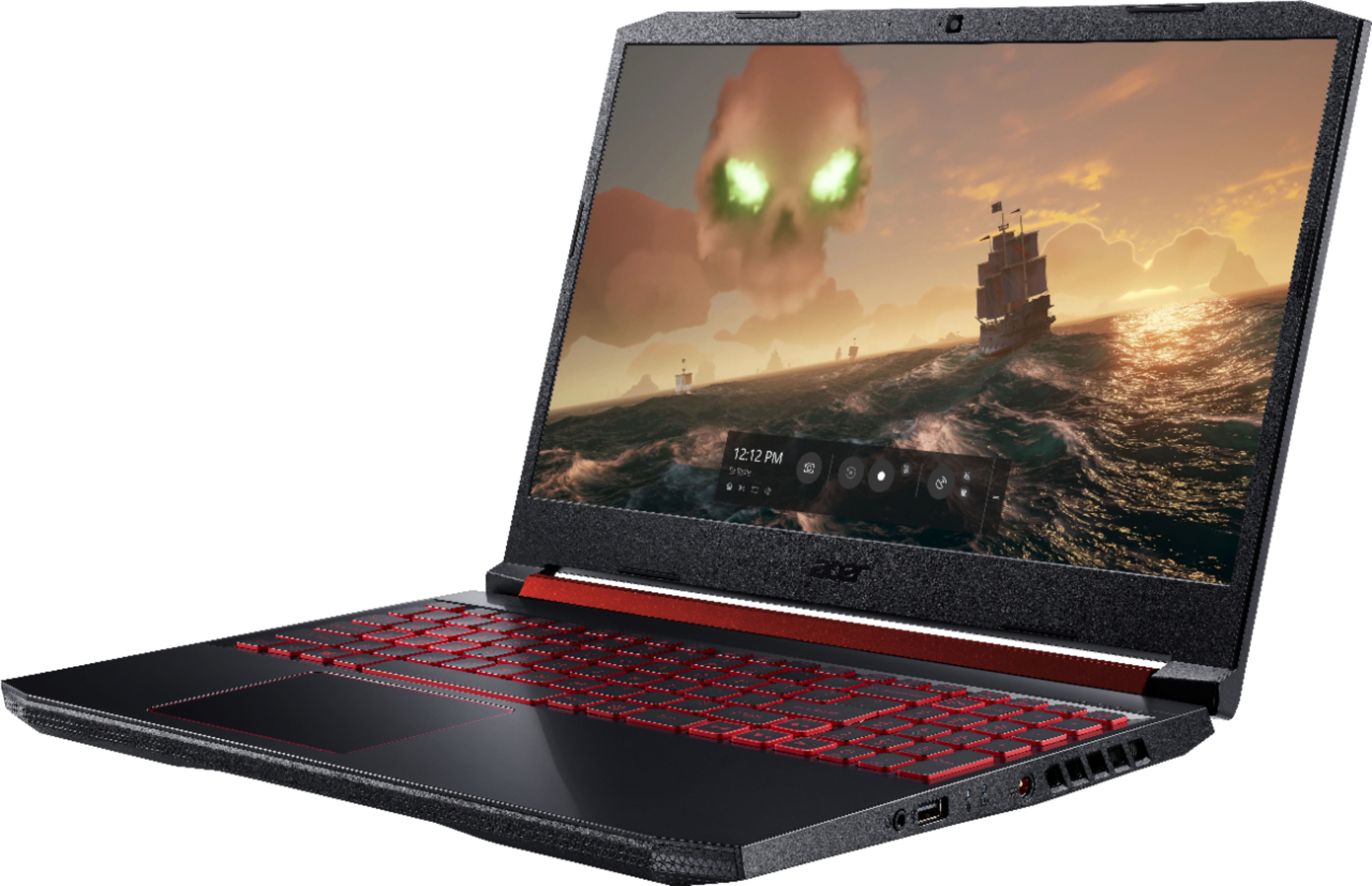
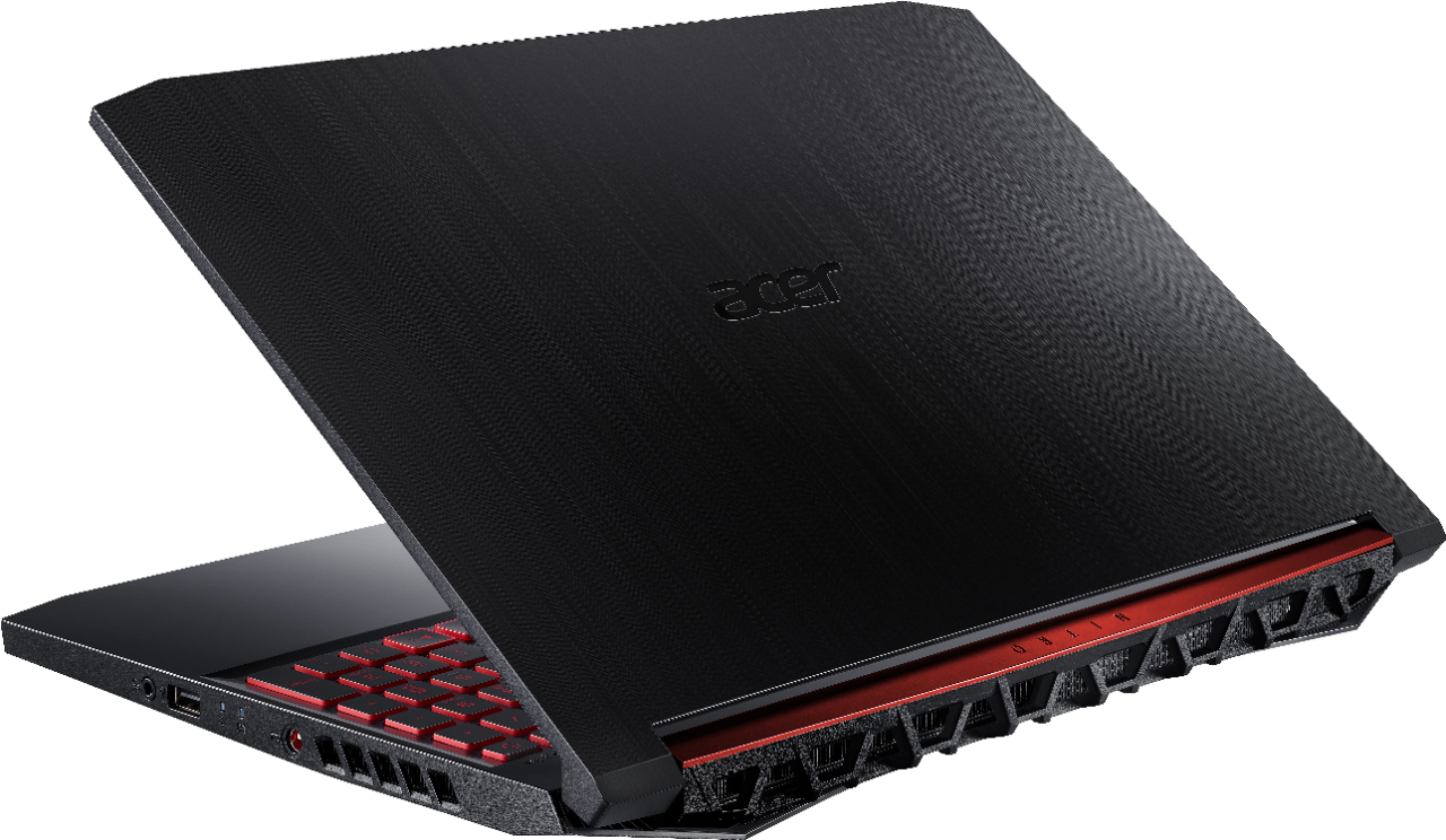
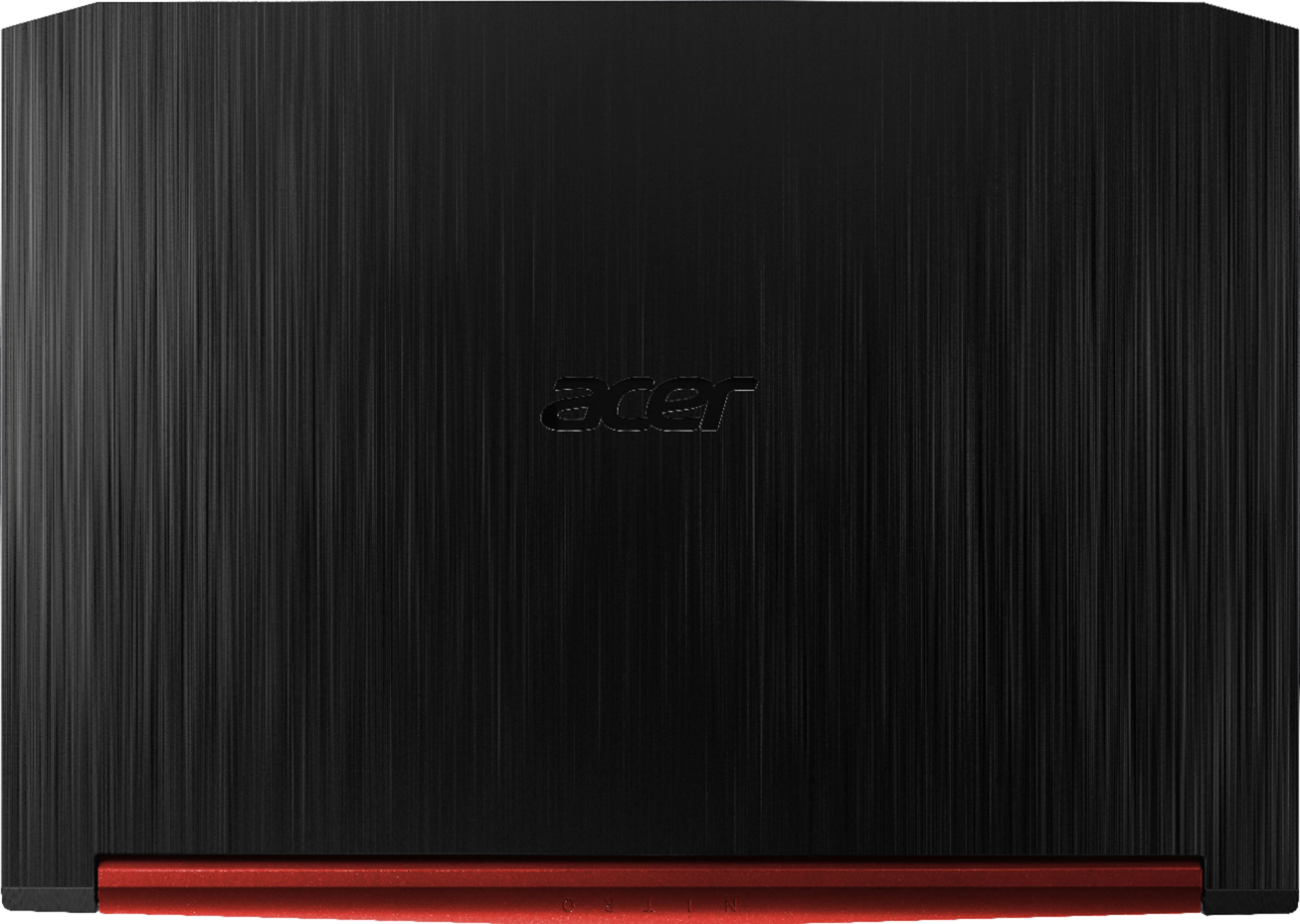
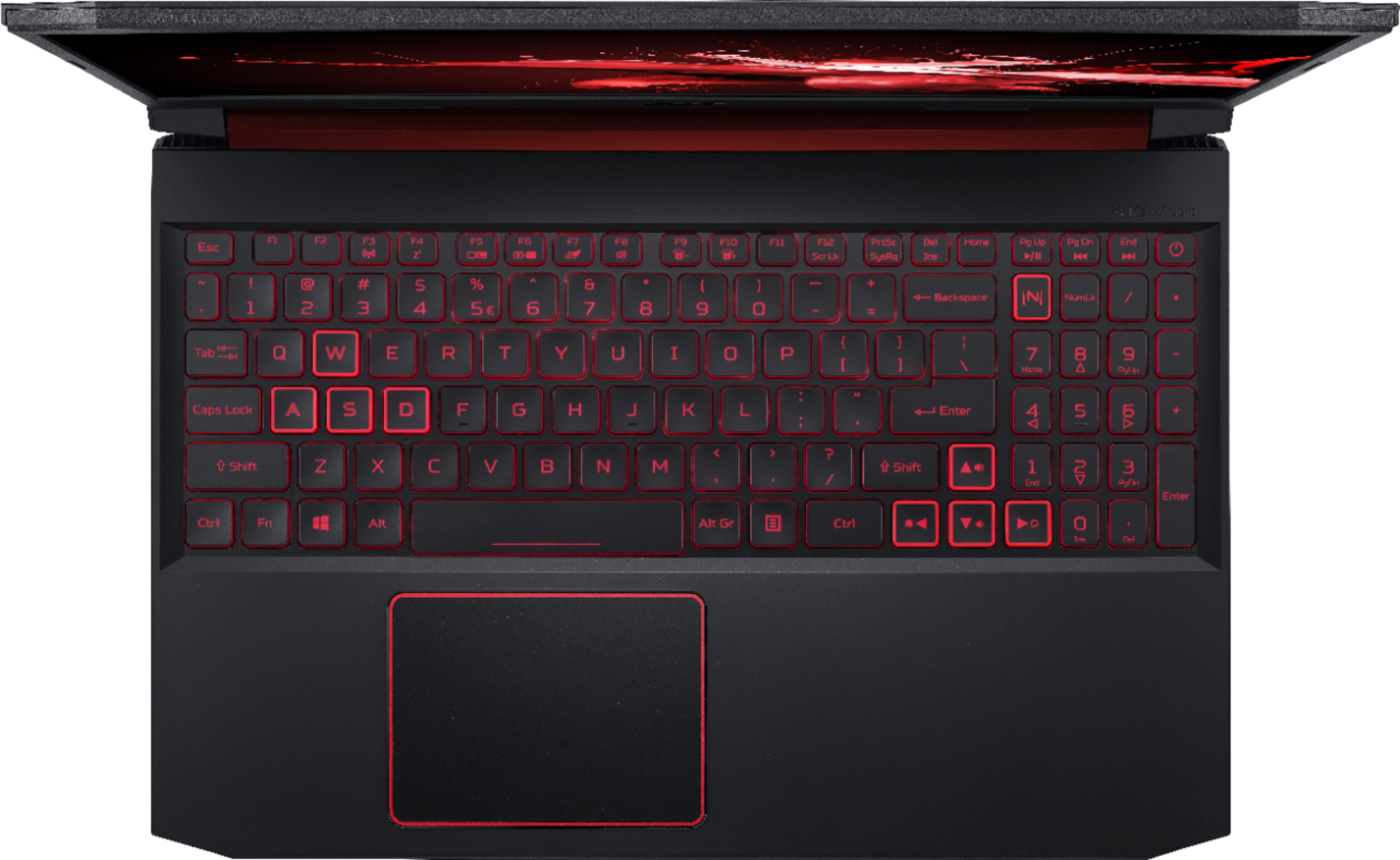
|Posted .This reviewer received promo considerations or sweepstakes entry for writing a review.I have been a PC gamer for 20 years. Along the way I’ve owned and built numerous gaming systems but the Acer Nitro 5 is the first gaming laptop I’ve owned. I’m loving the idea of the freedom of having a transportable gaming system. Specification wise this Nitro 5 comes nicely loaded with a 15.6 inch IPS LED display, a 9th generation Intel I5 9300H mobile processor, 8GB of memory, a 256GB m.2 ssd drive, and a Nvidia GeForce GTX 1050 graphics card. There’s also a built in webcam and dual microphones. You won’t find a cd/dvd drive here which is becoming pretty typical for newer laptops. Gigabit ethernet and wireless AC are onboard too. All this weighs in at 4.85 lbs and is only 1.1 inches thick. Ports included are 1 USB 3.0 Type-C, 2 x USB 3.0 Type-A, and 1 USB 2.0 Type-A, 1 hdmi 2.0, RJ45, and a 3.5 mm headphone and microphone jack. I’m a sucker for nice packaging so it was a pleasure to unbox the Nitro 5. The laptop itself was nicely protected and wrapped in a cloth like material. Included in the box you’ll find the laptop, the power adapter, some documentation, and a hard drive upgrade cable. I was surprised to also find that the laptop included a much appreciated protective sleeve/case. Nice touch! As I remove the Nitro 5 from its protective wrap I quickly admired its design. I believe the case is all plastic but it has the richer appearance of a brushed metal. I’m really fine with with this as I’m certain it will prove to be more durable. At the rear hinged edge there is a red metallic accent detail. I really like the sleek modern feel and look of this system. Starting the Nitro 5 for the first time initiates the usual Windows 10 setup. Here you are very simply guided step by step through setup by Cortana the Microsoft virtual assistant. In no time you’re at the desktop. During setup I notice my first disappointment with the Nitro 5 when I recognize some pretty significant backlight edge bleed on the display. Ouch! I do however love the red led backlit keyboard and the great quality feel of the keys. Interesting and unique here is that the power button to turn on the Nitro comes in the form of a regular key on the keyboard. I appreciate the nice size multitouch touchpad. As I explored the Nitro I see that there is some included software including a 30 day trial to Norton Antivirus. Here you’ll also find several Acer software titles including Acer Care Center where you can update, diagnose, and tuneup your Nitro. I like that there is a defrag utility here. Acer also includes NitroSense where you can monitor CPU and GPU usage and optimize your system for optimal gaming performance. In NitroSense you can also control your fan speed for improved cooling. One should note that here you also find the setting which stops the backlit keyboard from turning off after 30 seconds. I do appreciate that there isn’t loads of bloatware installed and yet Acer provides an app called Acer Collection S where you can access additional software if you so chose. As I explored the Nitro 5 I was quickly impressed with its speed and responsiveness as programs opened quickly. Particularly notable was boot speed of the Nitro which clocked in at an incredible 6 seconds. Impressive! This is after all a gaming laptop so I next installed Steam to see what the Nitro 5 could do. I have been playing Wolfenstein 2 again lately in preparation for the release of Youngblood so I thought I would start there. Firing up the game I entered setup and immediately proceeded to video settings. Upon selecting anything higher than ultra settings I was prompted that my hardware wouldn’t support these settings. I tried anyway and the game promptly froze. I wasn’t surprised by this in the least recognizing that the GTX 1050 isn’t exactly a powerhouse when it comes to graphics. I wish Acer had at least opted for a 1050ti or a 1060 as a starting point for the Nitro. As I installed and tested other games from my library I discovered the same from other fairly recent games. I was able to play Farcry 5 and Titanfall 2 on medium to high settings with some tweaking. I would say if you demand top frame rates at the highest settings then you should look elsewhere. Just understand that the limiting factor here is the 1050. I play lots of older games too so this Nitro 5 model will perform fine there of course. Team Fortress Classic anyone? I would also point out the various upgrade options for the Nitro 5. The cover of the laptop boasts that there is dual m.2 support as well as a hard drive bay for the addition of laptop drive. Ironically the bag for the included hard drive upgrade cable warns against upgrading the system yourself or you’ll void your warranty. The 8GB of ram can also be upgraded to a max of 32GB. I would typically add additional ram or upgrade the ssd but with the Nitro 5 you will not find easy access panels to do either of these upgrades. Upon making this discovery the stern warranty warning suddenly makes more sense. To me the lack of easy upgradeability is a truly disappointing design decision for a gaming system. Overall the Nitro 5 is a great looking entry level gaming laptop with some limitations in regard to gaming performance and easy upgradability. Display backlight edge bleed is unfortunate.
I would recommend this to a friend overall not loving this lap top
||Posted . Owned for 4 months when reviewed.This reviewer received promo considerations or sweepstakes entry for writing a review.Difficult keyboard set up. Mouse pad is off to the left and tends to make it difficult to rest hands on the lap top to type. Mousepad Position cause one to lean on the mousepad when typing.
No, I would not recommend this to a friendBrand response from TeamAcer
Posted .Dear Fridge,
We appreciate your feedback on the design of the laptop. We are always looking at ways to improve our products and value your feedback. You may try adjusting your touch pad settings to disable tap to click to avoid accidental mouse clicks. If you should need assistance with your Acer product in the future, please contact our support team via phone, chat or social media, and we will be glad to help.
We appreciate you taking the time to write this review.
Regards,
Acer America
- Cons mentioned:Keyboard
Thought it would last more than 2 years!
||Posted . Owned for 1 year when reviewed.This reviewer received promo considerations or sweepstakes entry for writing a review.Apparently 2 year warranty is because they don't expect it to last longer. Purchased 6/19. Screen won't come on 9/21!
No, I would not recommend this to a friend Stay away from this Laptop !
||Posted . Owned for less than 1 week when reviewed.This reviewer received promo considerations or sweepstakes entry for writing a review.First unit , bad motherboard returned to store. Second unit no boot device, returned to store. The third unit the audio was barly working , returned = horrible product. Enough said.
No, I would not recommend this to a friendBrand response from TeamAcer
Posted .We are sorry to hear this; we understand you returned the Acer laptops because of hardware issues. What you describe is not typical of our products but we would have been happy to provide support for you. If in the future you need assistance with an Acer product, feel free to contact support from the info posted at http://www.acer.com/ac/en/US/content/service-contact
We appreciate you taking the time to write this review.
Best regards,
Acer America
Absolutely Terrible
||Posted . Owned for 11 months when reviewed.This reviewer received promo considerations or sweepstakes entry for writing a review.On 3 different occasions, this was sent back to Acer not long after our granddaughter purchased it with her own money. Once by a computer company, and twice by Best Buy. Each time, it was written what the comp was not doing, and every time, Acer fixed what didn't need to be fixed. It spent more time with Acer than time with our granddaughter. I called Acer and the associate was absolutely not customer friendly. I would never recommend buying a acer. My granddaughter was heartbroken.
No, I would not recommend this to a friendBrand response from TeamAcer
Posted .Dear Charmed,
We are sorry to hear you are unhappy with your Acer Nitro 5 laptop. This is not the experience we want our customers to have and we would like another chance to help you get this resolved. If you are located in the US or Canada, please fill out this form so that we can assist you: http://csapps.acer.com/prompt/?key=eb7b2b0c35912508264274505191b8c6f5bfde9e
We appreciate you taking the time to write this review.
Regards,
Acer America
Won’t Buy Acer Again
||Posted . Owned for 3 weeks when reviewed.This reviewer received promo considerations or sweepstakes entry for writing a review.Bought 12/21/19, only had 3 games installed on the laptop, got stuck in an “Preparing Automatic Repair” boot loop on 01/14/2020. Didn’t even go a month without something happening. Tried troubleshooting and nothing worked. Returned to Best Buy and bought another brand’s desktop.
No, I would not recommend this to a friendBrand response from TeamAcer
Posted .Dear Vannat,
We are sorry to hear this; we understand you returned the Acer laptop but we would have been happy to provide support for you, to get this resolved. If in the future you need assistance with an Acer product, feel free to contact support from the info posted at http://www.acer.com/ac/en/US/content/service-contact
We appreciate you taking the time to write this review.
Best regards,
Acer America
Um
||Posted . Owned for 1 month when reviewed.This reviewer received promo considerations or sweepstakes entry for writing a review.I had this computer for about 18 days before it got stuck in a diagnosing pc loop. Best Buy Geek Squad wants $150 to fix it and won’t let me return because their policy is 15 days.
No, I would not recommend this to a friendBrand response from TeamAcer
Posted .Dear Karen,
We are sorry to hear you are having issues with your Acer Nitro 5 laptop, and we understand this is frustrating. This is not the experience we want our customers to have and we would like to help you get this resolved. If you are located in the US or Canada please fill out this form so that we can assist you:
http://csapps.acer.com/prompt/?key=cb8d0ae00c29411715070667ee537b5978181f47
We appreciate you taking the time to write this review.
Thank you
Acer America
- Cons mentioned:Battery life
Not a bad Laptop for basic gaming.
|Posted .This reviewer received promo considerations or sweepstakes entry for writing a review.I dont know if I would really call this a "gaming" laptop. Yes, it plays games and plays them fairly well. But just dont expect it to be a really high end system. It seems like Acer has the budget gamer in mind with this system. Right out of the box, the first thing I noticed is the look if this laptop. It definitely has a cool look to it. I know a lot of companies try to make "gaming" products stand out and usually they end up looking really gawdy and ugly. This one has a nice sleek design with hints of red throughout. It's not over the top and I think it looks very sleek! WHen you power it up, it loads in a matter of seconds thanks to the 256GB solid state drive. I would have liked at least a 512GB drive, but again...this is a bit of a budget gaming laptop. I would also like to see at least 16GB of RAM as well instead of the 8 it comes with. Those 2 things alone would probably really improve this system. It is very capable of running Windows 10 and anything you can throw at it as far as productivity software. Office, Photoshop, video editing software. It all runs flawlessly and very quickly. You definitely wont have any problem using this as your day to day laptop for a home office or if you are a student. I then loaded up some games on it to see how the gaming aspect of the computer worked. Again, with only 256GB you are limited to how many games you can actually put on there, so keep that in mind. I loaded up a good middle of the road game that everyone is familiar with, Fortnite. It installed and opened up really quickly. I didnt use the ultra high end settings and kind of kept things at a middle of the road kind of setting. The gameplay was very smooth, I was getting between 80-110fps without any problem. The few other games I loaded up gave me pretty much the same results. As I said before, its not a high end system so if you adjust your in game settings accordingly, it will perform very well for you. One other thing I noticed was the screen. It was a nice crisp and clear and surprisingly bright screen. Games and videos all looked amazing on it! This laptop has the downward firing speakers and they rent great, but aren't that horrible either. They seem to be in par with pretty much every other laptop in this price point. The battery life was pretty decent. I was getting about 4 hours while playing games. Not the greatest, but its acceptable. Overall, if you are a casual gamer looking for a system to use as an everyday computer as well as to game on. You'll probably be very happy with this system. If you are a hardcore gamer looking for a high end machine to exclusively play games on, you might want to look at some other options. For what it is, its a great machine!
I would recommend this to a friend Not good
||Posted . Owned for 1 year when reviewed.This reviewer received promo considerations or sweepstakes entry for writing a review.Started having problems with the battery or charger. Sometimes the computer doesn’t recognize the charger is plugged in. I leave it plugged in and it doesn’t always charge. It’s very touchy. Sometimes slight movement and it stops charging (when it actually does) This started in June 2021, not even a year old.
No, I would not recommend this to a friend- Cons mentioned:Weight
Solid Entry Level Gaming Laptop
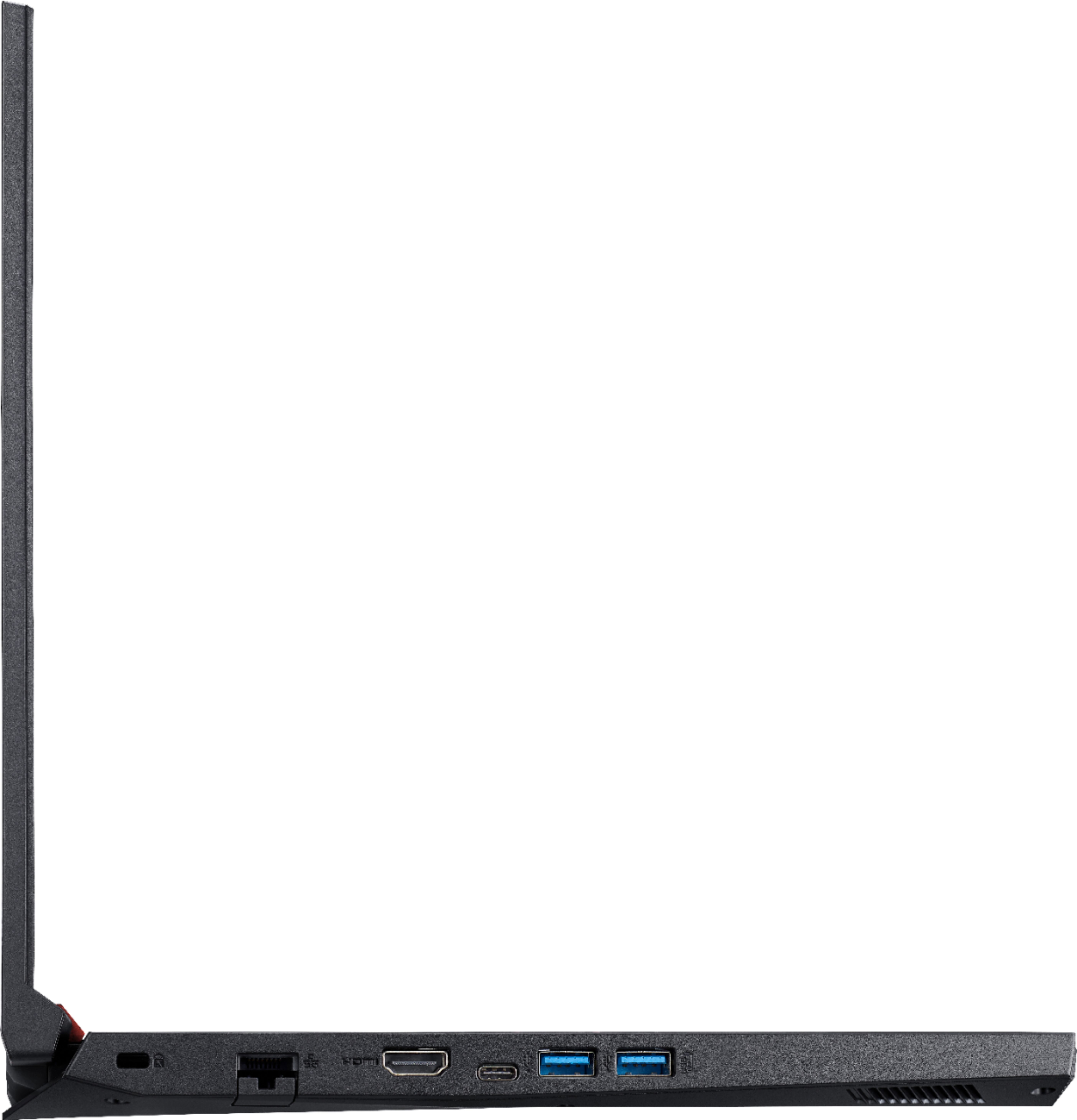
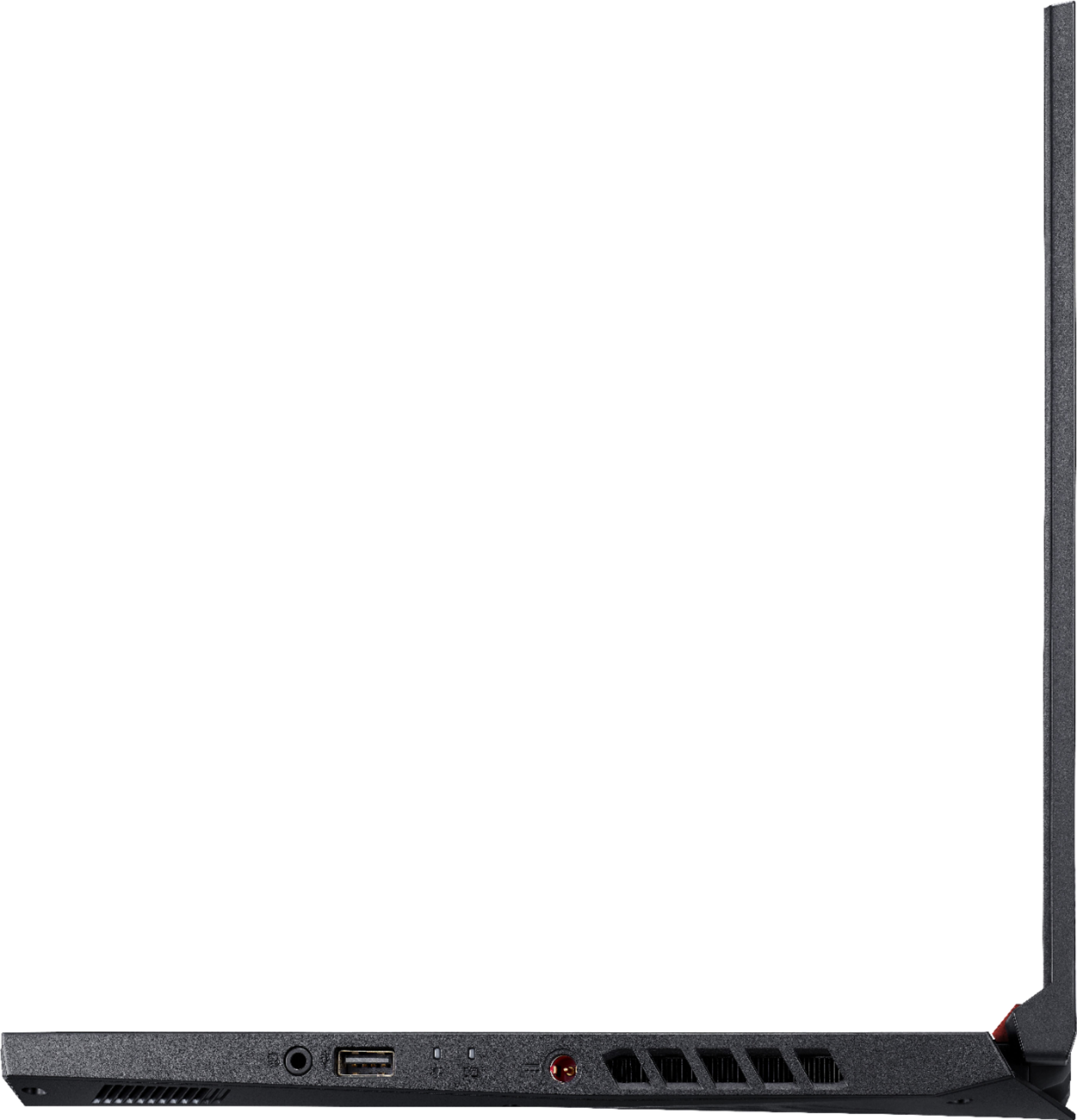
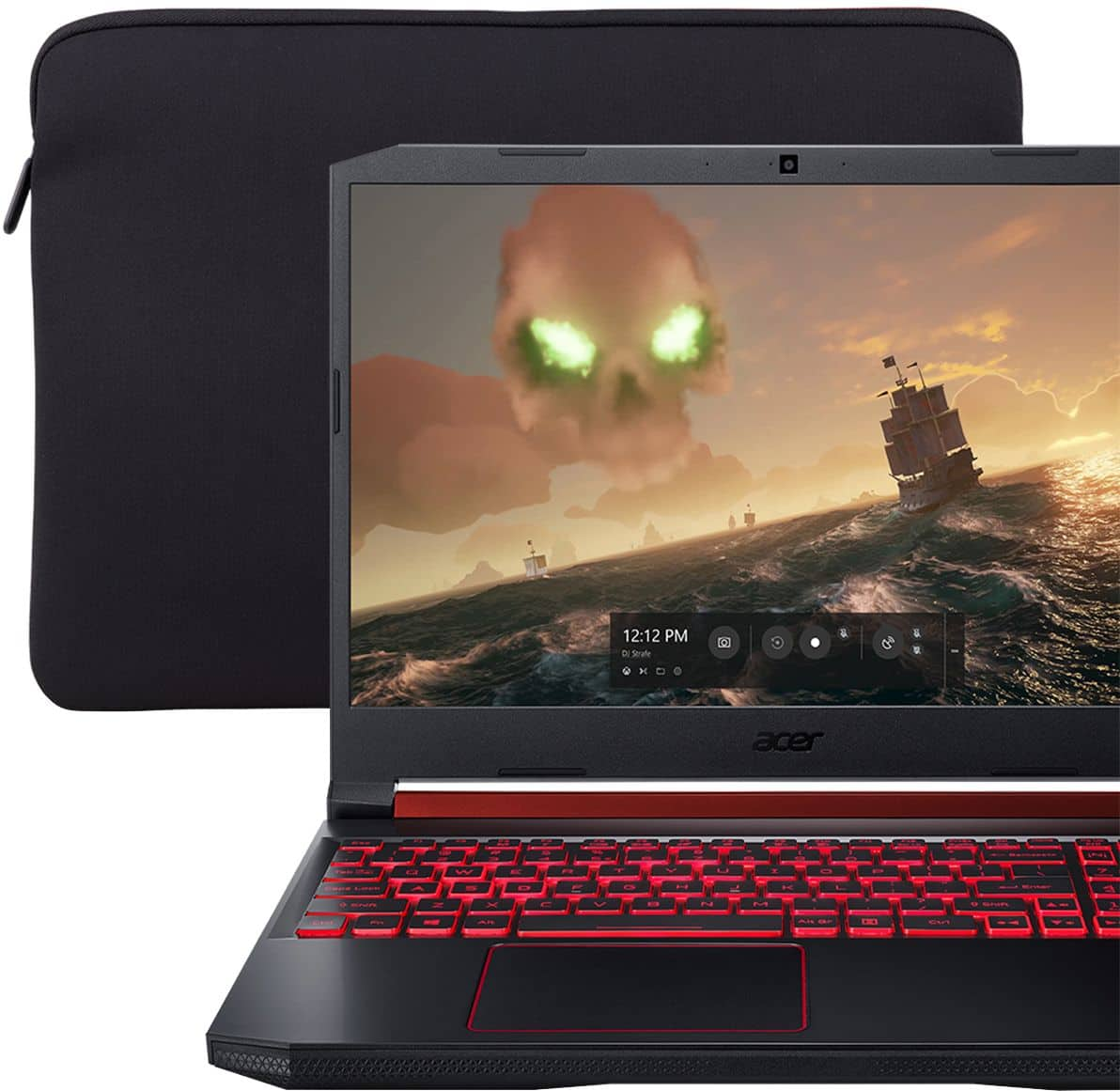
|Posted .This reviewer received promo considerations or sweepstakes entry for writing a review.This unit it a very nice entry level gaming laptop that I would recommend for moderate gaming needs and for users willing to add some upgrades, such as a larger hard drive and more RAM. It would also work well for student use. The Acer Nitro 5 Gaming Laptop comes with an Intel 2.4 GH (9th gen) quad-core i5 processor with 8 GB of RAM. 8 GB of RAM is simply OK. It will run most current games but there is no doubt that 16 or 32 GB (the most it can handle) would be a nice upgrade. The nice thing is that it is easy to access the inside of the machine by removing a few screws, so upgrades would be a fairly quick and easy process. Speaking of upgades, the Nitro comes with a 256 GB SSD drive which fills up very quickly. Again, swapping for a SSD with more capacity would be fairly easy work with the spare m.2 bay and relatively cheap. The suggested upgrades of the RAM and SSD are purely optional. For light to moderate gaming, what comes standard will be fine. But, I do want to point out that it would be doable to make this laptop have even more gaming power. The GPU is a NVIDIA GeForce GT 1050 with 3GB of RAM. This will work with modern games, but be aware that this is a entry level graphics card. Most settings on newer games will need to be turned down to a moderate level to keep the frame rates at a decent level. I had no issues until I turned several games up to high graphical settings. So it will run all of the games you would like it to run, but there are limitations. The IPS 60 H display showed good color at a moderately high level of brightness. The build quality feels nice. This is a gaming laptop so it will feel heavier than your average laptop, weighing in at about 6 pounds. It has red accents on the case to let you know it means business, and a red back-lit keyboard that can be adjusted. There is a trackpad, but I found that I didn't use it very much because it is far over on the left-hand side. That could be good for lefties, but I am right-handed. The outside of the case has a brushed, black finish and is plastic. The inside has a matte black finish. The keyboard will likely attract fingerprints and smudges due to the finish, but that is no big deal with some occasional cleaning. Typing on the keyboard felt very nice. Completing the outside of the case on the left are an ethernet port, an USB 3.1 Type C port, a pair of USB 3.0 Type A ports, a HDMI 2.0 port, and the security lock. On the right, there is a charging port, a USB 2.0 port, and an audio jack. There is no SD card reader, and no optical drive. Of note, the charging port is about in the middle of the right side which is a little awkward if you keep your mouse and mousepad fairly close to the device. I used the Nitro on various games like Far Cry 5, Shadow of the Tomb Raider, and Assassin's Creed:Odyssey, and it worked very well. NVIDIA will find the game settings for each game that are best suited for smooth performance. I found that if I started trying to raise the bar on the graphics, performance was degradated. I mentioned that I felt like this device would be good for students, and this is true for even everyday users. It handles browsing, Office, light graphical work with little effort. It could be slightly heave as a super-portable device, but on the other hand it is a device that can handle research, homework, reports, and gaming. So my bottom line is that this is a nice device for entry level gaming and everything else, too. It has a decent price point so that doing some small upgrades for increased effectiveness won't feel oppressive. I would recommend this device!
I would recommend this to a friend I had this computer less than a year...
||Posted . Owned for 9 months when reviewed.This reviewer received promo considerations or sweepstakes entry for writing a review.And I have keys coming off the keyboard. I have tons of other laptops and I know they come off sometimes but this is not even under heavy use. My conclusion: terrible build quality. Last Acer computer I buy. I already have a job and do not wanna spend my time repairing laptops that fall apart after eight months of ownership.
No, I would not recommend this to a friendBrand response from TeamAcer
Posted .Dear Mike,
Thank you for taking the time to leave a review regarding the purchase of your Acer Nitro laptop. We are sorry to hear you are having problems with the keys popping off the keyboard, and we understand this is frustrating. We would like to work with you to see how we can help improve this experience. If you are located in the US or Canada, please fill out this form so that we can assist you:
http://csapps.acer.com/prompt/?key=efdeaaec2d97d6617d88f4eeb392fc2d4f41e2f2
We appreciate you taking the time to write this review.
Regards,
Acer America
- Pros mentioned:Speed
Acer better Angel, The Nitro 5
|Posted .This reviewer received promo considerations or sweepstakes entry for writing a review.This is my review of the Acer Nitro 5 Gaming computer. I have 2 weeks of using, playing and working on this computer both day and at night. This is what I can tell you. What’s in the box: Acer Nitro 5 15.6” Screen, Intel Core I5 chipset, 8GB of memory and NVIDIA GTX1050, 256GB Solid State Drive. The aesthetics of the computer are both sleek and minimalist at the same time. It has no DVD/CD drive so really no moving parts aside from the flip screen and the keyboard. The industry is moving away from the traditional Hard drives to solid-state drives which in my opinion gives the computer a smoother, more fluid data transfer rate than hard drives. Minimalist because of the missing CD ROM drive gives the machine a sleek feel with metal frame and cool to the touch. It's not gaughty looking so you can bring this to your boardroom and nobody would even guess this was a gaming machine. Now that’s saying something. This has a 256 GB Solid State Drive which does not have enough room to store too many of your games but will be able to add another if you need it. This is the only reason I gave this 4.5 Stars. The backlit keyboard is also really cool. Very clear at night so your guest won’t be bothered by a bright room when playing in the dark. The quality of the 15.6” screen is really beautiful, full colors that make games come alive and movies pop. Try connecting a wireless sound bar to give your games that extra boost you like. The benchmark test was cool given that I thought this machine would shoot up to 70 degrees and only got to 66 when testing with Superposition Benchmark. Didn’t try the VR test but really impressed with how the Intel I5 chip and the NVIDIA handled the test with flying colors. I had to remind myself that this is a $699 computer that handles just as good as $1,000 machine or better. If I were a grad and my parents or family member bought this for me, I would be ecstatic and would have believed this would have cost much more. For value, solid build and quality you can’t beat this combination. Acer has got a real contender in this machine.
I would recommend this to a friend Not recommend this worst gaming laptop
||Posted . Owned for 6 months when reviewed.This reviewer received promo considerations or sweepstakes entry for writing a review.This is the worst possible gaming laptop you can get for your online fps games it says 256gb and it has 236gb memory space its a 60hz it only supports 60fps i cant even play call of duty warzone. I wouldn’t recommend this laptop.
No, I would not recommend this to a friendBrand response from TeamAcer
Posted .Dear Atiqullah,
Thank you for taking the time to leave a review regarding the purchase of your Acer Nitro laptop. We are sorry to hear that the product did not meet your gaming expectations, and we want to work with you to see how we can help improve this experience. If you are located in the US or Canada, please feel free to contact our support team at 866-695-2237; they are available to assist 24/7 for in-warranty products.
We appreciate you taking the time to write this review.
Regards,
Acer America