Customer Ratings & Reviews









- Model:
- CB5-132T-C8ZW
- SKU:
- 5202900
Rating by feature
- Value
Rating 4.6 out of 5 stars
- Quality
Rating 4.6 out of 5 stars
- Ease of Use
Rating 4.7 out of 5 stars
Customers are saying
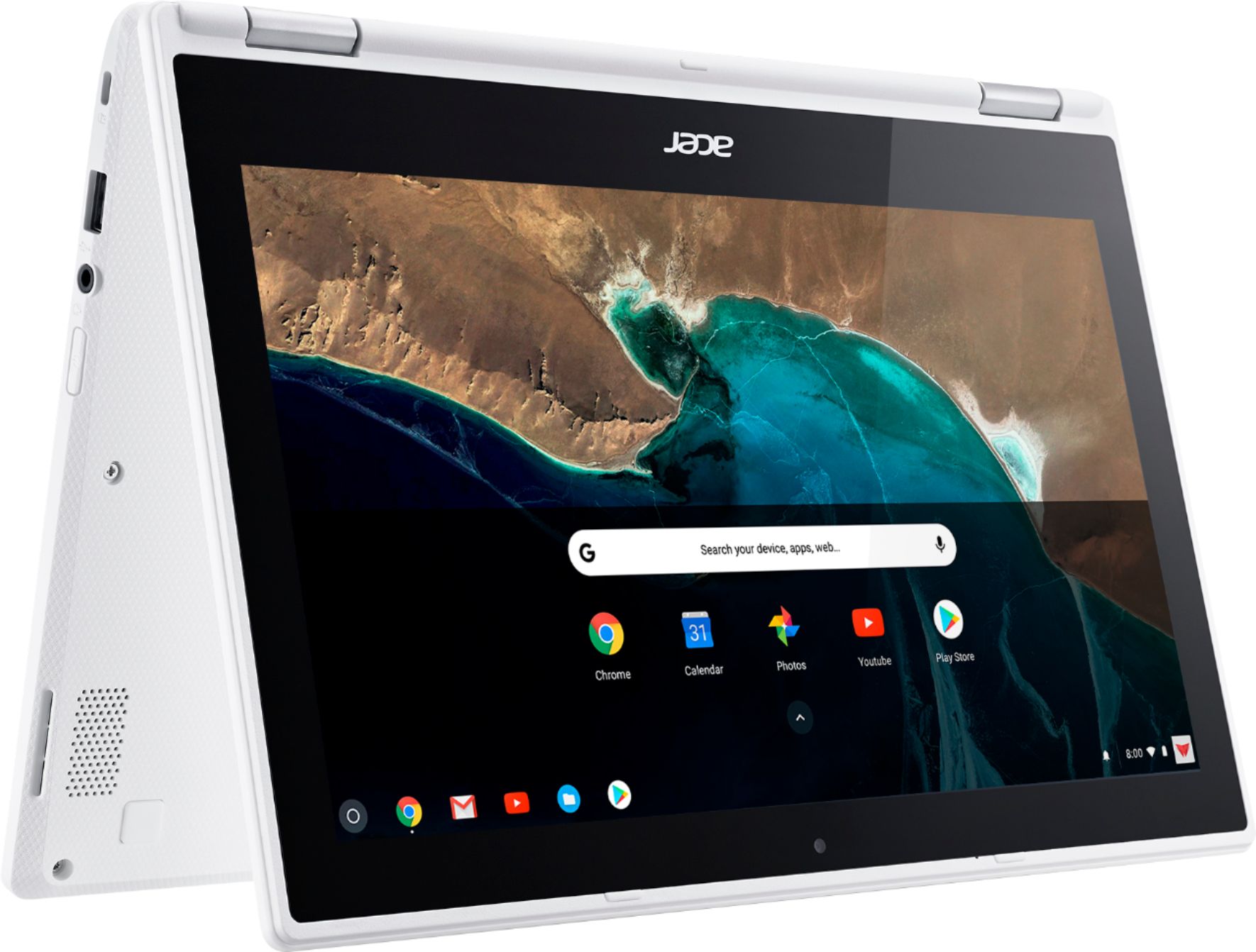
Customers enjoy the R 11 2-in-1 Chromebook's touch screen, ease of use, lightweight design, and long battery life. Many appreciate its size and performance, along with its reasonable price. However, some customers point out limitations in storage and memory capacity. A few users also mention compatibility issues with certain applications.
This summary was generated by AI based on customer reviews.
Won't accept a Sims card
||Posted .This reviewer received promo considerations or sweepstakes entry for writing a review.Won't accept a Sims card and now I can't return it
I would recommend this to a friendGood for teenagers
||Posted .This reviewer received promo considerations or sweepstakes entry for writing a review.My 13 year old loves it!! Great Christmas gift!! You
I would recommend this to a friendNice
||Posted .This reviewer received promo considerations or sweepstakes entry for writing a review.It was a gift for my little nice and she loves it.
I would recommend this to a friend- Pros mentioned:Ease of useCons mentioned:Storage

Pretty good at this price point
|Posted .This reviewer received promo considerations or sweepstakes entry for writing a review.I have to say, I'm pretty impressed for $250. You get a laptop that converts into a tablet and runs quite well. I like the Google operating system. It's pretty simple and straightforward. It's especially nice if you already have a Google account because you can log in, and everything is there. Google chrome has all of your favorites and your Gmail account is synced up. Because of this, initial set-up of this computer and then overall use is a breeze. While you can't use programs like Microsoft Office (Word, Excel, etc.), you can use Google docs which can be opened in the Microsoft Office programs on other computers. I wish that this had more in the way of hard drive space. Instead it has flash memory (and my little thumb drive holds twice as much as this). And it's not entirely necessary since everything you'll be doing on this computer is through Google and therefore saved online. And again, for the price you're paying, it's an overall great deal.
I would recommend this to a friend Nice, but not nice enough
||Posted .This reviewer received promo considerations or sweepstakes entry for writing a review.This computer would meet all of my requirements if it did not have a Keyboard with all lower-case lettering. It is very difficult to see in lower-light conditions. I'd really like to return the machine.
No, I would not recommend this to a friend- Cons mentioned:Compatibility
Not happy with this!
||Posted .This reviewer received promo considerations or sweepstakes entry for writing a review.The product isn't compatible with a lot of the college programs. We ended up buying a laptop. I'll likely stay away from the chromebook going forward.
No, I would not recommend this to a friendBrand response from TeamAcer
Posted .We are sorry you are unhappy with your Acer Chromebook. Chromebooks are different from standard laptop products in that they are designed to be used primarily while connected to the Internet, with most applications and documents living in the cloud. Because of this they don’t have much for on board storage but they also are not expensive either. Chromebooks run off apps like an Android phone or tablet so you cannot download and install applications or .exe files. If you need to use third party software applications that must be installed on the computer, a Chromebook is likely not for you, where a Windows laptop would suit you better. If in the future you need assistance with your Acer Chromebook, feel free to contact support from the info posted at http://www.acer.com/ac/en/US/content/service-contact
We appreciate you taking the time to write this review.
Best regards,
Acer America
Bought for my 8 year old for school
||Posted .This reviewer received promo considerations or sweepstakes entry for writing a review.I don’t like this item. I got for my son, but it is more trouble than it is worth. It is slow, it is difficult to navigate even for my son. For two weeks after purchase, my son was able to get on YouTube and watch cartoons. This past week it blocked him and said he needed to go to YouTube junior. Then it would not let him go there either. We were out of town and on the plane and it would not connect to WiFi. He was frustrated and so was I. I am getting him an IPad next time. I will say for the money if it worked better it would be a good buy.
No, I would not recommend this to a friendBrand response from TeamAcer
Posted .Dear Ilmills,
We are sorry to hear you are unhappy with your Acer R 11 Chromebook. This is not the experience we want our customers to have and we would like to help you get this resolved. If you are located in the US or Canada please fill out this form so that we can assist you:
http://csapps.acer.com/prompt/?key=b23418bb5bec1b767803da0e4bb9a5ce493ace1c
We appreciate you taking the time to write this review.
Thank you
Acer America
It alright
||Posted .This reviewer received promo considerations or sweepstakes entry for writing a review.The laptop is alright I would say it a bit slow even though it new. It take like 2-3 minutes to load on the web for the first 10-15 minutes when you turn on the laptop.
I would recommend this to a friend- Pros mentioned:Battery life, Touch screen
Live Life On This Thing
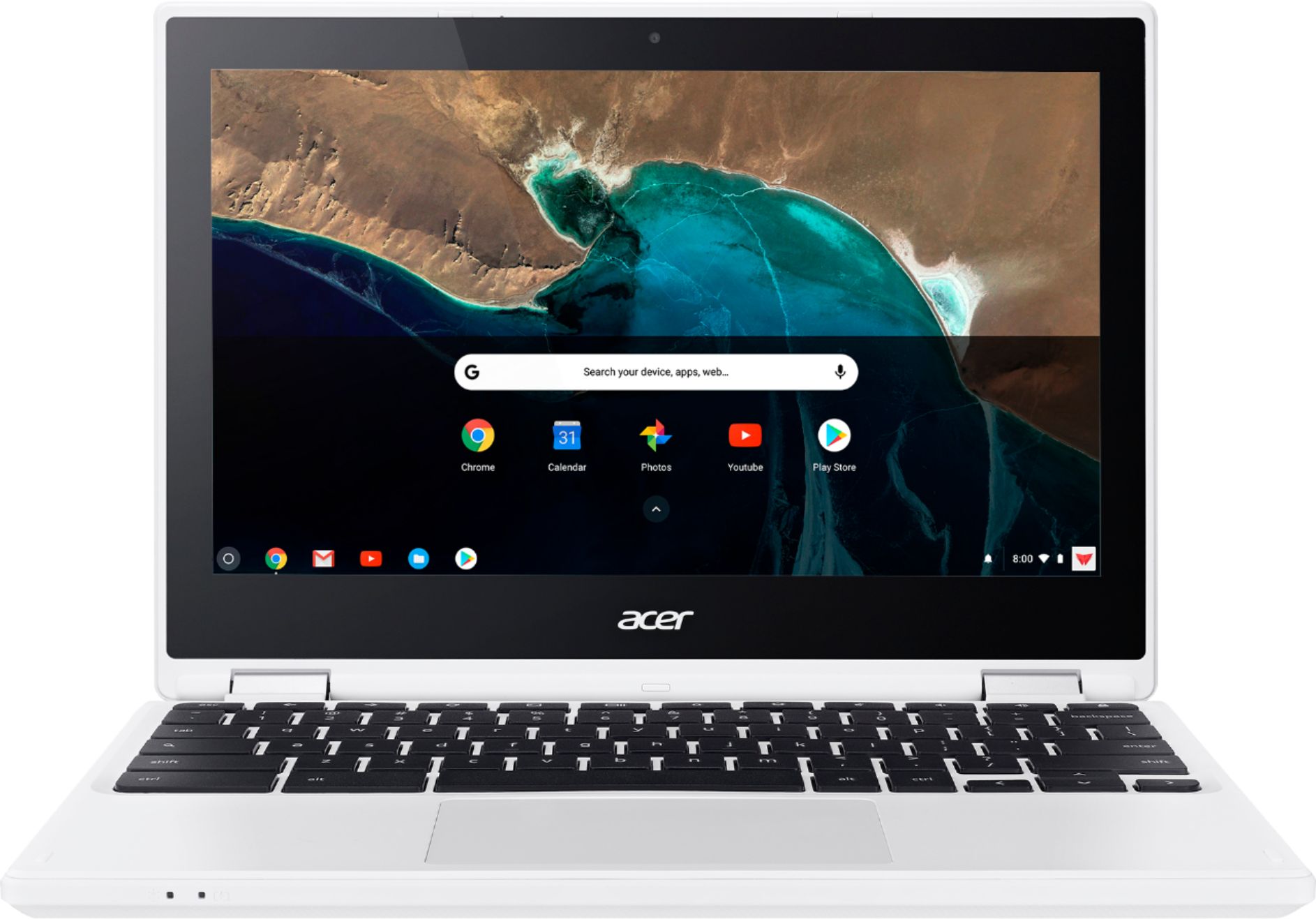
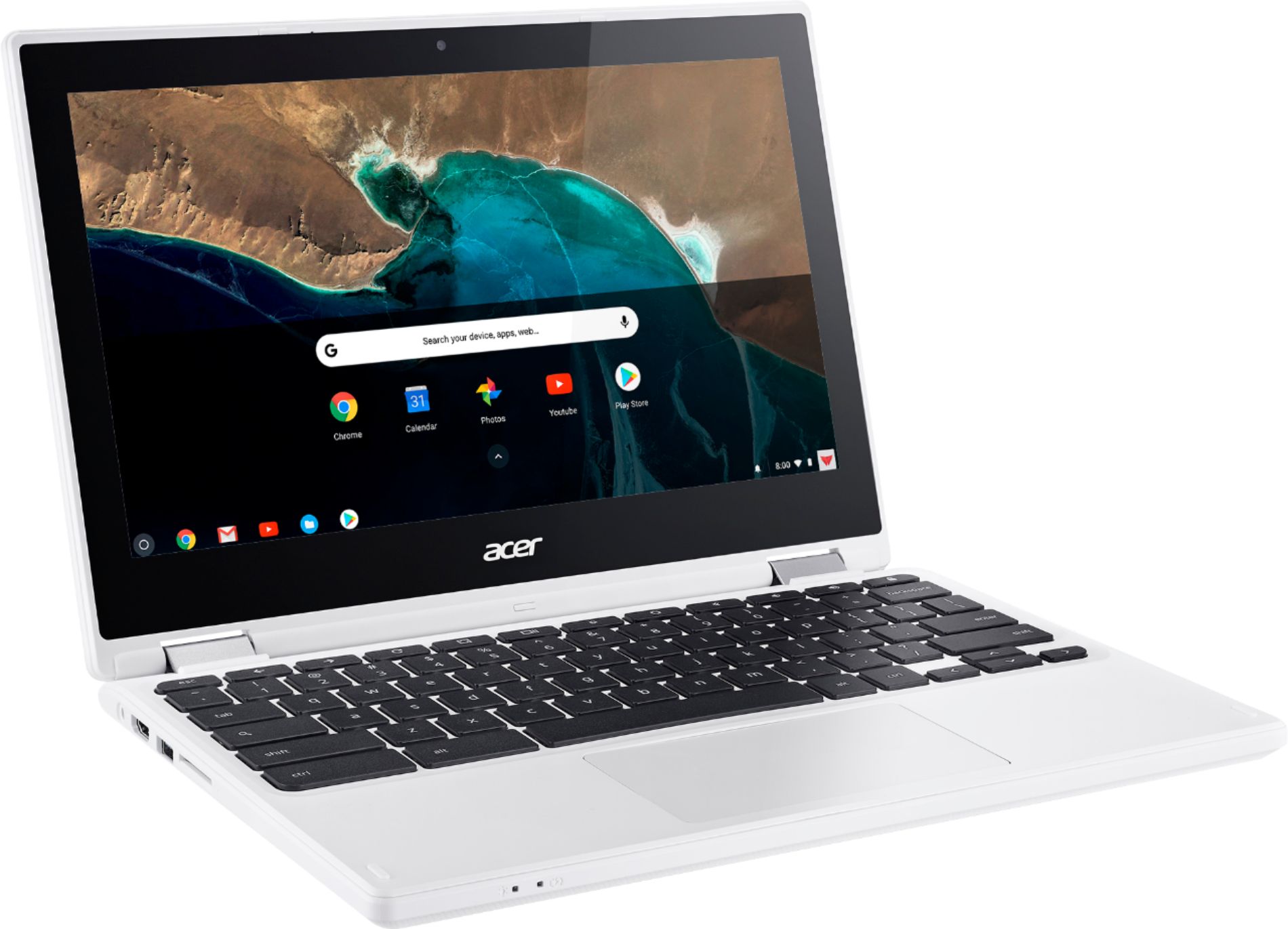
|Posted .This reviewer received promo considerations or sweepstakes entry for writing a review.Set up is a breeze. The Chromebook design is sleek, aesthetically pleasing and super lightweight, especially for the super large screen. The keys have a soft, round texture that I like. Also, the response level of the keys suited my touch without any adjustment. Making my online connection via wifi was a cinch. So, my Google mail and all explorations popped up across the top of the screen for easy toggling between pursuits. All Goggle related items are easily recognizable icons. I experimented with Accessibility Settings and found the voice settings unnecessary for my needs; but, the service is an especially nice feature for those that need absolutely everything read aloud. I did need to enlarge the font a tad via the General Settings but found that the Magnifier option in Accessibility, in my case, would only be necessary for specific applications. Nonetheless, the feature is another special touch. Initially, I hit ‘High Contrast’; but, it made all images solarized. Thankfully, I quickly figured out how to get images back to normal. The ‘General Settings’ are very easy to navigate to tailor the Display and a variety of other options to your taste. If you like SKYPE, you’ll like HANGOUTS for FREE online video chat for up to 100 folks. GOOGLE PLAY, YouTUBE are all at your finger tips. Right off the bat, Grammarly is an app to assist your writing skills, offered on page one of setup; but, still not certain that I need that support. The app claims to be able to teach me something about directing my writing toward particular audiences; so, decided to give it a whirl. Maybe before you sign up for Grammarly, see if you find a duplication of an auto correct already built into the system. Grammarly may be more than what you want peering over your shoulder. I really liked the templates offered in the Docs section for a variety of applications: resumes, invoices, etc I have that feature somewhere in Microsoft; but, I can never find it when I need it then end up going on line to locate something that fits the bill. Nice that I can click on Docs and find the options nearby. And, when you want to scroll down, don’t forget that with a Chromebook, you need to use two fingers on the pad. When I wanted to use the Help Section, I had to install my SNID# or the S/N you’ll find on the underside of the machine. I was a little irritated that the rotating blue circle indicated that my SNID# wasn’t recognized; so, this time, I never got the chance to take a shot at finding my answer through their on board system. Next day, I called Customer Service. Really happy to find that access to Customer Service was not a long wait, slogging through a maze of directives. The CS rep took my S/N#, verified my purchase, heard my question and, in short order, expeditiously gave me my answer. This encounter was refreshing after years of tortuous, time consuming experiences just trying to get a little tech support. The rep said, “To ease warranty coverage, next step I should do the online registration”. Since my HP 3620 Printer was not in the compatible category for Chromebook, I was disappointed to learn that I will have to set aside time to link up the Chromebook via a cascade of instructions. The Bluetooth connected with my HTC Desire Eye smartphone easily; so, now I can easily stream content by Chrome Cast to the l5.6” screen. This model Chromebook affords a very thin line of distinction between functionality, size, scope as compared to my laptop except, operationally, more cloud dependent. Bottom left of the screen are all your tabs for web access, mail, docs, YouTube and Google Play with speakers and a LCD HD display designed for entertainment. Battery @ 7 hrs. You could live your life on this thing! There’s so much more; but, I’ve kerfuffled enough.
I would recommend this to a friend Not Samsung quality but good
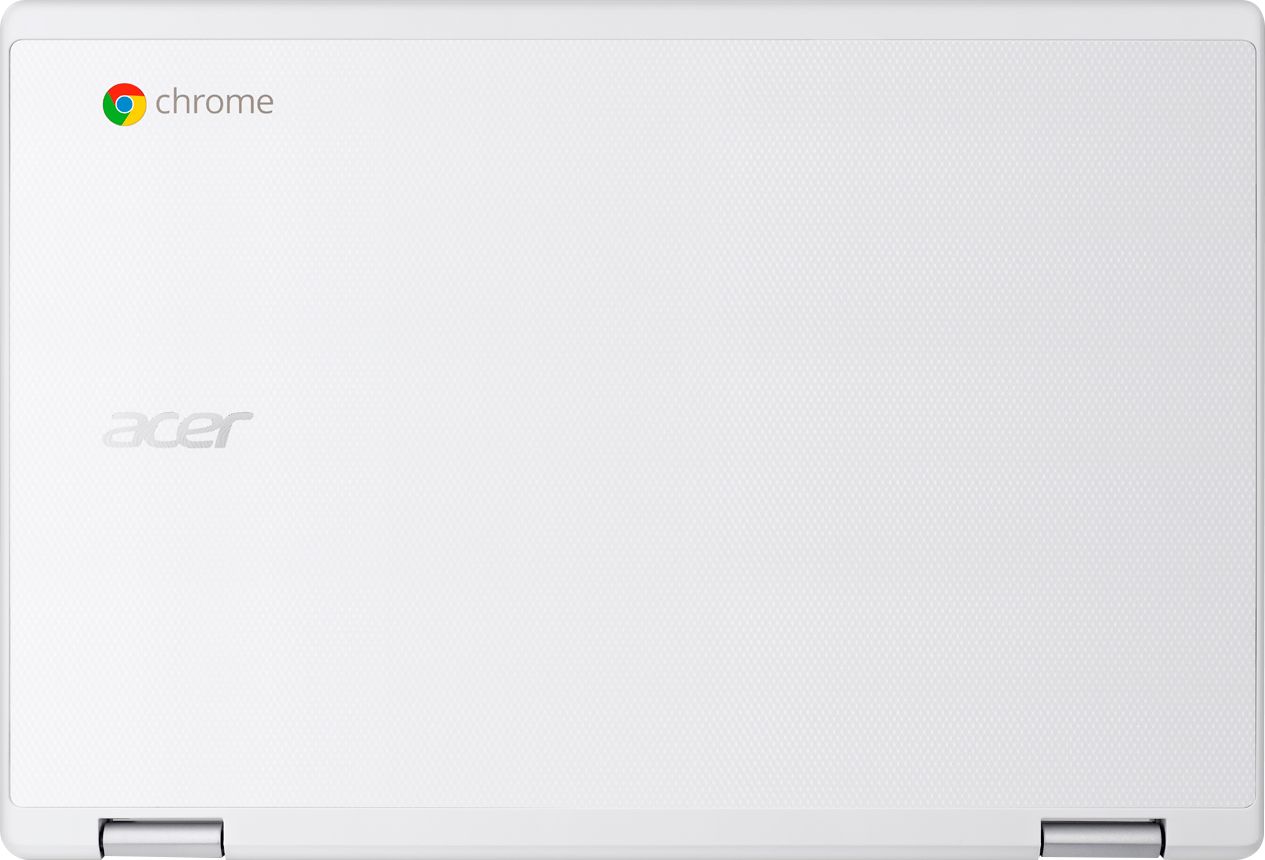
||Posted .This reviewer received promo considerations or sweepstakes entry for writing a review.Great chromebook .decent power .only real complaint the plastic hinges cracked after 6 months. I works but now have duct tape holding it together .
I would recommend this to a friendgood for teen
||Posted .This reviewer received promo considerations or sweepstakes entry for writing a review.my teen has loved it...but the central processor stopped working 2 weeks after we got it. Not a good thing...but Best Buy was great in returning and getting another.
I would recommend this to a friendChristmas present
||Posted .This reviewer received promo considerations or sweepstakes entry for writing a review.I bought this for my grandson. I was charged twice for it, two different prices and when I called for a refund I was told there was nothing they could do.
I would recommend this to a friendGood for the price
||Posted .This reviewer received promo considerations or sweepstakes entry for writing a review.For the price I paid it’s whats expected. Not as user friendly as most but it works. Secondly I don’t care for chrome books I’ve learned.
No, I would not recommend this to a friend- Pros mentioned:Battery life
Solid, easy-to-use, great low-end laptop
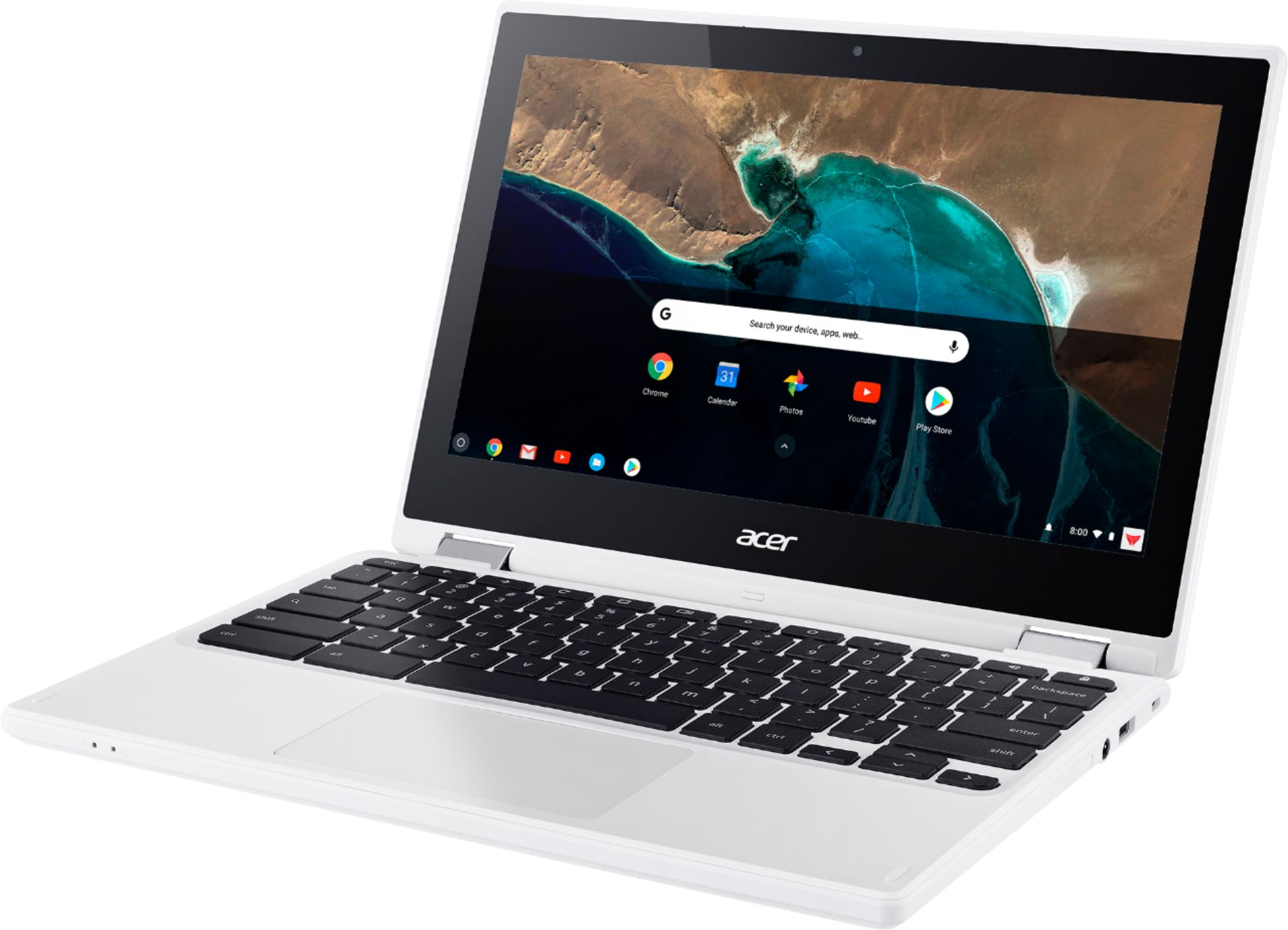
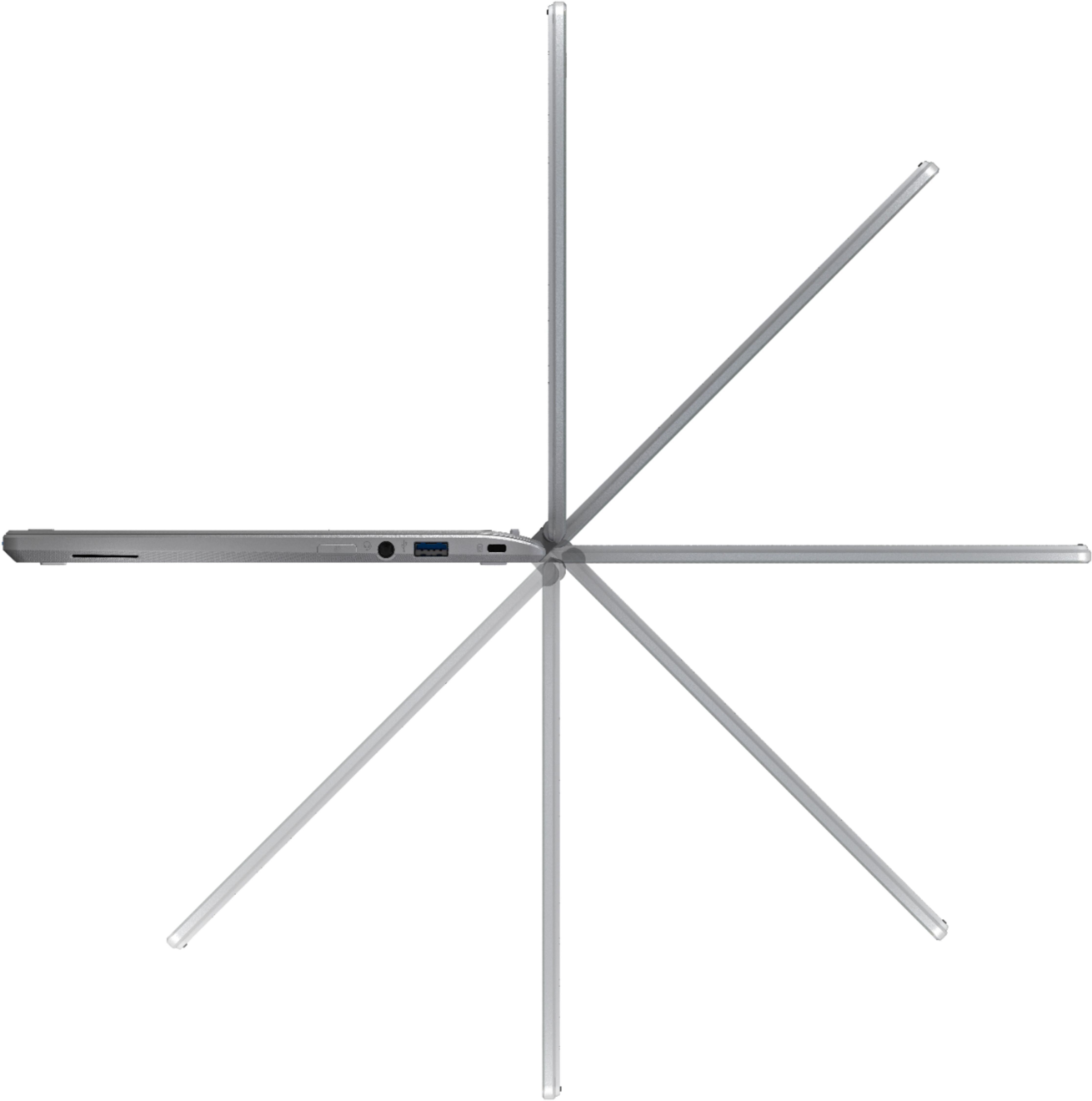
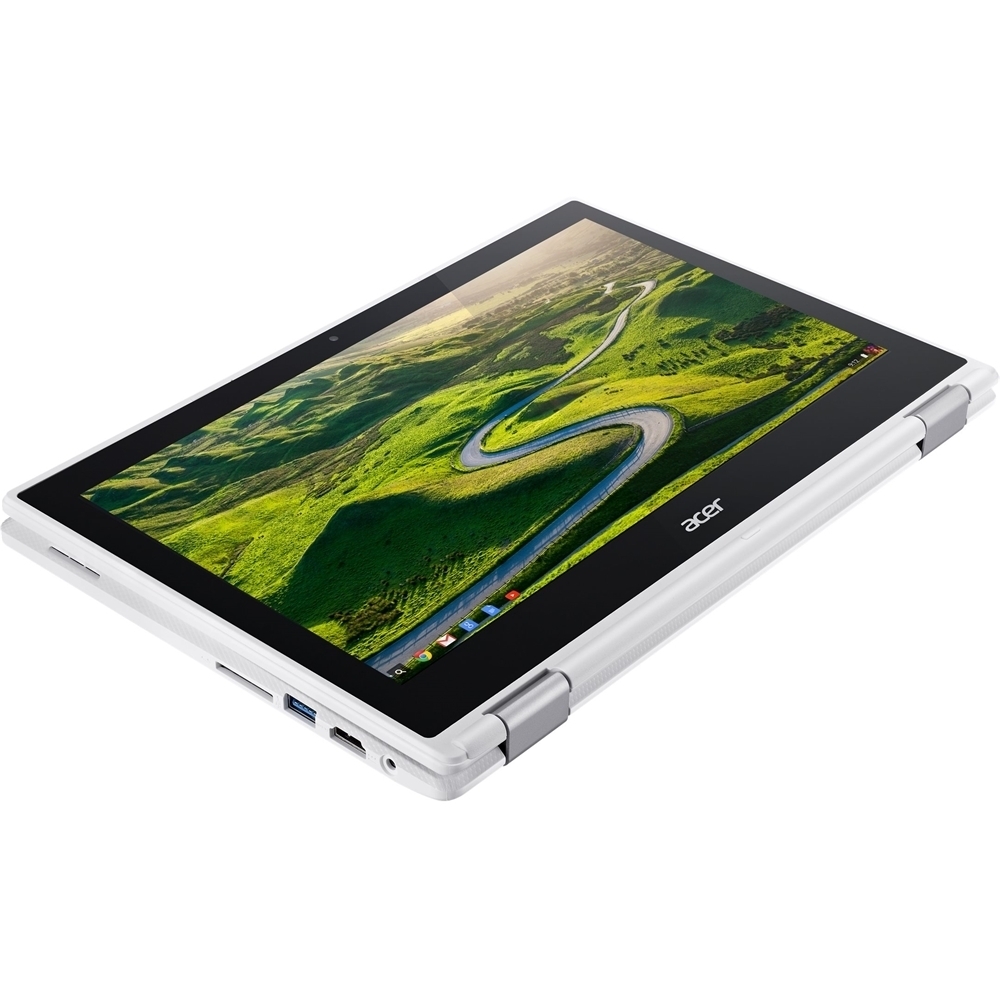
|Posted .This reviewer received promo considerations or sweepstakes entry for writing a review.This Chromebook was so fast and easy to set up! It took me less than three minutes to get up and running. The on-line tutorial was simple and fun and did not get bogged down in detail. It tells you just what you need to know when you need to know it. My first impressions were that this device would be great for students and seniors who do mostly Web browsing, email. and video watching. But the more I used it, the more I was surprised at how much I liked this machine. It’s solid, and well built, has a nice keyboard (I disagree with comments that criticize the key travel), has an easy-to-use touchpad, and best of all, flips around to become a full function tablet. (The hinges are well made and the keyboard gets disabled in tablet mode so you can’t accidentally press a key from below.) At first glance, 4 Gb of RAM and 16 GB of SSD storage seems like too little for “real” work. But Google gives you 100 GB of cloud storage free for two years. (After that, it’s $1.99/month — still cheaper than a hard drive!) I found overall response fast, even with multiple apps running. It has a nice HD camera built in for video calls using Google Hangout — one of many Google apps you can download and use for free. My only complaints — and they are minor — is the lack of a lighted keyboard and an AC adapter plug that seems like it can slip out of the computer too easily. But this may even be a feature if you’re the type to jump up when your computer is still plugged in. With nearly 10 hours of battery life, you may not spend too much time with it plugged in at all!
I would recommend this to a friend Okay laptop
||Posted . Owned for 1 year when reviewed.This reviewer received promo considerations or sweepstakes entry for writing a review.Price was right for this laptop but you definitely got what you paid for. It’s Slow and has had issues with the sound from day one.
No, I would not recommend this to a friend- Pros mentioned:Battery life, Speed, Touch screen
Perfect for what I needed!
Posted .This reviewer received promo considerations or sweepstakes entry for writing a review.I'm typing this review on the R11 because I have it with me always. I was looking for a chromebook with a small price tag that would meet my needs for my new line of work as an insurance agent. This has been great! No worries about viruses or the computer slowing down over time due to program downloads or bloatware. The battery life is great. This computer is light and durable. I don't care to toss it around and I took the additional warranty protection, so no worries. It doubles as a tablet and the touch screen has been invaluable to me. It's fast and has helped me to make full use of google services like documents and sheets etc. I have been able download many documents needed for my business and access them instantly when needed. I love this computer more than my Mac because it is so low maintenance. If you need to open or send an excel file, just look for an extension on the google store like I did. I can't say enough about this little chromebook. We are joined at the hip and I can take it everywhere. If I am to give you one negative, it's the track pad. It is a bit glitchy at times. You will be typing and suddenly the cursor is somewhere else, or you may just erase an entire paragraph you just typed. The solution is to use a wireless mouse and you'll be fine. Other than the track pad, I can't say enough of about this little guy and the price was great. This would be great for children or teens as well. I recommend this chromebook and would buy it again if something every happened. I only gave 4 stars because of the track pad but I really wanted to give it a 4.5. I hope this is helpful.
I would recommend this to a friend Very Slow!
||Posted .This reviewer received promo considerations or sweepstakes entry for writing a review.Got this to replace a different crome book that went out. It’s very slow and tends to freeze if there are more than 2 things open at a time
No, I would not recommend this to a friend- Cons mentioned:Compatibility
Wasn't compatible with apps that I liked
||Posted .This reviewer received promo considerations or sweepstakes entry for writing a review.I bought and returned on the same day. I had difficult time installing the internet security that came with it. It wasn't compatible with downloading Firefox Brower and iTunes. It streamed videos slowly. It may be good for academic purposes but I think it'll cause a lot of issues because it's not compatible with a wide range of applications.
No, I would not recommend this to a friendBrand response from TeamAcer
Posted .Dear Pacific,
We are sorry to hear this; we understand you returned the Acer Chromebook but we would have been happy to provide support for you. If in the future you need assistance with an Acer product, feel free to contact support from the info posted at http://www.acer.com/ac/en/US/content/service-contact
We appreciate you taking the time to write this review.
Best regards,
Acer America
We wanted to love it
||Posted .This reviewer received promo considerations or sweepstakes entry for writing a review.We wanted to love this, but sadly, the video had a difficult time steaming anything because it runs on your internet bandwidth.
No, I would not recommend this to a friendBlack Screen
||Posted .This reviewer received promo considerations or sweepstakes entry for writing a review.This was replacing an older Acer that the screen died on. Brand new, charged this up, turned it on, and nothing but a black screen. There is a faint white box you can see at the right angle. Spoke to Acer tech support, and the LCD is defective. Best Buy does not show any in stock within 50 miles, and this is a Christmas gift. NOT happy right now.
I would recommend this to a friend