Customer Ratings & Reviews
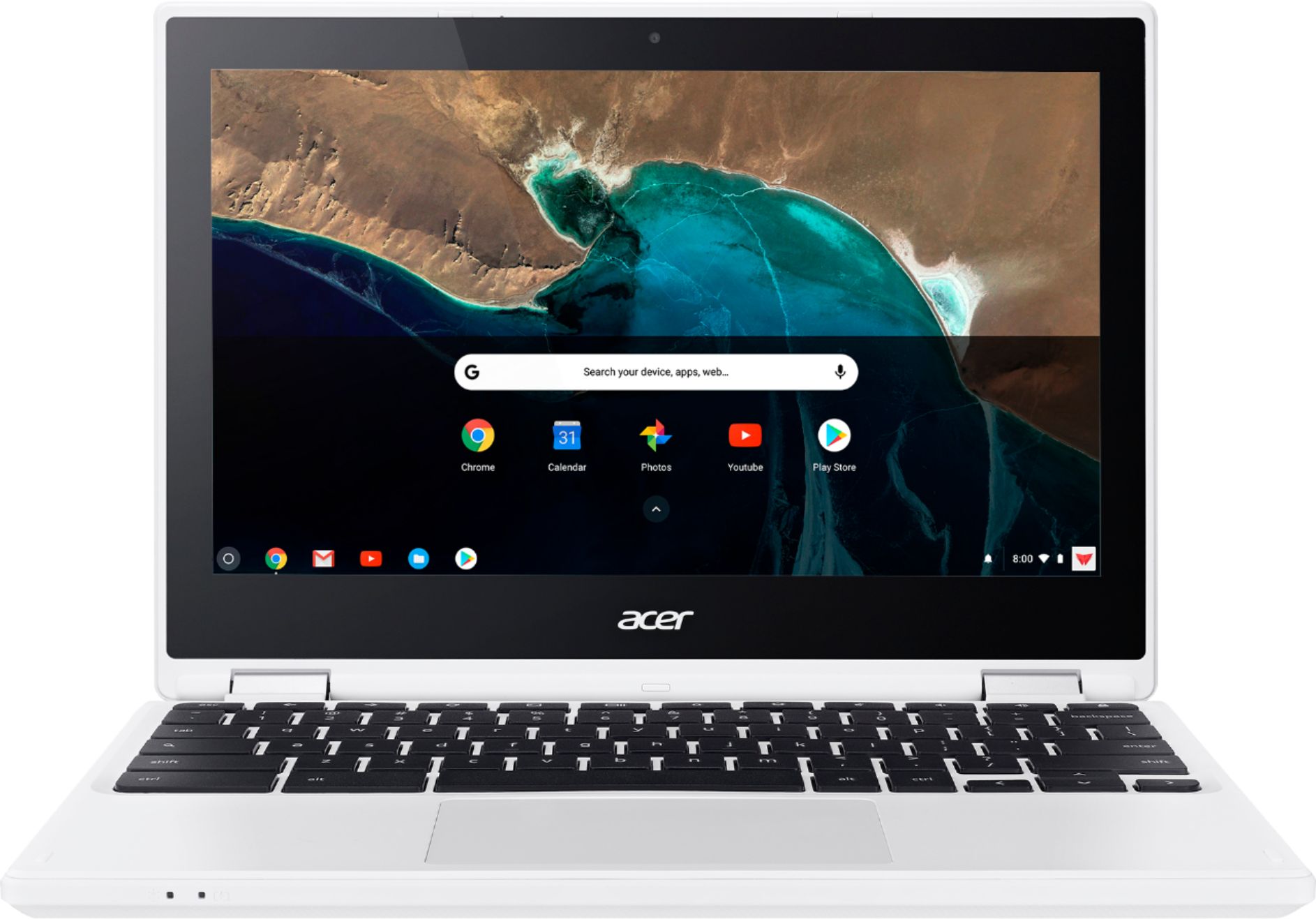
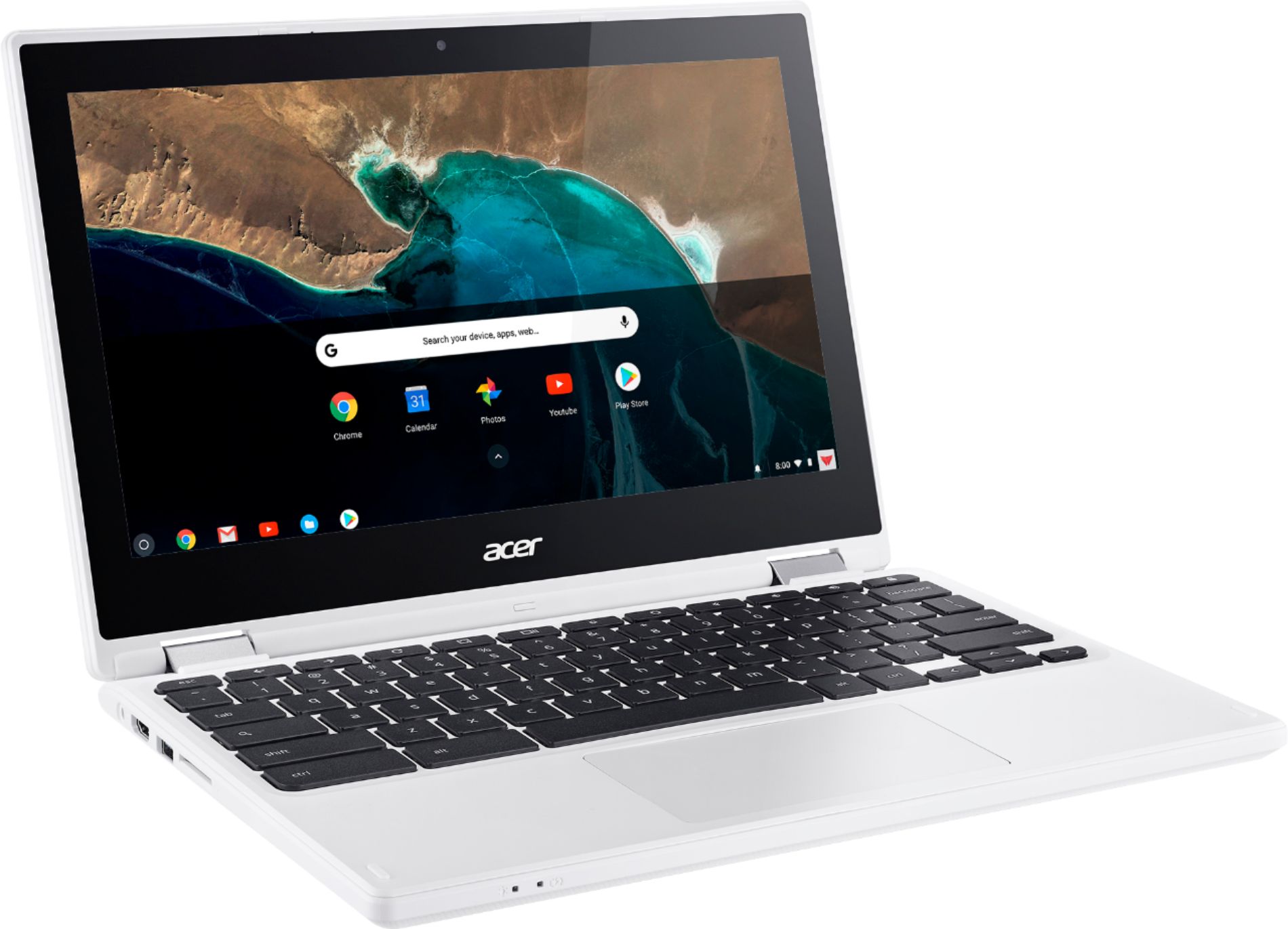
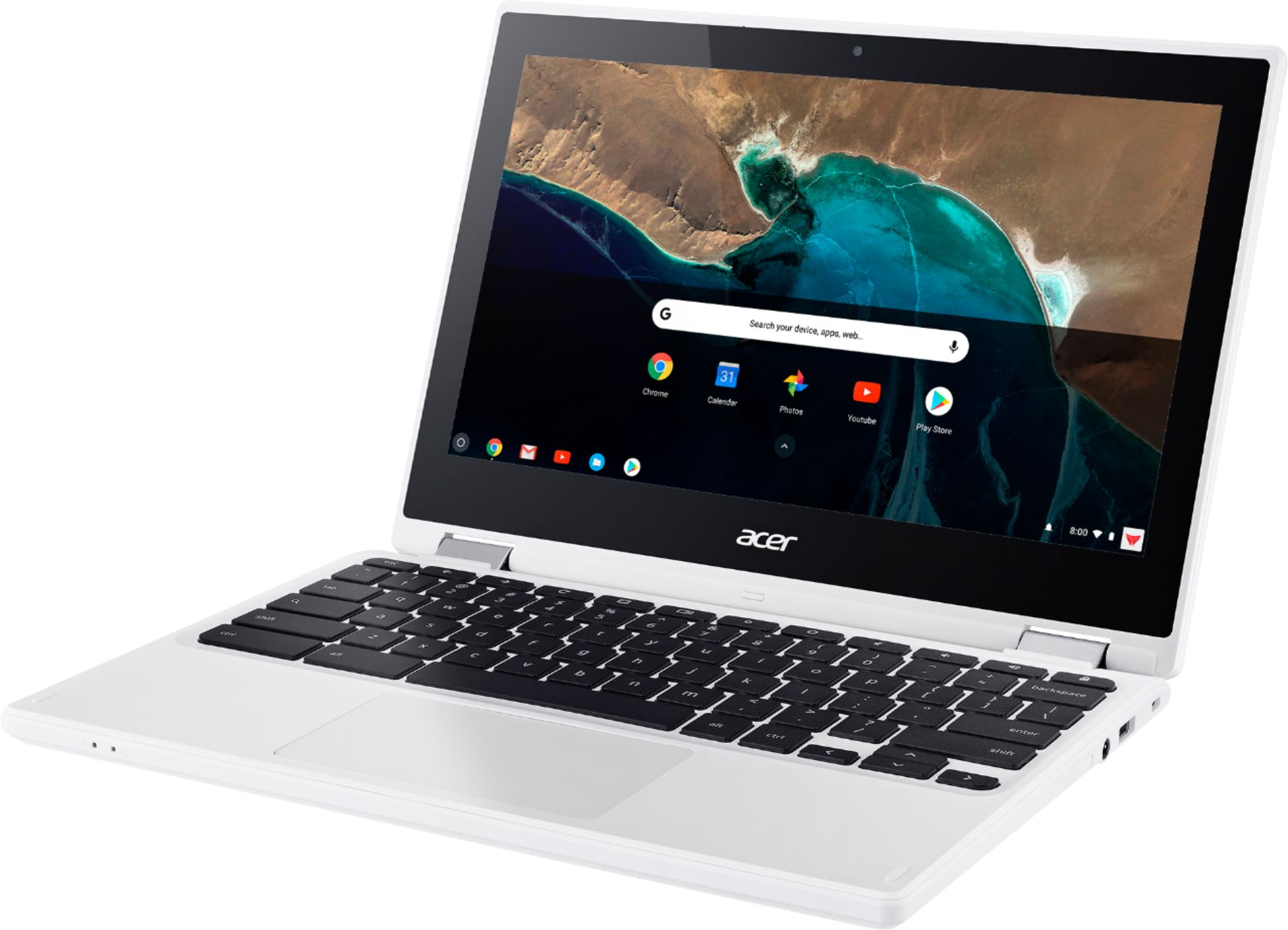

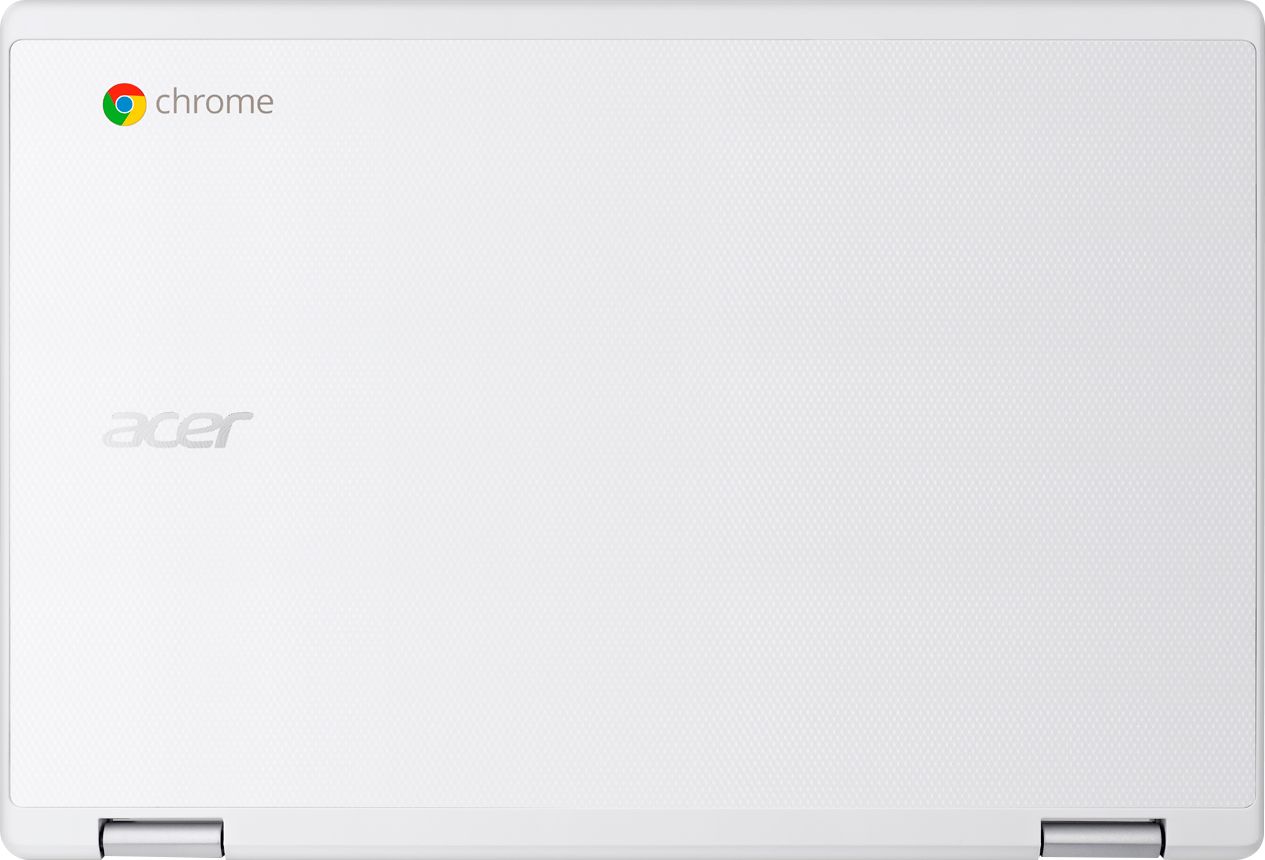






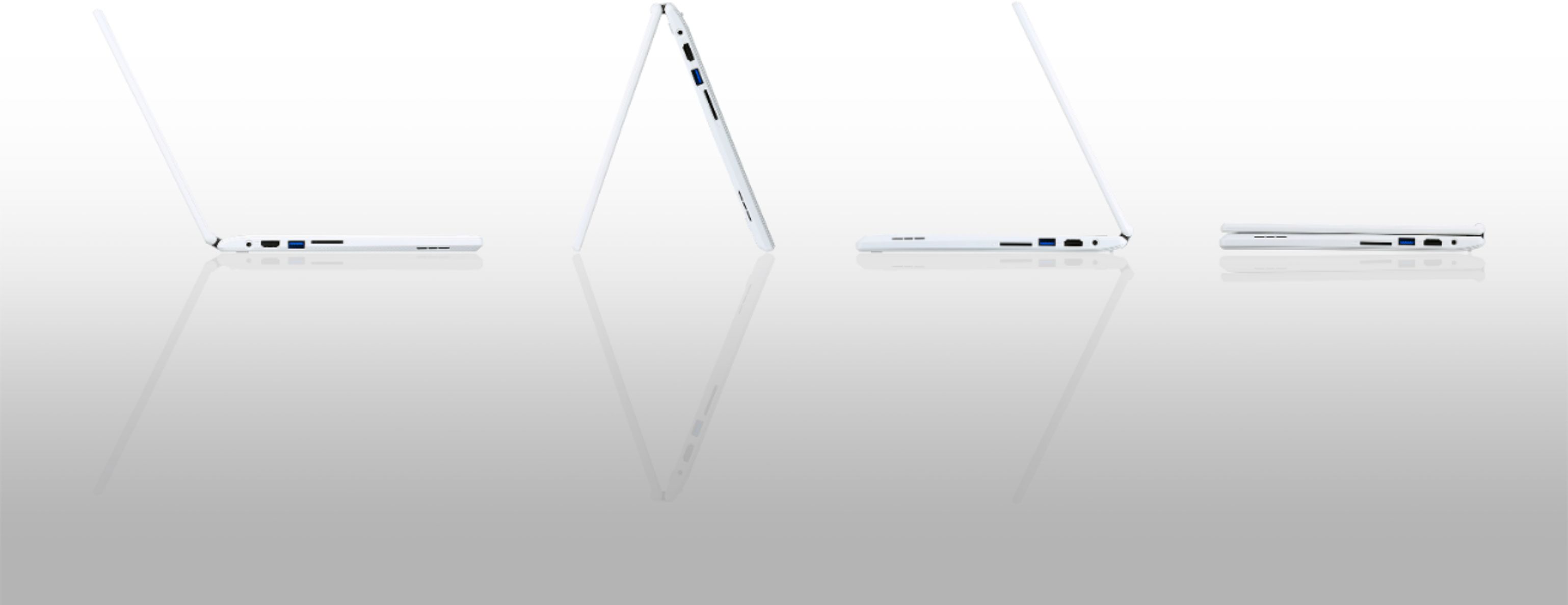


- Model:
- CB5-132T-C8ZW
- SKU:
- 5202900
Rating by feature
- Value
Rating 4.6 out of 5 stars
- Quality
Rating 4.6 out of 5 stars
- Ease of Use
Rating 4.7 out of 5 stars
Customers are saying
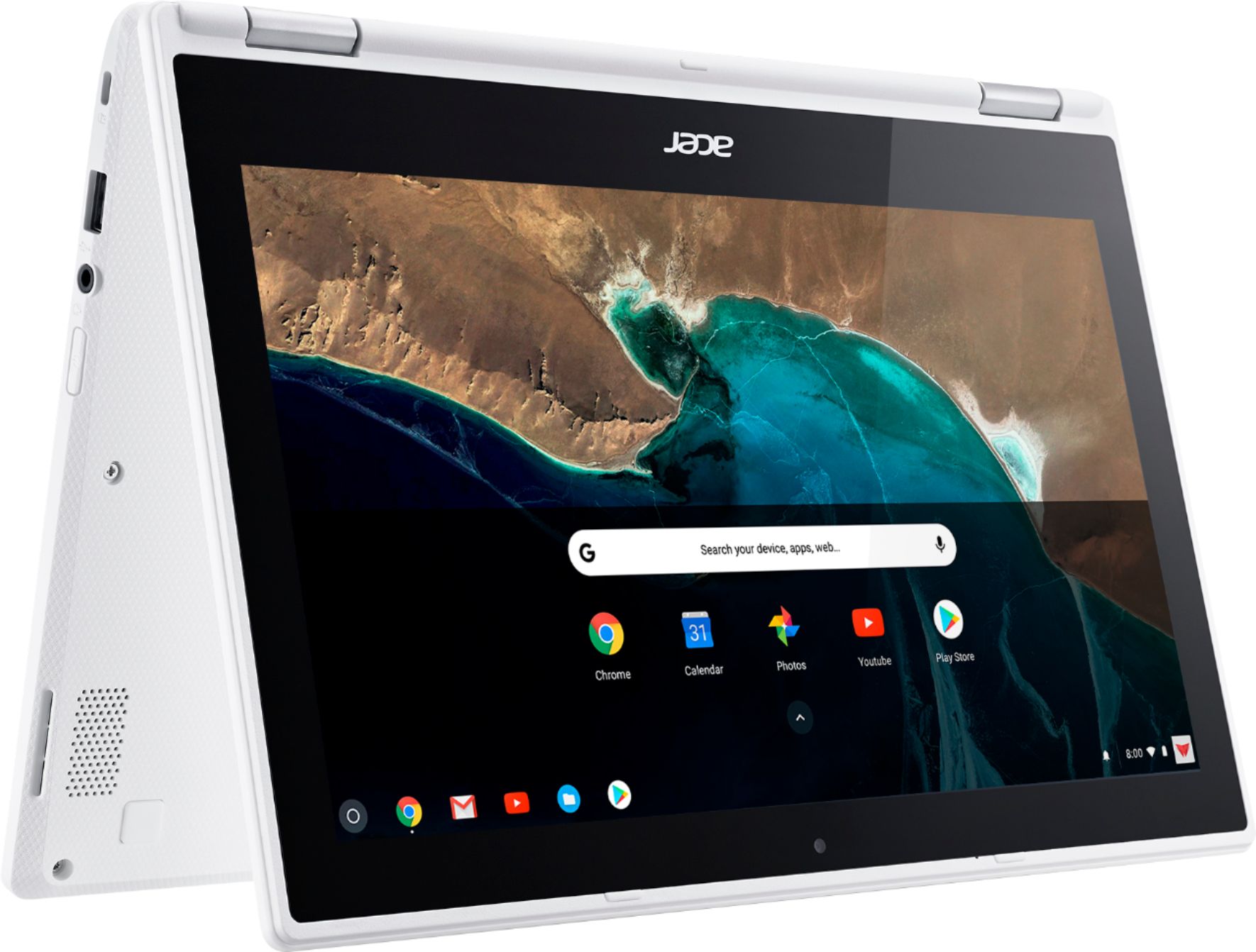
Customers enjoy the R 11 2-in-1 Chromebook's touch screen, ease of use, lightweight design, and long battery life. Many appreciate its size and performance, along with its reasonable price. However, some customers point out limitations in storage and memory capacity. A few users also mention compatibility issues with certain applications.
This summary was generated by AI based on customer reviews.
Would not connect to printer
||Posted .This reviewer received promo considerations or sweepstakes entry for writing a review.Did not wish to have a Chromebook that would not connect to printer.
No, I would not recommend this to a friendBrand response from TeamAcer
Posted .Dear blondflika41,
We are sorry to hear you are unhappy with the printing capability with your Acer Chromebook. Chromebooks require a cloud ready printer; here is a link that has good information that you might find helpful: http://cbookreviewguide.com/chromebook-compatible-printers-cloud-ready/
If this does not resolve your issues and you are located in the US or Canada please fill out this form so that we can assist you:
http://csapps.acer.com/prompt/?key=e4d1ad67833312ff3ed77c532c2c7bd76ba08b76
We appreciate you taking the time to write this review.
Thank you
Acer America
It's broken I am bringing it back
||Posted .This reviewer received promo considerations or sweepstakes entry for writing a review.It crashed already in bringing it back. It's only a few weeks old.
No, I would not recommend this to a friendBrand response from TeamAcer
Posted .Hello Cheryl,
We are sorry to hear your Acer Chromebook did not meet your expectations. This is not the experience we want our customers to have, and we would certainly like to help you get this resolved. Please fill out this form so that we can contact and assist you:
http://csapps.acer.com/prompt/?key=52cbefe2a5c840f7a446b5f37f841978f8d634a2
Thank you,
Acer America
Bought at my granddaughter's request
||Posted .This reviewer received promo considerations or sweepstakes entry for writing a review.This product failed led than a month after receiving it.
No, I would not recommend this to a friendBrand response from TeamAcer
Posted .This is not the experience we want our customers to have. We would like to help you get this resolved. Please fill out this form so that we can assist you:
http://csapps.acer.com/prompt/?key=b5cdb8c502c6d3fd73b5c77c7b9793d45d05acca
NOTE: This is a one-time URL specifically generated for rebeccamat. For others needing assistance, please contact Acer:
http://www.acer.com/ac/en/US/content/service-contact.
Thank you.
- Pros mentioned:Ease of use, Touch screen
Fantastic little machine
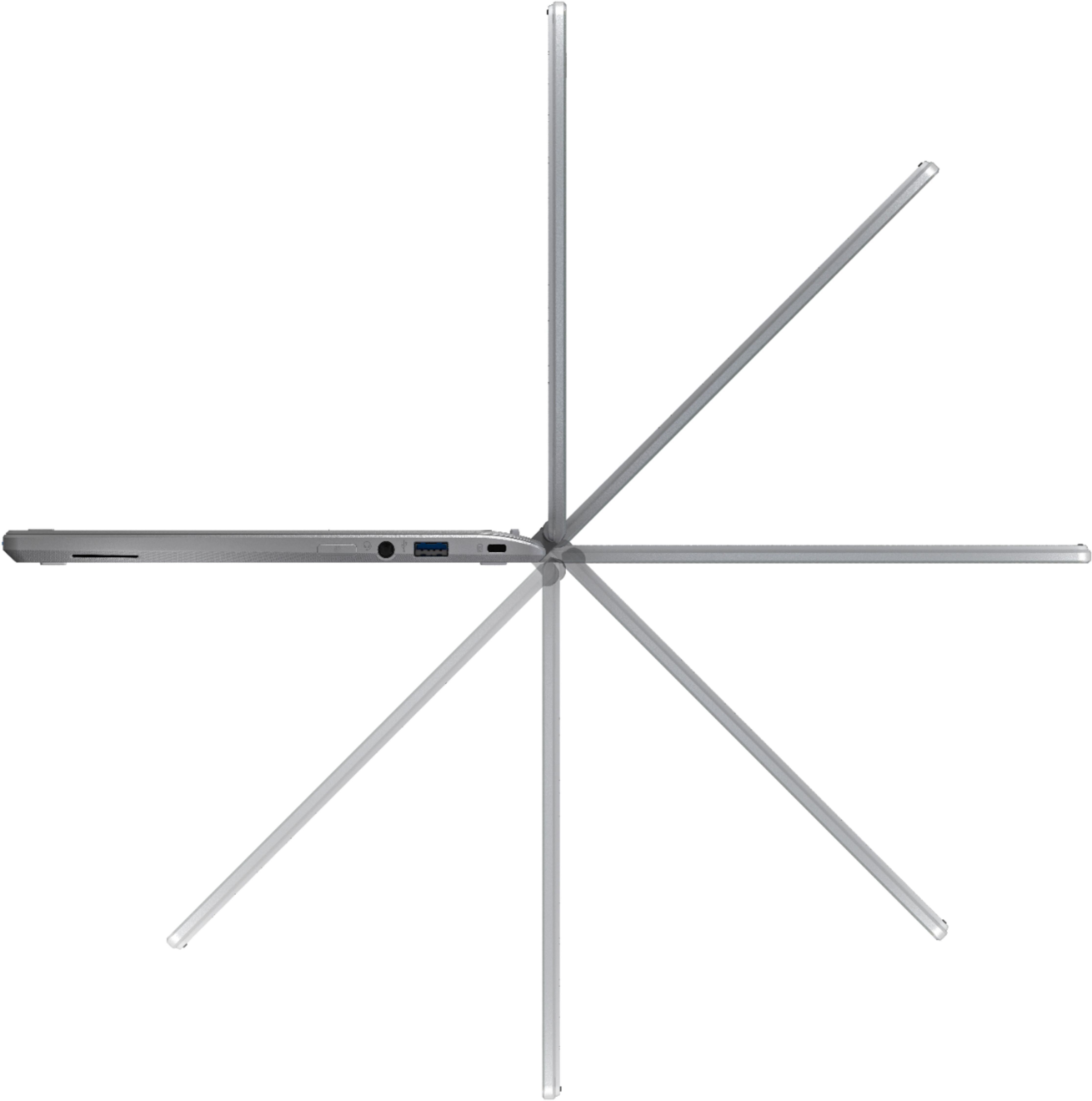
Posted .This reviewer received promo considerations or sweepstakes entry for writing a review.My old Chromebook finally quit on me so I was in the market for a new one. I mostly do things on the internet, stream Chromecast movies to my T.V., and watch T.V. on my machine. I like the safety and security of a Chromebook and I don't want to play around with Windows to do what I need to do. This is the perfect machine for my needs. Make sure you get the 4 GB of Ram for multitasking. The touch screen is great to navigate and pinch to zoom on Facebook and other websites (sorry, the eyes are going) so that I can read things better. If you are like me and you don't need another PC or don't want to deal with those kinds of hassles (slow startup, getting a virus, etc) then this Chromebook is for you. Extremely portable, its just right to travel with. And I'm looking forward to the Android apps that the machine will be able to load. Oh, and it's also well made and can rotate 360 degrees for many viewing options. Doesn't feel cheap at all. For the price, this dynamo can't be beat. Also, in the store where I bought it, there was a Google rep and she showed me a lot of what this Chromebook can do. I was totally sold on the machine after those demo's. Kudos to Best Buy and Acer.
I would recommend this to a friend - Pros mentioned:Touch screen

Difficult rating
|Posted .This reviewer received promo considerations or sweepstakes entry for writing a review.This was very difficult to rate fairly. As someone who has worked on Windows systems for the last 20 years I wanted to try out the Chromebook to see if it was a viable alternative. In my opinion it does not bring enough. Parts of the hardware (the mouse especially) is like a Mac. The software is like using your android phone. There a lot of free apps that you can download, which is nice, but it doesn't pack the power of a Windows operating system. The other issue is that it does not have all the applications that your phone has. Google is supposed to be working on this but, as of now, they are not completely compatible with all play store apps. There are some nice features to the laptop such as the ability to swing the monitor 360 degrees to make it a tablet and the the touch screen. All in all I would recommend this more as a starter PC for children or older adults who may not be ready for the complexities of a Mac or Windows PC. For people who want more and are tech savvy there appears to be an option to run Ubuntu alongside the Chorome software. I won't go into it because it's not fair to rate this laptop off something it is not loaded with and was not meant to be loaded.
No, I would not recommend this to a friend Great for internet surfing and light productivity
|Posted .This reviewer received promo considerations or sweepstakes entry for writing a review.Being my first Chromebook this was a brand new experience for me which made it fun to review. Pros: Lightweight - can use on lap without getting uncomfortable. Good build quality - Case, hinges, keyboard felt sturdy and well built. Pretty good battery life - not sure about the advertised 10 hours but I used in tent mode listening to music all day at work for several days (6-8 hours) and it had around 20% left. Easy to setup - If you already have a Google account like I do all you have to do is sign in and it syncs everything up for you. Cons: Kind of cheap "Plasticy" feel - Even though it seems pretty well built the choice of plastic and texture for the outside makes it feel kind of cheap when holding it. Touchpad - The touchpad was too smooth and sometimes didn't respond well to my input making me have to use the touch screen sometimes to accomplish a cursor move & click Headphone controls don't work - In line mic with controls (e.g. click to pause music) do not work, have to use screen or keyboard. Tablet mode not that touch friendly - I liked the tent mode for watching things but found that many of the chrome OS apps such as mail, docs, files, are not all that friendly for using as a tablet and still geared towards mouse & keyboard input. Chrome Apps - Was not all that excited about how all of the core Chrome apps are just the web versions opened up into new tabs in the Chrome browser. Also, there is not a very good selection of Chrome OS apps in the chrome web store. I was really underwhelmed. I think it will get much better when Google finishes integrating the Play store into the Chrome OS which will open up availability to many more of the Android apps out there but for right now it seems pretty limited. Offline mode for certain functions needs special apps (e.g. gmail) - Some apps like mail require a special app to use if you are offline. Why can't the core gmail app just be smart enough to work connected or disconnected. This is a decent little 2-in-1 if you subscribe to the "cloud" OS always connected model. Great for internet surfing and light productivity work especially if you are all-in with the Google app Eco-system. Don't expect to be as productive as using a traditional laptop computer though, especially when disconnected. Also until the Play store and Android is fully integrated you might be disappointed in what apps are available.
I would recommend this to a friendGreat features, decent performance
|Posted .This reviewer received promo considerations or sweepstakes entry for writing a review.This Chromebook has many attractive features, including the touchscreen with ability to perform as a tablet. This feature will be attractive to many people, particularly since the price point will be less than that for many tablets. The overall performance reflects the lesser price point (lesser price equals lesser performance). The screen resolution, camera resolution, touchpad performance, and so on are "ok" but not great. If you are seeking the functionality of a Chromebook with a full feature set at a decent price, this should be a strong consideration. If you are seeking an "all-singing" and "all-dancing" compute device, you will be looking for a traditional laptop or tablet...
I would recommend this to a friend- Pros mentioned:Touch screen
Good Chromebook for Education
|Posted .This reviewer received promo considerations or sweepstakes entry for writing a review.Chromebooks have obviously been very successful in education due to the low costs, this one is actually really nice considering it has a touch screen and is quite good value for the money. If you're looking for a Chromebook for a student then look no further, this is a good choice.
I would recommend this to a friend - Pros mentioned:Ease of use, Speed
SO HAPPY - Time to Switch
Posted .This reviewer received promo considerations or sweepstakes entry for writing a review.Amazing! I just got it so I don't know for sure it will last a long time but I have a good feeling about it. There's only the features I need which helps it go faster. It's exactly what I needed and I'm am beyond happy I made the switch from PC to Chromebook. The only thing that makes me a little heart-sad is that I can't play Sims 4 on here but honestly that's the only downside. Everything else is spectacular and makes the computer so much easier to navigate. I was already using Chrome on my PC so it wasn't even a difficult transition but I still recommend switching because the Chromebook is way easier and faster.
I would recommend this to a friend - Pros mentioned:Touch screen
Chromebook acerR11
Posted .This reviewer received promo considerations or sweepstakes entry for writing a review.I bought the chromebook 7 years ago from best buy works great no problems at all it also is touchscreen
I would recommend this to a friend This thing is awesome!
Posted .This reviewer received promo considerations or sweepstakes entry for writing a review.I was going into college, and I needed a laptop for classes. I needed to go for a cheaper one. After some research, I chose this one. I was a little nervous that it would not keep up, but I was wrong. This laptop is awesome. It has had no problems so far. I would highly recommend especially with the price.
I would recommend this to a friend- Pros mentioned:Touch screen
Good Chromebook for Kids
Posted .This reviewer received promo considerations or sweepstakes entry for writing a review.I purchased this Chromebook for my 8 years kid for his Math/Reading practice. He enjoyed all the 4 modes and touch screen. This is the best for the cost I got.
I would recommend this to a friend - Pros mentioned:Touch screen
Just what I needed!!
Posted .This reviewer received promo considerations or sweepstakes entry for writing a review.I originally went to buy the Samsung chromebook, but they were all sold out. This Acer 2 in 1 was left. I went back and forth on rather or not I would just let them order it for me or just get the Acer. I decided to just get the Acer and I am very happy I did. The display shows really good and the touchscreen functionality works well. I read a few reviews that said something about the chromebook not having a caps lock....you activate the caps lock by pressing the "alt" key then the "search" key....just thought I would share that...
I would recommend this to a friend - Pros mentioned:Weight
Affordable technology
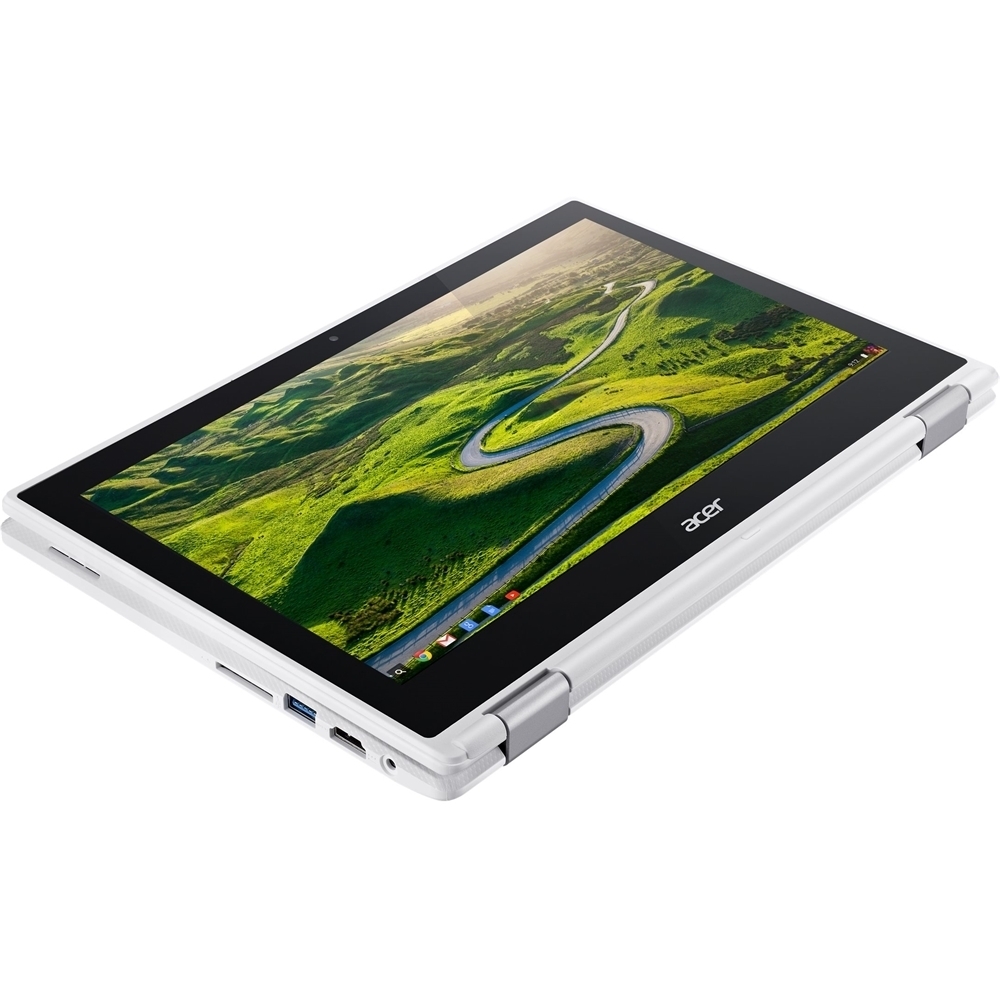
Posted .This reviewer received promo considerations or sweepstakes entry for writing a review.The Acer R11 Chromebook is a foldable convertible model. Has a IPS display and decent performance for the $$. This is my third Chromebook and the best one. Really like 2.76 lbs and the Gr8 webcam. Tested all ports, SD card slot and went on the Beta channel so I can use the emoji button flag. Haven't tried the full size HDMI yet.
I would recommend this to a friend Average Chromebook for an average price
|Posted .This reviewer received promo considerations or sweepstakes entry for writing a review.This is our family's first Chromebook. I don't have a google account, but my kids have school-created accounts. We went ahead and created a "dummy" Google account for them to use on this Chromebook because we didn't want to use their school accounts. Anyway, for basic, minimal needs, this Chromebook will work fine. We were able to go through login, setup, etc. without a problem and were up and running in no time. I don't want to rehash what others have said here already, that the performance is mediocre, the screen is mediocre, the bezel is large, the trackpad is flaky, etc. Those are all true and valid points. I didn't read through all of the reviews here, but there is definitely one thing I want to mention - the power cord plugs into the Chromebook very loosely. I don't know if this is a quality control issue just with our unit or a design flaw, but you don't get the satisfying "click" when you plug the power cord into the left side of the Chromebook. It just loosely dangles and seems to lose connection with any slight nudging of the Chromebook. A minor annoyance, but an annoyance nonetheless. I don't know much about the Chromebook space so it's difficult for me to recommend this product over another at a similar price point. I suggest you do your research, read the reviews and play around with the display models at the store before making your decision.
No, I would not recommend this to a friend- Pros mentioned:Speed
Great little Cromebook
Posted .This reviewer received promo considerations or sweepstakes entry for writing a review.The is our second Acer Chromebook and so far it does everything they say it will do, The Android apps are great and the speed is fine but we don't game on it, it may not be fast enough for heavy gaming. When first starting to use it be sure and download the most resent updates before you do anything else, and remember it's a Chromebook not a bloated Windows machine so the feel and operation is different and you will have to download the apps you want. The 16gb memory works for us because I use a SD card to store all my photos and documents on and it's internal so nothing is hanging out the side of the machine. The only drawback is it will not Bluetooth to my phone just like my last Chromebook.
I would recommend this to a friend - Pros mentioned:Speed
Great product for the price!
Posted .This reviewer received promo considerations or sweepstakes entry for writing a review.This computer is for lite use, the camera isn't great, the sound isn't great but it runs pretty fast. If you have a subscription of Microsoft word already you can download the app and still use it. I will say some apps that would work on android doesn't work well on this computer. The Netflix and the Hulu apps work fine. If you want to surf the net and watch videos this is the computer for you. I had it for about a year now and it's pretty good. I hope this helps.
I would recommend this to a friend - Pros mentioned:Speed
An inexpensive laptop that doesn't dissapoint
Posted .This reviewer received promo considerations or sweepstakes entry for writing a review.I purchased this laptop to go back to school. I didn't need a top of the line machine to take the courses I need. I also own a Pixelbook. The R11 is a worthy competitor for the price. It does not have the bells and whistles of the Google offering(pen support,backlit keyboard), but it more than keeps up with it. It is reasonably fast and responsive. I have been able to surf the web, work on school documents and watch videos with no lag. I can easily recommend this chromebook to anyone not needing to do any processor intensive tasks. I am not a gamer, so I have no idea how this would handle the available Android Play Store offerings.
I would recommend this to a friend - Pros mentioned:Weight
seems like a contender
Posted .This reviewer received promo considerations or sweepstakes entry for writing a review.i bought this for my daughter a couple of weeks ago since we both are in school and fighting over the one laptop. both of us have used it and it seems to do the job very well. she has made some of the apps available off-line and is aware that some items need to be saved or printed so they can be viewed when she is not connected. the product itself is very attractive, nice screen and sound and i just love the lightness of this chromebook. keyboard takes some getting used to as the keys are a tighter space but that is workable. my daughter really likes it.
I would recommend this to a friend Mac & Windows user impressed by this Chromebook!
Posted .This reviewer received promo considerations or sweepstakes entry for writing a review.I was browsing a Best Buy store when I came across the Chomebook table. I was a bit skeptical because I thought the only things you can do on a Chromebook are Google docs and Gmail. Boy was I wrong. This device runs Chrome OS which allows you to customize your device and download apps from the Google Play store. I wanted a laptop just for basic browsing and email anyway; this device fit the bill and the price was right too! ($229 after sale and education discount). If you are familiar with Windows, the OS is very similar, and if you use your Google account with the Google Chrome browser on your Mac or PC, your bookmarks will transfer over during setup of the Chromebook. Also I am very impressed by the build quality. It seems sturdier than much more "high end" laptops, and the keyboard and touch screen look and work great. You can even remap the modifier keys (esc, shift, ctrl, etc.) to your liking and enable tap-to-click and tap-to-drag. The Help menu will show you keyboard shortcuts you can use to make your life easier - for example, ALT+backspace will act as a delete key. You can also choose whether to have the function keys act as function keys or as adjustments to brightness, sound, etc. Not to mention the startup is fast and the wi-fi is fast! The sound is a little tinny but less so than I was expecting and totally acceptable for Spotify and watching shows! So far, my only gripes are that 1) to my knowledge you cannot disable the touch screen (what if some day it starts pressing things on its own due to a hardware failure?) and 2) when in tablet mode there doesn't seem to be a way to have more than one app open side by side. For my scenario this isn't a huge deal since I wanted a laptop first and foremost, but hopefully Acer/Google can address this in a future software update.
I would recommend this to a friend