Customer Ratings & Reviews
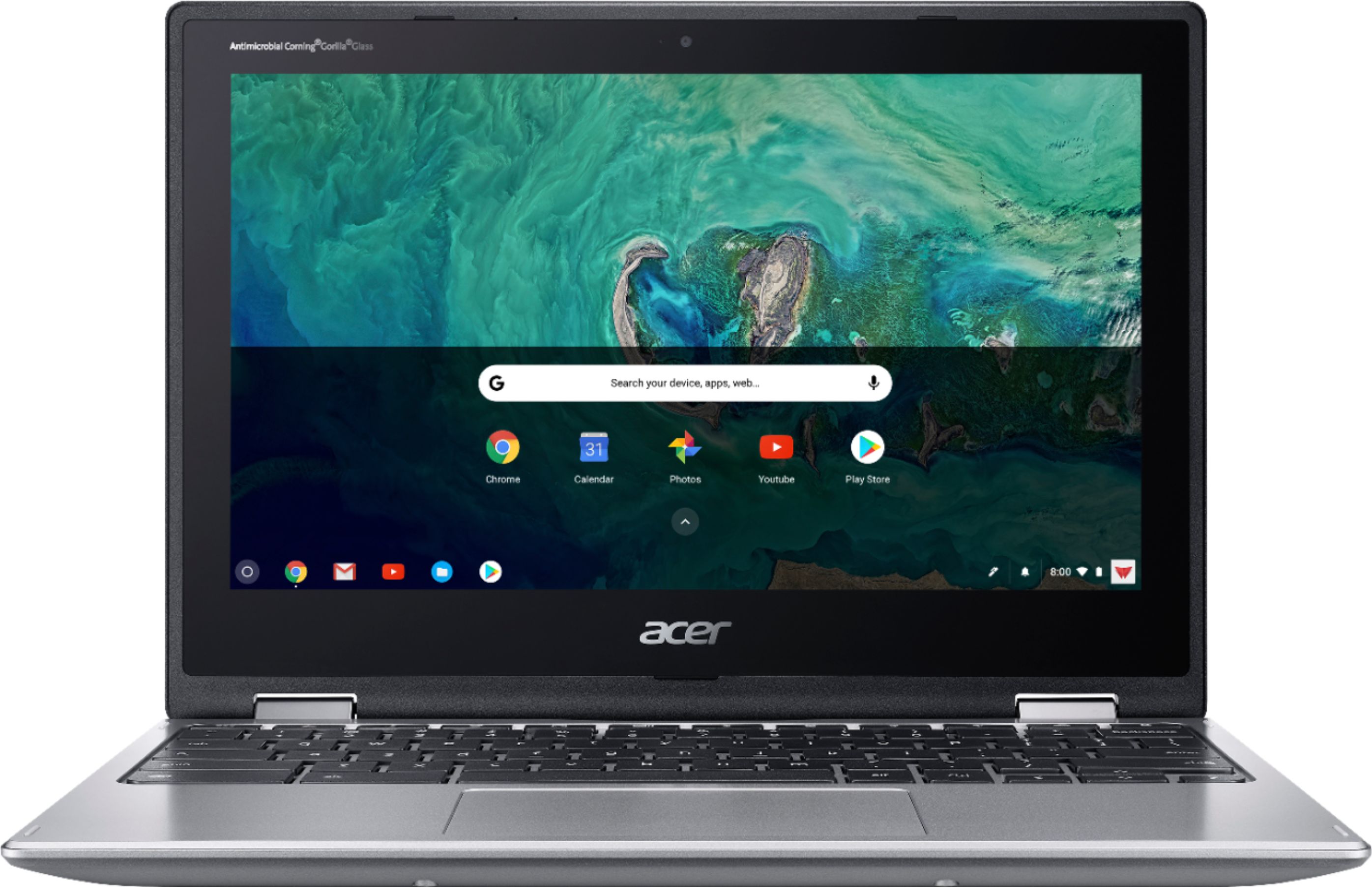

- Model:
- CP311-1HN-C2DV
- SKU:
- 6211731
Rating by feature
- Value
Rating 4.5 out of 5 stars
- Quality
Rating 4.5 out of 5 stars
- Ease of Use
Rating 4.6 out of 5 stars
Customers are saying
Customers recognize the Spin 11 Chromebook's ease of use and touchscreen as significant advantages, frequently citing positive experiences with both features. Its lightweight design and compact size are also frequently praised. While some users mention storage limitations, many appreciate the device's performance and battery life for its price point.
This summary was generated by AI based on customer reviews.
Great for schoolwork for young children.
||Posted .This reviewer received promo considerations or sweepstakes entry for writing a review.It's an excellent tablet used for doing schoolwork.
I would recommend this to a friendlove it
||Posted .This reviewer received promo considerations or sweepstakes entry for writing a review.my sales person was great he really knew his stuff
I would recommend this to a friendCracked Screen
||Posted . Owned for 3 weeks when reviewed.This reviewer received promo considerations or sweepstakes entry for writing a review.Bought this for my Sophomore in High School. The screen was cracked within a few weeks. Buy the warranty (directly from Lenovo, not Best Buy) and make sure to get a case. Overall, it's a great laptop.
I would recommend this to a friend- Pros mentioned:Performance

A really solid performer
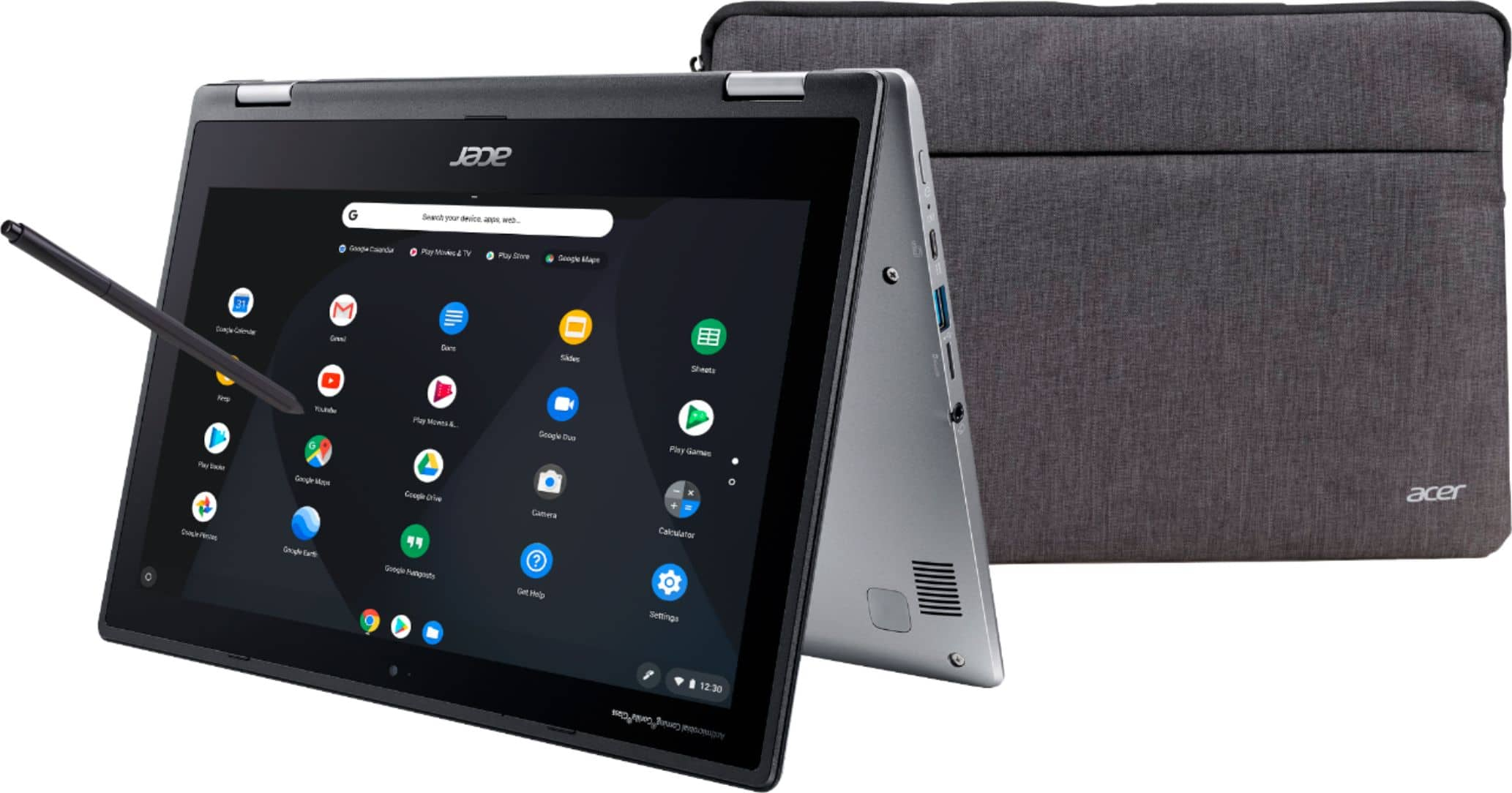
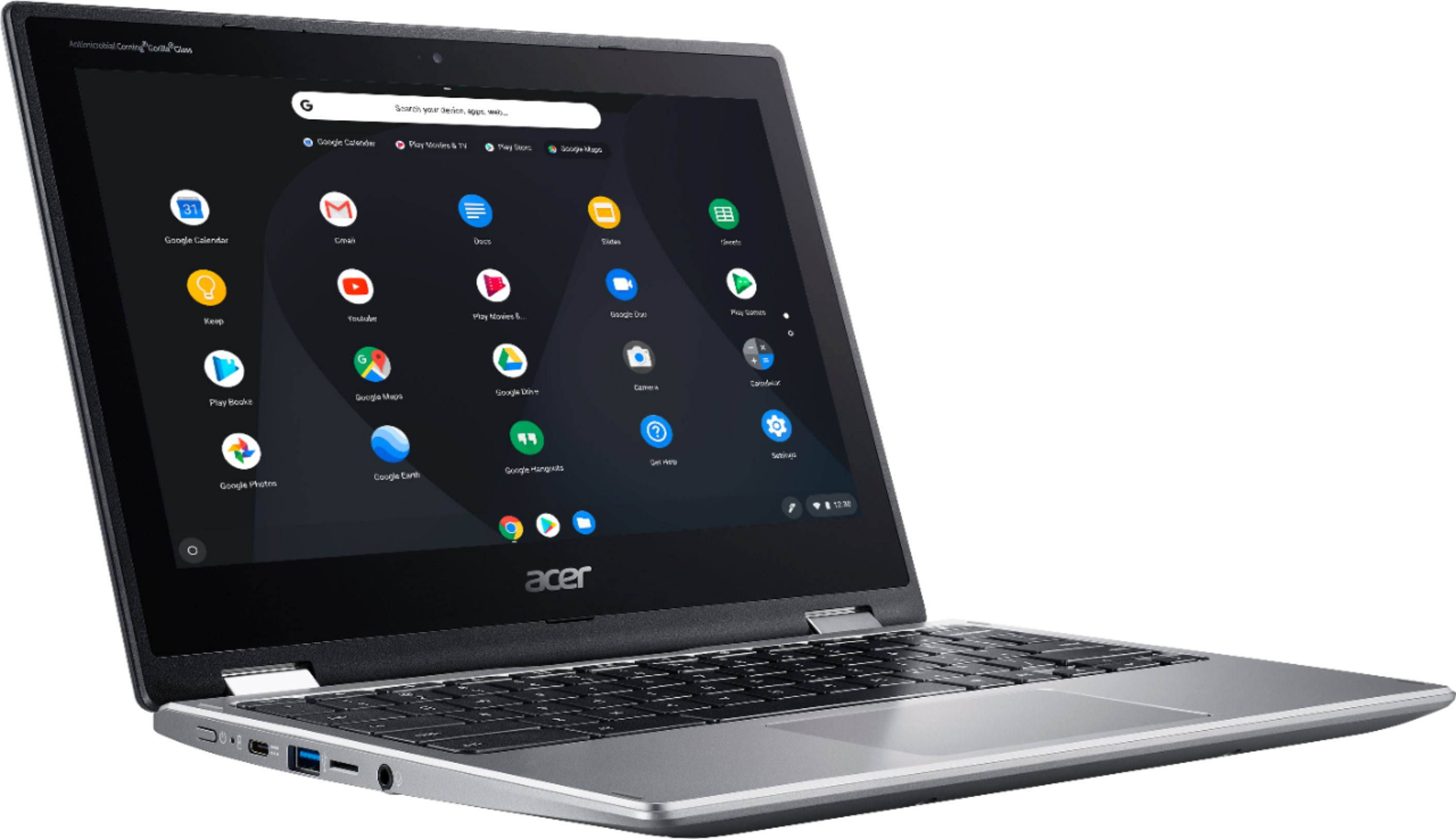
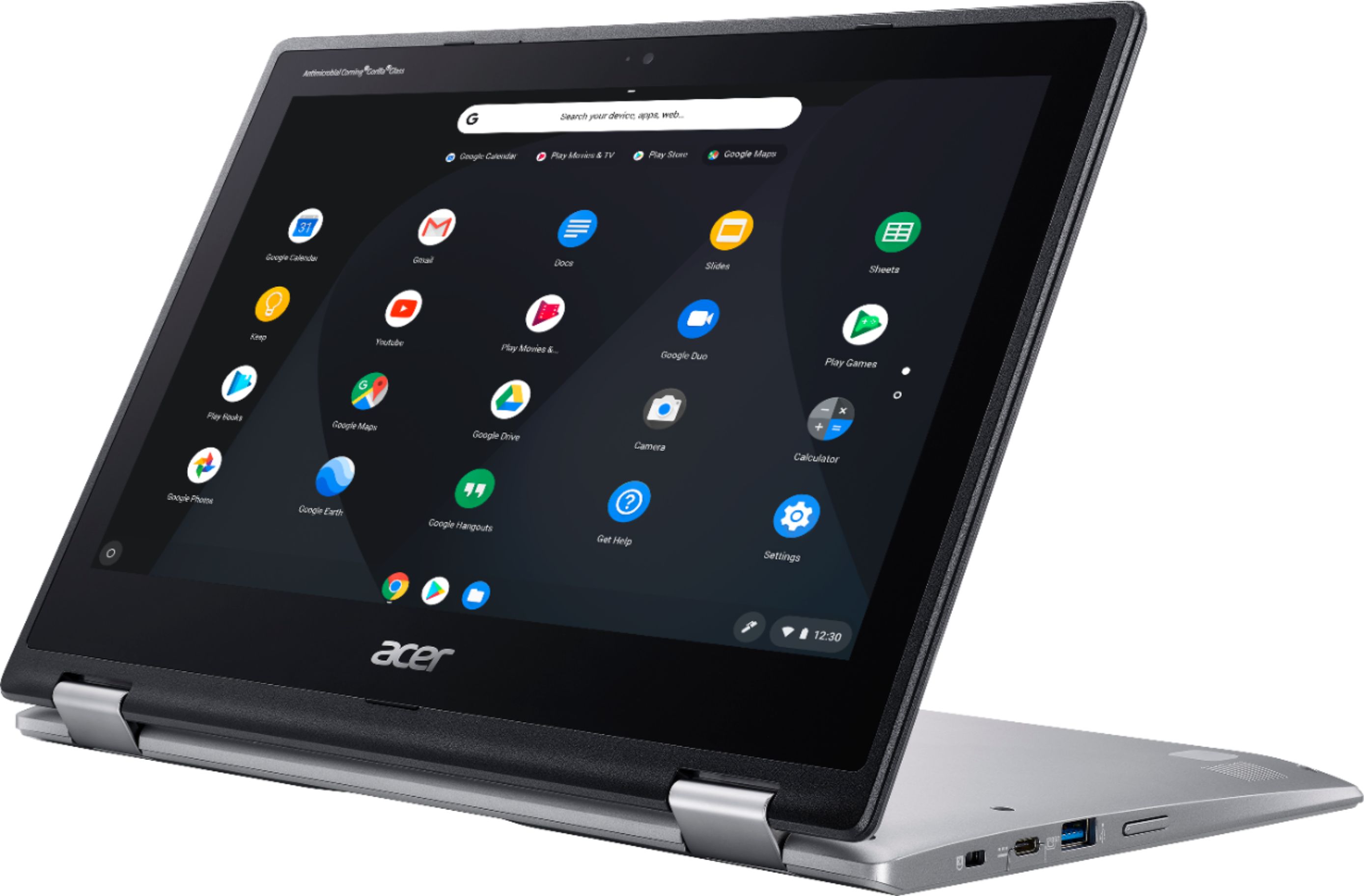
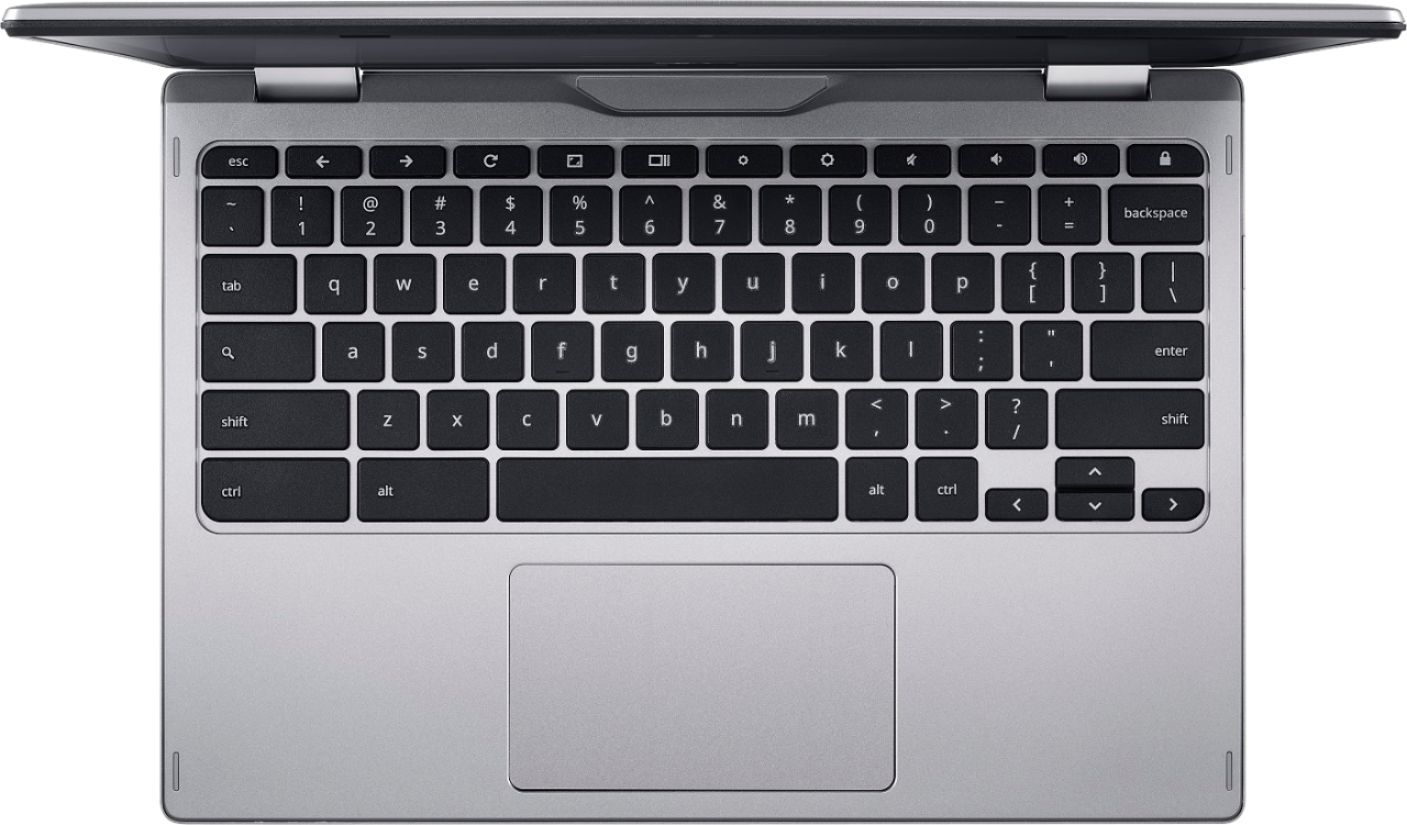
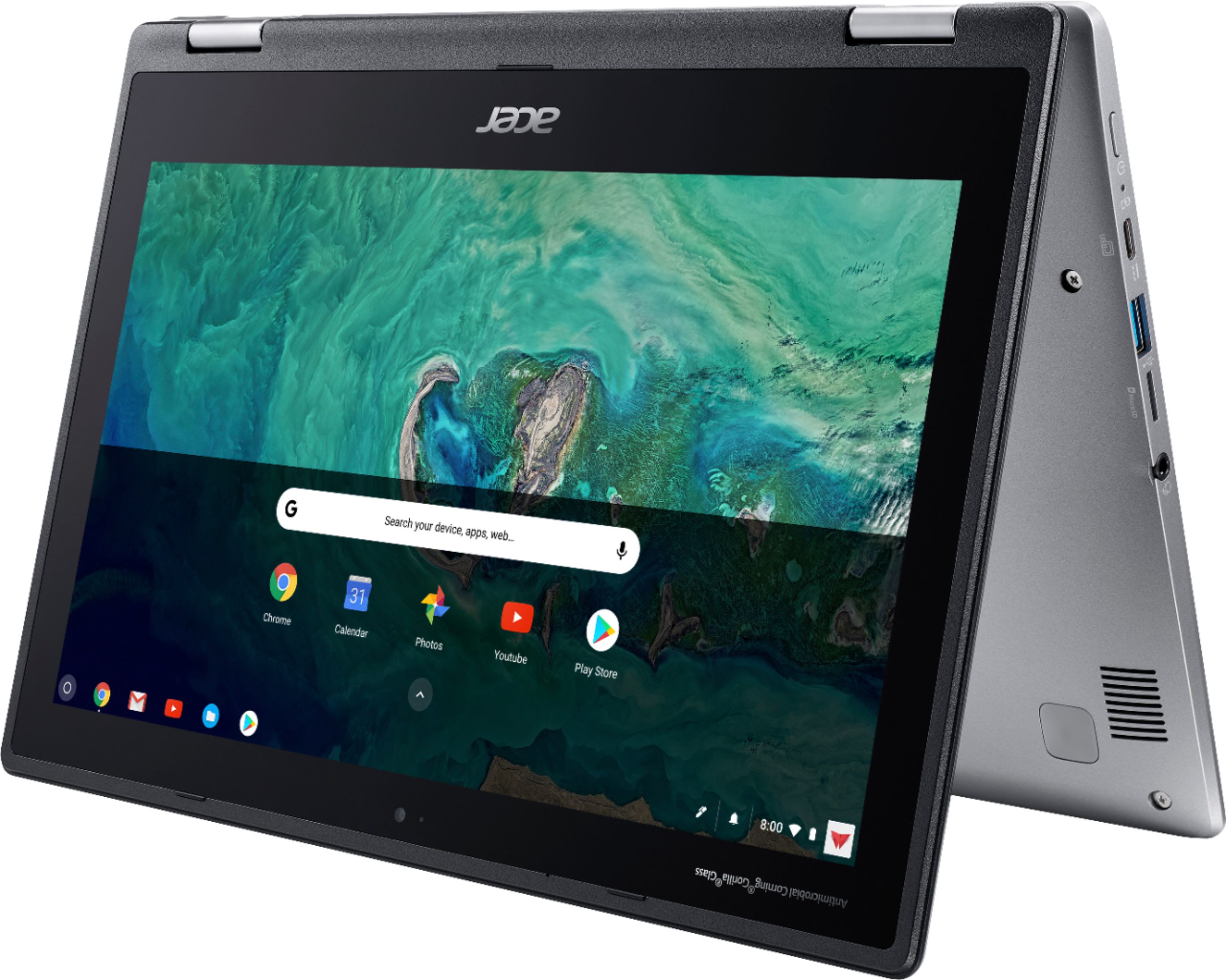
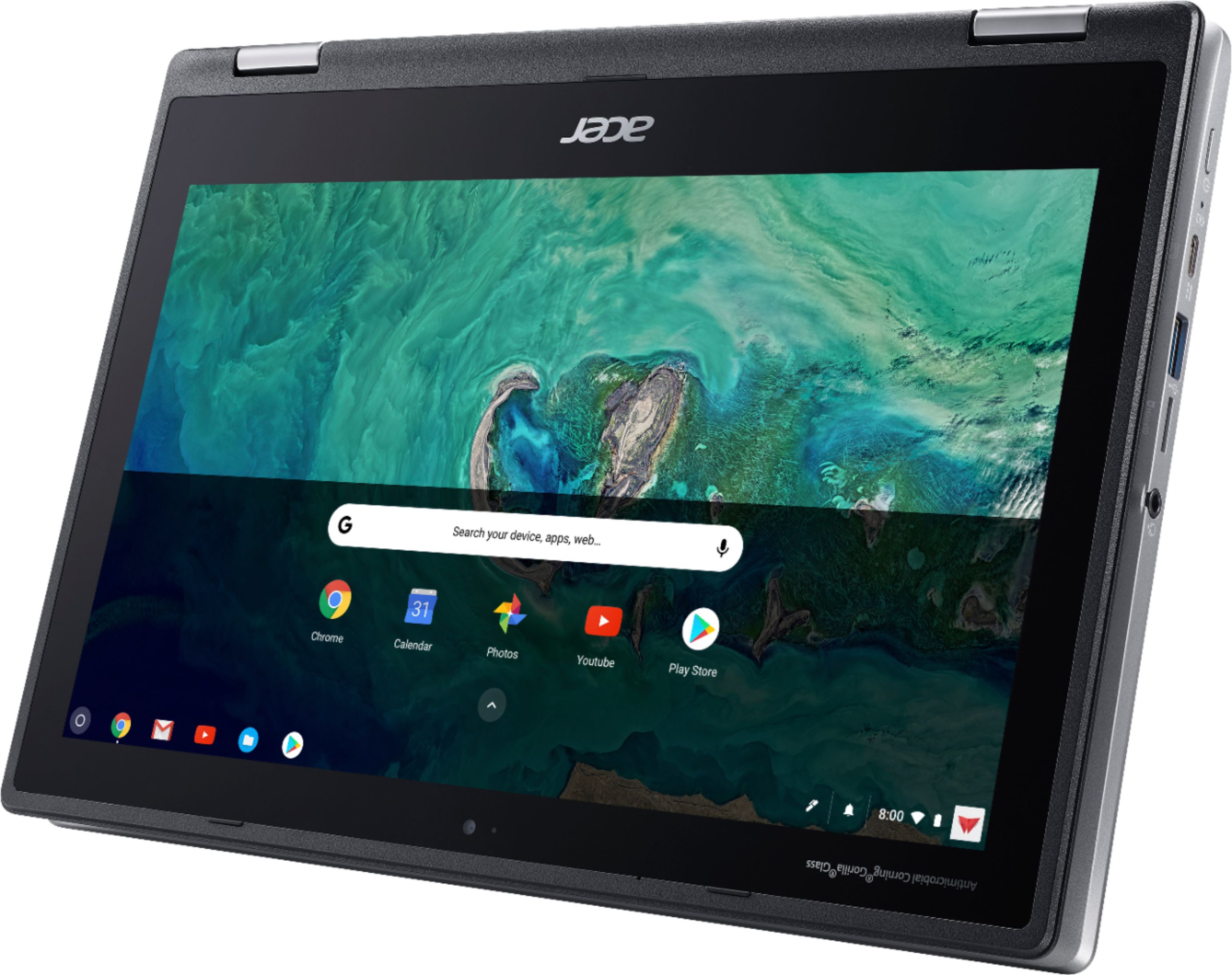
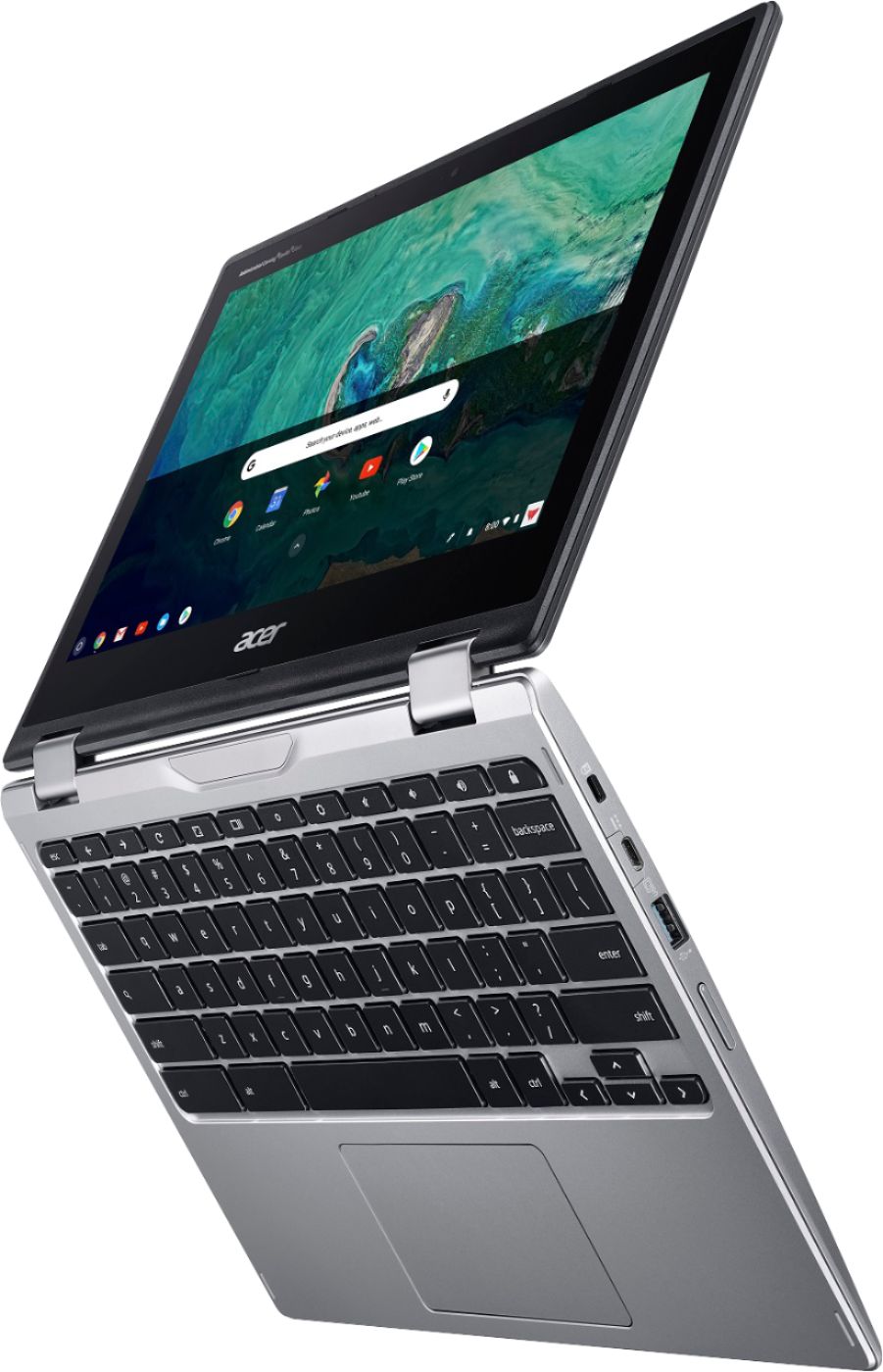
|Posted .This reviewer received promo considerations or sweepstakes entry for writing a review.I ‘ve had the Acer Chromebook for a short time now, and it seemed like a good fit since I standardized on the Chrome browser a number of years back. I wasn’t sure if the Chromebook would meet my needs, but so far I’m really upbeat about this unit. It seems like a really solid, quality product. This unit comes with 4gb of memory and 32gb of solid state storage. Some of the 32gb is dedicated to the operating system, and as expected, every app you install deducts from the available space. A quick review of storage shows that I’m down to 24gb of space. Considering that I’ve installed about 4gb of apps, that suggests that about 4gb of the original 32gb is dedicated to the operating system. Of all the apps I've installed from the Google Play Store, thus far I haven’t found any app compatibility problems. Color me really impressed! I've always used Microsoft’s Word and Excel products for work and personal use. Fortunately, the Google Play Store has versions compatible with the Acer Chromebook. With Word and Excel now installed, as well as Google’s own Docs and Sheets apps and a long list of apps, I am now fully productive. Performance on this unit is top-notch. I haven’t seen any lag at all, which was one of my initial concerns. It’s true that I haven’t tried running any CPU or disk intensive apps, but I never intended to do so. The keyboard is very responsive, although I would have preferred one that was back-lit for when I’m working in low-light environments. The hinges connecting the screen to the keyboard allow you to fold the Acer backwards so that back-side of the display and keyboard are touching allowing the Acer to work like a screen-only tablet. Or leave a gap between the two back-sides - which permits the display to stand upright like it has a back-stand. While in tablet mode, it offers a display-based virtual keyboard. You can use the Pen or your finger to type using a hunt-and-peck approach, or you can use the Swype approach. Swype is my favorite way of entering text on virtual keyboards. If you're unfamiliar with this method, let’s assume you’re typing the word HELP. With Swype, touch the ‘H’ letter on the virtual keyboard, and without lifting your finger (or Pen) off the screen, slide your finger or Pen to the ‘E’, then the ‘L’, and finally the ‘P’. Then lift your finger or Pen from the screen. It should have typed out the word “HELP.” [Thought I’d share!] Most of my efforts have been spent getting used to the Pen. While it works fine, I’m not accustomed to using one. It definitely adds flexibility to selecting items and entering/changing text. I’ve been using it extensively with the virtual keyboard as Swype, the Pen and virtual keyboard get along real well together. I’m using Google Drive cloud storage for most of my storage needs, although I did plug a USB flash drive into one of the USB ports to test that out. Worked like a charm! The 32gb that comes with the unit is a good starter amount, although that space will quickly disappear if music, photos, or other space-consuming items are stored locally. So using Cloud storage for greater storage capacity is essential. Or you can use other solutions, like a USB flash drive or an external USB disk drive for additional storage. Syncing the Acer wirelessly to my home network was a breeze. A few clicks here and there, plus logging into my Google account, and I was browsing the internet in no time. I wanted to see if it would work with Wi-Fi turned off, so I used USB 3.0 Gigabit Ethernet Connector plugged into one of the USB ports. It too worked seamlessly. That’s all I have for now. All in all, I’m very happy with the unit.
I would recommend this to a friend Really basic but gets the job done
||Posted . Owned for 11 months when reviewed.This reviewer received promo considerations or sweepstakes entry for writing a review.Considering how inexpensive it is, this does the job, but absolutely nothing more. The web browsing, in particular, is really barebones
No, I would not recommend this to a friendGood for media while traveling. Unreliable WiFi
||Posted . Owned for 8 months when reviewed.This reviewer received promo considerations or sweepstakes entry for writing a review.I was disappointed with the WiFi connectivity with this. I initially bought it for traveling, but ended up having to use it for Zoom calls when the pandemic hit because my main computer's webcam was damaged. It was very unreliable and disconnected from the WiFi several times within one Zoom call. I'm very disappointed and may only use this for pre-downloaded media while traveling, which basically makes it no better than a tablet.
No, I would not recommend this to a friendBrand response from TeamAcer
Posted .Hello Kevin,
We are sorry to hear you are having wifi issues with your Acer Spin Chromebook. This is not the experience we want our customers to have, and we want to work with you to see how we can help improve this experience. If you are located in the US or Canada, please fill out this form so that we can assist you:
http://csapps.acer.com/prompt/?key=aa4f1e2f1f074405d7c11ea2f86a9cdfa73c0f31
We appreciate you taking the time to write this review.
Regards,
Acer America
Acer
||Posted . Owned for 1.5 years when reviewed.This reviewer received promo considerations or sweepstakes entry for writing a review.This was a really good product for my needs, but after 1 and half years just stopped working.
No, I would not recommend this to a friendkinda ok but not for me
||Posted . Owned for 1 week when reviewed.This reviewer received promo considerations or sweepstakes entry for writing a review.great for people who want only games they can get on their phones but bad for people that want to download pc games most pc gmes does not support chrome OS so its hard. and it dosent come with ooffice theres hardly any word apps for you to get as to everything is not supported on the Chrome OS. would return but my baby destroyed the box so im stuck with it but i do not like it..
No, I would not recommend this to a friendBrand response from TeamAcer
Posted .Dear Jazz,
Sorry you are unhappy with your Acer Chromebook. Chromebooks are different from standard laptop products in that they are designed to be used primarily while connected to the Internet, with most applications and documents living in the cloud. Because of this they don’t have much for on board storage but they also are not expensive either. If you need to use third party software applications that must be installed on the computer, a Chromebook is likely not for you, where a Windows laptop would suit you better.
If you have any questions or need help with your Chromebook, feel free to contact our support team for assistance. We appreciate you taking the time to write this review.
Regards,
Acer America
Great price
||Posted .This reviewer received promo considerations or sweepstakes entry for writing a review.Needed help with the I Cloud but Mark, the Google rep never heard of it and didn't get back to me via phone
No, I would not recommend this to a friendBought 3 and all have stopped working
||Posted .This reviewer received promo considerations or sweepstakes entry for writing a review.I bought 3 of these chromebooks in July because my kids’ school now requires such a device. The first one stopped working within 30 days and had to be returned for repairs. That same chromebook stopped working again in November and once again had to be returned. And now, within the last couple of months, the other 2 have stopped working. It all appears to be the same issue on all 3 - the device stops charging and also can’t be used when it’s plugged in. This appears to be a similar issue as noted in many of the other negative reviews. I have lost any confidence in Acer and will never buy any of their products again.
No, I would not recommend this to a friendBrand response from TeamAcer
Posted .Dear Matt,
We are sorry to hear you are unhappy with your Acer Spin 11 Chromebooks, and we understand this is frustrating for you. This is not the experience we want our customers to have, and we want to work with you to see how we can help improve this experience. If you are located in the US or Canada, please fill out this form so that we can assist you:
http://csapps.acer.com/prompt/?key=40eda489eb0a0fa5174468fcbcd93d288bba2427
We appreciate you taking the time to write this review.
Regards,
Acer America
Not a Best Buy
||Posted . Owned for 1.5 years when reviewed.This reviewer received promo considerations or sweepstakes entry for writing a review.I returned the product after 2 weeks of use as I found a better deal with a Samsung Chromebook
No, I would not recommend this to a friendGift
||Posted . Owned for 3 weeks when reviewed.This reviewer received promo considerations or sweepstakes entry for writing a review.This item was a gift in which the recipient do not like it. If I could return it I would.
No, I would not recommend this to a friendFails after a year
||Posted . Owned for 1.5 years when reviewed.This reviewer received promo considerations or sweepstakes entry for writing a review.I purchased this device about 16 months ago and now it won't charge. When you plug it in, it makes a whining noise and will sometimes power up but never charge. I will not purchase Acer devices in the future. It just seems that it fails after the warranty runs out. I have read that this is a common issue from what I can tell.
No, I would not recommend this to a friendBrand response from TeamAcer
Posted .Dear Edubness,
We are sorry to hear you are having charging issues with your Acer Spin 11 laptop. This is not the experience we want our customers to have and we would like to help you get this resolved. If you are located in the US or Canada, please fill out this form so that we can assist you:
http://csapps.acer.com/prompt/?key=84e29d1e500105589b87dd40871a1e0c1175c594
We appreciate you taking the time to write this review.
Regards,
Acer America
It's ok just a little slow
||Posted . Owned for 4 months when reviewed.This reviewer received promo considerations or sweepstakes entry for writing a review.Got it for my husband but it's a little slow so he gave it to are 7 year old daughter.
No, I would not recommend this to a friendOk Chromebook
||Posted . Owned for 3 weeks when reviewed.This reviewer received promo considerations or sweepstakes entry for writing a review.Needed classdojo app for kids but All google play store apps are not available
I would recommend this to a friendreally nice look, but slowly...
||Posted . Owned for 3 weeks when reviewed.This reviewer received promo considerations or sweepstakes entry for writing a review.really nice look, but slowly for my needs. chromebook is a great idea.
I would recommend this to a friendDid not last
||Posted . Owned for more than 2 years when reviewed.This reviewer received promo considerations or sweepstakes entry for writing a review.Worked good, but died after 2 years. That's disappointing.
No, I would not recommend this to a friendThe laptop is ok
||Posted . Owned for 1 month when reviewed.This reviewer received promo considerations or sweepstakes entry for writing a review.The laptop is ok, could be better for this price. Not great.
No, I would not recommend this to a friendA disposable, short-life device
||Posted . Owned for 1.5 years when reviewed.This reviewer received promo considerations or sweepstakes entry for writing a review.I purchased this device just 18 months ago and now it won't even power on at all. I will not purchase Acer devices in the future. And I will probably go to Microcenter instead of Best Buy for future computer device purchases for our family, so that we have better quality choices.
No, I would not recommend this to a friendBrand response from TeamAcer
Posted .Dear TxMom,
We are sorry to hear your Acer Spin Chromebook is no longer powering on, and we understand this is frustrating. This is not the experience we want our customers to have and we would like to help you get this resolved. If you are located in the US or Canada, please fill out this form so that we can assist you:
http://csapps.acer.com/prompt/?key=d929a173afe483c7512cd32bf26dc86f30ec8abe
We appreciate you taking the time to write this review.
Regards,
Acer America
Eh
||Posted . Owned for 1 month when reviewed.This reviewer received promo considerations or sweepstakes entry for writing a review.It's a great laptop if you are looking for something basic.
I would recommend this to a friend