Customer Ratings & Reviews
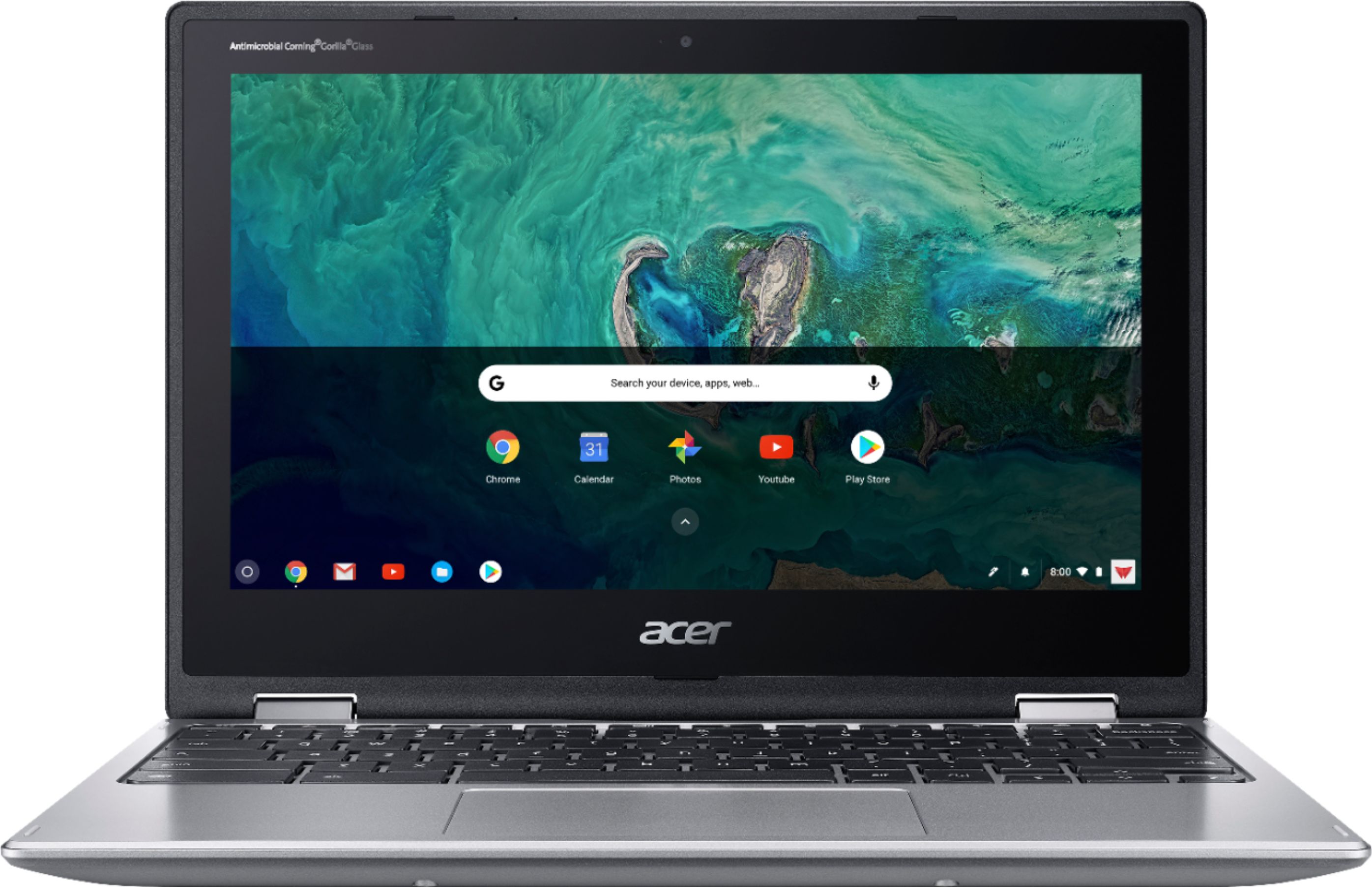

- Model:
- CP311-1HN-C2DV
- SKU:
- 6211731
Rating by feature
- Value
Rating 4.5 out of 5 stars
- Quality
Rating 4.5 out of 5 stars
- Ease of Use
Rating 4.6 out of 5 stars
Customers are saying
Customers recognize the Spin 11 Chromebook's ease of use and touchscreen as significant advantages, frequently citing positive experiences with both features. Its lightweight design and compact size are also frequently praised. While some users mention storage limitations, many appreciate the device's performance and battery life for its price point.
This summary was generated by AI based on customer reviews.
Great
||Posted .This reviewer received promo considerations or sweepstakes entry for writing a review.It is great unless you are used to an IPad. Doesn’t compare. Sorry
No, I would not recommend this to a friendChromebook
||Posted .This reviewer received promo considerations or sweepstakes entry for writing a review.I don’t care for it. Going back to hp laptop.was not easy to use
No, I would not recommend this to a friend- Pros mentioned:Battery lifeCons mentioned:Storage

Snappy Little Chromebook
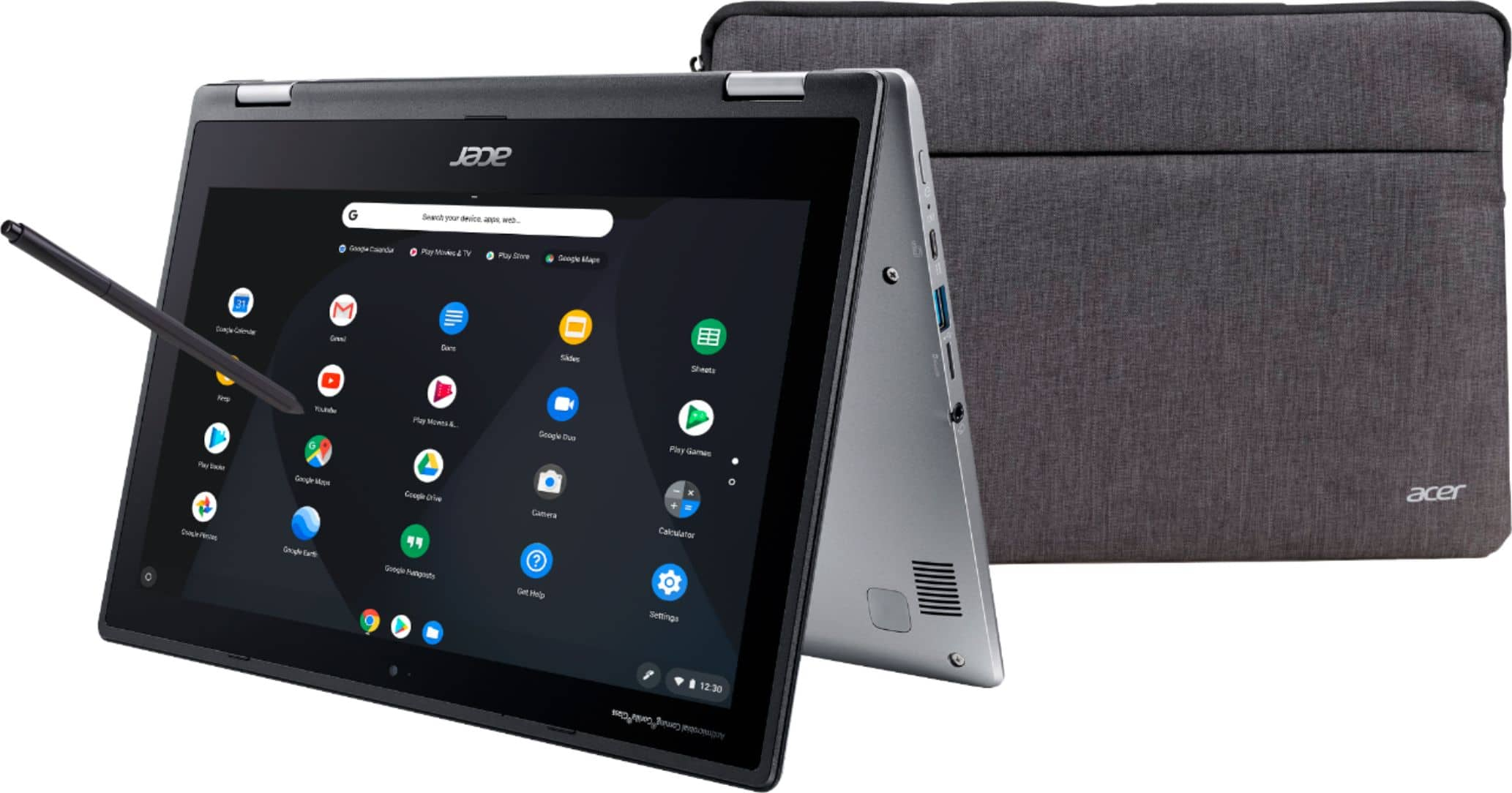
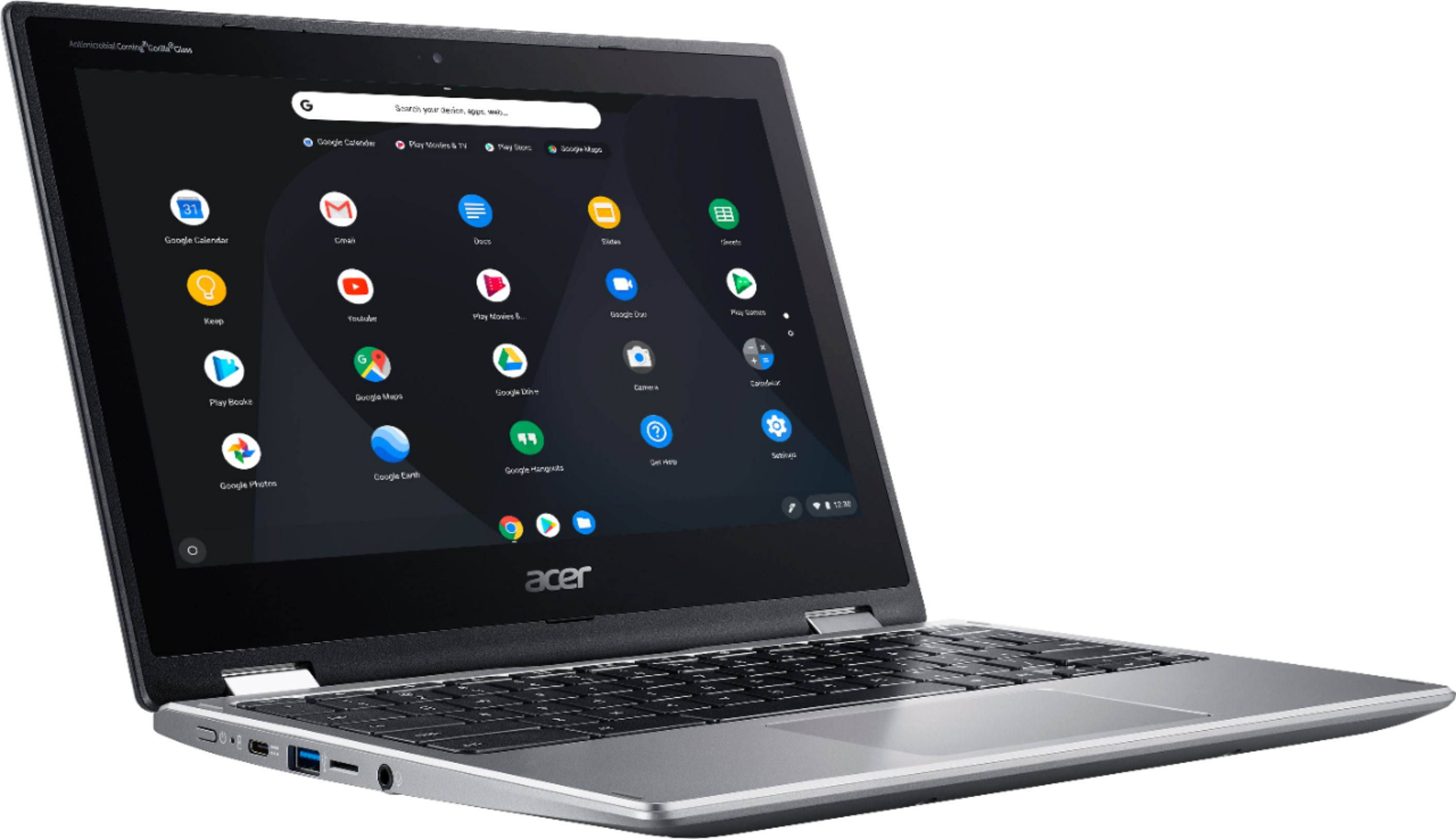
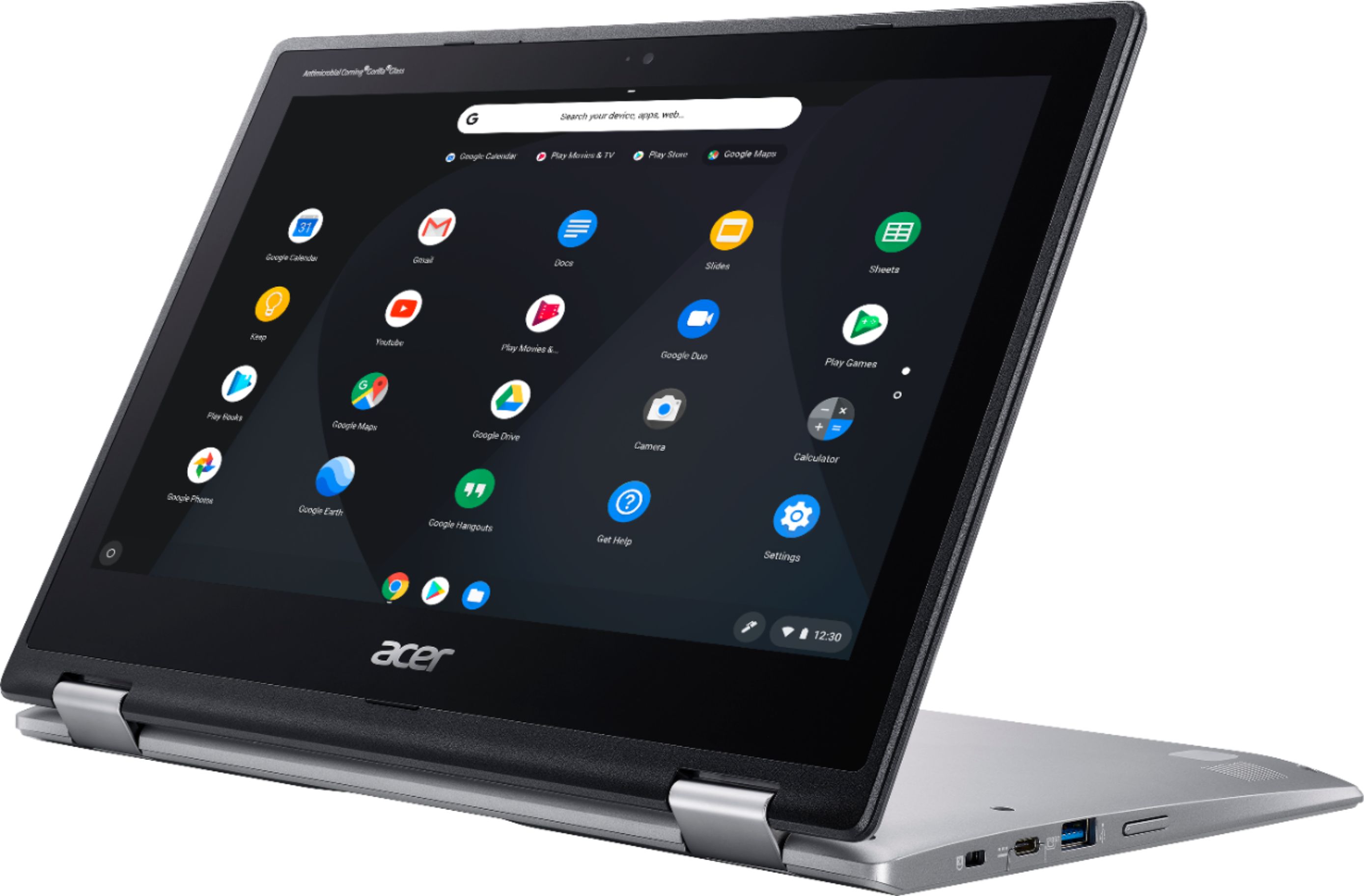
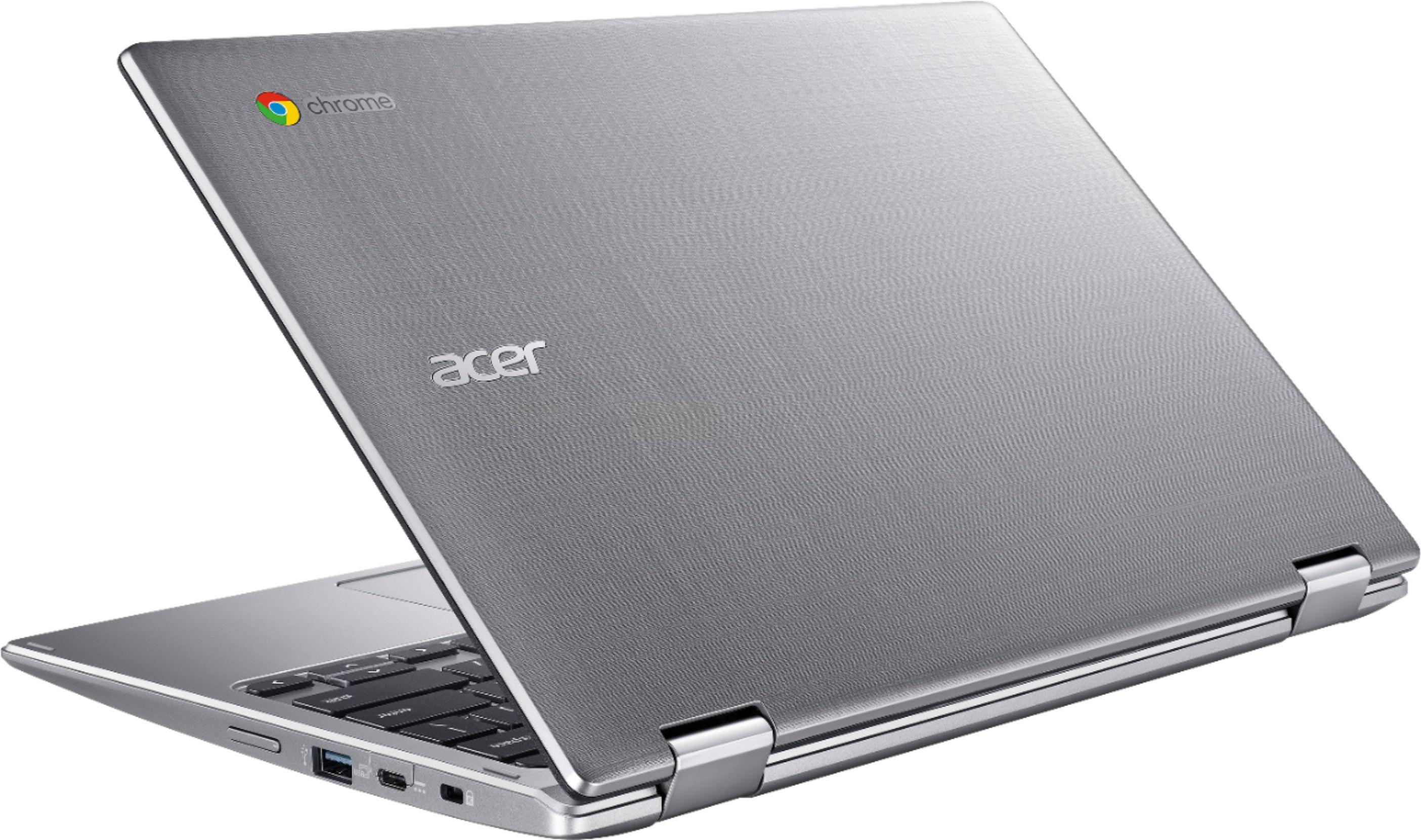
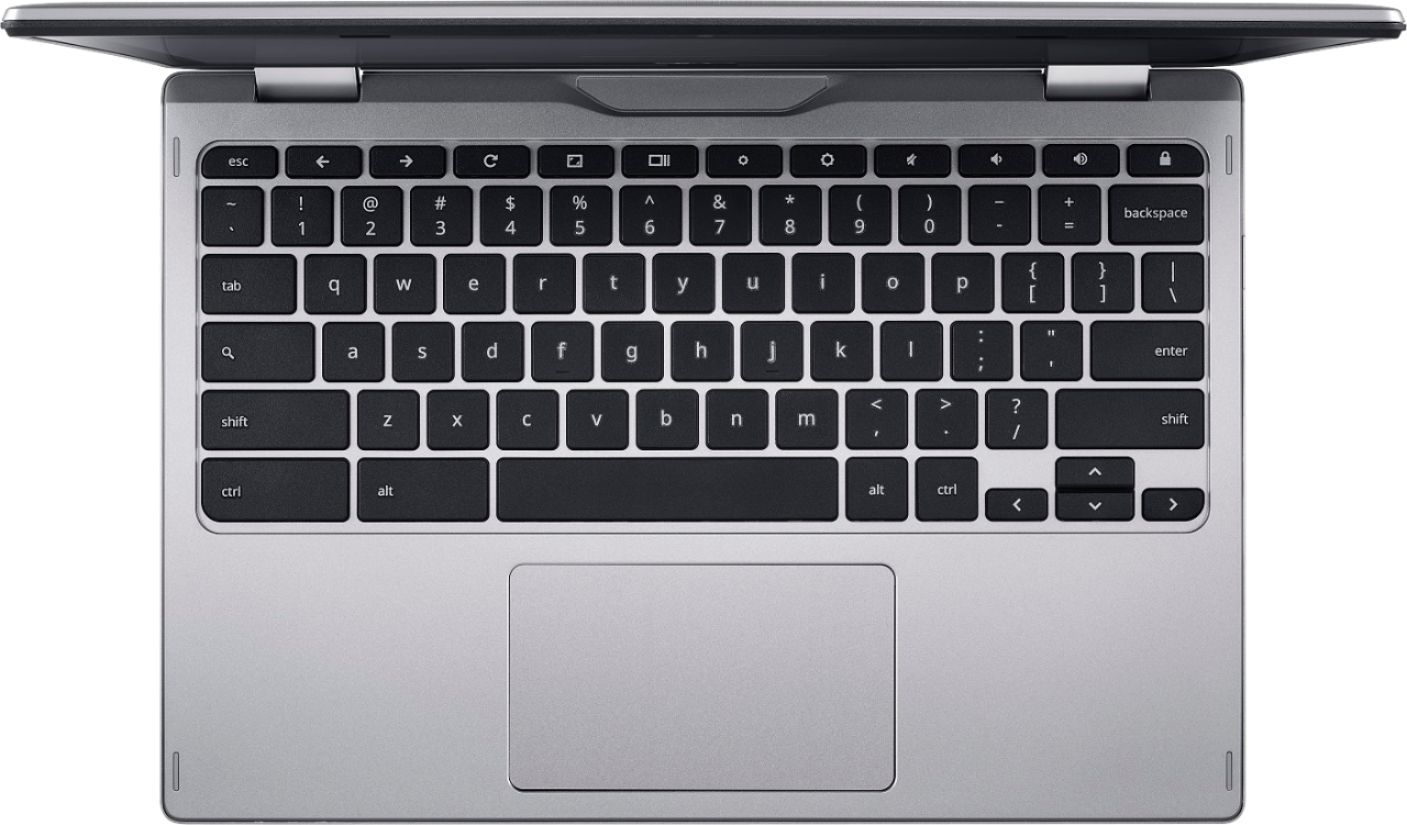
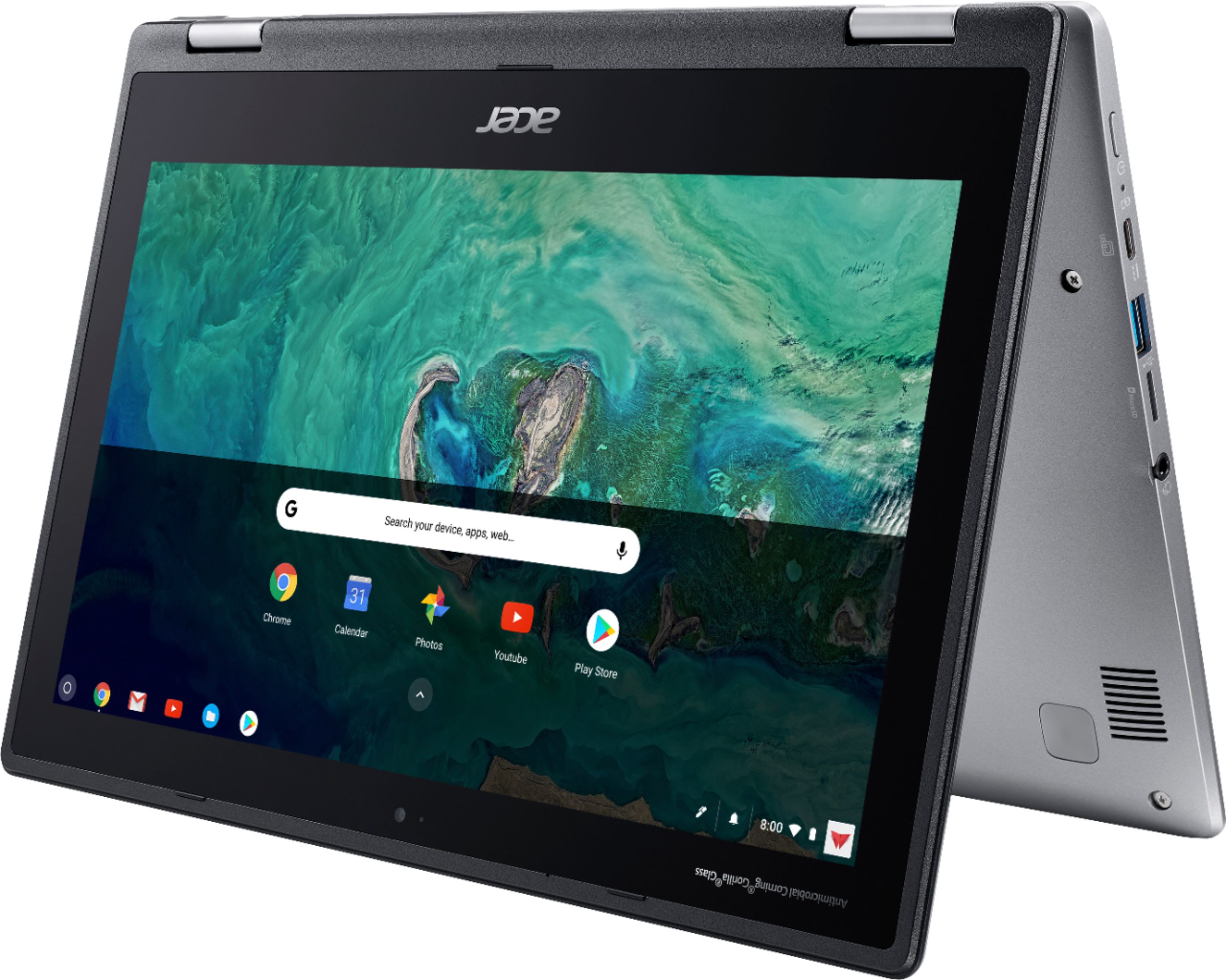
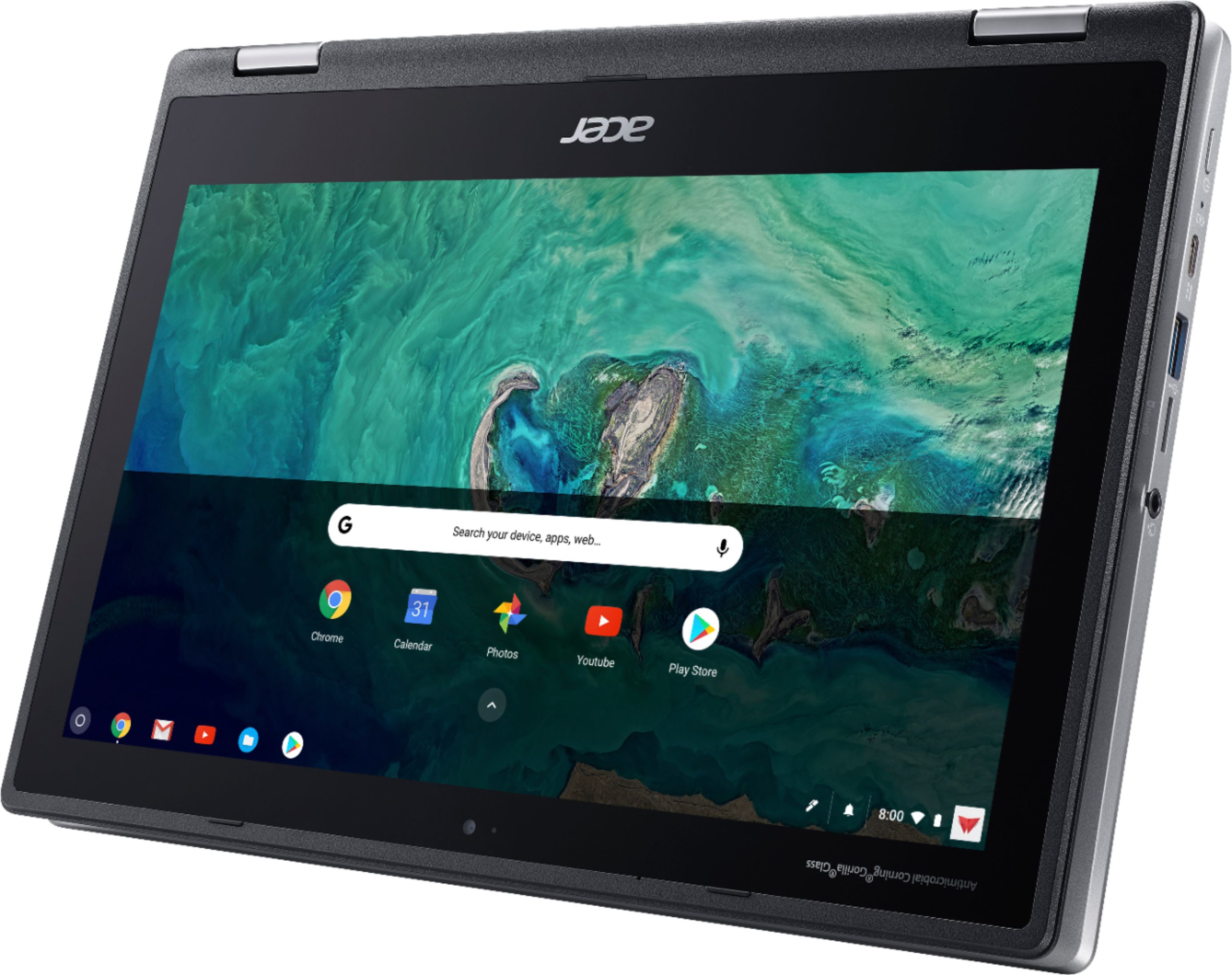
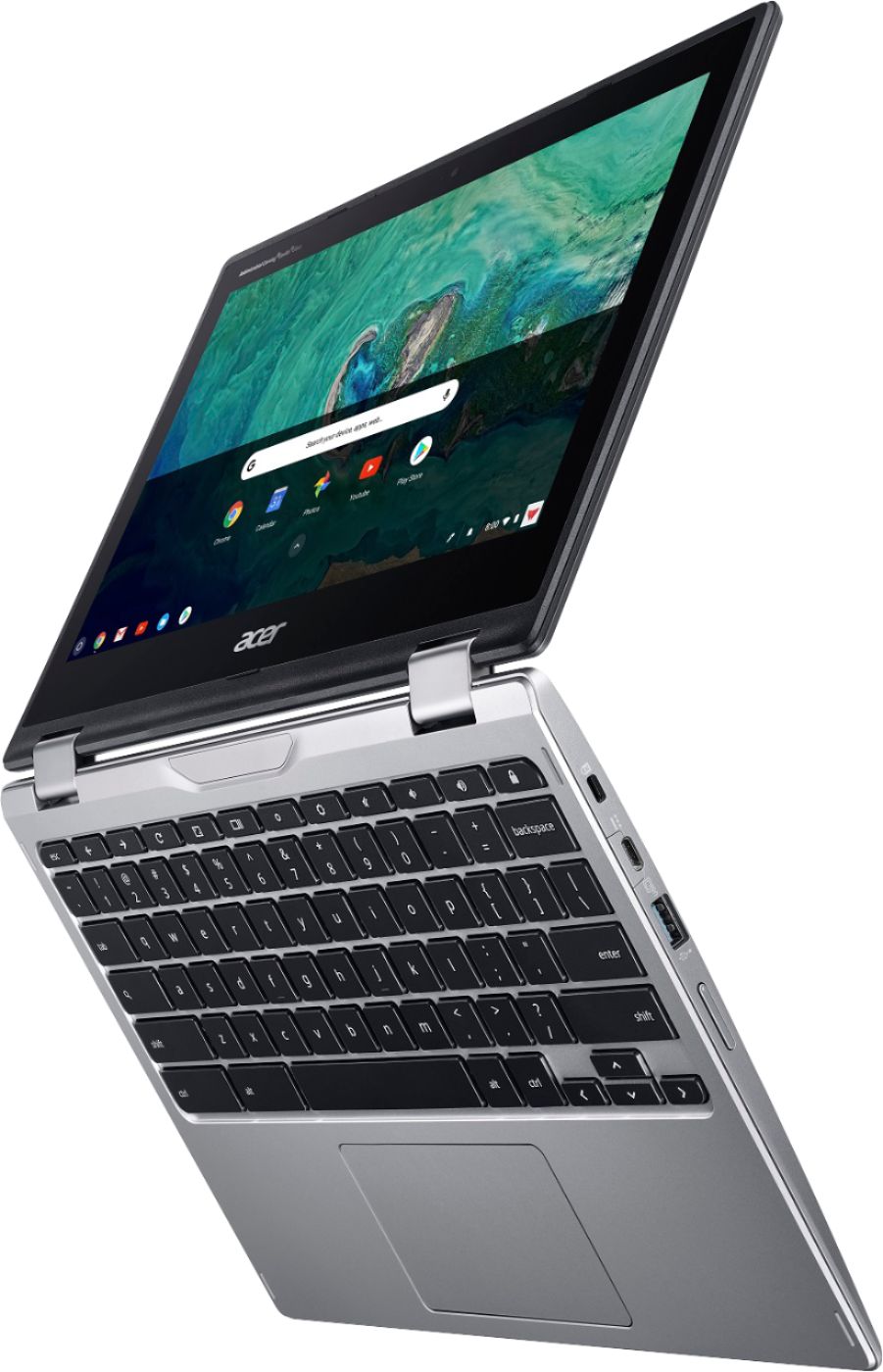
|Posted .This reviewer received promo considerations or sweepstakes entry for writing a review.The Acer Spin 11.6" Touch-Screen Chromebook with Intel Celeron, 4GB Memory, and 32GB eMMC Flash Memory, is a pretty neat little machine. This Acer Chromebook computer has a really nice outer chassis, and its brushed silver texture is also resistant to fingerprints. The 360-degree hinge allows you convert it to tablet, display or tent mode, and its 4GB of RAM will run most applications adequately. This Chromebook includes 32GB of eMMC storage which may seem somewhat lacking when compared to other types of notebook laptops, but just remember what a Chromebook is meant to be used for - work and personal files. Setup was a breeze, as was, customizing this notebook with recognizable Google applications. Using those familiar applications was smooth and easy, and switching between the Chrome browser and the apps, was a snap. The Acer Chromebook itself is light enough to easily be carried in a backpack, briefcase, or appropriately sized ladies handbag. Typing on the keyboard was comfortable, and didn’t feel as if the keypads were too close together or too far apart. The webcam does its job, and the monitor’s display is crisp and bright. Battery life fit the bill, providing more than enough power on a full charge to last for a day’s use. A minor thing I found lacking was any real description on how to use the Wacom EMR Pen, which came with the Chromebook. Great that this accessory was included, but I shouldn’t have to do a web search for instructions. However, the handy, and stylish, slipcover, was an added bonus. My overall impression, after never having used any of the Google Chromebooks before, was quite favorable. And as this is an Acer brand device, I can definitely recommend this one.
I would recommend this to a friend Great; but buy the extended warranty
||Posted . Owned for 11 months when reviewed.This reviewer received promo considerations or sweepstakes entry for writing a review.Was a great chromebook and it lasted all of 1 year then the internal battery in the motherboard malfunctioned and now it won’t charge and the coat to fix it is more than replacing. If you buy this, get the extended warranty.
No, I would not recommend this to a friendIt freezes. But good thing is battery plenty of li
||Posted .This reviewer received promo considerations or sweepstakes entry for writing a review.This is more like a tablet then a loptop or computer
No, I would not recommend this to a friend- Cons mentioned:Compatibility
Horrible if you're a student
||Posted .This reviewer received promo considerations or sweepstakes entry for writing a review.I was super excited about this purchase until I couldn't complete or submit any of my school work. It wasn't compatible with school stuff. I returned it immediately and got something else.
No, I would not recommend this to a friendBrand response from TeamAcer
Posted .Dear Anonymous,
Sorry you are unhappy with your Acer Chromebook. We understand you returned the product but we would have been happy to provide assistance where needed. Chromebooks are different from standard laptop products in that they are designed to be used primarily while connected to the Internet, with most applications and documents living in the cloud. Because of this they don’t have much for on board storage but they also are not expensive either. If you need to use third party software applications that must be installed on the computer, a Chromebook is likely not for you, where a Windows laptop would suit you better. If in the future you need assistance with an Acer product, feel free to contact support from the info posted at http://www.acer.com/ac/en/US/content/service-contact
We appreciate you taking the time to write this review.
Best regards,
Acer America
died after one month
||Posted . Owned for 10 months when reviewed.This reviewer received promo considerations or sweepstakes entry for writing a review.my high school son was drawn to this computer for its spin feature and came with pen and case. he set it up easily and liked it, but one month after purchase device died. returned to best buy with our warranty - ALWAYS BUY THE WARRANTY. did not have the same device in store or any where near us, so provided us option of another device which we gladly accepted. sales associate who took care of us was EXCEPTIONAL!
No, I would not recommend this to a friendBrand response from TeamAcer
Posted .We are sorry to hear your Chromebook failed so soon after purchasing it, and we understand this was frustrating for you. We are happy to hear you were able to swap it for another device and that the process was positive.
If in the future you need assistance with an Acer product, feel free to contact support from the info posted at http://www.acer.com/ac/en/US/content/service-contact
We appreciate you taking the time to write this review.
Best regards,
Acer America
Mouse is hard to use, right clicking is a pain
||Posted . Owned for 1 month when reviewed.This reviewer received promo considerations or sweepstakes entry for writing a review.It works ok, but the cursor is off, the trackpad/mouse is hard to use, and right clicking is such a pain. In my opinion, I would spend a little more and get a better device.
No, I would not recommend this to a friendBrand response from TeamAcer
Posted .Dear Aubell,
We are sorry to hear you are having problems with the mouse/cursor on your Acer Spin laptop. This is not the experience we want our customers to have and we would like to help you get this resolved. If you are located in the US or Canada, please fill out this form so that we can assist you:
http://csapps.acer.com/prompt/?key=e04e8aa9211c6e5d723bbc2db74ee7ee165ca1a0
We appreciate you taking the time to write this review.
Regards,
Acer America
It worked great until it didn't.
||Posted .This reviewer received promo considerations or sweepstakes entry for writing a review.Just under 6 months of having it and it won't turn on. Now I have to send to the acer company just to diagnose the problem. Talking to their costumer service is nothing short of frustrating.
No, I would not recommend this to a friendBrand response from TeamAcer
Posted .Dear Jnr,
We are sorry to hear you are having power issues with your Acer Spin 11 laptop and we can certainly understand how frustrated you are. This is not the experience we want our customers to have and we want to work with you to see how we can help improve this experience.
If you are located in the US or Canada please fill out this form so that we can assist you:
http://csapps.acer.com/prompt/?key=7ba731d7f0d3d658c184f552142a5f6b1ecf5cb4
We appreciate you taking the time to write this review.
Thank you
Acer America
- Pros mentioned:Battery life, Speed
Outstanding Chromebook
|Posted .This reviewer received promo considerations or sweepstakes entry for writing a review.When I first opened the package containing my review copy of the Acer Spin 11 Chromebook, I was immediately impressed with the build quality. Make no mistake; this is a quality device. While it's lightweight for transporting, it's no lightweight when it comes to performance. Its Intel Celeron processor and 4gb of memory make this beauty hum right along. It's very responsive. I experienced no lag in any of the various operations I put it through. Some other good qualities I hadn't expected to find on a reasonably-priced Chromebook include: 1. An excellent keyboard. 2. Great speakers for music enjoyment. 3. Battery life that allowed me to go for several days of normal use without recharging. 4. The included Wacom pen that I found could also take the place of a mouse. 5. The included pen holder and travel sleeve. 6. Rotates and folds so it can function as a tablet. I owned a different brand of Chromebook in the past, but found it disappointing. However, this Acer Spin 11 has restored my faith in the Chromebook idea. It's a keeper!
I would recommend this to a friend Did not like it
||Posted . Owned for 2 weeks when reviewed.This reviewer received promo considerations or sweepstakes entry for writing a review.I was looking forward to using the Chromebook but it was a complete waste of my time... I retuned it. I did not like that it could not accommodate many PowerPoint presentations and Word documents that I use to teach with in my classes. Perhaps I was ignorant of Google and their word processing and presentation programs, but I did expect so many problems with Google’s program and its inability to accommodate MS Office products. I am not about to how Google works after finally mastering MS Office.
No, I would not recommend this to a friendBrand response from TeamAcer
Posted .We are sorry to hear you are unhappy with your Acer Spin 11 laptop. Chromebooks are indeed compatible with Microsoft Office apps. Here is a link that has information on this you might find helpful: https://support.office.com/en-gb/article/how-to-install-and-run-microsoft-office-on-a-chromebook-32f14a23-2c1a-4579-b973-d4b1d78561ad
If you still need help with your Chromebook we would be happy to assist you. If you are located in the US or Canada, please fill out this form so that we can assist you:
http://csapps.acer.com/prompt/?key=8baef0d7418a985eebf968ca0f6cf4997156d9d6
We appreciate you taking the time to write this review.
Regards,
Acer America
Junk! Junk! Junk!
||Posted .This reviewer received promo considerations or sweepstakes entry for writing a review.After less than a month, this chromebook completely crashed. It won’t turn on or charge. Since it’s been more than 15 days, Best Buy won’t do anything about it - horrible return policy. Acer is making me ship it back to them for repair (which will take weeks) instead of just sending a new one. In the meantime, my son won’t have this for school.
No, I would not recommend this to a friendBrand response from TeamAcer
Posted .Dear Matt,
We are sorry you are having boot problems with your Acer Chromebook that required service and we do understand how frustrating this is for you. The warranty on this product is for repair if there are hardware issues during the warranty period. Returns or exchanges would be done through the reseller where it was purchased, according to their policies. With that said, since you took advantage of the warranty on your product we will get your Chromebook repaired and back to you as quickly as possible. If you need further assistance with your Chromebook or the repair, please fill out this form so that we can contact and assist you:
http://csapps.acer.com/prompt/?key=f64b10d3bc41e804833e09e030ce6d150e5745f7
We appreciate you taking the time to write this review.
Thank you,
Acer America
It stopped charging
||Posted . Owned for 5 months when reviewed.This reviewer received promo considerations or sweepstakes entry for writing a review.It’s been only 5 months of usage and it stopped charging. I really like this laptop but it’s no good to me if I can’t even use it anymore.
No, I would not recommend this to a friendBrand response from TeamAcer
Posted .We are sorry to hear your Acer Chromebook is not charging and we understand this is frustrating for you. This is not the experience we want our customers to have and we would like to help you get this resolved. If you are located in the US or Canada, please feel free to contact our support team at 866-695-2237; they are available to assist 24/7 for in-warranty products.
We appreciate you taking the time to write this review.
Regards,
Acer America
Not a good product
||Posted . Owned for 8 months when reviewed.This reviewer received promo considerations or sweepstakes entry for writing a review.Sent my college freshman daughter to school with this device and had problems in week one. Ended up having to get it exchanged as a faulty device
No, I would not recommend this to a friendBrand response from TeamAcer
Posted .We are sorry to hear this. While we are glad to know you were able to get it exchanged, we would have been happy to help you with this. If in the future you should need assistance with an Acer product, feel free to contact support from the info posted at http://www.acer.com/ac/en/US/content/service-contact
We appreciate you taking the time to write this review.
Best regards,
Acer America
- Pros mentioned:Ease of use
Great device, easy to use, easy to travel
|Posted .This reviewer received promo considerations or sweepstakes entry for writing a review.For me this is the perfect combination of a laptop and tablet. Often convertible laptops are heavy and not convenient to hold for a long period of time. And Tablets have their limitations. When I first picked it up it felt very light and I was concerned about flimsiness but after using this for several weeks it has a very satisfying feel in all 3 modes (laptop, tepee, and tablet). I also love that it comes with a case and a unique pen holder that you can affix to the device on the left or right. The pen is very responsive and easy to use. Just like Goldilocks, this one is just right in terms of size and weight to take traveling. Display looks great too.
I would recommend this to a friend experiencing screen glitches
||Posted . Owned for 1 month when reviewed.This reviewer received promo considerations or sweepstakes entry for writing a review.One month into my purchase and the screen has pixelated 2 times. I've reset the picture so we'll see what happens.
I would recommend this to a friendBrand response from TeamAcer
Posted .Dear James,
We are sorry to hear you are having problems with the screen in your Acer Spin laptop. This is not the experience we want our customers to have and we would like to help you get this resolved. If you are located in the US or Canada, please fill out this form so that we can assist you:
http://csapps.acer.com/prompt/?key=5946d5f1640d2f565ee0b36569c7ece20f015b13
We appreciate you taking the time to write this review.
Regards,
Acer America
The Chromebook keeps crashing
||Posted .This reviewer received promo considerations or sweepstakes entry for writing a review.Have done a hard reboot, a "power wash" and brought it into GeekSquad. While using it for just surfing the net or an App through GooglePlay, it crashes about every 15 minutes and goes back to the login screen. Am going to try to return it.
No, I would not recommend this to a friendBrand response from TeamAcer
Posted .Dear purchaser1111,
We are sorry to hear this; we understand you returned the Acer Chromebook but we would have been happy to provide support for you. If in the future you need assistance with an Acer product, feel free to contact support from the info posted at http://www.acer.com/ac/en/US/content/service-contact
Best regards,
Acer America
High hopes, big dissapointment,
||Posted . Owned for 1.5 years when reviewed.This reviewer received promo considerations or sweepstakes entry for writing a review.I was very hopeful reading previous reviews, but am very disappointed. It is extremely slow and constantly freezing, even when using very basic apps. Should have stuck with Samsung products. I tried to like it, having a Samsung note I love having a pen, but it is just too frustrating to deal with all the issues. A very expensive e-reader.
No, I would not recommend this to a friendBrand response from TeamAcer
Posted .Dear Betty,
Thank you for taking the time to leave a review regarding the purchase of your Acer Spin laptop. We are sorry to hear that the product did not meet your expectations, and we want to work with you to see how we can help improve this experience. If you are located in the US or Canada, please feel free to contact our support team at 866-695-2237; they are available to assist 24/7 for in-warranty products.
We appreciate you taking the time to write this review.
Regards,
Acer America
Great Chromebook but don't buy as a budget laptop
|Posted .This reviewer received promo considerations or sweepstakes entry for writing a review.This is a nice Chromebook. Don’t buy it thinking it is a “starter” or budget laptop or you will likely be disappointed. Chromebooks aren’t for everyone. Our household has a Win7 desktop, Mac, two Win10 touch screen laptops, iPads, iPhones, Kindles, Android tablet and phone. My son is 15 and uses Chromebooks at school so he wants nothing to do with this device. ;) There are tasks like writing this review I prefer not to do on a tablet or phone without a physical keyboard. Chrome OS is responsive and it boots up in seconds so I can pick up right were I left off. You use your Google account to login to the device, but you can optionally set a 6-digit PIN. It also supports Smart Lock so my Android phone can unlock the Chromebook. This is very handy. This device works great with Office / Office365. Seconds after opening the Chromebook I can be typing something in Word. Close the Chromebook and finish the document on another device. The OneDrive and Dropbox integration work great. Office works well with Google drive although it isn’t as seamlessly integrated -by design. Google drive really shines when using the Google apps like Docs, Sheets, Slides, Keep, Calendar, Photos, etc. This model qualified for 100GB google drive storage upgrade for two years. Nice! The touch screen can be quirky. The screen scrolls smoother with the stylus vs using your fingers. Scrolling through a list with my finger is often registered as a click and selects an item. This isn’t much of a problem on a webpage when you touch a text section of the page to scroll but extremely frustrating when I scroll through the list of updates in the Play Store and it keeps selecting the apps instead of scrolling the page. If I have the screen in laptop position I simply use the trackpad to scroll pages or use the stylus. Other notes: *This device charges through the USB-C port but it uses the traditional two-piece laptop power cord with a “brick” in the middle instead of a wall wart design with a USB-C port + USB-C cable. *Wi-Fi is fast. I get 180 Mbps download and 10.95 Mbps upload on Speedtest(dot)net with my 100Mbps/10Mbps Cox plan. *Bluetooth works well paired with my LG HBS750 ear buds and several Bluetooth speakers around the house, good range. *Includes case and stylus. The stylus works very well for scrolling screens and tapping some on-screen buttons. It works great with some of my games and drawing apps from the Google Play Store. The case is also very nice and has a side zipper pocket that has a little stylus sleeve sewn inside to store the stylus. *The hinge is stiff, necessary to keep the 360-hinge locked in the four usage modes, but this requires more effort to open. Not difficult, both hands help. I think this is good given most users will be young and the hinge needs to stay tight. Still, a small scooped finger recess to make it easier to open would have been nice. *The bezels are large but that isn’t a bad thing. I like the aspect ratio of the screen when playing games in portrait. The large bezels make it easier to hold vs my Android tablet. *Keyboard is soft but not mushy. NO back-light on keyboard. If you are in couch potato mode in the dark you probably have the keyboard flipped back in tablet mode anyhow.
I would recommend this to a friend- Pros mentioned:Ease of use, Speed, Touch screen
Fast and easy to use
|Posted .This reviewer received promo considerations or sweepstakes entry for writing a review.I love this 2 in 1 chromebook. It is super fast and so easy to use. The tablet feature and touch screen are very good as well. Great laptop for business or personal use.
I would recommend this to a friend