Customer Ratings & Reviews




- Model:
- CP315-1H-P8QY
- SKU:
- 6294312
Rating by feature
- Battery Life
Rating 4.5 out of 5 stars
- Speed
Rating 4.3 out of 5 stars
- Display
Rating 4.3 out of 5 stars
Customers are saying
Customers admire the Spin 15 Chromebook's large screen size, ease of use, and impressive battery life. Many appreciate its touchscreen functionality and consider it a great value for the price. Positive feedback also highlights its lightweight design and decent speakers. A minor drawback mentioned by some users is the limited storage capacity.
This summary was generated by AI based on customer reviews.
Stopped charging after 3 weeks.
||Posted . Owned for less than 1 week when reviewed.This reviewer received promo considerations or sweepstakes entry for writing a review.It seemed great and then within a month of purchasing it the battery stopped charging. I called Acer and they wanted me to send it to a service Center in Texas. I bought it for my son to do online school and did not want to be without a computer for 2 weeks. It wasn't even a month old! Good thing I bought it from Best Buy and they let me return it.
No, I would not recommend this to a friendBrand response from TeamAcer
Posted .We are sorry to hear that you decided to return your newly purchased Acer Chromebook. Our support team is always available to assist with getting your new product set up and configured, or assist with any other troubles you may experience with your purchase. If you should need assistance with an Acer product in the future, please feel free to contact our support team via phone, chat or social media, and we will be glad to help.
We appreciate you taking the time to write this review.
Regards,
Acer America
Keyboard broke after 2 weeks
||Posted . Owned for 2 weeks when reviewed.This reviewer received promo considerations or sweepstakes entry for writing a review.We started out loving this chromebook, but two weeks after it arrived, the B and N keys stopped working (i am using the touchscreen keyboard to type this review). The trackpad mouse also works itermittently now. These malfunctions make this chromebook useless for work and school. Very disappointed. I will update this review after seeing how Best Buy handles this. I am o hold with customer service now.
No, I would not recommend this to a friendBrand response from TeamAcer
Posted .Dear Lulu,
We are sorry to hear you are having problems with the keyboard and touchpad in your Acer Spin 15 laptop. This is not the experience we want our customers to have and we would like to help you get this resolved. If you are located in the US or Canada, please fill out this form so that we can assist you: http://csapps.acer.com/prompt/?key=675a60ba22bbc5543c9ed6849dced7ddb743f2d3
We appreciate you taking the time to write this review.
Regards,
Acer America
Horrible!!
||Posted . Owned for 3 weeks when reviewed.This reviewer received promo considerations or sweepstakes entry for writing a review.I was so excited to try this laptop out, but when I turned the computer on it went straight to the boot menu. I tried everything. I push the escape button, went to different forums website and I also looked up some YouTube videos on how to exit out of it. Nothing works. It won't go to the starting menu. Now I have to find another computer for gaming. I will be sending this back today!! So disappointed.
No, I would not recommend this to a friendBrand response from TeamAcer
Posted .Dear AriS,
We are sorry to hear this; we understand you are returning the Acer product but we would have been happy to provide support for you to get this resolved. If in the future you need assistance with an Acer product, feel free to contact support from the info posted at http://www.acer.com/ac/en/US/content/service-contact
We appreciate you taking the time to write this review.
Best regards,
Acer America
Sounds bad
||Posted . Owned for 3 weeks when reviewed.This reviewer received promo considerations or sweepstakes entry for writing a review.The speaker is making a really bad noice. I took it
No, I would not recommend this to a friendBrand response from TeamAcer
Posted .Dear Korita,
We are sorry to hear this; we understand you returned the Acer Chromebook but we would have been happy to provide support for you. If in the future you need assistance with an Acer product, feel free to contact support from the info posted at http://www.acer.com/ac/en/US/content/service-contact
We appreciate you taking the time to write this review.
Best regards,
Acer America
Single most useless piece of junk ever bought
||Posted . Owned for 5 months when reviewed.This reviewer received promo considerations or sweepstakes entry for writing a review.The unit does not enter into tablet mode and disable keyboard. The Chromevox will not shut up and even when I disabled it (ctl+alt+z) it comes back on. It can not be removed or disabled entirely, which is asinine. It is not good for anything but a web browser. Forget this poor excuse if you need a low cost unit and buy a Surface Go. A little more cost but so much less in aggravation.
No, I would not recommend this to a friendBrand response from TeamAcer
Posted .Dear SreWolfe,
We are sorry to hear you are unhappy with your Acer Chromebook in some areas. This is not the experience we want our customers to have and we want to work with you to see how we can help improve this experience. If you are located in the US or Canada, please fill out this form so that we can assist you: http://csapps.acer.com/prompt/?key=ca4567c8a75e260f9d76448c53a055266dd5fe50
We appreciate you taking the time to write this review.
Regards,
Acer America

Humongous Tablet
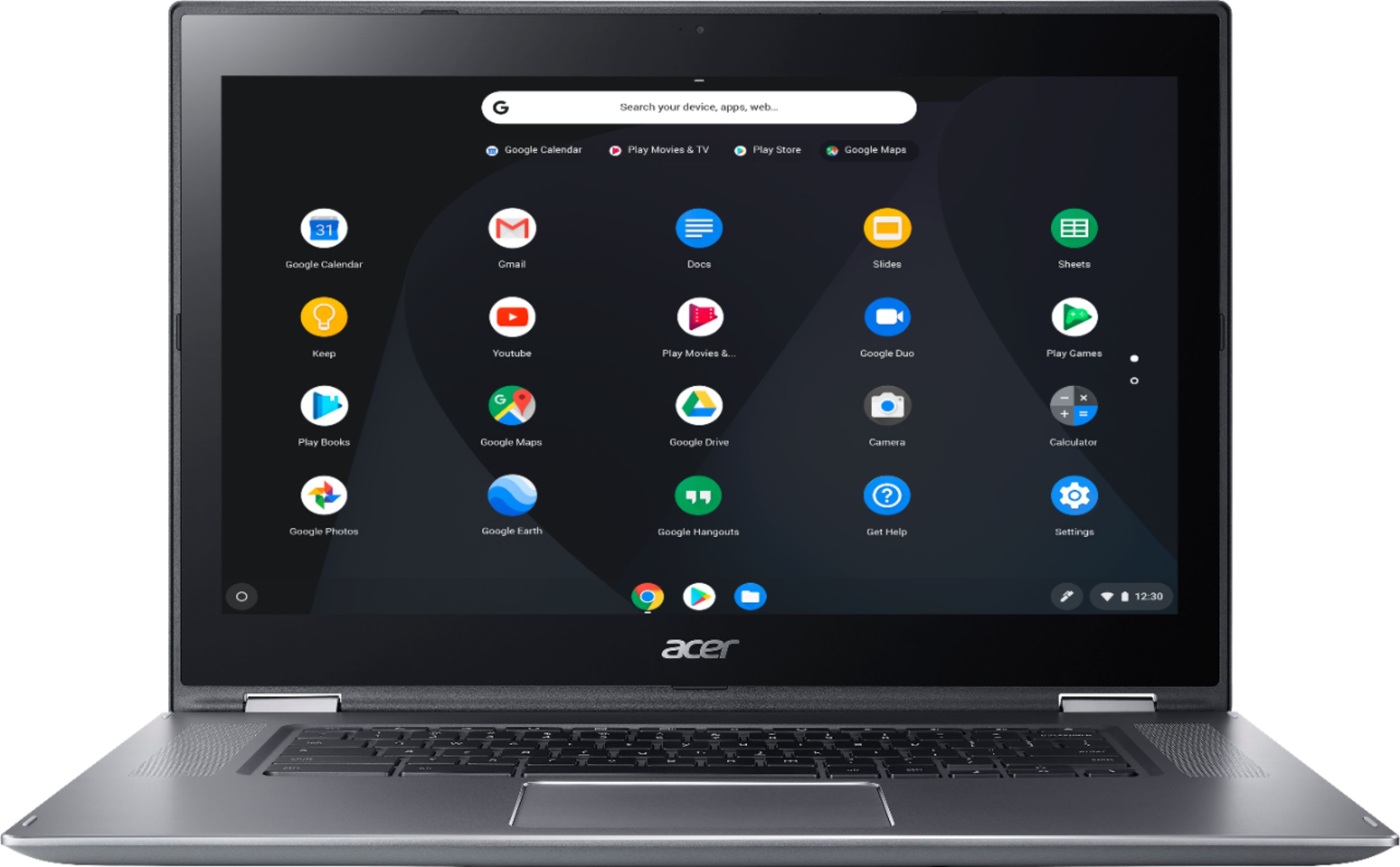
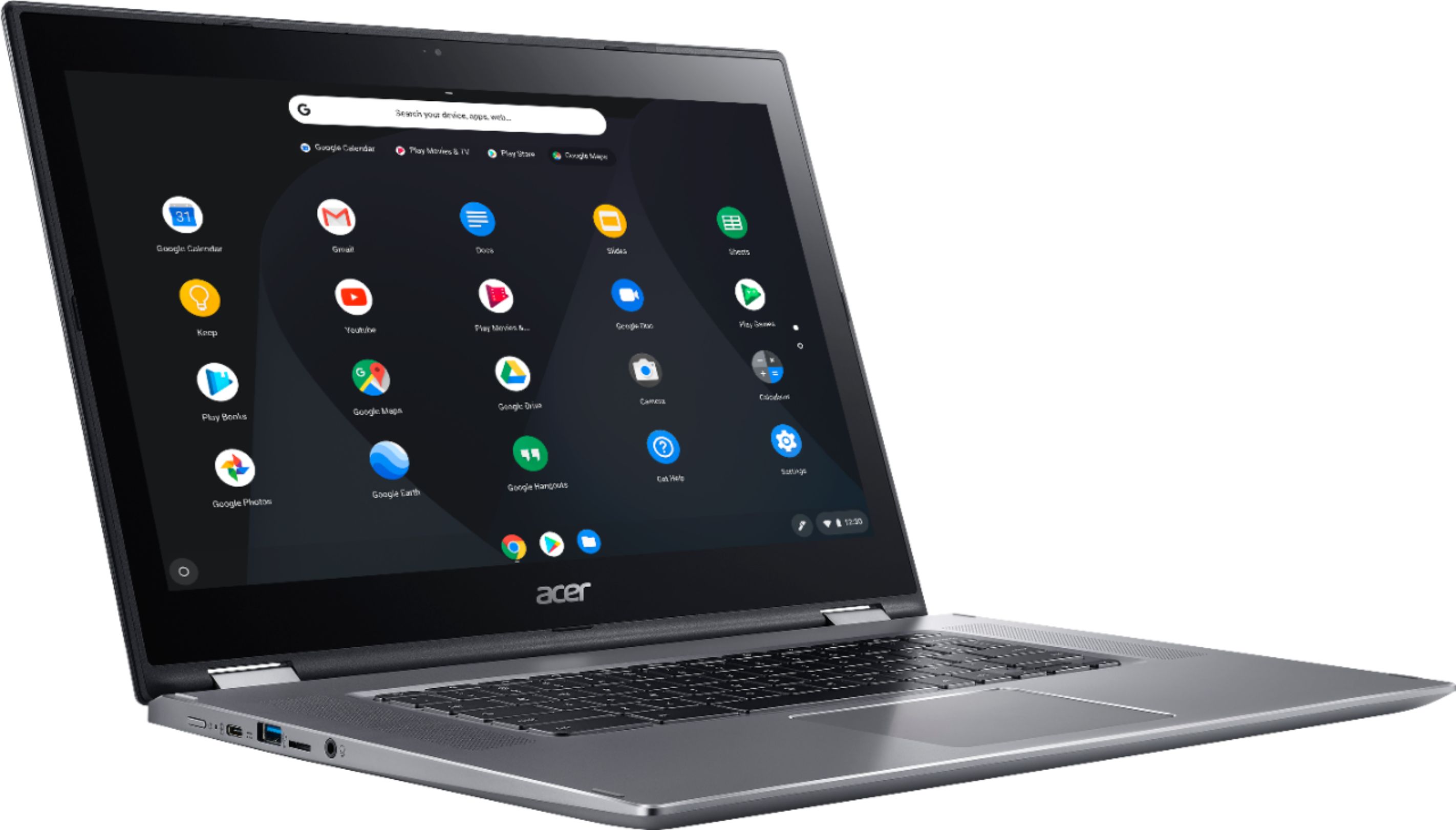
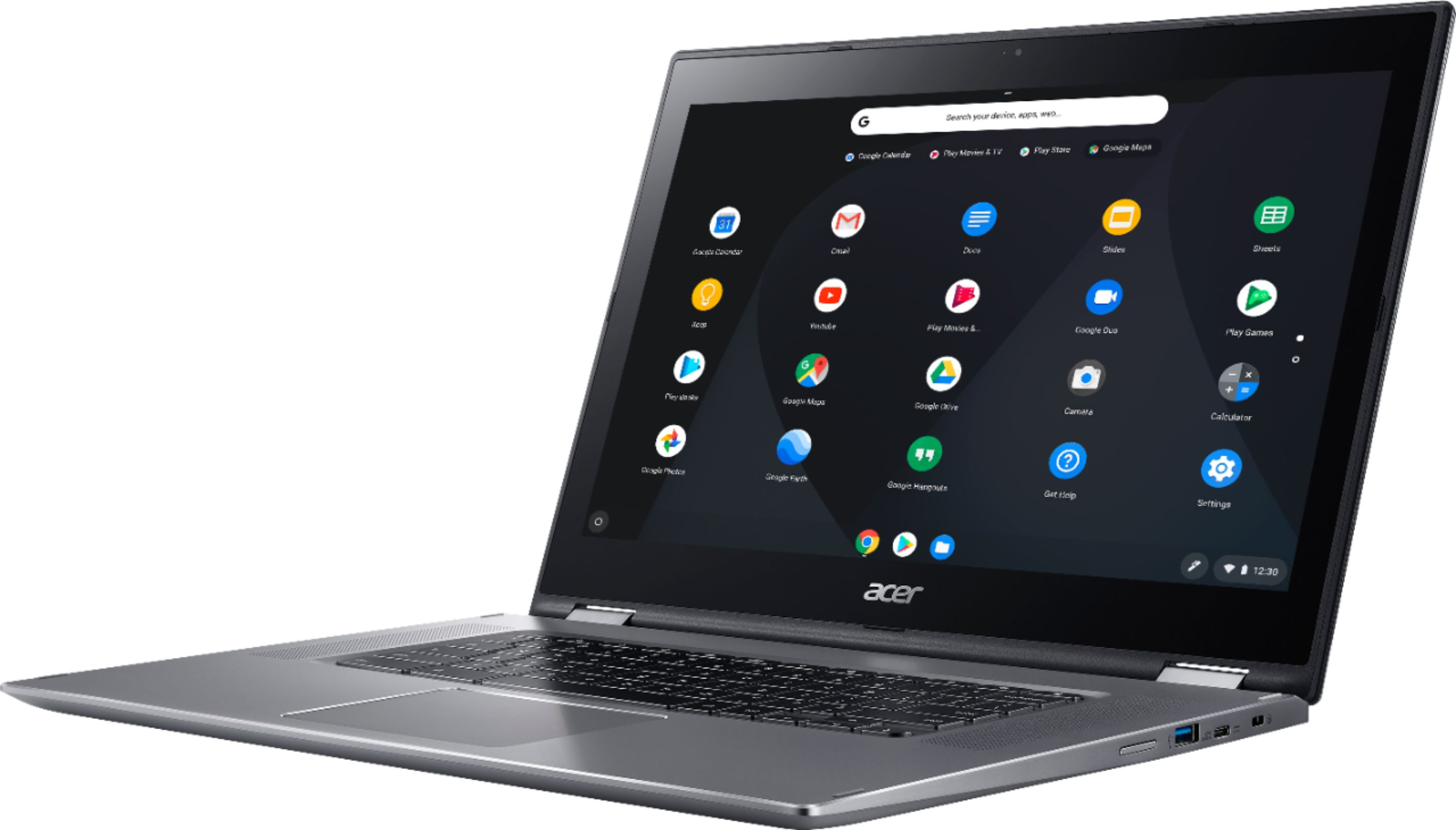
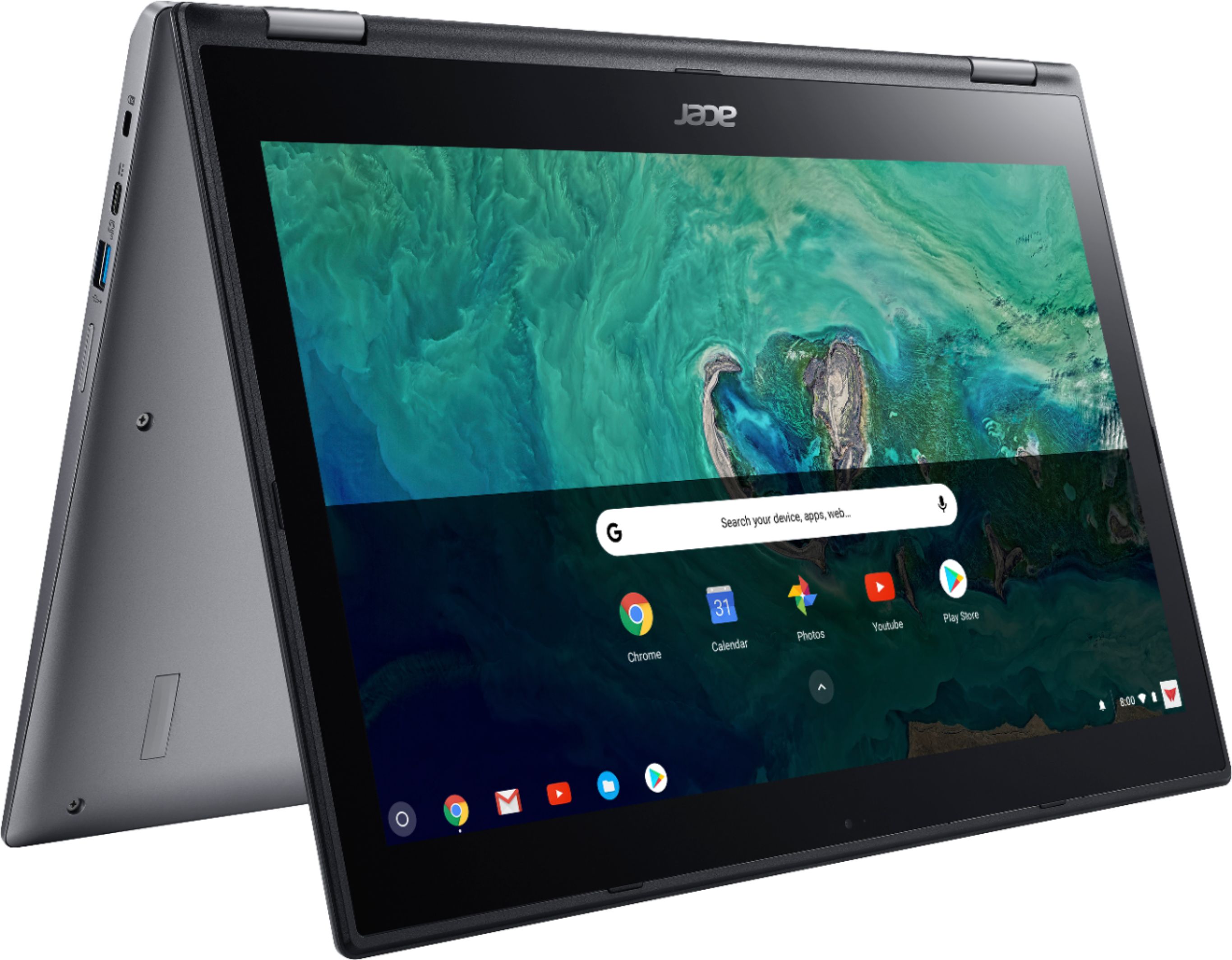
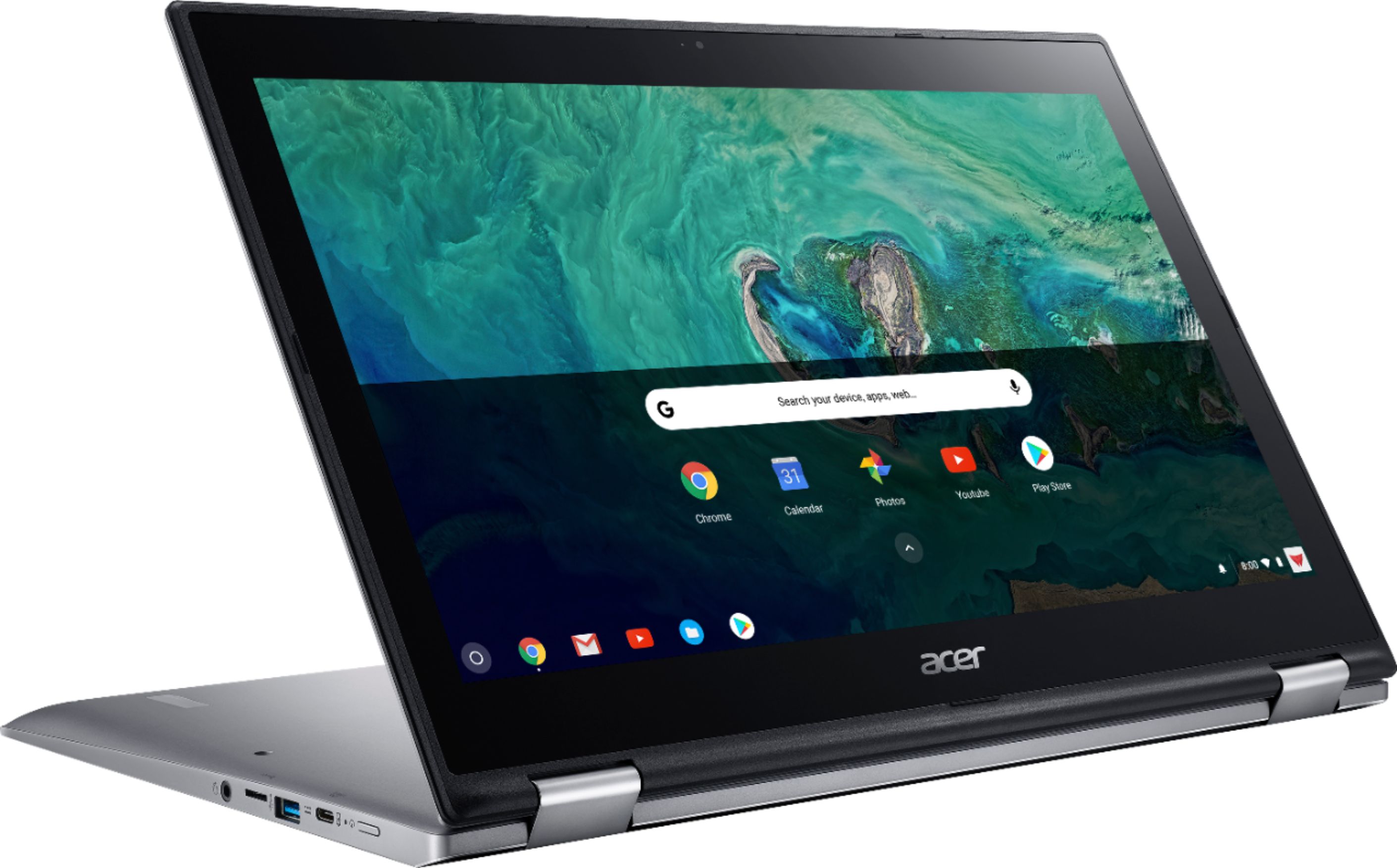
|Posted .This reviewer received promo considerations or sweepstakes entry for writing a review.Remember Lily Tomlin in those old Electric Company episodes where she's acting like a little kid in a giant chair? When you put the Acer Spin 15 in tablet mode this is how you'll feel! As impressive as it is in tablet mode it's also a bit unwieldy. It just too wide and to heavy to use without fear of dropping it. In portrait mode it's a bit more manageable and very usable as a tablet. Still may be a bit to heavy for some, but it feels very functional for me. Because of the size and weight I'd suppose tent mode would be better suited most. Watching video, reading recipes, etc. The downside of using it in tent and table mode is that the speakers will be facing away from you, and these speakers are some of the best I've heard in chromebook. Don't expect a lot (or basically any) bass, you just can't fit a decent sub in such a thin body. But the mids and highs come out clear without being to shrilly or tinny and get pretty loud without distortion. Without using any benchmarks the N4200 drives this laptop with ease. Webpages load quickly with no stutter on most websites and 4GB of RAM I've had just over 20 tabs open without a hiccup. Navigating with the trackpad and the touch screen was a breeze. The trackpad is impressive as it feels smooth and glides nicely tracking every movement. Some might balk at at 1080p screen but those are the "emperor's new clothes" type of people. All the marketing tells them they need the new shiny "Big K's" when 1080p does just fine in most cases, especially in smaller screens. Sure if you stare long enough you'll see a little aliasing on thin fonts, but if you just use it then it's perfect for the job. The screen is a little unevenly lit with a little dark spot on the lower right, but my eyeball is pretty sensitive to colors (passed the pantone test at 100% and I'm the official color checker at work) so most people my not notice it unless under certain conditions - total darkness with a black screen. I did a little gaming with a few android apps and it handled the games pretty well with very little stutter - just an ARPG and RPG. I can't say what the actual frame rates were, but the never got low enough to cause any problems. Just keep an eye on the space because 32GB can go quickly. Luckily there's an mSD slot to take car of some of that burden. Battery life is pretty impressive. I usually get better than normal life than most because I set my screen's brightness to about the brightness of a sheet of paper in your current lighting conditions - meaning I barely go over 30% unless I'm outside. That said the meter says I can have almost 12 full hours of use. I've never run it all the way down, but I've only charged it full three times in a week- once after getting it, and then twice when it was around 30-40%. I use it mainly for media consumption so it's not a "power user" device for me. With that kind of batter life it can keep me entertained for a day or two before having to hit the charger again. My biggest gripe, which I don't know if it's Google's fault or Acer's, is that the set up is set extremely small. It didn't bother me but those with worse vision than mine will have to pull out their reading glasses for setting up the device. Maybe there was a setting to enlarge the UI, but I didn't see it. Once you've gotten it all set up you can change the preferences for the UI in the settings. They should have set it a lot bigger and let those with better vision change the UI smaller afterwards. So far I'm loving the Acer Spin 15 and so is the family. Definitely one of the better Chromebooks out there should be one at the top of you list if you're looking for a 15 inch laptop.
I would recommend this to a friendIt's alright
||Posted . Owned for 2 months when reviewed.This reviewer received promo considerations or sweepstakes entry for writing a review.It's an ok laptop. Backlit keyboard makes it easy to use in the dark. Too big. Bigger then you think.
I would recommend this to a friendBrand response from TeamAcer
Posted .We are glad to know you are happy with your Acer Spin laptop. We understand the size was larger than anticipated but it appears the Chromebook is meeting your needs. If in the future you need any assistance with your Chromebook, feel free to contact support from the info posted at http://www.acer.com/ac/en/US/content/service-contact
We appreciate you taking the time to write this review and offering your feedback.
Best regards,
Acer America
Wish I had known ahead of time
||Posted . Owned for 3 weeks when reviewed.This reviewer received promo considerations or sweepstakes entry for writing a review.This is not your typical laptop. It takes two hands to delete something (alt-backspace). That should give you some idea. I'm glad my last laptop is still in working order. Be forewarned! Be sure you know what you are getting into before purchasing. I certainly wish I had been more careful. I would have never bought this machine.
No, I would not recommend this to a friendBrand response from TeamAcer
Posted .We are sorry to hear you are unhappy with your Acer Spin 15 Chromebook in some areas. This is not the experience we want our customers to have and we want to work with you to see how we can help improve this experience. If you are located in the US or Canada, please fill out this form so that we can assist you:
http://csapps.acer.com/prompt/?key=a8a45700c8a9aa85c3b5dbd556b688ddaa58ecc2
We appreciate you taking the time to write this review.
Regards,
Acer America
Junk...going back to Acer for 2nd time in 6 months
||Posted . Owned for 7 months when reviewed.This reviewer received promo considerations or sweepstakes entry for writing a review.We bought this computer as an upgrade for my daughter who had another brand of Chromebook for 5 years and it's been perfect. This one...is now headed back to Acer for the 2nd time in less than 6 months because it won't turn on. This computer is a hunk of junk. It would be better as a boat anchor!
No, I would not recommend this to a friendBrand response from TeamAcer
Posted .We are sorry to hear your Acer laptop required a second repair because it would not power on, however we are glad you were able to take advantage of the manufacturer's warranty to get this resolved. Your input is very important to us as we are always looking for ways to improve our customer's experience. We appreciate you taking the time to write this review.
Thank you,
Acer America
Bad item
||Posted .This reviewer received promo considerations or sweepstakes entry for writing a review.This item kept freezing up also it continued to restart itself while I was surfing the internet.
No, I would not recommend this to a friendBrand response from TeamAcer
Posted .Dear Redd,
We are sorry to hear you are unhappy with your Acer Chromebook. This is not the experience we want our customers to have and we want to work with you to see how we can help improve this experience. If you are located in the US or Canada please fill out this form so that we can assist you:
http://csapps.acer.com/prompt/?key=57ad30e865d9f90d99742881c4203341538528f4
We appreciate you taking the time to write this review.
Thank you
Acer America
Horrible
||Posted . Owned for 3 weeks when reviewed.This reviewer received promo considerations or sweepstakes entry for writing a review.I rate this product 0stars if i could. I had this computer for less than 2 weeks before it gave me problems. I literally just used it for school and zoom calls and the occasional netflix. It would randomly not turn on, have a black screen for hours & then finally one day it stopped charging so I returned it.
No, I would not recommend this to a friendBrand response from TeamAcer
Posted .Dear Maddie,
We are sorry to hear that you decided to return your newly purchased Acer Chromebook. Our support team is always available to assist with getting your new product set up and configured, or assist with any other troubles you may experience with your purchase. If you should need assistance with an Acer product in the future, please contact our support team via phone, chat or social media, and we will be glad to help.
We appreciate you taking the time to write this review.
Regards,
Acer America
Returned
||Posted . Owned for 1 month when reviewed.This reviewer received promo considerations or sweepstakes entry for writing a review.It worked great fo 10 minutes then locked up. Took to Geek Squad & they replaced it.
No, I would not recommend this to a friendBrand response from TeamAcer
Posted .Dear Becky,
We are sorry to hear your Spin 15 experienced lock ups, but are glad to know Best Buy was able to assist you. If in the future you need assistance with your Acer product, feel free to contact support from the info posted at http://www.acer.com/ac/en/US/content/service-contact
We appreciate you taking the time to write this review.
Best regards,
Acer America
Not sure if this item was new, the box was opened
||Posted .This reviewer received promo considerations or sweepstakes entry for writing a review.I have to charge the battery every day, otherwise, it is a fantastic product
I would recommend this to a friendBrand response from TeamAcer
Posted .Dear Paul,
We are sorry to hear you are unhappy with the battery life you are getting with your Acer Spin 15 laptop. This is not the experience we want our customers to have and we would like to help you get this resolved. If you are located in the US or Canada, please fill out this form so that we can assist you:
http://csapps.acer.com/prompt/?key=be27ecb3694aef698844e9995becc13819e4c7ac
We appreciate you taking the time to write this review.
Regards,
Acer America
A nice, but oversized Chromebook - For no reason!
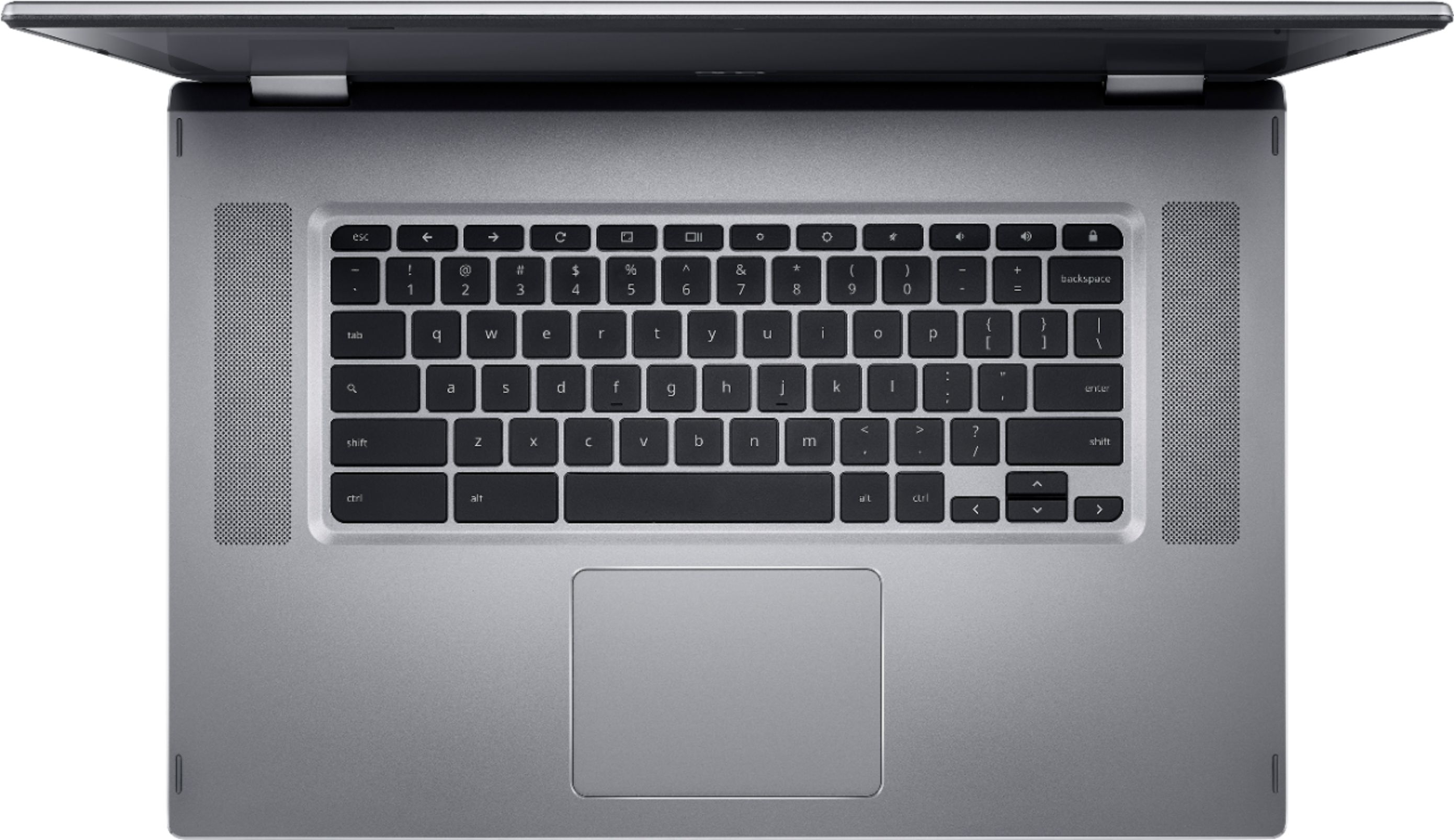
|Posted .This reviewer received promo considerations or sweepstakes entry for writing a review.The Acer brand itself seems to pride itself on just how bulky it can make a device. The Spin 15 Chromebook is no exception. Lets start with performance: This thing is snappy, loaded my Google account in mere seconds on the first sign-in, and updated itself within the first day to the latest ChromeOS with NO INTERVENTION FROM ME! This is where computing is going - Fast, simple, just work please! The controls and interface are simple, and ChromeOS is going through some cosmetic changes right now to make it more touch-friendly, and this will benefit touchscreen, 360 hinge devices like this the most! Its a laptop when you need it, and a (VERY LARGE) tablet when you need that too! On to the physical characteristics... The body on this thing is WAY oversized. If you're concerned at all about portability, this thing is NOT bookbag friendly. Its about the frame-size of a 17" notebook PC. Its pretty thick, and heavy, and the screen has ungodly bezels. On a touch device, a ¼ or ½" bezel is welcome to give the user some surface to slide against, or even hold the screen while interacting, but these things are well over 1-inch in size and make the device unnecessarily large. On top of that, a device this size should have a full keyboard with numeric keypad. While this isn't common on Chromebooks, this body shape and size almost demands it - Just TONS of bezel on that screen makes this keyboard strangely small and out of place on the huge body. The system is so massive, I don't see a great use for folded-back, touchscreen computing, unless its for kids playing a touch-game together, or people jointly enjoying a movie in tent mode. All in all the form factor aside, this is a sharp Chromebook for the money, and Acer continues to impress with nice Chromebooks.
I would recommend this to a friendLaptop died after a month
||Posted . Owned for 2 months when reviewed.This reviewer received promo considerations or sweepstakes entry for writing a review.Laptop died after a month. Returned it to Acer and they replaced the motherboard and battery but it still doesn't work. It's going back again.
No, I would not recommend this to a friendBrand response from TeamAcer
Posted .Dear Jeff,
Thank you for taking the time to leave a review regarding the purchase of your Acer Spin laptop. We are sorry to hear that the laptop is not working after a warranty repair, and we want to work with you to see how we can help improve this experience. If you are located in the US or Canada, please fill out this form so that we can assist you:
http://csapps.acer.com/prompt/?key=0388b8d78506b6c35bca32b77ccddc26c31d8418
We appreciate you taking the time to write this review.
Regards,
Acer America
Keyboard died
||Posted . Owned for 1.5 years when reviewed.This reviewer received promo considerations or sweepstakes entry for writing a review.Worked great for about a year and a half, then the keyboard stopped working. Still works as a tablet, but the keyboard is dead
No, I would not recommend this to a friendA piecr og junk
||Posted . Owned for 1 year when reviewed.This reviewer received promo considerations or sweepstakes entry for writing a review.A piece of junk. The touch screen is no very responsive and it stopped charging 2 days after the warranty expired.
No, I would not recommend this to a friendNice Laptop Option
|Posted .This reviewer received promo considerations or sweepstakes entry for writing a review.This is my first time using a Chromebook, it is a nice change from my usual Windows offerings. I have just one issue, which for me was enough to deduct one star. The keyboard. It's layout is just not good. I am typing this review on the Chromebook, and the number of times I had to correct spelling is just not acceptable. It is just too small for such a 15" device, and it makes typing very awkward. But that is my only issue, otherwise this is a great device. My initial thinking was this is a consumption device, movies, surfing the web, music, etc. So i thought I'd put it to the test. I used only the Chromebook for my workday yesterday, and it was up to the task. I was able to complete my reports, schedule appts, and submit my work all from the Chromebook. It is a worthy competitor to the Windows laptop I currently use. I need MS Word and MS Excel, and they both performed like I had hoped on the Chromebook. Moving from task to task was very snappy, no lag or hiccups at all. Unfortunately with the typing issue I am having with the keyboard, some of the work was a bit slow and tedious. But I'm hoping that with time I will get used to the keyboard and this will become a non issue. For now it is a bit of an issue and I have to rate it based on that. As far as everything else I tried, the Chromebook was up to the task. I used it to watch NFL Sunday ticket and the games were clear, crisp and no lagging issues. I don't recall one time where this machine did not keep up with the action. The speakers are OK, but not great, but this was no problem, I just connected a Bluetooth speaker and had awesome sound. Surfing the web was nice, folded over it is a giant tablet and makes the internet big and bold. I downloaded all my favorite Google Play apps and most that I've tried all work just great. 32 GB of storage seems a bit small, but with the option of adding a micro SD card, this again is not an issue. Overall I really like this device, I'd really like to give it 4.5 stars, but this is not possible. For me this will be a strictly consumption device, because it does it so well. I absolutely give this a high recommendation and anyone looking for a Chromebook will be hard pressed to find a better option that the Acer Chromebook 15.
I would recommend this to a friendGreat, larger 2-in-1 Chromebook!
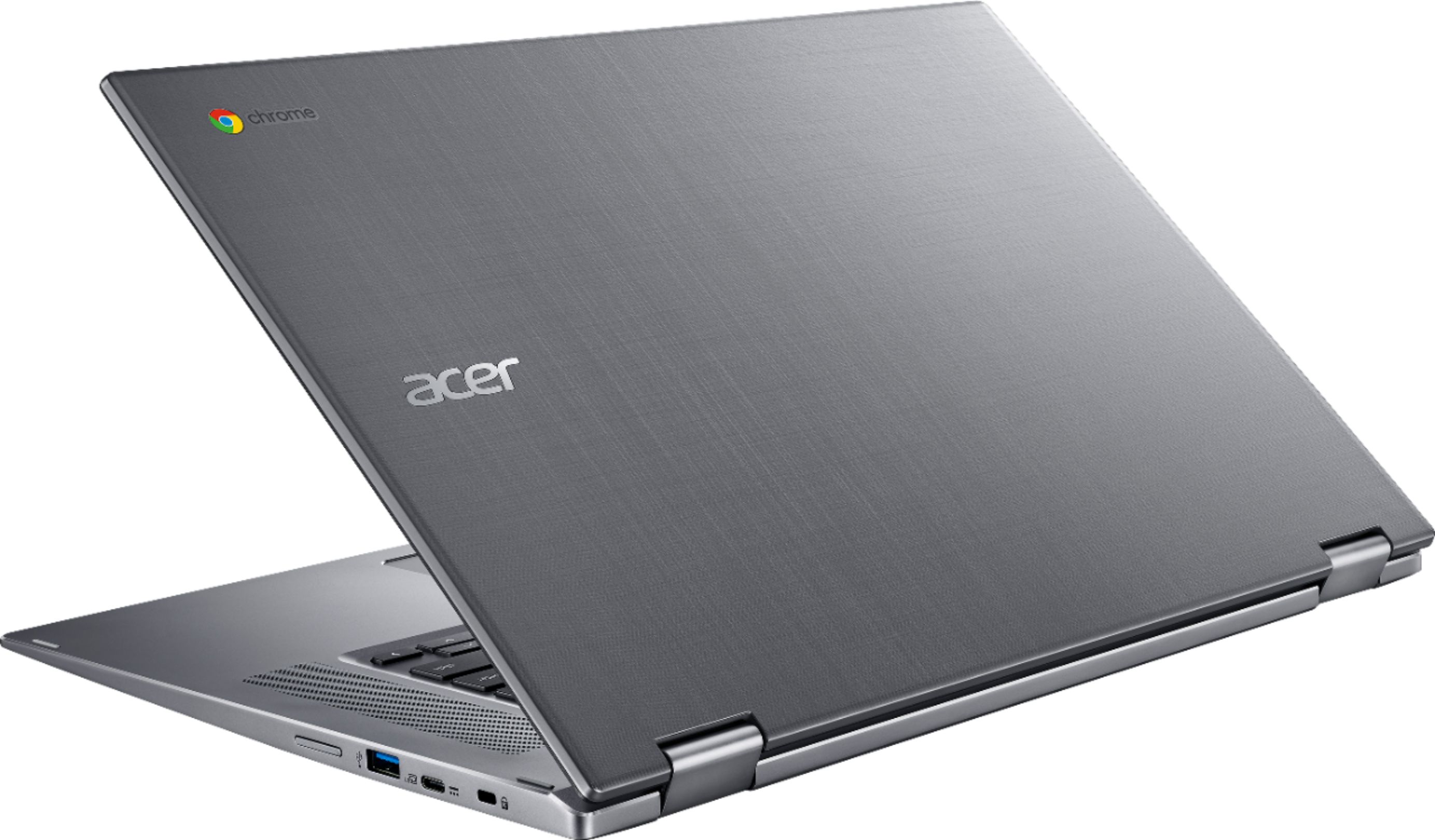
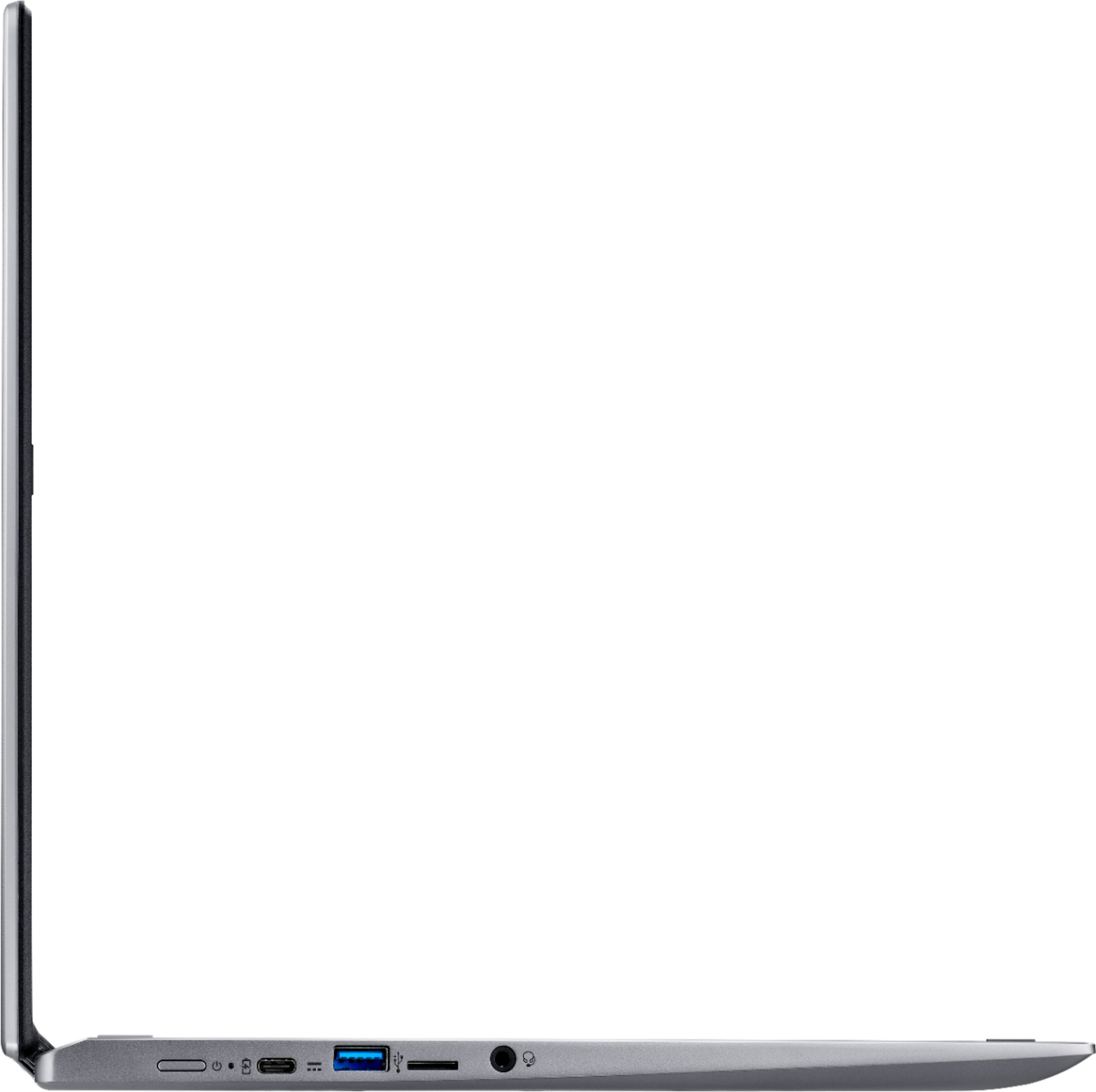
|Posted .This reviewer received promo considerations or sweepstakes entry for writing a review.While we haven't had a Chromebook before to really compare to (just Windows laptops), our kids do have ones from school that they use, and this seems to be a pretty good ChromeOS laptop. We use Chrome on our Windows systems and android phone, so it's nice that all the bookmarks sync across all devices. So far, it's mainly being used for email and web browsing (so my wife doesn't have to only do it on her phone anymore), but maybe will be used for some movie watching on vacation, and the hardware specs will work well for that. The display is Full HD (1920x1080), which surprisingly seems not to be an option on most lower to mid-range laptops (ChromeOS or Windows). The touchscreen works great and it is nice that it can convert into tablet mode, even though it is pretty big (more on that later). It has 32GB eMMC internal storage with a microSD slot. The backside of the lid has a pattern on it, which is good for hiding fingerprints/smudges. A really nice touch is the back-lit keyboard. You will get access to the Google Play store for Android apps, but won't get everything an Android phone gets (sorry kids, you won't get to play Fortnite on it). It does come back up very quickly when opening the lid, almost feeling like it wasn't even in sleep mode. The only complaint so far from my wife is that there isn't Home or End buttons. Now, as I was mentioning, it does have a rather large footprint for a 15.6" laptop (almost as big as a 17"). There is a fairly large bezel around the screen - almost 1" on the side, and even bigger on the top. So, you'll need to get a bigger case/sleeve than you normally would for a 15.6" laptop. All in all, this is a really nice Chromebook, and will handle what a Chromebook is mainly designed to handle just fine.
I would recommend this to a friendPaper weight
||Posted . Owned for 7 months when reviewed.This reviewer received promo considerations or sweepstakes entry for writing a review.Quit working at 7 months, unable to find any information about a manufacture warranty......
No, I would not recommend this to a friend