Customer Ratings & Reviews
- Model:
- 01201M
- SKU:
- 6561381
Rating by feature
- Value
Rating 4.5 out of 5 stars
- Quality
Rating 4.5 out of 5 stars
- Ease of Use
Rating 4.5 out of 5 stars
Customers are saying
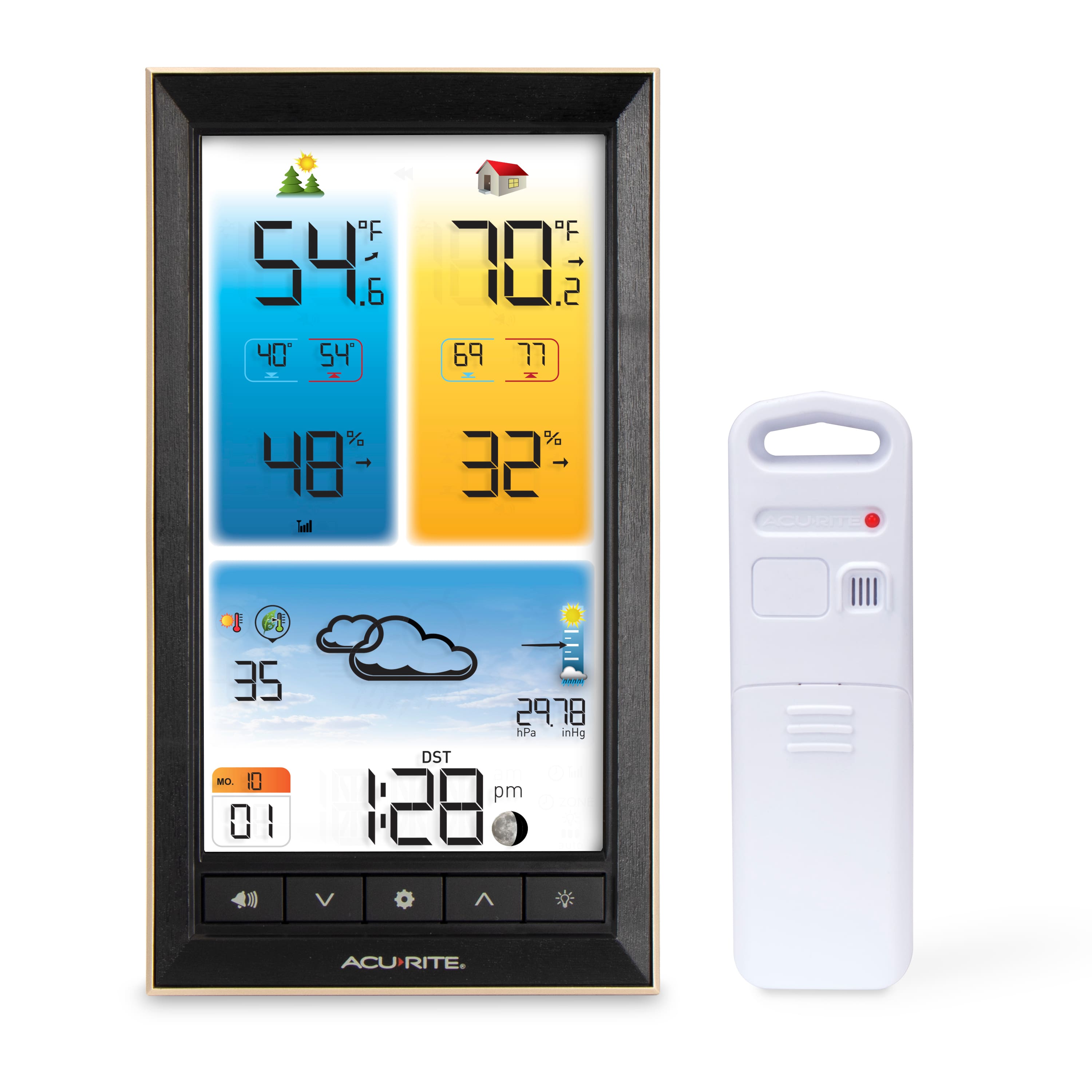
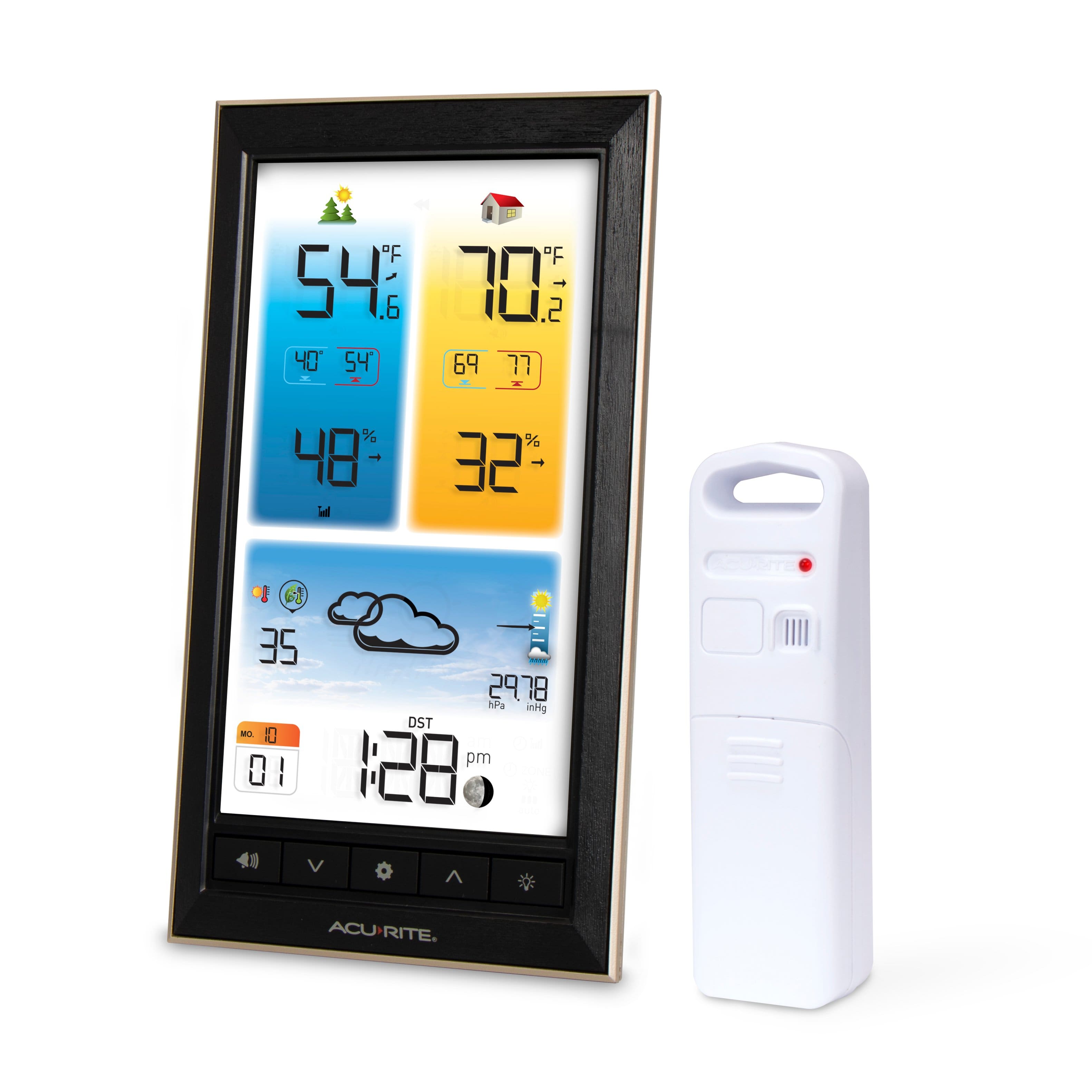
Customers are delighted by the Home Weather Station with Color Display and Wireless Thermometer, particularly its display, which offers a wealth of useful information. Users also appreciate how easy it is to set up. The weather forecasts, which predict the weather for 6 to 12 hours, are also praised for their accuracy.
This summary was generated by AI based on customer reviews.
good for temps but not very reliable for weather
Posted .This reviewer received promo considerations or sweepstakes entry for writing a review.the weather station has not given a day yet in the past week that did not say rain with lighting and thunder. Very Strange forcast given
No, I would not recommend this to a friendAcuRite Weather System
Posted .This reviewer received promo considerations or sweepstakes entry for writing a review.This has not worked since purchase. None of the values have changed since set-up. Tried to contact AcuRite to no avail. Terrible product and customer service.
No, I would not recommend this to a friendBrand response from AcuRite
Posted .We apologize that you are having trouble with the product but we would be happy to assist! First, please make sure that you are using fresh batteries in both units as well as the included power adapter in the display, then perform the following reset. Please follow the steps carefully as the order is crucial to the success of the reset.
Hard Reset:
1. Bring both the sensor and display unit together and remove batteries from the outdoor sensor. Make sure that the Wireless Reception Indicator on the display drops to zero bars to ensure that your display was connected to the correct sensor. (If your wireless reception indicator already indicates zero bars, please proceed to Step #2.)
NOTE: If your display unit continues to show a strong connection, there is another sensor in your area that your display is connecting to (either a neighbor's or from another of your AcuRite units). If you have multiple sensors, make sure to use a different ABC channel on each.
2. Remove the batteries and/or power adapter from the display unit.
3. Change the A-B-C switch on both units to a new, matching channel then press and hold the reset button in the battery compartment of the display for 20 seconds, if applicable.
4. Reinstall the batteries in the outdoor sensor.
5. Once the batteries are inserted you should see the red LED light blink approx. every 16 seconds on the front of the sensor. The red LED light should NOT stay on continuously.
6. Reinstall batteries and/or power cord into the display unit then immediately press and hold the reset button again for 20 seconds, if applicable.
7. Let the units sit within a couple of feet of each other for approximately 5 minutes or until you see a solid sensor signal.
For further assistance, please reach out to our support team via live chat or email request on the AcuRite Support website.
Have a great day!
Haylee
AcuRite Support Team